
حوّل مطالبة نصية إلى صورة Grok Imagine
استكشف أفكار صور Grok Imagine مع Heydots
اختر فقط الدقة ونسبة العرض إلى الارتفاع المعروضتين للنموذج المحدد. افحص التأطير والتفاصيل الدقيقة وأي نص في الصورة المكتملة. حجم إخراج أكبر لا يضمن نتيجة أكثر دقة.
موجّه موثّق
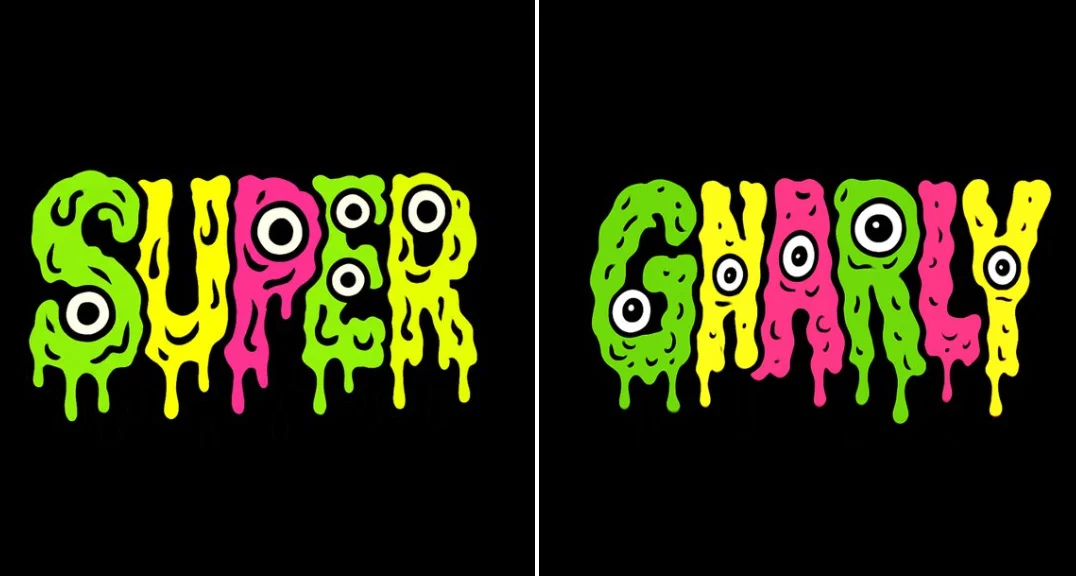
Create a psychedelic, grotesque cartoon-style text design that says “GNARLY”. Arrange the letters in a straight horizontal line. Each letter should be lumpy, melting, and oozing with bright, clashing flat colors like slime green, neon yellow, and hot pink. Each letter must be filled with only one solid flat color, with no gradients or transitions. All drips, melts, and oozes must be solid black with no shading or gradient. Make the design vector-friendly with clean, solid fills and bold black outlines. Add extra black and white eyeballs to make each letter feel like a weird mutated creature. Keep the composition chaotic but readable, like a mutant version of a Saturday morning cartoon. Black background. Square aspect ratio.
Create a psychedelic, grotesque cartoon-style text design that says “GNARLY”. Arrange the letters in a straight horizontal line. Each letter should be lumpy, melting, and oozing with bright, clashing flat colors like slime green, neon yellow, and hot pink. Each letter must be filled with only one solid flat color, with no gradients or transitions. All drips, melts, and oozes must be solid black with no shading or gradient. Make the design vector-friendly with clean, solid fills and bold black outlines. Add extra black and white eyeballs to make each letter feel like a weird mutated creature. Keep the composition chaotic but readable, like a mutant version of a Saturday morning cartoon. Black background. Square aspect ratio.
موجّه موثّق
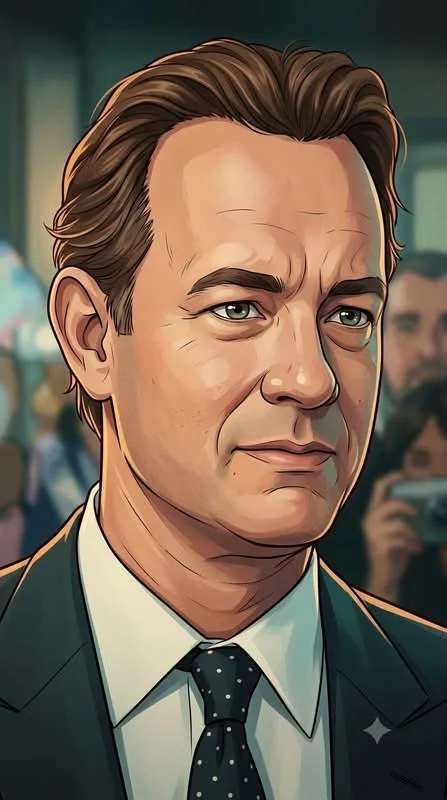
Using an uploaded portrait as the subject reference, create a vertical 9:16 image. Redraw the subject as a polished cinematic 2D character illustration. Preserve recognizable facial structure while simplifying forms through clean outlines, gentle cel shading and soft painted gradients. Use expressive eyes, layered hair shapes and subtle texture rather than a glossy photographic finish. Light one side with a warm rim glow and use muted teal shadows for depth. Keep the background softly atmospheric and secondary to the face. Give the vertical portrait a nostalgic animated-film-poster mood with crisp details and balanced proportions.
Using an uploaded portrait as the subject reference, create a vertical 9:16 image. Redraw the subject as a polished cinematic 2D character illustration. Preserve recognizable facial structure while simplifying forms through clean outlines, gentle cel shading and soft painted gradients. Use expressive eyes, layered hair shapes and subtle texture rather than a glossy photographic finish. Light one side with a warm rim glow and use muted teal shadows for depth. Keep the background softly atmospheric and secondary to the face. Give the vertical portrait a nostalgic animated-film-poster mood with crisp details and balanced proportions.
موجّه موثّق
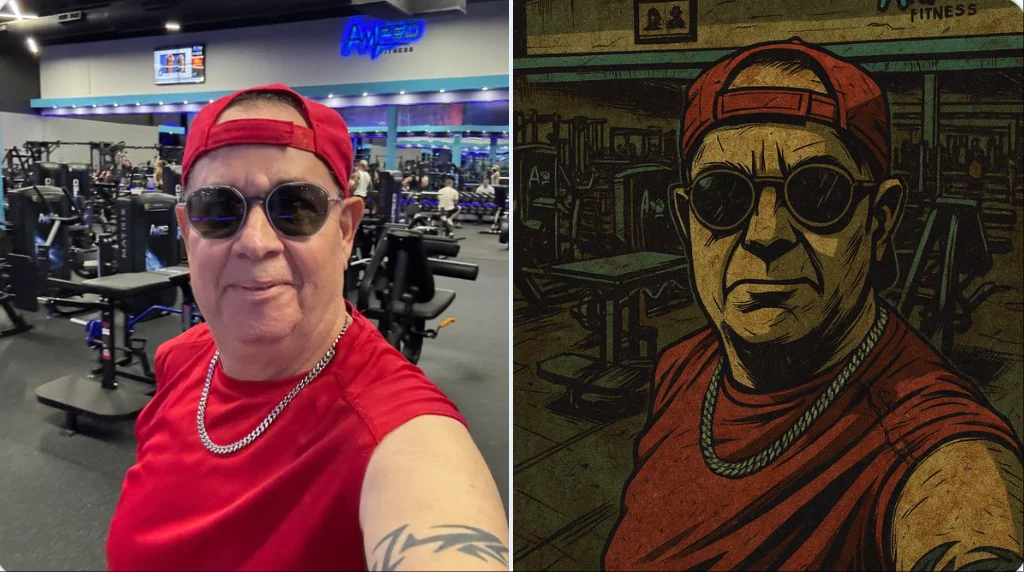
Restyle this image into a gritty Gorillaz-style illustration, bold thick black outlines, sharp angular edges, flat expressive lighting, stylized high-contrast shadows, dirty distressed surface textures, muted color palette: washed-out teals, olive greens, rusty reds, mustard yellows, dusty browns, raw grungy urban atmosphere, comic book flatness mixed with painterly grit, hand-drawn finish with faded gradients, graphic novel aesthetic with a rebellious, animated tone, dark stylish tone, full of attitude.
Restyle this image into a gritty Gorillaz-style illustration, bold thick black outlines, sharp angular edges, flat expressive lighting, stylized high-contrast shadows, dirty distressed surface textures, muted color palette: washed-out teals, olive greens, rusty reds, mustard yellows, dusty browns, raw grungy urban atmosphere, comic book flatness mixed with painterly grit, hand-drawn finish with faded gradients, graphic novel aesthetic with a rebellious, animated tone, dark stylish tone, full of attitude.
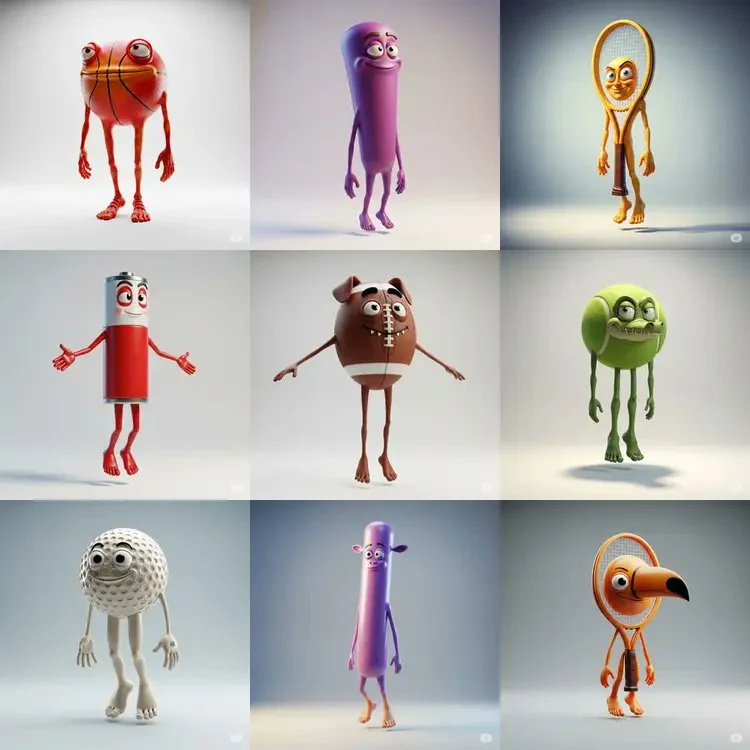
موجّه موثّق
Chibi-style 3D vinyl toy of [subject], rendered in [color1] and [color2] tones, front-facing on a white background. Minimalist composition with soft shadows, oversized head and tiny body proportions, clean OC renderer output in Cinema 4D. Toy-like shine and playful charm.
Chibi-style 3D vinyl toy of [subject], rendered in [color1] and [color2] tones, front-facing on a white background. Minimalist composition with soft shadows, oversized head and tiny body proportions, clean OC renderer output in Cinema 4D. Toy-like shine and playful charm.
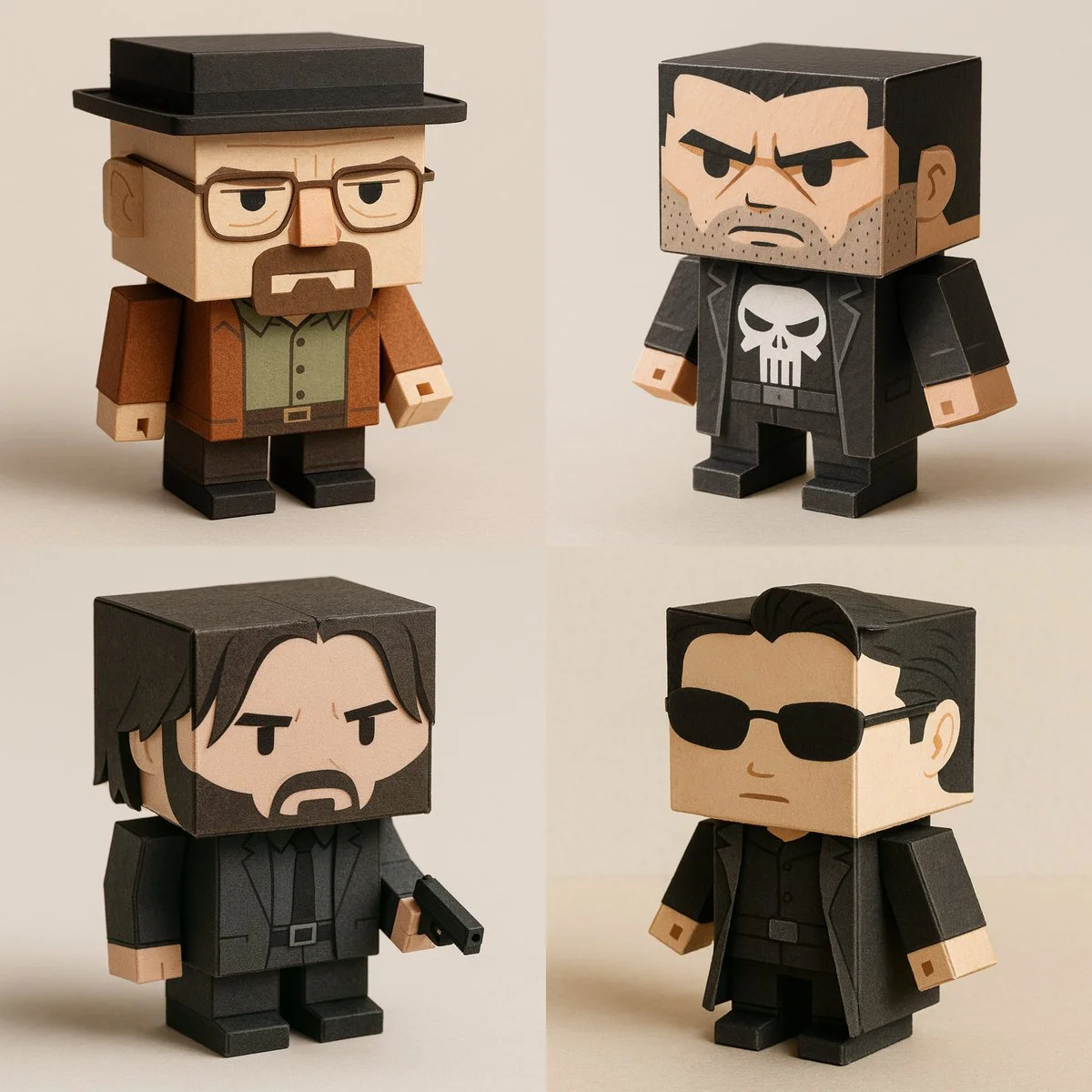
موجّه موثّق
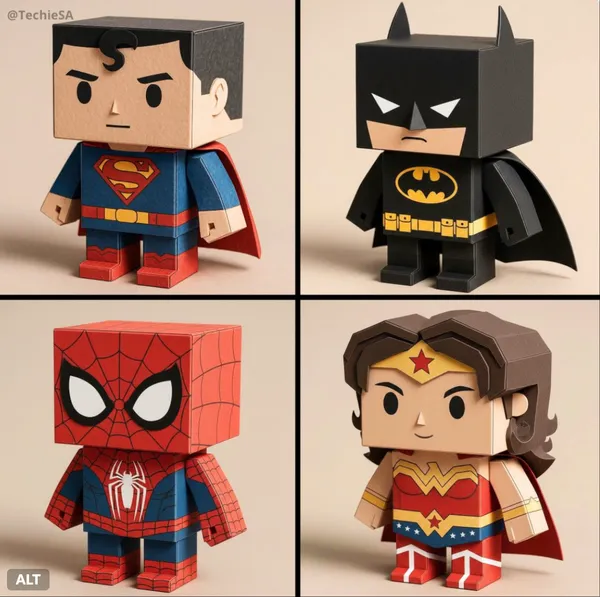
1×1 square, ultra-detailed render of a box-shaped papertoy version of [CHARACTER NAME]. Made from folded and cut matte cardstock with visible paper texture, crisp edges, and clean folds. Cubic head and body, blocky limbs, simplified facial features, flat printed colors, and subtle shading for depth. Clothing and accessories faithfully mimic [CHARACTER NAME]’s iconic look in a minimal geometric papercraft style, keeping proportions compact and chibi-like. Neutral studio lighting, soft shadows, plain background, photorealistic product photography, 4K, no text or logos.
1×1 square, ultra-detailed render of a box-shaped papertoy version of [CHARACTER NAME]. Made from folded and cut matte cardstock with visible paper texture, crisp edges, and clean folds. Cubic head and body, blocky limbs, simplified facial features, flat printed colors, and subtle shading for depth. Clothing and accessories faithfully mimic [CHARACTER NAME]’s iconic look in a minimal geometric papercraft style, keeping proportions compact and chibi-like. Neutral studio lighting, soft shadows, plain background, photorealistic product photography, 4K, no text or logos.
موجّه موثّق
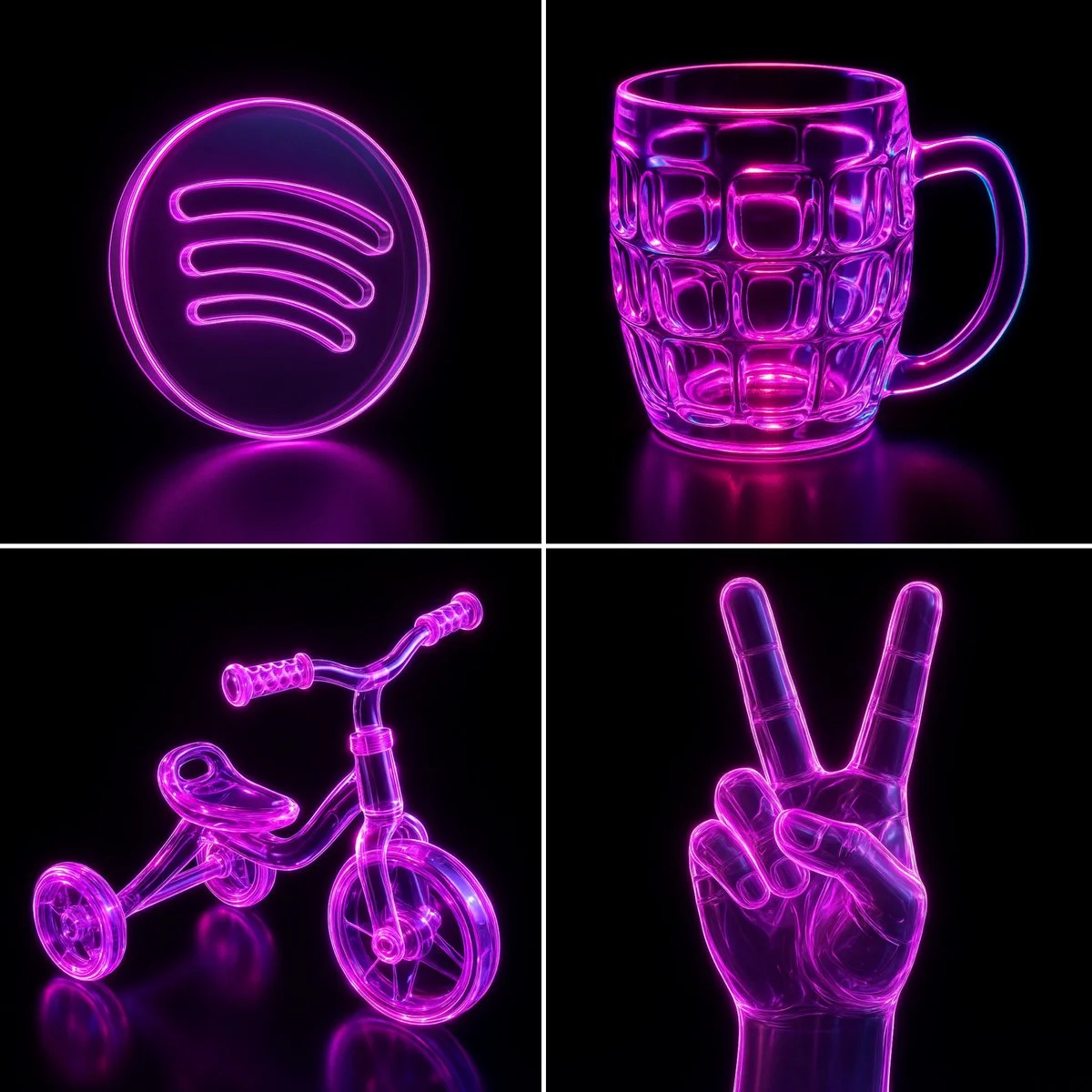
موجّه موثّق
Recreate this image using the parameters from the JSON provided. { "name": "Neon Glass Glow", "style": { "material": { "type": "glass", "transparency": 0.92, "reflectivity": 1.0, "refractionIndex": 1.6, "color": "#ff00ff", "emission": { "color": "#ff66ff", "intensity": 0.8 }, "surfaceFinish": "glossy", "bloom": true, "detail": "high" }, "outline": { "enabled": true, "color": "#ffccff", "width": 1.8 }, "lighting": { "type": "studio", "keyLightColor": "#ffffff", "keyLightIntensity": 1.0, "fillLightColor": "#9900ff", "fillLightIntensity": 0.7, "rimLightColor": "#00ffff", "rimLightIntensity": 0.7, "shadows": "crisp" }, "background": { "type": "solid", "color": "#000000" }, "render": { "shadows": true, "antiAliasing": true, "superSampling": "4x", "resolution": "high", "depthOfField": { "enabled": true, "focusDistance": 0.8, "blurAmount": 0.1 } } } }
Recreate this image using the parameters from the JSON provided. { "name": "Neon Glass Glow", "style": { "material": { "type": "glass", "transparency": 0.92, "reflectivity": 1.0, "refractionIndex": 1.6, "color": "#ff00ff", "emission": { "color": "#ff66ff", "intensity": 0.8 }, "surfaceFinish": "glossy", "bloom": true, "detail": "high" }, "outline": { "enabled": true, "color": "#ffccff", "width": 1.8 }, "lighting": { "type": "studio", "keyLightColor": "#ffffff", "keyLightIntensity": 1.0, "fillLightColor": "#9900ff", "fillLightIntensity": 0.7, "rimLightColor": "#00ffff", "rimLightIntensity": 0.7, "shadows": "crisp" }, "background": { "type": "solid", "color": "#000000" }, "render": { "shadows": true, "antiAliasing": true, "superSampling": "4x", "resolution": "high", "depthOfField": { "enabled": true, "focusDistance": 0.8, "blurAmount": 0.1 } } } }
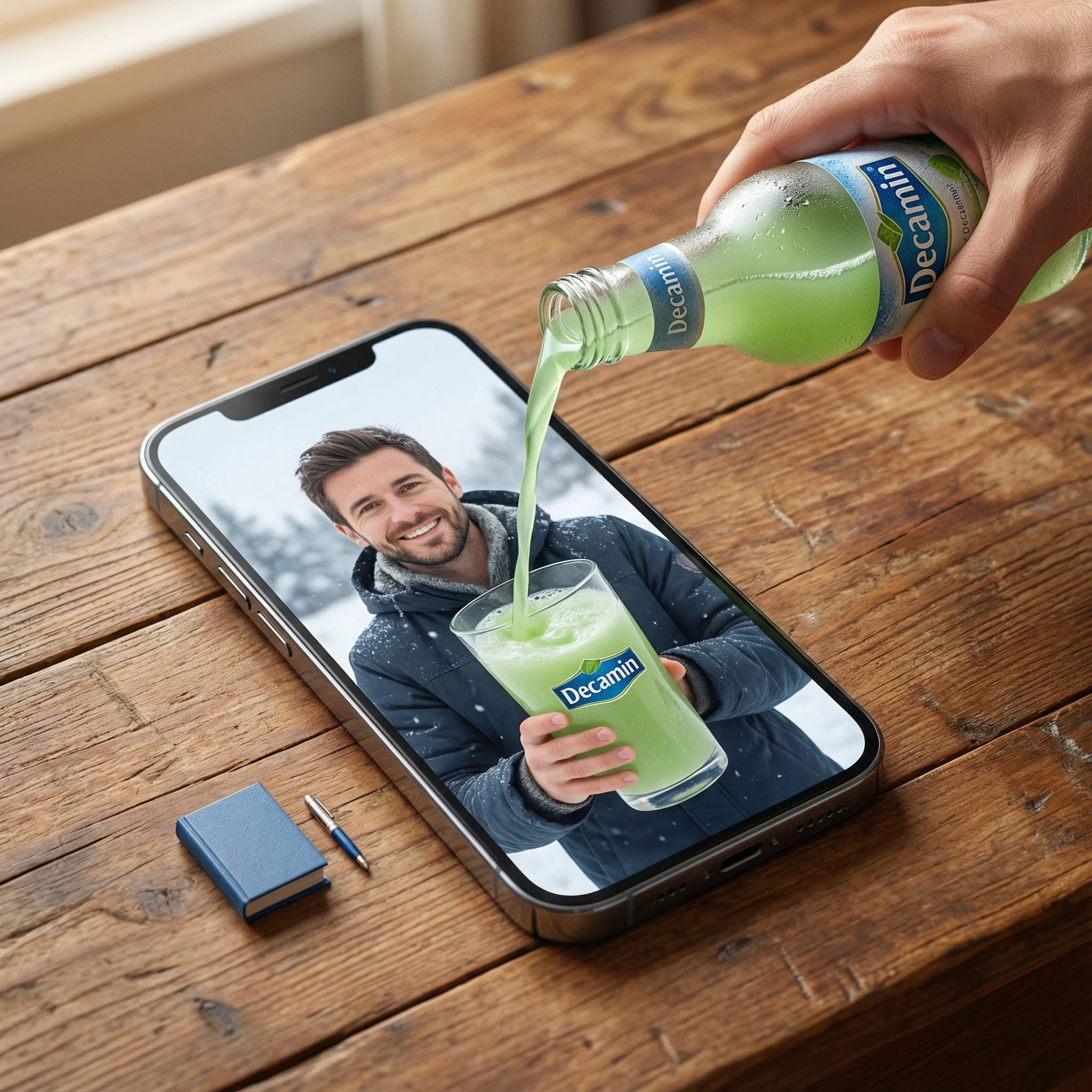
موجّه موثّق
a] Type: Creative Brief. Genre: Hyper-realistic Surrealism. Composition Style: Composite Portrait. Aspect Ratio: Portrait (implied by 'portrait' description). [Scene Architecture] Viewpoint: [Type] Photographic. [Angle] High-angle / Looking down. [Framing] Tight on central subject.. Dimensional Hierarchy: [Rule] Scale disparity for surreal effect. [Dominant Element] iPhone 17 Pro Max (Super-scaled). [Subordinate Elements] Blue Book (Miniature), Pen (Miniature).. [Realm Physical] Description: The real-world environment surrounding the device.. Environment: [Surface] Wooden table. [Texture Attributes] rich grain, tactile, worn.. Lighting Global: [Source] Natural light. [Temperature] Warm. [Shadow Quality] Soft, diffused, volumetric.. Active Agent: [Identity] Human Hand (Real). [Action] Pouring. [Position] Entering frame laterally.. Held Object: [Item] Bottle. [State] Chilled (visible condensation). [Branding] Logo Text: Decamin. Placement: Visible on label. [Contents] Substance: Water. Color: Light Green. State: Liquid flow.. Static Props: [Item] Book. [Color] Blue. [Scale Notes] Significantly smaller than phone., [Item] Pen. [Type] Ballpoint/Ink. [Scale Notes] Significantly smaller than phone.. [Realm Digital] Description: The content displayed on the screen.. Container Device: [Model] iPhone 17 Pro Max. [State] Screen ON. [Orientation] Flat on physical surface.. Screen Content: [Subject Identity] mqn (Reference ID). [Subject Scale] Close-up (filling screen). [Expression] Happy / Smiling. [Attire] Winter clothing (matching reference). [Setting] Winter landscape / snowy backdrop. [Held Object Digital] Item: Drinking Glass. Branding: [Logo Text] Decamin. [Visibility] Clear.. Initial State: Empty (waiting for pour).. [Surreal Bridge Event] Description: The interaction connecting the physical and digital realms.. Action Type: Trans-dimensional Fluid Dynamics. Source: realm_physical.held_object.contents (Light Green Water). Interaction Point: realm_digital.container_device.screen_surface. Destination: realm_digital.screen_content.held_object_digital (The Glass). Physics Violation Rules: [Rule 1] Liquid does not splash off the glass screen surface.. [Rule 2] Screen surface acts as a permeable membrane solely for this liquid.. [Rule 3] Physical liquid transitions seamlessly into digital representation upon contact... Visual Details: Sharp liquid simulation, No surface tension on screen glass, Fluid physically filling digital cup. [Rendering Specifications] Visual Fidelity: Hyper-realistic. Texture Focus: Sharp fluid details, Glass pixels, Wood grain, Skin texture (hand and subject). Mood: Cinematic, warm, magical. Resolution Target: 8K / Highly detailed.
a] Type: Creative Brief. Genre: Hyper-realistic Surrealism. Composition Style: Composite Portrait. Aspect Ratio: Portrait (implied by 'portrait' description). [Scene Architecture] Viewpoint: [Type] Photographic. [Angle] High-angle / Looking down. [Framing] Tight on central subject.. Dimensional Hierarchy: [Rule] Scale disparity for surreal effect. [Dominant Element] iPhone 17 Pro Max (Super-scaled). [Subordinate Elements] Blue Book (Miniature), Pen (Miniature).. [Realm Physical] Description: The real-world environment surrounding the device.. Environment: [Surface] Wooden table. [Texture Attributes] rich grain, tactile, worn.. Lighting Global: [Source] Natural light. [Temperature] Warm. [Shadow Quality] Soft, diffused, volumetric.. Active Agent: [Identity] Human Hand (Real). [Action] Pouring. [Position] Entering frame laterally.. Held Object: [Item] Bottle. [State] Chilled (visible condensation). [Branding] Logo Text: Decamin. Placement: Visible on label. [Contents] Substance: Water. Color: Light Green. State: Liquid flow.. Static Props: [Item] Book. [Color] Blue. [Scale Notes] Significantly smaller than phone., [Item] Pen. [Type] Ballpoint/Ink. [Scale Notes] Significantly smaller than phone.. [Realm Digital] Description: The content displayed on the screen.. Container Device: [Model] iPhone 17 Pro Max. [State] Screen ON. [Orientation] Flat on physical surface.. Screen Content: [Subject Identity] mqn (Reference ID). [Subject Scale] Close-up (filling screen). [Expression] Happy / Smiling. [Attire] Winter clothing (matching reference). [Setting] Winter landscape / snowy backdrop. [Held Object Digital] Item: Drinking Glass. Branding: [Logo Text] Decamin. [Visibility] Clear.. Initial State: Empty (waiting for pour).. [Surreal Bridge Event] Description: The interaction connecting the physical and digital realms.. Action Type: Trans-dimensional Fluid Dynamics. Source: realm_physical.held_object.contents (Light Green Water). Interaction Point: realm_digital.container_device.screen_surface. Destination: realm_digital.screen_content.held_object_digital (The Glass). Physics Violation Rules: [Rule 1] Liquid does not splash off the glass screen surface.. [Rule 2] Screen surface acts as a permeable membrane solely for this liquid.. [Rule 3] Physical liquid transitions seamlessly into digital representation upon contact... Visual Details: Sharp liquid simulation, No surface tension on screen glass, Fluid physically filling digital cup. [Rendering Specifications] Visual Fidelity: Hyper-realistic. Texture Focus: Sharp fluid details, Glass pixels, Wood grain, Skin texture (hand and subject). Mood: Cinematic, warm, magical. Resolution Target: 8K / Highly detailed.
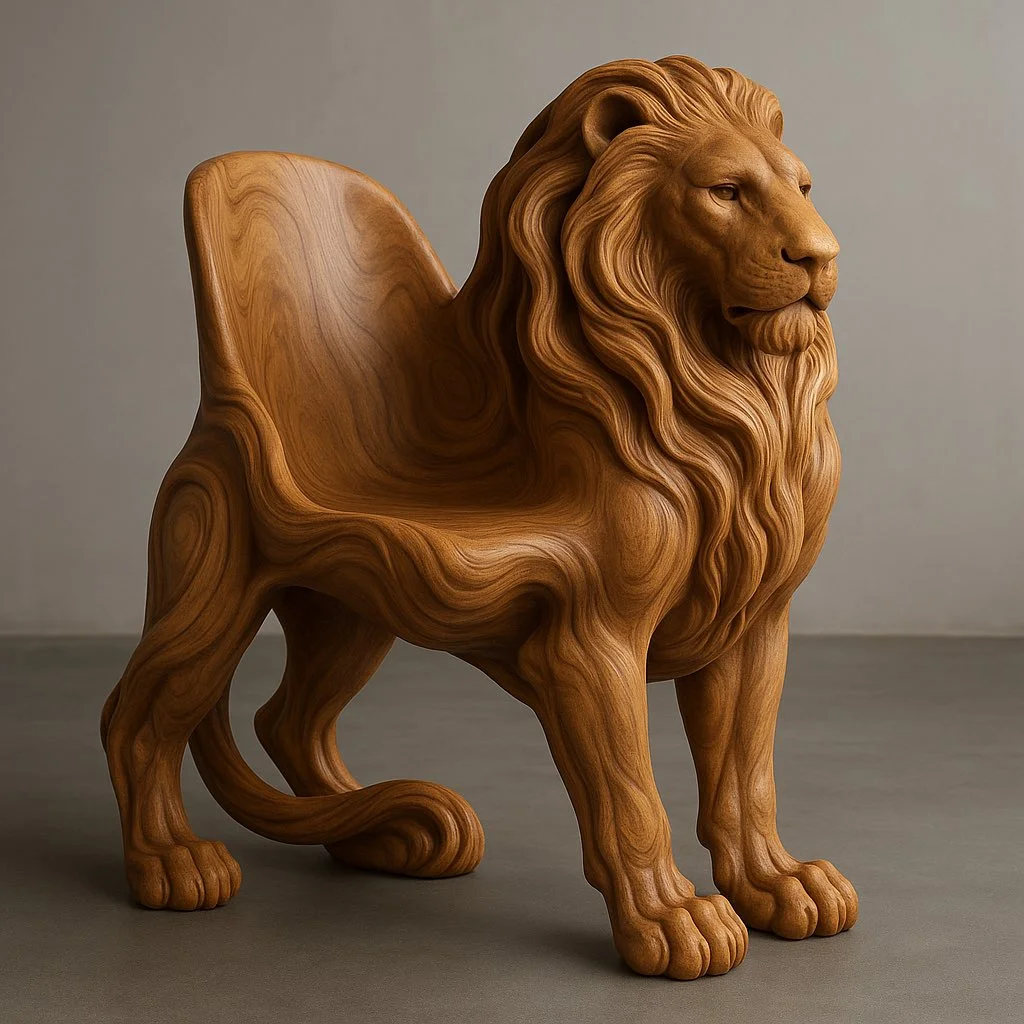
موجّه موثّق
Imagine a [piece of furniture] designed in the form of [creature/object/concept]. The design should be highly creative and sculptural, like an art piece. Use organic, flowing shapes and detailed textures. Make sure it remains functional and ergonomic. The goal is for it to be both visually striking and practical —something you’d expect to see as a museum-quality design object
Imagine a [piece of furniture] designed in the form of [creature/object/concept]. The design should be highly creative and sculptural, like an art piece. Use organic, flowing shapes and detailed textures. Make sure it remains functional and ergonomic. The goal is for it to be both visually striking and practical —something you’d expect to see as a museum-quality design object
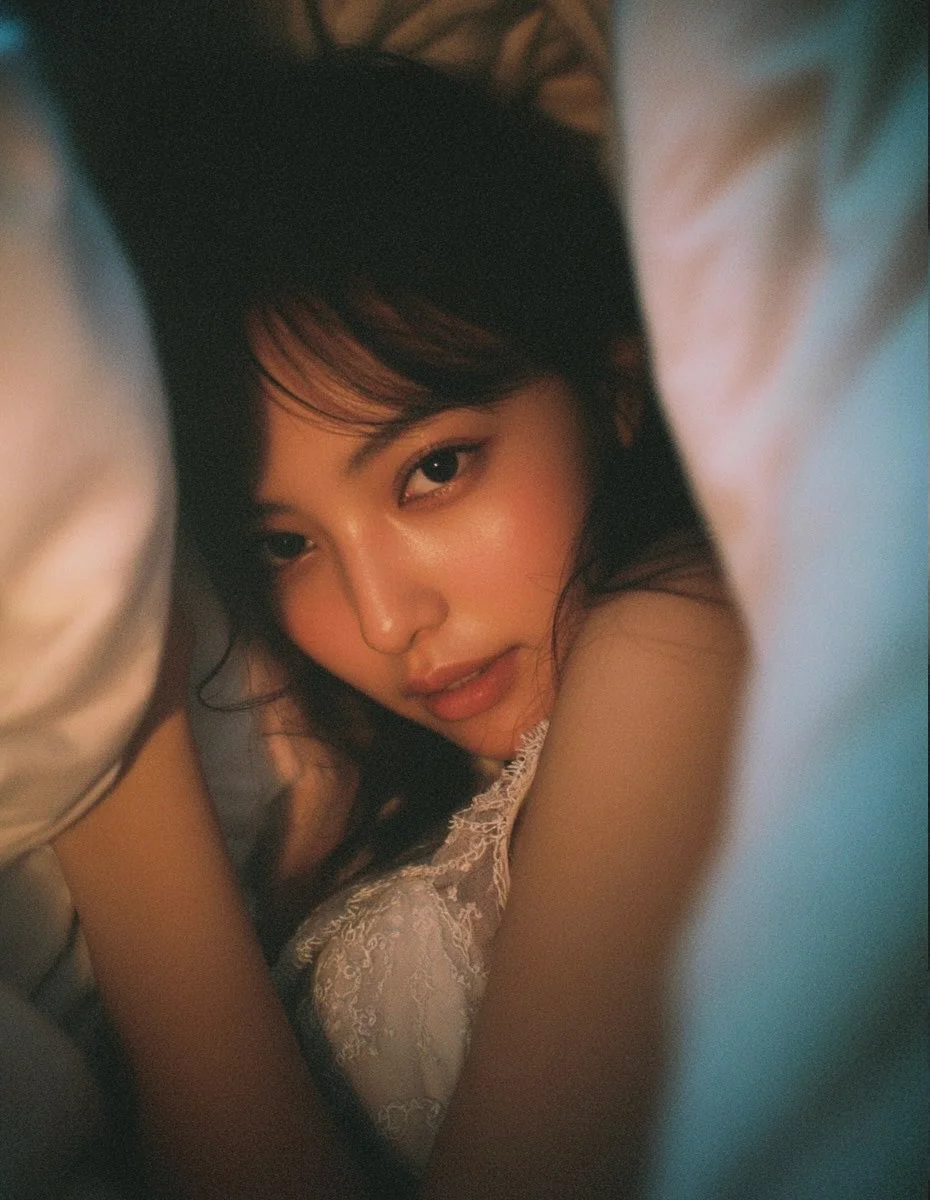
موجّه موثّق
a dreamy intimate portrait of a beautiful realistic asian woman lying under a blanket, soft natural light, cozy warm bedroom, cinematic film grain, 35mm film aesthetic, shallow depth of field, soft focus, delicate skin texture, natural makeup, slightly messy hair, Fujifilm Pro 400H look, pastel warm tones, realistic lighting, subtle haze, gentle atmosphere, by Petra Collins and Ren Hang --ar 3:4 --v 8.1 --style raw
a dreamy intimate portrait of a beautiful realistic asian woman lying under a blanket, soft natural light, cozy warm bedroom, cinematic film grain, 35mm film aesthetic, shallow depth of field, soft focus, delicate skin texture, natural makeup, slightly messy hair, Fujifilm Pro 400H look, pastel warm tones, realistic lighting, subtle haze, gentle atmosphere, by Petra Collins and Ren Hang --ar 3:4 --v 8.1 --style raw
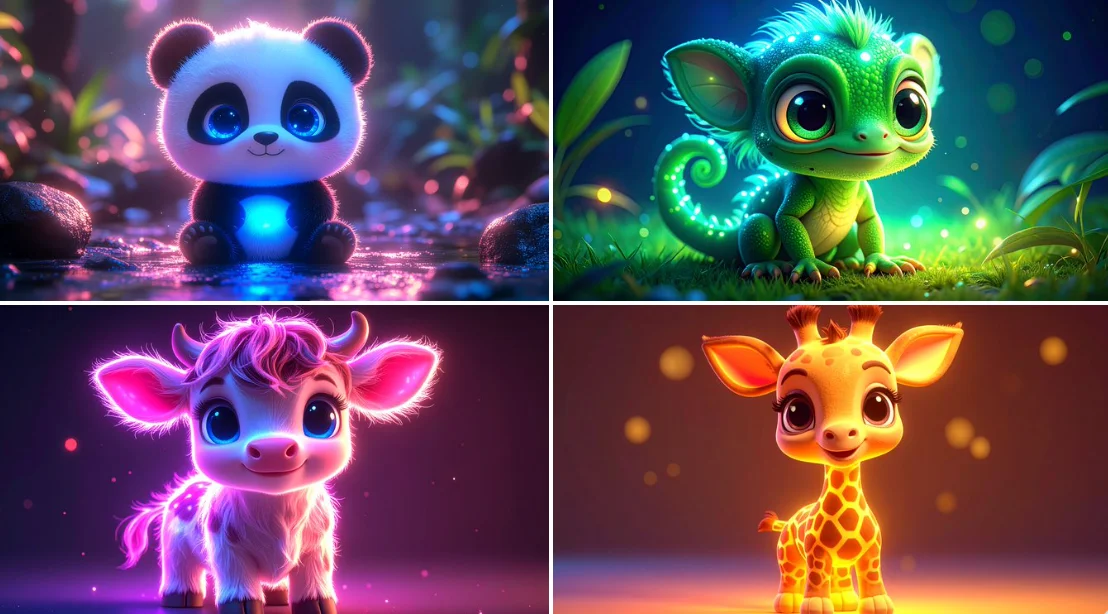
موجّه موثّق
bioluminescent cute [ANIMAL], kawaii, chibi, [COLOR] neon backlit, 3d cartoon, big cute bright eyes, high definition
bioluminescent cute [ANIMAL], kawaii, chibi, [COLOR] neon backlit, 3d cartoon, big cute bright eyes, high definition
موجّه موثّق
استكشف مسارات عمل الصور
استكشف سير عمل Grok Imagine وقارنه بصفحات الصور ذات الصلة. المولّد هو المصدر الموثوق للوصول الحالي إلى النماذج والإعدادات. استخدم مكتبة الأوامر لدراسة النتائج المنشورة والنموذج الذي أنشأها.
أطلق العنان للإبداع مع Grok Imagine
استكشف سير عمل Grok Imagine وقارنه بصفحات الصور ذات الصلة. المولّد هو المصدر الموثوق للوصول الحالي إلى النماذج والإعدادات. استخدم مكتبة الأوامر لدراسة النتائج المنشورة والنموذج الذي أنشأها.
اترك وقتًا لفحص كل نتيجة صورة وتحسين موجزك. يختلف وقت المعالجة حسب النموذج والطلب وحمل الخدمة. غيّر اتجاهًا واحدًا في كل مرة لتتمكن من الحكم على أي تعديل يحسّن النتيجة.
استكشف Grok Imagine
من الأمر إلى الصورة النهائية: سير عمل Grok Imagine
ابدأ موجز صورة Grok Imagine الخاص بك بصورة مصدر لديك إذن باستخدامها. سمِّ المنطقة المراد تغييرها والألوان أو النسب أو العناصر المراد الحفاظ عليها. يعتمد عدد المراجع ودعم التعديل على النموذج المحدد.
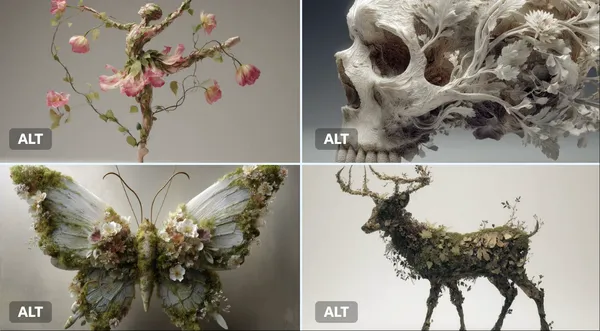
أدخل موجه أو تحميل المرجع
ابدأ موجز صورة Grok Imagine الخاص بك بصورة مصدر لديك إذن باستخدامها. سمِّ المنطقة المراد تغييرها والألوان أو النسب أو العناصر المراد الحفاظ عليها. يعتمد عدد المراجع ودعم التعديل على النموذج المحدد.
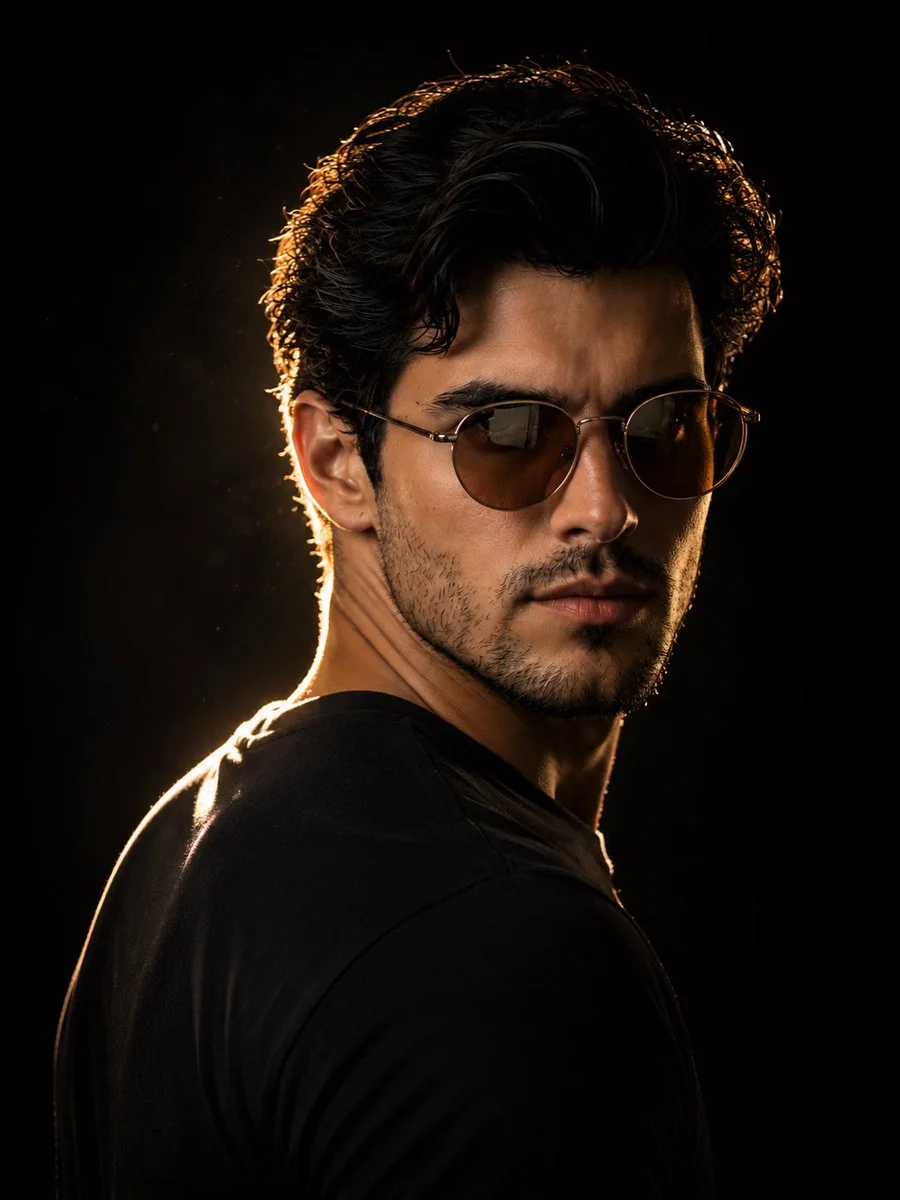
اختر الإعدادات وولّد
اترك وقتًا لفحص كل نتيجة صورة وتحسين موجزك. يختلف وقت المعالجة حسب النموذج والطلب وحمل الخدمة. غيّر اتجاهًا واحدًا في كل مرة لتتمكن من الحكم على أي تعديل يحسّن النتيجة.
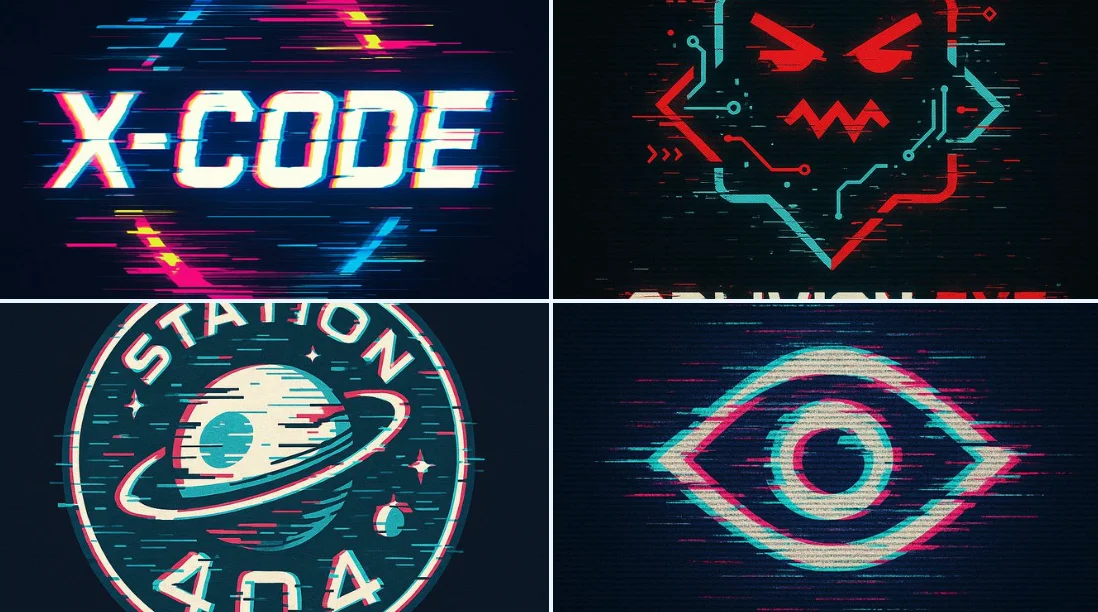
راجع النتائج المكتملة ونزّلها
عند اكتمال الطلب، افحص الصورة في أصولك ونزّل النتيجة التي تريد الاحتفاظ بها. راجع التكوين وأي تفاصيل غير مقصودة قبل مشاركتها مع فريقك أو نشرها.
أنشئ صورة Grok Imagine الخاصة بك
اكتب موجز صورة Grok Imagine حول موضوع وتكوين وإضاءة ونمط مقصود. أضف مادة أو ملمسًا عندما يكون ذلك مهمًا. بالنسبة للتعديلات، اذكر تغييرًا دقيقًا واحدًا ووضّح أجزاء المصدر التي يجب أن تبقى سليمة.
إنشاء النص إلى الصورة
اكتب موجز صورة Grok Imagine حول موضوع وتكوين وإضاءة و أسلوب مقصود. أضف مادة أو ملمسًا عندما يهم ذلك. للتحريرات، اذكر تغييرًا واحدًا محددًا واشرح الأجزاء التي يجب أن تبقى من المصدر سليمة.
- استخدمgrok ai مولد الصوراكتب موجز صورة Grok Imagine حول موضوع وتكوين وإضاءة ونمط مقصود. أضف مادة أو ملمسًا عندما يكون ذلك مهمًا. بالنسبة للتعديلات، اذكر تغييرًا دقيقًا واحدًا ووضّح أجزاء المصدر التي يجب أن تبقى سليمة.
- التخيلاكتب موجز صورة Grok Imagine حول موضوع وتكوين وإضاءة ونمط مقصود. أضف مادة أو ملمسًا عندما يكون ذلك مهمًا. بالنسبة للتعديلات، اذكر تغييرًا دقيقًا واحدًا ووضّح أجزاء المصدر التي يجب أن تبقى سليمة.تحويل النص إلى مولد الصور.
- اختر فقط الدقة ونسبة العرض إلى الارتفاع المعروضتين للنموذج المحدد. افحص التأطير والتفاصيل الدقيقة وأي نص في الصورة المكتملة. حجم إخراج أكبر لا يضمن نتيجة أكثر دقة.جروك الذكاء الاصطناعي مولد الصور.
- اعتمد على هذاgrok صورة مولد سريعاستكشف سير عمل Grok Imagine وقارنه بصفحات الصور ذات الصلة. المولّد هو المصدر الموثوق للوصول الحالي إلى النماذج والإعدادات. استخدم مكتبة الأوامر لدراسة النتائج المنشورة والنموذج الذي أنشأها.
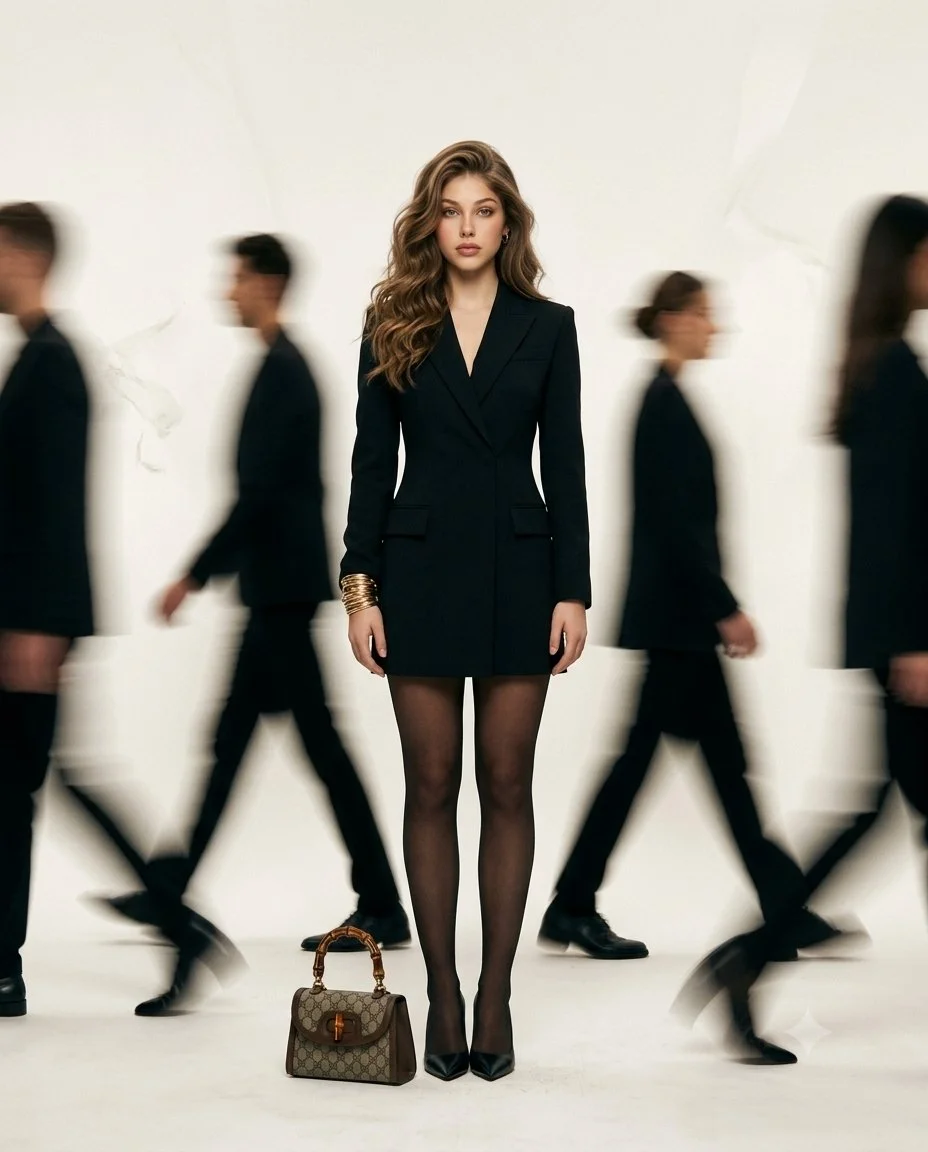
اكتب توجيهات دقيقة للتحرير والأسلوب
استكشف سير عمل Grok Imagine وقارنه بصفحات الصور ذات الصلة. المولّد هو مصدر الحقيقة للوصول الحالي إلى النموذج والإعدادات. استخدم مكتبة المطالبات لدراسة النتائج المنشورة والنموذج الذي أنشأها.
- ابدأ موجز صورة Grok Imagine الخاص بك بصورة مصدر لديك إذن باستخدامها. سمِّ المنطقة المراد تغييرها والألوان أو النسب أو العناصر المراد الحفاظ عليها. يعتمد عدد المراجع ودعم التعديل على النموذج المحدد.grok ai مولد الصورصف النتيجة التي تحتاجها، واختر نموذج Grok Imagine متاحًا وأرسل طلبك من المولّد. راجع نتائج الصور المكتملة في أصولك، وحسّن الأمر عند الحاجة، ونزّل النسخة التي تناسب مشروعك.
- التخيلمنصة بمثابة متطورةمحرر الصور grok aiبالنسبة لمفهوم منتج Grok Imagine، حدد شكل المنتج ومادته وتفصيله الرئيسي وإعداده. حافظ على دقة الشعارات والادعاءات، واترك مساحة لطباعتك الخاصة، وراجع النتيجة قبل استخدامها في إعلان.
- استخدمgrok لتحرير الصور بالنيابةاسرد التفاصيل المهمة في موجز صورة Grok Imagine: الهوية والشكل والألوان والملابس والخلفية. استخدم المراجع المدعومة عند الاقتضاء وقارن كل نتيجة؛ لا يُضمن الاتساق الدقيق.
- هذاجروك الذكاء الاصطناعي مولد الصورصف النتيجة التي تحتاجها، واختر نموذج Grok Imagine متاحًا وأرسل طلبك من المولّد. راجع نتائج الصور المكتملة في أصولك، وحسّن الأمر عند الحاجة، ونزّل النسخة التي تناسب مشروعك.
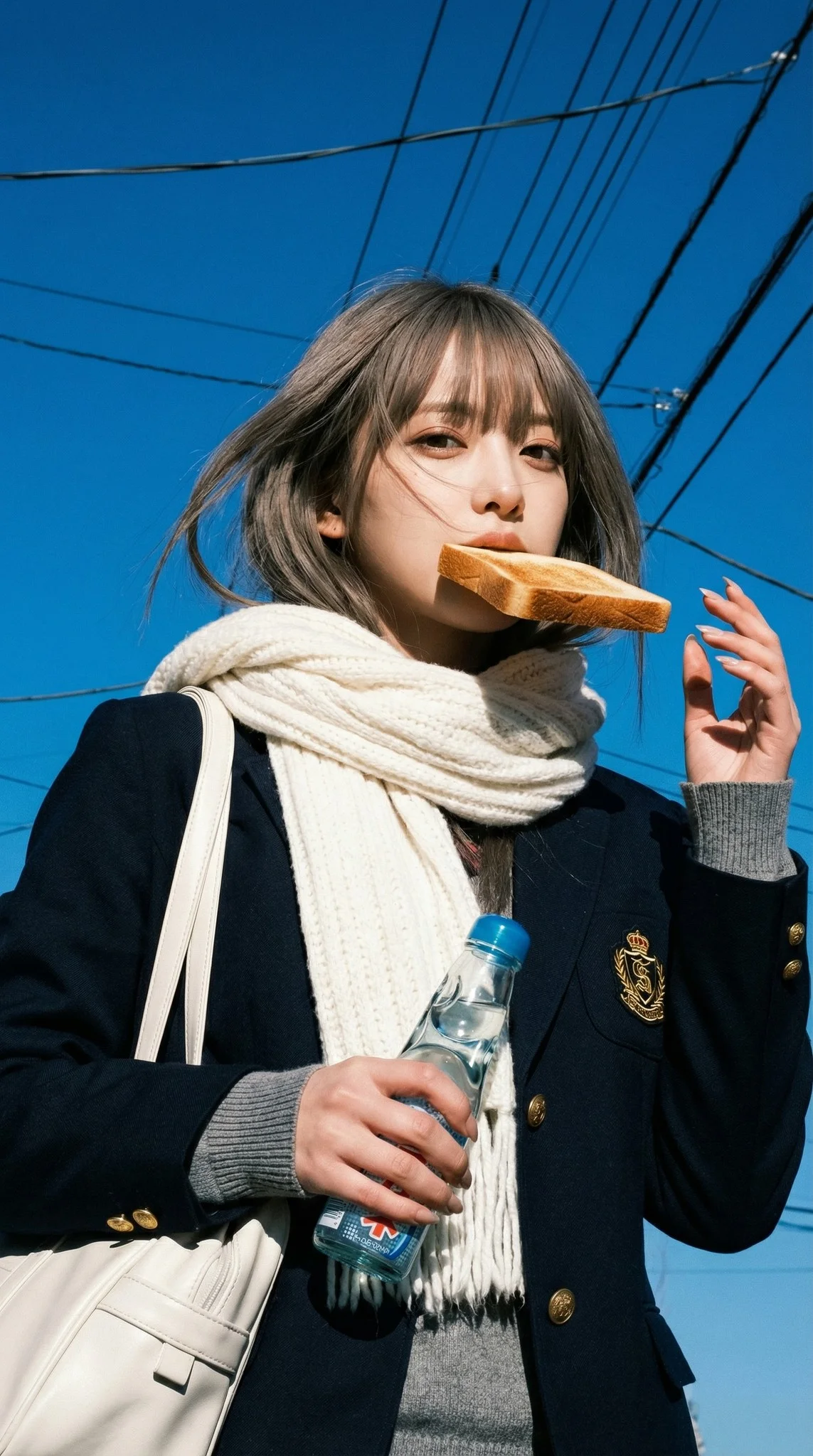
استخدم المراجع لشرح النتيجة المقصودة
ابدأ موجز صورة Grok Imagine بصورة مصدر لديك إذن باستخدامها. سمِّ المنطقة المراد تغييرها والألوان والنسب أو العناصر المراد الحفاظ عليها. يعتمد عدد المراجع ودعم التحرير على النموذج المحدد.
- الgrok ai مولد الصوراسرد التفاصيل المهمة في موجز صورة Grok Imagine: الهوية والشكل والألوان والملابس والخلفية. استخدم المراجع المدعومة عند الاقتضاء وقارن كل نتيجة؛ لا يُضمن الاتساق الدقيق.
- معتخيلأنت لا تترك الأمور للصدفة؛ الgrok مولد الصور المرجعيةيقلل من العشوائية.
- تأكد من اتساق علامتك التجارية من خلال السماح لـجروك الذكاء الاصطناعي مولد الصورتطابق الجمالية الدقيقة للمراجع المقدمة الخاصة بك.
- الإبداع للحفاظ على مظهر متماسك عند استخدام Grok Imagine للمرئيات التسويقية.
اشرح موضوعك وتغييراتك ومراجعك
استكشف سير عمل Grok Imagine وقارنه بصفحات الصور ذات الصلة. المولّد هو مصدر الحقيقة للوصول الحالي إلى النموذج والإعدادات. استخدم مكتبة المطالبات لدراسة النتائج المنشورة والنموذج الذي أنشأها.
- الgrok ai مولد الصوراترك وقتًا لفحص كل نتيجة صورة وتحسين موجزك. يختلف وقت المعالجة حسب النموذج والطلب وحمل الخدمة. غيّر اتجاهًا واحدًا في كل مرة لتتمكن من الحكم على أي تعديل يحسّن النتيجة.
- استخدمتخيلبالنسبة لمفهوم منتج Grok Imagine، حدد شكل المنتج ومادته وتفصيله الرئيسي وإعداده. حافظ على دقة الشعارات والادعاءات، واترك مساحة لطباعتك الخاصة، وراجع النتيجة قبل استخدامها في إعلان.
- الجروك الذكاء الاصطناعي مولد الصورتوفر لك مجموعة متنوعة من الخيارات، مما يجعلها مثاليةGrok Imagine لوسائل التواصل الاجتماعي.
- صف النتيجة التي تحتاجها، واختر نموذج Grok Imagine متاحًا وأرسل طلبك من المولّد. راجع نتائج الصور المكتملة في أصولك، وحسّن الأمر عند الحاجة، ونزّل النسخة التي تناسب مشروعك.grok تخيل مولد الصور بالذكاء الاصطناعي.
موجز إبداعي أوضح لـ Grok Imagine
اترك وقتًا لفحص كل نتيجة صورة وتحسين موجزك. يختلف وقت المعالجة حسب النموذج والطلب وحمل الخدمة. غيّر اتجاهًا واحدًا في كل مرة لتتمكن من الحكم على أي تعديل يحسّن النتيجة.
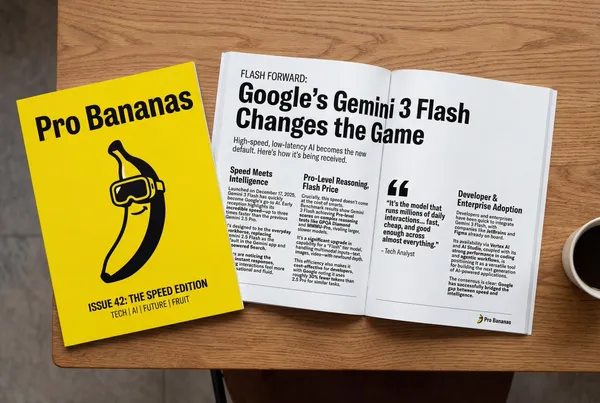
تخطي البرامج المعقدة
خصص وقتًا لفحص كل نتيجة صورة وتحسين موجزك. يختلف وقت المعالجة حسب النموذج والطلب وحمل الخدمة. غيّر توجيهًا واحدًا في كل مرة حتى تتمكن من الحكم على أي تعديل يحسّن النتيجة.
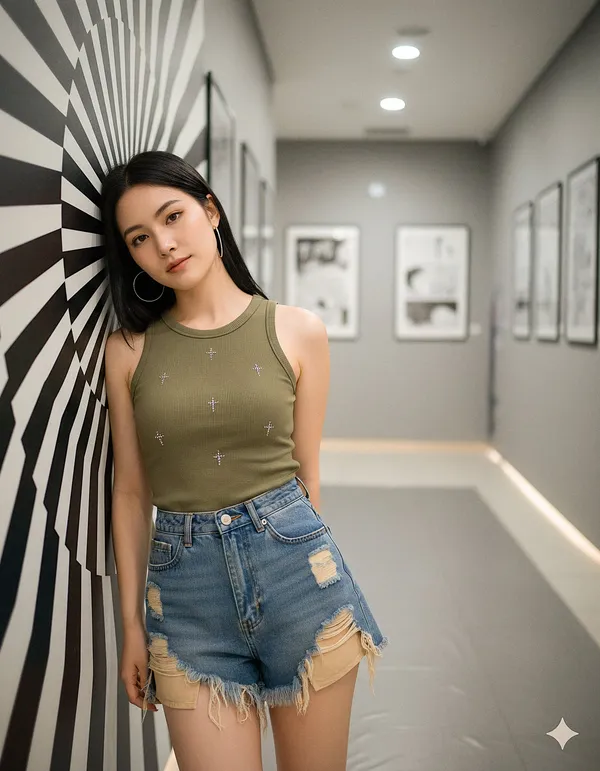
تحويل الأفكار إلى صور
اختر فقط الدقة ونسبة العرض إلى الارتفاع المعروضة للنموذج المحدد. تحقق من التأطير والتفاصيل الدقيقة وأي نص في الصورة المكتملة. حجم الإخراج الأكبر لا يضمن نتيجة أكثر دقة.
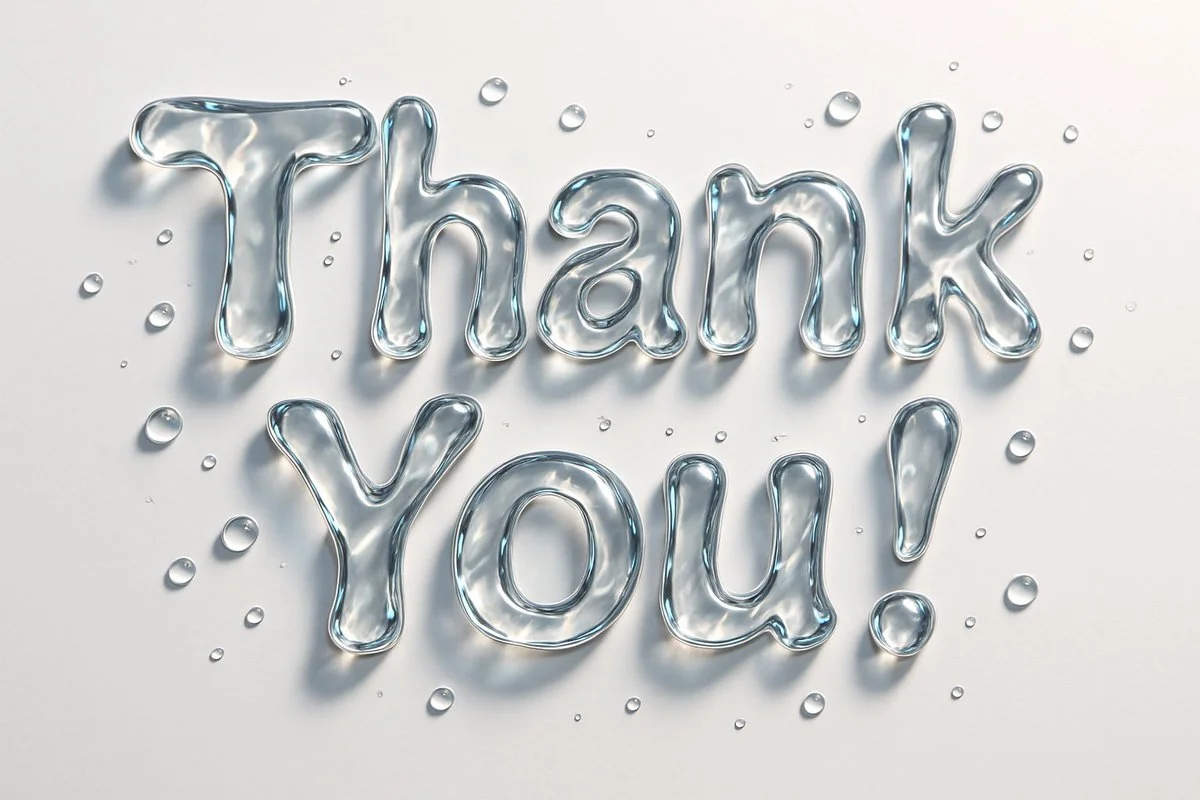
تحقّق من التفاصيل في كل نتيجة
ابدأ موجز صورة Grok Imagine بـ صورة مصدر لديك إذن باستخدامها. سمِّ المنطقة المراد تغييرها و الألوان أو النسب أو العناصر المراد الحفاظ عليها. مرجع العدّ ودعم التحرير على النموذج المحدد.
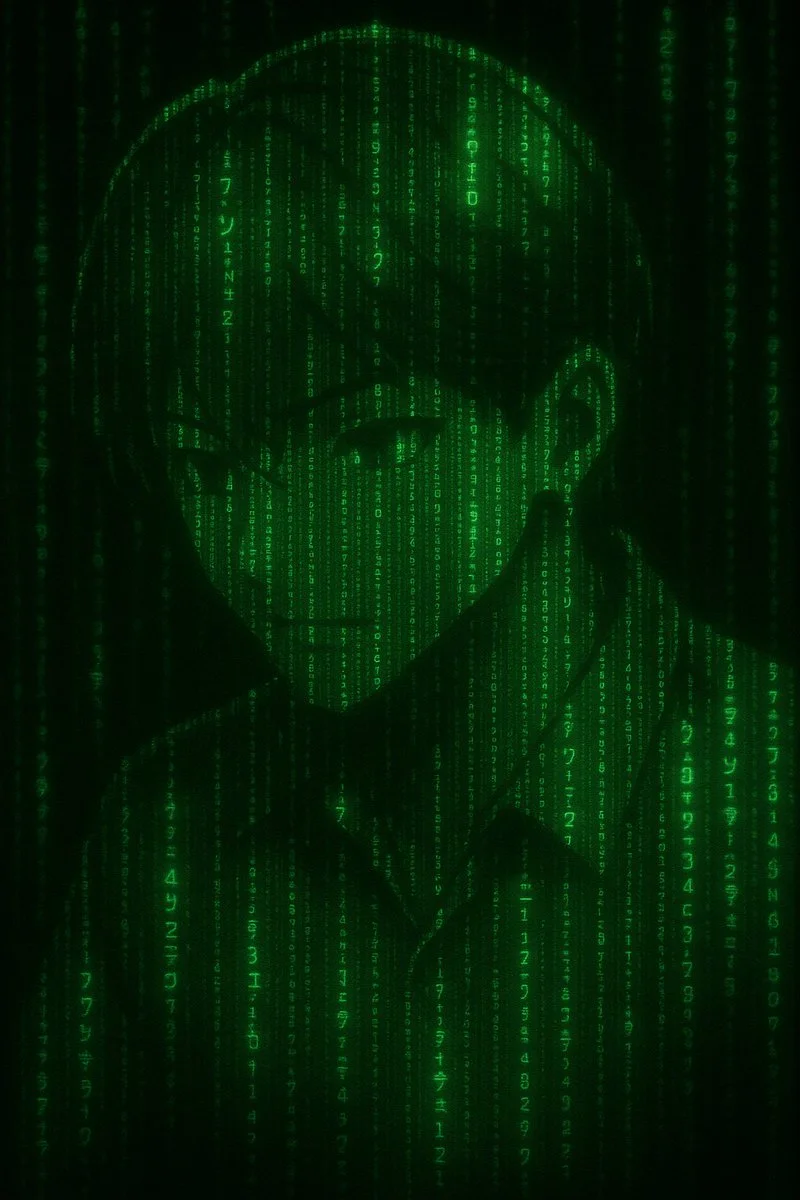
بنيت للتسويق والاجتماعية
لمفهوم منتج Grok Imagine، حدّد شكل المنتج والمادة والتفصيل الرئيسي و الإعداد. حافظ على دقة الشعارات والادعاءات، واترك مساحة لطباعتك الخاصة، وراجع النتيجة قبل استخدامها في إعلان.
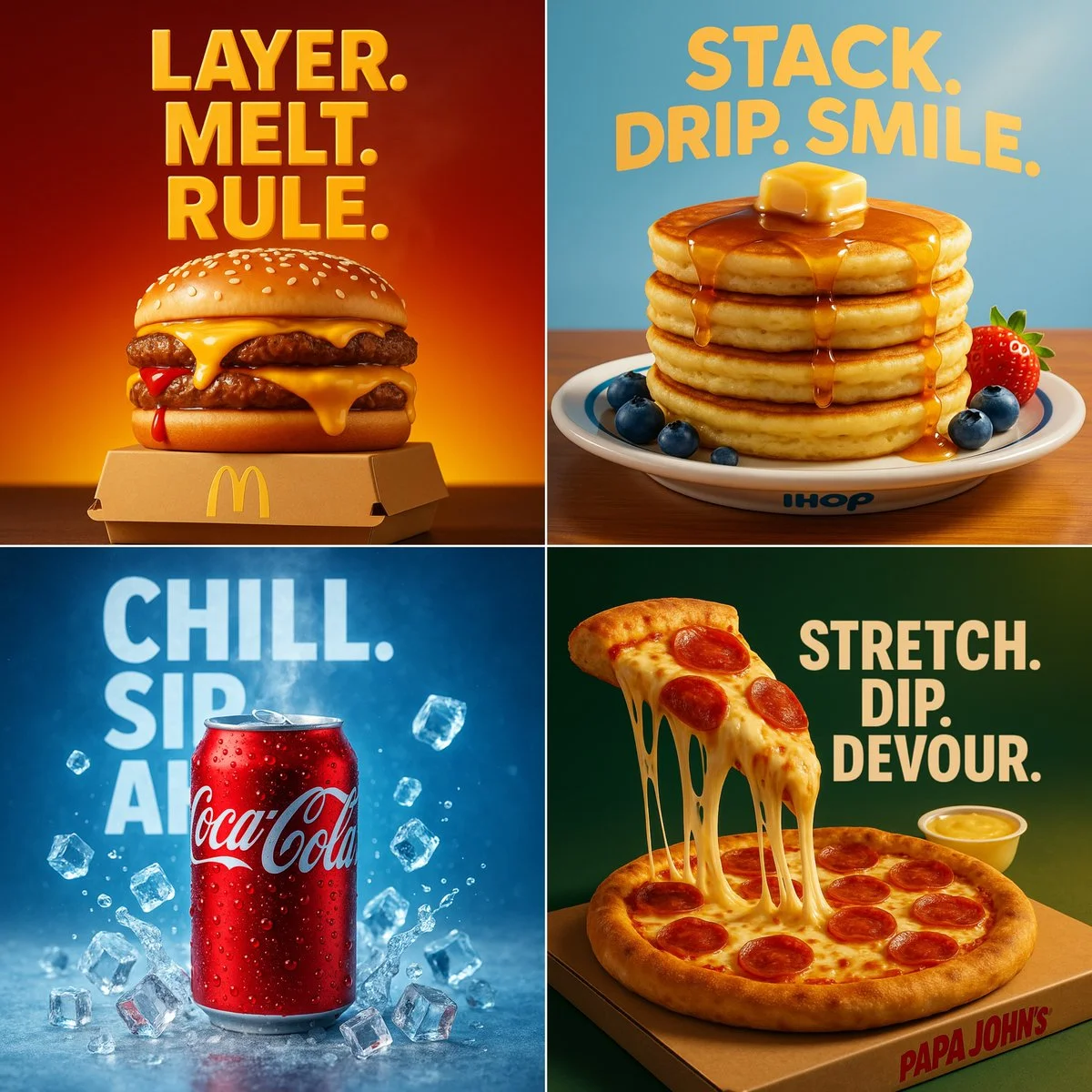
تحرير سهل للغة الطبيعية
خصص وقتًا لفحص كل نتيجة صورة وتحسين موجزك. يختلف وقت المعالجة حسب النموذج والطلب وحمل الخدمة. غيّر توجيهًا واحدًا في كل مرة حتى تتمكن من الحكم على أي تعديل يحسّن النتيجة.
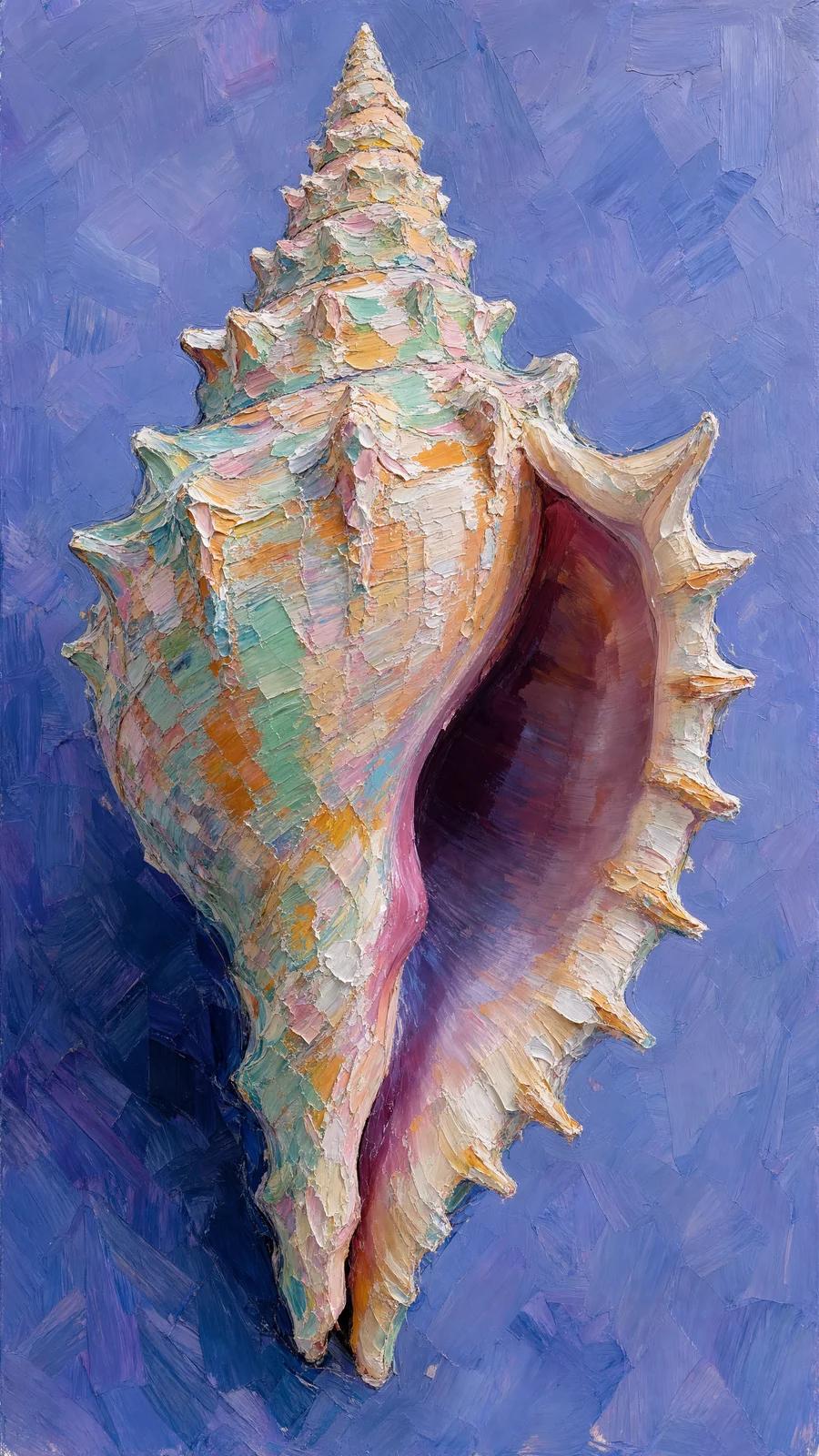
التكرار البصري السريع
خصص وقتًا لفحص كل نتيجة صورة وتحسين موجزك. يختلف وقت المعالجة حسب النموذج والطلب وحمل الخدمة. غيّر توجيهًا واحدًا في كل مرة حتى تتمكن من الحكم على أي تعديل يحسّن النتيجة.
ملاحظات إبداعية لموجز صورة Grok Imagine
امنح الموضوع الرئيسي حركة واحدة واضحة. بالنسبة لمفهوم Grok Imagine، يكون الموجز الدقيق أسهل في التقييم من قائمة تأثيرات متنافسة.
سير عمل صور Grok Imagine: أسئلة وأجوبة
صف النتيجة التي تحتاجها، واختر نموذج Grok Imagine متاحًا وأرسل طلبك من المولّد. راجع نتائج الصور المكتملة في أصولك، وحسّن الأمر عند الحاجة، ونزّل النسخة التي تناسب مشروعك.
يجمع Heydots سير عمل صور Grok Imagine في مساحة عمل واحدة: اكتب أمرك، واختر نموذجًا متاحًا، وراجع تكلفة الاعتمادات وأنشئ. تبقى النتائج المكتملة في أصولك للمراجعة والتنزيل. يوضح المولّد النماذج والمدخلات التي تقبل الطلبات.
صف النتيجة التي تحتاجها، واختر نموذج Grok Imagine متاحًا وأرسل طلبك من المولّد. راجع نتائج الصور المكتملة في أصولك، وحسّن الأمر عند الحاجة، ونزّل النسخة التي تناسب مشروعك.
اكتب موجز صورة Grok Imagine حول موضوع وتكوين وإضاءة ونمط مقصود. أضف مادة أو ملمسًا عندما يكون ذلك مهمًا. بالنسبة للتعديلات، اذكر تغييرًا دقيقًا واحدًا ووضّح أجزاء المصدر التي يجب أن تبقى سليمة.
استخدم فقط أوضاع الإدخال وعناصر التحكم التي يوفّرها النموذج المحدد. صِف الصورة المقصودة بوضوح وأضف المراجع المدعومة عند الحاجة. لا تقدّم هذه الصفحة أدوات منفصلة لفرشاة الحركة أو رفع الصوت أو الاستعادة أو التحرير.
بالنسبة لمفهوم منتج Grok Imagine، حدد شكل المنتج ومادته وتفصيله الرئيسي وإعداده. حافظ على دقة الشعارات والادعاءات، واترك مساحة لطباعتك الخاصة، وراجع النتيجة قبل استخدامها في إعلان.
اختر فقط الدقة ونسبة العرض إلى الارتفاع المعروضتين للنموذج المحدد. افحص التأطير والتفاصيل الدقيقة وأي نص في الصورة المكتملة. حجم إخراج أكبر لا يضمن نتيجة أكثر دقة.
يمكنك طلب استرداد خلال 10 أيام من الشراء إذا كان لديك رصيد غير مستخدم من تلك العملية وقدّمت سببًا واضحًا، وذلك وفقًا لسياسة الاسترداد لدينا. إذا كنت مؤهلًا، يمكن استرداد عملية شراء غير مستخدمة بالكامل؛ وتُسترد عملية الشراء المستخدمة جزئيًا بما يتناسب مع رصيدها المتبقي غير المستخدم. لا يمكن استرداد عمليات الشراء المستخدمة بالكامل ولا الرصيد المجاني أو الترويجي.
تعتمد صلاحية الرصيد على الحزمة أو الاشتراك أو العرض الترويجي الذي أصدره. راجع شروط الشراء وتواريخ انتهاء الصلاحية في الإعدادات > الرصيد. لا يؤدي التجديد أو الشراء الجديد إلى تمديد الرصيد الأقدم. استخدم الرصيد قبل تاريخ انتهاء صلاحيته المحدد؛ لا تفترض أن رصيد الاشتراك غير المستخدم يُرحّل إلى ما لا نهاية.
تُعاد الأرصدة المحصّلة لمهمة تأكد فشلها بسبب خطأ في النظام تلقائيًا. المهمة التي لا تزال قيد المعالجة لم يتم تأكيد فشلها بعد. تحقق من حالتها وسجل أرصدتك قبل إعادة الإرسال. إذا ظهرت رسوم غير محلولة لمهمة فشل مؤكد، أرسل بريدًا إلكترونيًا إلى support@heydots.app مع معرّف المهمة.
قد تختلف نتائج الذكاء الاصطناعي، لذا فإن النتيجة المكتملة التي تختلف عن توقعاتك لا تُعامل تلقائيًا كفشل تقني. يمكن تقديم مهام الصور المكتملة المؤهلة لمراجعة استرداد الأرصدة باستخدام خيار الاسترداد حيثما توفر؛ وتتطلب الموافقة. بخصوص فيديو أو مشكلة أخرى، تواصل مع support@heydots.app مع معرّف المهمة والتفاصيل. استرداد الأرصدة يعيد الأرصدة وليس أموالًا إلى طريقة الدفع الخاصة بك.
أرسل بريدًا إلكترونيًا إلى support@heydots.app. بالنسبة للفوترة، ضمّن بريد حسابك ورقم الطلب؛ وبالنسبة للتوليد، ضمّن معرّف المهمة ووصف المشكلة ولقطات الشاشة ذات الصلة. إذا اشتريت كزائر، احتفظ ببيانات المتصفح الأصلية وإيصال الدفع لمساعدتنا في تحديد موقع الشراء.
استكشف فكرة صورة Grok Imagine التالية
اترك وقتًا لفحص كل نتيجة صورة وتحسين موجزك. يختلف وقت المعالجة حسب النموذج والطلب وحمل الخدمة. غيّر اتجاهًا واحدًا في كل مرة لتتمكن من الحكم على أي تعديل يحسّن النتيجة.
heydots.app · حُدّث
اطّلع على سجل التحديثات
- — تم تصحيح اختيار النموذج الافتراضي لمولّد الصور Grok. أُضيفت أمثلة قابلة للتحرير للمطالبات، ومسودات منفصلة لوضعي النص والمرجع، وخيار لاستعادة المثال.
- — تم تحديث نصوص الصفحة ومحتواها.
- — تم نشر محتوى الصفحة.