
검증된 프롬프트
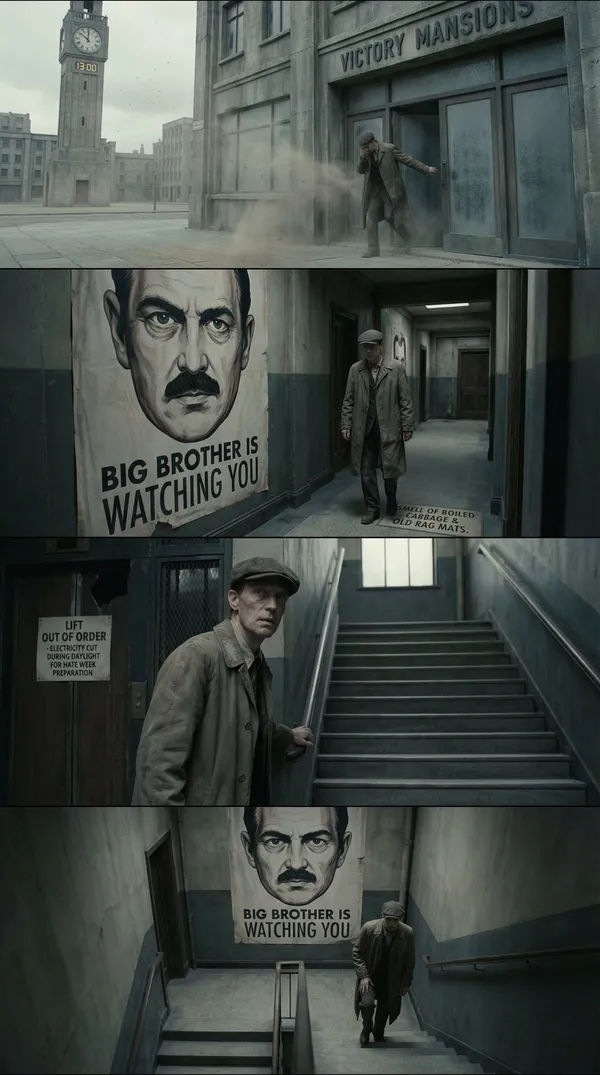
te a cinematic storyboard of the first page of 1984, by using widescreen panels
te a cinematic storyboard of the first page of 1984, by using widescreen panels
검증된 프롬프트
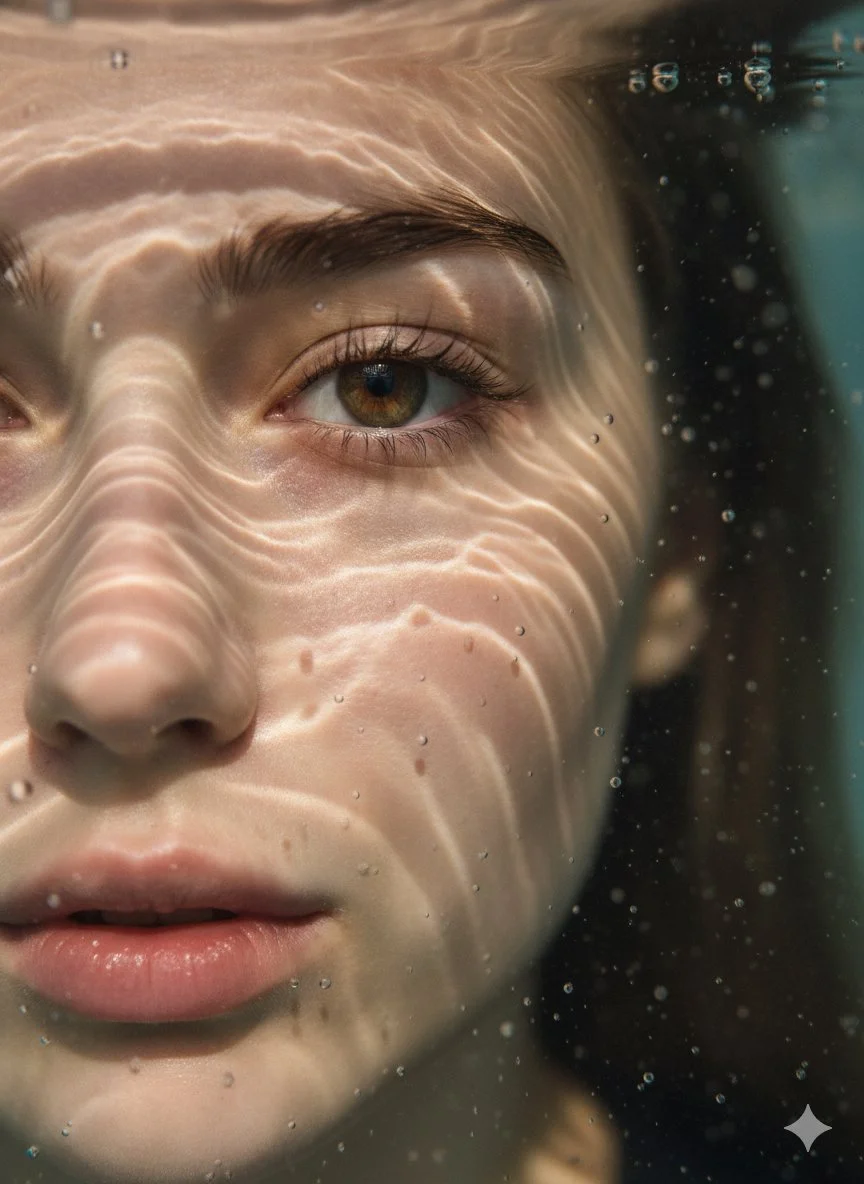
{ "prompt": { "description": "Hyper-realistic, ultra-detailed close-up portrait of the left half of a young woman’s face submerged in water. One eye is in sharp focus. Light rays create caustic reflections and fluid patterns across her skin. Tiny suspended water droplets and bubbles add depth.", "details": { "subject": "Young woman's face, fair skin, focused eye (left)", "pose": "Submerged in water", "lighting": "Cinematic soft shadows with crisp highlights, light rays creating caustic patterns", "attire": "Not visible, implied underwater setting", "hair": "Dark hair visible on the right side, extending into the water", "expression": "Calm and serene, with an intense gaze from the focused eye", "mood": "Surreal, dreamlike, ethereal, and serene" } }, "image_settings": { "size": "original", "quantity": 1, "style": "Underwater macro portrait photography", "composition": "Close-up, with a shallow depth of field and an underwater macro perspective, emphasizing textures and light play. Cropped to show only the left half of the face.", "aspect_ratio": "3:4" }, "output_format": { "type": "image", "expected_result": "A visually striking and highly detailed underwater portrait, showcasing the interplay of light, water, and skin textures." } }
{ "prompt": { "description": "Hyper-realistic, ultra-detailed close-up portrait of the left half of a young woman’s face submerged in water. One eye is in sharp focus. Light rays create caustic reflections and fluid patterns across her skin. Tiny suspended water droplets and bubbles add depth.", "details": { "subject": "Young woman's face, fair skin, focused eye (left)", "pose": "Submerged in water", "lighting": "Cinematic soft shadows with crisp highlights, light rays creating caustic patterns", "attire": "Not visible, implied underwater setting", "hair": "Dark hair visible on the right side, extending into the water", "expression": "Calm and serene, with an intense gaze from the focused eye", "mood": "Surreal, dreamlike, ethereal, and serene" } }, "image_settings": { "size": "original", "quantity": 1, "style": "Underwater macro portrait photography", "composition": "Close-up, with a shallow depth of field and an underwater macro perspective, emphasizing textures and light play. Cropped to show only the left half of the face.", "aspect_ratio": "3:4" }, "output_format": { "type": "image", "expected_result": "A visually striking and highly detailed underwater portrait, showcasing the interplay of light, water, and skin textures." } }
검증된 프롬프트
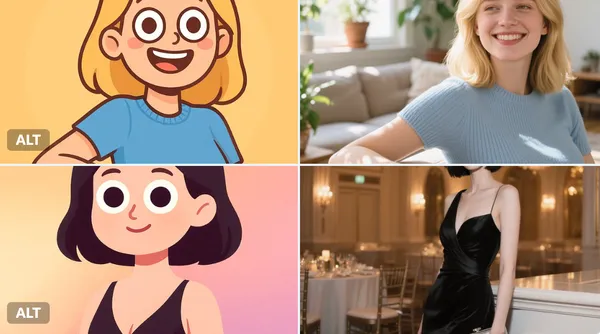
sform the character into a digital, half-body cartoon-style portrait. Use a playful, vector-friendly style with clean solid lines, rounded face, oversized googly eyes, and minimal facial details. Show the character from chest up, including shoulders and upper torso. Apply smooth gradient fills to both the character and background for a colorful, soft look. Square format.
sform the character into a digital, half-body cartoon-style portrait. Use a playful, vector-friendly style with clean solid lines, rounded face, oversized googly eyes, and minimal facial details. Show the character from chest up, including shoulders and upper torso. Apply smooth gradient fills to both the character and background for a colorful, soft look. Square format.
검증된 프롬프트
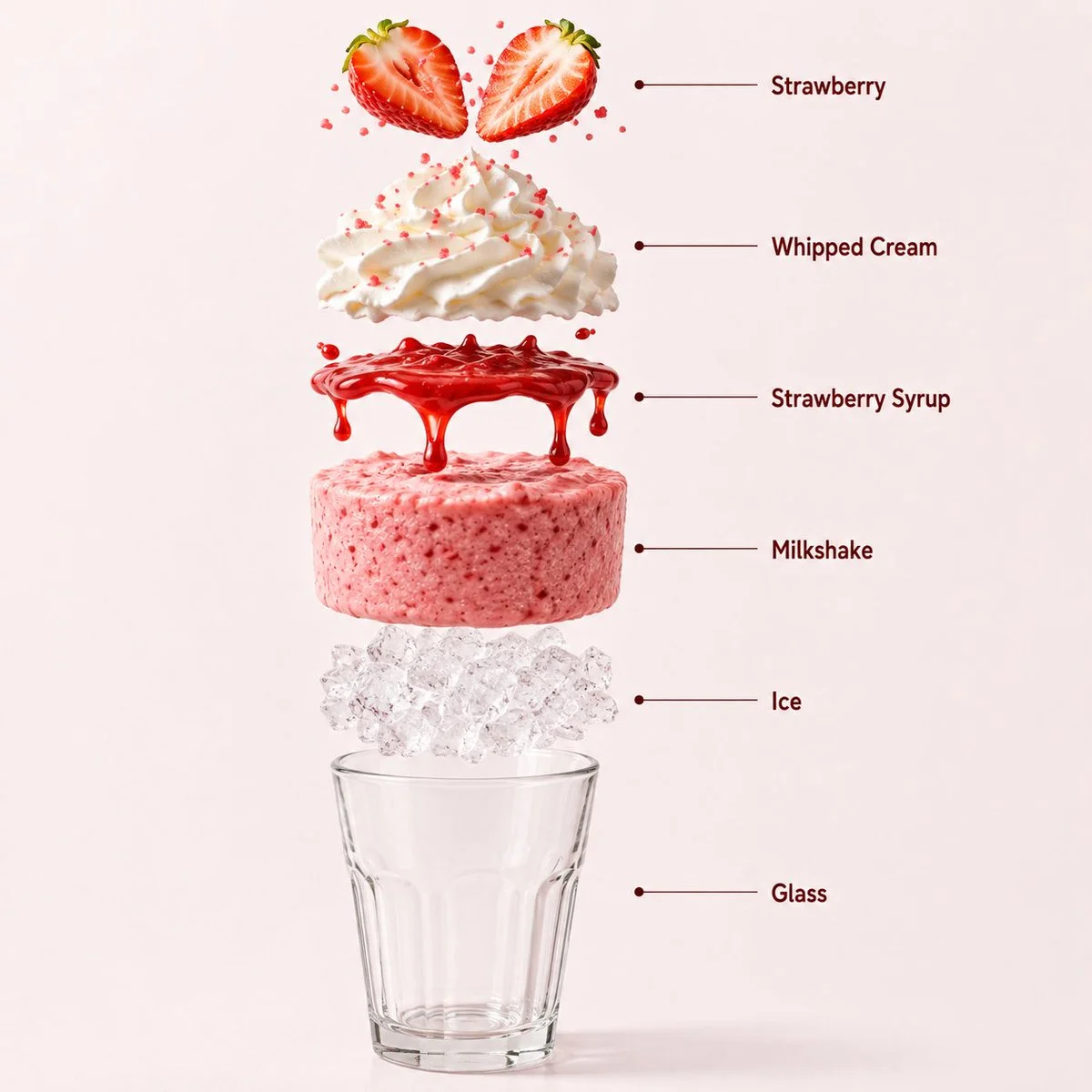
Create a realistic exploded-view infographic of a strawberry milkshake on a pale pink studio background. Arrange its components in a centered vertical stack with generous space between each layer: strawberry slices at the top, whipped cream, a ribbon of strawberry syrup, the thick pink milkshake, ice and an empty clear glass at the bottom. Add small readable ingredient labels with thin horizontal guide lines. Preserve glossy liquid, airy cream, translucent ice and accurate glass reflections. Use soft, clean advertising light and a restrained pink palette so the ingredients remain the focus.
Create a realistic exploded-view infographic of a strawberry milkshake on a pale pink studio background. Arrange its components in a centered vertical stack with generous space between each layer: strawberry slices at the top, whipped cream, a ribbon of strawberry syrup, the thick pink milkshake, ice and an empty clear glass at the bottom. Add small readable ingredient labels with thin horizontal guide lines. Preserve glossy liquid, airy cream, translucent ice and accurate glass reflections. Use soft, clean advertising light and a restrained pink palette so the ingredients remain the focus.
검증된 프롬프트
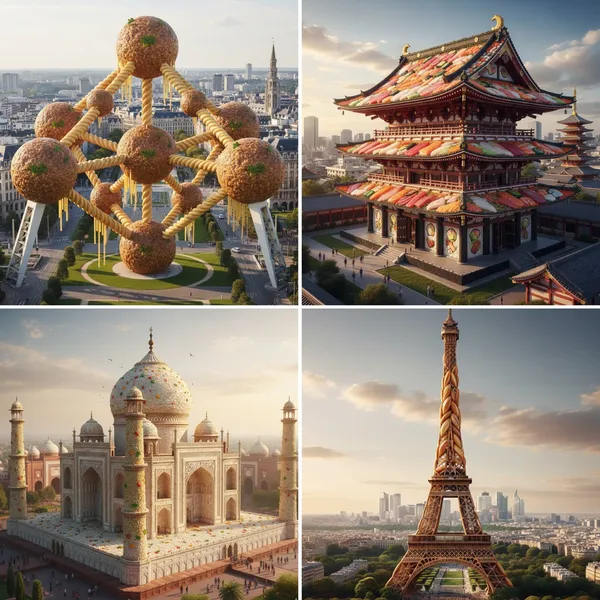
a-realistic 3D render of [MONUMENT] made entirely out of [FOOD], seamlessly integrated into a photorealistic, bustling cityscape of [REAL CITY]. The object must be instantly recognizable as [MONUMENT], but entirely composed of realistic textures and materials from [FOOD]. Ensure accurate proportions and architectural detail, adapted to the food’s form, appearing as if it truly belongs in the city. The city should be vibrant and detailed, with realistic lighting that complements the monument. 1:1 aspect ratio, no text or extra elements.
a-realistic 3D render of [MONUMENT] made entirely out of [FOOD], seamlessly integrated into a photorealistic, bustling cityscape of [REAL CITY]. The object must be instantly recognizable as [MONUMENT], but entirely composed of realistic textures and materials from [FOOD]. Ensure accurate proportions and architectural detail, adapted to the food’s form, appearing as if it truly belongs in the city. The city should be vibrant and detailed, with realistic lighting that complements the monument. 1:1 aspect ratio, no text or extra elements.
검증된 프롬프트
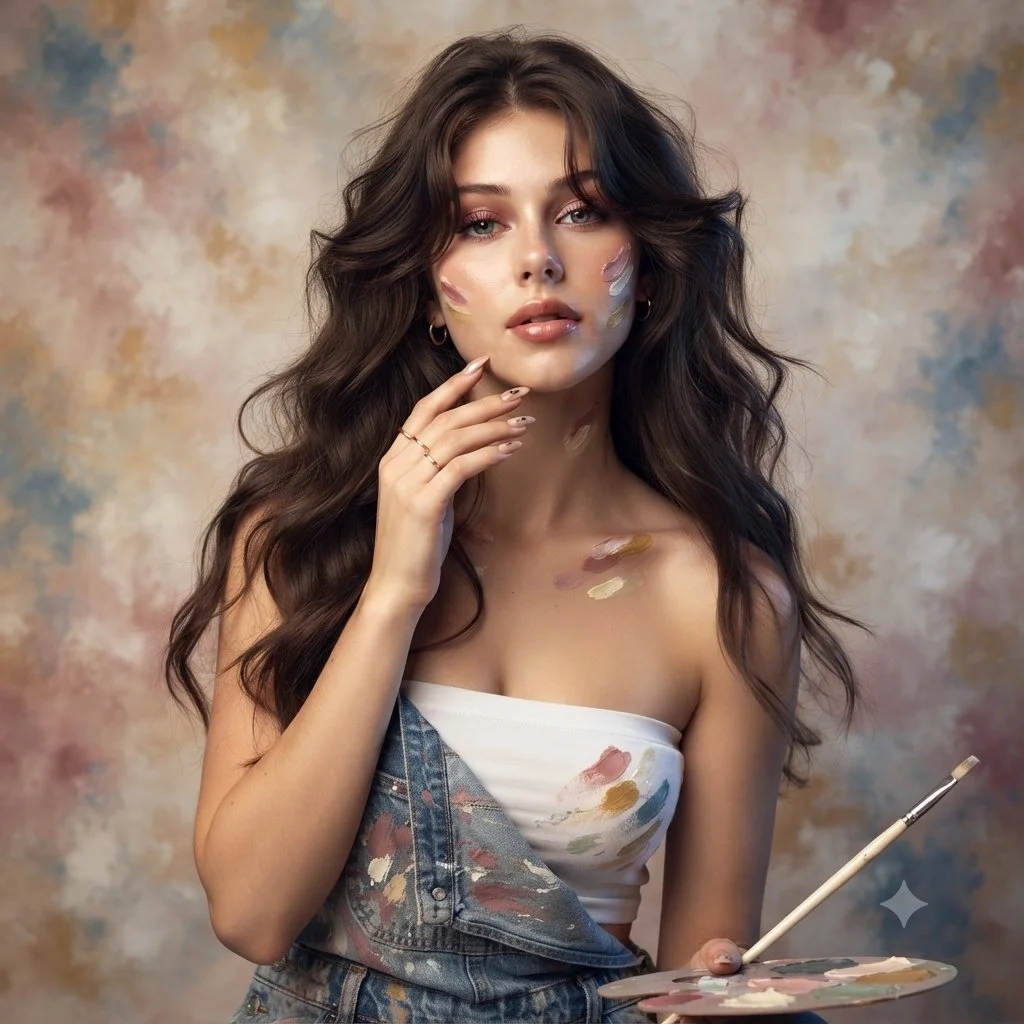
Use an uploaded adult portrait as the identity reference for an artist-inspired studio photograph. Dress the subject in denim overalls over a simple cream top, with a few restrained paint marks on the clothing and fingertips. Include a small palette and a thin brush near the lower frame. Let one hand rest lightly beside the face and keep the eyes unobstructed. Use softly waved hair, delicate jewelry and a mottled painted backdrop in ivory, rose and muted blue. Combine warm and cool soft light while preserving natural skin and facial proportions.
Use an uploaded adult portrait as the identity reference for an artist-inspired studio photograph. Dress the subject in denim overalls over a simple cream top, with a few restrained paint marks on the clothing and fingertips. Include a small palette and a thin brush near the lower frame. Let one hand rest lightly beside the face and keep the eyes unobstructed. Use softly waved hair, delicate jewelry and a mottled painted backdrop in ivory, rose and muted blue. Combine warm and cool soft light while preserving natural skin and facial proportions.
검증된 프롬프트
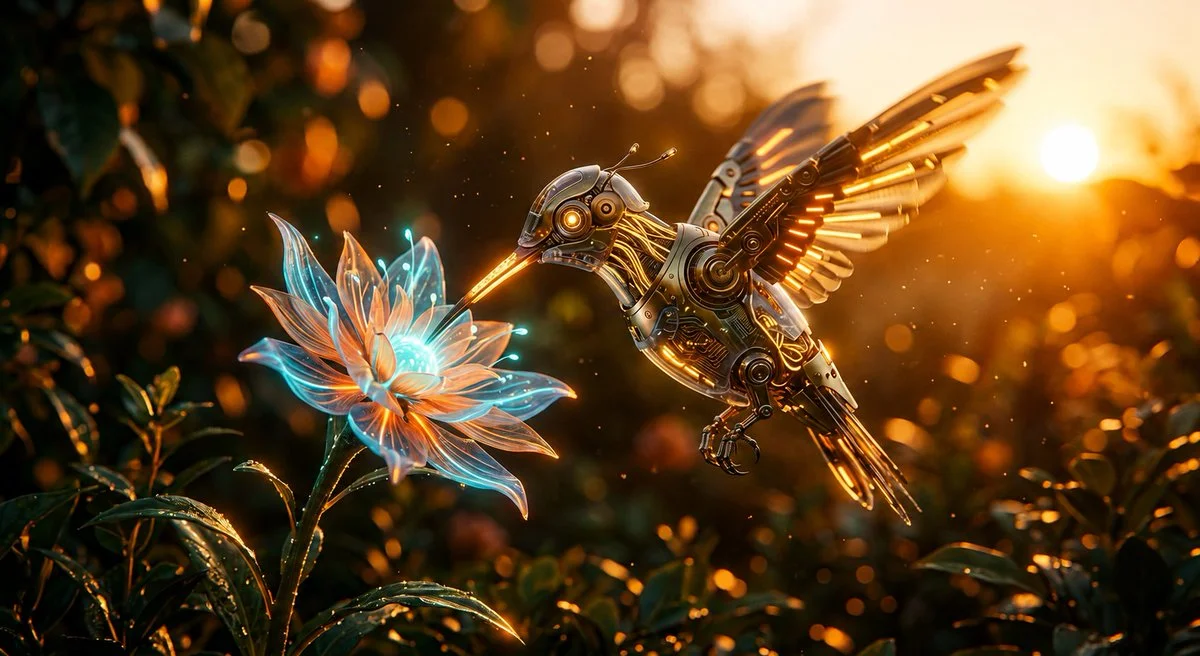
Create a cinematic macro scene of a small mechanical hummingbird hovering beside a glowing flower. Construct the bird from polished gold plates, copper filaments and tiny illuminated electronic details. Let the translucent petals emit cool cyan light while warm late-afternoon sunlight filters through the garden behind it. Capture the wings and metallic edges with crisp highlights, using a shallow depth of field to turn surrounding foliage into soft bokeh. Add a few floating dust particles and preserve the delicate proportions of a real hummingbird within the intricate machine design.
Create a cinematic macro scene of a small mechanical hummingbird hovering beside a glowing flower. Construct the bird from polished gold plates, copper filaments and tiny illuminated electronic details. Let the translucent petals emit cool cyan light while warm late-afternoon sunlight filters through the garden behind it. Capture the wings and metallic edges with crisp highlights, using a shallow depth of field to turn surrounding foliage into soft bokeh. Add a few floating dust particles and preserve the delicate proportions of a real hummingbird within the intricate machine design.
검증된 프롬프트
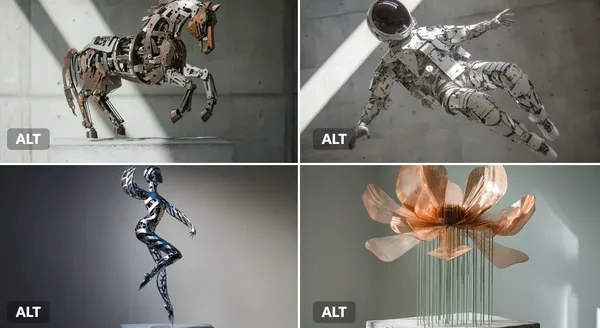
netic sculpture of a [subject], made of interlocking metal rods and panels in brushed [color1] and oxidized [color2]. Suspended in motion, with rotating parts casting mechanical shadows on a concrete pedestal.
netic sculpture of a [subject], made of interlocking metal rods and panels in brushed [color1] and oxidized [color2]. Suspended in motion, with rotating parts casting mechanical shadows on a concrete pedestal.
검증된 프롬프트
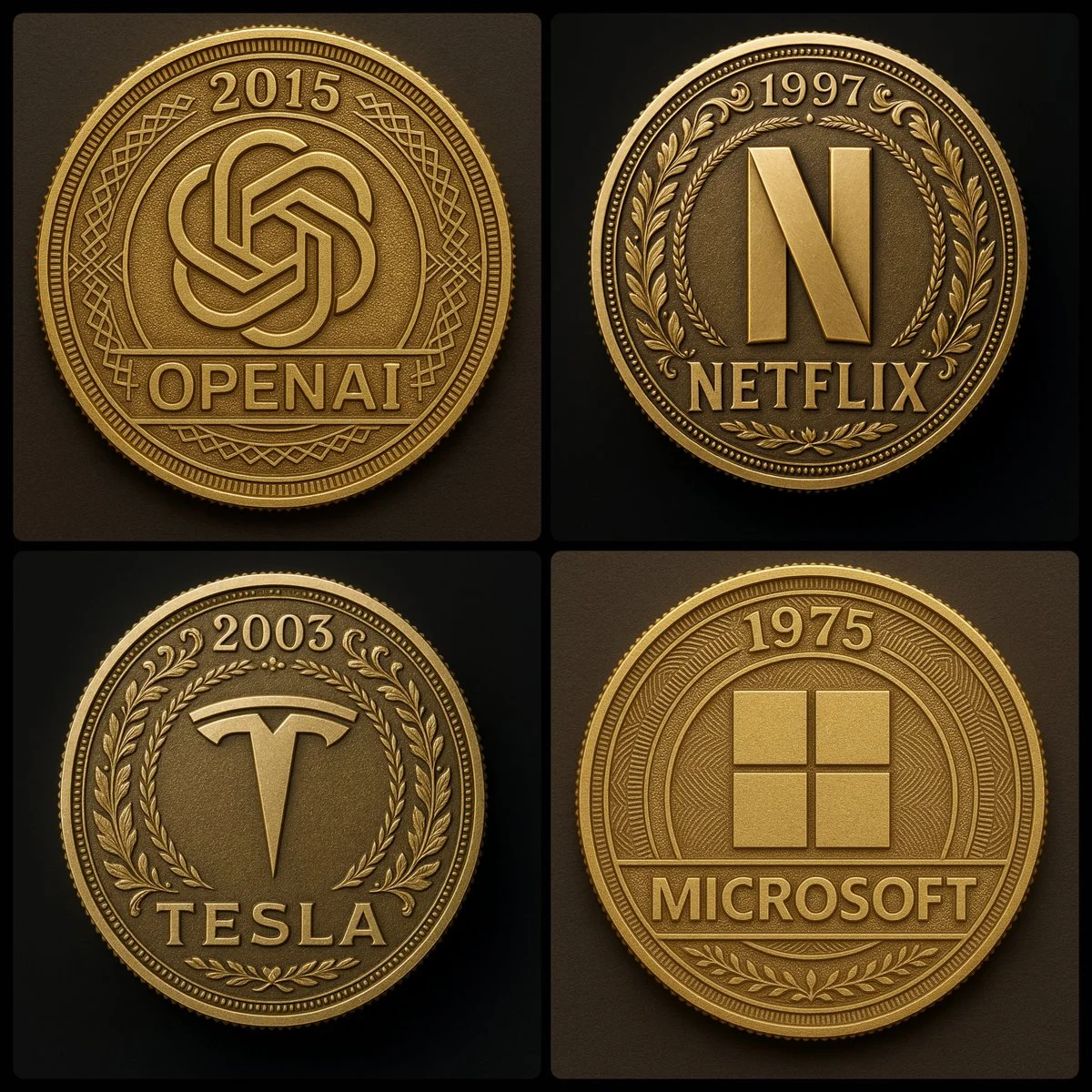
Prompt: A high-resolution photograph of a gold coin featuring the [COMPANY NAME] logo at the center. The coin should have the year [YEAR] engraved at the top. Include finely detailed engravings, ornamental border patterns, and authentic coin textures like reeded edges, matte
Prompt: A high-resolution photograph of a gold coin featuring the [COMPANY NAME] logo at the center. The coin should have the year [YEAR] engraved at the top. Include finely detailed engravings, ornamental border patterns, and authentic coin textures like reeded edges, matte
검증된 프롬프트
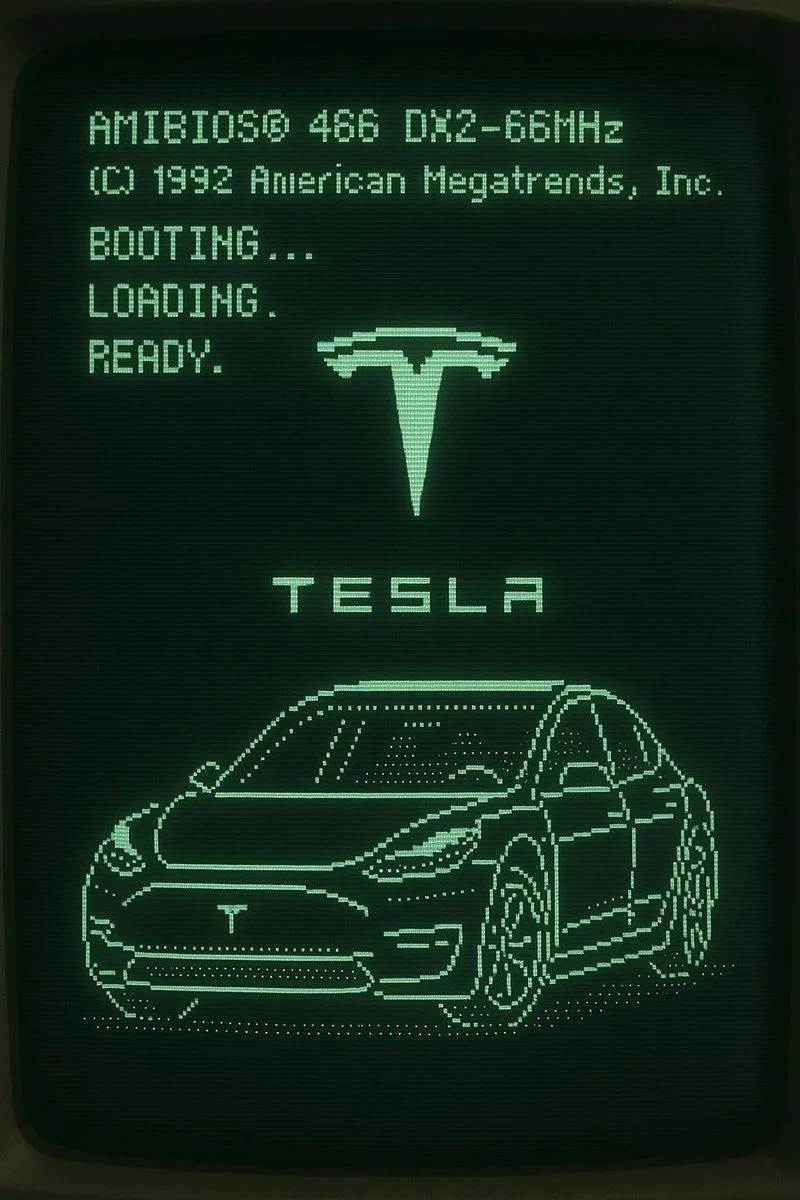
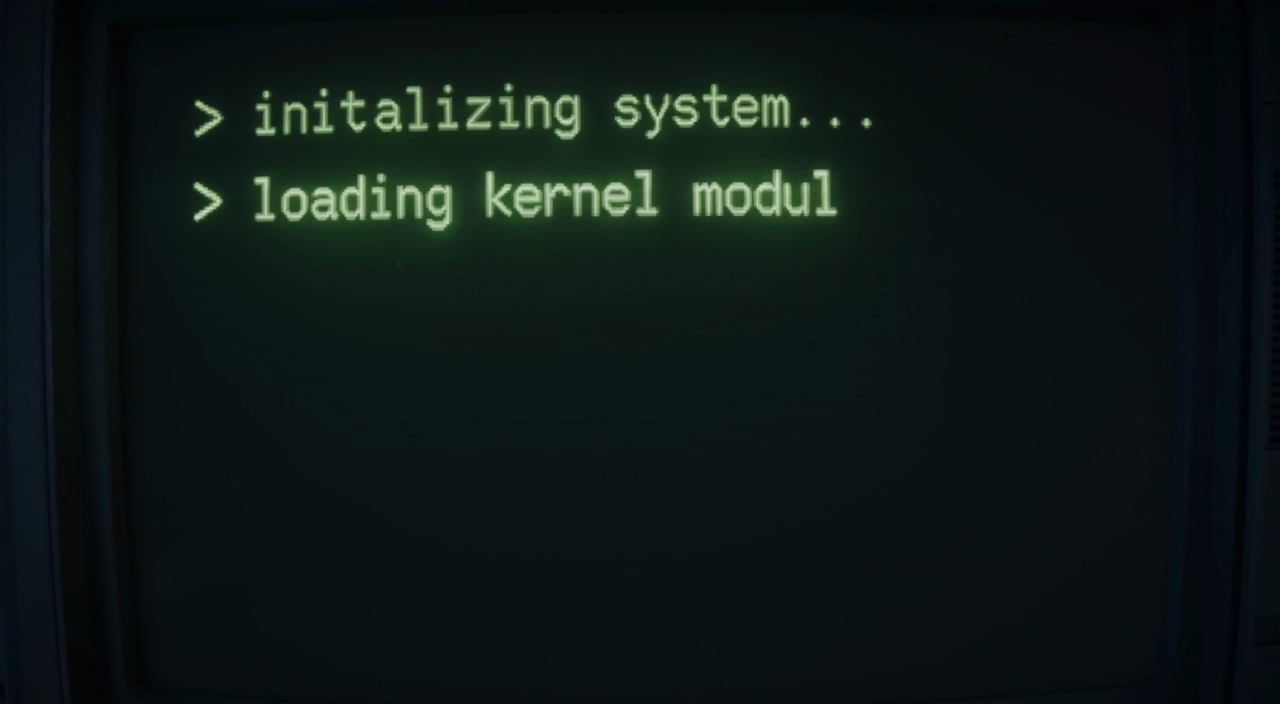
Retro CRT computer boot screen that resolves into ASCII-art of NYC's tallest building
Retro CRT computer boot screen that resolves into ASCII-art of NYC's tallest building
검증된 프롬프트
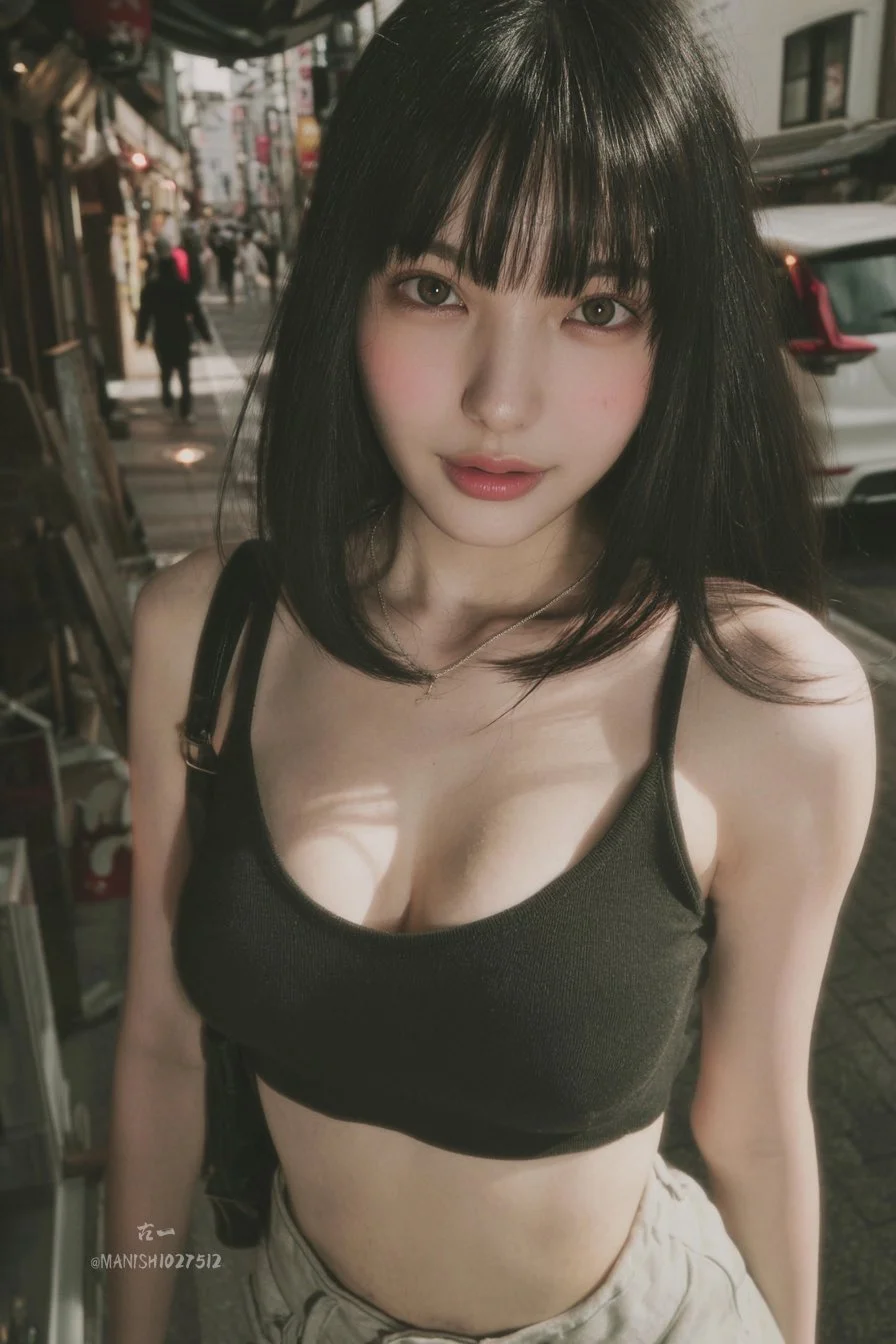
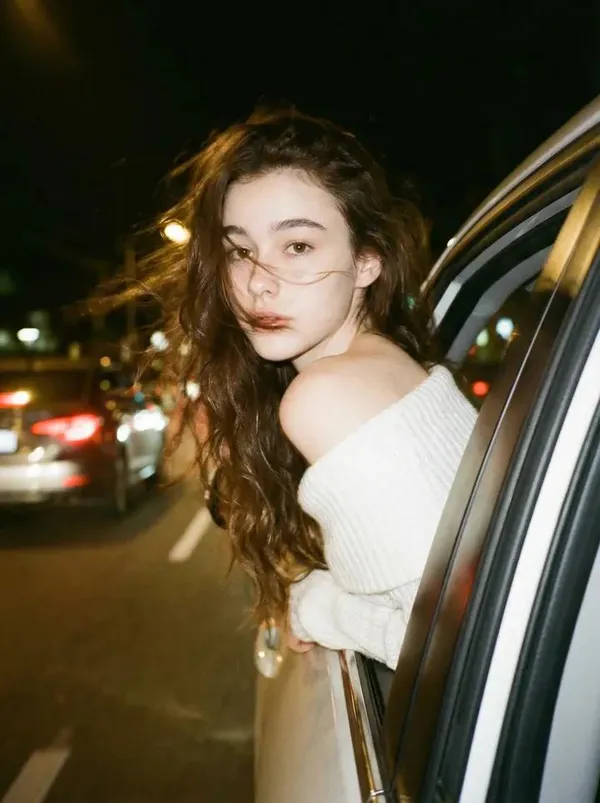
A candid snapshot of a young woman with straight black hair, blunt bangs, large expressive eyes, and fair skin, standing casually in a bustling Tokyo street, wearing a low-cut crop top and high-waisted shorts, slight motion blur on the edges, natural daylight filtering through buildings, captured as if from a hidden angle with a smartphone camera.
A candid snapshot of a young woman with straight black hair, blunt bangs, large expressive eyes, and fair skin, standing casually in a bustling Tokyo street, wearing a low-cut crop top and high-waisted shorts, slight motion blur on the edges, natural daylight filtering through buildings, captured as if from a hidden angle with a smartphone camera.
검증된 프롬프트
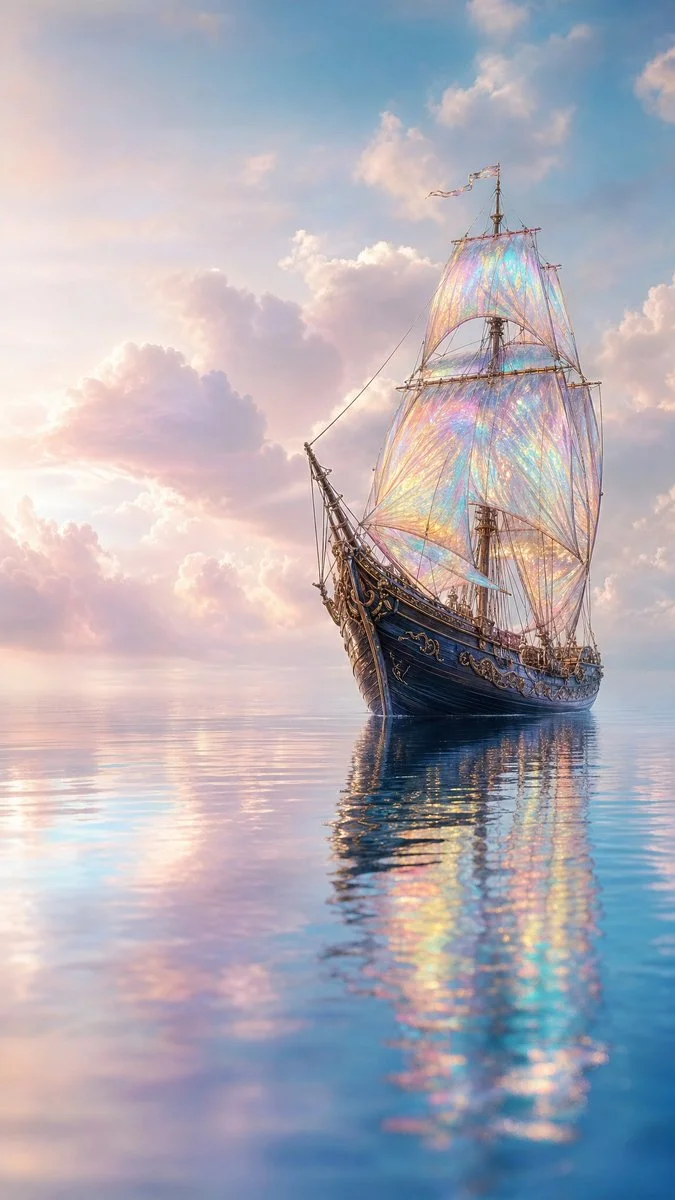
Unique fantasy campaign scene of majestic sailing ship drifting calmly across glassy reflective sea beneath pastel sky. Iridescent glowing sails catch soft atmospheric light, vessel suspended between reality and dream. Vast open sea mirror reflections, gentle ripples, expansive cinematic horizon. Fluffy layered pastel clouds. Soft ethereal daylight, subtle rim light on silhouette, glow bloom. Pearlescent translucent sails, dark polished wood hull grain, smooth water scatter. Wide cinematic off-center framing, negative space in sky water, calm horizontal. Serene mystical quietly otherworldly magical realism. 85mm f/2.8 shallow DOF ultra-detailed 8K.
Unique fantasy campaign scene of majestic sailing ship drifting calmly across glassy reflective sea beneath pastel sky. Iridescent glowing sails catch soft atmospheric light, vessel suspended between reality and dream. Vast open sea mirror reflections, gentle ripples, expansive cinematic horizon. Fluffy layered pastel clouds. Soft ethereal daylight, subtle rim light on silhouette, glow bloom. Pearlescent translucent sails, dark polished wood hull grain, smooth water scatter. Wide cinematic off-center framing, negative space in sky water, calm horizontal. Serene mystical quietly otherworldly magical realism. 85mm f/2.8 shallow DOF ultra-detailed 8K.
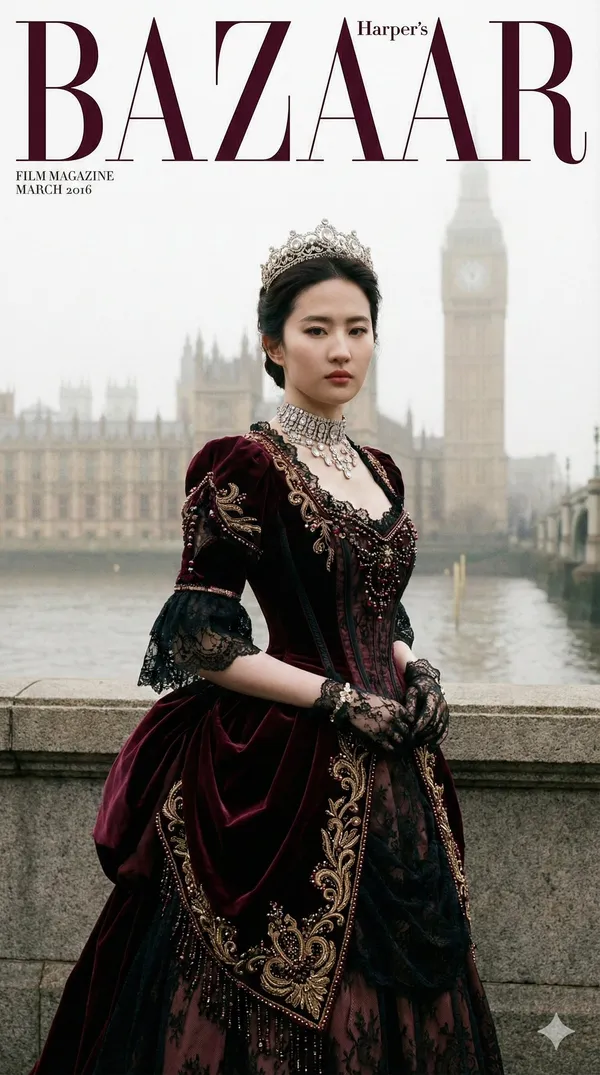

아이디어로 이미지 만들기
주제, 구도, 조명과 의도한 스타일을 중심으로 Grok Imagine 이미지 브리프를 작성하세요. 중요한 경우 소재나 질감을 추가하세요. 편집의 경우 하나의 정확한 변경 사항을 명시하고 소스의 어떤 부분이 그대로 유지되어야 하는지 설명하세요.
주제, 구도, 조명과 의도한 스타일을 중심으로 Grok Imagine 이미지 브리프를 작성하세요. 중요한 경우 소재나 질감을 추가하세요. 편집의 경우 하나의 정확한 변경 사항을 명시하고 소스의 어떤 부분이 그대로 유지되어야 하는지 설명하세요.
Grok Imagine 살펴보기Grok Imagine 이미지 만들기
선택한 모델에 표시된 해상도와 화면 비율만 선택하세요. 완성된 이미지에서 프레이밍, 세부 사항 및 텍스트를 확인하세요. 더 큰 출력 크기가 더 정확한 결과를 보장하지는 않습니다.
고급 AI 이미지 생성 및 사용자 정의
선택한 모델에 표시된 해상도와 화면 비율만 선택하세요. 완성된 이미지에서 프레이밍, 세부 사항 및 텍스트를 확인하세요. 더 큰 출력 크기가 더 정확한 결과를 보장하지는 않습니다.
정확한 편집 및 스타일 지침 작성
선택한 모델에 표시된 해상도와 화면 비율만 선택하세요. 완성된 이미지에서 프레이밍, 세부 사항 및 텍스트를 확인하세요. 더 큰 출력 크기가 더 정확한 결과를 보장하지는 않습니다.
변경 사항과 유지할 세부 정보 설명
Grok Imagine 워크플로를 살펴보고 관련 이미지 페이지와 비교해 보세요. 생성기는 현재 모델 접근 권한과 설정에 대한 기준입니다. 프롬프트 라이브러리를 사용해 게시된 결과물과 이를 생성한 모델을 살펴보세요.
변경 사항과 유지할 세부 정보 설명
선택한 모델에 표시된 해상도와 화면 비율만 선택하세요. 완성된 이미지에서 프레이밍, 세부 사항 및 텍스트를 확인하세요. 더 큰 출력 크기가 더 정확한 결과를 보장하지는 않습니다.
공유 전 사용 약관 검토
결과물을 상업적으로 사용하기 전에 해당 모델 및 플랫폼 약관을 확인하세요. 업로드한 이미지, 식별 가능한 인물, 로고 및 Grok Imagine 이미지 브리프에 있는 기타 모든 소스 자료에 대한 권리는 귀하의 책임입니다.
워크플로우를 간단하게 유지
필요한 결과물을 설명하고, 사용 가능한 Grok Imagine 모델을 선택한 후 생성기에서 요청을 제출하세요. 완료된 이미지 결과물을 에셋에서 검토하고, 필요할 때 프롬프트를 다듬고, 프로젝트에 맞는 버전을 다운로드하세요.
Grok Imagine을 위한 더 명확한 크리에이티브 브리프
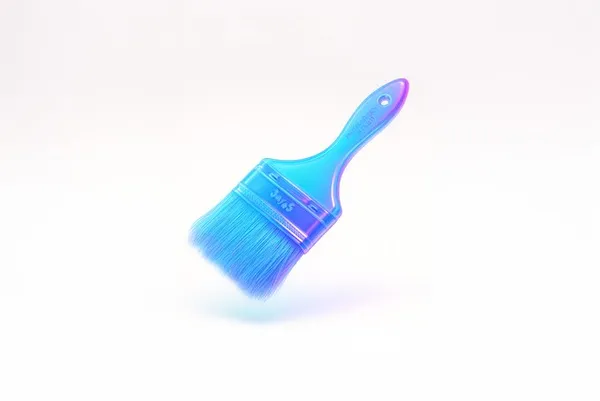
모든 비전에 맞는 다양한 스타일 및 효과
필요한 결과물을 설명하고, 사용 가능한 Grok Imagine 모델을 선택한 후 생성기에서 요청을 제출하세요. 완료된 이미지 결과물을 에셋에서 검토하고, 필요할 때 프롬프트를 다듬고, 프로젝트에 맞는 버전을 다운로드하세요.
주제, 구도, 조명과 의도한 스타일을 중심으로 Grok Imagine 이미지 브리프를 작성하세요. 중요한 경우 소재나 질감을 추가하세요. 편집의 경우 하나의 정확한 변경 사항을 명시하고 소스의 어떤 부분이 그대로 유지되어야 하는지 설명하세요.
모든 크리에이터의 비전을 위한 다재다능한 Grok Imagine AI 이미지 생성기
사용 권한이 있는 소스 이미지로 Grok Imagine 이미지 브리프를 시작하세요. 변경할 영역과 유지할 색상, 비율 또는 개체를 명시하세요. 참조 횟수와 편집 지원은 선택한 모델에 따라 달라집니다.
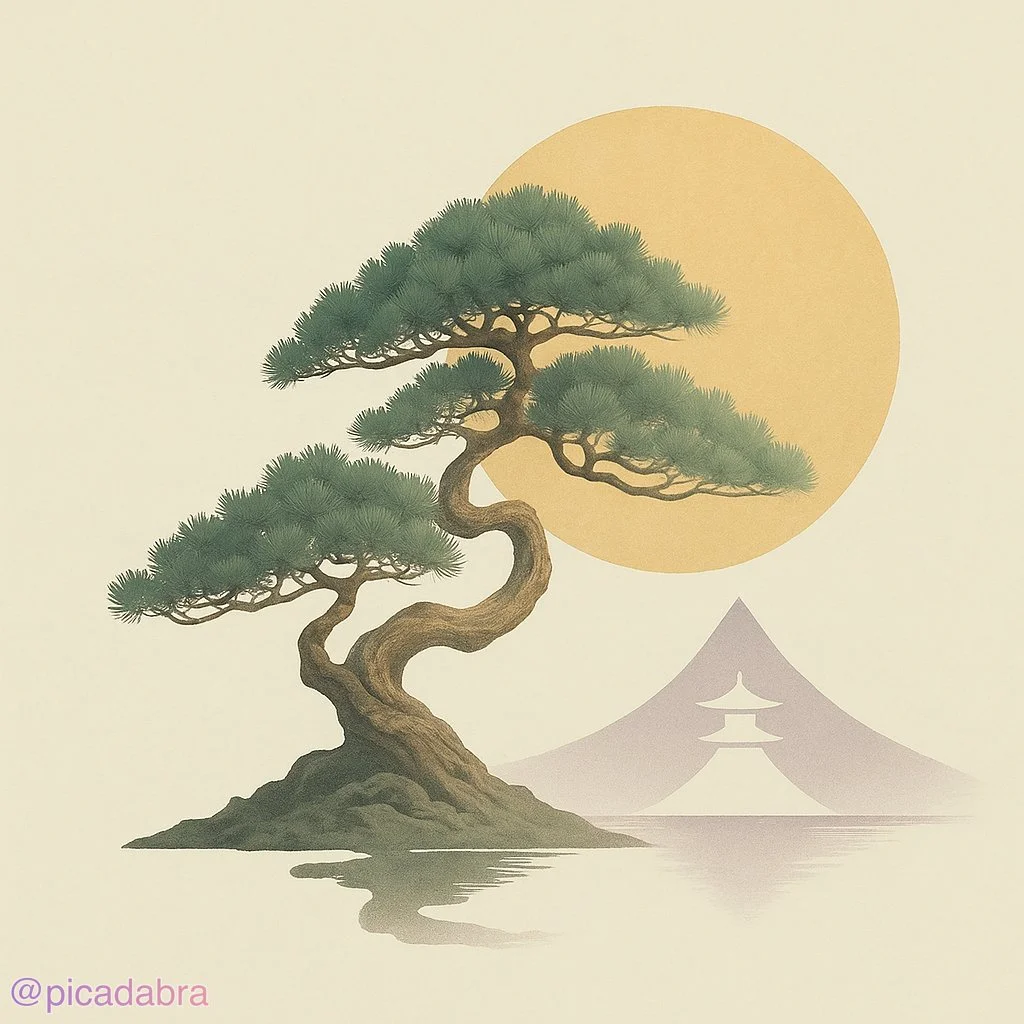
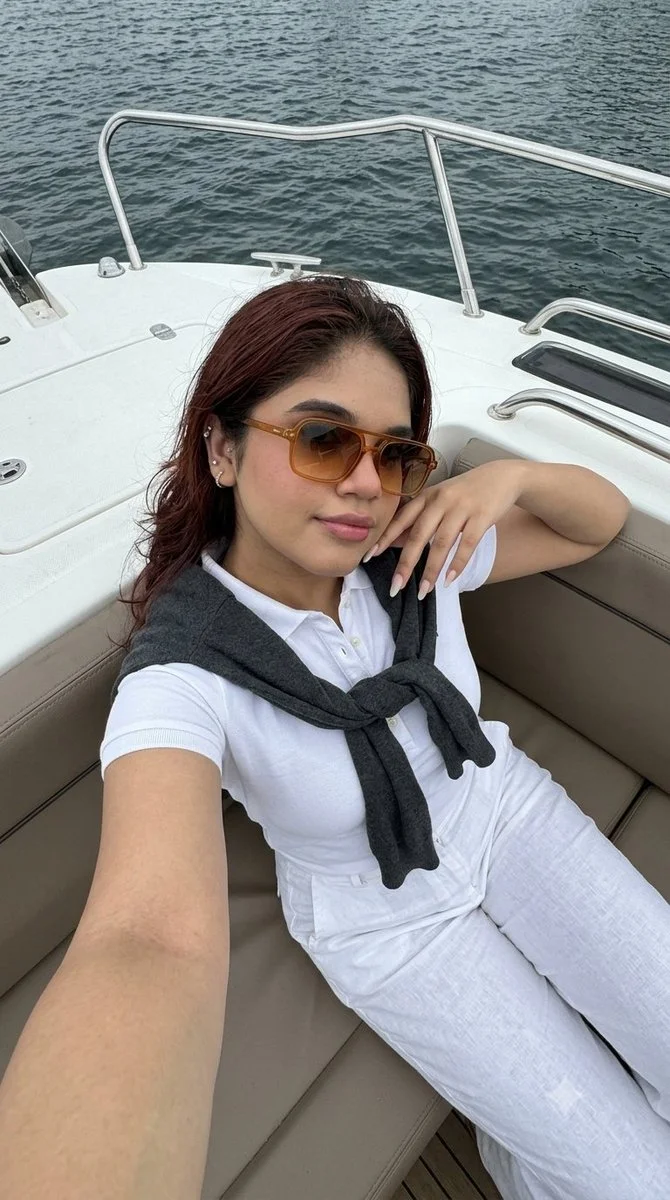
건축가와 디자이너를 위한
주제, 구도, 조명과 의도한 스타일을 중심으로 Grok Imagine 이미지 브리프를 작성하세요. 중요한 경우 소재나 질감을 추가하세요. 편집의 경우 하나의 정확한 변경 사항을 명시하고 소스의 어떤 부분이 그대로 유지되어야 하는지 설명하세요.
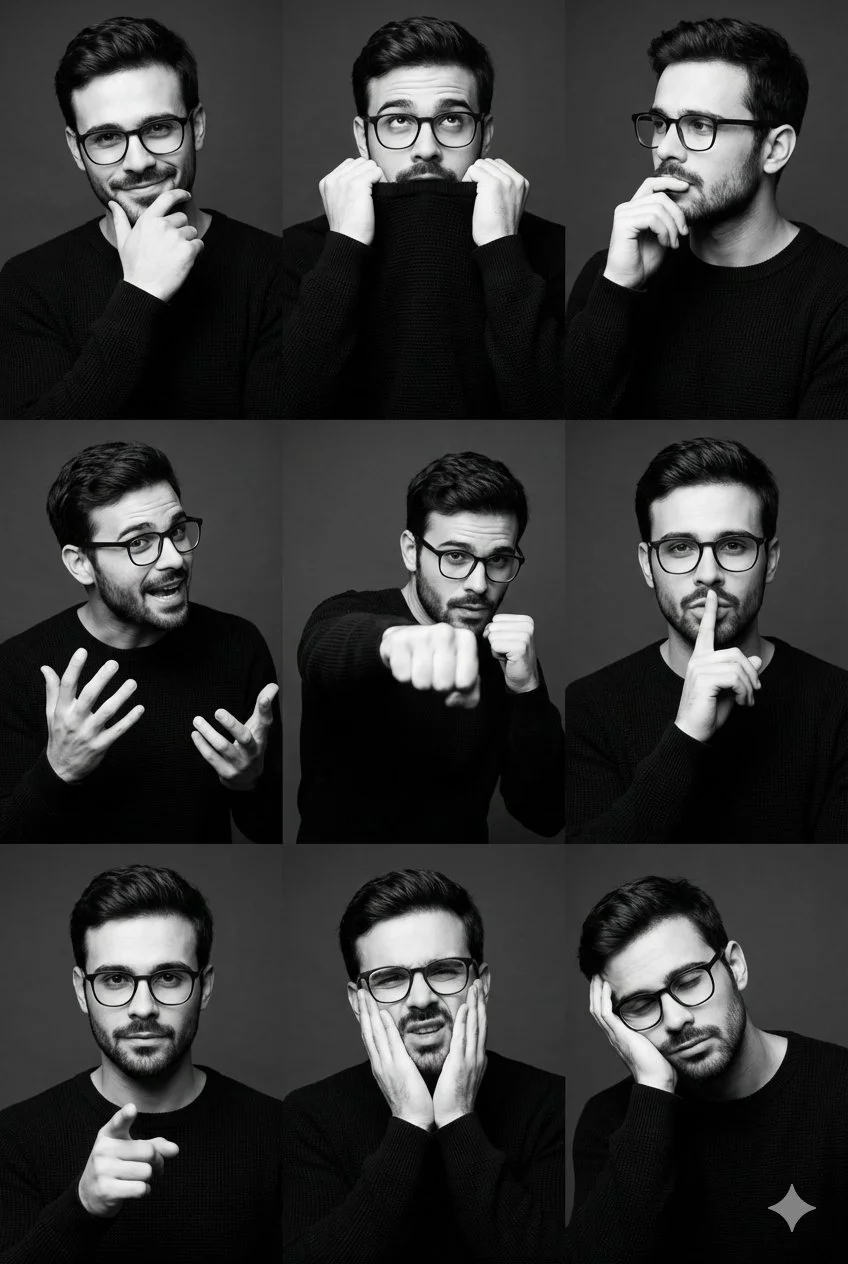
전자상거래 전문가를 위한
Grok Imagine 이미지 브리프에서 중요한 세부 사항을 나열하세요: 정체성, 형태, 색상, 의상과 배경. 해당되는 경우 지원되는 참조를 사용하고 모든 결과물을 비교하세요. 정확한 일관성은 보장되지 않습니다.
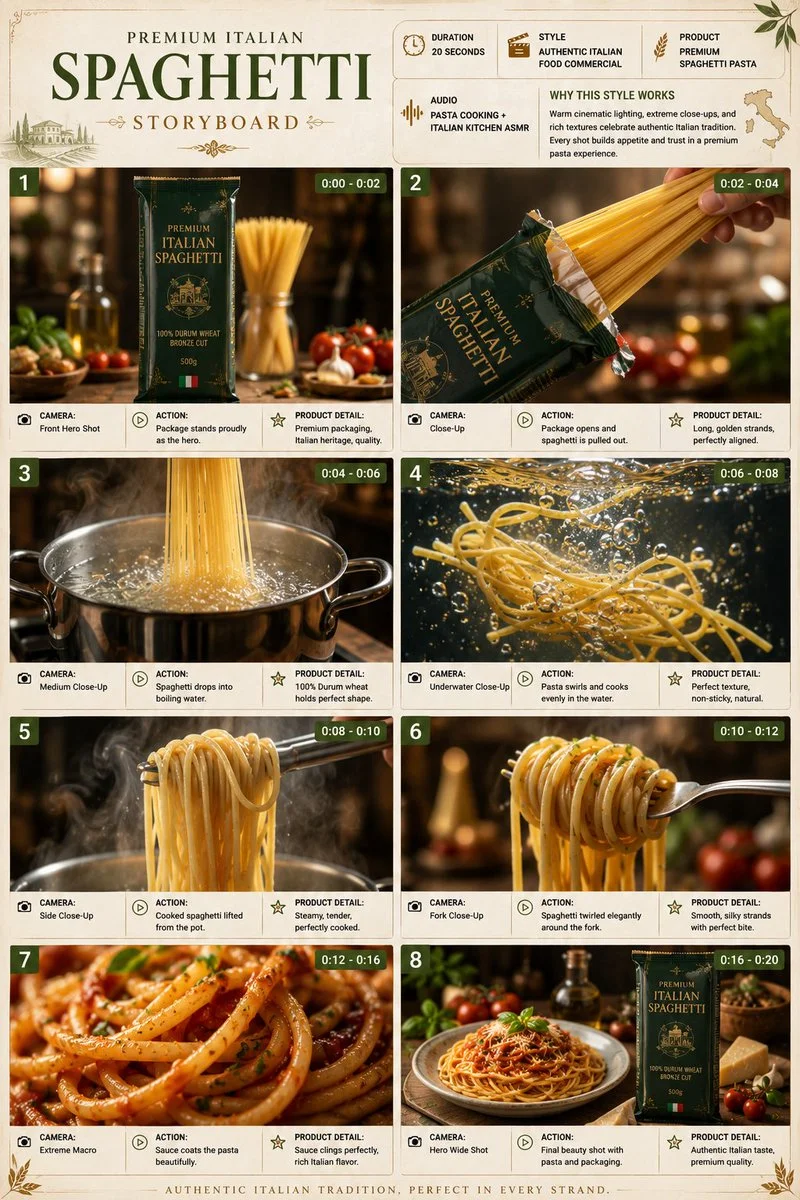
콘텐츠 게시자의 경우
선택한 모델에 표시된 해상도와 화면 비율만 선택하세요. 완성된 이미지에서 프레이밍, 세부 사항 및 텍스트를 확인하세요. 더 큰 출력 크기가 더 정확한 결과를 보장하지는 않습니다.
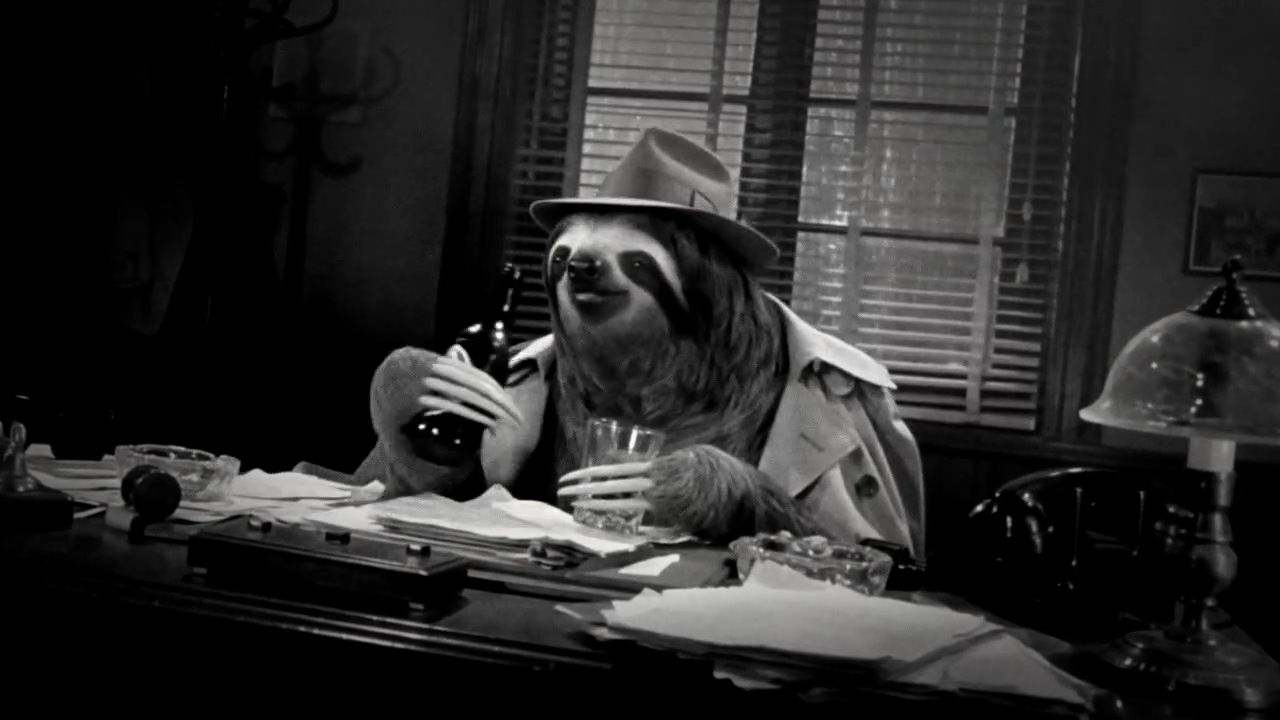
이벤트 기획자를 위한
주제, 구도, 조명과 의도한 스타일을 중심으로 Grok Imagine 이미지 브리프를 작성하세요. 중요한 경우 소재나 질감을 추가하세요. 편집의 경우 하나의 정확한 변경 사항을 명시하고 소스의 어떤 부분이 그대로 유지되어야 하는지 설명하세요.
프롬프트에서 완성된 이미지까지: Grok Imagine 워크플로
입력 추가
사용 권한이 있는 소스 이미지로 Grok Imagine 이미지 브리프를 시작하세요. 변경할 영역과 유지할 색상, 비율 또는 개체를 명시하세요. 참조 횟수와 편집 지원은 선택한 모델에 따라 달라집니다.
옵션을 사용자 정의하세요
생성기는 현재 모델 가용성을 보여줍니다. 모델이 요청을接受하면 지원되는 설정을 선택하고 제출 전에 필요한 크레딧을 검토하세요. 생성하기 전에 선택 사항과 크레딧 잔액을 검토하세요.
생성 및 개선
주제, 구도, 조명과 의도한 스타일을 중심으로 Grok Imagine 이미지 브리프를 작성하세요. 중요한 경우 소재나 질감을 추가하세요. 편집의 경우 하나의 정확한 변경 사항을 명시하고 소스의 어떤 부분이 그대로 유지되어야 하는지 설명하세요.
완성된 결과 검토 및 다운로드
사용 권한이 있는 소스 이미지로 Grok Imagine 이미지 브리프를 시작하세요. 변경할 영역과 유지할 색상, 비율 또는 개체를 명시하세요. 참조 횟수와 편집 지원은 선택한 모델에 따라 달라집니다.
프로젝트를 위한 Grok Imagine 이미지 아이디어
선택한 모델에 표시된 해상도와 화면 비율만 선택하세요. 완성된 이미지에서 프레이밍, 세부 사항 및 텍스트를 확인하세요. 더 큰 출력 크기가 더 정확한 결과를 보장하지는 않습니다.
디지털 아트 및 일러스트레이션
선택한 모델에 표시된 해상도와 화면 비율만 선택하세요. 완성된 이미지에서 프레이밍, 세부 사항 및 텍스트를 확인하세요. 더 큰 출력 크기가 더 정확한 결과를 보장하지는 않습니다.
마케팅 및 전자상거래 영상
Grok Imagine 제품 콘셉트의 경우 제품 형태, 소재, 핵심 디테일과 배경을 명시하세요. 로고와 문구는 정확하게 유지하고, 직접 타이포그래피를 넣을 공간을 확보하며, 광고에 사용하기 전에 결과물을 검토하세요.
교육 콘텐츠 및 프리젠테이션
Grok Imagine 비주얼 콘셉트를 하나의 교육 또는 발표 포인트를 뒷받침하는 데 사용하세요. 사실과 라벨은 직접 확인하고, 생성된 텍스트에 의존하지 말고 편집 워크플로에서 최종 캡션을 추가하세요.
게임 개발
Grok Imagine 이미지 브리프에서 중요한 세부 사항을 나열하세요: 정체성, 형태, 색상, 의상과 배경. 해당되는 경우 지원되는 참조를 사용하고 모든 결과물을 비교하세요. 정확한 일관성은 보장되지 않습니다.
Grok Imagine 이미지 브리프를 위한 크리에이티브 노트
주요 피사체에 하나의 명확한 동작을 부여하세요. Grok Imagine 콘셉트의 경우, 경쟁하는 효과 목록보다 정확한 브리프가 평가하기 더 쉽습니다.
Grok Imagine 이미지 워크플로: 질문과 답변
Heydots는 Grok Imagine 이미지 워크플로를 하나의 워크스페이스로 통합합니다: 프롬프트를 작성하고, 사용 가능한 모델을 선택하고, 크레딧 비용을 확인하고 생성하세요. 완료된 결과물은 검토 및 다운로드를 위해 에셋에 보관됩니다. 생성기는 어떤 모델과 입력이 요청을 받는지 보여줍니다.
주제, 구도, 조명과 의도한 스타일을 중심으로 Grok Imagine 이미지 브리프를 작성하세요. 중요한 경우 소재나 질감을 추가하세요. 편집의 경우 하나의 정확한 변경 사항을 명시하고 소스의 어떤 부분이 그대로 유지되어야 하는지 설명하세요.
선택한 모델에서 제공하는 입력 모드와 컨트롤만 사용하세요. 의도한 이미지를 명확하게 설명하고 유용한 경우 지원되는 참조를 추가하세요. 이 페이지는 별도의 모션 브러시, 오디오 업로드, 복원 또는 편집 도구를 약속하지 않습니다.
결과물을 상업적으로 사용하기 전에 해당 모델 및 플랫폼 약관을 확인하세요. 업로드한 이미지, 식별 가능한 인물, 로고 및 Grok Imagine 이미지 브리프에 있는 기타 모든 소스 자료에 대한 권리는 귀하의 책임입니다.
생성기는 현재 모델 가용성을 보여줍니다. 모델이 요청을接受하면 지원되는 설정을 선택하고 제출 전에 필요한 크레딧을 검토하세요. 생성하기 전에 선택 사항과 크레딧 잔액을 검토하세요.
필요한 결과물을 설명하고, 사용 가능한 Grok Imagine 모델을 선택한 후 생성기에서 요청을 제출하세요. 완료된 이미지 결과물을 에셋에서 검토하고, 필요할 때 프롬프트를 다듬고, 프로젝트에 맞는 버전을 다운로드하세요.
해당 구매로 받은 미사용 크레딧이 있고 명확한 사유를 제공하는 경우 환불 정책에 따라 구매 후 10일 이내에 환불을 요청할 수 있습니다. 자격이 있는 경우 미사용 구매는 전액 환불되며, 일부 사용한 구매는 남은 미사용 크레딧에 비례하여 환불됩니다. 전액 사용한 구매와 무료 또는 프로모션 크레딧은 환불되지 않습니다.
크레딧 유효 기간은 이를 발급한 팩, 구독 또는 프로모션에 따라 다릅니다. 설정 > 크레딧에서 구매 조건과 만료일을 확인하세요. 갱신 또는 신규 구매는 이전 크레딧을 연장하지 않습니다. 명시된 만료 전에 크레딧을 사용하세요. 미사용 구독 크레딧이 무기한 이월된다고 가정하지 마세요.
시스템 오류로 실패가 확인된 작업에 청구된 크레딧은 자동으로 반환됩니다. 아직 처리 중인 작업은 실패로 확인되지 않은 상태입니다. 다시 제출하기 전에 작업 상태와 크레딧 내역을 확인하세요. 실패가 확인되었는데도 미해결 청구가 표시되면 작업 ID와 함께 support@heydots.app으로 이메일을 보내세요.
AI 결과는 달라질 수 있으므로, 기대와 다른 완료된 결과가 자동으로 기술적 실패로 처리되지는 않습니다. 해당되는 완료된 이미지 작업은 가능한 경우 환불 옵션을 통해 크레딧 환불 검토를 요청할 수 있으며, 승인이 필요합니다. 동영상 또는 다른 문제의 경우 작업 ID와 세부 정보를 포함하여 support@heydots.app으로 문의하세요. 크레딧 환불은 결제 수단으로 환불되는 것이 아니라 크레딧을 반환합니다.
support@heydots.app으로 이메일을 보내세요. 결제 관련 문의는 계정 이메일과 주문 ID를, 생성 관련 문의는 작업 ID, 문제 설명, 관련 스크린샷을 포함하세요. 게스트로 구매한 경우, 구매 내역을 찾을 수 있도록 원래 브라우저 데이터와 결제 영수증을 보관하세요.
다음 Grok Imagine 이미지 아이디어 살펴보기
Grok Imagine 워크플로를 살펴보고 관련 이미지 페이지와 비교해 보세요. 생성기는 현재 모델 접근 권한과 설정에 대한 기준입니다. 프롬프트 라이브러리를 사용해 게시된 결과물과 이를 생성한 모델을 살펴보세요.
heydots.app · 수정일
업데이트 기록 보기
- — 편집 가능한 예시 프롬프트, 텍스트 및 참조 모드별 초안, 예시 복원 기능을 추가했습니다.
- — 페이지 문구와 콘텐츠가 업데이트되었습니다.
- — 페이지 콘텐츠가 게시되었습니다.