
텍스트 프롬프트를 Grok Imagine 이미지로 전환
Heydots와 함께 Grok Imagine 이미지 아이디어 살펴보기
선택한 모델에 표시된 해상도와 화면 비율만 선택하세요. 완성된 이미지에서 프레이밍, 세부 사항 및 텍스트를 확인하세요. 더 큰 출력 크기가 더 정확한 결과를 보장하지는 않습니다.

검증된 프롬프트
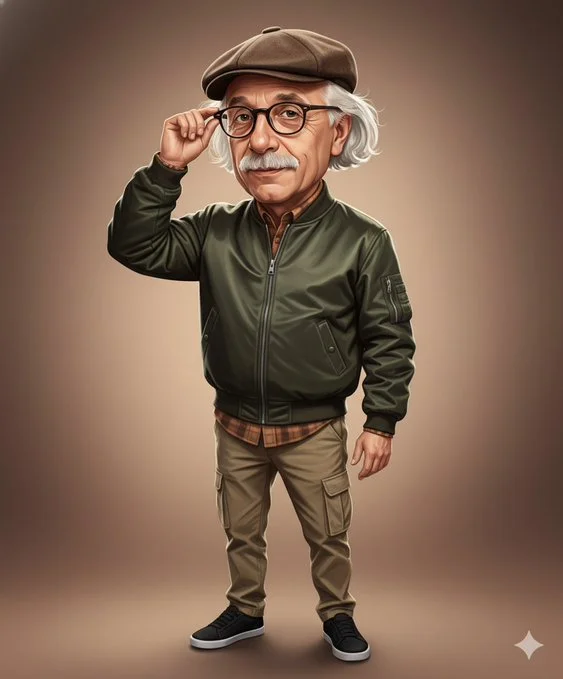
Create a realistic digital caricature painting of a middle-aged man (attached photo) with a slightly oversized head, exuding charm and quiet confidence. He is dressed in a modern, stylish bomber jacket made of dark olive nylon with subtle reflective highlights that give it a sleek and fashionable look. Underneath, he wears a warm-toned flannel shirt slightly visible at the collar and cuffs, paired with khaki cargo pants and black sneakersthat ground the outfit with a casual yet confident energy. Completing his look, he wears a brown flat cap tilted slightly forward — a small detail that adds personality and flair. The man is portrayed in a mid-shot, adjusting his glasses with one hand while gazing directly at the viewer with a self-assured and composed expression. His head is slightly larger than normal, emphasizing his thoughtful character and giving the image a light caricature charm without losing realism.The facial expression radiates intelligence, humor, and approachability. The lighting is warm and soft, like that of a late afternoon sun filtering through a studio setup. Smooth gradual shadows enhance the contours of his face, while subtle highlights accentuate the texture of his bomber jacket and the reflection in his glasses. His skin tones glow naturally under the warm light, creating a pleasant sense of depth and realism.The background is a gradient of warm brown and beige hues, blending smoothly from light to dark. This background is simple yet elegant, allowing the subject to stand out while maintaining a professional, editorial quality. The art style should combine semi-realistic digital painting with the texture of oil brushstrokes, delivering a balanced fusion of realism and stylized charm.Clean outlines, smooth blending, and controlled highlights give the impression of a modern portrait illustration—detailed, expressive, and visually captivating.
Create a realistic digital caricature painting of a middle-aged man (attached photo) with a slightly oversized head, exuding charm and quiet confidence. He is dressed in a modern, stylish bomber jacket made of dark olive nylon with subtle reflective highlights that give it a sleek and fashionable look. Underneath, he wears a warm-toned flannel shirt slightly visible at the collar and cuffs, paired with khaki cargo pants and black sneakersthat ground the outfit with a casual yet confident energy. Completing his look, he wears a brown flat cap tilted slightly forward — a small detail that adds personality and flair. The man is portrayed in a mid-shot, adjusting his glasses with one hand while gazing directly at the viewer with a self-assured and composed expression. His head is slightly larger than normal, emphasizing his thoughtful character and giving the image a light caricature charm without losing realism.The facial expression radiates intelligence, humor, and approachability. The lighting is warm and soft, like that of a late afternoon sun filtering through a studio setup. Smooth gradual shadows enhance the contours of his face, while subtle highlights accentuate the texture of his bomber jacket and the reflection in his glasses. His skin tones glow naturally under the warm light, creating a pleasant sense of depth and realism.The background is a gradient of warm brown and beige hues, blending smoothly from light to dark. This background is simple yet elegant, allowing the subject to stand out while maintaining a professional, editorial quality. The art style should combine semi-realistic digital painting with the texture of oil brushstrokes, delivering a balanced fusion of realism and stylized charm.Clean outlines, smooth blending, and controlled highlights give the impression of a modern portrait illustration—detailed, expressive, and visually captivating.
검증된 프롬프트
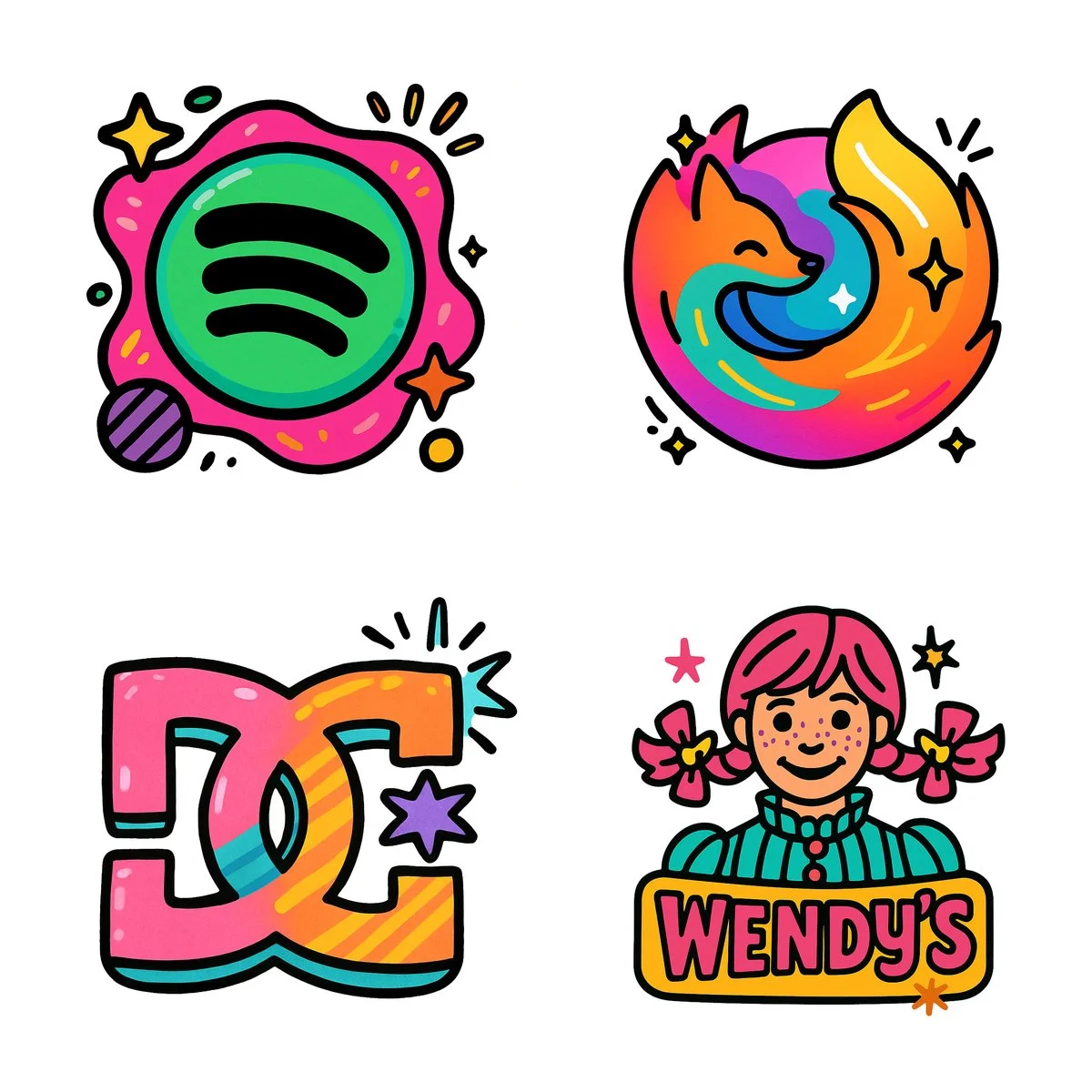
Create a 2D digital illustration of the [FIREFOX] logo in a colorful cartoon style with bold black outlines. The icon design should feature playful, vibrant solid colors such as pink, teal, orange, yellow, and purple, applied in a flat, bold way. Give the shapes a slightly exaggerated, bubbly form with rounded edges and fun details like starbursts, stripes, or spark effects if relevant. Keep the illustration simple and stylized with a hand-drawn look. Use thick outlines to emphasize form. Vector friendly. White background. Square aspect ratio.
Create a 2D digital illustration of the [FIREFOX] logo in a colorful cartoon style with bold black outlines. The icon design should feature playful, vibrant solid colors such as pink, teal, orange, yellow, and purple, applied in a flat, bold way. Give the shapes a slightly exaggerated, bubbly form with rounded edges and fun details like starbursts, stripes, or spark effects if relevant. Keep the illustration simple and stylized with a hand-drawn look. Use thick outlines to emphasize form. Vector friendly. White background. Square aspect ratio.
검증된 프롬프트
Create a South Park style paper-cut cartoon character with curly brown hair, beard and a gray sweater on a mountain trail. Use flat colors, round expressive eyes and a clear silhouette.
Create a South Park style paper-cut cartoon character with curly brown hair, beard and a gray sweater on a mountain trail. Use flat colors, round expressive eyes and a clear silhouette.
검증된 프롬프트
검증된 프롬프트
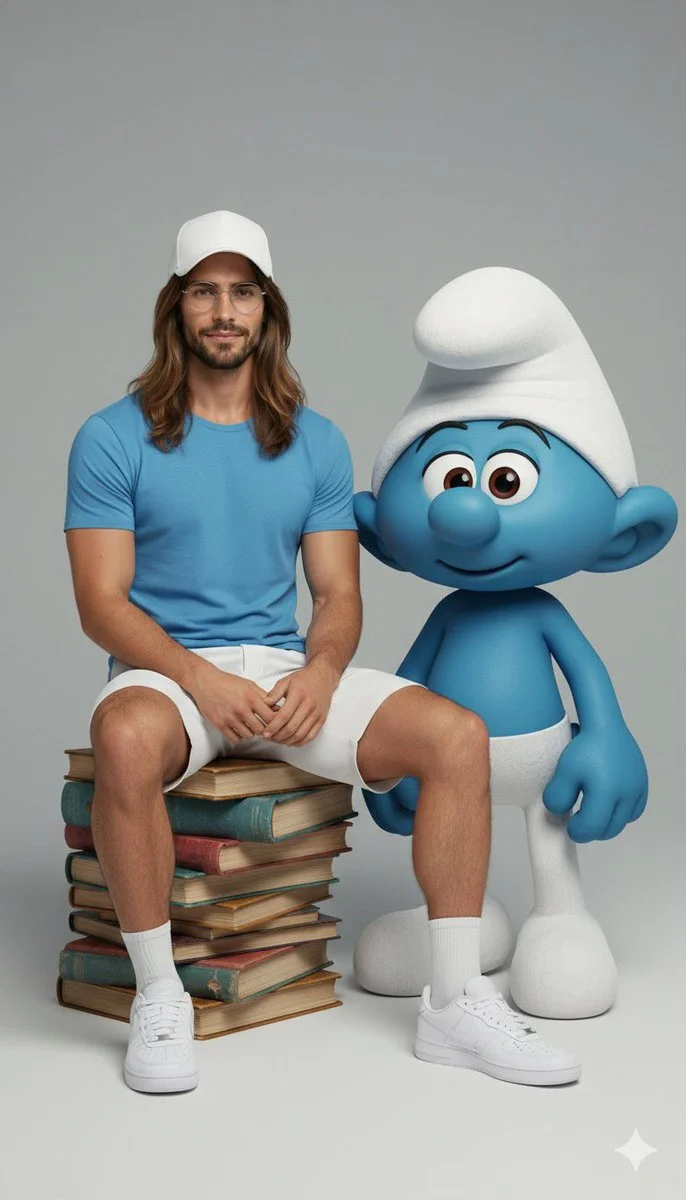
Ultra-realistic full-body portrait of the attached image. The person is interacting with {fictional character} in a {pose/interaction type}. Studio or neutral environment, soft cinematic lighting, {optional color palette}. The person wears {clothing style and colors}, The fictional character retains its original appearance, including skin color, clothing, and signature features. Expression and mood: {emotional tone}, captured in photorealistic textures, realistic lighting, cinematic composition, high fashion editorial quality.
Ultra-realistic full-body portrait of the attached image. The person is interacting with {fictional character} in a {pose/interaction type}. Studio or neutral environment, soft cinematic lighting, {optional color palette}. The person wears {clothing style and colors}, The fictional character retains its original appearance, including skin color, clothing, and signature features. Expression and mood: {emotional tone}, captured in photorealistic textures, realistic lighting, cinematic composition, high fashion editorial quality.
검증된 프롬프트
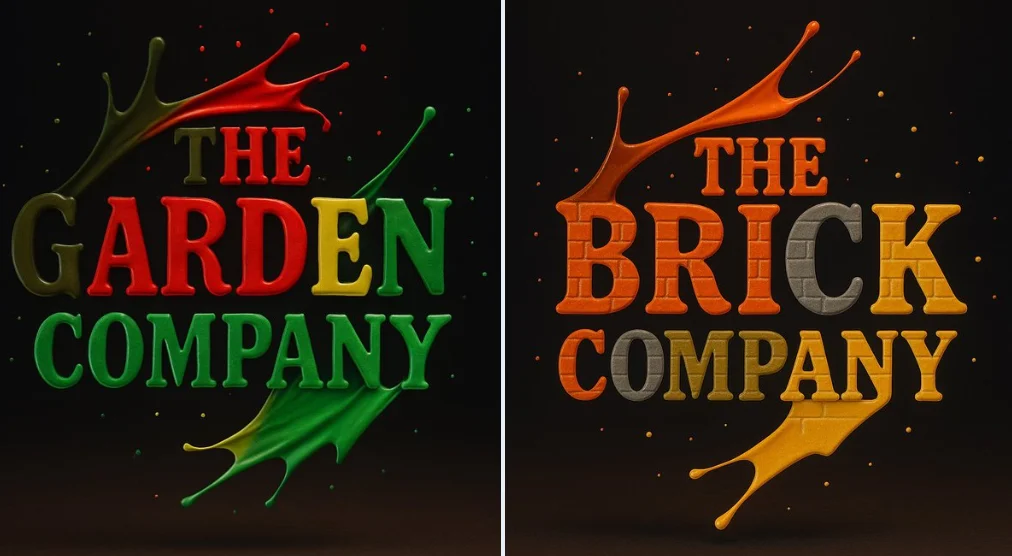
Create a photograph of a [BRAND] logo formed from four vibrant paint splashes: red, blue, green, and yellow, captured mid-motion. Each color flows dynamically across different parts of the logo, as if sculpted from liquid paint. Droplets are suspended in the air around it, enhancing the illusion of movement. Set against a dark background with soft, vivid lighting that accentuates the glossy texture and fluid motion Use appropriate colors for the logos.
Create a photograph of a [BRAND] logo formed from four vibrant paint splashes: red, blue, green, and yellow, captured mid-motion. Each color flows dynamically across different parts of the logo, as if sculpted from liquid paint. Droplets are suspended in the air around it, enhancing the illusion of movement. Set against a dark background with soft, vivid lighting that accentuates the glossy texture and fluid motion Use appropriate colors for the logos.
검증된 프롬프트
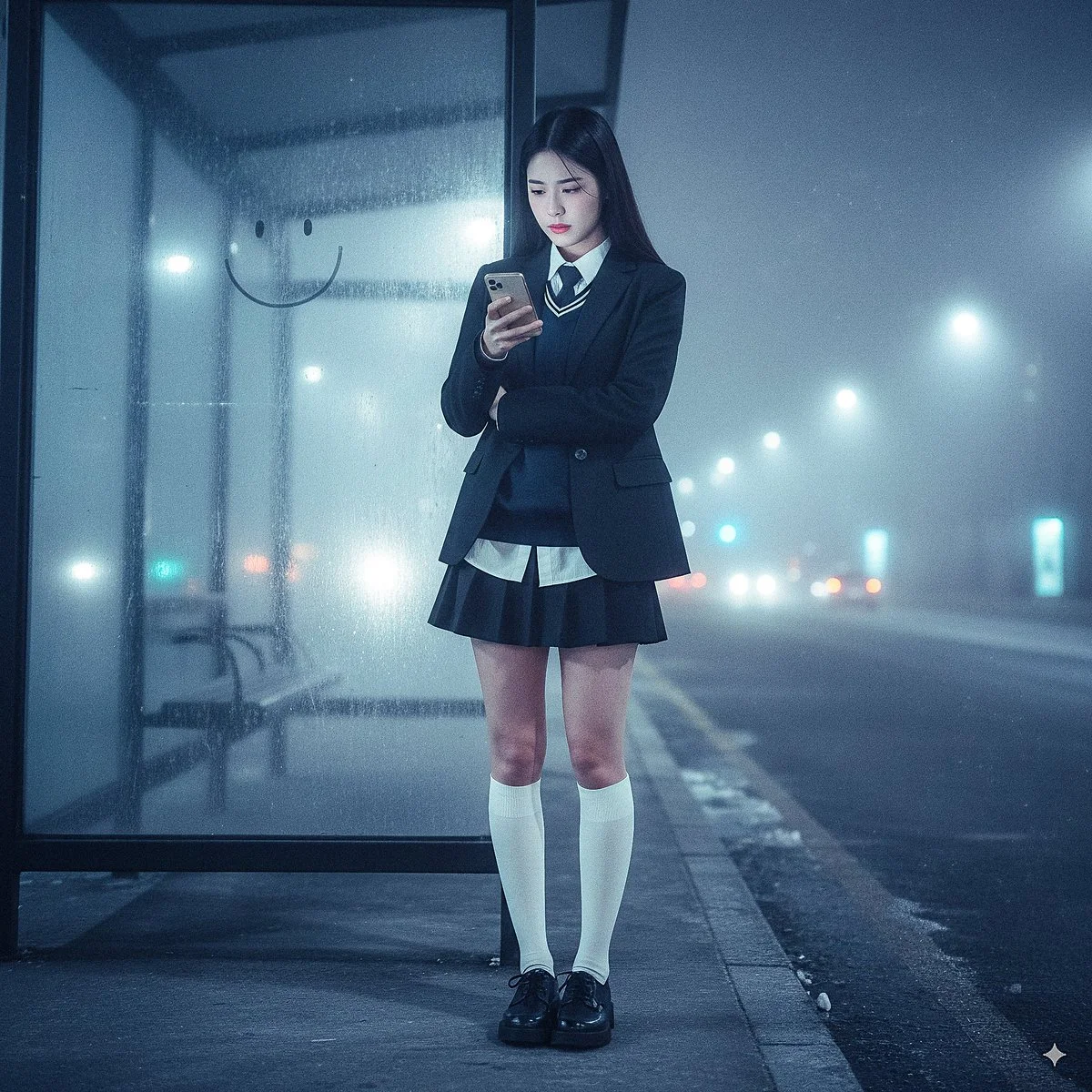
{ "description": "A hyper-realistic, 4K, full-body night-time portrait of a 23-year-old Korean woman with clear pale skin and long straight black hair tucked behind one ear.", "subject": { "age": 23, "ethnicity": "Korean", "skin_tone": "pale", "hair": { "colour": "black", "style": "long, straight, tucked behind one ear" }, "pose": "standing at a frost-covered bus stop, arms folded against the cold", "expression": "70 % quiet annoyance, 30 % amused resignation, as if re-reading a text she regrets sending" }, "outfit": { "top_layers": [ "black blazer", "navy sweatshirt", "crisp white dress shirt", "thin black tie" ], "bottom": "ultra-short black pleated skirt", "legwear": "brand-new white knee-length pelerine socks", "footwear": "polished black shoes" }, "environment": { "location": "night-time city bus stop", "ground": "icy pavement reflecting distant headlights", "fog": "dense, occupying the top third of the frame", "bus_shelter": { "glass": "steamed-up with one finger-drawn smiley that melts faster than the surrounding condensation" }, "lighting": "cool blue-white, high contrast, cinematic" }, "hidden_detail": "reflection in her left shoe: a blurred red double-decker bus that may or may not be arriving", "camera": { "angle": "low eye-level, full body in frame", "lens_simulation": "Phase-One medium-format realism", "depth_of_field": "sharp focus on subject, soft bokeh on distant lights" }, "output": { "style": "hyper-realistic, cinematic, cool colour grading" } } }
{ "description": "A hyper-realistic, 4K, full-body night-time portrait of a 23-year-old Korean woman with clear pale skin and long straight black hair tucked behind one ear.", "subject": { "age": 23, "ethnicity": "Korean", "skin_tone": "pale", "hair": { "colour": "black", "style": "long, straight, tucked behind one ear" }, "pose": "standing at a frost-covered bus stop, arms folded against the cold", "expression": "70 % quiet annoyance, 30 % amused resignation, as if re-reading a text she regrets sending" }, "outfit": { "top_layers": [ "black blazer", "navy sweatshirt", "crisp white dress shirt", "thin black tie" ], "bottom": "ultra-short black pleated skirt", "legwear": "brand-new white knee-length pelerine socks", "footwear": "polished black shoes" }, "environment": { "location": "night-time city bus stop", "ground": "icy pavement reflecting distant headlights", "fog": "dense, occupying the top third of the frame", "bus_shelter": { "glass": "steamed-up with one finger-drawn smiley that melts faster than the surrounding condensation" }, "lighting": "cool blue-white, high contrast, cinematic" }, "hidden_detail": "reflection in her left shoe: a blurred red double-decker bus that may or may not be arriving", "camera": { "angle": "low eye-level, full body in frame", "lens_simulation": "Phase-One medium-format realism", "depth_of_field": "sharp focus on subject, soft bokeh on distant lights" }, "output": { "style": "hyper-realistic, cinematic, cool colour grading" } } }
검증된 프롬프트
Create a South Park style paper-cut cartoon character with short dark hair and a green jacket on a forest bridge. Use flat colors, round expressive eyes and a clear silhouette.
Create a South Park style paper-cut cartoon character with short dark hair and a green jacket on a forest bridge. Use flat colors, round expressive eyes and a clear silhouette.
검증된 프롬프트
검증된 프롬프트
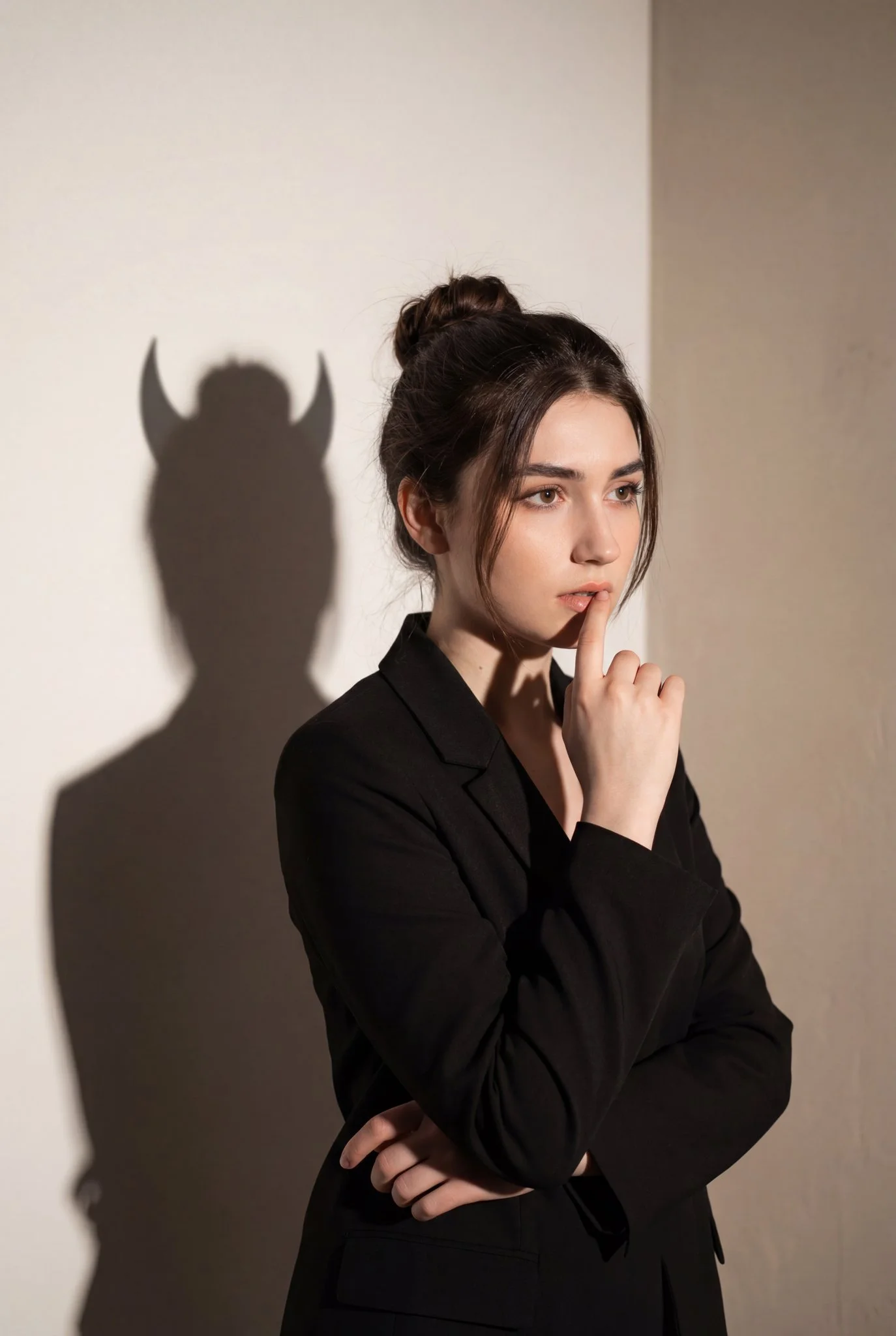
Vertical portrait, mid-torso crop. Female subject placed slightly left of center, facing right in three-quarter profile. Right hand raised with index finger touching lips in contemplative stance. Pensive, introspective, slightly tense expression, gaze looking off-frame to the right. Dark brown hair in messy bun with loose strands framing face. Matte black tailored blazer, minimalist, formal, modern fit. Single hard directional light from front-left creating sharp high-contrast shadow on wall. Shadow shape shows human silhouette with exaggerated devil horns - symbolizing inner conflict, hidden nature, dual personality. Color palette: black, warm beige, soft brown with low saturation and high contrast. Plain off-white/light beige interior wall background. Conceptual portrait photography, moody, minimalist, psychological aesthetic with symbolism and chiaroscuro lighting influence.
Vertical portrait, mid-torso crop. Female subject placed slightly left of center, facing right in three-quarter profile. Right hand raised with index finger touching lips in contemplative stance. Pensive, introspective, slightly tense expression, gaze looking off-frame to the right. Dark brown hair in messy bun with loose strands framing face. Matte black tailored blazer, minimalist, formal, modern fit. Single hard directional light from front-left creating sharp high-contrast shadow on wall. Shadow shape shows human silhouette with exaggerated devil horns - symbolizing inner conflict, hidden nature, dual personality. Color palette: black, warm beige, soft brown with low saturation and high contrast. Plain off-white/light beige interior wall background. Conceptual portrait photography, moody, minimalist, psychological aesthetic with symbolism and chiaroscuro lighting influence.
검증된 프롬프트
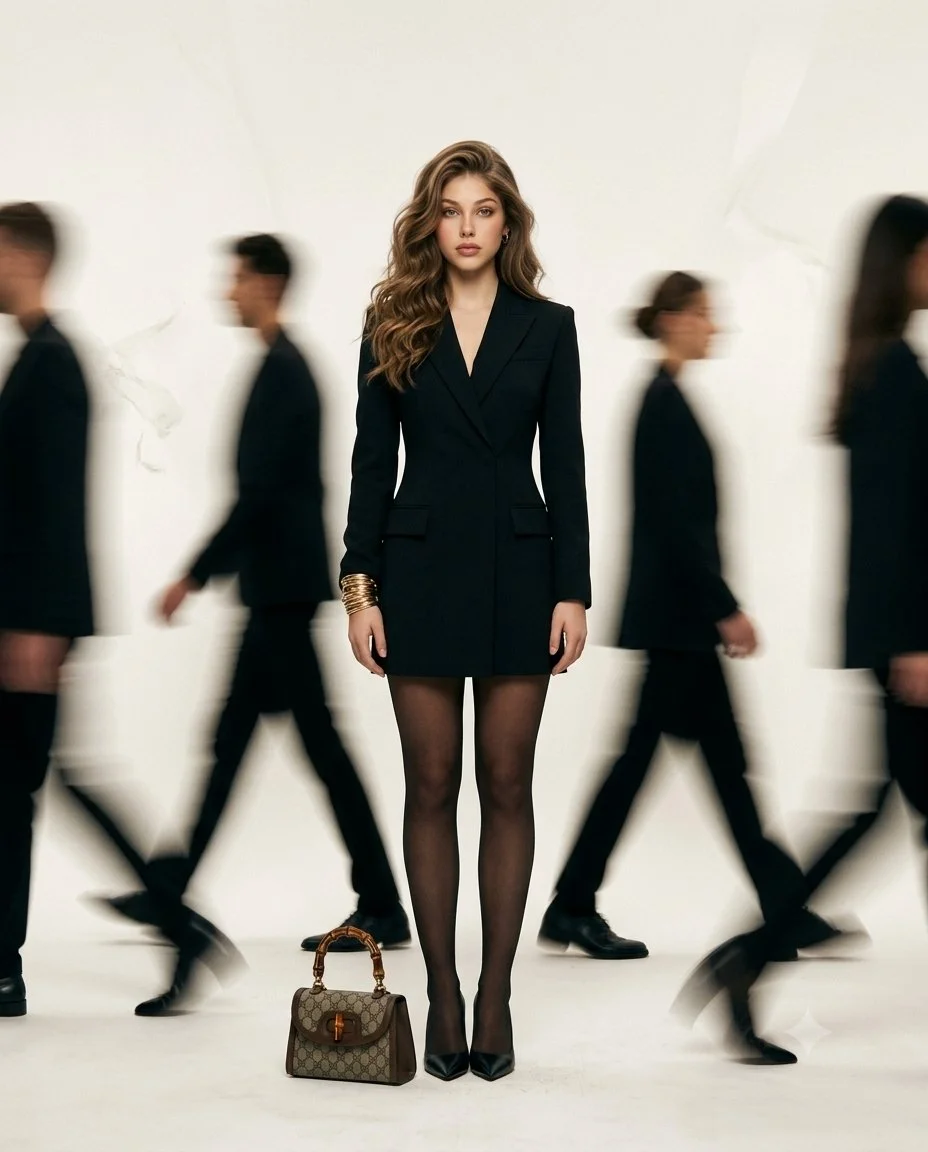
검증된 프롬프트
Create a high-fashion editorial image of an adult woman standing still in the center of a bright minimal space while people walk past around her. Dress the main figure in a tailored black outfit and keep her face, posture and clothing sharply focused. Render the passing figures as soft directional motion blur without obscuring the central subject. Use a calm expression, natural light and a pale neutral background. Keep the composition vertical and uncluttered, emphasizing the contrast between a still, clearly defined person and the movement of the surrounding crowd.
Create a high-fashion editorial image of an adult woman standing still in the center of a bright minimal space while people walk past around her. Dress the main figure in a tailored black outfit and keep her face, posture and clothing sharply focused. Render the passing figures as soft directional motion blur without obscuring the central subject. Use a calm expression, natural light and a pale neutral background. Keep the composition vertical and uncluttered, emphasizing the contrast between a still, clearly defined person and the movement of the surrounding crowd.
Grok Imagine으로 창의력 발휘하기
Grok Imagine 워크플로를 살펴보고 관련 이미지 페이지와 비교해 보세요. 생성기는 현재 모델 접근 권한과 설정에 대한 기준입니다. 프롬프트 라이브러리를 사용해 게시된 결과물과 이를 생성한 모델을 살펴보세요.
각 이미지 결과를 검사하고 브리프를 다듬을 시간을 확보하세요. 처리 시간은 모델, 요청 및 서비스 부하에 따라 달라집니다. 한 번에 하나의 방향을 변경하여 어떤 편집이 결과를 개선하는지 판단할 수 있습니다.
Grok Imagine 살펴보기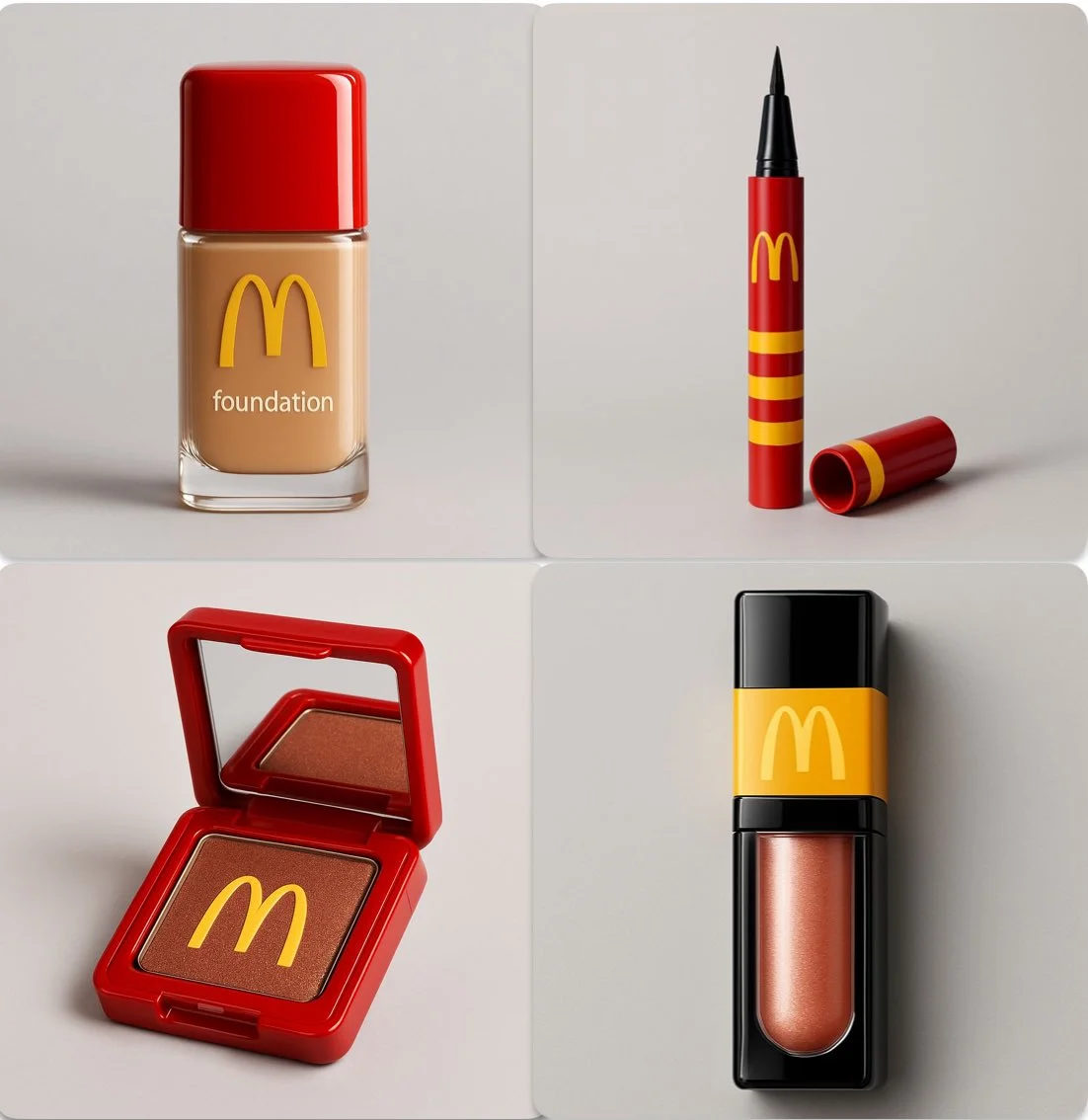
프롬프트에서 완성된 이미지까지: Grok Imagine 워크플로
사용 권한이 있는 소스 이미지로 Grok Imagine 이미지 브리프를 시작하세요. 변경할 영역과 유지할 색상, 비율 또는 개체를 명시하세요. 참조 횟수와 편집 지원은 선택한 모델에 따라 달라집니다.
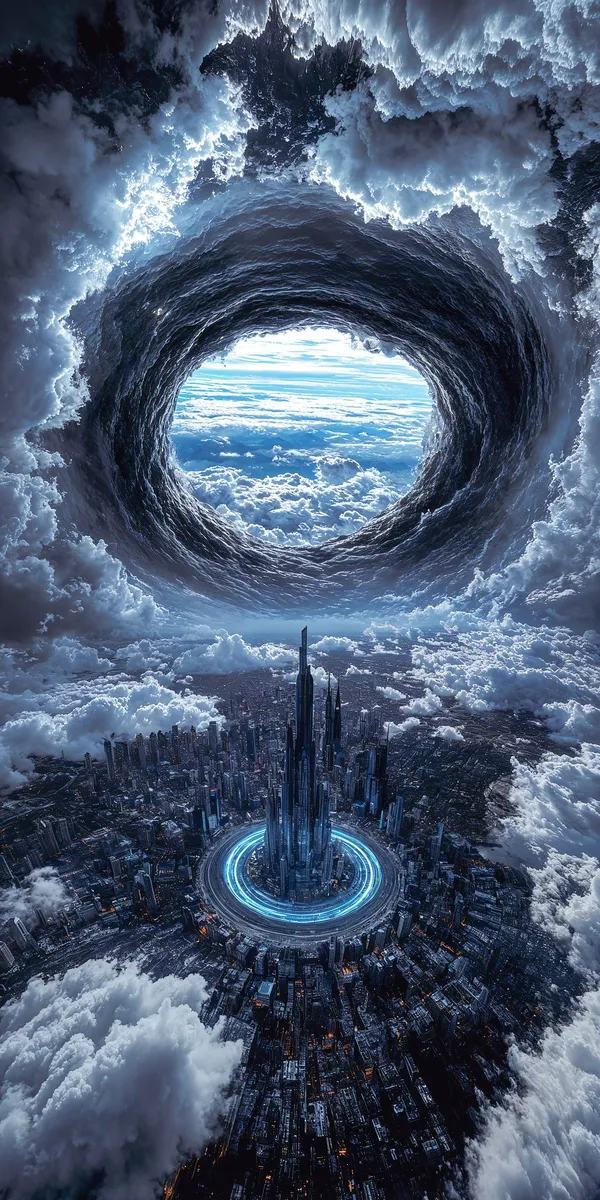
프롬프트 입력 또는 참조 업로드
사용 권한이 있는 소스 이미지로 Grok Imagine 이미지 브리프를 시작하세요. 변경할 영역과 유지할 색상, 비율 또는 개체를 명시하세요. 참조 횟수와 편집 지원은 선택한 모델에 따라 달라집니다.
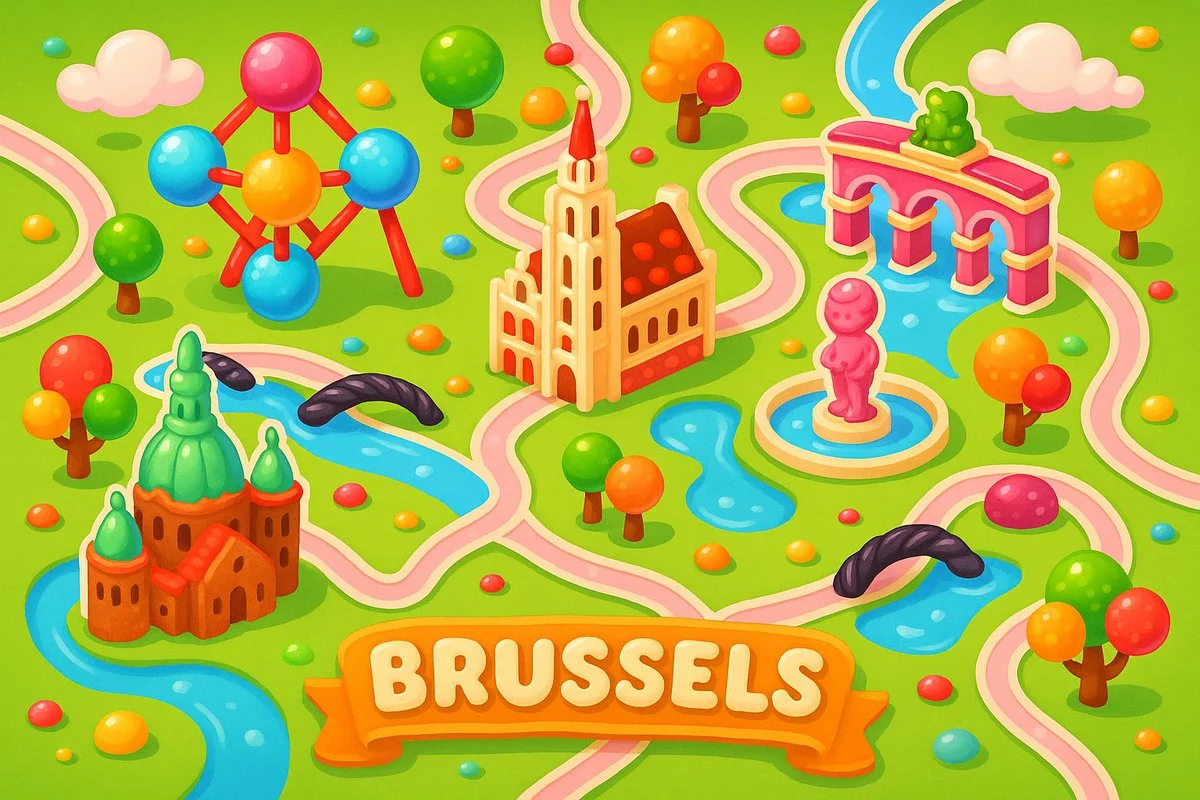
설정 선택 및 생성
각 이미지 결과를 검사하고 브리프를 다듬을 시간을 확보하세요. 처리 시간은 모델, 요청 및 서비스 부하에 따라 달라집니다. 한 번에 하나의 방향을 변경하여 어떤 편집이 결과를 개선하는지 판단할 수 있습니다.
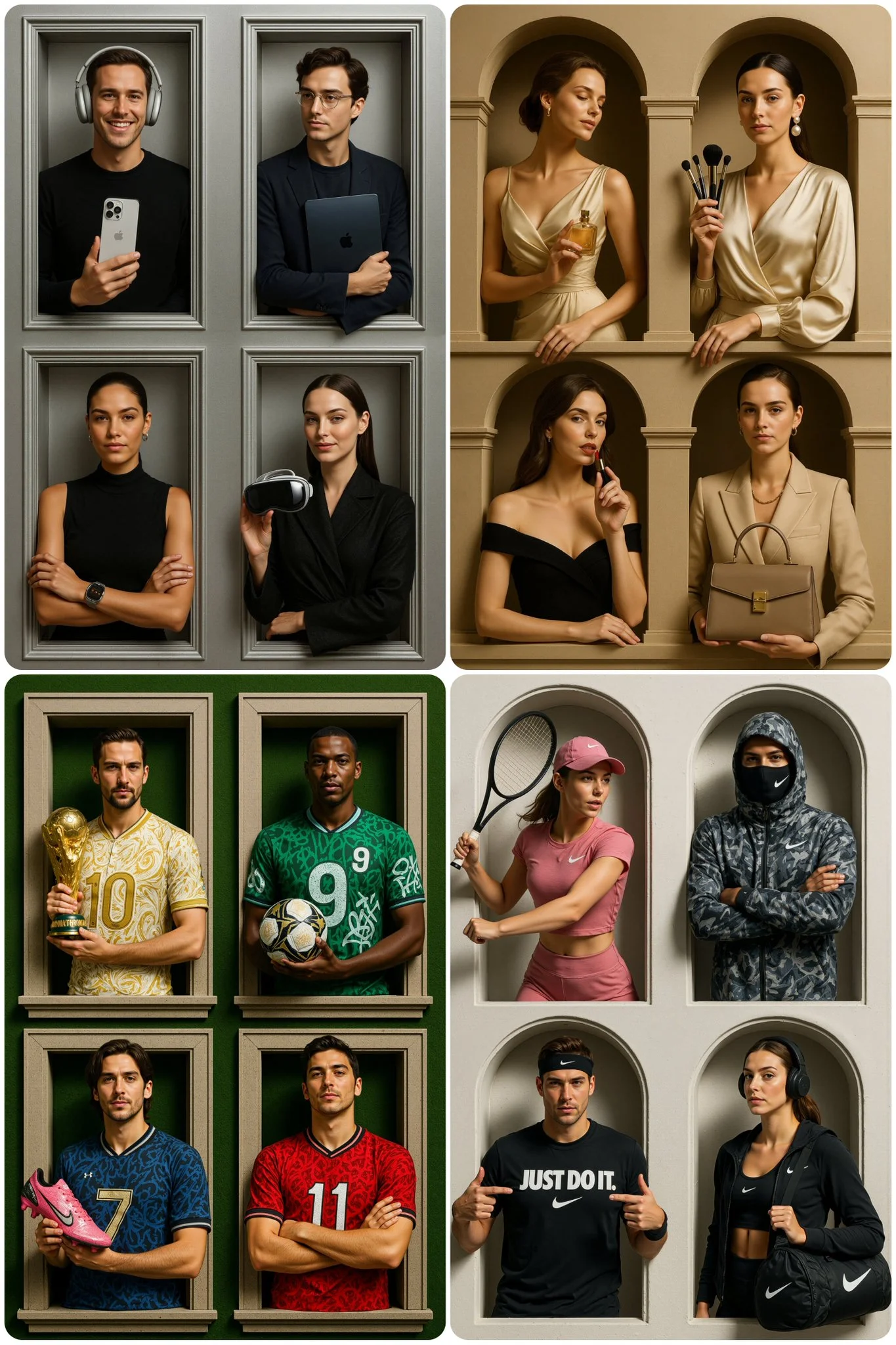
완성된 결과 검토 및 다운로드
요청이 완료되면 에셋에서 이미지를 확인하고 보관하고 싶은 결과물을 다운로드하세요. 팀과 공유하거나 게시하기 전에 구도와 의도하지 않은 세부 사항을 검토하세요.
Grok Imagine 이미지 만들기
주제, 구도, 조명과 의도한 스타일을 중심으로 Grok Imagine 이미지 브리프를 작성하세요. 중요한 경우 소재나 질감을 추가하세요. 편집의 경우 하나의 정확한 변경 사항을 명시하고 소스의 어떤 부분이 그대로 유지되어야 하는지 설명하세요.
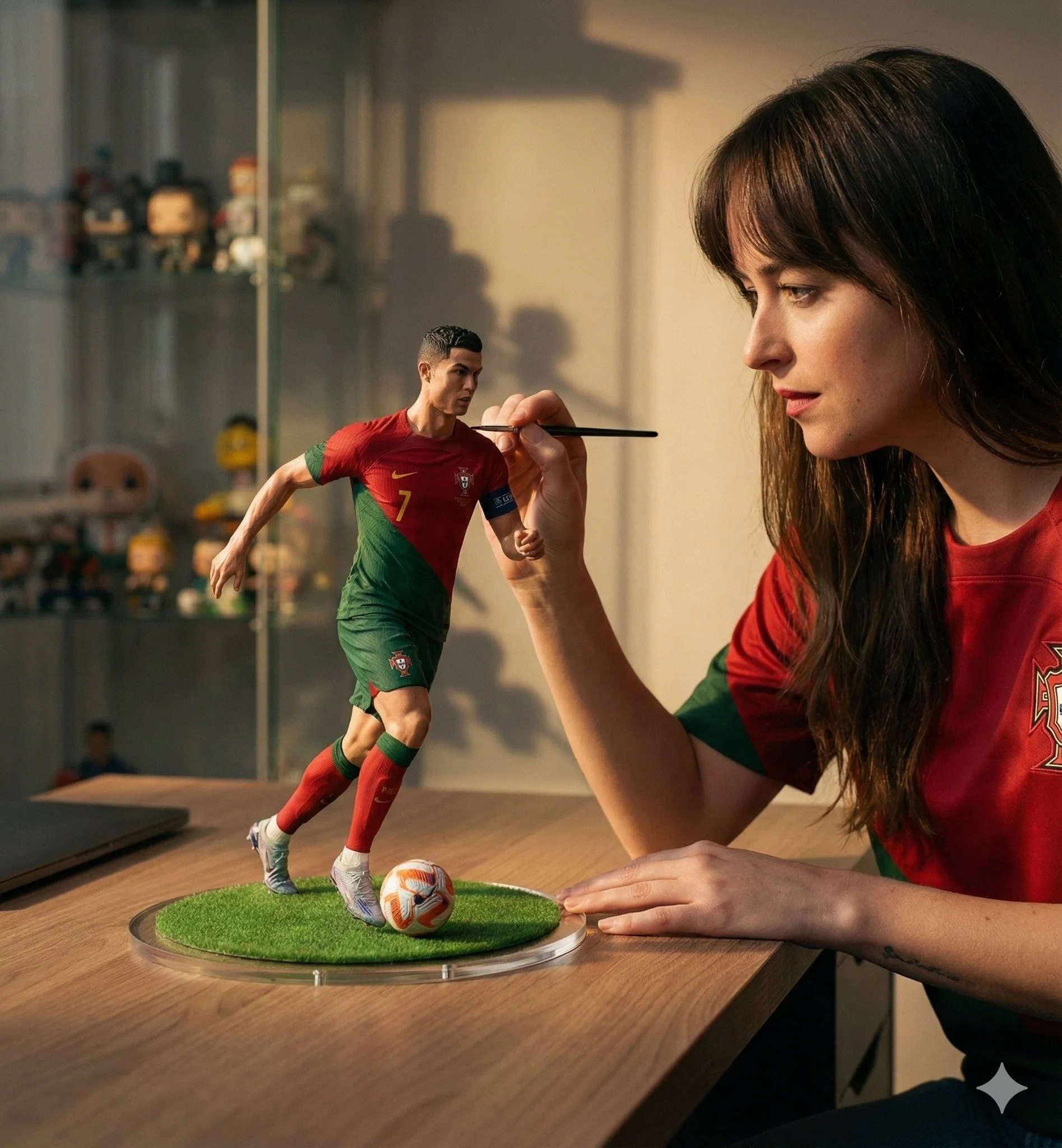
텍스트-이미지 생성
주제, 구도, 조명 및 의도한 스타일을 중심으로 Grok Imagine 이미지 브리프를 작성하세요. 중요한 경우 재질이나 질감을 추가하세요. 편집의 경우 하나의 정확한 변경 사항을 명시하고 소스의 어떤 부분이 그대로 유지되어야 하는지 설명하세요.
- 사용grok AI 이미지 생성기주제, 구도, 조명과 의도한 스타일을 중심으로 Grok Imagine 이미지 브리프를 작성하세요. 중요한 경우 소재나 질감을 추가하세요. 편집의 경우 하나의 정확한 변경 사항을 명시하고 소스의 어떤 부분이 그대로 유지되어야 하는지 설명하세요.
- 는상상해봐주제, 구도, 조명과 의도한 스타일을 중심으로 Grok Imagine 이미지 브리프를 작성하세요. 중요한 경우 소재나 질감을 추가하세요. 편집의 경우 하나의 정확한 변경 사항을 명시하고 소스의 어떤 부분이 그대로 유지되어야 하는지 설명하세요.grok 텍스트를 이미지 생성기로 변환.
- 선택한 모델에 표시된 해상도와 화면 비율만 선택하세요. 완성된 이미지에서 프레이밍, 세부 사항 및 텍스트를 확인하세요. 더 큰 출력 크기가 더 정확한 결과를 보장하지는 않습니다.grok AI 사진 생성기.
- 이것에 의지하십시오grok 이미지 프롬프트 생성기Grok Imagine 워크플로를 살펴보고 관련 이미지 페이지와 비교해 보세요. 생성기는 현재 모델 접근 권한과 설정에 대한 기준입니다. 프롬프트 라이브러리를 사용해 게시된 결과물과 이를 생성한 모델을 살펴보세요.
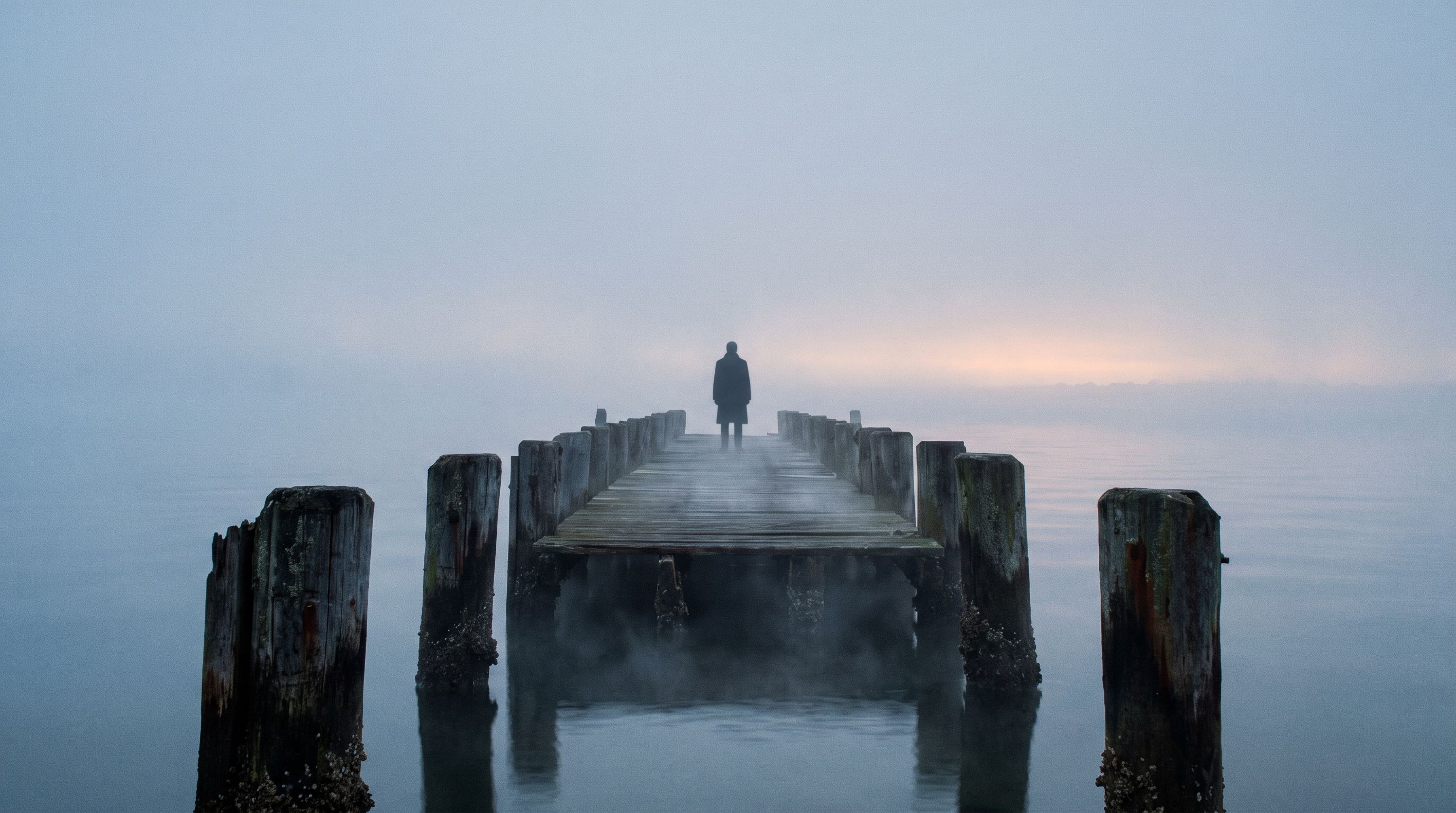
정확한 편집 및 스타일 지침 작성
Grok Imagine 워크플로를 살펴보고 관련 이미지 페이지와 비교하세요. 생성기는 현재 모델 접근 권한과 설정에 대한 기준입니다. 프롬프트 라이브러리를 사용해 게시된 결과와 이를 만든 모델을 살펴보세요.
- 사용 권한이 있는 소스 이미지로 Grok Imagine 이미지 브리프를 시작하세요. 변경할 영역과 유지할 색상, 비율 또는 개체를 명시하세요. 참조 횟수와 편집 지원은 선택한 모델에 따라 달라집니다.grok AI 이미지 생성기필요한 결과물을 설명하고, 사용 가능한 Grok Imagine 모델을 선택한 후 생성기에서 요청을 제출하세요. 완료된 이미지 결과물을 에셋에서 검토하고, 필요할 때 프롬프트를 다듬고, 프로젝트에 맞는 버전을 다운로드하세요.
- 는상상해봐플랫폼은 정교한 역할을 합니다.grok AI 이미지 편집기Grok Imagine 제품 콘셉트의 경우 제품 형태, 소재, 핵심 디테일과 배경을 명시하세요. 로고와 문구는 정확하게 유지하고, 직접 타이포그래피를 넣을 공간을 확보하며, 광고에 사용하기 전에 결과물을 검토하세요.
- 사용grok 이미지 편집 aiGrok Imagine 이미지 브리프에서 중요한 세부 사항을 나열하세요: 정체성, 형태, 색상, 의상과 배경. 해당되는 경우 지원되는 참조를 사용하고 모든 결과물을 비교하세요. 정확한 일관성은 보장되지 않습니다.
- 이grok AI 사진 생성기필요한 결과물을 설명하고, 사용 가능한 Grok Imagine 모델을 선택한 후 생성기에서 요청을 제출하세요. 완료된 이미지 결과물을 에셋에서 검토하고, 필요할 때 프롬프트를 다듬고, 프로젝트에 맞는 버전을 다운로드하세요.
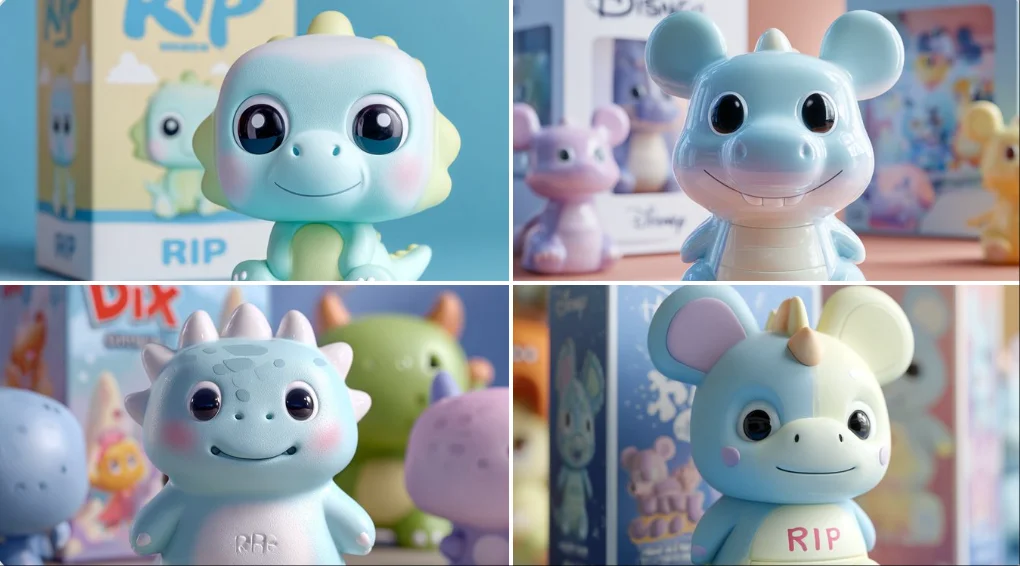
참조를 사용하여 의도한 결과 설명
사용 권한이 있는 소스 이미지로 Grok Imagine 이미지 브리프를 시작하세요. 변경할 영역과 보존할 색상, 비율 또는 객체를 명시하세요. 참조 수와 편집 지원은 선택한 모델에 따라 다릅니다.
- 는grok AI 이미지 생성기Grok Imagine 이미지 브리프에서 중요한 세부 사항을 나열하세요: 정체성, 형태, 색상, 의상과 배경. 해당되는 경우 지원되는 참조를 사용하고 모든 결과물을 비교하세요. 정확한 일관성은 보장되지 않습니다.
- 와상상해봐, 당신은 일을 우연에 맡기지 않습니다. 는grok 참조 이미지 생성기무작위성을 최소화합니다.
- 브랜드 일관성을 보장하세요.grok AI 사진 생성기제공된 참조의 정확한 미학과 일치합니다.
- 사용 시 일관된 룩을 유지하기 위한 크리에이티브 마케팅 비주얼을 위한 Grok Imagine.
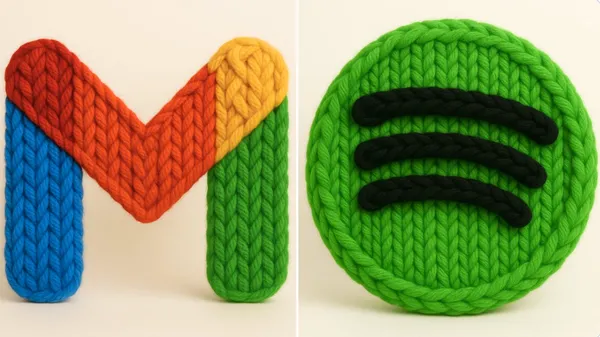
주제, 변경 사항 및 참조 설명
Grok Imagine 워크플로를 살펴보고 관련 이미지 페이지와 비교하세요. 생성기는 현재 모델 접근 권한과 설정에 대한 기준입니다. 프롬프트 라이브러리를 사용해 게시된 결과와 이를 만든 모델을 살펴보세요.
- 는grok AI 이미지 생성기각 이미지 결과를 검사하고 브리프를 다듬을 시간을 확보하세요. 처리 시간은 모델, 요청 및 서비스 부하에 따라 달라집니다. 한 번에 하나의 방향을 변경하여 어떤 편집이 결과를 개선하는지 판단할 수 있습니다.
- 사용상상해봐Grok Imagine 제품 콘셉트의 경우 제품 형태, 소재, 핵심 디테일과 배경을 명시하세요. 로고와 문구는 정확하게 유지하고, 직접 타이포그래피를 넣을 공간을 확보하며, 광고에 사용하기 전에 결과물을 검토하세요.
- 는grok AI 사진 생성기다양한 옵션을 제공하여 이상적입니다.소셜 미디어를 위한 Grok Imagine.
- 필요한 결과물을 설명하고, 사용 가능한 Grok Imagine 모델을 선택한 후 생성기에서 요청을 제출하세요. 완료된 이미지 결과물을 에셋에서 검토하고, 필요할 때 프롬프트를 다듬고, 프로젝트에 맞는 버전을 다운로드하세요.grok 상상 AI 이미지 생성기.
Grok Imagine을 위한 더 명확한 크리에이티브 브리프
각 이미지 결과를 검사하고 브리프를 다듬을 시간을 확보하세요. 처리 시간은 모델, 요청 및 서비스 부하에 따라 달라집니다. 한 번에 하나의 방향을 변경하여 어떤 편집이 결과를 개선하는지 판단할 수 있습니다.
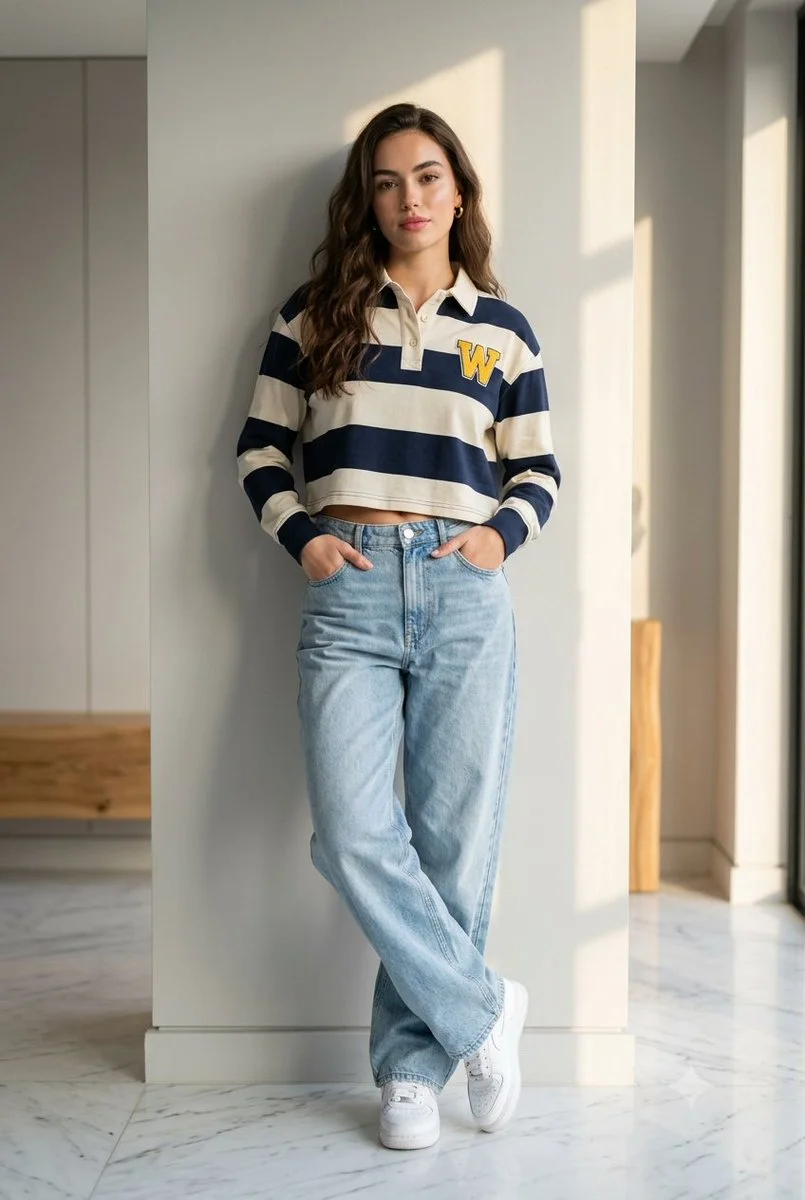
복잡한 소프트웨어 건너뛰기
각 이미지 결과를 검사할 시간을 두고 브리프를 개선하세요. 처리 시간은 모델, 요청 및 서비스 부하에 따라 다릅니다. 한 번에 하나의 방향을 변경하여 어떤 편집이 결과를 개선하는지 판단할 수 있습니다.
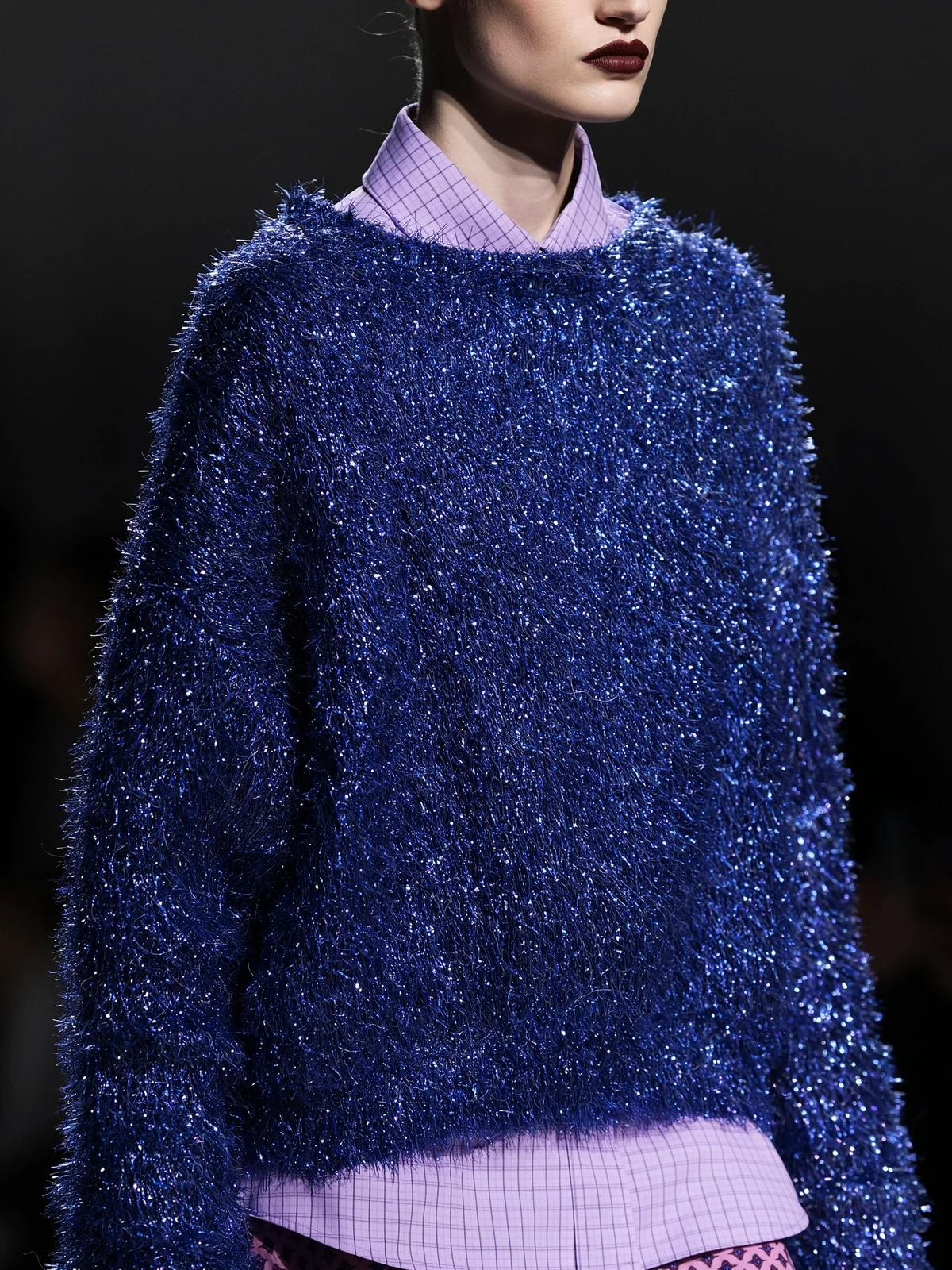
아이디어를 시각적 자료로 전환
선택한 모델에 표시된 해상도와 화면 비율만 선택하세요. 완성된 이미지의 구도, 세부 사항 및 텍스트를 확인하세요. 더 큰 출력 크기가 더 정확한 결과를 보장하지는 않습니다.
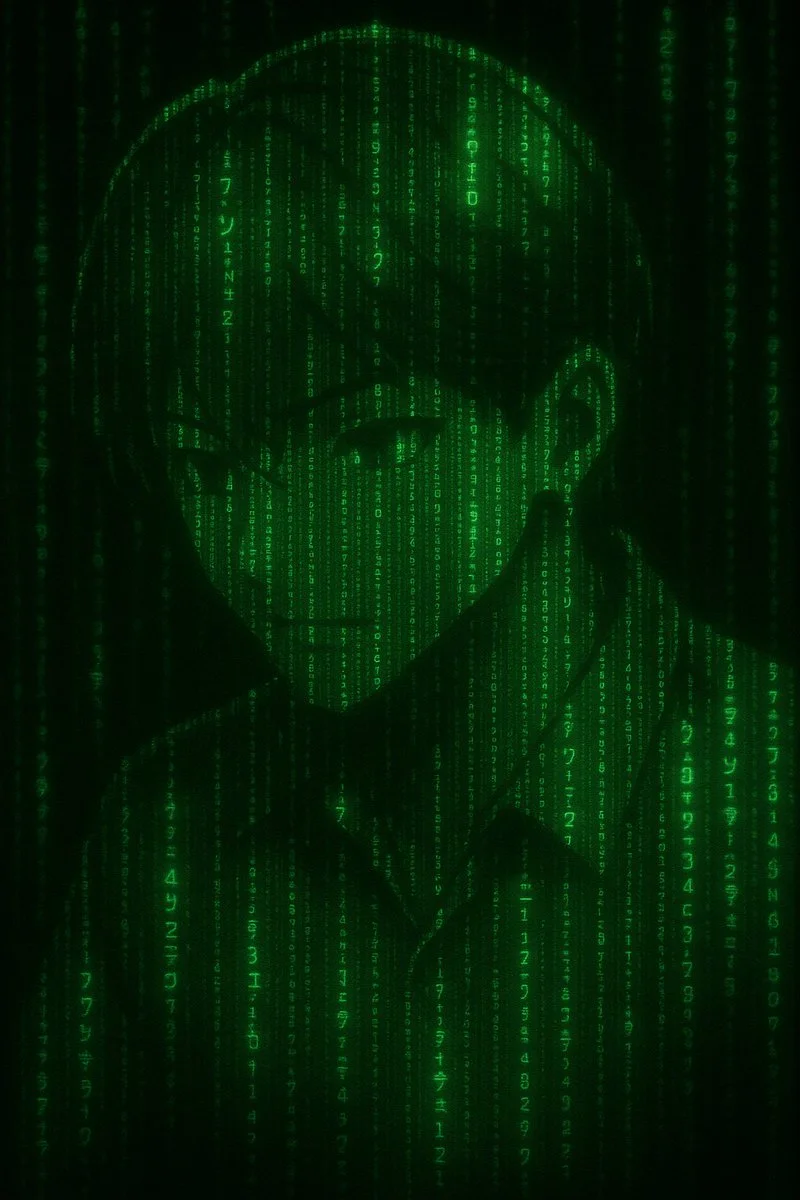
모든 결과에서 세부 사항 확인
사용 권한이 있는 소스 이미지로 Grok Imagine 이미지 브리프를 시작하세요. 변경할 영역과 보존할 색상, 비율 또는 개체를 명시하세요. 참조 수 와 편집 지원은 선택한 모델에 따라 다릅니다.
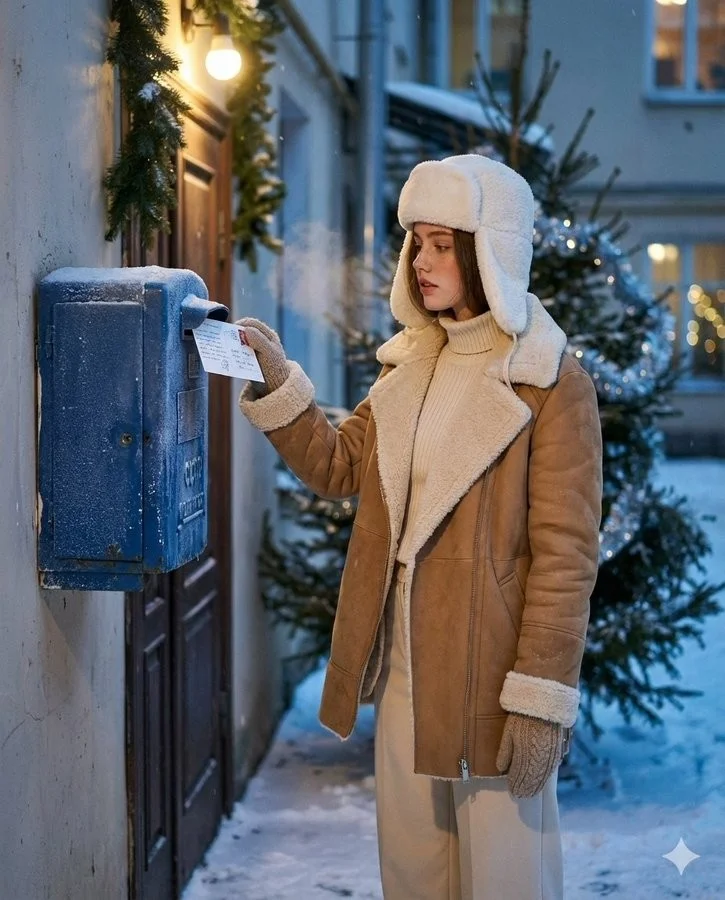
마케팅 및 소셜용으로 제작됨
Grok Imagine 제품 콘셉트의 경우 제품 형태, 재질, 핵심 디테일 및 배경을 명시하세요. 로고와 주장은 정확하게 유지하고, 자체 타이포그래피를 위한 공간을 남기고, 광고에 사용하기 전에 결과를 검토하세요.
쉬운 자연어 편집
각 이미지 결과를 검사할 시간을 두고 브리프를 개선하세요. 처리 시간은 모델, 요청 및 서비스 부하에 따라 다릅니다. 한 번에 하나의 방향을 변경하여 어떤 편집이 결과를 개선하는지 판단할 수 있습니다.
신속한 시각적 반복
각 이미지 결과를 검사할 시간을 두고 브리프를 개선하세요. 처리 시간은 모델, 요청 및 서비스 부하에 따라 다릅니다. 한 번에 하나의 방향을 변경하여 어떤 편집이 결과를 개선하는지 판단할 수 있습니다.
Grok Imagine 이미지 브리프를 위한 크리에이티브 노트
주요 피사체에 하나의 명확한 동작을 부여하세요. Grok Imagine 콘셉트의 경우, 경쟁하는 효과 목록보다 정확한 브리프가 평가하기 더 쉽습니다.
Grok Imagine 이미지 워크플로: 질문과 답변
필요한 결과물을 설명하고, 사용 가능한 Grok Imagine 모델을 선택한 후 생성기에서 요청을 제출하세요. 완료된 이미지 결과물을 에셋에서 검토하고, 필요할 때 프롬프트를 다듬고, 프로젝트에 맞는 버전을 다운로드하세요.
Heydots는 Grok Imagine 이미지 워크플로를 하나의 워크스페이스로 통합합니다: 프롬프트를 작성하고, 사용 가능한 모델을 선택하고, 크레딧 비용을 확인하고 생성하세요. 완료된 결과물은 검토 및 다운로드를 위해 에셋에 보관됩니다. 생성기는 어떤 모델과 입력이 요청을 받는지 보여줍니다.
필요한 결과물을 설명하고, 사용 가능한 Grok Imagine 모델을 선택한 후 생성기에서 요청을 제출하세요. 완료된 이미지 결과물을 에셋에서 검토하고, 필요할 때 프롬프트를 다듬고, 프로젝트에 맞는 버전을 다운로드하세요.
주제, 구도, 조명과 의도한 스타일을 중심으로 Grok Imagine 이미지 브리프를 작성하세요. 중요한 경우 소재나 질감을 추가하세요. 편집의 경우 하나의 정확한 변경 사항을 명시하고 소스의 어떤 부분이 그대로 유지되어야 하는지 설명하세요.
선택한 모델에서 제공하는 입력 모드와 컨트롤만 사용하세요. 의도한 이미지를 명확하게 설명하고 유용한 경우 지원되는 참조를 추가하세요. 이 페이지는 별도의 모션 브러시, 오디오 업로드, 복원 또는 편집 도구를 약속하지 않습니다.
Grok Imagine 제품 콘셉트의 경우 제품 형태, 소재, 핵심 디테일과 배경을 명시하세요. 로고와 문구는 정확하게 유지하고, 직접 타이포그래피를 넣을 공간을 확보하며, 광고에 사용하기 전에 결과물을 검토하세요.
선택한 모델에 표시된 해상도와 화면 비율만 선택하세요. 완성된 이미지에서 프레이밍, 세부 사항 및 텍스트를 확인하세요. 더 큰 출력 크기가 더 정확한 결과를 보장하지는 않습니다.
해당 구매로 받은 미사용 크레딧이 있고 명확한 사유를 제공하는 경우 환불 정책에 따라 구매 후 10일 이내에 환불을 요청할 수 있습니다. 자격이 있는 경우 미사용 구매는 전액 환불되며, 일부 사용한 구매는 남은 미사용 크레딧에 비례하여 환불됩니다. 전액 사용한 구매와 무료 또는 프로모션 크레딧은 환불되지 않습니다.
크레딧 유효 기간은 이를 발급한 팩, 구독 또는 프로모션에 따라 다릅니다. 설정 > 크레딧에서 구매 조건과 만료일을 확인하세요. 갱신 또는 신규 구매는 이전 크레딧을 연장하지 않습니다. 명시된 만료 전에 크레딧을 사용하세요. 미사용 구독 크레딧이 무기한 이월된다고 가정하지 마세요.
시스템 오류로 실패가 확인된 작업에 청구된 크레딧은 자동으로 반환됩니다. 아직 처리 중인 작업은 실패로 확인되지 않은 상태입니다. 다시 제출하기 전에 작업 상태와 크레딧 내역을 확인하세요. 실패가 확인되었는데도 미해결 청구가 표시되면 작업 ID와 함께 support@heydots.app으로 이메일을 보내세요.
AI 결과는 달라질 수 있으므로, 기대와 다른 완료된 결과가 자동으로 기술적 실패로 처리되지는 않습니다. 해당되는 완료된 이미지 작업은 가능한 경우 환불 옵션을 통해 크레딧 환불 검토를 요청할 수 있으며, 승인이 필요합니다. 동영상 또는 다른 문제의 경우 작업 ID와 세부 정보를 포함하여 support@heydots.app으로 문의하세요. 크레딧 환불은 결제 수단으로 환불되는 것이 아니라 크레딧을 반환합니다.
support@heydots.app으로 이메일을 보내세요. 결제 관련 문의는 계정 이메일과 주문 ID를, 생성 관련 문의는 작업 ID, 문제 설명, 관련 스크린샷을 포함하세요. 게스트로 구매한 경우, 구매 내역을 찾을 수 있도록 원래 브라우저 데이터와 결제 영수증을 보관하세요.
다음 Grok Imagine 이미지 아이디어 살펴보기
각 이미지 결과를 검사하고 브리프를 다듬을 시간을 확보하세요. 처리 시간은 모델, 요청 및 서비스 부하에 따라 달라집니다. 한 번에 하나의 방향을 변경하여 어떤 편집이 결과를 개선하는지 판단할 수 있습니다.
heydots.app · 수정일
업데이트 기록 보기
- — Grok 이미지 생성기의 기본 모델 선택을 수정했습니다. 편집 가능한 예시 프롬프트, 텍스트 및 참조 모드별 초안, 예시 복원 기능을 추가했습니다.
- — 페이지 문구와 콘텐츠가 업데이트되었습니다.
- — 페이지 콘텐츠가 게시되었습니다.