
Crea videos de movimiento y producto con Kling
Kling para narrativa, anuncios y clips sociales
Para un concepto de producto con Kling, especifica la forma del producto, el material, el detalle clave y el entorno. Mantén los logotipos y las afirmaciones precisos, deja espacio para tu propia tipografía y revisa el resultado antes de usarlo en un anuncio.
Prompt verificado
CAMERA / LOOK: Handheld mini DV camcorder footage filmed by the subject herself. Slight hand shake, occasional focus hunting, imperfect framing, natural zoom adjustments, soft tape-like image quality, subtle grain, realistic auto-exposure shifts from bright kitchen daylight. Natural skin tones, mild motion blur, authentic consumer camcorder aesthetic. STYLE: Cozy grocery-unpacking vlog with gentle ASMR elements. Relaxed pacing, minimal dialogue, candid moments. Focus on satisfying sounds: paper bags crinkling, fridge door opening, produce being rinsed, jars clinking, cabinet doors closing. SUBJECT: Young woman in her late 20s, hair in a claw clip, oversized denim shirt, minimal jewelry, natural makeup. Calm, satisfied energy after a grocery run. SETTING: Small kitchen on a Sunday late morning. Bright natural daylight, grocery bags on the counter, empty fridge shelves ready to be filled. STORYBOARD: → (2s, propped medium shot) Places camera on counter, sets down grocery bags. "Sunday grocery haul, let's put it all away." → (2s, overhead shot) Unpacks fruits and vegetables onto the counter. Only rustling sounds. → (2s, close-up) Rinses grapes under running water. → (2s, handheld shot) Holds up a new snack, reading the label. "Trying this for the first time." → (2s, detail shot) Arranges jars and condiments on the fridge door shelf. No dialogue. → (2s, medium shot) Folds paper bags flat, stacks them in a drawer. "Saving these for later." → (2s, macro shot) Labels a container of leftovers with a marker. → (2s, propped shot) Wipes down the counter after unpacking. → (2s, warm ending shot) Steps back, admires the stocked fridge, satisfied smile. "Officially adulting today." → (1.5s, final shot) Walks toward camera, reaches for the lens. "See you at dinner." Hand covers lens as recording ends. AUDIO NOTES: Natural kitchen ambience — bag crinkling, water rinsing, jars clinking, cabinet closing should be clearly audible. Dialogue quiet and casual. REALISM NOTES: Authentic body language, natural blinking, genuine smiles, occasional pauses while organizing, imperfect framing, focus breathing, bright natural daylight shifts. Should resemble a genuine personal grocery vlog on a consumer camcorder, not a commercial or AI-generated production.
CAMERA / LOOK: Handheld mini DV camcorder footage filmed by the subject herself. Slight hand shake, occasional focus hunting, imperfect framing, natural zoom adjustments, soft tape-like image quality, subtle grain, realistic auto-exposure shifts from bright kitchen daylight. Natural skin tones, mild motion blur, authentic consumer camcorder aesthetic. STYLE: Cozy grocery-unpacking vlog with gentle ASMR elements. Relaxed pacing, minimal dialogue, candid moments. Focus on satisfying sounds: paper bags crinkling, fridge door opening, produce being rinsed, jars clinking, cabinet doors closing. SUBJECT: Young woman in her late 20s, hair in a claw clip, oversized denim shirt, minimal jewelry, natural makeup. Calm, satisfied energy after a grocery run. SETTING: Small kitchen on a Sunday late morning. Bright natural daylight, grocery bags on the counter, empty fridge shelves ready to be filled. STORYBOARD: → (2s, propped medium shot) Places camera on counter, sets down grocery bags. "Sunday grocery haul, let's put it all away." → (2s, overhead shot) Unpacks fruits and vegetables onto the counter. Only rustling sounds. → (2s, close-up) Rinses grapes under running water. → (2s, handheld shot) Holds up a new snack, reading the label. "Trying this for the first time." → (2s, detail shot) Arranges jars and condiments on the fridge door shelf. No dialogue. → (2s, medium shot) Folds paper bags flat, stacks them in a drawer. "Saving these for later." → (2s, macro shot) Labels a container of leftovers with a marker. → (2s, propped shot) Wipes down the counter after unpacking. → (2s, warm ending shot) Steps back, admires the stocked fridge, satisfied smile. "Officially adulting today." → (1.5s, final shot) Walks toward camera, reaches for the lens. "See you at dinner." Hand covers lens as recording ends. AUDIO NOTES: Natural kitchen ambience — bag crinkling, water rinsing, jars clinking, cabinet closing should be clearly audible. Dialogue quiet and casual. REALISM NOTES: Authentic body language, natural blinking, genuine smiles, occasional pauses while organizing, imperfect framing, focus breathing, bright natural daylight shifts. Should resemble a genuine personal grocery vlog on a consumer camcorder, not a commercial or AI-generated production.
Prompt verificado
Style: Ultra-realistic, cinematic winter documentary, 4K HDR, natural lighting, shallow depth of field, smooth camera movement, soft colour grading, peaceful atmosphere. Maintain the same woman throughout every scene (mid-20s, natural appearance, long dark brown hair tied in a loose ponytail, cream knitted sweater, dark leggings, wool socks, no makeup-heavy look). Scene 1 (0–3s) Aerial drone shot of a small wooden cabin hidden deep inside a snow-covered pine forest. Heavy snow falls gently while warm golden lights glow from the windows. Thin smoke rises from the chimney as the camera slowly descends toward the cabin. Scene 2 (3–6s) Inside the cabin, the same woman sits beside a crackling stone fireplace wrapped in a soft wool blanket, reading a book. Steam rises naturally from a ceramic mug of hot chocolate on a rustic wooden table. Firelight flickers across the room, creating a warm contrast with the cold blue light outside. Scene 3 (6–10s) She opens the wooden front door and steps onto the snowy porch. Snowflakes land softly on her sweater and hair. She smiles, takes a slow deep breath, and looks across the silent forest while the camera gently circles around her. Scene 4 (10–13s) Close-up cinematic shots: boots leaving fresh footprints in untouched snow, her gloved hand brushing snow from pine branches, snowflakes settling on the warm cabin window, and smoke drifting into the crisp winter air. Scene 5 (13–15s) Wide cinematic pullback from the cabin at dusk. Snow continues falling as the glowing cabin becomes smaller among the vast white forest. The scene ends with a calm, peaceful atmosphere and the feeling of complete solitude. Camera Slow drone movements Smooth gimbal tracking Gentle push-ins Macro close-ups No fast cuts or shaky movement Audio Gentle wind Soft snowfall ambience Fireplace crackling Distant birds Quiet piano or acoustic instrumental Colour Grade Warm amber tones indoors, cool blue-white winter tones outdoors, creating a cosy contrast.
Style: Ultra-realistic, cinematic winter documentary, 4K HDR, natural lighting, shallow depth of field, smooth camera movement, soft colour grading, peaceful atmosphere. Maintain the same woman throughout every scene (mid-20s, natural appearance, long dark brown hair tied in a loose ponytail, cream knitted sweater, dark leggings, wool socks, no makeup-heavy look). Scene 1 (0–3s) Aerial drone shot of a small wooden cabin hidden deep inside a snow-covered pine forest. Heavy snow falls gently while warm golden lights glow from the windows. Thin smoke rises from the chimney as the camera slowly descends toward the cabin. Scene 2 (3–6s) Inside the cabin, the same woman sits beside a crackling stone fireplace wrapped in a soft wool blanket, reading a book. Steam rises naturally from a ceramic mug of hot chocolate on a rustic wooden table. Firelight flickers across the room, creating a warm contrast with the cold blue light outside. Scene 3 (6–10s) She opens the wooden front door and steps onto the snowy porch. Snowflakes land softly on her sweater and hair. She smiles, takes a slow deep breath, and looks across the silent forest while the camera gently circles around her. Scene 4 (10–13s) Close-up cinematic shots: boots leaving fresh footprints in untouched snow, her gloved hand brushing snow from pine branches, snowflakes settling on the warm cabin window, and smoke drifting into the crisp winter air. Scene 5 (13–15s) Wide cinematic pullback from the cabin at dusk. Snow continues falling as the glowing cabin becomes smaller among the vast white forest. The scene ends with a calm, peaceful atmosphere and the feeling of complete solitude. Camera Slow drone movements Smooth gimbal tracking Gentle push-ins Macro close-ups No fast cuts or shaky movement Audio Gentle wind Soft snowfall ambience Fireplace crackling Distant birds Quiet piano or acoustic instrumental Colour Grade Warm amber tones indoors, cool blue-white winter tones outdoors, creating a cosy contrast.
Prompt verificado
Ultra-realistic cinematic vertical video (9:16), authentic paparazzi/fan-captured red carpet moment at a luxury nighttime gala. Handheld iPhone-style footage with slight camera shake, autofocus breathing, flash bloom, natural crowd audio, candid celebrity realism. A glamorous celebrity actress with striking icy blue eyes and dark brown hair in a messy elegant updo wears a sleek black couture evening gown with subtle shimmer and diamond earrings. A bald bearded security guard in a black suit stays protectively beside her while fans crowd behind silver barriers holding phones and glossy autograph photos. 0–3s: She walks down the red carpet toward screaming fans while paparazzi flashes explode everywhere. The handheld camera pushes through the crowd trying to capture her face. Girl behind camera says excitedly: “Oh my god, she’s actually coming over here… look at her!” 3–5s: Tight close-up as she signs glossy photos with a black Sharpie. She looks down focused, then briefly glances up with a soft smile toward the camera. Girl behind camera whispers nervously: “She’s so beautiful in real life…” 5–7s: The celebrity turns gracefully and walks toward a grand staircase with glowing red steps and bright overhead lights. Her gown moves naturally while security guides people back. Girl behind camera says: “Wait, wait—she turned around!” 7–9s: She suddenly turns back toward the camera at the staircase and strikes an iconic pose with one hand on her hip, making direct eye contact with a poised slightly parted-lip expression while flashes burst around her. Girl behind camera gasps softly: “That pose… wow.” Style: raw paparazzi realism, Cannes Film Festival aesthetic, authentic fan-camera footage, luxury Hollywood premiere atmosphere, Vogue editorial energy, cinematic lighting, shallow depth of field, realistic skin texture, elegant celebrity mystique.
Ultra-realistic cinematic vertical video (9:16), authentic paparazzi/fan-captured red carpet moment at a luxury nighttime gala. Handheld iPhone-style footage with slight camera shake, autofocus breathing, flash bloom, natural crowd audio, candid celebrity realism. A glamorous celebrity actress with striking icy blue eyes and dark brown hair in a messy elegant updo wears a sleek black couture evening gown with subtle shimmer and diamond earrings. A bald bearded security guard in a black suit stays protectively beside her while fans crowd behind silver barriers holding phones and glossy autograph photos. 0–3s: She walks down the red carpet toward screaming fans while paparazzi flashes explode everywhere. The handheld camera pushes through the crowd trying to capture her face. Girl behind camera says excitedly: “Oh my god, she’s actually coming over here… look at her!” 3–5s: Tight close-up as she signs glossy photos with a black Sharpie. She looks down focused, then briefly glances up with a soft smile toward the camera. Girl behind camera whispers nervously: “She’s so beautiful in real life…” 5–7s: The celebrity turns gracefully and walks toward a grand staircase with glowing red steps and bright overhead lights. Her gown moves naturally while security guides people back. Girl behind camera says: “Wait, wait—she turned around!” 7–9s: She suddenly turns back toward the camera at the staircase and strikes an iconic pose with one hand on her hip, making direct eye contact with a poised slightly parted-lip expression while flashes burst around her. Girl behind camera gasps softly: “That pose… wow.” Style: raw paparazzi realism, Cannes Film Festival aesthetic, authentic fan-camera footage, luxury Hollywood premiere atmosphere, Vogue editorial energy, cinematic lighting, shallow depth of field, realistic skin texture, elegant celebrity mystique.
Prompt verificado
Hyper-realistic cinematic super-speed fight scene inside a massive abandoned industrial warehouse at night. Moonlight streams through broken factory windows, illuminating drifting dust and smoke. Rusted steel pillars, hanging chains, and scattered metal crates fill the dark industrial space. A dark warrior stands silently in the center as multiple enemies rush toward him from all directions. In an instant, he disappears. A violent burst of shadow energy explodes outward as the warrior teleports at extreme speed. Dark shadow trails and ghost-like afterimages remain in the air as he reappears behind an enemy and delivers a devastating punch that sends the attacker flying across the warehouse. Before the body hits the ground, the warrior vanishes again — teleporting across the battlefield in rapid flashes of shadow. Multiple shadow afterimages appear simultaneously, showing the path of his super-speed movement. He moves faster and faster, appearing above enemies, beside them, behind them — striking with powerful kicks and crushing blows. Each teleport creates a swirl of black smoke-like energy and flickering shadow fragments. Enemies try to surround him, but the warrior becomes almost impossible to track. The camera captures brief slow-motion moments as he reappears mid-air, delivering a spinning kick that launches an enemy into a steel pillar. Shockwaves ripple across the dusty floor. Chains swing violently from the ceiling. Metal crates shatter as enemies crash into them. The battlefield fills with streaks of shadow energy and fading afterimages from his super-speed teleportation. The camera smoothly tracks and circles the fight in a continuous cinematic shot, emphasizing the warrior’s impossible speed and supernatural movement. Epic dark atmosphere, hyper-realistic combat choreography, ultra detailed armor, shadow teleportation effects, extreme super speed movement, dramatic cinematic lighting, IMAX action movie style, 8K ultra realism.
Hyper-realistic cinematic super-speed fight scene inside a massive abandoned industrial warehouse at night. Moonlight streams through broken factory windows, illuminating drifting dust and smoke. Rusted steel pillars, hanging chains, and scattered metal crates fill the dark industrial space. A dark warrior stands silently in the center as multiple enemies rush toward him from all directions. In an instant, he disappears. A violent burst of shadow energy explodes outward as the warrior teleports at extreme speed. Dark shadow trails and ghost-like afterimages remain in the air as he reappears behind an enemy and delivers a devastating punch that sends the attacker flying across the warehouse. Before the body hits the ground, the warrior vanishes again — teleporting across the battlefield in rapid flashes of shadow. Multiple shadow afterimages appear simultaneously, showing the path of his super-speed movement. He moves faster and faster, appearing above enemies, beside them, behind them — striking with powerful kicks and crushing blows. Each teleport creates a swirl of black smoke-like energy and flickering shadow fragments. Enemies try to surround him, but the warrior becomes almost impossible to track. The camera captures brief slow-motion moments as he reappears mid-air, delivering a spinning kick that launches an enemy into a steel pillar. Shockwaves ripple across the dusty floor. Chains swing violently from the ceiling. Metal crates shatter as enemies crash into them. The battlefield fills with streaks of shadow energy and fading afterimages from his super-speed teleportation. The camera smoothly tracks and circles the fight in a continuous cinematic shot, emphasizing the warrior’s impossible speed and supernatural movement. Epic dark atmosphere, hyper-realistic combat choreography, ultra detailed armor, shadow teleportation effects, extreme super speed movement, dramatic cinematic lighting, IMAX action movie style, 8K ultra realism.
Prompt verificado
do this for Spain World Cup 2026, void main() { string player = "[PLAYER]"; team = player. team; beast = infer_mascot_anatomy(team); // wolf, dragon, eagle, etc. manga_artist_style = infer_manga_style_for_team(team); // e.g., Takehiko Inoue for Japan, Moebius-inflected for France layout = "double-page manga spread, right-to-left action flow"; // Panel 1: Player about to strike the ball, eyes glowing panel1 = render_manga_panel(player, action="shooting", transformation_phase="0%", effect="glowing aura"); // Panel 2: Limbs elongating, kit tearing into fur/scales, face half-human half-beast panel2 = render_transition_phase(player, beast, phase="50%", style=manga_artist_style); // Panel 3: Full beast unleashed, roaring, ball transformed into a sphere of energy panel3 = render_full_beast(beast, action="pouncing on ball", style="detailed ink hatching, speed lines"); // Japanese onomatopoeia add_sfx("GOGOGO", panel1); add_sfx("DOOM", panel2); add_sfx("GRAAAAH", panel3); overlay_team_emblem_as_clan_mon(beast, team); // crest becomes a Japanese clan symbol }
do this for Spain World Cup 2026, void main() { string player = "[PLAYER]"; team = player. team; beast = infer_mascot_anatomy(team); // wolf, dragon, eagle, etc. manga_artist_style = infer_manga_style_for_team(team); // e.g., Takehiko Inoue for Japan, Moebius-inflected for France layout = "double-page manga spread, right-to-left action flow"; // Panel 1: Player about to strike the ball, eyes glowing panel1 = render_manga_panel(player, action="shooting", transformation_phase="0%", effect="glowing aura"); // Panel 2: Limbs elongating, kit tearing into fur/scales, face half-human half-beast panel2 = render_transition_phase(player, beast, phase="50%", style=manga_artist_style); // Panel 3: Full beast unleashed, roaring, ball transformed into a sphere of energy panel3 = render_full_beast(beast, action="pouncing on ball", style="detailed ink hatching, speed lines"); // Japanese onomatopoeia add_sfx("GOGOGO", panel1); add_sfx("DOOM", panel2); add_sfx("GRAAAAH", panel3); overlay_team_emblem_as_clan_mon(beast, team); // crest becomes a Japanese clan symbol }
Prompt verificado
A bold little girl in a crimson aviator hood, brass goggles, and a satchel of clockwork tools swings into frame in the first two seconds from a dirigible mooring rope as a bronze-fanged mechanical wolf with piston legs bursts through the wall of a sky-bazaar behind her, instantly creating the hook, and the cartoon becomes a fast steampunk fairy-tale action ride through airship docks, gear markets, steam bridges, rooftop rails, and clockwork elevators where the girl fights back with gadgets, grappling lines, exploding tea tins, and spring-loaded tricks while the machine wolf crashes through copper pipes, leaps between rooftops, tears up catwalks, and keeps forcing bigger airborne stunts, all in richly detailed stylized steampunk animation with brass textures, exaggerated motion arcs, warm steam glow, and playful high-energy action, and just as she reaches grandmother's airborne cottage and uses a final wrench throw to disable the wolf its chest hatch pops open and a tiny terrified real wolf cub is found operating the machine from inside.
A bold little girl in a crimson aviator hood, brass goggles, and a satchel of clockwork tools swings into frame in the first two seconds from a dirigible mooring rope as a bronze-fanged mechanical wolf with piston legs bursts through the wall of a sky-bazaar behind her, instantly creating the hook, and the cartoon becomes a fast steampunk fairy-tale action ride through airship docks, gear markets, steam bridges, rooftop rails, and clockwork elevators where the girl fights back with gadgets, grappling lines, exploding tea tins, and spring-loaded tricks while the machine wolf crashes through copper pipes, leaps between rooftops, tears up catwalks, and keeps forcing bigger airborne stunts, all in richly detailed stylized steampunk animation with brass textures, exaggerated motion arcs, warm steam glow, and playful high-energy action, and just as she reaches grandmother's airborne cottage and uses a final wrench throw to disable the wolf its chest hatch pops open and a tiny terrified real wolf cub is found operating the machine from inside.
Prompt verificado
Slow-motion handheld close-up, 16:9. Shaky organic handheld shot shoving in close on an older grey-haired man in a soaked white shirt and tie, chest-deep in churning green-grey flood water clutching a glass bottle, mouth open mid-shout — while all around him a dense crowd churns: a woman shoves past his shoulder, two men wrestle a floating chair behind him, someone falls backward into the water beside him sending up a slow sheet of spray, more panicking bodies wade and thrash in the background. In slow motion water explodes across the whole frame, droplets suspended everywhere. Dynamic jostling handheld movement at water level in the thick of the crowd. Sickly institutional palette — seafoam green, cream, muted teal, cold reflective water. All faces anatomically correct, stable, realistic, genuine emotion, no warping. Heavy coarse analog 35mm film grain baked into every frame, thick and consistent, grain crawling over highlights and shadows, like a scanned celluloid film print, never clean, never digital-looking. Flat overhead fluorescent light, dramatic slow-motion intensity, cinematic photorealistic, ultra-detailed.
Slow-motion handheld close-up, 16:9. Shaky organic handheld shot shoving in close on an older grey-haired man in a soaked white shirt and tie, chest-deep in churning green-grey flood water clutching a glass bottle, mouth open mid-shout — while all around him a dense crowd churns: a woman shoves past his shoulder, two men wrestle a floating chair behind him, someone falls backward into the water beside him sending up a slow sheet of spray, more panicking bodies wade and thrash in the background. In slow motion water explodes across the whole frame, droplets suspended everywhere. Dynamic jostling handheld movement at water level in the thick of the crowd. Sickly institutional palette — seafoam green, cream, muted teal, cold reflective water. All faces anatomically correct, stable, realistic, genuine emotion, no warping. Heavy coarse analog 35mm film grain baked into every frame, thick and consistent, grain crawling over highlights and shadows, like a scanned celluloid film print, never clean, never digital-looking. Flat overhead fluorescent light, dramatic slow-motion intensity, cinematic photorealistic, ultra-detailed.
Prompt verificado
A realistic, cinematic 10-second video of a gentle elderly woman with gray hair sitting on a wooden bench in a sunlit local park, crumbling dry bread and tossing it to a small flock of pigeons at her feet. The camera pans down to a close-up of one specific grey pigeon. The pigeon looks directly up at the woman, its beak moving realistically as it speaks in a polite voice: "Would you mind bringing us some doughnuts tomorrow please?" The camera cuts back to the woman's face, showing her expression of utter shock and bewilderment. Natural lighting, shallow depth of field.
A realistic, cinematic 10-second video of a gentle elderly woman with gray hair sitting on a wooden bench in a sunlit local park, crumbling dry bread and tossing it to a small flock of pigeons at her feet. The camera pans down to a close-up of one specific grey pigeon. The pigeon looks directly up at the woman, its beak moving realistically as it speaks in a polite voice: "Would you mind bringing us some doughnuts tomorrow please?" The camera cuts back to the woman's face, showing her expression of utter shock and bewilderment. Natural lighting, shallow depth of field.
Prompt verificado
Create a cinematic hyperlapse selfie travel vlog following a single traveler across the New 7 Wonders of the World. The video should feel like an authentic viral travel vlog filmed over one unforgettable journey. STYLE Ultra-realistic cinematic travel film with vibrant color grading, realistic HDR lighting, natural skin tones, immersive ambience, handheld selfie-stick camera, ultra-wide 16–20mm lens, close selfie framing, subtle handheld movement, realistic motion blur, smooth optical flow, physically accurate movement, and excellent temporal consistency. CHARACTER CONSISTENCY The same traveler appears naturally throughout the entire video. Maintain consistent facial features, hairstyle, age, skin tone, body proportions, clothing continuity, accessories, personality, and overall appearance across every scene. EDITING Fast-paced cinematic hyperlapse with hard cuts approximately every 0.4 seconds, synchronized perfectly to the music beat. Every cut introduces a new location, angle, or action while maintaining seamless visual continuity. LOCATIONS Journey through all New 7 Wonders of the World: • Great Wall of China • Petra, Jordan • Christ the Redeemer, Brazil • Machu Picchu, Peru • Chichén Itzá, Mexico • Colosseum, Rome • Taj Mahal, India Blend these landmarks with authentic travel moments including airport arrivals, boarding flights, scenic train rides, local buses, bustling markets, rooftop viewpoints, panoramic skylines, traditional streets, street food, festivals, cultural interactions, and vibrant nighttime city scenes. WARDROBE Stylish travel outfits appropriate for each destination, including lightweight jackets, scarves, desert wear, tropical shirts, casual streetwear, elegant travel clothing, and comfortable hiking outfits while maintaining accessory continuity. PERFORMANCE Natural travel-vlogger energy with genuine expressions. Include waving, peace signs, thumbs-up, finger hearts, laughter, amazed reactions, pointing toward landmarks, playful perspective shots with monuments, spinning with the selfie stick, celebrating discoveries, dancing with locals, and moments of quiet admiration. ENVIRONMENT Authentic crowds, local architecture, realistic weather, sunrise, golden hour, daytime, blue hour, and nighttime scenes with immersive environmental detail and cinematic scale. QUALITY Photorealistic film-quality rendering with stable subject tracking, natural facial animation, smooth motion, realistic lighting, accurate reflections, and clean visual continuity. Avoid flickering, geometry distortions, ghosting, duplicated subjects, visual artifacts, or inconsistent accessories. FINAL RESULT A premium 15-second cinematic hyperlapse travel vlog that feels like authentic footage of one traveler exploring all New 7 Wonders of the World, blending adventure, culture, history, and breathtaking realism into a fast-paced, unforgettable journey.
Create a cinematic hyperlapse selfie travel vlog following a single traveler across the New 7 Wonders of the World. The video should feel like an authentic viral travel vlog filmed over one unforgettable journey. STYLE Ultra-realistic cinematic travel film with vibrant color grading, realistic HDR lighting, natural skin tones, immersive ambience, handheld selfie-stick camera, ultra-wide 16–20mm lens, close selfie framing, subtle handheld movement, realistic motion blur, smooth optical flow, physically accurate movement, and excellent temporal consistency. CHARACTER CONSISTENCY The same traveler appears naturally throughout the entire video. Maintain consistent facial features, hairstyle, age, skin tone, body proportions, clothing continuity, accessories, personality, and overall appearance across every scene. EDITING Fast-paced cinematic hyperlapse with hard cuts approximately every 0.4 seconds, synchronized perfectly to the music beat. Every cut introduces a new location, angle, or action while maintaining seamless visual continuity. LOCATIONS Journey through all New 7 Wonders of the World: • Great Wall of China • Petra, Jordan • Christ the Redeemer, Brazil • Machu Picchu, Peru • Chichén Itzá, Mexico • Colosseum, Rome • Taj Mahal, India Blend these landmarks with authentic travel moments including airport arrivals, boarding flights, scenic train rides, local buses, bustling markets, rooftop viewpoints, panoramic skylines, traditional streets, street food, festivals, cultural interactions, and vibrant nighttime city scenes. WARDROBE Stylish travel outfits appropriate for each destination, including lightweight jackets, scarves, desert wear, tropical shirts, casual streetwear, elegant travel clothing, and comfortable hiking outfits while maintaining accessory continuity. PERFORMANCE Natural travel-vlogger energy with genuine expressions. Include waving, peace signs, thumbs-up, finger hearts, laughter, amazed reactions, pointing toward landmarks, playful perspective shots with monuments, spinning with the selfie stick, celebrating discoveries, dancing with locals, and moments of quiet admiration. ENVIRONMENT Authentic crowds, local architecture, realistic weather, sunrise, golden hour, daytime, blue hour, and nighttime scenes with immersive environmental detail and cinematic scale. QUALITY Photorealistic film-quality rendering with stable subject tracking, natural facial animation, smooth motion, realistic lighting, accurate reflections, and clean visual continuity. Avoid flickering, geometry distortions, ghosting, duplicated subjects, visual artifacts, or inconsistent accessories. FINAL RESULT A premium 15-second cinematic hyperlapse travel vlog that feels like authentic footage of one traveler exploring all New 7 Wonders of the World, blending adventure, culture, history, and breathtaking realism into a fast-paced, unforgettable journey.
Prompt verificado
Create a highly detailed full-color character design sheet in 16:9 horizontal format for an original [CHARACTER TYPE / HERO / CREATURE / VILLAIN]. STYLE: stylized cinematic character design, high-quality animated feature look, clean readable shapes, strong silhouette, premium concept art presentation, bold graphic color palette, comic-book inspired energy, polished but production-ready design, clear anatomy and costume readability. CHARACTER IDENTITY: [CHARACTER NAME / ROLE] [AGE / SPECIES / BODY TYPE] [PERSONALITY ARCHETYPE] [POWER / SKILL / SPECIAL EQUIPMENT] MAIN DESIGN: The character should have a distinctive, memorable silhouette. Use a clear costume language with recognizable shapes, strong color blocking, and functional details. The design must feel original, not based on any existing franchise character. No copyrighted logos, no recognizable existing superhero symbols, no direct imitation of known characters. OUTFIT / ARMOR: [DESCRIBE COSTUME OR ARMOR] Include practical design details: gloves / wrist devices boots / shoes belt gear armor plates fabric folds glowing elements if needed utility tools or weapons if needed COLOR PALETTE: [MAIN COLOR] [SECONDARY COLOR] [ACCENT COLOR] Use a bold cinematic palette with strong contrast. The colors should be clear enough for animation and video generation consistency. CHARACTER SHEET LAYOUT: Show the same character in multiple views on one clean sheet: front view full body side view full body back view full body three-quarter action pose close-up face / mask expression hand / glove / equipment detail special ability or weapon detail POSES: Use confident readable poses. The action pose should show the character’s main movement style: [RUNNING / JUMPING / FLYING / SWINGING / FIGHTING / CASTING POWER / USING EQUIPMENT] EQUIPMENT / POWER DETAIL: Show how the character’s signature equipment or power works. Example: magnetic grappling cables, energy gauntlets, kinetic boots, utility belt, glowing power core, mechanical wings, elemental weapon, or custom ability system. BACKGROUND: clean light neutral background, minimal graphic design, no complex environment, no text-heavy poster design, small visual notes allowed only if clean and readable. QUALITY: high detail, sharp clean rendering, consistent proportions across all views, same face and body structure in every pose, clear costume continuity, production-ready character sheet, suitable as a reference image for storyboard and AI video generation.
Create a highly detailed full-color character design sheet in 16:9 horizontal format for an original [CHARACTER TYPE / HERO / CREATURE / VILLAIN]. STYLE: stylized cinematic character design, high-quality animated feature look, clean readable shapes, strong silhouette, premium concept art presentation, bold graphic color palette, comic-book inspired energy, polished but production-ready design, clear anatomy and costume readability. CHARACTER IDENTITY: [CHARACTER NAME / ROLE] [AGE / SPECIES / BODY TYPE] [PERSONALITY ARCHETYPE] [POWER / SKILL / SPECIAL EQUIPMENT] MAIN DESIGN: The character should have a distinctive, memorable silhouette. Use a clear costume language with recognizable shapes, strong color blocking, and functional details. The design must feel original, not based on any existing franchise character. No copyrighted logos, no recognizable existing superhero symbols, no direct imitation of known characters. OUTFIT / ARMOR: [DESCRIBE COSTUME OR ARMOR] Include practical design details: gloves / wrist devices boots / shoes belt gear armor plates fabric folds glowing elements if needed utility tools or weapons if needed COLOR PALETTE: [MAIN COLOR] [SECONDARY COLOR] [ACCENT COLOR] Use a bold cinematic palette with strong contrast. The colors should be clear enough for animation and video generation consistency. CHARACTER SHEET LAYOUT: Show the same character in multiple views on one clean sheet: front view full body side view full body back view full body three-quarter action pose close-up face / mask expression hand / glove / equipment detail special ability or weapon detail POSES: Use confident readable poses. The action pose should show the character’s main movement style: [RUNNING / JUMPING / FLYING / SWINGING / FIGHTING / CASTING POWER / USING EQUIPMENT] EQUIPMENT / POWER DETAIL: Show how the character’s signature equipment or power works. Example: magnetic grappling cables, energy gauntlets, kinetic boots, utility belt, glowing power core, mechanical wings, elemental weapon, or custom ability system. BACKGROUND: clean light neutral background, minimal graphic design, no complex environment, no text-heavy poster design, small visual notes allowed only if clean and readable. QUALITY: high detail, sharp clean rendering, consistent proportions across all views, same face and body structure in every pose, clear costume continuity, production-ready character sheet, suitable as a reference image for storyboard and AI video generation.
Prompt verificado
SEGMENT 1 of 10 of one continuous music video. @Image1 is the performer — preserve her exact identity everywhere: cornrow braids flowing into long dark curls, silver chain-drop earring, thin gold pendant necklace, glossy lips. @Image2 is WARDROBE REFERENCE ONLY (ignore the mannequin head): black cropped boxy blazer, leopard-print skinny tie over black bodysuit, dark-blue denim ruffled micro mini skirt, gold chains, black loafers. @Audio1 is the master track — the only audio; no invented music or vocals. COMPOSITION RULE — CRITICAL: NO centered symmetrical frames. Every shot composes her on a lateral third (left or right of frame), uses negative space, foreground occlusion (railings, doorframes, parked cars, shoulders), leading lines of the street, over-shoulder angles, off-axis dutch tilts. The lens finds her, she never poses dead-center. PRECISE LIPSYNC — TOP PRIORITY, face sharp on every word: 0.0–2.0 "All— in!" / 3.0–4.0 "Lights up." / 5.0–6.5 "Deep breath." / 7.5–8.5 "Teeth out." / 10.0–10.5 "Yeah." / 10.5–15.0 "I don't do peace talks, I just do results — name…" Instrumental gaps: closed mouth. FILM CONTEXT: Act I cold open, LOCATION A — brownstone block, early golden morning, long shadows, burgundy 90s sedan planted down the street (returns in finale). Her 3 girls (Black women, Y2K street glam: baby tee + baggy denim, velour tracksuit, cropped puffer, bamboo hoops) wait below the stoop. Black girlie hustle vibe. Shot flow: 0–2s "All in!": shot from BEHIND the iron stoop railing — she bursts out the door framed in the right third through the bars; CRASH ZOOM IN keeping her off-center. 3–4s "Lights up": over-the-shoulder of one girl below — her face lands on the upper-left third. 5–6.5s "Deep breath": profile close-up hugging the left edge, the empty street filling the right two-thirds as negative space, she straightens the leopard tie. 7.5–8.5s "Teeth out": reflection framing — her face caught in a parked car's side window, off-axis. 10s "Yeah": whip to a low dutch wide from across the street — stoop and crew on the right diagonal, brownstone lines leading to her. 10.5–15s verse: she descends and walks the sidewalk hugging the frame's left third, camera tracking laterally with parked cars strobing the foreground; crash-zoom punch on "results" landing her mouth on a third, never center. Continuity: gold pendant visible; same crew whole film. Audio intent: @Audio1 only; faint morning city. Quality bar: expensive NYC rap film, editorial off-center cinematography, no AI gloss.
SEGMENT 1 of 10 of one continuous music video. @Image1 is the performer — preserve her exact identity everywhere: cornrow braids flowing into long dark curls, silver chain-drop earring, thin gold pendant necklace, glossy lips. @Image2 is WARDROBE REFERENCE ONLY (ignore the mannequin head): black cropped boxy blazer, leopard-print skinny tie over black bodysuit, dark-blue denim ruffled micro mini skirt, gold chains, black loafers. @Audio1 is the master track — the only audio; no invented music or vocals. COMPOSITION RULE — CRITICAL: NO centered symmetrical frames. Every shot composes her on a lateral third (left or right of frame), uses negative space, foreground occlusion (railings, doorframes, parked cars, shoulders), leading lines of the street, over-shoulder angles, off-axis dutch tilts. The lens finds her, she never poses dead-center. PRECISE LIPSYNC — TOP PRIORITY, face sharp on every word: 0.0–2.0 "All— in!" / 3.0–4.0 "Lights up." / 5.0–6.5 "Deep breath." / 7.5–8.5 "Teeth out." / 10.0–10.5 "Yeah." / 10.5–15.0 "I don't do peace talks, I just do results — name…" Instrumental gaps: closed mouth. FILM CONTEXT: Act I cold open, LOCATION A — brownstone block, early golden morning, long shadows, burgundy 90s sedan planted down the street (returns in finale). Her 3 girls (Black women, Y2K street glam: baby tee + baggy denim, velour tracksuit, cropped puffer, bamboo hoops) wait below the stoop. Black girlie hustle vibe. Shot flow: 0–2s "All in!": shot from BEHIND the iron stoop railing — she bursts out the door framed in the right third through the bars; CRASH ZOOM IN keeping her off-center. 3–4s "Lights up": over-the-shoulder of one girl below — her face lands on the upper-left third. 5–6.5s "Deep breath": profile close-up hugging the left edge, the empty street filling the right two-thirds as negative space, she straightens the leopard tie. 7.5–8.5s "Teeth out": reflection framing — her face caught in a parked car's side window, off-axis. 10s "Yeah": whip to a low dutch wide from across the street — stoop and crew on the right diagonal, brownstone lines leading to her. 10.5–15s verse: she descends and walks the sidewalk hugging the frame's left third, camera tracking laterally with parked cars strobing the foreground; crash-zoom punch on "results" landing her mouth on a third, never center. Continuity: gold pendant visible; same crew whole film. Audio intent: @Audio1 only; faint morning city. Quality bar: expensive NYC rap film, editorial off-center cinematography, no AI gloss.
Prompt verificado
15-second cinematic action sequence inside a rotating zero-gravity prison block orbiting a dystopian planet, flickering emergency lights, shattered debris drifting through spinning corridors. 0.0–3.0s: Camera tumbles weightlessly through a damaged prison corridor as a bald cybernetic man launches himself off walls using magnetic gloves. 3.0–6.0s: Riot-control soldiers enter through an exploding bulkhead with illuminated riot shields and compact pulse weapons. Gravity flickers violently. 6.0–9.0s: Mid-air fight erupts in zero gravity, bodies spinning through floating debris while muzzle flashes illuminate the dark corridor. 9.0–12.0s: Combat intensifies through rotating prison modules as gravity repeatedly shifts direction, throwing debris and fighters across the environment. 12.0–15.0s: Pull-back reveals the entire prison ring rotating slowly above the planet while explosions spread across multiple sections.
15-second cinematic action sequence inside a rotating zero-gravity prison block orbiting a dystopian planet, flickering emergency lights, shattered debris drifting through spinning corridors. 0.0–3.0s: Camera tumbles weightlessly through a damaged prison corridor as a bald cybernetic man launches himself off walls using magnetic gloves. 3.0–6.0s: Riot-control soldiers enter through an exploding bulkhead with illuminated riot shields and compact pulse weapons. Gravity flickers violently. 6.0–9.0s: Mid-air fight erupts in zero gravity, bodies spinning through floating debris while muzzle flashes illuminate the dark corridor. 9.0–12.0s: Combat intensifies through rotating prison modules as gravity repeatedly shifts direction, throwing debris and fighters across the environment. 12.0–15.0s: Pull-back reveals the entire prison ring rotating slowly above the planet while explosions spread across multiple sections.
Explora flujos de trabajo de video
Explora el flujo de trabajo de Kling y compáralo con las páginas de video relacionadas. El generador es la fuente de verdad para el acceso actual al modelo y la configuración. Usa la biblioteca de prompts para estudiar resultados publicados y el modelo que los creó.
Kling: convierte ideas en video cinematográfico
Describe el habla, el sonido ambiente y la música como indicaciones separadas en tu brief de video con Kling. La salida de audio depende del modelo seleccionado y de las opciones mostradas en el generador; revisa el clip terminado en lugar de asumir que el sonido está incluido.
Para tu brief de video con Kling, describe cómo debe moverse el sujeto desde su pose inicial. Si el modelo seleccionado admite una imagen o fotograma final, úsalo para explicar la composición y la continuidad. No asumas que se acepta cada tipo de referencia.
Explorar Kling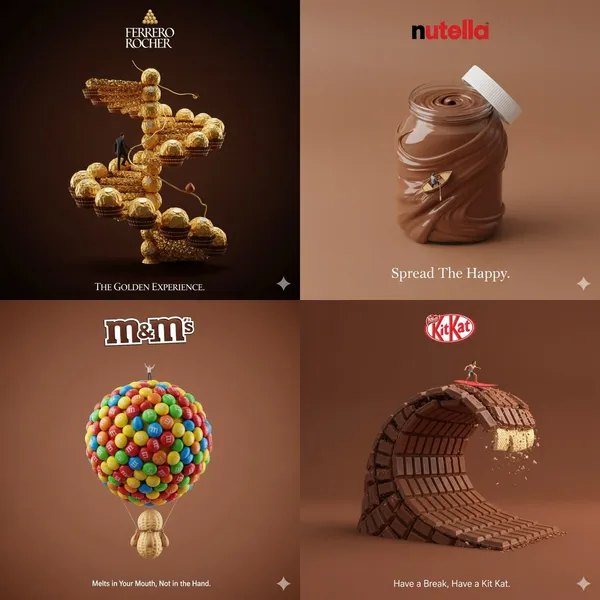
Del prompt al video terminado: el flujo de trabajo de Kling
Dedica tiempo a inspeccionar cada resultado de video y a refinar tu brief. El tiempo de procesamiento varía según el modelo, la solicitud y la carga del servicio. Cambia una indicación a la vez para que puedas juzgar qué edición mejora el resultado.
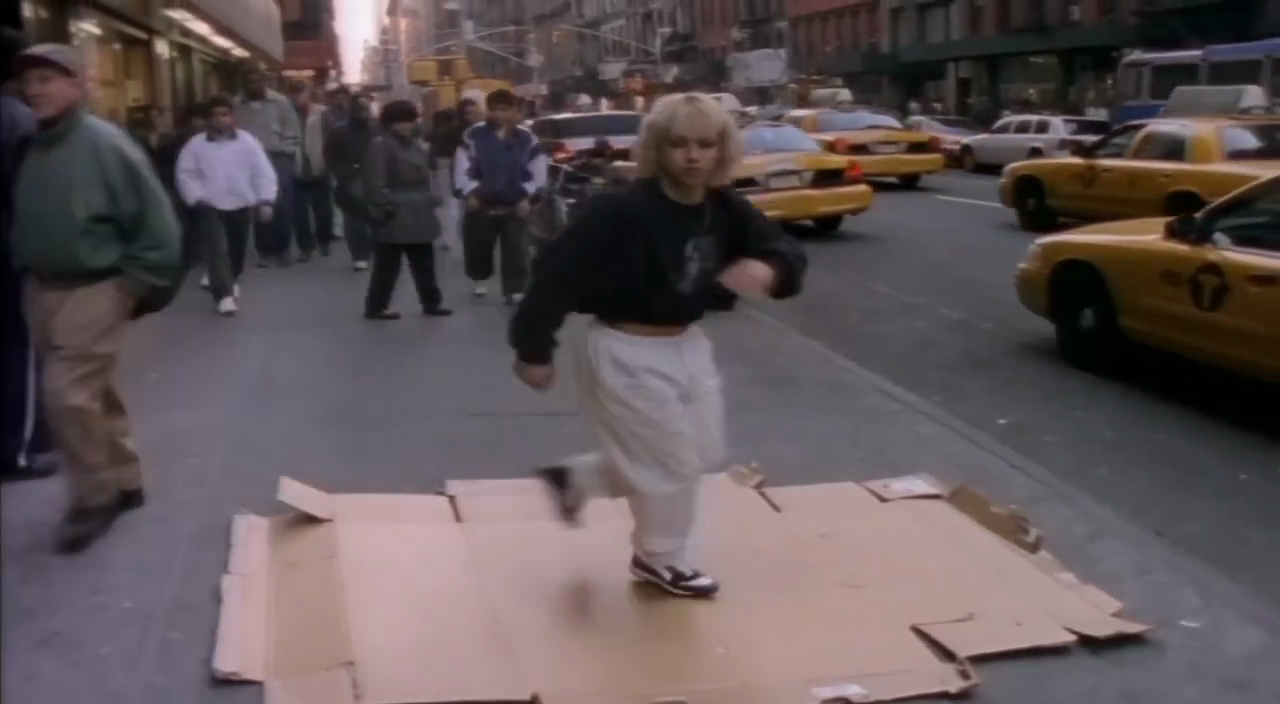
Ingrese el mensaje o cargue la imagen
Para tu brief de video con Kling, describe cómo debe moverse el sujeto desde su pose inicial. Si el modelo seleccionado admite una imagen o fotograma final, úsalo para explicar la composición y la continuidad. No asumas que se acepta cada tipo de referencia.

Elige la configuración y genera
Dedica tiempo a inspeccionar cada resultado de video y a refinar tu brief. El tiempo de procesamiento varía según el modelo, la solicitud y la carga del servicio. Cambia una indicación a la vez para que puedas juzgar qué edición mejora el resultado.
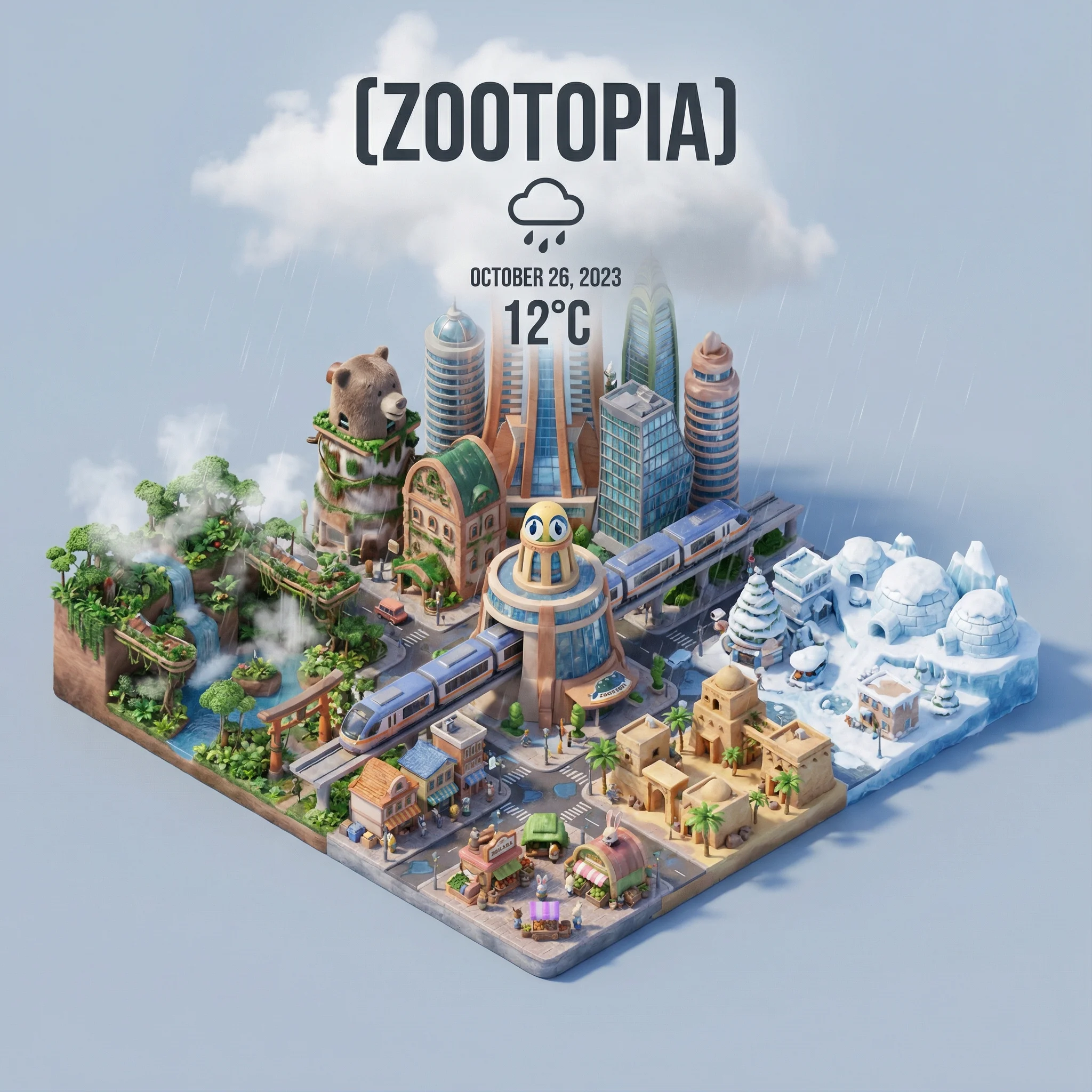
Revisa y descarga los resultados completados
Cuando se complete una solicitud, inspecciona el video en tus recursos y descarga el resultado que quieras conservar. Revisa la composición y cualquier detalle no intencionado antes de compartirlo con tu equipo o publicarlo.
Explora flujos de trabajo de video relacionados
Explora el flujo de trabajo de Kling y compáralo con las páginas de video relacionadas. El generador es la fuente de verdad para el acceso actual al modelo y la configuración. Usa la biblioteca de prompts para estudiar resultados publicados y el modelo que los creó.
Crea tu video con Kling
Para un concepto de producto con Kling, especifica la forma del producto, el material, el detalle clave y el entorno. Mantén los logotipos y las afirmaciones precisos, deja espacio para tu propia tipografía y revisa el resultado antes de usarlo en un anuncio.

Planifica una acción clara por toma
Divide un concepto de historia de Kling en tomas cortas y claramente descritas. Dale a cada toma una acción y una dirección de cámara. Revisa la continuidad entre resultados antes de ensamblarlos en una secuencia.
- Para un concepto de producto con Kling, especifica la forma del producto, el material, el detalle clave y el entorno. Mantén los logotipos y las afirmaciones precisos, deja espacio para tu propia tipografía y revisa el resultado antes de usarlo en un anuncio.
- Divide un concepto de historia de Kling en tomas cortas y claramente descritas. Dale a cada toma una acción y una dirección de cámara. Revisa la continuidad entre resultados antes de ensamblarlos en una secuencia.
- Divide un concepto de historia de Kling en tomas cortas y claramente descritas. Dale a cada toma una acción y una dirección de cámara. Revisa la continuidad entre resultados antes de ensamblarlos en una secuencia.
- Divide un concepto de historia de Kling en tomas cortas y claramente descritas. Dale a cada toma una acción y una dirección de cámara. Revisa la continuidad entre resultados antes de ensamblarlos en una secuencia.
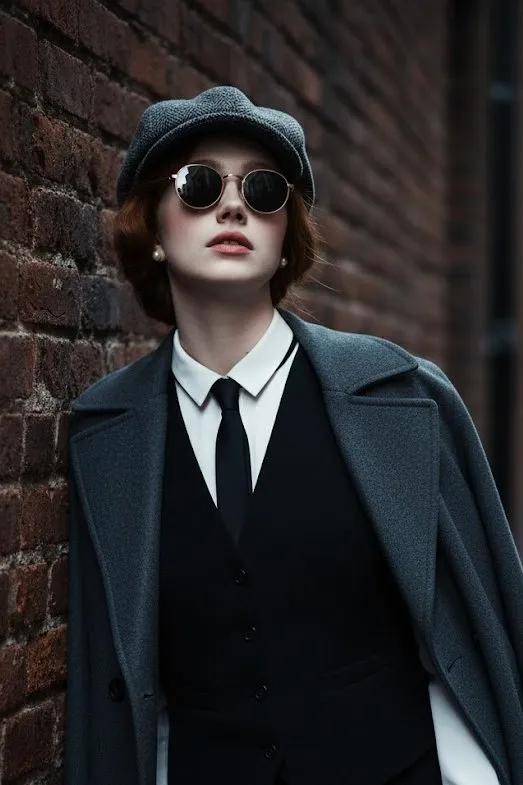
Describe el sonido y lo visual para tu video con Kling
Describe el habla, el sonido ambiente y la música como indicaciones separadas en tu brief de video con Kling. La salida de audio depende del modelo seleccionado y de las opciones mostradas en el generador; revisa el clip terminado en lugar de asumir que el sonido está incluido.
- Describe el habla, el sonido ambiente y la música como indicaciones separadas en tu brief de video con Kling. La salida de audio depende del modelo seleccionado y de las opciones mostradas en el generador; revisa el clip terminado en lugar de asumir que el sonido está incluido.
- Describe el habla, el sonido ambiente y la música como indicaciones separadas en tu brief de video con Kling. La salida de audio depende del modelo seleccionado y de las opciones mostradas en el generador; revisa el clip terminado en lugar de asumir que el sonido está incluido.
- Describe el habla, el sonido ambiente y la música como indicaciones separadas en tu brief de video con Kling. La salida de audio depende del modelo seleccionado y de las opciones mostradas en el generador; revisa el clip terminado en lugar de asumir que el sonido está incluido.
- Para un concepto de producto con Kling, especifica la forma del producto, el material, el detalle clave y el entorno. Mantén los logotipos y las afirmaciones precisos, deja espacio para tu propia tipografía y revisa el resultado antes de usarlo en un anuncio.
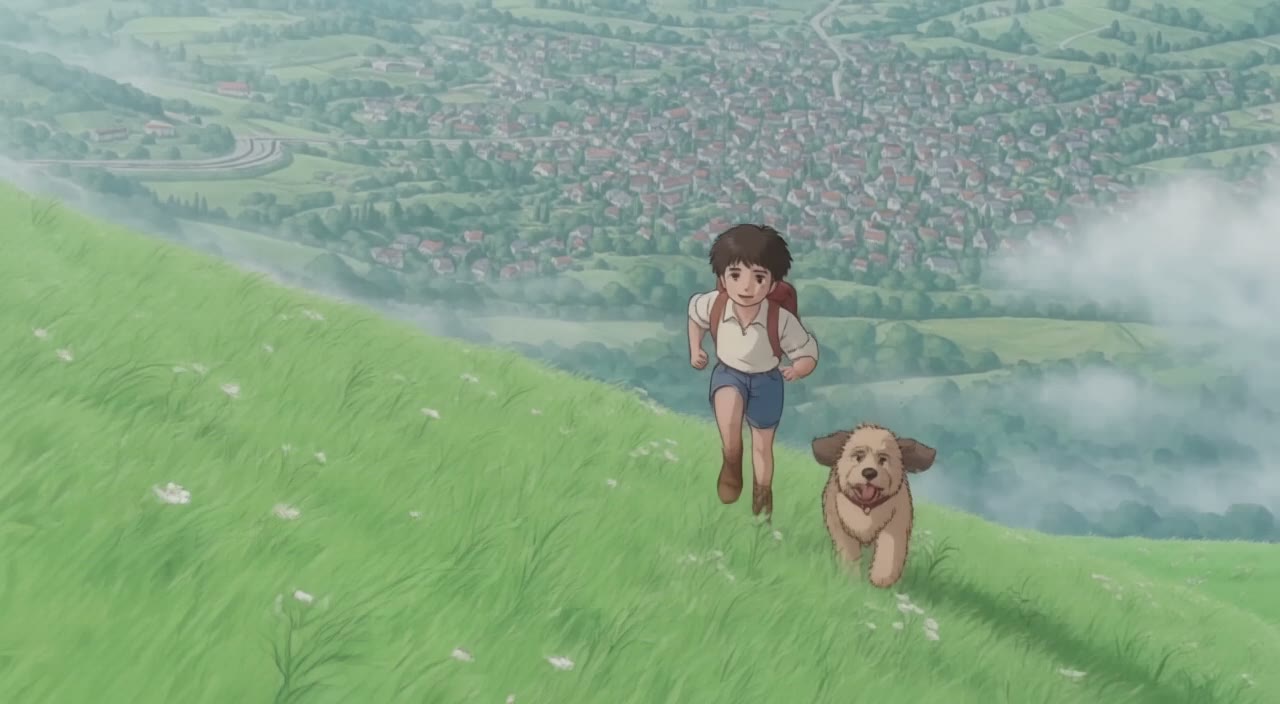
Explora tu próxima idea de video con Kling
Para tu brief de video con Kling, describe cómo debe moverse el sujeto desde su pose inicial. Si el modelo seleccionado admite una imagen o fotograma final, úsalo para explicar la composición y la continuidad. No asumas que se acepta cada tipo de referencia.
- Para tu brief de video con Kling, describe cómo debe moverse el sujeto desde su pose inicial. Si el modelo seleccionado admite una imagen o fotograma final, úsalo para explicar la composición y la continuidad. No asumas que se acepta cada tipo de referencia.
- Enumera los detalles que importan en tu brief de video con Kling: identidad, forma, colores, vestuario y fondo. Usa referencias compatibles cuando corresponda y compara cada resultado; no se garantiza la consistencia exacta.
- Elige solo la resolución y la relación de aspecto que se muestran para el modelo seleccionado. Revisa el encuadre, los detalles finos y cualquier texto en el video terminado. Un tamaño de salida mayor no garantiza un resultado más preciso.
- Describe el resultado que necesitas, selecciona un modelo Kling disponible y envía tu solicitud desde el generador. Revisa los resultados de video completados en tus recursos, refina el prompt cuando sea necesario y descarga la versión que se ajuste a tu proyecto.
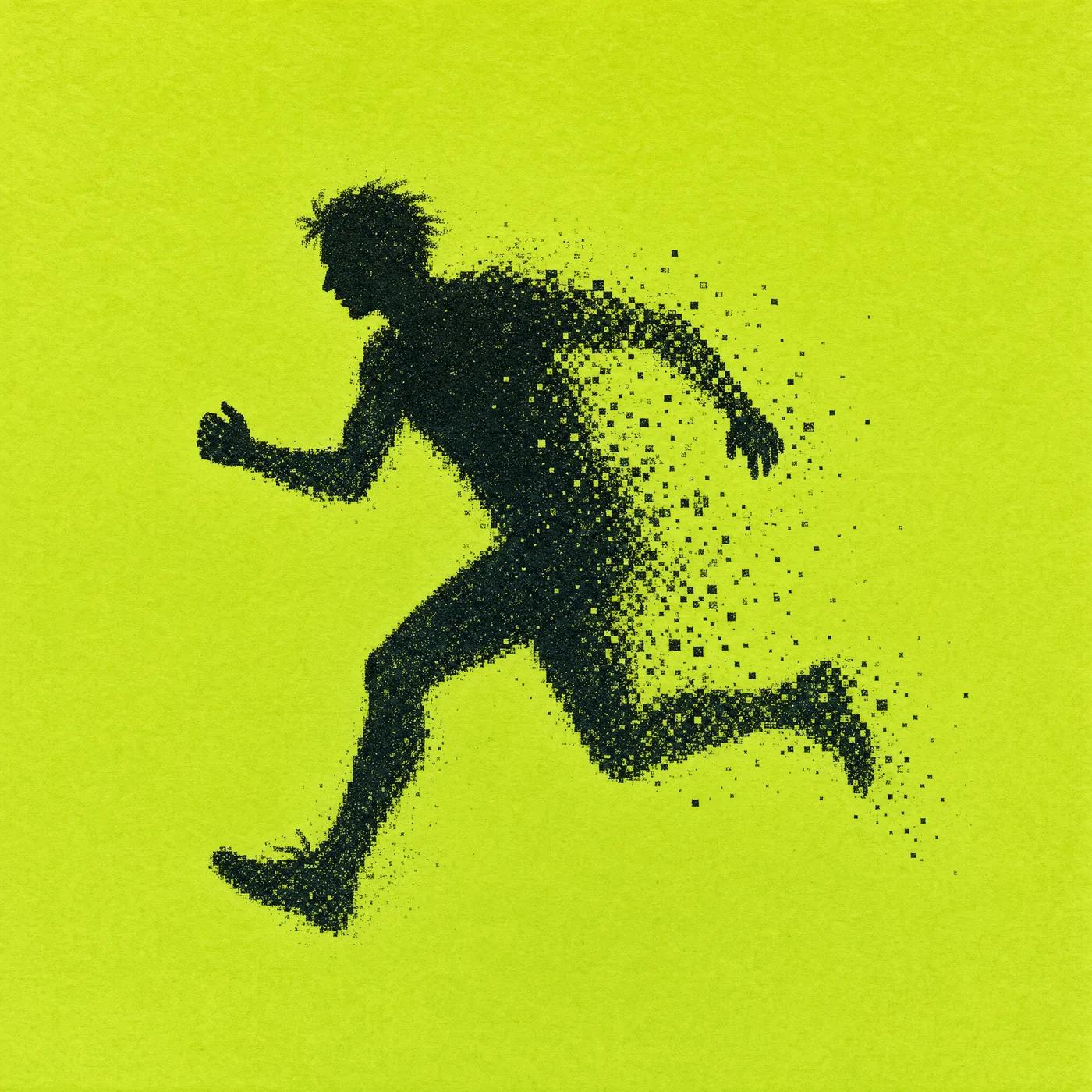
Describe el movimiento de cámara y el tiempo
Para un concepto de producto con Kling, especifica la forma del producto, el material, el detalle clave y el entorno. Mantén los logotipos y las afirmaciones precisos, deja espacio para tu propia tipografía y revisa el resultado antes de usarlo en un anuncio.
- Describe el resultado que necesitas, selecciona un modelo Kling disponible y envía tu solicitud desde el generador. Revisa los resultados de video completados en tus recursos, refina el prompt cuando sea necesario y descarga la versión que se ajuste a tu proyecto.
- Divide un concepto de historia de Kling en tomas cortas y claramente descritas. Dale a cada toma una acción y una dirección de cámara. Revisa la continuidad entre resultados antes de ensamblarlos en una secuencia.
- Para un concepto de producto con Kling, especifica la forma del producto, el material, el detalle clave y el entorno. Mantén los logotipos y las afirmaciones precisos, deja espacio para tu propia tipografía y revisa el resultado antes de usarlo en un anuncio.
- Para un concepto de producto con Kling, especifica la forma del producto, el material, el detalle clave y el entorno. Mantén los logotipos y las afirmaciones precisos, deja espacio para tu propia tipografía y revisa el resultado antes de usarlo en un anuncio.
Un brief creativo más claro para Kling
Dedica tiempo a inspeccionar cada resultado de video y a refinar tu brief. El tiempo de procesamiento varía según el modelo, la solicitud y la carga del servicio. Cambia una indicación a la vez para que puedas juzgar qué edición mejora el resultado.
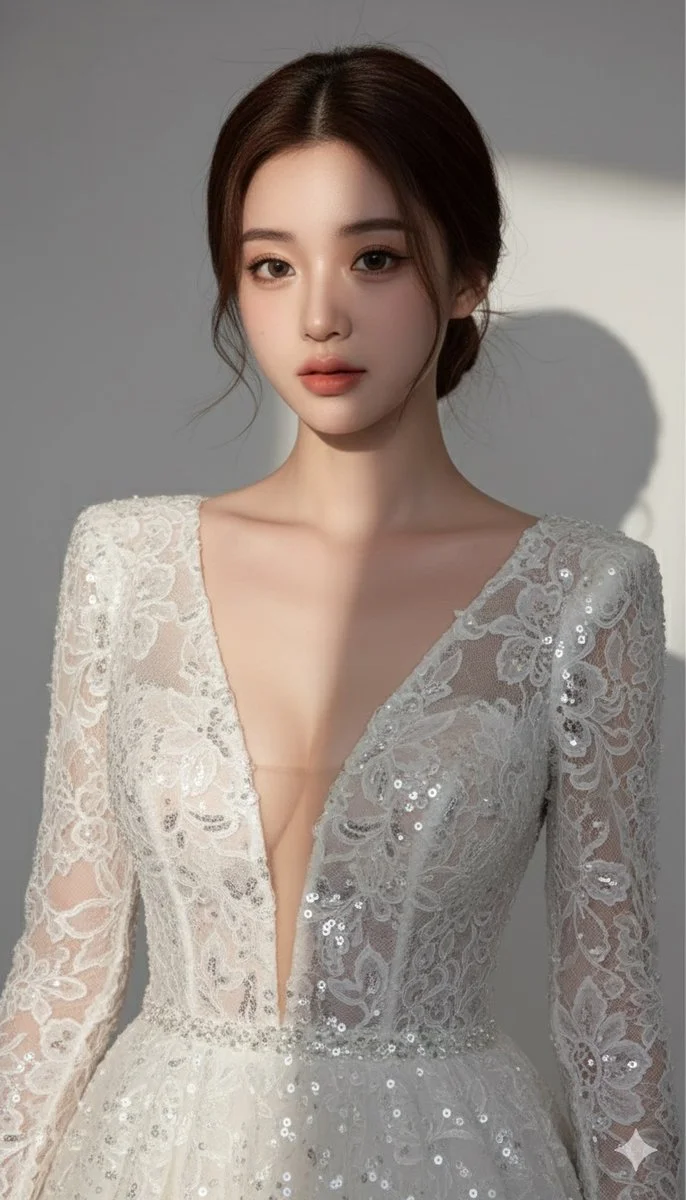
Narración cinematográfica
Divide un concepto de historia de Kling en tomas cortas y claramente descritas. Dale a cada toma una acción y una dirección de cámara. Revisa la continuidad entre resultados antes de ensamblarlos en una secuencia.
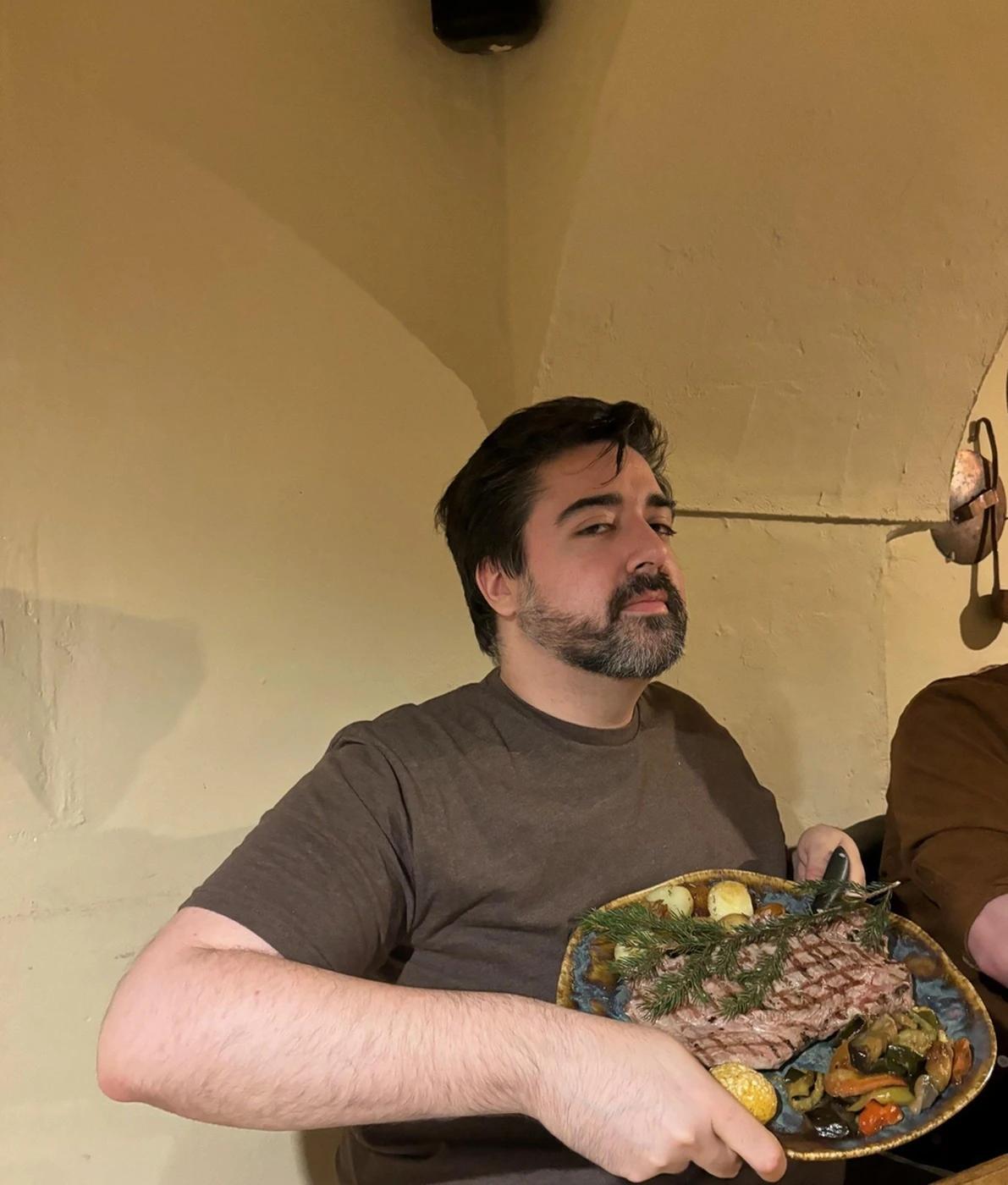
Redes sociales y marketing
Para un concepto de producto con Kling, especifica la forma del producto, el material, el detalle clave y el entorno. Mantén los logotipos y las afirmaciones precisos, deja espacio para tu propia tipografía y revisa el resultado antes de usarlo en un anuncio.
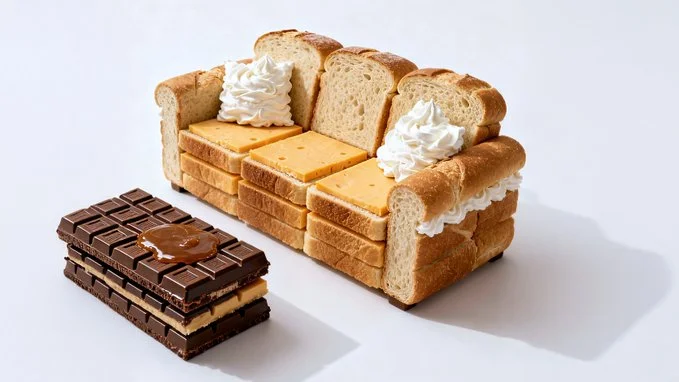
Exhibiciones de productos
Para un concepto de producto con Kling, especifica la forma del producto, el material, el detalle clave y el entorno. Mantén los logotipos y las afirmaciones precisos, deja espacio para tu propia tipografía y revisa el resultado antes de usarlo en un anuncio.
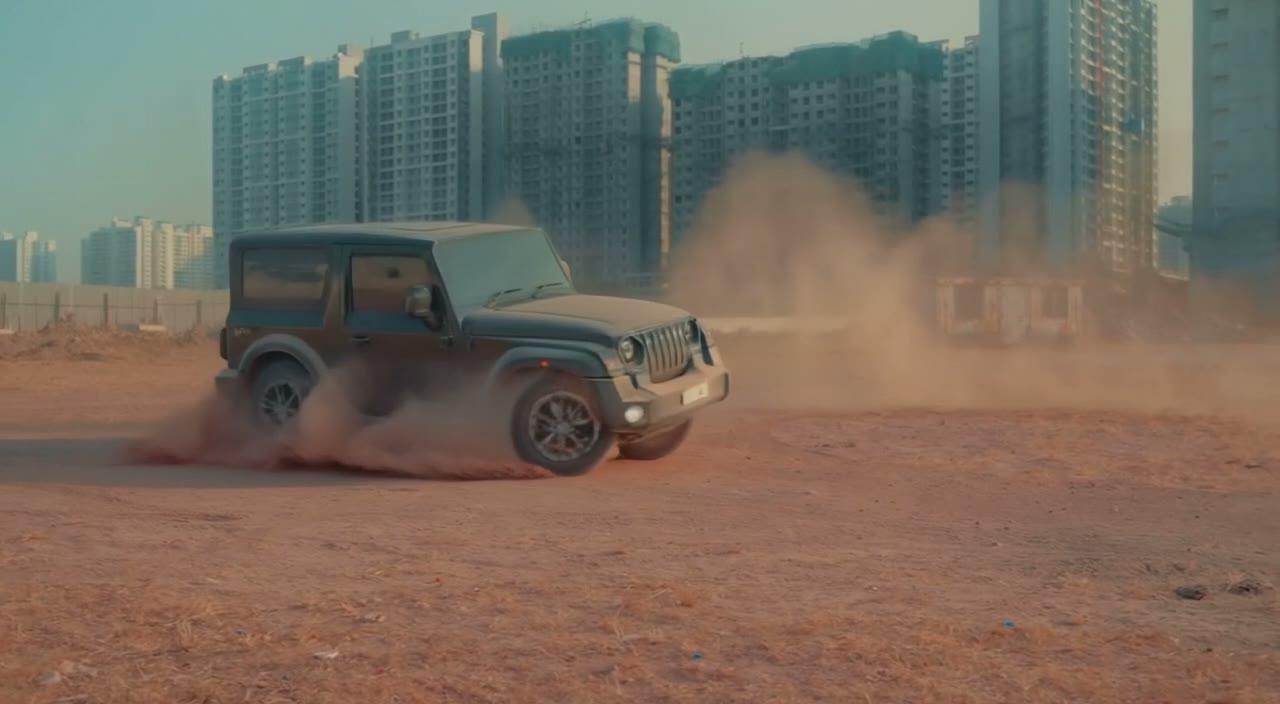
Flujo de trabajo de producción eficiente
Para un concepto de producto con Kling, especifica la forma del producto, el material, el detalle clave y el entorno. Mantén los logotipos y las afirmaciones precisos, deja espacio para tu propia tipografía y revisa el resultado antes de usarlo en un anuncio.
Notas creativas para tu brief de video con Kling
Dale al sujeto principal una acción clara. Para un concepto con Kling, un brief preciso es más fácil de evaluar que una lista de efectos que compiten.
Flujo de trabajo de video con Kling: preguntas y respuestas
Para un concepto de producto con Kling, especifica la forma del producto, el material, el detalle clave y el entorno. Mantén los logotipos y las afirmaciones precisos, deja espacio para tu propia tipografía y revisa el resultado antes de usarlo en un anuncio.
Heydots reúne el flujo de trabajo de video de Kling en un solo espacio: escribe tu prompt, elige un modelo disponible, revisa el costo en créditos y genera. Los resultados completados permanecen en tus recursos para revisión y descarga. El generador muestra qué modelos e inputs aceptan solicitudes.
Escribe tu brief de video con Kling en torno a una acción visible. Agrega el entorno, el tamaño de plano, el movimiento de cámara y la iluminación. Mantén el diálogo y las indicaciones de sonido separados de las instrucciones visuales para que la escena prevista sea fácil de entender.
Usa solo los modos de entrada y controles que ofrece el modelo seleccionado. Describe el video previsto con claridad y agrega referencias compatibles cuando sea útil. Esta página no promete herramientas separadas de pincel de movimiento, carga de audio, restauración o edición.
Para tu brief de video con Kling, describe cómo debe moverse el sujeto desde su pose inicial. Si el modelo seleccionado admite una imagen o fotograma final, úsalo para explicar la composición y la continuidad. No asumas que se acepta cada tipo de referencia.
Para un concepto de producto con Kling, especifica la forma del producto, el material, el detalle clave y el entorno. Mantén los logotipos y las afirmaciones precisos, deja espacio para tu propia tipografía y revisa el resultado antes de usarlo en un anuncio.
Puedes solicitar un reembolso dentro de los 10 días posteriores a la compra si tienes créditos sin usar de esa compra y proporcionas un motivo claro, sujeto a nuestra Política de Reembolsos. Si cumples los requisitos, una compra sin usar puede reembolsarse íntegramente; una compra parcialmente usada se reembolsa en proporción a sus créditos restantes sin usar. Las compras totalmente usadas y los créditos gratuitos o promocionales no son reembolsables.
La validez de los créditos depende del paquete, la suscripción o la promoción que los emitió. Revisa los términos de compra y las fechas de caducidad en Configuración > Créditos. Una renovación o una nueva compra no amplía los créditos anteriores. Usa los créditos antes de su fecha de caducidad indicada; no asumas que los créditos de suscripción sin usar se acumulan indefinidamente.
Los créditos cobrados por una tarea que se confirma como fallida debido a un error del sistema se devuelven automáticamente. Una tarea que aún se está procesando todavía no se ha confirmado como fallida. Comprueba su estado y tu historial de créditos antes de volver a enviarla. Si una falla confirmada sigue mostrando un cobro sin resolver, escribe a support@heydots.app con el ID de la tarea.
Los resultados de IA pueden variar, por lo que un resultado completado que difiere de tus expectativas no se trata automáticamente como un fallo técnico. Las tareas de imagen completadas que cumplan los requisitos se pueden enviar para revisión de reembolso de créditos mediante la opción de reembolso cuando esté disponible; se requiere aprobación. Para un vídeo u otro problema, contacta con support@heydots.app con el ID de la tarea y los detalles. Un reembolso de créditos devuelve créditos, no dinero a tu método de pago.
Escribe a support@heydots.app. Para facturación, incluye el correo de tu cuenta y el ID de pedido; para generación, incluye el ID de la tarea, la descripción del problema y las capturas de pantalla relevantes. Si compraste como invitado, conserva los datos del navegador original y el recibo de pago para que podamos ayudarte a localizar la compra.
Explora tu próxima idea de video con Kling
Elige solo la resolución y la relación de aspecto que se muestran para el modelo seleccionado. Revisa el encuadre, los detalles finos y cualquier texto en el video terminado. Un tamaño de salida mayor no garantiza un resultado más preciso.
heydots.app · Actualizado
Ver el historial de actualizaciones
- — Se añadieron ejemplos de prompts editables, borradores separados para los modos de texto y referencia y una opción para restaurar el ejemplo.
- — Textos y contenido de la página actualizados.
- — Contenido de la página publicado.