
Transformez une invite textuelle en une image Grok Imagine
Explorez les idées d'images Grok Imagine avec Heydots
Choisissez uniquement la résolution et le ratio d'aspect affichés pour le modèle sélectionné. Vérifiez le cadrage, les détails fins et tout texte dans l'image terminée. Une taille de sortie plus grande ne garantit pas un résultat plus précis.
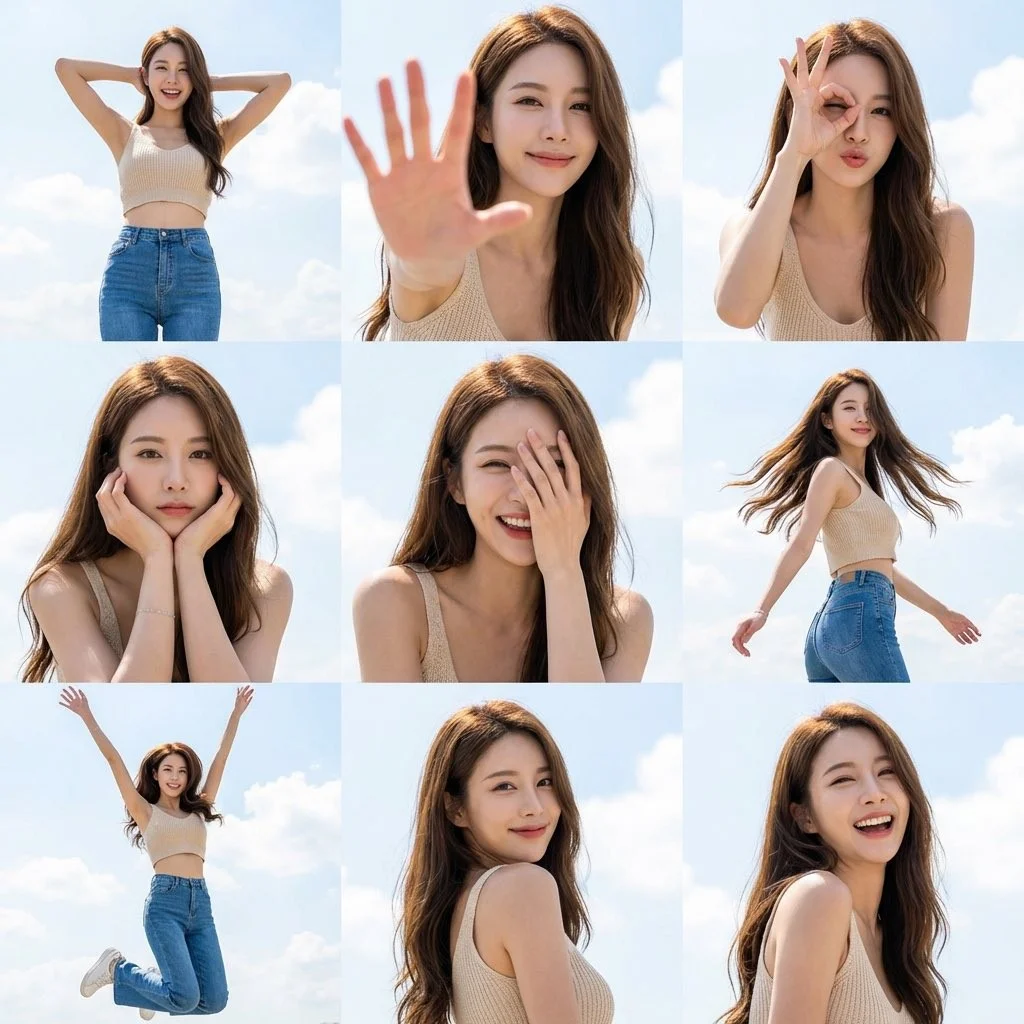
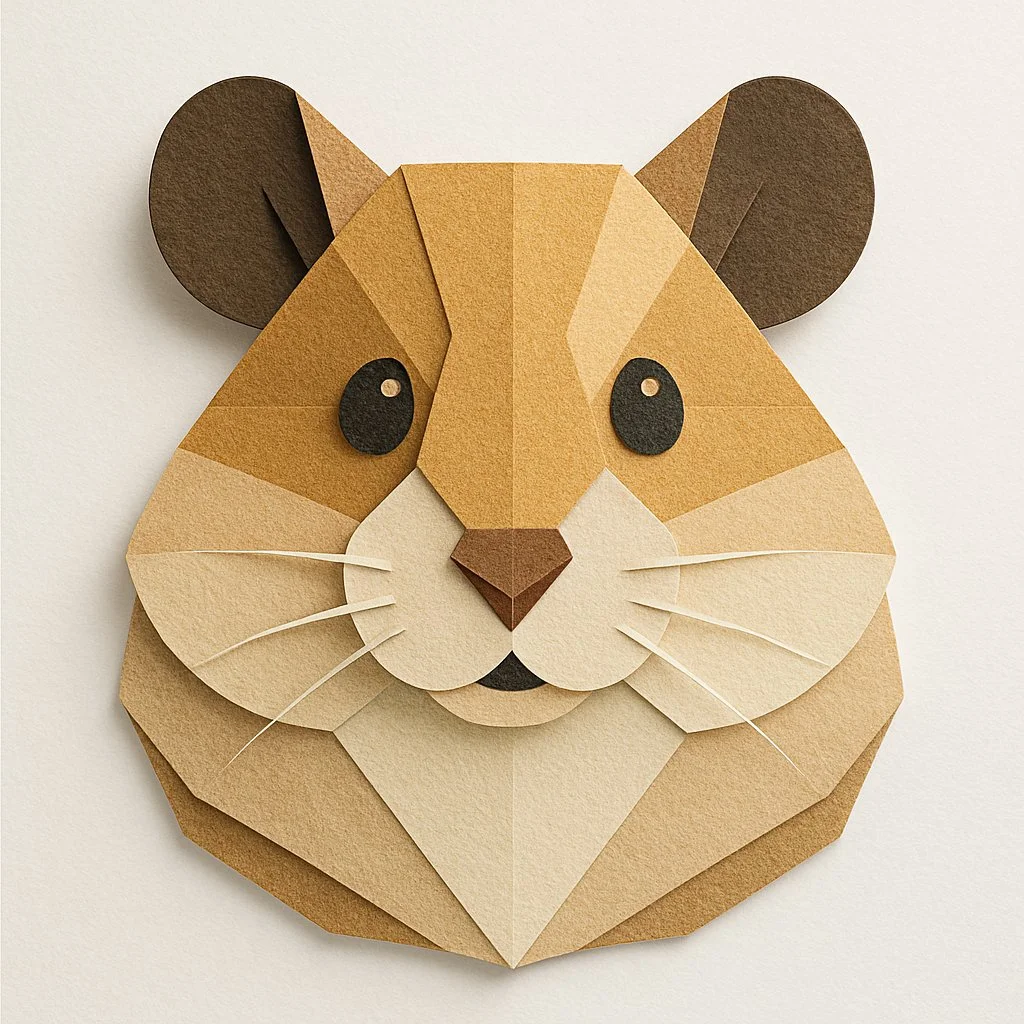
Invite vérifiée
Design a geometric portrait of a [ANIMAL] head in the style of contemporary paper craft collage. Use multiple overlapping paper textures and shadow effects to build dimensional depth. Focus on botanical-inspired color palettes with matte finish aesthetics. The composition should feature bold, angular cuts that form the animal’s distinctive characteristics while maintaining facial symmetry. Set against a minimalist backdrop with subtle gradient. The final piece should evoke the craftsmanship of museum-quality paper installations. Square format, 1080x1080 pixels.
Design a geometric portrait of a [ANIMAL] head in the style of contemporary paper craft collage. Use multiple overlapping paper textures and shadow effects to build dimensional depth. Focus on botanical-inspired color palettes with matte finish aesthetics. The composition should feature bold, angular cuts that form the animal’s distinctive characteristics while maintaining facial symmetry. Set against a minimalist backdrop with subtle gradient. The final piece should evoke the craftsmanship of museum-quality paper installations. Square format, 1080x1080 pixels.
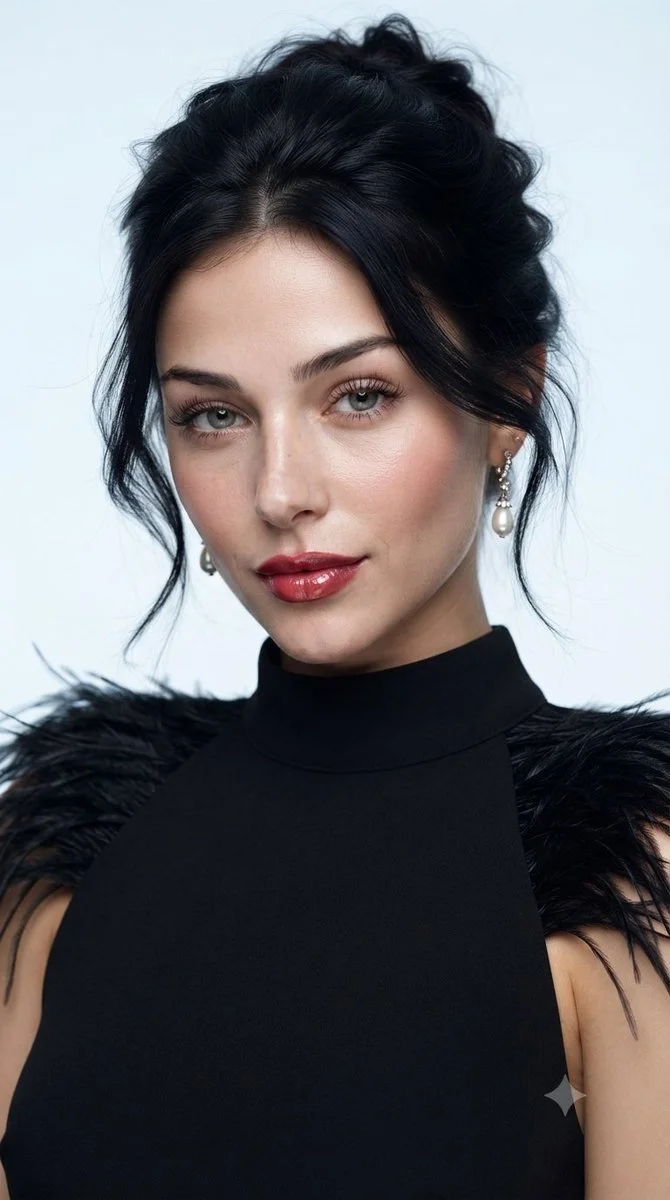
Invite vérifiée
Create a polished studio beauty portrait of an adult woman wearing a sleeveless black high-neck dress with delicate feather trim at the shoulders. Frame her from the upper chest upward against a pale blue-gray background. Give her a relaxed dark updo with a few loose strands, subtle earrings, luminous skin, softly defined eyes and rich rose-colored lips. Use a broad, soft key light to keep facial transitions smooth while preserving fine skin texture. Emphasize poised expression, restrained styling and the contrast between the dark feathers and clean background. Aim for a realistic fashion-magazine photograph.
Create a polished studio beauty portrait of an adult woman wearing a sleeveless black high-neck dress with delicate feather trim at the shoulders. Frame her from the upper chest upward against a pale blue-gray background. Give her a relaxed dark updo with a few loose strands, subtle earrings, luminous skin, softly defined eyes and rich rose-colored lips. Use a broad, soft key light to keep facial transitions smooth while preserving fine skin texture. Emphasize poised expression, restrained styling and the contrast between the dark feathers and clean background. Aim for a realistic fashion-magazine photograph.
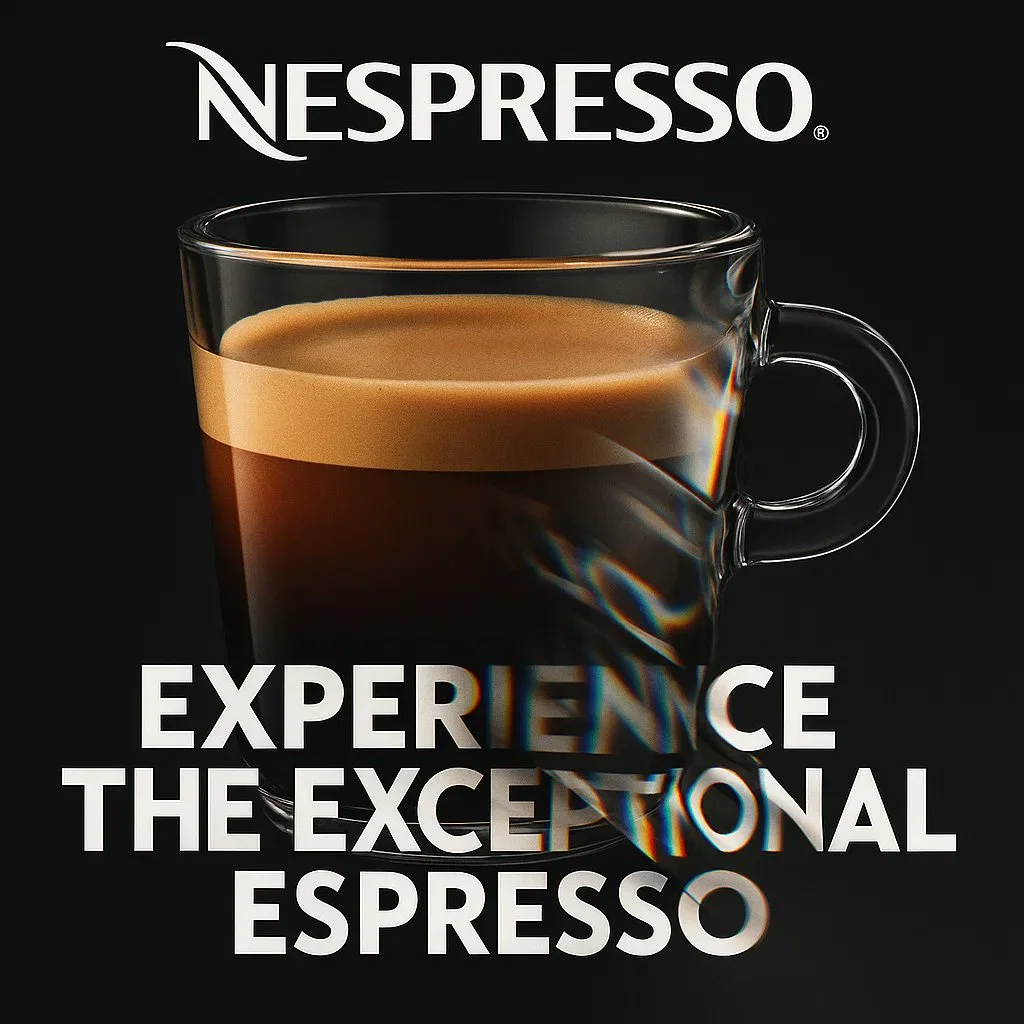
Invite vérifiée
Design a cinematic brand poster featuring “[BRAND NAME]” — include a bold six-word slogan beneath — apply a 3D glass refraction effect that distorts part of the text or layout — incorporate the brand logo in the top corner — smooth shadows, glossy lighting, black extra-bold typography — clean modern background — high-resolution, 1:1 aspect ratio
Design a cinematic brand poster featuring “[BRAND NAME]” — include a bold six-word slogan beneath — apply a 3D glass refraction effect that distorts part of the text or layout — incorporate the brand logo in the top corner — smooth shadows, glossy lighting, black extra-bold typography — clean modern background — high-resolution, 1:1 aspect ratio
Invite vérifiée
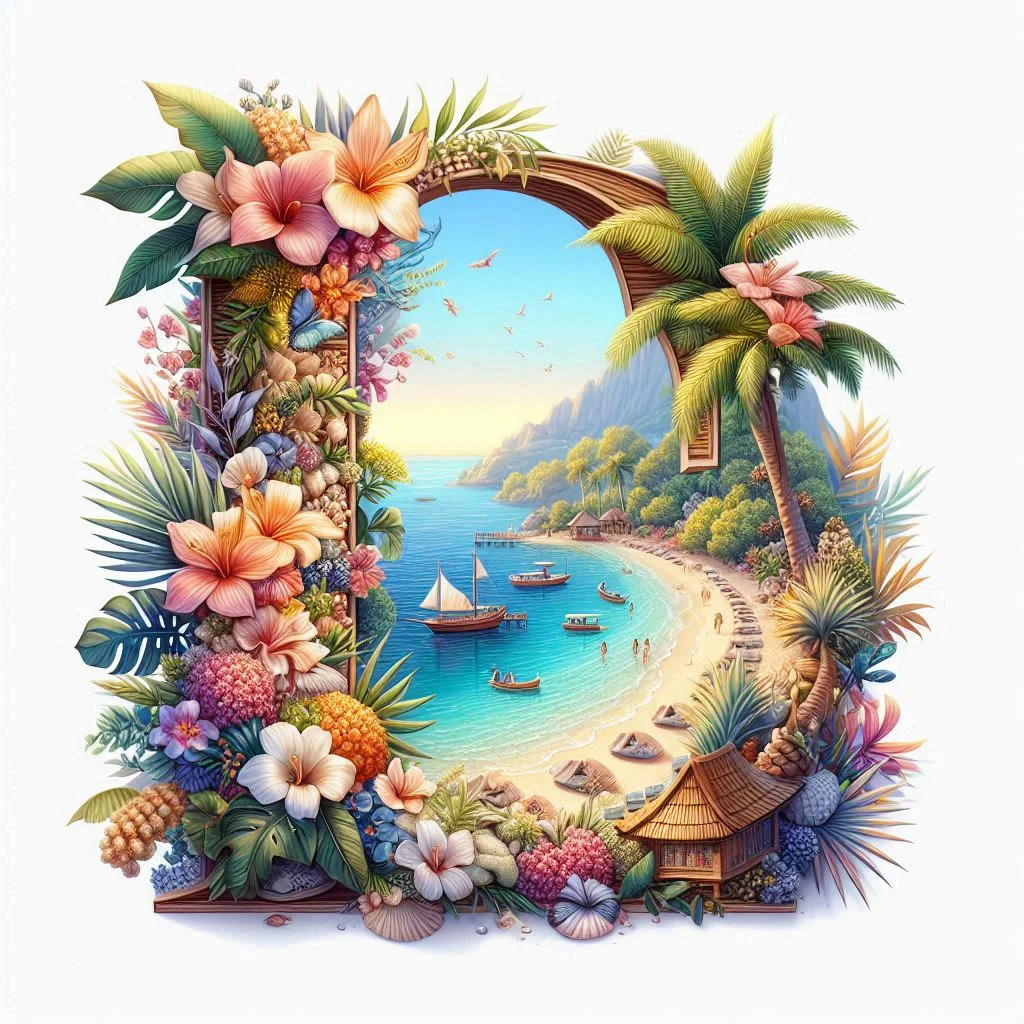
the letter B beautiful and elegant decorated with a beautiful beachscape
the letter B beautiful and elegant decorated with a beautiful beachscape
Invite vérifiée
Invite vérifiée
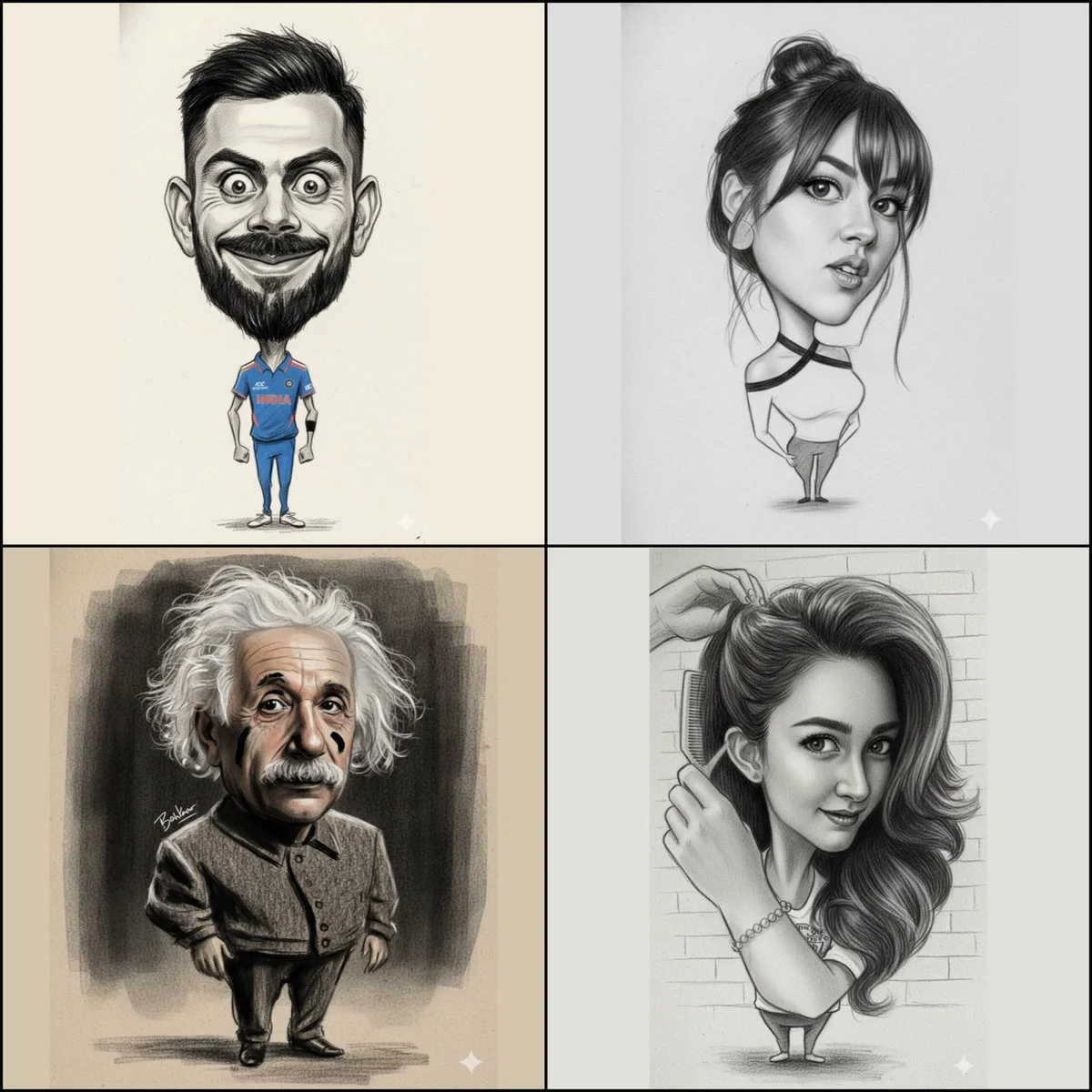
{ "image_edit": { "subject": "uploaded_image", "Goal":"proportional composition of The whole body bottom to head is a caricature with the face and head exaggerated in the extremely shape of the eyes, nose, lips.", "style": "textured paper", "refine details, retain original charcoal structure and strong brushes pencil, aesthetic composition and expression, pure black, brushes stroke" {"style": "pencil brush stroke", "no types text", "position":" stylized near shoulder, aesthetic replacement, no right_bottom" }, { "output": "a big head caricature." Ensure to create an image with a noticeably exaggerated head size for the caricature effect you desire, while retaining the charcoal and brush stroke style" } }
{ "image_edit": { "subject": "uploaded_image", "Goal":"proportional composition of The whole body bottom to head is a caricature with the face and head exaggerated in the extremely shape of the eyes, nose, lips.", "style": "textured paper", "refine details, retain original charcoal structure and strong brushes pencil, aesthetic composition and expression, pure black, brushes stroke" {"style": "pencil brush stroke", "no types text", "position":" stylized near shoulder, aesthetic replacement, no right_bottom" }, { "output": "a big head caricature." Ensure to create an image with a noticeably exaggerated head size for the caricature effect you desire, while retaining the charcoal and brush stroke style" } }
Invite vérifiée
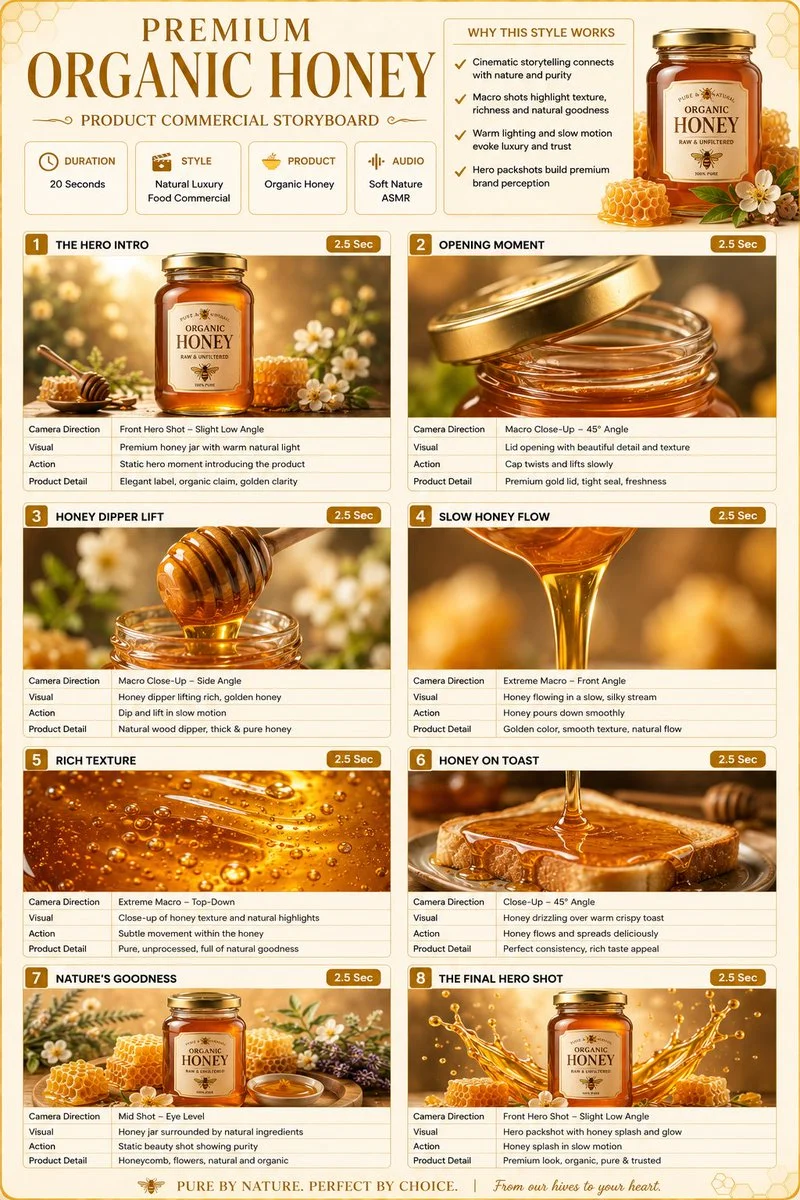
Premium 3:4 storyboard for 20s natural luxury organic honey commercial. Header: duration, food style, honey product, nature ASMR, cream-amber-gold palette. Eight panels: jar wooden, lid open macro, dipper lift, slow silky stream, texture highlights macro, drip toast, jar honeycomb ingredients, final splash packshot. Extreme macro, slow-mo liquid, top-down, push-in. Ultra-realistic physics, warm lighting, premium glass, 8K, product hero.
Premium 3:4 storyboard for 20s natural luxury organic honey commercial. Header: duration, food style, honey product, nature ASMR, cream-amber-gold palette. Eight panels: jar wooden, lid open macro, dipper lift, slow silky stream, texture highlights macro, drip toast, jar honeycomb ingredients, final splash packshot. Extreme macro, slow-mo liquid, top-down, push-in. Ultra-realistic physics, warm lighting, premium glass, 8K, product hero.
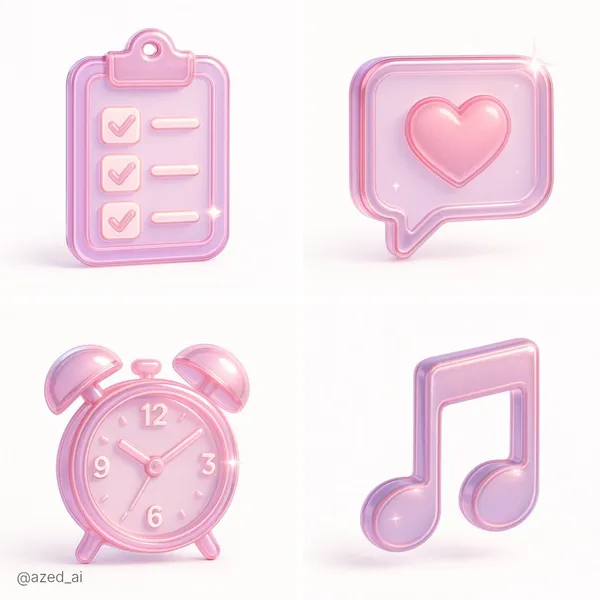
Invite vérifiée
te a 3D-rendered icon of [Subject] in a dreamy, translucent, glass-like plastic material with soft pink and purple hues. glossy, smooth, rounded edges, glowing highlights, and soft shimmer or sparkle effects. UI, floating against a clean white background with soft shadows and natural lighting, elegant, and modern.
te a 3D-rendered icon of [Subject] in a dreamy, translucent, glass-like plastic material with soft pink and purple hues. glossy, smooth, rounded edges, glowing highlights, and soft shimmer or sparkle effects. UI, floating against a clean white background with soft shadows and natural lighting, elegant, and modern.
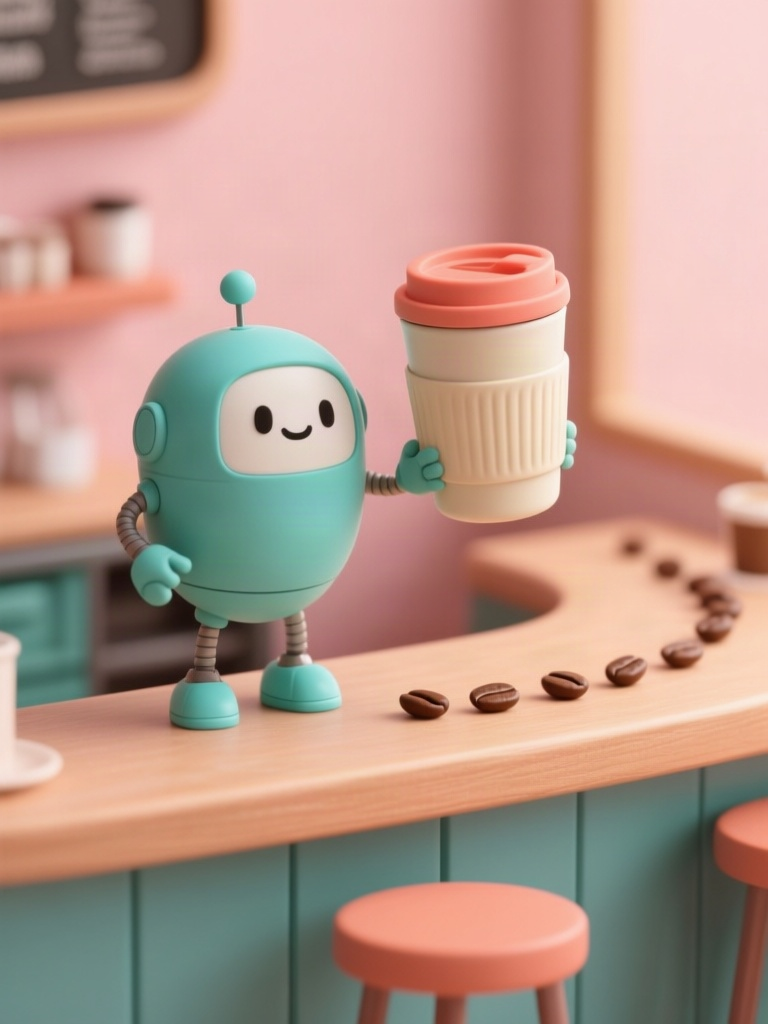
Invite vérifiée
Create an original premium 3D cartoon illustration for a reusable travel mug campaign on Instagram, appealing to design-conscious US and European young adults. A small friendly round teal robot with exactly two arms and two legs proudly presents one cream ceramic travel mug with a coral silicone lid on a miniature cafe counter. A few coffee beans form a gentle curved leading line toward the product. Warm tactile clay-like surfaces, refined animated-feature lighting, soft peach background, subtle teal and coral accents, playful but sophisticated editorial art direction. Vertical composition with the robot and mug in the lower two-thirds, uncluttered blank upper third for later campaign copy. Eye-level medium shot, coherent hand-to-mug contact, consistent handle and lid, crisp edges, soft realistic contact shadows, beautiful indirect illumination. Original character, no imitation of any existing franchise, no letters, no logos, no watermark, no extra fingers or duplicate mugs.
Create an original premium 3D cartoon illustration for a reusable travel mug campaign on Instagram, appealing to design-conscious US and European young adults. A small friendly round teal robot with exactly two arms and two legs proudly presents one cream ceramic travel mug with a coral silicone lid on a miniature cafe counter. A few coffee beans form a gentle curved leading line toward the product. Warm tactile clay-like surfaces, refined animated-feature lighting, soft peach background, subtle teal and coral accents, playful but sophisticated editorial art direction. Vertical composition with the robot and mug in the lower two-thirds, uncluttered blank upper third for later campaign copy. Eye-level medium shot, coherent hand-to-mug contact, consistent handle and lid, crisp edges, soft realistic contact shadows, beautiful indirect illumination. Original character, no imitation of any existing franchise, no letters, no logos, no watermark, no extra fingers or duplicate mugs.
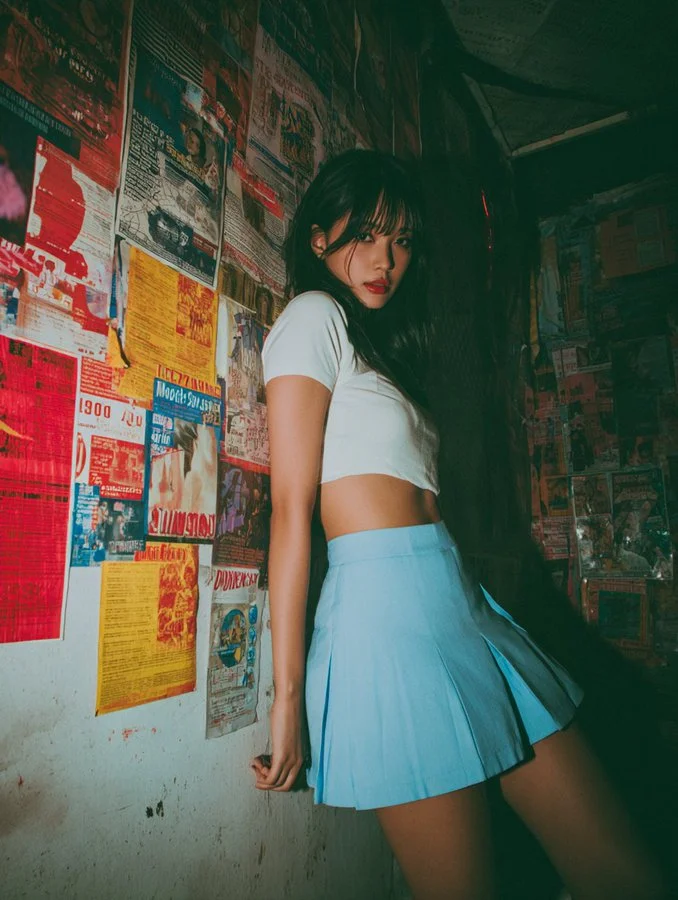
Invite vérifiée
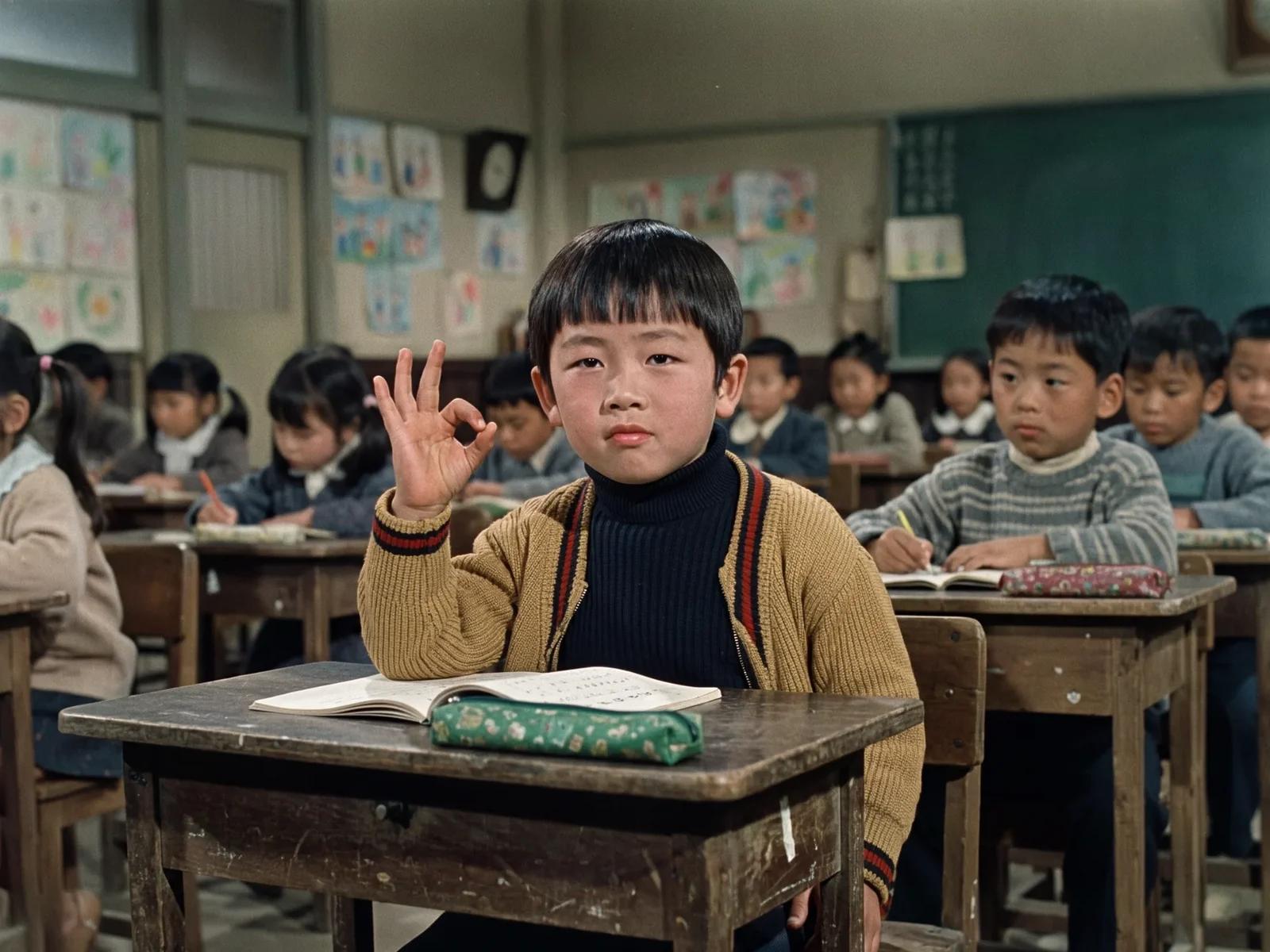
The image features a subject with long, dark hair, dressed in a short-sleeved, cropped white top and a high-waisted, pleated blue mini skirt that ends well above mid-thigh, fitting snugly to accentuate the figure. The subject is captured in a slightly turned pose, leaning forward with one hand resting on a wall covered in a dense collage of overlapping posters, flyers, and advertisements in various colors such as red, yellow, blue, and white, with text in multiple languages, suggesting an urban or vintage environment. The wall appears worn, with visible creases and minor damage, adding to the nostalgic ambiance. The subject's facial expression, partially visible from a side angle, conveys a subtle mix of curiosity and playfulness. The lighting is dim with a warm tone, casting soft shadows that enhance the mood. The composition employs a low-angle perspective, drawing attention to the subject's lower body and the skirt's height, with a sharp focus on the subject against a slightly blurred background. The overall mood is provocative yet nostalgic, blending modern attire with a retro aesthetic. Technically, the image exhibits a deliberate soft-focus effect, contributing to a hazy, dreamlike quality that softens details and edges. Additionally, noticeable grain and noise texture are present, enhancing the vintage aesthetic and adding a tactile, gritty feel to the photograph. The resolution remains moderate, typical of digital photography, with a slightly desaturated color profile featuring a vintage filter effect. The aspect ratio is vertical, approximately 4:5, supporting the focused framing of the subject.
The image features a subject with long, dark hair, dressed in a short-sleeved, cropped white top and a high-waisted, pleated blue mini skirt that ends well above mid-thigh, fitting snugly to accentuate the figure. The subject is captured in a slightly turned pose, leaning forward with one hand resting on a wall covered in a dense collage of overlapping posters, flyers, and advertisements in various colors such as red, yellow, blue, and white, with text in multiple languages, suggesting an urban or vintage environment. The wall appears worn, with visible creases and minor damage, adding to the nostalgic ambiance. The subject's facial expression, partially visible from a side angle, conveys a subtle mix of curiosity and playfulness. The lighting is dim with a warm tone, casting soft shadows that enhance the mood. The composition employs a low-angle perspective, drawing attention to the subject's lower body and the skirt's height, with a sharp focus on the subject against a slightly blurred background. The overall mood is provocative yet nostalgic, blending modern attire with a retro aesthetic. Technically, the image exhibits a deliberate soft-focus effect, contributing to a hazy, dreamlike quality that softens details and edges. Additionally, noticeable grain and noise texture are present, enhancing the vintage aesthetic and adding a tactile, gritty feel to the photograph. The resolution remains moderate, typical of digital photography, with a slightly desaturated color profile featuring a vintage filter effect. The aspect ratio is vertical, approximately 4:5, supporting the focused framing of the subject.
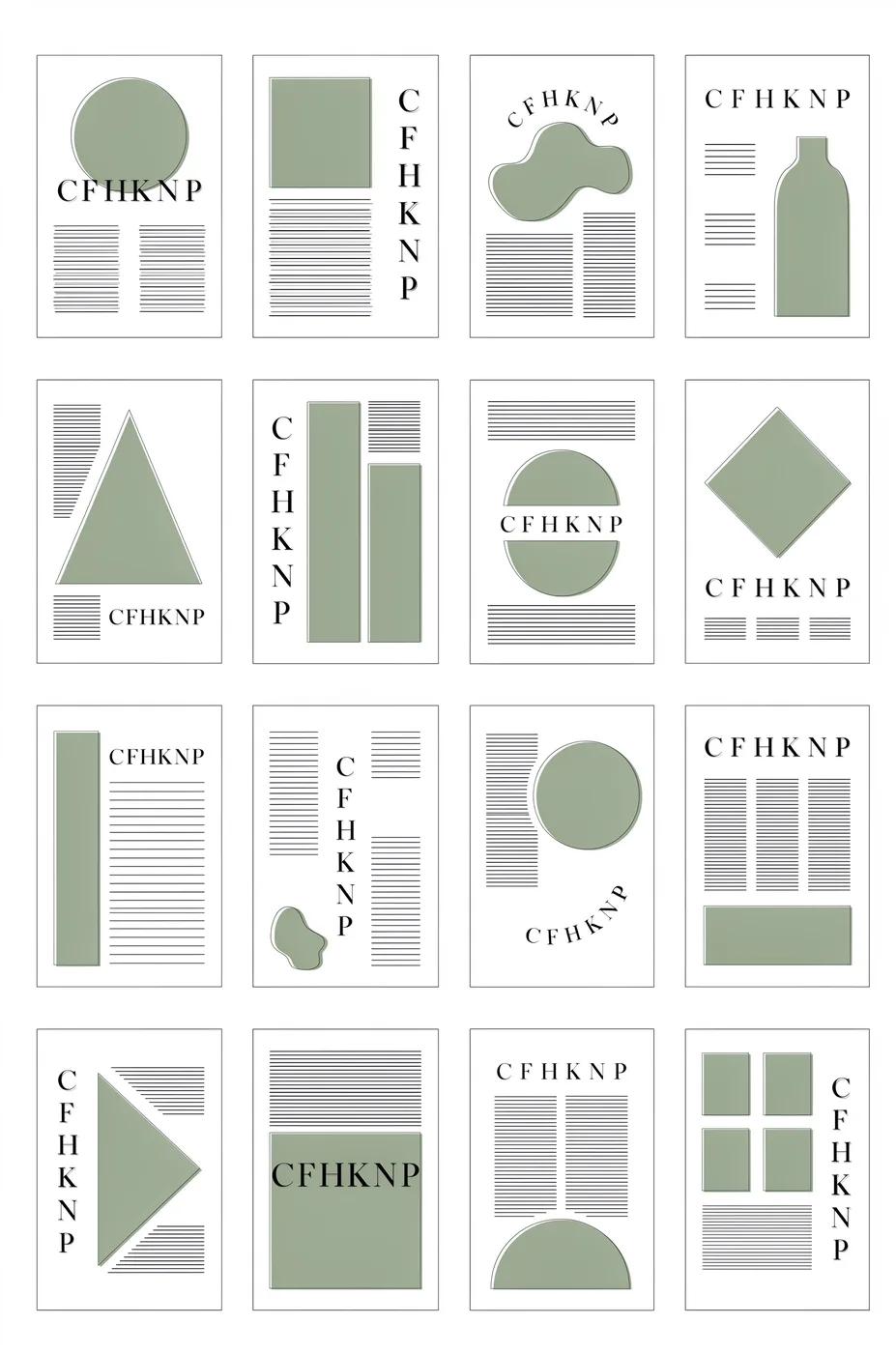
Invite vérifiée
Invite vérifiée
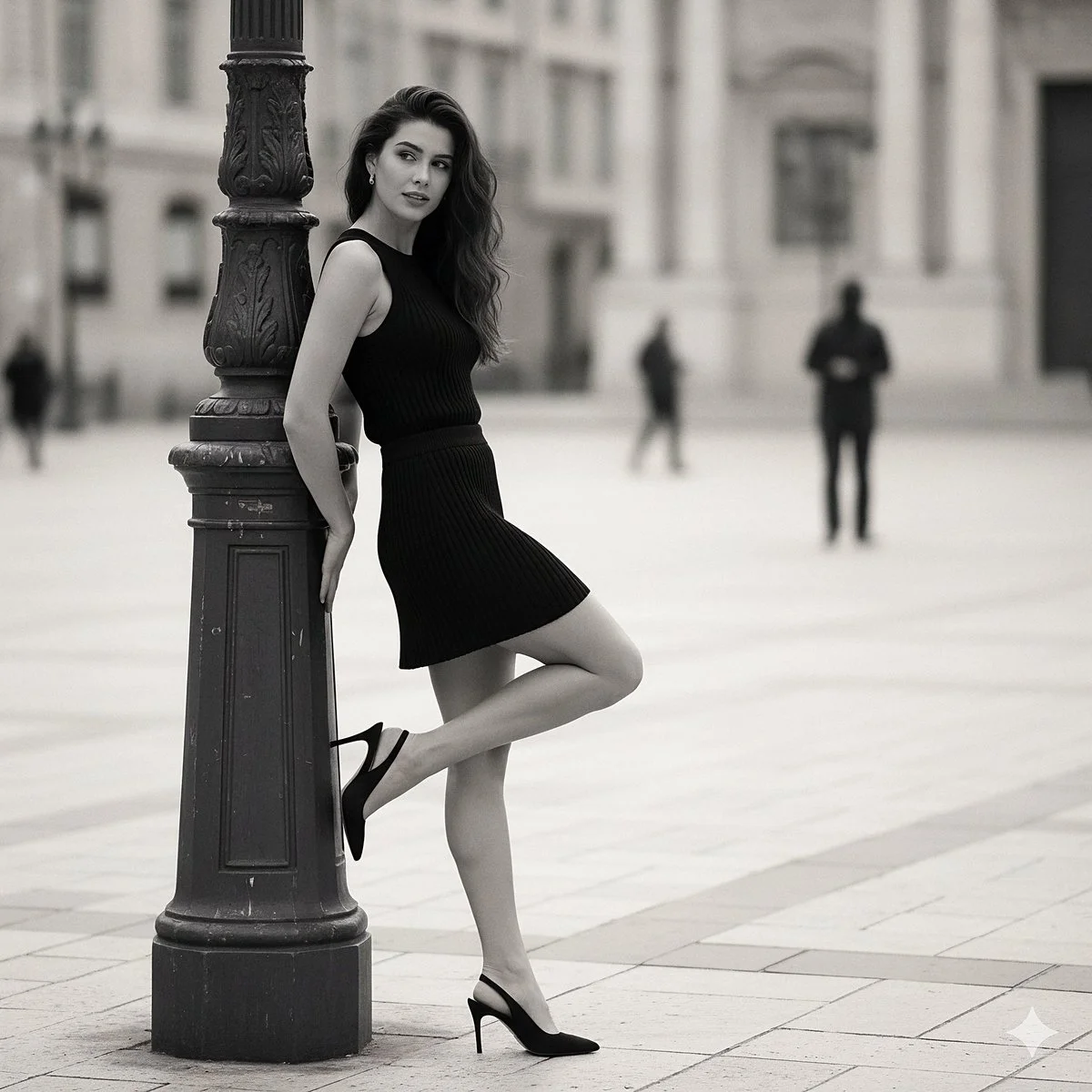
{ "prompt_title": "Effortless Chic Pose", "concept": "A hyperrealistic fashion photograph replicating a specific street style moment: a woman in a black knit set posing elegantly against a lamppost in a European city.", "scene_composition": { "shot_type": "Medium full-body shot", "camera_lens": "85mm f/1.4 lens", "perspective": "Eye-level, capturing the subject from the side.", "aspect_ratio": "2:3", "focus": "Sharp focus on the woman and her outfit. The background is beautifully blurred with creamy bokeh to isolate the subject." }, "environment": { "setting": "A European city square or wide pedestrian street during the day.", "background_details": "The background is softly blurred but shows classical architecture with light-colored stone buildings. A few indistinct figures are walking in the distance.", "ground": "Light-colored stone pavers or cobblestones.", "atmosphere": "Chic, relaxed, and sophisticated." }, "subject": { "primary": "A stylish young woman with long, wavy dark hair.", "appearance": "Her hair falls naturally over her shoulder. She has a gentle, soft expression and is looking slightly away from the camera.", "pose": "She is leaning with her back against a dark, ornate metal lamppost on the left side of the frame. Her right leg is bent and lifted behind her. " }, "outfit_and_details": { "top": "A form-fitting, sleeveless black top made of a visible ribbed knit fabric.", "bottom": "A matching black mini skirt, also made of the same ribbed knit material.", "shoes": "black slingback high heel" }, "style_and_aesthetics": { "realism": "Hyperrealistic, photorealistic, cinematic, 8K resolution, ultra-detailed.", "lighting": "Soft, diffused daylight, as if on an overcast day or in the shade, to prevent harsh shadows and create a flattering, even light on the subject.", "color_palette": "A monochrome and muted palette. Dominant blacks from the outfit and lamppost, contrasted with the light tones of the buildings and ground.", "details": "Emphasis on realistic material properties: the fine texture of the ribbed knit, the rough texture of the stone pavers, and the metallic finish of the lamppost." }, "quality_boosters": [ "masterpiece", "best quality", "insanely detailed", "sharp focus", "professional fashion photography", "street style", "editorial", "trending on Vogue" ], "negative_prompt": [ "cartoon, anime, 3D render, illustration, painting", "blurry, out of focus, low quality, jpeg artifacts", "harsh sunlight, strong shadows", "crowded street, distracting background", "deformed anatomy, bad hands, extra limbs", "text, watermark, signature" ] }
{ "prompt_title": "Effortless Chic Pose", "concept": "A hyperrealistic fashion photograph replicating a specific street style moment: a woman in a black knit set posing elegantly against a lamppost in a European city.", "scene_composition": { "shot_type": "Medium full-body shot", "camera_lens": "85mm f/1.4 lens", "perspective": "Eye-level, capturing the subject from the side.", "aspect_ratio": "2:3", "focus": "Sharp focus on the woman and her outfit. The background is beautifully blurred with creamy bokeh to isolate the subject." }, "environment": { "setting": "A European city square or wide pedestrian street during the day.", "background_details": "The background is softly blurred but shows classical architecture with light-colored stone buildings. A few indistinct figures are walking in the distance.", "ground": "Light-colored stone pavers or cobblestones.", "atmosphere": "Chic, relaxed, and sophisticated." }, "subject": { "primary": "A stylish young woman with long, wavy dark hair.", "appearance": "Her hair falls naturally over her shoulder. She has a gentle, soft expression and is looking slightly away from the camera.", "pose": "She is leaning with her back against a dark, ornate metal lamppost on the left side of the frame. Her right leg is bent and lifted behind her. " }, "outfit_and_details": { "top": "A form-fitting, sleeveless black top made of a visible ribbed knit fabric.", "bottom": "A matching black mini skirt, also made of the same ribbed knit material.", "shoes": "black slingback high heel" }, "style_and_aesthetics": { "realism": "Hyperrealistic, photorealistic, cinematic, 8K resolution, ultra-detailed.", "lighting": "Soft, diffused daylight, as if on an overcast day or in the shade, to prevent harsh shadows and create a flattering, even light on the subject.", "color_palette": "A monochrome and muted palette. Dominant blacks from the outfit and lamppost, contrasted with the light tones of the buildings and ground.", "details": "Emphasis on realistic material properties: the fine texture of the ribbed knit, the rough texture of the stone pavers, and the metallic finish of the lamppost." }, "quality_boosters": [ "masterpiece", "best quality", "insanely detailed", "sharp focus", "professional fashion photography", "street style", "editorial", "trending on Vogue" ], "negative_prompt": [ "cartoon, anime, 3D render, illustration, painting", "blurry, out of focus, low quality, jpeg artifacts", "harsh sunlight, strong shadows", "crowded street, distracting background", "deformed anatomy, bad hands, extra limbs", "text, watermark, signature" ] }
Explorer les workflows d'images
Explorez le workflow Grok Imagine et comparez-le avec les pages d'images associées. Le générateur est la source de vérité pour l'accès actuel au modèle et les paramètres. Utilisez la bibliothèque de prompts pour étudier les résultats publiés et le modèle qui les a créés.
Libérez votre créativité avec Grok Imagine
Explorez le workflow Grok Imagine et comparez-le avec les pages d'images associées. Le générateur est la source de vérité pour l'accès actuel au modèle et les paramètres. Utilisez la bibliothèque de prompts pour étudier les résultats publiés et le modèle qui les a créés.
Prévoyez du temps pour inspecter chaque résultat d'image et affiner votre brief. Le temps de traitement varie selon le modèle, la requête et la charge du service. Changez une direction à la fois afin de pouvoir juger quelle modification améliore le résultat.
Explorez Grok Imagine
Du prompt à l'image terminée : le workflow Grok Imagine
Commencez votre brief d'image Grok Imagine avec une image source que vous avez le droit d'utiliser. Nommez la zone à modifier et les couleurs, proportions ou objets à préserver. Le nombre de références et la prise en charge de l'édition dépendent du modèle sélectionné.
Entrez l'invite ou téléchargez la référence
Commencez votre brief d'image Grok Imagine avec une image source que vous avez le droit d'utiliser. Nommez la zone à modifier et les couleurs, proportions ou objets à préserver. Le nombre de références et la prise en charge de l'édition dépendent du modèle sélectionné.
Choisir les paramètres et générer
Prévoyez du temps pour inspecter chaque résultat d'image et affiner votre brief. Le temps de traitement varie selon le modèle, la requête et la charge du service. Changez une direction à la fois afin de pouvoir juger quelle modification améliore le résultat.
Vérifiez et téléchargez les résultats terminés
Lorsqu'une requête est terminée, inspectez l'image dans vos assets et téléchargez le résultat que vous souhaitez conserver. Examinez la composition et tout détail involontaire avant de la partager avec votre équipe ou de la publier.
Créez votre image Grok Imagine
Rédigez votre brief d'image Grok Imagine autour d'un sujet, d'une composition, d'un éclairage et d'un style souhaité. Ajoutez un matériau ou une texture lorsque cela compte. Pour les modifications, indiquez un changement précis et expliquez quelles parties de la source doivent rester intactes.
Création de texte en image
Rédigez votre brief d'image Grok Imagine autour d'un sujet, d'une composition, d'un éclairage et d'un style souhaité. Ajoutez un matériau ou une texture lorsque cela compte. Pour les retouches, indiquez un seul changement précis et expliquez quelles parties de la source doivent rester intactes.
- Utilisez legénérateur d'images grok aiRédigez votre brief d'image Grok Imagine autour d'un sujet, d'une composition, d'un éclairage et d'un style souhaité. Ajoutez un matériau ou une texture lorsque cela compte. Pour les modifications, indiquez un changement précis et expliquez quelles parties de la source doivent rester intactes.
- Legrok imagineRédigez votre brief d'image Grok Imagine autour d'un sujet, d'une composition, d'un éclairage et d'un style souhaité. Ajoutez un matériau ou une texture lorsque cela compte. Pour les modifications, indiquez un changement précis et expliquez quelles parties de la source doivent rester intactes.générateur de texte en image grok.
- Choisissez uniquement la résolution et le ratio d'aspect affichés pour le modèle sélectionné. Vérifiez le cadrage, les détails fins et tout texte dans l'image terminée. Une taille de sortie plus grande ne garantit pas un résultat plus précis.générateur de photos grok ai.
- Fiez-vous à celagénérateur d'invite d'image grokExplorez le workflow Grok Imagine et comparez-le avec les pages d'images associées. Le générateur est la source de vérité pour l'accès actuel au modèle et les paramètres. Utilisez la bibliothèque de prompts pour étudier les résultats publiés et le modèle qui les a créés.
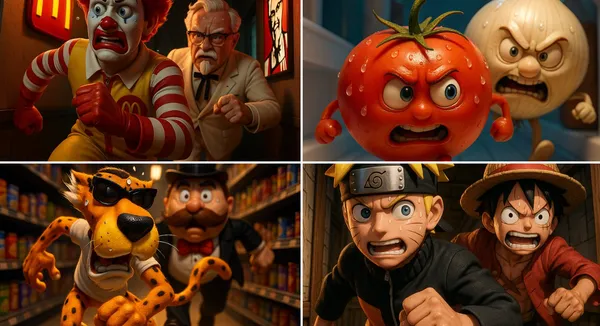
Rédigez des directions précises d'édition et de style
Explorez le flux de travail Grok Imagine et comparez-le avec les pages d'images associées. Le générateur est la source de vérité pour l'accès et les paramètres actuels des modèles. Utilisez la bibliothèque d'invites pour étudier les résultats publiés et le modèle qui les a créés.
- Commencez votre brief d'image Grok Imagine avec une image source que vous avez le droit d'utiliser. Nommez la zone à modifier et les couleurs, proportions ou objets à préserver. Le nombre de références et la prise en charge de l'édition dépendent du modèle sélectionné.générateur d'images grok aiDécrivez le résultat souhaité, sélectionnez un modèle Grok Imagine disponible et soumettez votre requête depuis le générateur. Examinez les résultats d'images terminés dans vos assets, affinez le prompt si nécessaire et téléchargez la version adaptée à votre projet.
- Legrok imaginela plate-forme agit comme un système sophistiquégrok ai éditeur d'imagesPour un concept produit Grok Imagine, précisez la forme du produit, le matériau, le détail clé et le décor. Gardez les logos et les allégations exacts, laissez de la place pour votre propre typographie et examinez le résultat avant de l'utiliser dans une publicité.
- Utilisez legrok retouche d'image aiListez les détails qui comptent dans votre brief d'image Grok Imagine : identité, forme, couleurs, vêtements et arrière-plan. Utilisez des références prises en charge le cas échéant et comparez chaque résultat ; une cohérence exacte n'est pas garantie.
- Cecigénérateur de photos grok aiDécrivez le résultat souhaité, sélectionnez un modèle Grok Imagine disponible et soumettez votre requête depuis le générateur. Examinez les résultats d'images terminés dans vos assets, affinez le prompt si nécessaire et téléchargez la version adaptée à votre projet.
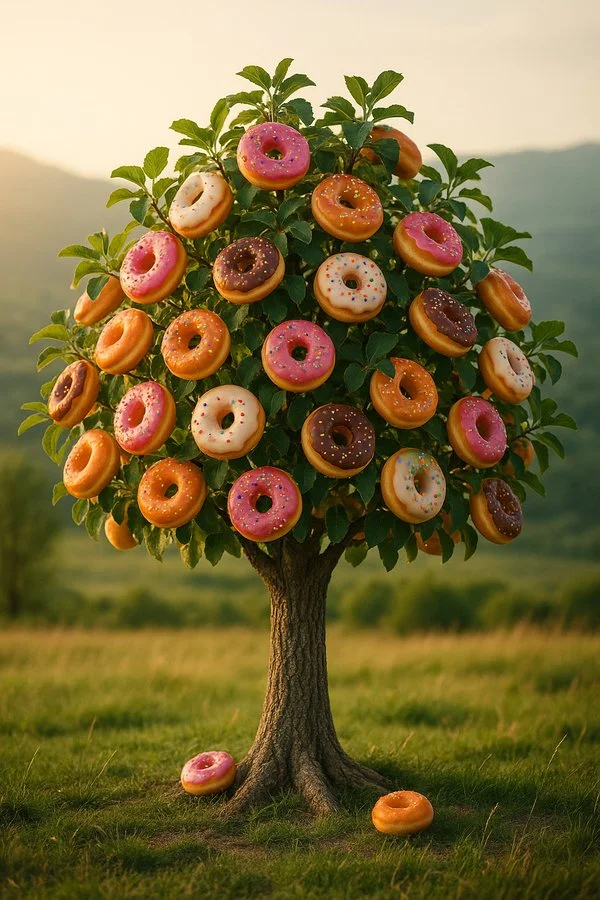
Utilisez des références pour expliquer le résultat souhaité
Commencez votre brief d'image Grok Imagine avec une image source que vous avez la permission d'utiliser. Nommez la zone à modifier et les couleurs, proportions ou objets à préserver. Le nombre de références et la prise en charge des modifications dépendent du modèle sélectionné.
- Legénérateur d'images grok aiListez les détails qui comptent dans votre brief d'image Grok Imagine : identité, forme, couleurs, vêtements et arrière-plan. Utilisez des références prises en charge le cas échéant et comparez chaque résultat ; une cohérence exacte n'est pas garantie.
- Avecgrok imagine, vous ne laissez pas les choses au hasard ; legénérateur d'images de référence grokminimise le caractère aléatoire.
- Assurez la cohérence de votre marque en laissant legénérateur de photos grok aicorrespondre à l’esthétique exacte de vos références fournies.
- créatif pour maintenir une apparence cohérente lors de l'utilisation de Grok Imagine pour les visuels marketing.
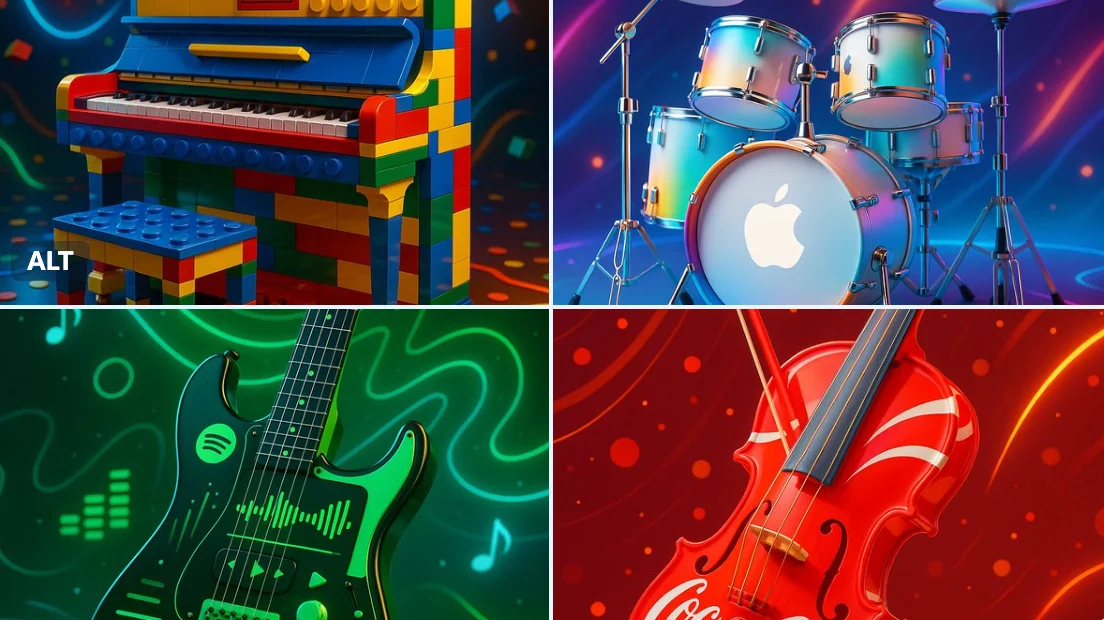
Expliquez votre sujet, vos modifications et vos références
Explorez le flux de travail Grok Imagine et comparez-le avec les pages d'images associées. Le générateur est la source de vérité pour l'accès et les paramètres actuels des modèles. Utilisez la bibliothèque d'invites pour étudier les résultats publiés et le modèle qui les a créés.
- Legénérateur d'images grok aiPrévoyez du temps pour inspecter chaque résultat d'image et affiner votre brief. Le temps de traitement varie selon le modèle, la requête et la charge du service. Changez une direction à la fois afin de pouvoir juger quelle modification améliore le résultat.
- Utilisergrok imaginePour un concept produit Grok Imagine, précisez la forme du produit, le matériau, le détail clé et le décor. Gardez les logos et les allégations exacts, laissez de la place pour votre propre typographie et examinez le résultat avant de l'utiliser dans une publicité.
- Legénérateur de photos grok aivous offre une variété d'options, ce qui en fait l'idéalGrok Imagine pour les réseaux sociaux.
- Décrivez le résultat souhaité, sélectionnez un modèle Grok Imagine disponible et soumettez votre requête depuis le générateur. Examinez les résultats d'images terminés dans vos assets, affinez le prompt si nécessaire et téléchargez la version adaptée à votre projet.grok imagine le générateur d'images ai.
Un brief créatif plus clair pour Grok Imagine
Prévoyez du temps pour inspecter chaque résultat d'image et affiner votre brief. Le temps de traitement varie selon le modèle, la requête et la charge du service. Changez une direction à la fois afin de pouvoir juger quelle modification améliore le résultat.
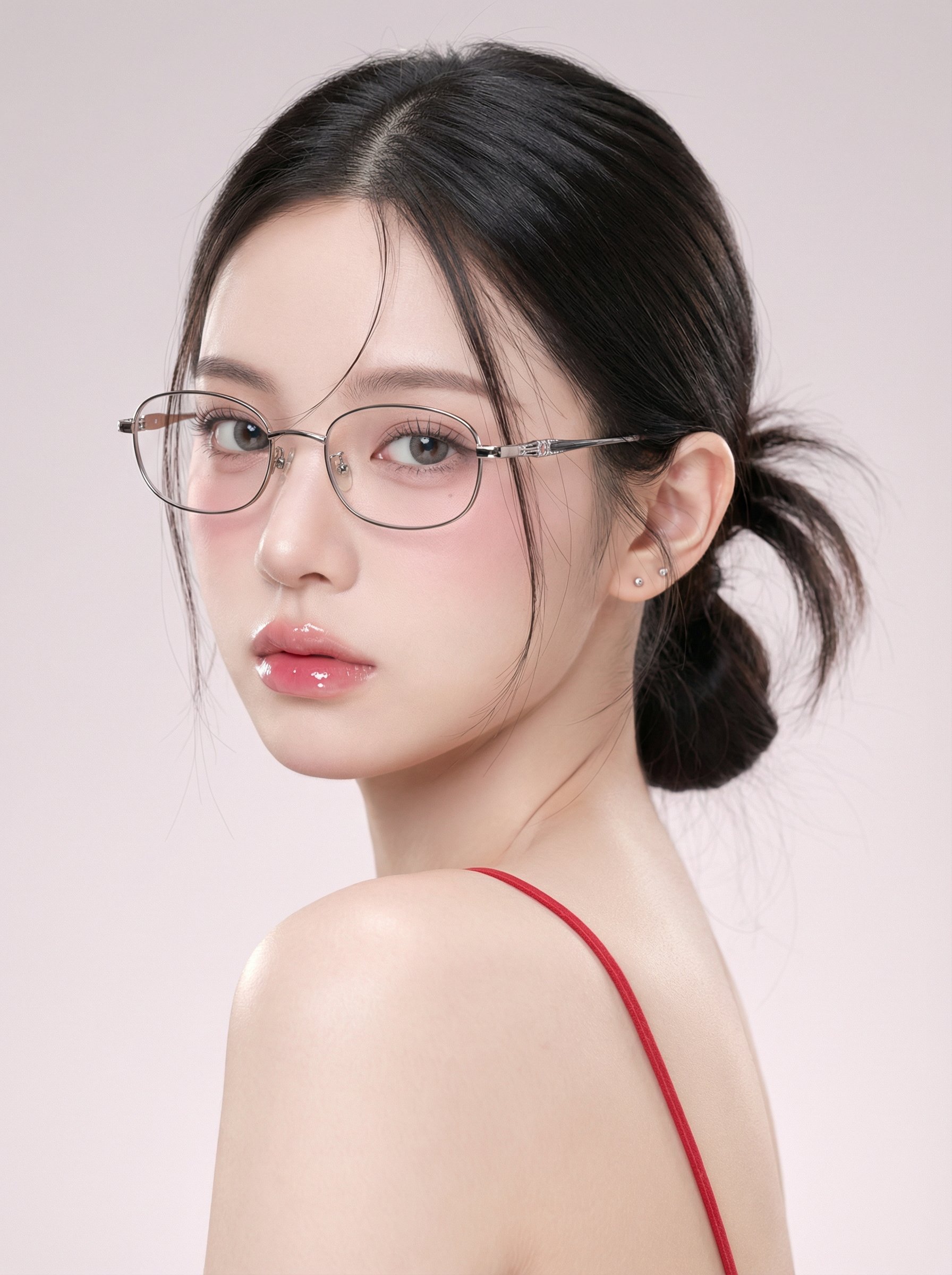
Ignorer les logiciels complexes
Prévoyez du temps pour inspecter chaque résultat d'image et affiner votre brief. Le temps de traitement varie selon le modèle, la requête et la charge du service. Modifiez une direction à la fois afin que vous puissiez juger quelle modification améliore le résultat.
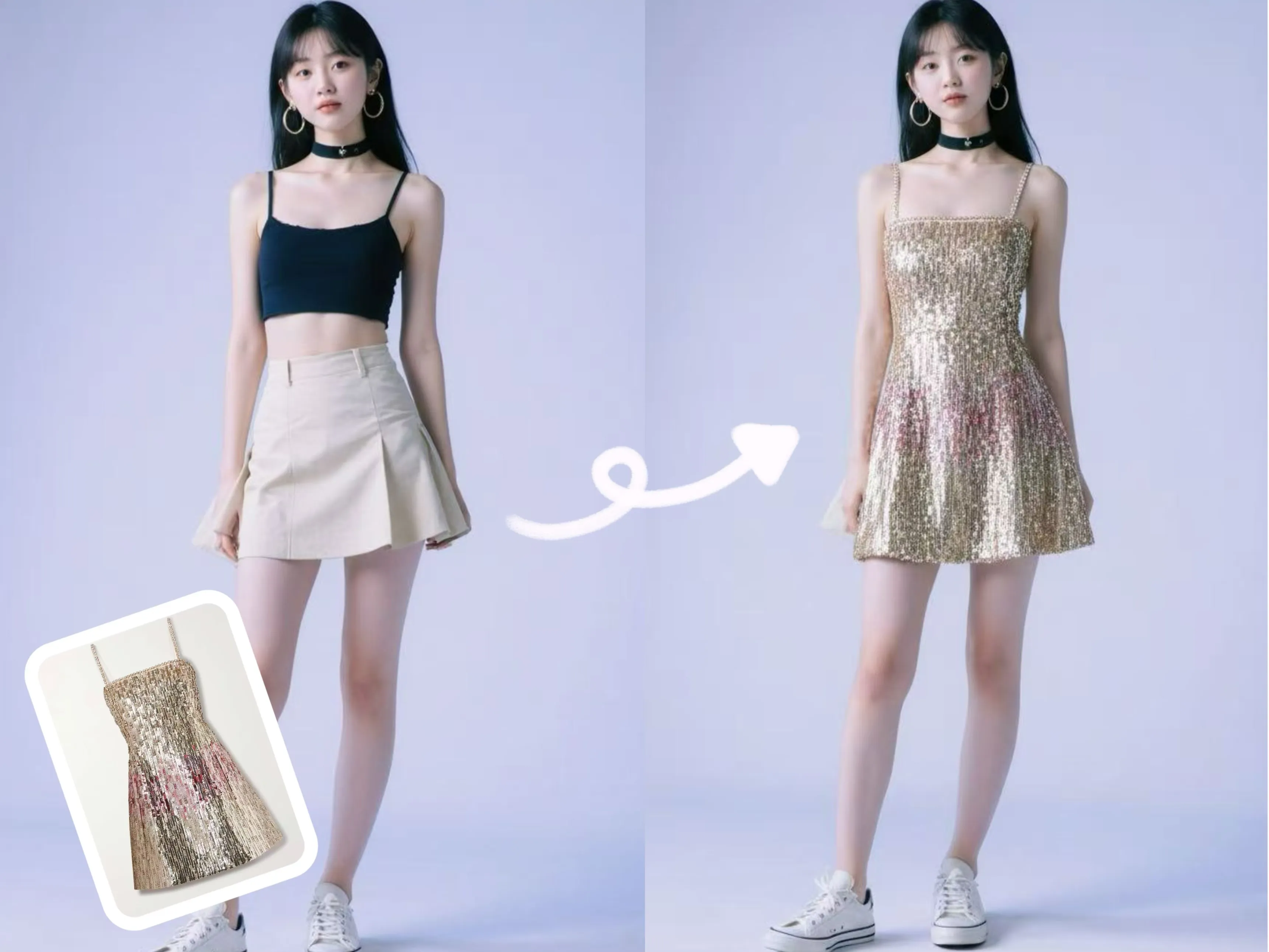
Transformez les idées en visuels
Choisissez uniquement la résolution et le rapport d'aspect affichés pour le modèle sélectionné. Vérifiez le cadrage, les détails fins et tout texte dans l'image terminée. Une taille de sortie plus grande ne garantit pas un résultat plus précis.
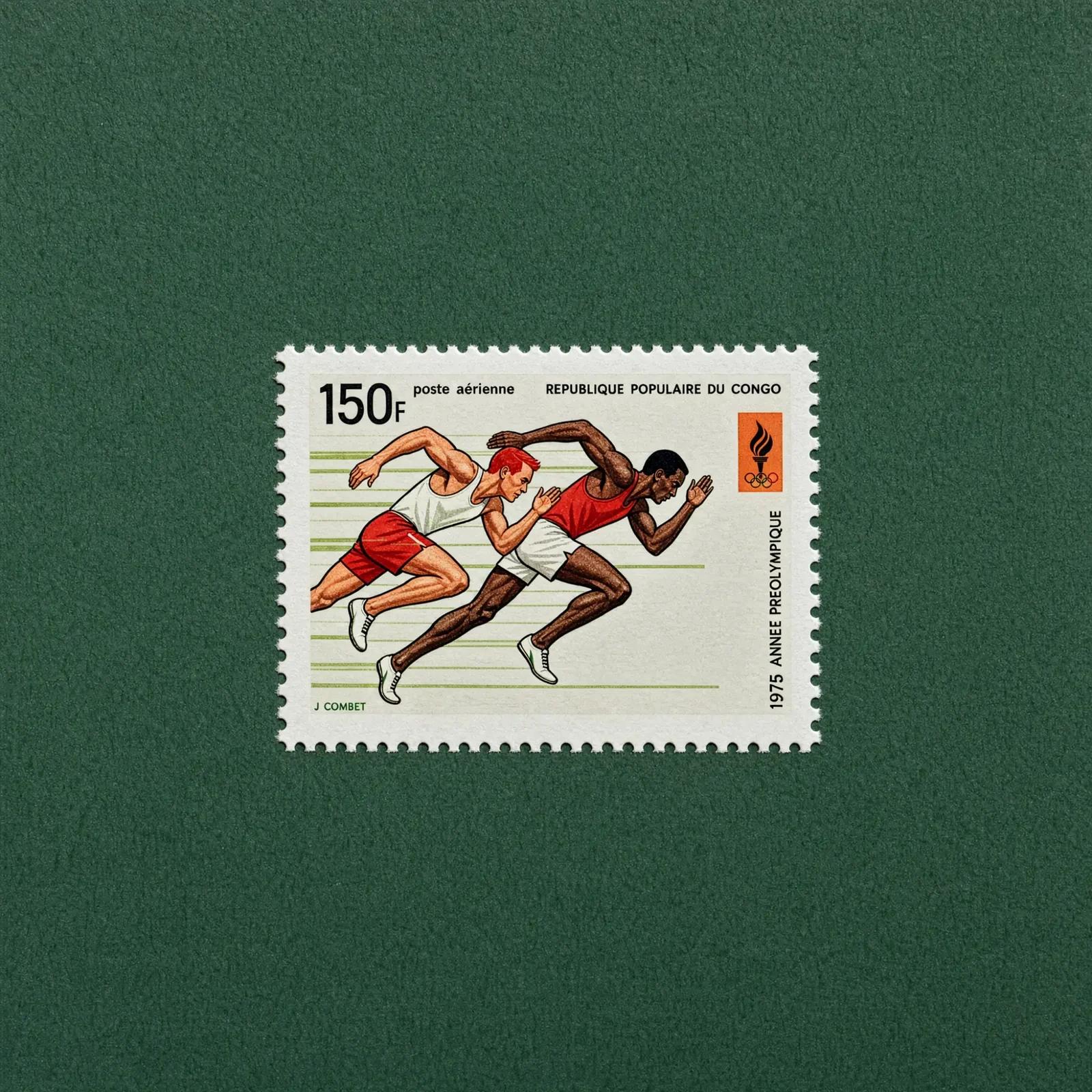
Vérifiez les détails sur chaque résultat
Commencez votre brief d'image Grok Imagine avec une image source que vous avez la permission d'utiliser. Nommez la zone à modifier et les couleurs, proportions ou objets à préserver. Nombre de références et la prise en charge des modifications dépendent du modèle sélectionné.
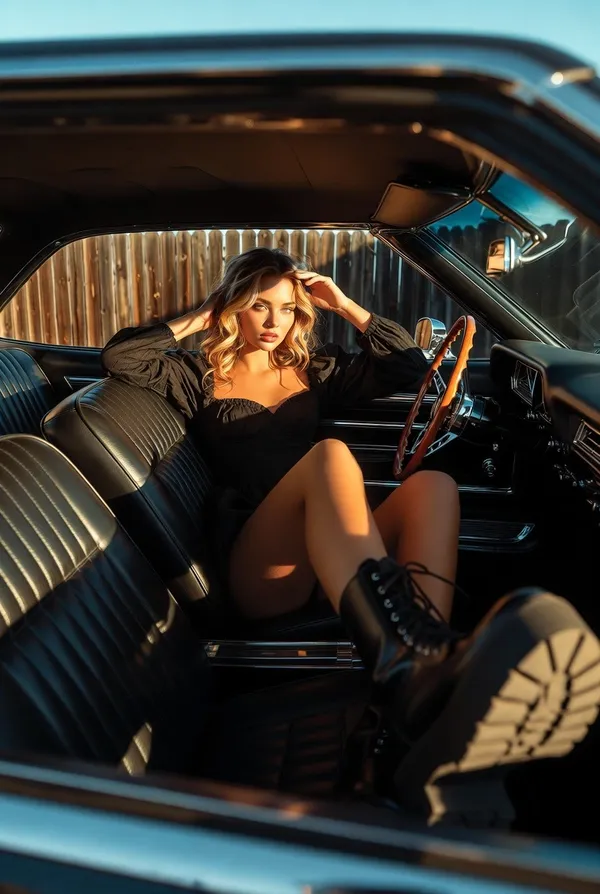
Conçu pour le marketing et les réseaux sociaux
Pour un concept de produit Grok Imagine, précisez la forme du produit, le matériau, le détail clé et le cadre. Gardez les logos et les affirmations exacts, laissez de la place pour votre propre typographie, et examinez le résultat avant de l'utiliser dans une publicité.
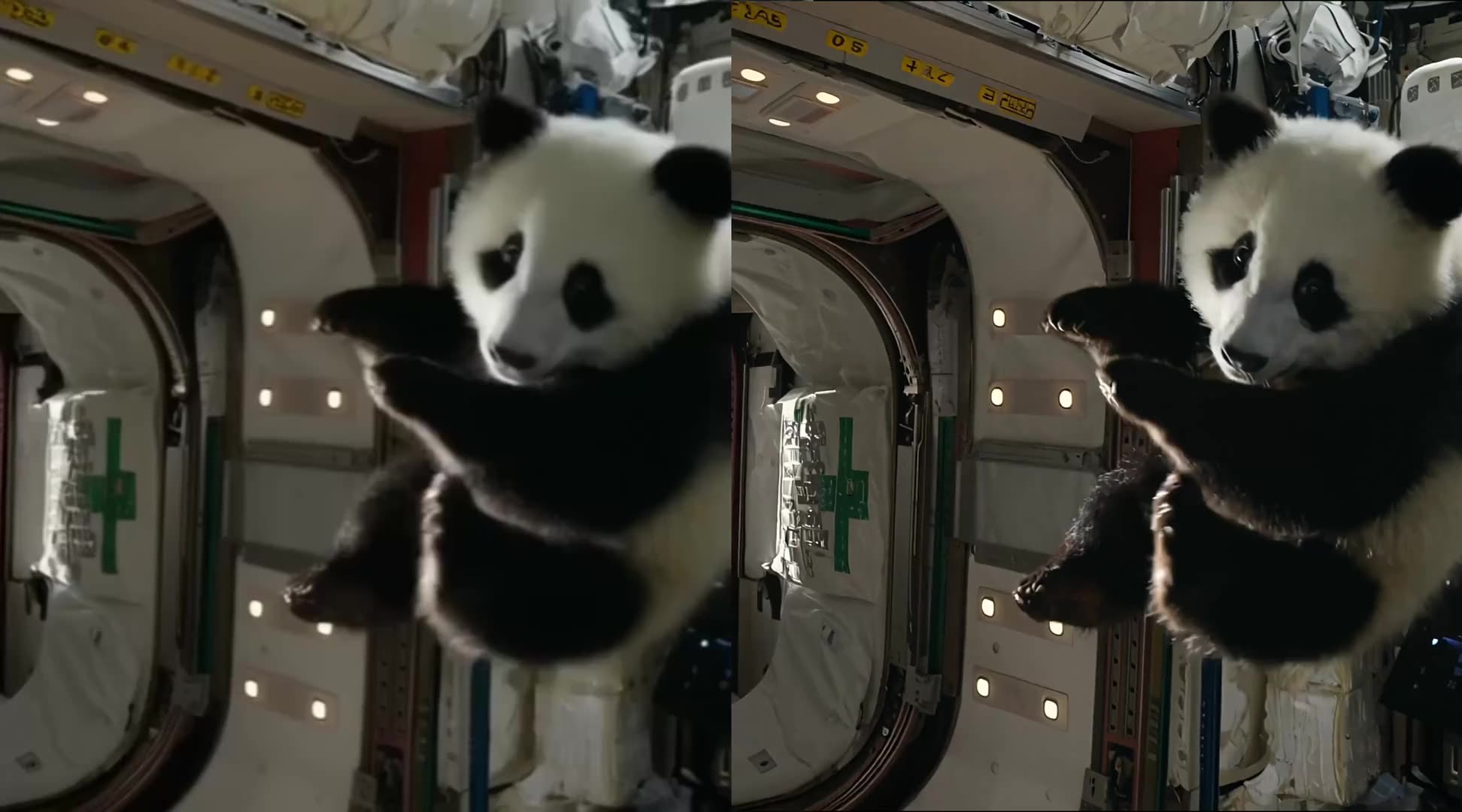
Édition facile en langage naturel
Prévoyez du temps pour inspecter chaque résultat d'image et affiner votre brief. Le temps de traitement varie selon le modèle, la requête et la charge du service. Modifiez une direction à la fois afin que vous puissiez juger quelle modification améliore le résultat.
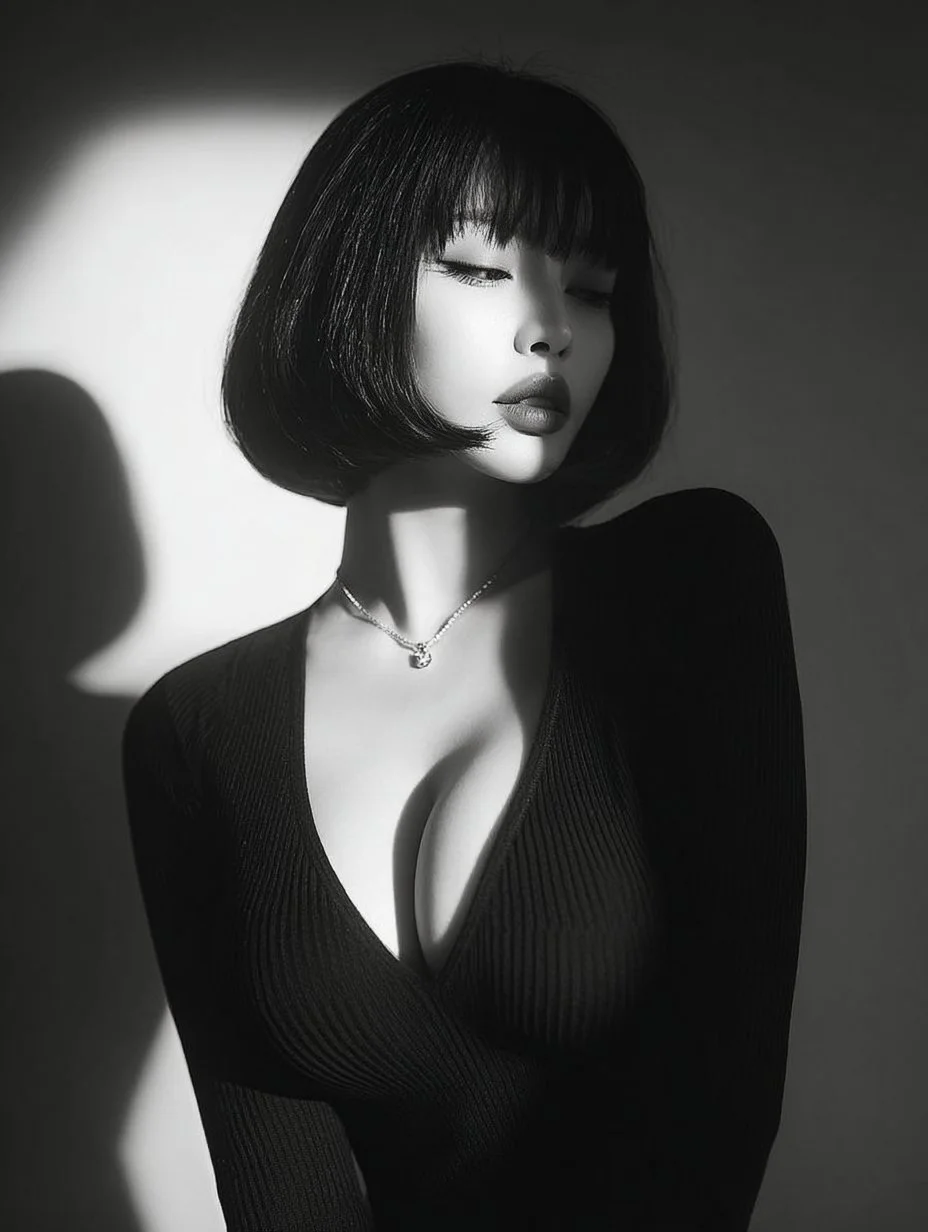
Itération visuelle rapide
Prévoyez du temps pour inspecter chaque résultat d'image et affiner votre brief. Le temps de traitement varie selon le modèle, la requête et la charge du service. Modifiez une direction à la fois afin que vous puissiez juger quelle modification améliore le résultat.
Notes créatives pour votre brief d'image Grok Imagine
Donnez au sujet principal une action claire. Pour un concept Grok Imagine, un brief précis est plus facile à évaluer qu'une liste d'effets concurrents.
Workflow d'image Grok Imagine : questions et réponses
Décrivez le résultat souhaité, sélectionnez un modèle Grok Imagine disponible et soumettez votre requête depuis le générateur. Examinez les résultats d'images terminés dans vos assets, affinez le prompt si nécessaire et téléchargez la version adaptée à votre projet.
Heydots rassemble le workflow d'image Grok Imagine dans un seul espace de travail : rédigez votre prompt, choisissez un modèle disponible, consultez le coût en crédits et générez. Les résultats terminés restent dans vos assets pour examen et téléchargement. Le générateur indique quels modèles et entrées acceptent les requêtes.
Décrivez le résultat souhaité, sélectionnez un modèle Grok Imagine disponible et soumettez votre requête depuis le générateur. Examinez les résultats d'images terminés dans vos assets, affinez le prompt si nécessaire et téléchargez la version adaptée à votre projet.
Rédigez votre brief d'image Grok Imagine autour d'un sujet, d'une composition, d'un éclairage et d'un style souhaité. Ajoutez un matériau ou une texture lorsque cela compte. Pour les modifications, indiquez un changement précis et expliquez quelles parties de la source doivent rester intactes.
Utilisez uniquement les modes de saisie et les contrôles proposés par le modèle sélectionné. Décrivez clairement l'image souhaitée et ajoutez des références prises en charge lorsque c'est utile. Cette page ne promet pas d'outils distincts de pinceau animé, de téléversement audio, de restauration ou d'édition.
Pour un concept produit Grok Imagine, précisez la forme du produit, le matériau, le détail clé et le décor. Gardez les logos et les allégations exacts, laissez de la place pour votre propre typographie et examinez le résultat avant de l'utiliser dans une publicité.
Choisissez uniquement la résolution et le ratio d'aspect affichés pour le modèle sélectionné. Vérifiez le cadrage, les détails fins et tout texte dans l'image terminée. Une taille de sortie plus grande ne garantit pas un résultat plus précis.
Vous pouvez demander un remboursement dans les 10 jours suivant l’achat si vous disposez de crédits inutilisés issus de cet achat et si vous fournissez un motif clair, sous réserve de notre Politique de remboursement. Si vous êtes éligible, un achat inutilisé peut être remboursé intégralement ; un achat partiellement utilisé est remboursé au prorata des crédits inutilisés restants. Les achats entièrement utilisés ainsi que les crédits gratuits ou promotionnels ne sont pas remboursables.
La validité des crédits dépend du pack, de l’abonnement ou de la promotion qui les a émis. Consultez les conditions d’achat et les dates d’expiration dans Paramètres > Crédits. Un renouvellement ou un nouvel achat ne prolonge pas les crédits plus anciens. Utilisez les crédits avant leur date d’expiration indiquée ; ne partez pas du principe que les crédits d’abonnement inutilisés sont reportés indéfiniment.
Les crédits facturés pour une tâche confirmée comme échouée en raison d'une erreur système sont restitués automatiquement. Une tâche encore en cours de traitement n'a pas encore été confirmée comme échouée. Vérifiez son statut et l'historique de vos crédits avant de soumettre à nouveau. Si un échec confirmé affiche toujours un débit non résolu, envoyez un e-mail à support@heydots.app avec l'ID de tâche.
Les résultats de l'IA peuvent varier ; un résultat terminé qui diffère de vos attentes n'est donc pas automatiquement considéré comme un échec technique. Les tâches d'image terminées éligibles peuvent être soumises à une évaluation de remboursement en crédits via l'option de remboursement lorsqu'elle est disponible ; une approbation est requise. Pour une vidéo ou un autre problème, contactez support@heydots.app avec l'ID de tâche et les détails. Un remboursement en crédits restitue des crédits, et non de l'argent sur votre moyen de paiement.
Envoyez un e-mail à support@heydots.app. Pour la facturation, indiquez l'e-mail de votre compte et l'ID de commande ; pour la génération, indiquez l'ID de tâche, la description du problème et les captures d'écran pertinentes. Si vous avez acheté en tant qu'invité, conservez les données du navigateur d'origine et le reçu de paiement afin que nous puissions vous aider à retrouver l'achat.
Explorez votre prochaine idée d'image Grok Imagine
Prévoyez du temps pour inspecter chaque résultat d'image et affiner votre brief. Le temps de traitement varie selon le modèle, la requête et la charge du service. Changez une direction à la fois afin de pouvoir juger quelle modification améliore le résultat.
heydots.app · Mis à jour
Consulter l’historique des mises à jour
- — La sélection du modèle par défaut du générateur d’images Grok a été corrigée. Ajout de prompts modifiables, de brouillons distincts pour les modes texte et référence et d’une commande pour rétablir l’exemple.
- — Textes et contenu de la page mis à jour.
- — Contenu de la page publié.