
Bilder erstellen und bearbeiten mit Nano Banana 2
Erkläre dein Motiv, Änderungen und Referenzen
Liste die Details auf, die in deinem Nano Banana 2-Bildbriefing wichtig sind: Identität, Form, Farben, Kleidung und Hintergrund. Verwende unterstützte Referenzen, wo angemessen, und vergleiche jedes Ergebnis; exakte Konsistenz ist nicht garantiert.
Verifizierter Prompt
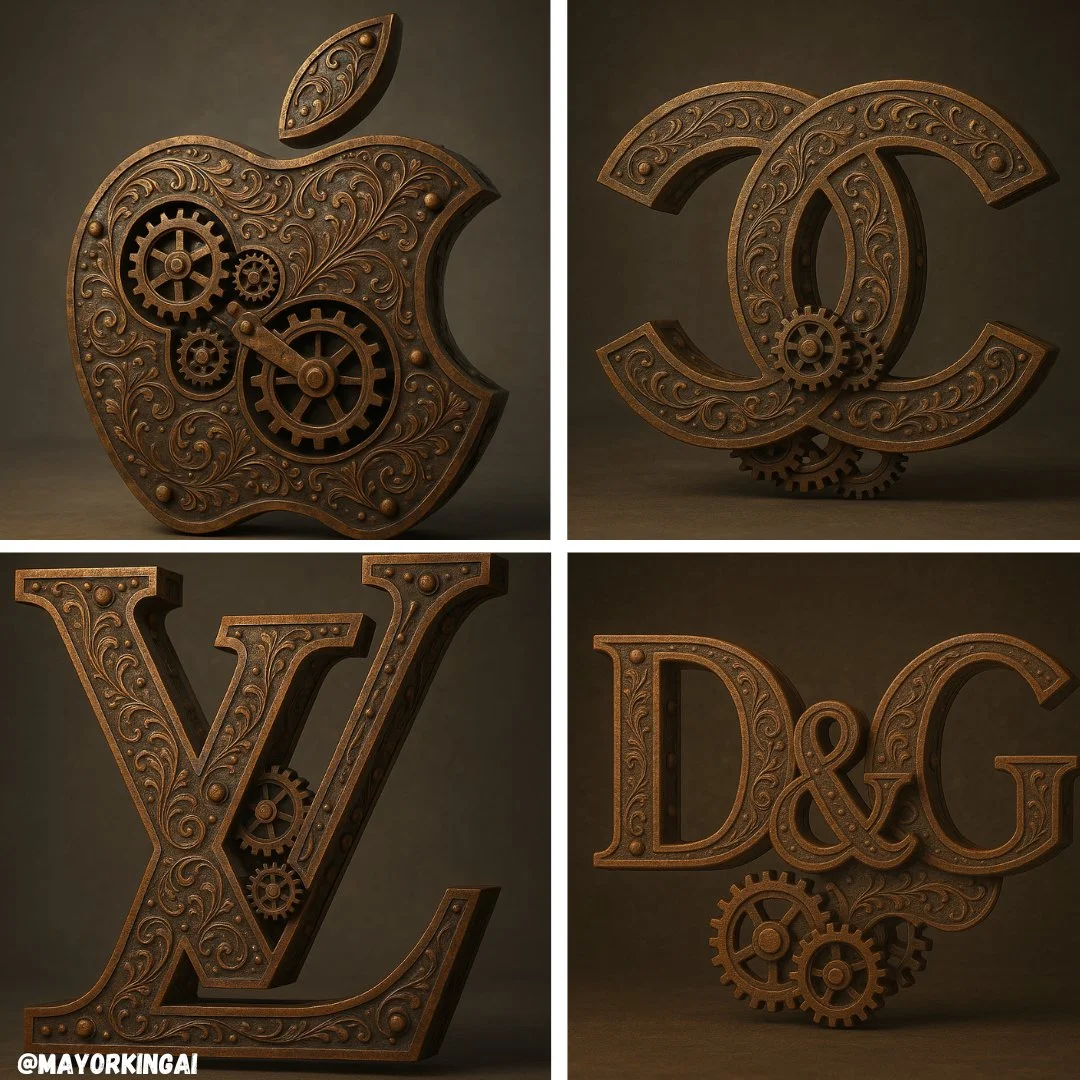
3D sculpted logo of [LOGO NAME], in a steampunk style, made of aged brass and oxidized iron, with visible rivets, gears, and vintage mechanical elements, distressed and weathered surface, rich copper and bronze tones, engraved with Victorian-style filigree, retro-industrial design, soft spotlight lighting, neutral background, hyper-realistic render, ultra-high resolution, symmetrical composition
3D sculpted logo of [LOGO NAME], in a steampunk style, made of aged brass and oxidized iron, with visible rivets, gears, and vintage mechanical elements, distressed and weathered surface, rich copper and bronze tones, engraved with Victorian-style filigree, retro-industrial design, soft spotlight lighting, neutral background, hyper-realistic render, ultra-high resolution, symmetrical composition
Verifizierter Prompt
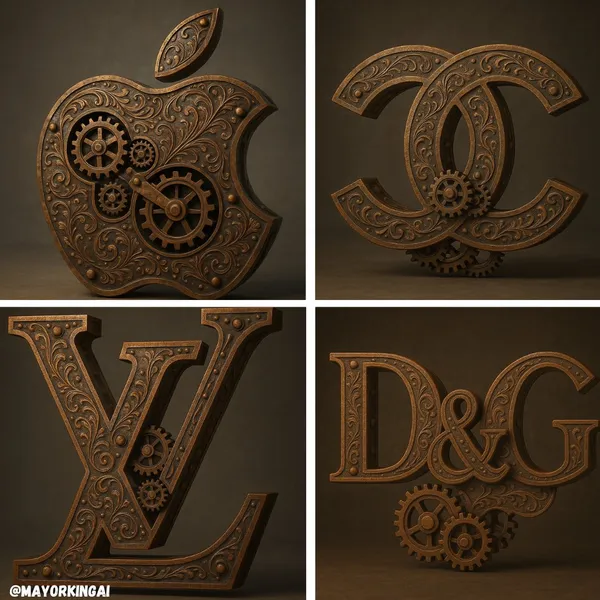
culpted logo of [LOGO NAME], in a steampunk style, made of aged brass and oxidized iron, with visible rivets, gears, and vintage mechanical elements, distressed and weathered surface, rich copper and bronze tones, engraved with Victorian-style filigree, retro-industrial design, soft spotlight lighting, neutral background, hyper-realistic render, ultra-high resolution, symmetrical composition
culpted logo of [LOGO NAME], in a steampunk style, made of aged brass and oxidized iron, with visible rivets, gears, and vintage mechanical elements, distressed and weathered surface, rich copper and bronze tones, engraved with Victorian-style filigree, retro-industrial design, soft spotlight lighting, neutral background, hyper-realistic render, ultra-high resolution, symmetrical composition
Verifizierter Prompt
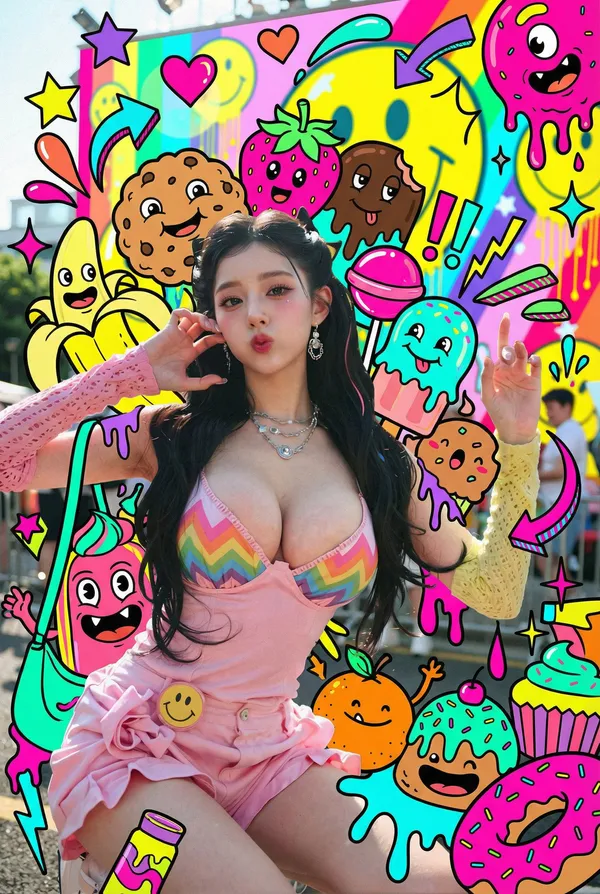
the uploaded photo. Do NOT alter the person’s real appearance — keep the person’s face, body, clothing, colors, and texture completely photorealistic. Do NOT change the background perspective. Do NOT turn the person into a drawing or illustration. Add a dense, overloaded layer of pop-style illustrated “sweets monsters” and graphic decorations ONLY around the person (and on top of their clothing if needed), but never on their skin or face. Illustrated elements: - many colorful cartoon monsters with thick black outlines, flat colors, and cute-but-ugly expressions - sweets-inspired monsters: bananas, cookies, strawberries, melting chocolate, lollipops, ice cream, oranges, cupcakes, donuts, candy pieces, soda bottles, etc. - additional graphic shapes: stars, hearts, arrows, drips, splashes, zigzag lines, exclamation marks, motion lines, sparkles, bubbles, comic-style text shapes (but no real text) Make the decoration very dense and “busy”: - fill the space behind the person with overlapping sweets monsters and shapes - add monsters peeking from behind the shoulders, around the bag, at the person’s feet, and near the head - allow some monsters and shapes to overlap the clothing and accessories (shirt, shorts, bag, shoes), but keep the skin of the face, arms, and legs photorealistic and visible - use multiple layers of illustrations in front of and behind the person to create depth - add glowing outlines, small white dots, and speed lines around the person to emphasize energy Color and style: - use a vivid, neon-like color palette (hot pink, yellow, cyan, lime, orange, purple, turquoise) - keep all illustrated elements flat and graphic with clean edges and bold outlines - ensure shadows and overlap suggest interaction with the real person (e.g., slight shadows on clothing where monsters touch) Overall goal: Create a highly decorated, maximalist pop-art scene where the real person stands in the middle, surrounded and wrapped by a chaotic crowd of playful sweets monsters and graphic doodles, while the person remains clearly photorealistic.
the uploaded photo. Do NOT alter the person’s real appearance — keep the person’s face, body, clothing, colors, and texture completely photorealistic. Do NOT change the background perspective. Do NOT turn the person into a drawing or illustration. Add a dense, overloaded layer of pop-style illustrated “sweets monsters” and graphic decorations ONLY around the person (and on top of their clothing if needed), but never on their skin or face. Illustrated elements: - many colorful cartoon monsters with thick black outlines, flat colors, and cute-but-ugly expressions - sweets-inspired monsters: bananas, cookies, strawberries, melting chocolate, lollipops, ice cream, oranges, cupcakes, donuts, candy pieces, soda bottles, etc. - additional graphic shapes: stars, hearts, arrows, drips, splashes, zigzag lines, exclamation marks, motion lines, sparkles, bubbles, comic-style text shapes (but no real text) Make the decoration very dense and “busy”: - fill the space behind the person with overlapping sweets monsters and shapes - add monsters peeking from behind the shoulders, around the bag, at the person’s feet, and near the head - allow some monsters and shapes to overlap the clothing and accessories (shirt, shorts, bag, shoes), but keep the skin of the face, arms, and legs photorealistic and visible - use multiple layers of illustrations in front of and behind the person to create depth - add glowing outlines, small white dots, and speed lines around the person to emphasize energy Color and style: - use a vivid, neon-like color palette (hot pink, yellow, cyan, lime, orange, purple, turquoise) - keep all illustrated elements flat and graphic with clean edges and bold outlines - ensure shadows and overlap suggest interaction with the real person (e.g., slight shadows on clothing where monsters touch) Overall goal: Create a highly decorated, maximalist pop-art scene where the real person stands in the middle, surrounded and wrapped by a chaotic crowd of playful sweets monsters and graphic doodles, while the person remains clearly photorealistic.
Verifizierter Prompt
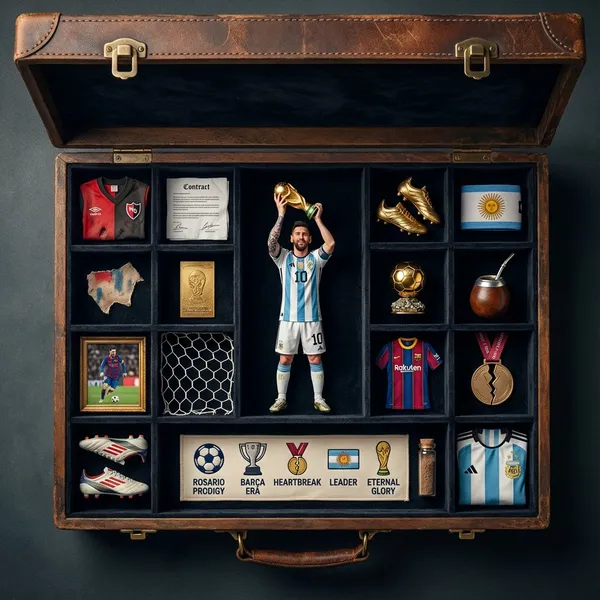
his for Messi: <instruction> Relic-Loadout Kit Input A is a fictional or real character (image/name) OR story IP (poster/name). Analyze and infer: character archetype, iconic scene, signature items, and moral arc. Goal: Premium collector kit box with compartments (no logos; minimal text). Rules: Center compartment: mini figurine. Surround 10–16 relic props that teach the character arc (before/after item, symbol of sacrifice, tool of choice). Add a tiny “arc timeline” strip with 5 beats (icons + 1–2 words max each). Output: one image, 4:5 product hero shot. </instruction>
his for Messi: <instruction> Relic-Loadout Kit Input A is a fictional or real character (image/name) OR story IP (poster/name). Analyze and infer: character archetype, iconic scene, signature items, and moral arc. Goal: Premium collector kit box with compartments (no logos; minimal text). Rules: Center compartment: mini figurine. Surround 10–16 relic props that teach the character arc (before/after item, symbol of sacrifice, tool of choice). Add a tiny “arc timeline” strip with 5 beats (icons + 1–2 words max each). Output: one image, 4:5 product hero shot. </instruction>
Verifizierter Prompt
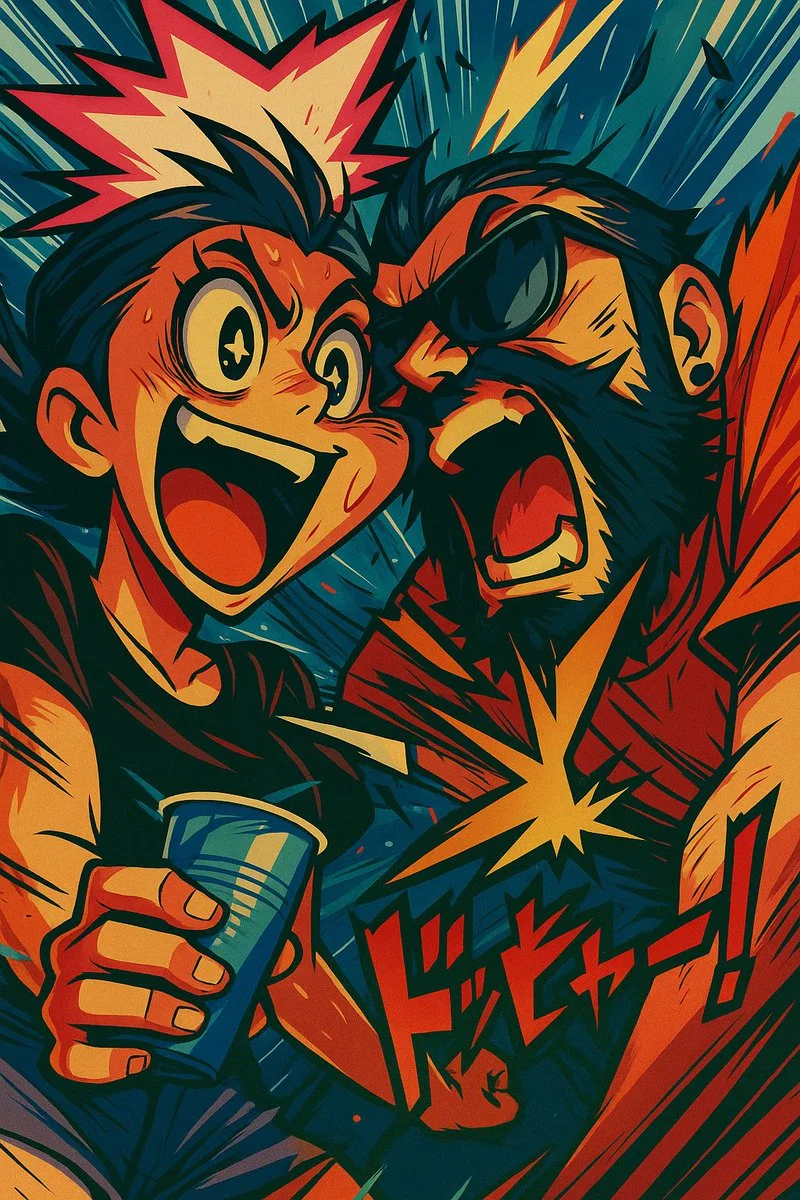
Transform this image into an over-the-top anime illustration in the style of Trigger / Gainax. Use exaggerated expressions, wild motion lines, and hyperdynamic poses. The anatomy should be fluid and distorted for emphasis — limbs stretching or snapping into action. Add speed lines, explosive backgrounds, and dramatic lighting effects. Integrate onomatopoeia or stylized text for extra chaos. Colors should be bold, saturated, and contrasting. The result should feel like a freeze frame from Kill la Kill or FLCL, mid-action, full of energy and visual impact.
Transform this image into an over-the-top anime illustration in the style of Trigger / Gainax. Use exaggerated expressions, wild motion lines, and hyperdynamic poses. The anatomy should be fluid and distorted for emphasis — limbs stretching or snapping into action. Add speed lines, explosive backgrounds, and dramatic lighting effects. Integrate onomatopoeia or stylized text for extra chaos. Colors should be bold, saturated, and contrasting. The result should feel like a freeze frame from Kill la Kill or FLCL, mid-action, full of energy and visual impact.
Verifizierter Prompt
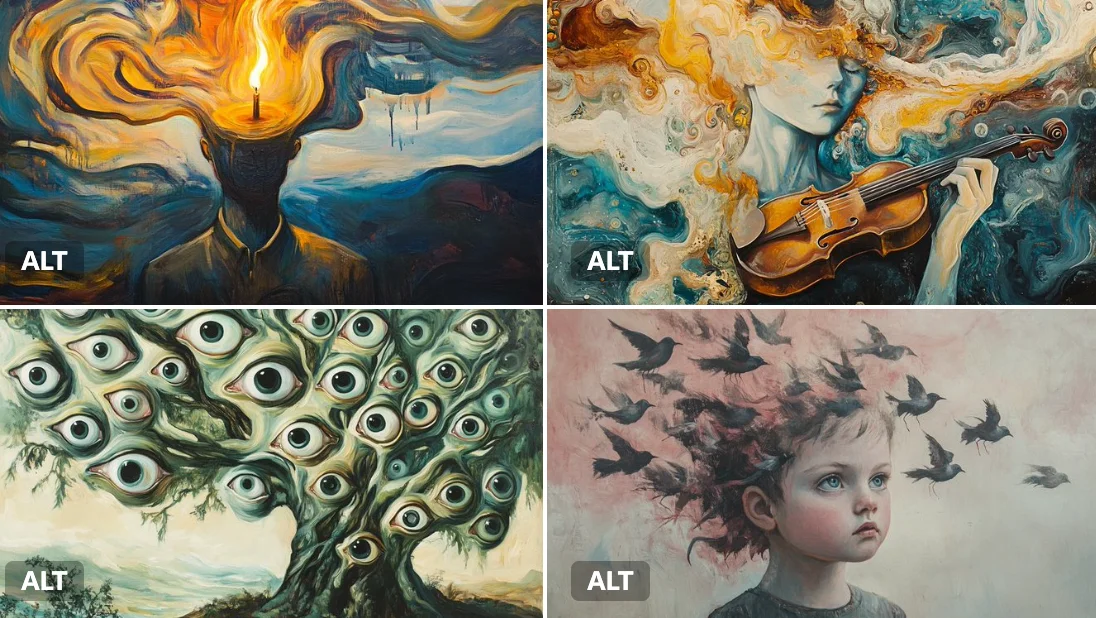
A surreal oil painting of a [subject], executed in the style of early 20th-century dreamscapes. Melting shapes, floating forms, and swirling [color1] and [color2] brushstrokes create a dreamlike dissonance.
A surreal oil painting of a [subject], executed in the style of early 20th-century dreamscapes. Melting shapes, floating forms, and swirling [color1] and [color2] brushstrokes create a dreamlike dissonance.
Verifizierter Prompt
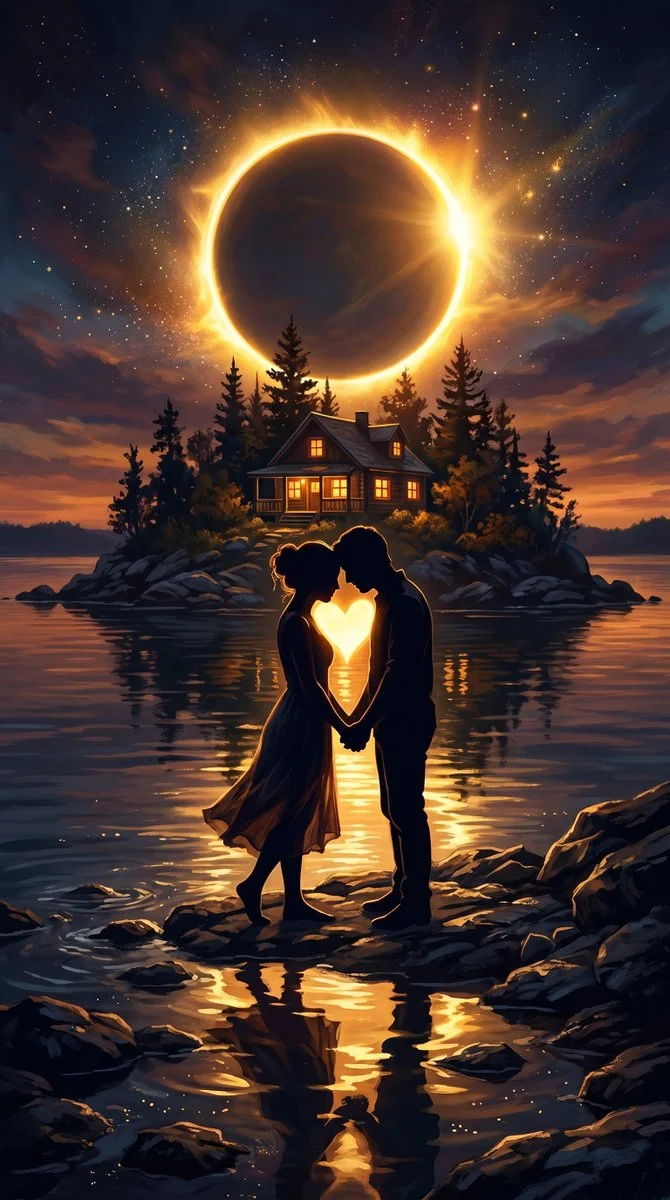
A romantic digital art scene featuring a couple in silhouette standing close together on a rocky shoreline at twilight, their bodies forming a heart-shaped space between them that glows with bright warm light. In the background a small cozy cabin with glowing windows sits atop a rocky island surrounded by dark reflective water. Above the island a massive golden solar eclipse dominates the night sky, casting a radiant ethereal ring of light and shimmering golden reflections across the calm lake surface. Serene magical deeply intimate atmosphere, rich color palette of deep blues, warm ambers, and glowing golden highlights.
A romantic digital art scene featuring a couple in silhouette standing close together on a rocky shoreline at twilight, their bodies forming a heart-shaped space between them that glows with bright warm light. In the background a small cozy cabin with glowing windows sits atop a rocky island surrounded by dark reflective water. Above the island a massive golden solar eclipse dominates the night sky, casting a radiant ethereal ring of light and shimmering golden reflections across the calm lake surface. Serene magical deeply intimate atmosphere, rich color palette of deep blues, warm ambers, and glowing golden highlights.
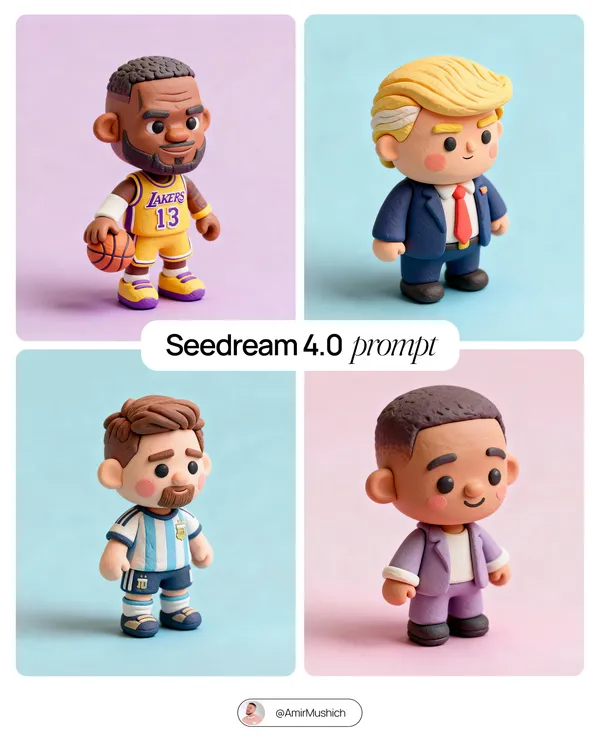
Verifizierter Prompt
cute isometric [CHARACTER or PRODUCT], soft lighting, soft pastel colors, 3d icon clay render, substance 3d, pastel background
cute isometric [CHARACTER or PRODUCT], soft lighting, soft pastel colors, 3d icon clay render, substance 3d, pastel background
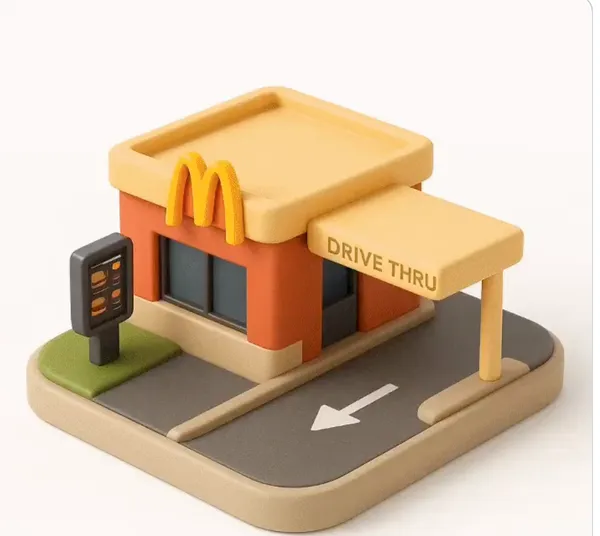
Verifizierter Prompt
ghly detailed 3D isometric icon of the following object: [OBJECT] Style: Airbnb 2024 icon language — miniature diorama / emoji-like object with crisp edges, realistic textures, and soft handcrafted realism. Material: The object should clearly retains its fundamental qualities but look as if its made from a mixture of matte and plastic-like materials. View: three-quarter front-left isometric view with a slight top-down angle. Lighting: soft neutral studio lighting from the top-left with subtle shadows and gentle gloss highlights. Color palette: retain the fundamental colors from the object and include subtle gradients and no harsh contrasts. Background: clean white, no drop shadow or noise. Mood: minimal, charming, utilitarian, premium. Rendering: hyper-detailed, photorealistic object with depth and tactility, like a designer lifestyle emoji or miniature product model. Optional Add-on for Replication: Use the attached photo as a reference for proportions and layout. Do not copy exactly — reinterpret it in the Airbnb icon aesthetic.
ghly detailed 3D isometric icon of the following object: [OBJECT] Style: Airbnb 2024 icon language — miniature diorama / emoji-like object with crisp edges, realistic textures, and soft handcrafted realism. Material: The object should clearly retains its fundamental qualities but look as if its made from a mixture of matte and plastic-like materials. View: three-quarter front-left isometric view with a slight top-down angle. Lighting: soft neutral studio lighting from the top-left with subtle shadows and gentle gloss highlights. Color palette: retain the fundamental colors from the object and include subtle gradients and no harsh contrasts. Background: clean white, no drop shadow or noise. Mood: minimal, charming, utilitarian, premium. Rendering: hyper-detailed, photorealistic object with depth and tactility, like a designer lifestyle emoji or miniature product model. Optional Add-on for Replication: Use the attached photo as a reference for proportions and layout. Do not copy exactly — reinterpret it in the Airbnb icon aesthetic.
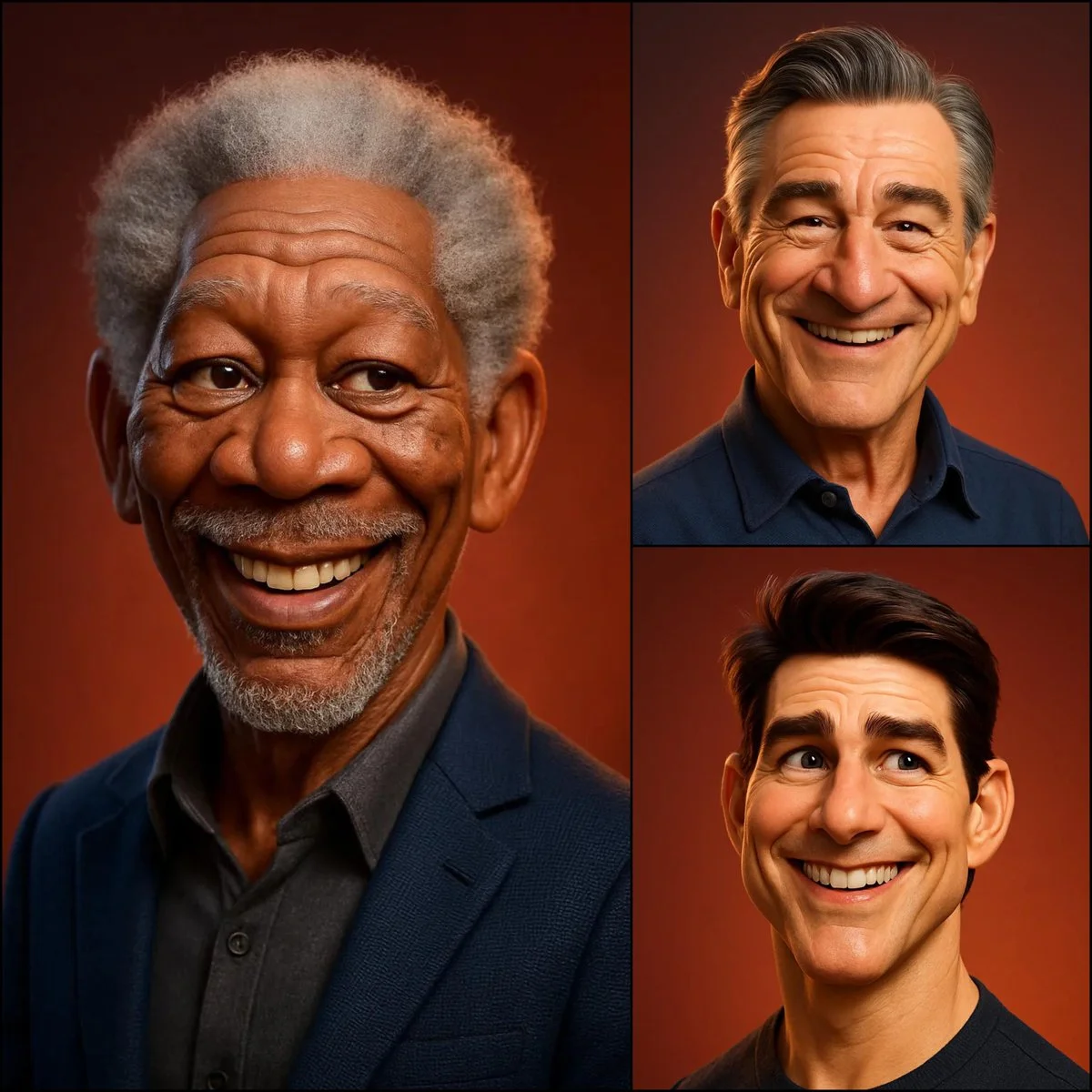
Verifizierter Prompt
3D caricature portrait of [SUBJECT], Pixar/DreamWorks style — expressive eyes, slightly oversized head, exaggerated ears & nose, realistic skin shading with soft subsurface scattering, detailed hair, gentle warm smile, smooth polished materials, subtle fabric texture, soft ambient lighting, warm reddish-orange gradient background — balanced realism and stylized charm.
3D caricature portrait of [SUBJECT], Pixar/DreamWorks style — expressive eyes, slightly oversized head, exaggerated ears & nose, realistic skin shading with soft subsurface scattering, detailed hair, gentle warm smile, smooth polished materials, subtle fabric texture, soft ambient lighting, warm reddish-orange gradient background — balanced realism and stylized charm.
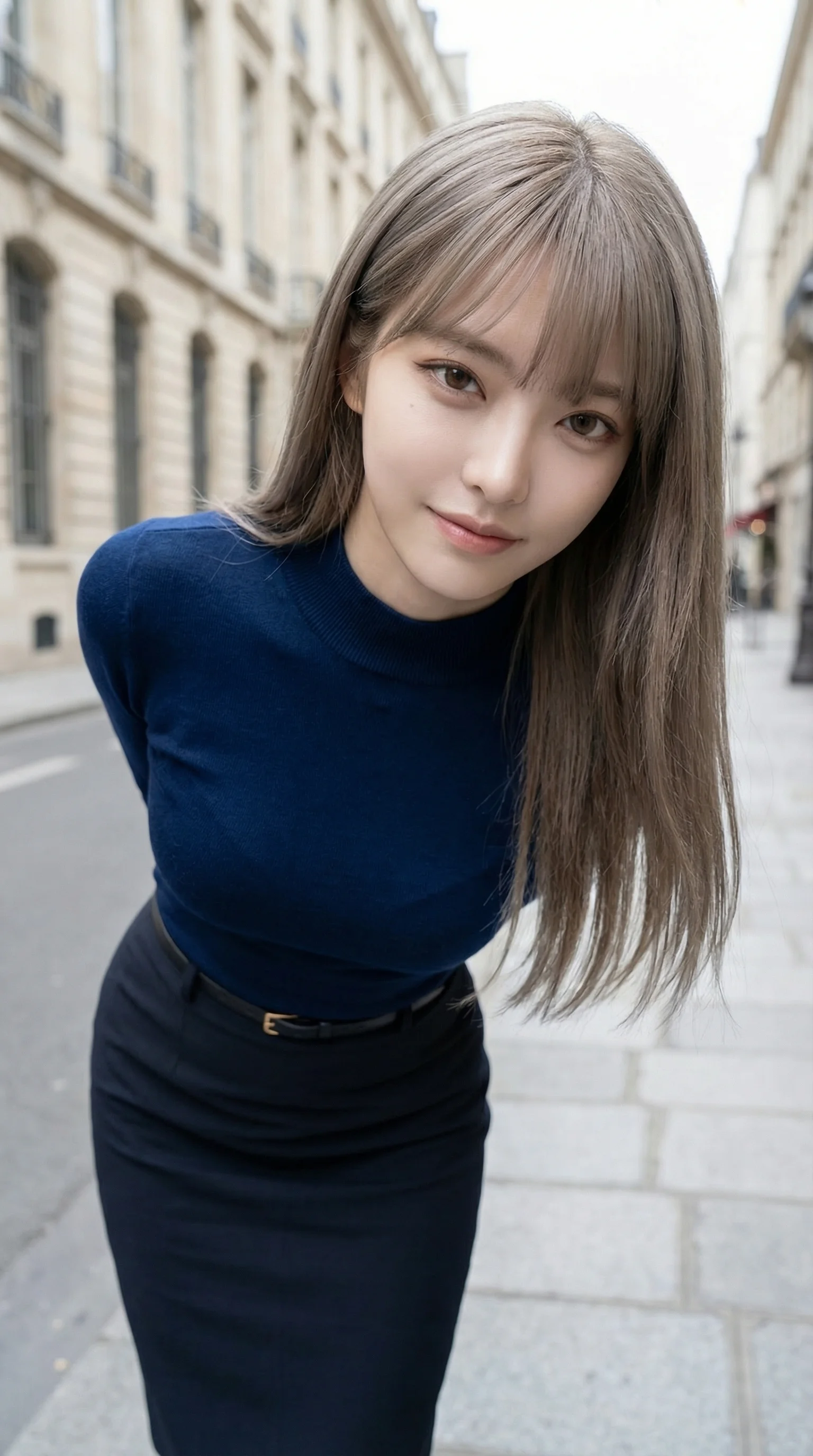
Verifizierter Prompt
"subject": { "description": "A stunning high-angle shot of a chic Asian fashion influencer with a cool, alluring attitude.", "age": "20s", "expression": { "eyes": { "look": "sharp fox-eyes, piercing gaze directed at camera", "energy": "confident, slightly cold, seductive", "details": "defined eyeliner, emphasized aegyosal" }, "mouth": { "position": "relaxed lips, subtle smirk", "energy": "chic" }, "overall": "stunning, high-visual-impact beauty" }, "face": { "preserve_original": false, "makeup": "high-contrast makeup, pale porcelain skin, reddish gradient lips, sharp jawline, V-shape face", "style": "cool-toned beauty, K-pop idol visual" }, "hair": { "color": "black", "style": "long sleek straight hair with full straight bangs", "effect": "glossy, high-fashion finish" }, "body": { "frame": "slim, petite, fragile aesthetic", "pose": { "position": "leaning forward significantly", "overall": "dynamic foreshortening, emphasis on head and upper torso" }, "skin": { "tone": "cold fair skin", "lighting_effect": "brightened face, soft beauty lighting, no dark shadows" } }, "clothing": { "top": { "type": "ultra-fine gauge knit top", "color": "cool grey", "details": "mock neck, skin-tight fit, lightweight thin fabric (not thick)", "effect": "perfectly sculpting body curves, smooth texture" }, "bottom": { "type": "dark pencil skirt", "details": "high waisted with thin luxury belt" } } }, "photography": { "camera_style": "High-end social media snapshot", "angle": "High angle POV", "shot_type": "Medium close-up", "aspect_ratio": "9:16", "texture": "clear, sharp, slightly filtered for beauty", "lighting": "overcast cool daylight, soft diffuse light" }, "background": { "setting": "European classic architecture", "atmosphere": "fashionable street corner", "blur": "bokeh background to emphasize subject" }, "negative_prompt": [ "round face", "plain face", "no makeup", "warm yellow skin", "chunky knit", "thick sweater", "loose clothing", "wrinkled fabric", "dull eyes", "friendly boring smile", "low resolution", "dark lighting" ] }
"subject": { "description": "A stunning high-angle shot of a chic Asian fashion influencer with a cool, alluring attitude.", "age": "20s", "expression": { "eyes": { "look": "sharp fox-eyes, piercing gaze directed at camera", "energy": "confident, slightly cold, seductive", "details": "defined eyeliner, emphasized aegyosal" }, "mouth": { "position": "relaxed lips, subtle smirk", "energy": "chic" }, "overall": "stunning, high-visual-impact beauty" }, "face": { "preserve_original": false, "makeup": "high-contrast makeup, pale porcelain skin, reddish gradient lips, sharp jawline, V-shape face", "style": "cool-toned beauty, K-pop idol visual" }, "hair": { "color": "black", "style": "long sleek straight hair with full straight bangs", "effect": "glossy, high-fashion finish" }, "body": { "frame": "slim, petite, fragile aesthetic", "pose": { "position": "leaning forward significantly", "overall": "dynamic foreshortening, emphasis on head and upper torso" }, "skin": { "tone": "cold fair skin", "lighting_effect": "brightened face, soft beauty lighting, no dark shadows" } }, "clothing": { "top": { "type": "ultra-fine gauge knit top", "color": "cool grey", "details": "mock neck, skin-tight fit, lightweight thin fabric (not thick)", "effect": "perfectly sculpting body curves, smooth texture" }, "bottom": { "type": "dark pencil skirt", "details": "high waisted with thin luxury belt" } } }, "photography": { "camera_style": "High-end social media snapshot", "angle": "High angle POV", "shot_type": "Medium close-up", "aspect_ratio": "9:16", "texture": "clear, sharp, slightly filtered for beauty", "lighting": "overcast cool daylight, soft diffuse light" }, "background": { "setting": "European classic architecture", "atmosphere": "fashionable street corner", "blur": "bokeh background to emphasize subject" }, "negative_prompt": [ "round face", "plain face", "no makeup", "warm yellow skin", "chunky knit", "thick sweater", "loose clothing", "wrinkled fabric", "dull eyes", "friendly boring smile", "low resolution", "dark lighting" ] }
Verifizierter Prompt
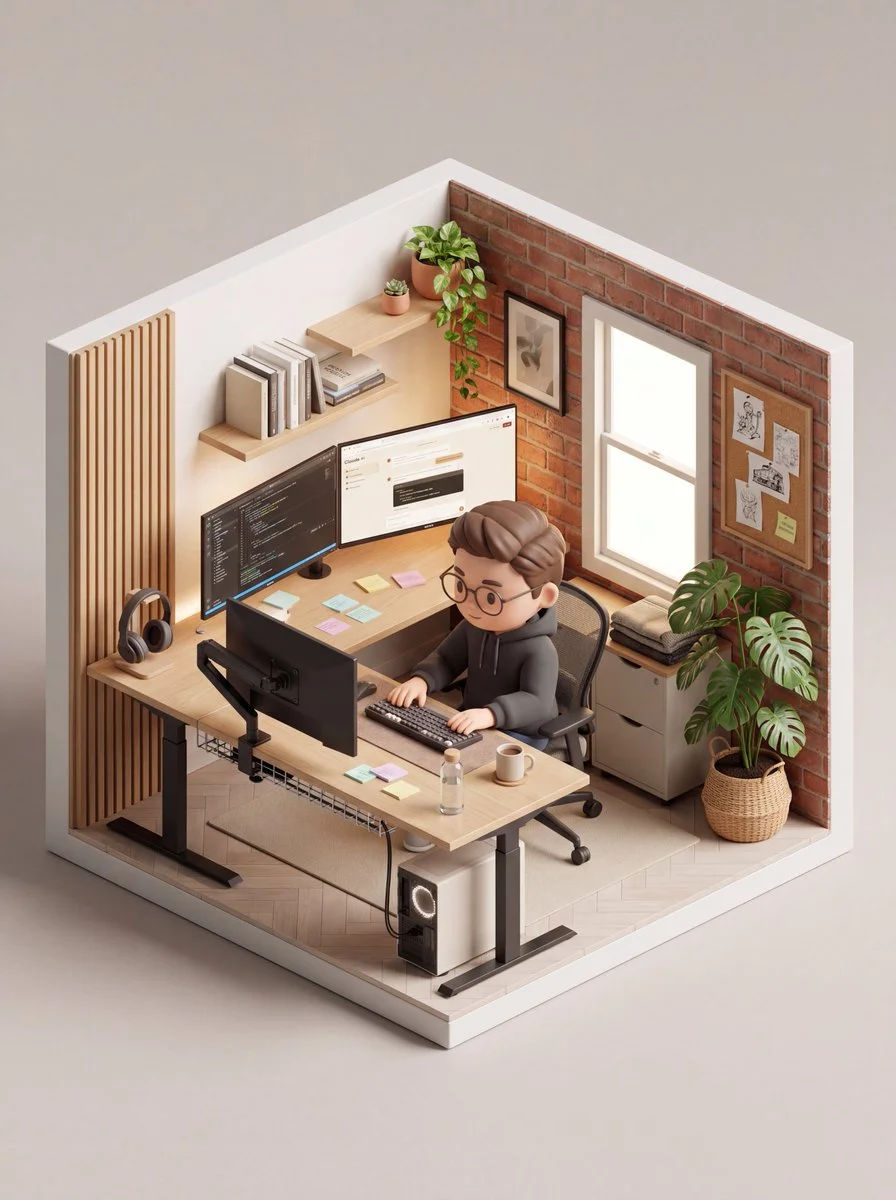
Using an uploaded portrait as a character reference, build a small isometric home-office diorama contained within a square cutaway room. Place a big-headed collectible-style figure at a wooden desk, working on a monitor and keyboard. Include a chair, shelves, books, a few desk accessories, framed wall decorations, a window and potted plants. Use matte figurine materials, detailed wood grain and softly textured walls. Light the room with gentle daylight from the window and show it from an elevated three-quarter angle against a neutral background. Keep every object inside the room footprint.
Using an uploaded portrait as a character reference, build a small isometric home-office diorama contained within a square cutaway room. Place a big-headed collectible-style figure at a wooden desk, working on a monitor and keyboard. Include a chair, shelves, books, a few desk accessories, framed wall decorations, a window and potted plants. Use matte figurine materials, detailed wood grain and softly textured walls. Light the room with gentle daylight from the window and show it from an elevated three-quarter angle against a neutral background. Keep every object inside the room footprint.
Bild-Workflows erkunden
Erkunde den Nano Banana 2-Workflow und vergleiche ihn mit den verwandten Bildseiten. Der Generator ist die maßgebliche Quelle für aktuellen Modellzugriff und Einstellungen. Nutze die Prompt-Bibliothek, um veröffentlichte Ergebnisse und das Modell, das sie erstellt hat, zu studieren.
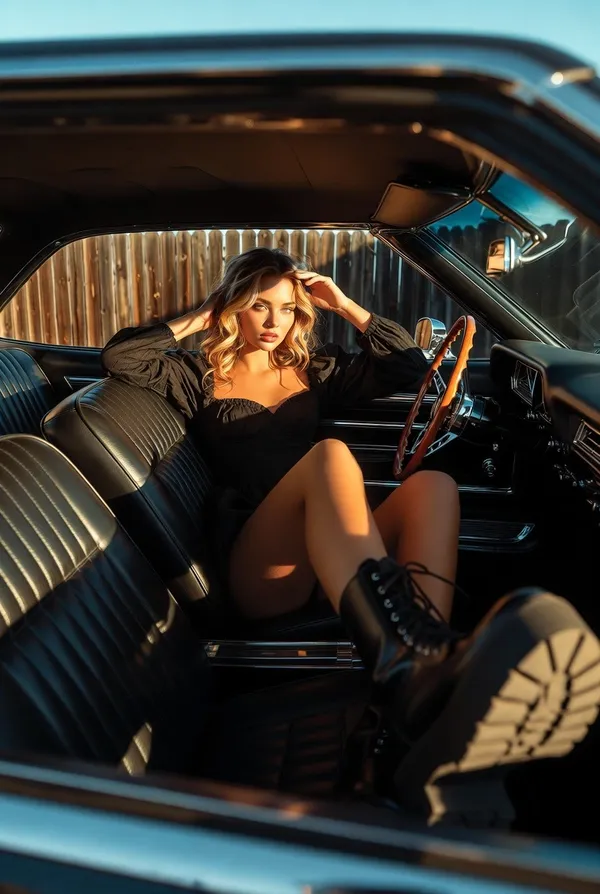
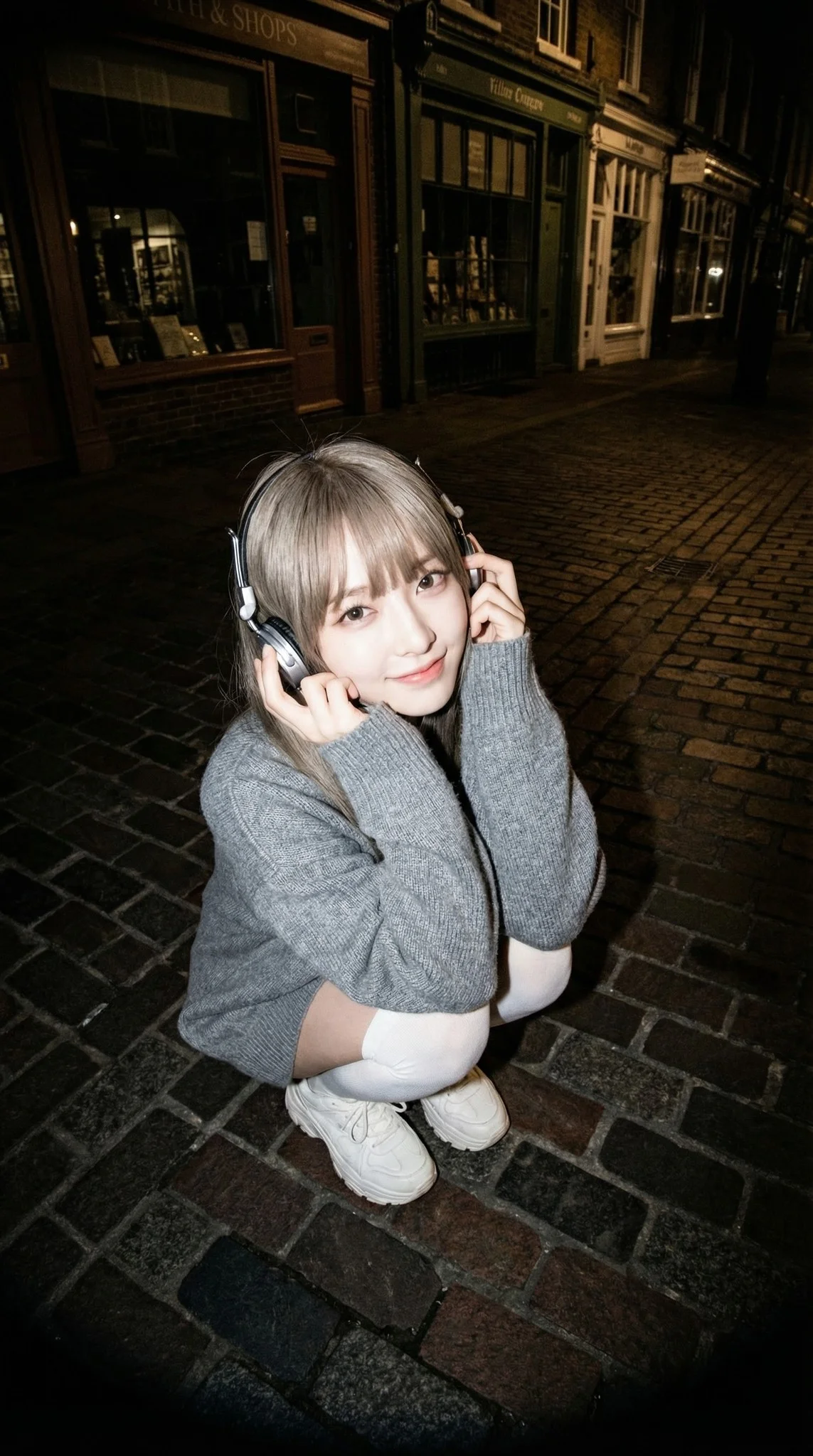
Nano Banana 2: Erstellen und Bearbeiten mit natürlicher Sprache
Beschreibe das gewünschte Ergebnis, wähle ein verfügbares Nano Banana 2-Modell und sende deine Anfrage über den Generator. Prüfe fertige Bildergebnisse in deinen Assets, verfeinere den Prompt bei Bedarf und lade die Version herunter, die zu deinem Projekt passt.
Wähle nur die Auflösung und das Seitenverhältnis, die für das ausgewählte Modell angezeigt werden. Prüfe Bildausschnitt, feine Details und jeglichen Text im fertigen Bild. Eine größere Ausgabegröße garantiert kein genaueres Ergebnis.
Erkunde Nano Banana 2
Vom Prompt zum fertigen Bild: Der Nano Banana 2-Workflow
Plane Zeit ein, um jedes Bildergebnis zu prüfen und dein Briefing zu verfeinern. Die Verarbeitungszeit variiert je nach Modell, Anfrage und Serviceauslastung. Ändere jeweils nur eine Richtung, damit du beurteilen kannst, welche Bearbeitung das Ergebnis verbessert.
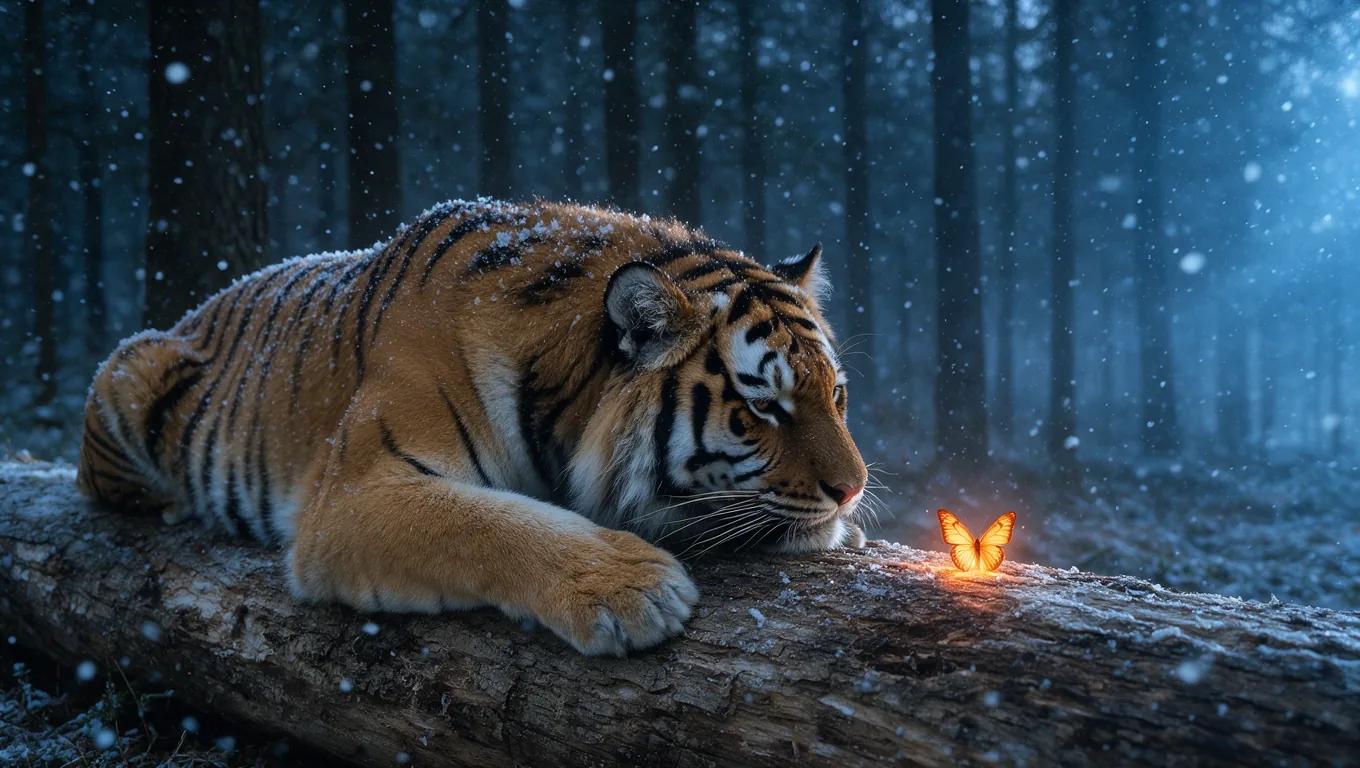
Eingabeaufforderung eingeben oder Bild hochladen
Beginne dein Nano Banana 2-Bildbriefing mit einem Quellbild, für das du die Berechtigung zur Nutzung hast. Benenne den Bereich, der geändert werden soll, und die Farben, Proportionen oder Objekte, die bewahrt werden sollen. Referenzanzahl und Bearbeitungsunterstützung hängen vom ausgewählten Modell ab.
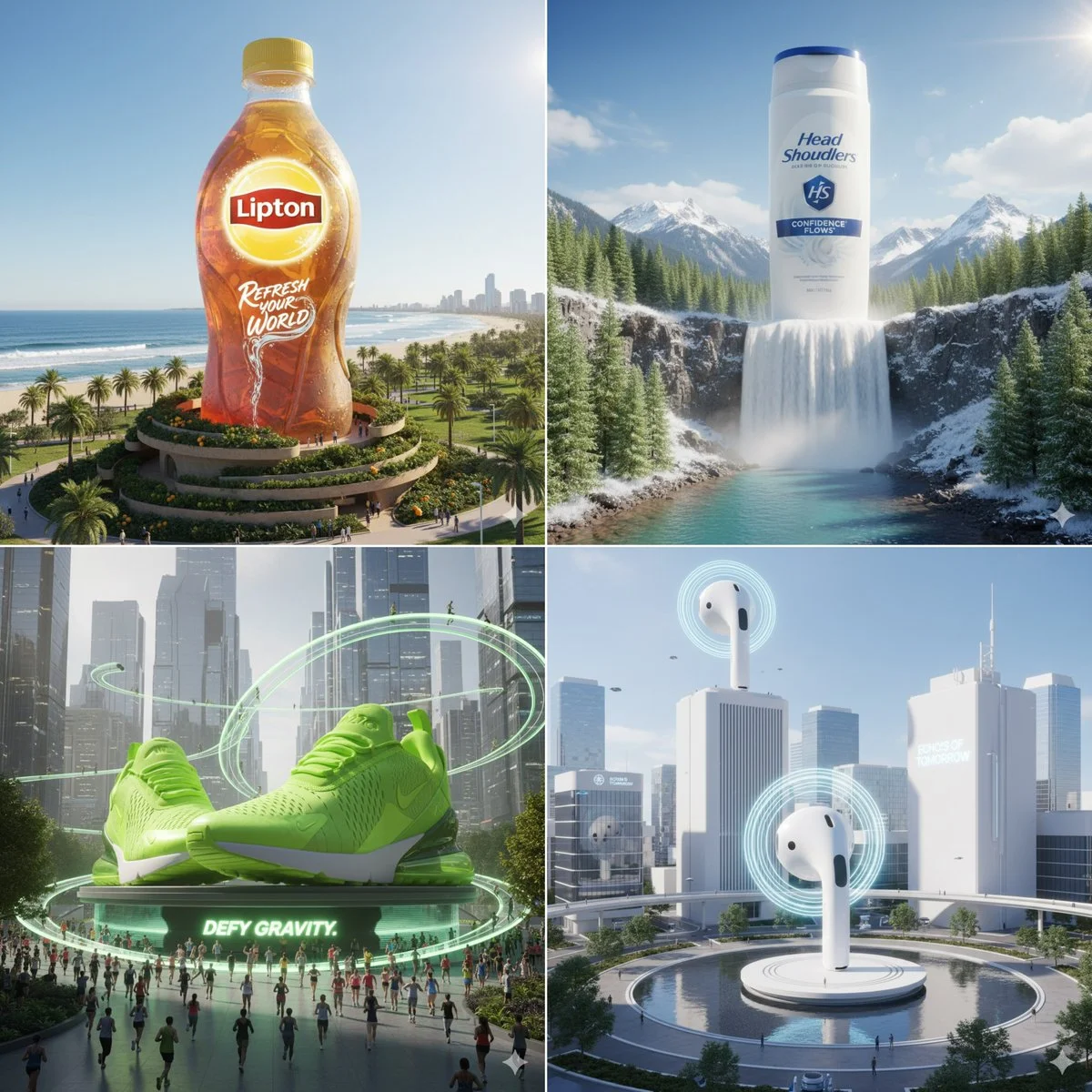
Wähle Einstellungen und generiere
Plane Zeit ein, um jedes Bildergebnis zu prüfen und dein Briefing zu verfeinern. Die Verarbeitungszeit variiert je nach Modell, Anfrage und Serviceauslastung. Ändere jeweils nur eine Richtung, damit du beurteilen kannst, welche Bearbeitung das Ergebnis verbessert.
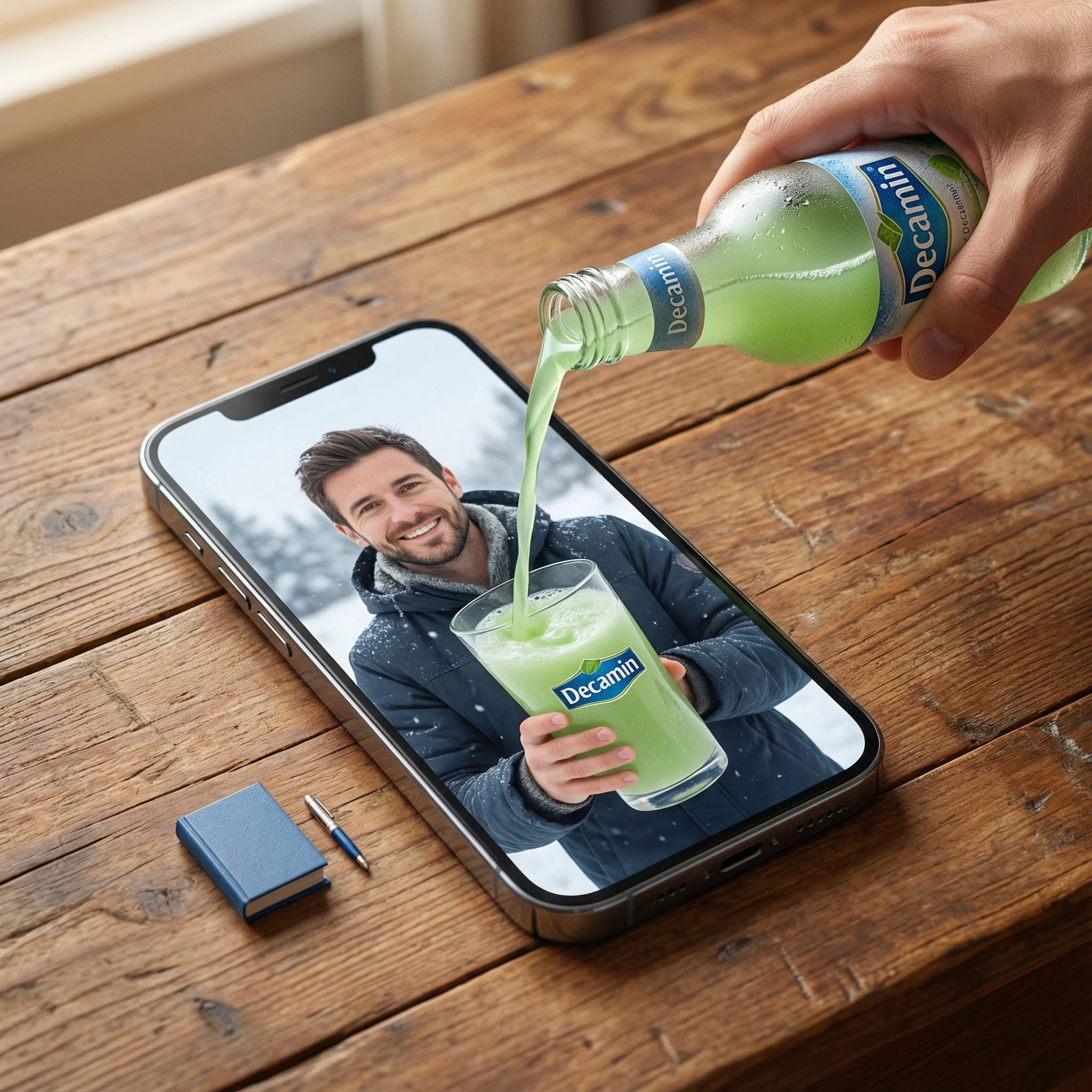
Fertige Ergebnisse prüfen und herunterladen
Wenn eine Anfrage abgeschlossen ist, prüfe das Bild in deinen Assets und lade das Ergebnis herunter, das du behalten möchtest. Prüfe die Komposition und alle unbeabsichtigten Details, bevor du es mit deinem Team teilst oder veröffentlichst.
Erstelle dein Nano Banana 2-Bild
Gib für ein Nano Banana 2-Produktkonzept die Produktform, das Material, ein wichtiges Detail und die Umgebung an. Halte Logos und Aussagen korrekt, lasse Platz für deine eigene Typografie und überprüfe das Ergebnis, bevor du es in einer Werbung verwendest.
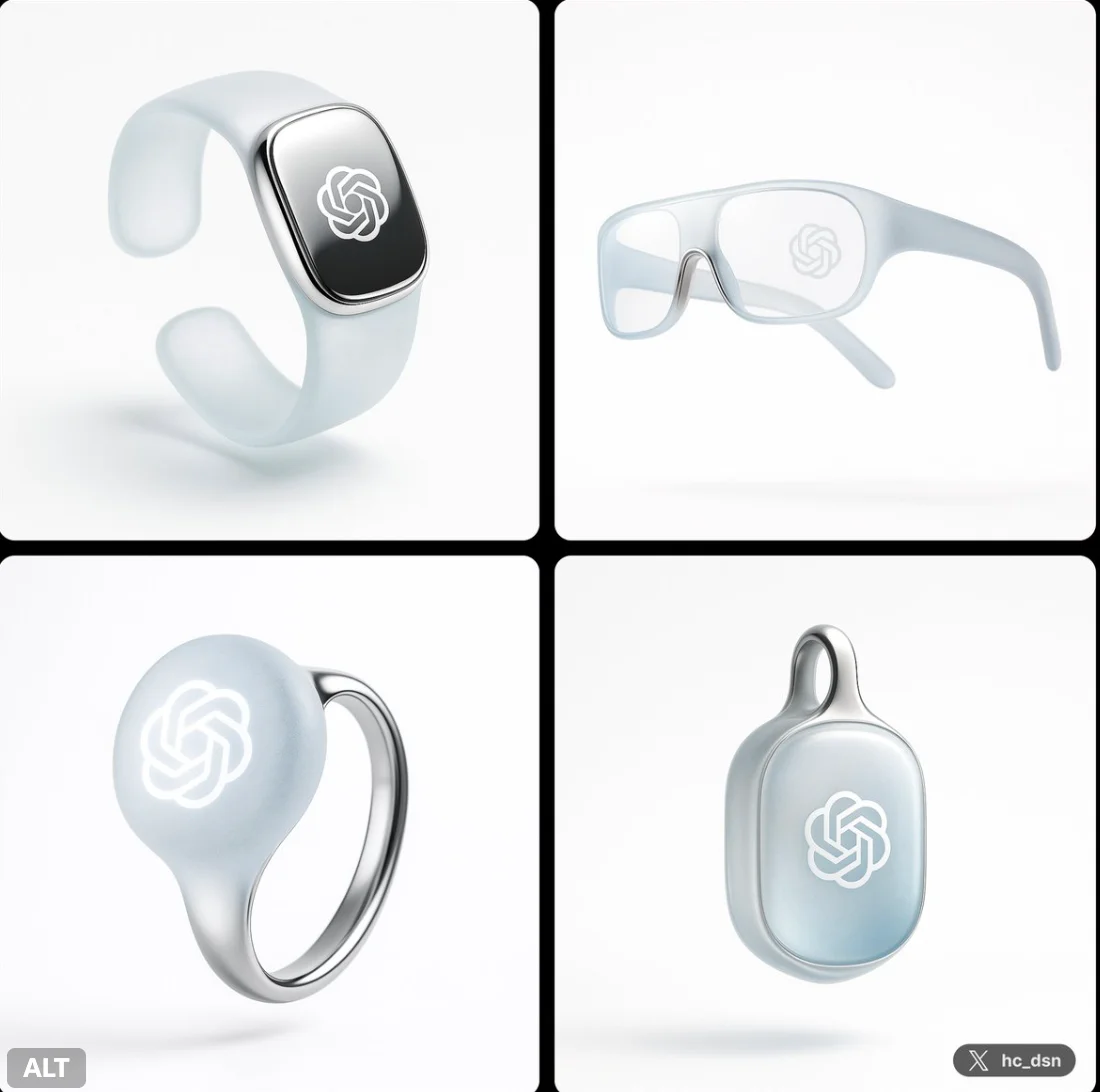
Erkläre dein Motiv, Änderungen und Referenzen
Beginne dein Nano Banana 2-Bildbriefing mit einem Quellbild, für das du die Berechtigung zur Nutzung hast. Benenne den Bereich, der geändert werden soll, und die Farben, Proportionen oder Objekte, die bewahrt werden sollen. Referenzanzahl und Bearbeitungsunterstützung hängen vom ausgewählten Modell ab.
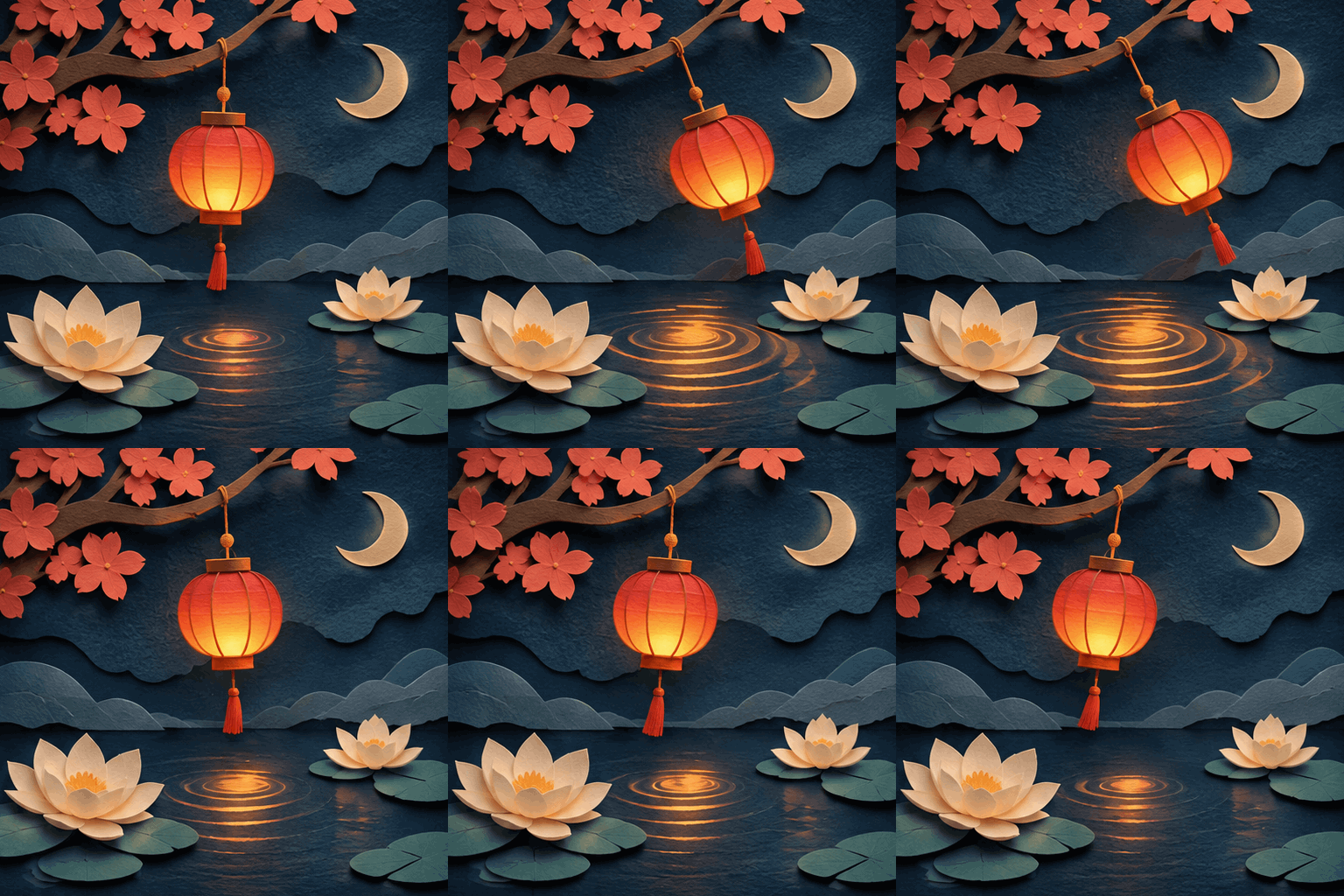
Beschreibe die Änderungen und Details, die erhalten bleiben sollen
Schreibe dein Nano Banana 2-Bildbriefing rund um ein Motiv, eine Komposition, eine Beleuchtung und einen beabsichtigten Stil. Füge ein Material oder eine Textur hinzu, wenn es wichtig ist. Gib bei Bearbeitungen eine präzise Änderung an und erkläre, welche Teile der Quelle intakt bleiben sollen.
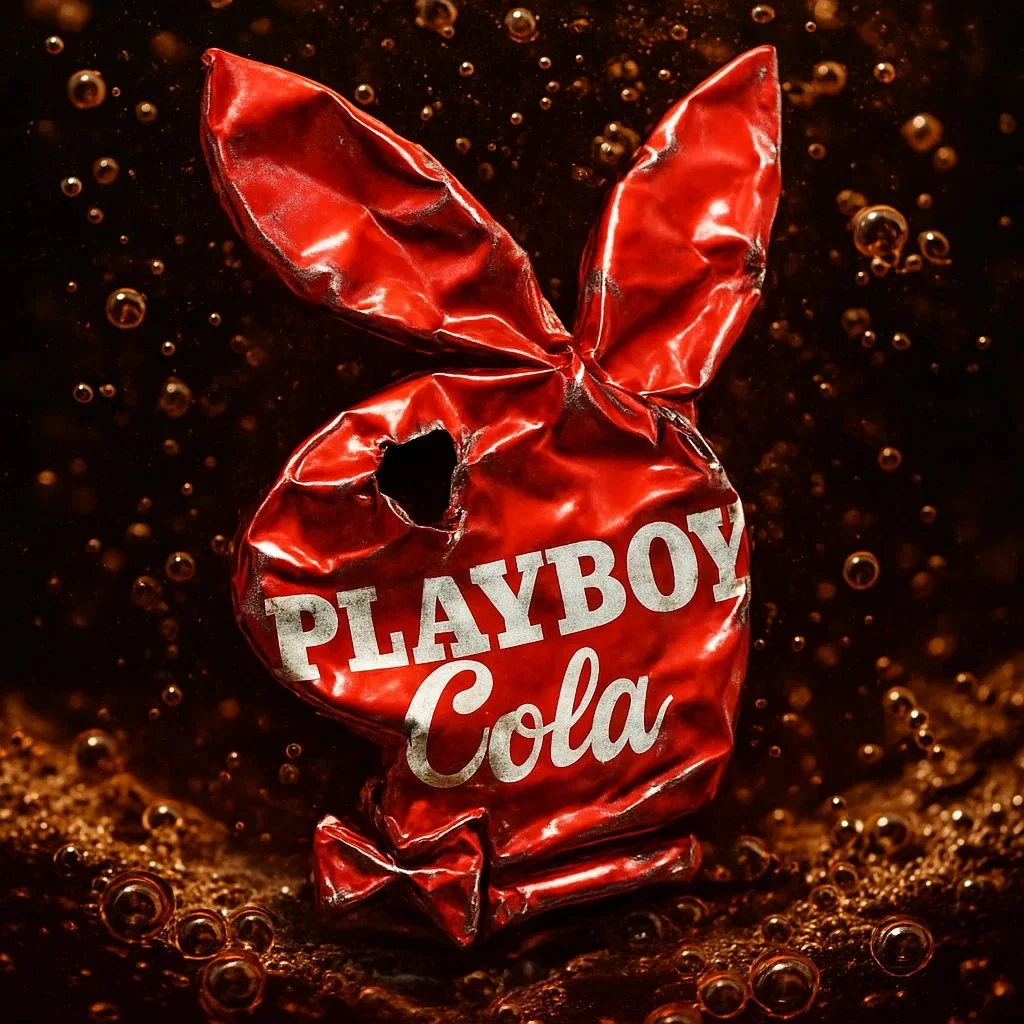
Prüfe Details in jedem Ergebnis
Plane Zeit ein, um jedes Bildergebnis zu prüfen und dein Briefing zu verfeinern. Die Verarbeitungszeit variiert je nach Modell, Anfrage und Serviceauslastung. Ändere jeweils nur eine Richtung, damit du beurteilen kannst, welche Bearbeitung das Ergebnis verbessert.
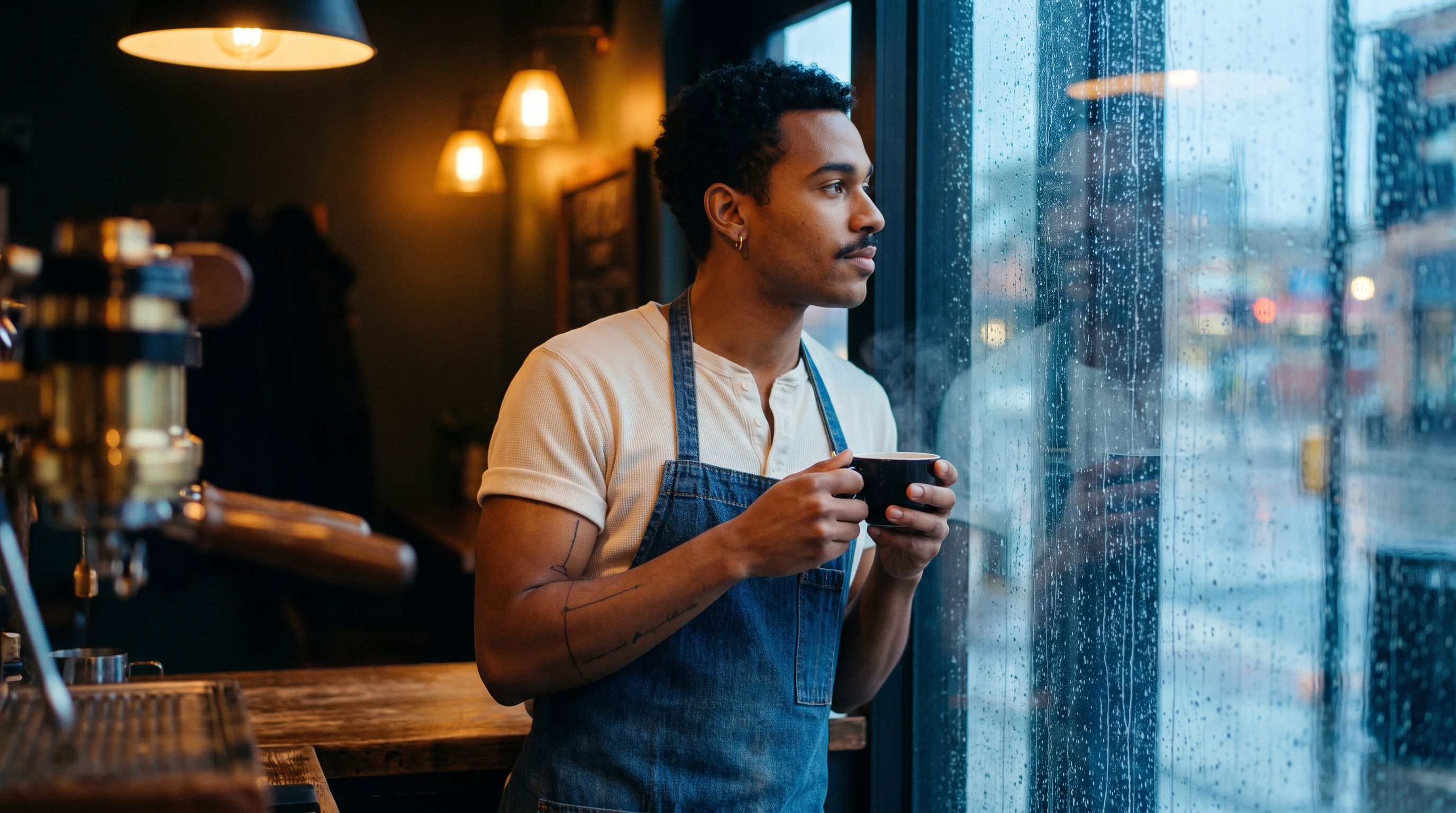
Erkläre dein Motiv, Änderungen und Referenzen
Liste die Details auf, die in deinem Nano Banana 2-Bildbriefing wichtig sind: Identität, Form, Farben, Kleidung und Hintergrund. Verwende unterstützte Referenzen, wo angemessen, und vergleiche jedes Ergebnis; exakte Konsistenz ist nicht garantiert.
Ein klareres kreatives Briefing für Nano Banana 2
Plane Zeit ein, um jedes Bildergebnis zu prüfen und dein Briefing zu verfeinern. Die Verarbeitungszeit variiert je nach Modell, Anfrage und Serviceauslastung. Ändere jeweils nur eine Richtung, damit du beurteilen kannst, welche Bearbeitung das Ergebnis verbessert.
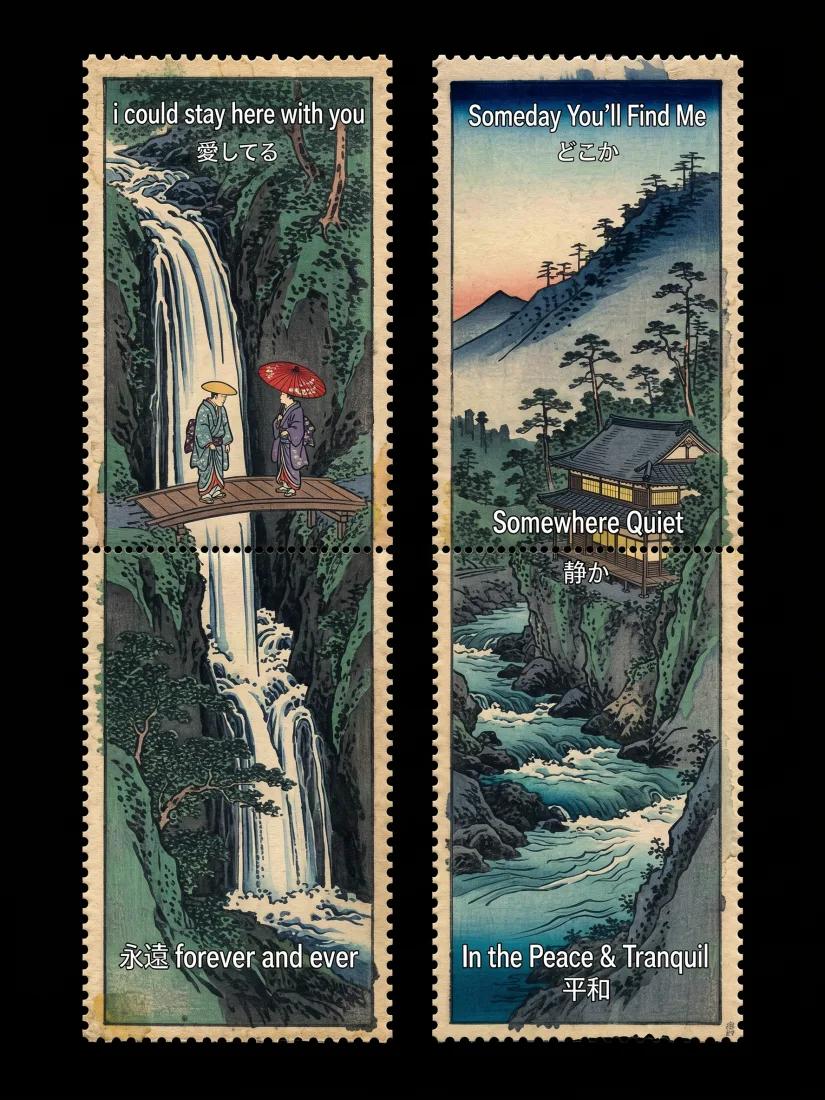
Erkläre dein Motiv, Änderungen und Referenzen
Plane Zeit ein, um jedes Bildergebnis zu prüfen und dein Briefing zu verfeinern. Die Verarbeitungszeit variiert je nach Modell, Anfrage und Serviceauslastung. Ändere jeweils nur eine Richtung, damit du beurteilen kannst, welche Bearbeitung das Ergebnis verbessert.
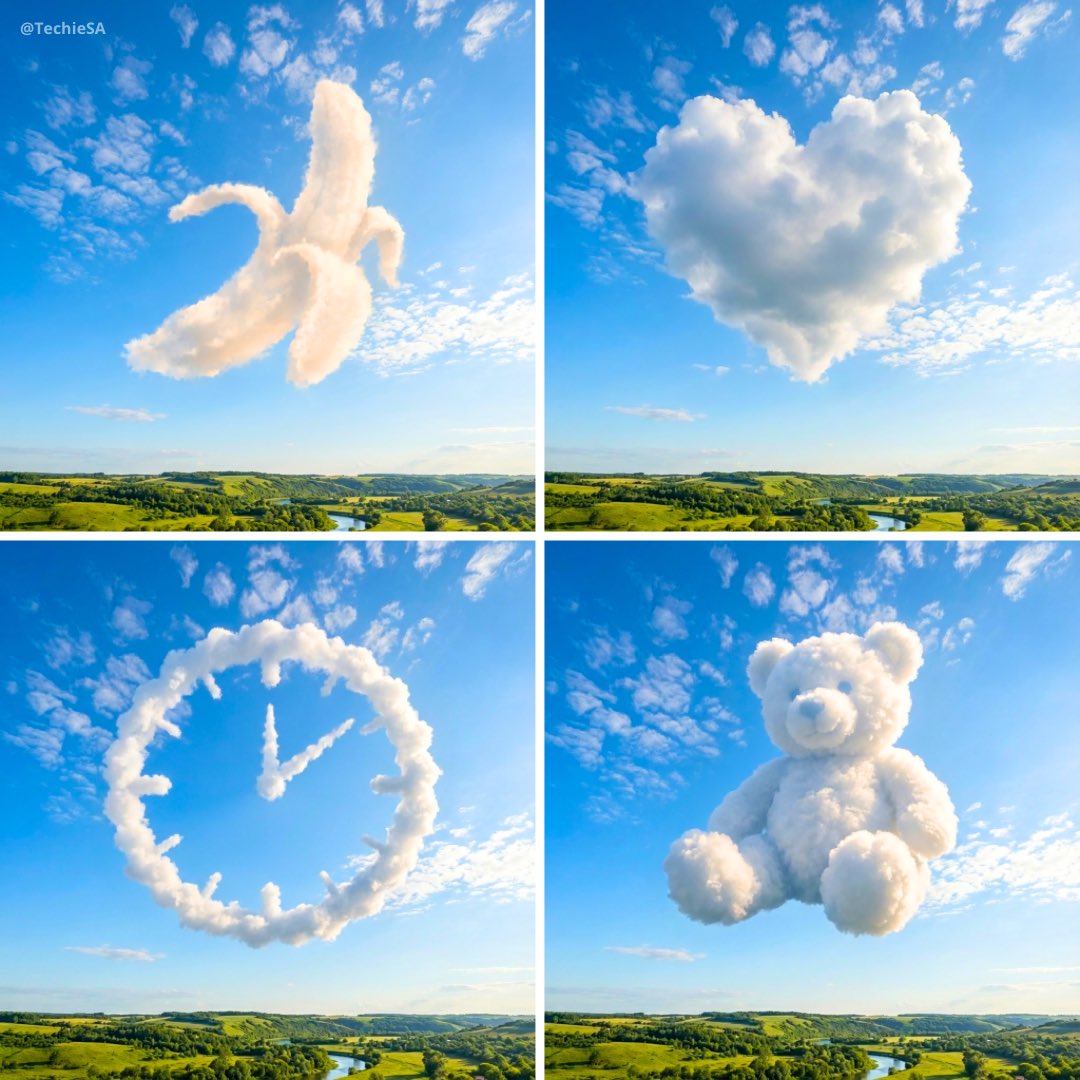
Soziale Medien und Werbung
Gib für ein Nano Banana 2-Produktkonzept die Produktform, das Material, ein wichtiges Detail und die Umgebung an. Halte Logos und Aussagen korrekt, lasse Platz für deine eigene Typografie und überprüfe das Ergebnis, bevor du es in einer Werbung verwendest.
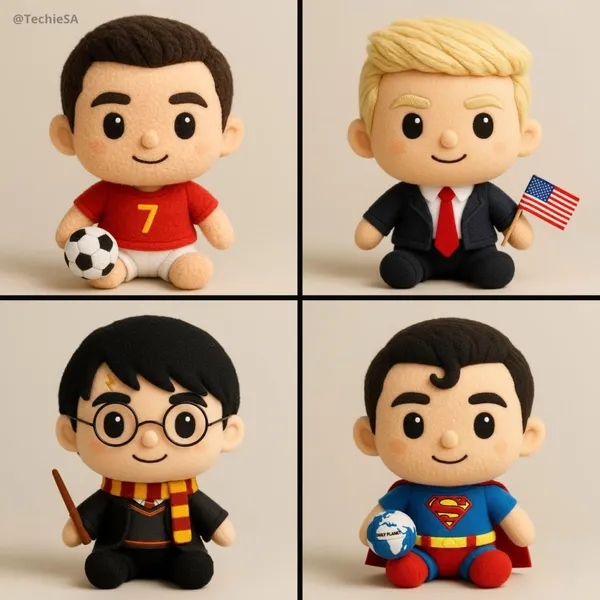
Prüfe Details in jedem Ergebnis
Liste die Details auf, die in deinem Nano Banana 2-Bildbriefing wichtig sind: Identität, Form, Farben, Kleidung und Hintergrund. Verwende unterstützte Referenzen, wo angemessen, und vergleiche jedes Ergebnis; exakte Konsistenz ist nicht garantiert.
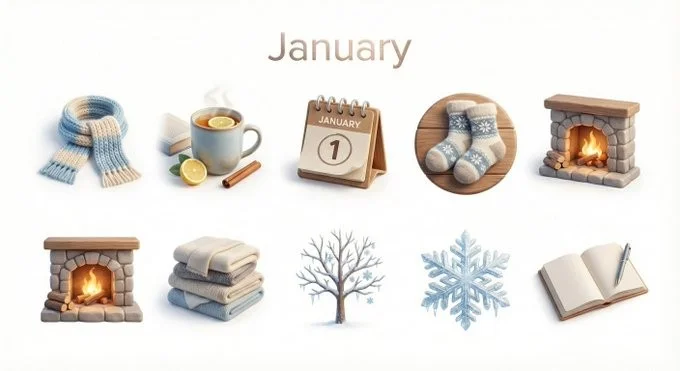
Effizienter Produktionsablauf
Gib für ein Nano Banana 2-Produktkonzept die Produktform, das Material, ein wichtiges Detail und die Umgebung an. Halte Logos und Aussagen korrekt, lasse Platz für deine eigene Typografie und überprüfe das Ergebnis, bevor du es in einer Werbung verwendest.
Kreative Notizen für dein Nano Banana 2-Bildbriefing
Gib dem Hauptmotiv eine klare Aktion. Für ein Nano Banana 2-Konzept ist ein präzises Briefing leichter zu beurteilen als eine Liste konkurrierender Effekte.
Nano Banana 2-Bild-Workflow: Fragen & Antworten
Gib für ein Nano Banana 2-Produktkonzept die Produktform, das Material, ein wichtiges Detail und die Umgebung an. Halte Logos und Aussagen korrekt, lasse Platz für deine eigene Typografie und überprüfe das Ergebnis, bevor du es in einer Werbung verwendest.
Heydots bringt den Nano Banana 2-Bild-Workflow in einen Arbeitsbereich: Schreibe deinen Prompt, wähle ein verfügbares Modell, prüfe die Credit-Kosten und generiere. Fertige Ergebnisse bleiben in deinen Assets zum Prüfen und Herunterladen. Der Generator zeigt, welche Modelle und Eingaben Anfragen akzeptieren.
Schreibe dein Nano Banana 2-Bildbriefing rund um ein Motiv, eine Komposition, eine Beleuchtung und einen beabsichtigten Stil. Füge ein Material oder eine Textur hinzu, wenn es wichtig ist. Gib bei Bearbeitungen eine präzise Änderung an und erkläre, welche Teile der Quelle intakt bleiben sollen.
Beginne dein Nano Banana 2-Bildbriefing mit einem Quellbild, für das du die Berechtigung zur Nutzung hast. Benenne den Bereich, der geändert werden soll, und die Farben, Proportionen oder Objekte, die bewahrt werden sollen. Referenzanzahl und Bearbeitungsunterstützung hängen vom ausgewählten Modell ab.
Beschreibe das gewünschte Ergebnis, wähle ein verfügbares Nano Banana 2-Modell und sende deine Anfrage über den Generator. Prüfe fertige Bildergebnisse in deinen Assets, verfeinere den Prompt bei Bedarf und lade die Version herunter, die zu deinem Projekt passt.
Verwende nur die Eingabemodi und Steuerelemente, die das ausgewählte Modell bietet. Beschreibe das gewünschte Bild klar und füge unterstützte Referenzen hinzu, wenn sie nützlich sind. Diese Seite verspricht keine separaten Motion-Brush-, Audio-Upload-, Restaurierungs- oder Bearbeitungswerkzeuge.
Liste die Details auf, die in deinem Nano Banana 2-Bildbriefing wichtig sind: Identität, Form, Farben, Kleidung und Hintergrund. Verwende unterstützte Referenzen, wo angemessen, und vergleiche jedes Ergebnis; exakte Konsistenz ist nicht garantiert.
Gib für ein Nano Banana 2-Produktkonzept die Produktform, das Material, ein wichtiges Detail und die Umgebung an. Halte Logos und Aussagen korrekt, lasse Platz für deine eigene Typografie und überprüfe das Ergebnis, bevor du es in einer Werbung verwendest.
Wähle nur die Auflösung und das Seitenverhältnis, die für das ausgewählte Modell angezeigt werden. Prüfe Bildausschnitt, feine Details und jeglichen Text im fertigen Bild. Eine größere Ausgabegröße garantiert kein genaueres Ergebnis.
Du kannst innerhalb von 10 Tagen nach dem Kauf eine Rückerstattung beantragen, wenn du ungenutzte Guthaben aus diesem Kauf hast und einen klaren Grund angibst, vorbehaltlich unserer Rückerstattungsrichtlinie. Wenn du berechtigt bist, kann ein ungenutzter Kauf vollständig erstattet werden; ein teilweise genutzter Kauf wird im Verhältnis zu den verbleibenden ungenutzten Guthaben erstattet. Vollständig genutzte Käufe sowie kostenlose oder Aktionsguthaben sind nicht erstattungsfähig.
Die Gültigkeit von Guthaben hängt vom Paket, Abonnement oder der Aktion ab, durch die sie ausgegeben wurden. Prüfe die Kaufbedingungen und Ablaufdaten unter Einstellungen > Guthaben. Eine Verlängerung oder ein neuer Kauf verlängert ältere Guthaben nicht. Nutze Guthaben vor ihrem angegebenen Ablaufdatum; gehe nicht davon aus, dass ungenutzte Abonnement-Guthaben unbegrenzt übertragen werden.
Credits, die für eine Aufgabe berechnet wurden, die als aufgrund eines Systemfehlers fehlgeschlagen bestätigt wurde, werden automatisch zurückerstattet. Eine Aufgabe, die noch in Bearbeitung ist, wurde noch nicht als fehlgeschlagen bestätigt. Prüfen Sie ihren Status und Ihren Guthabenverlauf, bevor Sie erneut einreichen. Wenn bei einem bestätigten Fehler weiterhin eine ungeklärte Belastung angezeigt wird, senden Sie eine E-Mail an support@heydots.app mit der Task-ID.
KI-Ergebnisse können variieren, daher wird ein abgeschlossenes Ergebnis, das von Ihren Erwartungen abweicht, nicht automatisch als technischer Fehler behandelt. Berechtigte abgeschlossene Bildaufgaben können über die Rückerstattungsoption, wo verfügbar, zur Prüfung einer Credit-Rückerstattung eingereicht werden; eine Genehmigung ist erforderlich. Bei einem Video oder einem anderen Problem wenden Sie sich mit der Task-ID und Details an support@heydots.app. Eine Credit-Rückerstattung erstattet Credits, kein Geld auf Ihre Zahlungsmethode.
Senden Sie eine E-Mail an support@heydots.app. Geben Sie bei Abrechnungsfragen Ihre Konto-E-Mail-Adresse und Bestell-ID an; bei der Generierung geben Sie die Task-ID, eine Beschreibung des Problems und relevante Screenshots an. Wenn Sie als Gast gekauft haben, bewahren Sie die ursprünglichen Browserdaten und den Zahlungsbeleg auf, damit wir den Kauf leichter finden können.
Entdecke deine nächste Nano Banana 2-Bildidee
Wähle nur die Auflösung und das Seitenverhältnis, die für das ausgewählte Modell angezeigt werden. Prüfe Bildausschnitt, feine Details und jeglichen Text im fertigen Bild. Eine größere Ausgabegröße garantiert kein genaueres Ergebnis.
heydots.app · Aktualisiert
Änderungsverlauf anzeigen
- — Bearbeitbare Beispiel-Prompts, getrennte Entwürfe für Text- und Referenzmodi sowie eine Funktion zum Wiederherstellen des Beispiels hinzugefügt.
- — Texte und Inhalte der Seite aktualisiert.
- — Seiteninhalt veröffentlicht.