
Erstelle Motion- und Produktvideos mit Kling
Kling für Storytelling, Werbung und Social-Clips
Geben Sie für ein Kling Produktkonzept die Produktform, das Material, ein wichtiges Detail und die Umgebung an. Halten Sie Logos und Aussagen korrekt, lassen Sie Platz für Ihre eigene Typografie und prüfen Sie das Ergebnis, bevor Sie es in einer Anzeige verwenden.
Verifizierter Prompt
SUBJECTS: First-person cyclist, handlebars and front wheel flashing low in frame during drops and hard turns. Vendors, laundry, scooters, dogs, chickens, cars, and pedestrians erupt around the rider as sudden obstacles. ENVIRONMENT: Dense Brazilian hillside streets, painted concrete stairs, tight landings, tiled corners, hanging wires, murals, awnings, puddles, hot late afternoon light, deep alley shadows, city sprawling below. MOOD: Adrenaline, max chaos, and nonstop street speed with violent spatial intensity in every direction. COLOR LOGIC: Hyperreal Pop Look CAMERA DETAILS: 360 action-cam POV, horizon-stable but brutal, nonstop forward drive, minimal roll, heavy stair vibration, sharp side and rear parallax, full-sphere chaos, no release. TIMELINE: 0:00-0:03: POV freefalls down a steep stairwell. The front wheel punches over the first steps, bars jackhammer below frame, the whole sphere shuddering with every hit while a child lunges in from the left to yank a rolling soccer ball out of the rider's line and walls, rails, balconies, and faces whip past on both sides. Violent forward descent with brutal stair vibration. SFX: (city hum, distant funk beat, tire chatter, breath, rapid stair hits, frame rattle). Hard sun above, deep shadow pockets below. 0:03-0:05: POV slashes left across a tiny landing, skips a broken crate, and drops again as laundry cracks across the front hemisphere, shoulder missing painted concrete by inches while side-wrap onlookers recoil. Hard lateral shake, immediate snap back into the stair run. SFX: (cloth slap, skid, crowd shout, chain buzz, stair chatter). 0:05-0:08: POV hammers the next staircase as a stray dog cuts center frame and startled chickens burst upward from the side steps, wings flaring across the sphere. The rider flicks the bars, rear wheel skates loose, then needles between a fruit cart and handrail with almost no clearance while the sphere jitters from every stair impact. Fast vibrating continuous-shot chaos. SFX: (tire chirp, crate clack, wings flapping, squawks, paw skitter, stair thuds, bass from window, metal rattle). 0:08-0:10: POV blasts out of one stair run, skips across a short asphalt gap between two stair sections without slowing, slams the opposite curb, and drops straight into the next descending steps. Only once the rider is fully back on the stairs do horns burst behind while passing cars rip through the side wrap. Full-speed crossing with strong lateral parallax and zero release. SFX: (engine idle, tire buzz, chain rattle, curb thump, car horns behind). 0:10-0:13: POV keeps attacking the next stair section immediately after the asphalt gap, machine-gunning through two tight landings and another steep stepped lane, every hit punching a fresh jolt through the sphere as stacked homes, wires, and alley mouths curl around the viewer and the overlook rushes closer. Forward lunge with impact drive and nonstop shake. SFX: (air rush, heavy thump, stair chatter, horn echo fading, chain lash, wind buffeting). 0:13-0:15: POV rips through the final stepped approach to the overlook and throws the rear wheel into a savage sideways skid, dust and gravel spraying across the lower frame while stair-lined drops fall away to both sides and the skyline blooms around the entire sphere in one fast violent sweep. The bike stays hot through the slide as the city fills every direction. SFX: (rear tire screech, gravel spray, freewheel spin, city roar, music drop).
SUBJECTS: First-person cyclist, handlebars and front wheel flashing low in frame during drops and hard turns. Vendors, laundry, scooters, dogs, chickens, cars, and pedestrians erupt around the rider as sudden obstacles. ENVIRONMENT: Dense Brazilian hillside streets, painted concrete stairs, tight landings, tiled corners, hanging wires, murals, awnings, puddles, hot late afternoon light, deep alley shadows, city sprawling below. MOOD: Adrenaline, max chaos, and nonstop street speed with violent spatial intensity in every direction. COLOR LOGIC: Hyperreal Pop Look CAMERA DETAILS: 360 action-cam POV, horizon-stable but brutal, nonstop forward drive, minimal roll, heavy stair vibration, sharp side and rear parallax, full-sphere chaos, no release. TIMELINE: 0:00-0:03: POV freefalls down a steep stairwell. The front wheel punches over the first steps, bars jackhammer below frame, the whole sphere shuddering with every hit while a child lunges in from the left to yank a rolling soccer ball out of the rider's line and walls, rails, balconies, and faces whip past on both sides. Violent forward descent with brutal stair vibration. SFX: (city hum, distant funk beat, tire chatter, breath, rapid stair hits, frame rattle). Hard sun above, deep shadow pockets below. 0:03-0:05: POV slashes left across a tiny landing, skips a broken crate, and drops again as laundry cracks across the front hemisphere, shoulder missing painted concrete by inches while side-wrap onlookers recoil. Hard lateral shake, immediate snap back into the stair run. SFX: (cloth slap, skid, crowd shout, chain buzz, stair chatter). 0:05-0:08: POV hammers the next staircase as a stray dog cuts center frame and startled chickens burst upward from the side steps, wings flaring across the sphere. The rider flicks the bars, rear wheel skates loose, then needles between a fruit cart and handrail with almost no clearance while the sphere jitters from every stair impact. Fast vibrating continuous-shot chaos. SFX: (tire chirp, crate clack, wings flapping, squawks, paw skitter, stair thuds, bass from window, metal rattle). 0:08-0:10: POV blasts out of one stair run, skips across a short asphalt gap between two stair sections without slowing, slams the opposite curb, and drops straight into the next descending steps. Only once the rider is fully back on the stairs do horns burst behind while passing cars rip through the side wrap. Full-speed crossing with strong lateral parallax and zero release. SFX: (engine idle, tire buzz, chain rattle, curb thump, car horns behind). 0:10-0:13: POV keeps attacking the next stair section immediately after the asphalt gap, machine-gunning through two tight landings and another steep stepped lane, every hit punching a fresh jolt through the sphere as stacked homes, wires, and alley mouths curl around the viewer and the overlook rushes closer. Forward lunge with impact drive and nonstop shake. SFX: (air rush, heavy thump, stair chatter, horn echo fading, chain lash, wind buffeting). 0:13-0:15: POV rips through the final stepped approach to the overlook and throws the rear wheel into a savage sideways skid, dust and gravel spraying across the lower frame while stair-lined drops fall away to both sides and the skyline blooms around the entire sphere in one fast violent sweep. The bike stays hot through the slide as the city fills every direction. SFX: (rear tire screech, gravel spray, freewheel spin, city roar, music drop).
Verifizierter Prompt
SUBJECTS Pastry Chef: adult, wearing a chef uniform, positioned on the ground level, using a large stainless steel cake spatula to chase along the edge of the countertop, escalating from controlled swings to fully uncontrolled strikes (character reference @ image1) Cockroach: small-sized, always moving on the countertop, low-position rapid crawling, advancing unidirectionally to the right along the countertop while performing left-right dodges and abrupt stops with direction changes (character reference @ image2) ENVIRONMENT Home kitchen, continuous long countertop with clear depth Common kitchen objects distributed across the countertop (bowls, plates, whisk, measuring cups, etc.) Window is closed STYLE Realistic 3D animation, strong physical feedback CAMERA DETAILS POV is a close-following rear perspective behind the cockroach, low angle moving forward along the countertop; attacks primarily press in from above and from the sides, with only one brief frontal confrontation Timeline 0:00-0:02: Medium shot, 35mm, slow push-in. The chef stands on the left side of the countertop, lightly whistling while organizing, mouth movement perfectly synchronized with the whistling sound (lip-sync); countertop objects are neatly arranged; the cockroach crawls in the corner making subtle noise, the chef gradually stops and locks onto the target. SFX: whistling (only present in this phase), subtle crawling 0:02-0:04: Low-angle tracking shot, 28mm, forward movement. The cockroach accelerates to the right along the countertop and begins dodging; the chef lunges forward and starts striking, the whistling sound completely stops the moment the action begins; the first hit strikes the countertop edge, causing objects to shift from vibration. SFX: footsteps, heavy metal impact 0:04-0:10: POV shot, 20mm, close-follow high-speed forward movement. The camera continuously advances without looking back; the cockroach performs serpentine dodging; the chef’s attacks press in from above and the sides, each strike accidentally and realistically hitting objects along the way, gradually creating and maintaining a chaotic state. SFX: continuous heavy impacts, object collisions 0:10-0:12: POV slows down. A window appears ahead; the cockroach stops on the countertop inside the window, turns to face the chef directly, shows a smug smile and makes a provocative gesture. SFX: brief pause 0:12-0:14: Medium shot push-in. The chef throws the spatula toward the cockroach; after release, no tool remains in hand; the spatula misses and hits the window, shattering the glass; the cockroach continuously jumps out through the broken opening. SFX: air slice, glass shatter 0:14-0:15: Wide static shot. The chef’s hands are empty, turns to see the entire countertop in complete chaos (all struck objects remain scattered, overturned, and dirty), brief pause followed by a breakdown scream. SFX: silence → breakdown scream
SUBJECTS Pastry Chef: adult, wearing a chef uniform, positioned on the ground level, using a large stainless steel cake spatula to chase along the edge of the countertop, escalating from controlled swings to fully uncontrolled strikes (character reference @ image1) Cockroach: small-sized, always moving on the countertop, low-position rapid crawling, advancing unidirectionally to the right along the countertop while performing left-right dodges and abrupt stops with direction changes (character reference @ image2) ENVIRONMENT Home kitchen, continuous long countertop with clear depth Common kitchen objects distributed across the countertop (bowls, plates, whisk, measuring cups, etc.) Window is closed STYLE Realistic 3D animation, strong physical feedback CAMERA DETAILS POV is a close-following rear perspective behind the cockroach, low angle moving forward along the countertop; attacks primarily press in from above and from the sides, with only one brief frontal confrontation Timeline 0:00-0:02: Medium shot, 35mm, slow push-in. The chef stands on the left side of the countertop, lightly whistling while organizing, mouth movement perfectly synchronized with the whistling sound (lip-sync); countertop objects are neatly arranged; the cockroach crawls in the corner making subtle noise, the chef gradually stops and locks onto the target. SFX: whistling (only present in this phase), subtle crawling 0:02-0:04: Low-angle tracking shot, 28mm, forward movement. The cockroach accelerates to the right along the countertop and begins dodging; the chef lunges forward and starts striking, the whistling sound completely stops the moment the action begins; the first hit strikes the countertop edge, causing objects to shift from vibration. SFX: footsteps, heavy metal impact 0:04-0:10: POV shot, 20mm, close-follow high-speed forward movement. The camera continuously advances without looking back; the cockroach performs serpentine dodging; the chef’s attacks press in from above and the sides, each strike accidentally and realistically hitting objects along the way, gradually creating and maintaining a chaotic state. SFX: continuous heavy impacts, object collisions 0:10-0:12: POV slows down. A window appears ahead; the cockroach stops on the countertop inside the window, turns to face the chef directly, shows a smug smile and makes a provocative gesture. SFX: brief pause 0:12-0:14: Medium shot push-in. The chef throws the spatula toward the cockroach; after release, no tool remains in hand; the spatula misses and hits the window, shattering the glass; the cockroach continuously jumps out through the broken opening. SFX: air slice, glass shatter 0:14-0:15: Wide static shot. The chef’s hands are empty, turns to see the entire countertop in complete chaos (all struck objects remain scattered, overturned, and dirty), brief pause followed by a breakdown scream. SFX: silence → breakdown scream
Verifizierter Prompt
Photorealistic cinematic, one single continuous unbroken shot from start to finish — absolutely no cuts, no edits, no transitions, one fluid uninterrupted camera move, 16:9. Bright daylight in a lush green forest, sunlight filtering through the canopy, leaves and tree trunks softly blurred. The shot begins directly behind a vivid colorful butterfly fluttering fast and dynamically through the forest, the camera chasing close behind its wings as it weaves between trees, shafts of light and foliage — erratic, lively and kinetic. Without any cut, in the same fluid motion, the camera keeps racing with the darting butterfly deeper through the trees. Then, at the midpoint, a parrot suddenly bursts in from the side and snatches the butterfly out of the air, biting down and clamping onto the edge of one of its wings in its beak — and the camera sweeps with the strike in one continuous move. Still unbroken, the camera drives in onto the moment of capture and explodes into a dramatic bullet-time effect: time nearly freezes as the parrot's beak bites and clamps onto the butterfly's wing in an extreme macro close-up, the wing bending and creasing in the beak's grip, and the camera sweeps slowly around the frozen instant — shimmering powder and tiny iridescent scales scattering off the pinched wing and hanging suspended motionless in mid-air, the delicate wing membranes and veins razor-sharp, the parrot's beak texture and eye in crisp detail, the butterfly caught mid-flutter — hyper-detailed. One seamless continuous camera move — chase from behind, racing through the forest, into the parrot's strike, ending in a bullet-time orbit around the catch. Flowing and dynamic, collapsing into near-frozen bullet time only at the macro catch. Shallow depth of field, strong motion blur on the chase resolving into crisp frozen detail, bright natural daylight, dappled forest light, high dynamic range, ultra-detailed photorealistic textures — wing scales, powder, feathers, foliage — 4K, high-end wildlife documentary look. Pacing over 10 seconds: about 4–5 seconds of dynamic butterfly flight, the parrot striking around the midpoint, then the rest in bullet-time macro of the parrot biting the wing. 10 seconds, single continuous take.
Photorealistic cinematic, one single continuous unbroken shot from start to finish — absolutely no cuts, no edits, no transitions, one fluid uninterrupted camera move, 16:9. Bright daylight in a lush green forest, sunlight filtering through the canopy, leaves and tree trunks softly blurred. The shot begins directly behind a vivid colorful butterfly fluttering fast and dynamically through the forest, the camera chasing close behind its wings as it weaves between trees, shafts of light and foliage — erratic, lively and kinetic. Without any cut, in the same fluid motion, the camera keeps racing with the darting butterfly deeper through the trees. Then, at the midpoint, a parrot suddenly bursts in from the side and snatches the butterfly out of the air, biting down and clamping onto the edge of one of its wings in its beak — and the camera sweeps with the strike in one continuous move. Still unbroken, the camera drives in onto the moment of capture and explodes into a dramatic bullet-time effect: time nearly freezes as the parrot's beak bites and clamps onto the butterfly's wing in an extreme macro close-up, the wing bending and creasing in the beak's grip, and the camera sweeps slowly around the frozen instant — shimmering powder and tiny iridescent scales scattering off the pinched wing and hanging suspended motionless in mid-air, the delicate wing membranes and veins razor-sharp, the parrot's beak texture and eye in crisp detail, the butterfly caught mid-flutter — hyper-detailed. One seamless continuous camera move — chase from behind, racing through the forest, into the parrot's strike, ending in a bullet-time orbit around the catch. Flowing and dynamic, collapsing into near-frozen bullet time only at the macro catch. Shallow depth of field, strong motion blur on the chase resolving into crisp frozen detail, bright natural daylight, dappled forest light, high dynamic range, ultra-detailed photorealistic textures — wing scales, powder, feathers, foliage — 4K, high-end wildlife documentary look. Pacing over 10 seconds: about 4–5 seconds of dynamic butterfly flight, the parrot striking around the midpoint, then the rest in bullet-time macro of the parrot biting the wing. 10 seconds, single continuous take.
Verifizierter Prompt
16:9, Do this for Shanghai , "Clockwork" Engine (Steampunk) Concept: The city as a machine that keeps time. Input Variable: [INSERT LONDON or INDUSTRIAL CITY] Workflow: 1. Structure: The city is built on massive, interlocking brass gears. 2. Action: As the gears turn, entire city blocks rotate and shift position. Steam vents release pressure from the streets. 3. Vibe: Soot, brass, copper, and mechanical complexity. Style: Steampunk, Industrial Design, Retro-Futurism.
16:9, Do this for Shanghai , "Clockwork" Engine (Steampunk) Concept: The city as a machine that keeps time. Input Variable: [INSERT LONDON or INDUSTRIAL CITY] Workflow: 1. Structure: The city is built on massive, interlocking brass gears. 2. Action: As the gears turn, entire city blocks rotate and shift position. Steam vents release pressure from the streets. 3. Vibe: Soot, brass, copper, and mechanical complexity. Style: Steampunk, Industrial Design, Retro-Futurism.
Verifizierter Prompt
Super casual real smartphone home video footage, road trip pit stop at a scenic roadside spot, natural mobile phone camera with slight authentic handheld shake, normal frame rate with smooth natural motion, rapid-fire montage with quick jump cuts every 1–2 seconds, unpolished authentic phone recording of friends stretching, snacking and taking photos by the car, pure raw home video feel, no cinematic polish. Use the main character as the strict ONLY visual reference. Maintain their exact appearance with zero deviation. Generate a mixed group of friends around them at the roadside stop, with the car and open road visible. 0–2.5s: Shaky rapid cuts of the main character laughing while leaning on the car, wind blowing through their hair, with quick flashes of the scenic road view. 2.5–5s: Abrupt jump cuts to a close-up of them sipping a cold drink, followed by friends unpacking snacks from the car. 5–7.5s: Fast shaky footage as they chat animatedly and point toward the view while their friends laugh around them. 7.5–10s: Quick close-up of them giving the camera a playful smile, then a jump cut to the group taking a silly photo together. 10–12.5s: Abrupt edit to everyone gathered near the car hood, sharing chips while music plays casually. 12.5–15s: Final rapid transition to the main character relaxing against the car with a soft smile, ending like a calm road trip memory with a gentle phone sway. Natural smartphone video quality, slight handheld shake, smooth motion, authentic physics, stable main character consistency and no professional effects.
Super casual real smartphone home video footage, road trip pit stop at a scenic roadside spot, natural mobile phone camera with slight authentic handheld shake, normal frame rate with smooth natural motion, rapid-fire montage with quick jump cuts every 1–2 seconds, unpolished authentic phone recording of friends stretching, snacking and taking photos by the car, pure raw home video feel, no cinematic polish. Use the main character as the strict ONLY visual reference. Maintain their exact appearance with zero deviation. Generate a mixed group of friends around them at the roadside stop, with the car and open road visible. 0–2.5s: Shaky rapid cuts of the main character laughing while leaning on the car, wind blowing through their hair, with quick flashes of the scenic road view. 2.5–5s: Abrupt jump cuts to a close-up of them sipping a cold drink, followed by friends unpacking snacks from the car. 5–7.5s: Fast shaky footage as they chat animatedly and point toward the view while their friends laugh around them. 7.5–10s: Quick close-up of them giving the camera a playful smile, then a jump cut to the group taking a silly photo together. 10–12.5s: Abrupt edit to everyone gathered near the car hood, sharing chips while music plays casually. 12.5–15s: Final rapid transition to the main character relaxing against the car with a soft smile, ending like a calm road trip memory with a gentle phone sway. Natural smartphone video quality, slight handheld shake, smooth motion, authentic physics, stable main character consistency and no professional effects.
Verifizierter Prompt
15s / 180 BPM / ONE CONTINUOUS SHOT / 360 POV downhill stair run, viral energy, max chaos SUBJECTS: First-person cyclist, handlebars and front wheel flashing low in frame during drops and hard turns. Vendors, laundry, scooters, dogs, chickens, cars, and pedestrians erupt around the rider as sudden obstacles. ENVIRONMENT: Dense Brazilian hillside streets, painted concrete stairs, tight landings, tiled corners, hanging wires, murals, awnings, puddles, hot late afternoon light, deep alley shadows, city sprawling below. MOOD: Adrenaline, max chaos, and nonstop street speed with violent spatial intensity in every direction. COLOR LOGIC: Hyperreal Pop Look CAMERA DETAILS: 360 action-cam POV, horizon-stable but brutal, nonstop forward drive, minimal roll, heavy stair vibration, sharp side and rear parallax, full-sphere chaos, no release. TIMELINE: 0:00-0:03: POV freefalls down a steep stairwell. The front wheel punches over the first steps, bars jackhammer below frame, the whole sphere shuddering with every hit while a child lunges in from the left to yank a rolling soccer ball out of the rider's line and walls, rails, balconies, and faces whip past on both sides. Violent forward descent with brutal stair vibration. SFX: (city hum, distant funk beat, tire chatter, breath, rapid stair hits, frame rattle). Hard sun above, deep shadow pockets below. 0:03-0:05: POV slashes left across a tiny landing, skips a broken crate, and drops again as laundry cracks across the front hemisphere, shoulder missing painted concrete by inches while side-wrap onlookers recoil. Hard lateral shake, immediate snap back into the stair run. SFX: (cloth slap, skid, crowd shout, chain buzz, stair chatter). 0:05-0:08: POV hammers the next staircase as a stray dog cuts center frame and startled chickens burst upward from the side steps, wings flaring across the sphere. The rider flicks the bars, rear wheel skates loose, then needles between a fruit cart and handrail with almost no clearance while the sphere jitters from every stair impact. Fast vibrating continuous-shot chaos. SFX: (tire chirp, crate clack, wings flapping, squawks, paw skitter, stair thuds, bass from window, metal rattle). 0:08-0:10: POV blasts out of one stair run, skips across a short asphalt gap between two stair sections without slowing, slams the opposite curb, and drops straight into the next descending steps. Only once the rider is fully back on the stairs do horns burst behind while passing cars rip through the side wrap. Full-speed crossing with strong lateral parallax and zero release. SFX: (engine idle, tire buzz, chain rattle, curb thump, car horns behind). 0:10-0:13: POV keeps attacking the next stair section immediately after the asphalt gap, machine-gunning through two tight landings and another steep stepped lane, every hit punching a fresh jolt through the sphere as stacked homes, wires, and alley mouths curl around the viewer and the overlook rushes closer. Forward lunge with impact drive and nonstop shake. SFX: (air rush, heavy thump, stair chatter, horn echo fading, chain lash, wind buffeting). 0:13-0:15: POV rips through the final stepped approach to the overlook and throws the rear wheel into a savage sideways skid, dust and gravel spraying across the lower frame while stair-lined drops fall away to both sides and the skyline blooms around the entire sphere in one fast violent sweep. The bike stays hot through the slide as the city fills every direction. SFX: (rear tire screech, gravel spray, freewheel spin, city roar, music drop)."
15s / 180 BPM / ONE CONTINUOUS SHOT / 360 POV downhill stair run, viral energy, max chaos SUBJECTS: First-person cyclist, handlebars and front wheel flashing low in frame during drops and hard turns. Vendors, laundry, scooters, dogs, chickens, cars, and pedestrians erupt around the rider as sudden obstacles. ENVIRONMENT: Dense Brazilian hillside streets, painted concrete stairs, tight landings, tiled corners, hanging wires, murals, awnings, puddles, hot late afternoon light, deep alley shadows, city sprawling below. MOOD: Adrenaline, max chaos, and nonstop street speed with violent spatial intensity in every direction. COLOR LOGIC: Hyperreal Pop Look CAMERA DETAILS: 360 action-cam POV, horizon-stable but brutal, nonstop forward drive, minimal roll, heavy stair vibration, sharp side and rear parallax, full-sphere chaos, no release. TIMELINE: 0:00-0:03: POV freefalls down a steep stairwell. The front wheel punches over the first steps, bars jackhammer below frame, the whole sphere shuddering with every hit while a child lunges in from the left to yank a rolling soccer ball out of the rider's line and walls, rails, balconies, and faces whip past on both sides. Violent forward descent with brutal stair vibration. SFX: (city hum, distant funk beat, tire chatter, breath, rapid stair hits, frame rattle). Hard sun above, deep shadow pockets below. 0:03-0:05: POV slashes left across a tiny landing, skips a broken crate, and drops again as laundry cracks across the front hemisphere, shoulder missing painted concrete by inches while side-wrap onlookers recoil. Hard lateral shake, immediate snap back into the stair run. SFX: (cloth slap, skid, crowd shout, chain buzz, stair chatter). 0:05-0:08: POV hammers the next staircase as a stray dog cuts center frame and startled chickens burst upward from the side steps, wings flaring across the sphere. The rider flicks the bars, rear wheel skates loose, then needles between a fruit cart and handrail with almost no clearance while the sphere jitters from every stair impact. Fast vibrating continuous-shot chaos. SFX: (tire chirp, crate clack, wings flapping, squawks, paw skitter, stair thuds, bass from window, metal rattle). 0:08-0:10: POV blasts out of one stair run, skips across a short asphalt gap between two stair sections without slowing, slams the opposite curb, and drops straight into the next descending steps. Only once the rider is fully back on the stairs do horns burst behind while passing cars rip through the side wrap. Full-speed crossing with strong lateral parallax and zero release. SFX: (engine idle, tire buzz, chain rattle, curb thump, car horns behind). 0:10-0:13: POV keeps attacking the next stair section immediately after the asphalt gap, machine-gunning through two tight landings and another steep stepped lane, every hit punching a fresh jolt through the sphere as stacked homes, wires, and alley mouths curl around the viewer and the overlook rushes closer. Forward lunge with impact drive and nonstop shake. SFX: (air rush, heavy thump, stair chatter, horn echo fading, chain lash, wind buffeting). 0:13-0:15: POV rips through the final stepped approach to the overlook and throws the rear wheel into a savage sideways skid, dust and gravel spraying across the lower frame while stair-lined drops fall away to both sides and the skyline blooms around the entire sphere in one fast violent sweep. The bike stays hot through the slide as the city fills every direction. SFX: (rear tire screech, gravel spray, freewheel spin, city roar, music drop)."
Verifizierter Prompt
"Create a 15-second ultra-realistic cinematic video in one continuous uncut shot with consistent character appearance. A young romantic couple in their mid-20s with natural beauty, expressive eyes, and genuine smiles walk hand-in-hand through a lush green park on a gentle rainy afternoon. They have no umbrellas and become happily soaked by the rain. The man playfully twirls the woman, and they laugh naturally while splashing through shallow puddles. As they continue walking, he gently brushes a wet strand of hair away from her face, they pause beneath a large tree that offers little shelter, look deeply into each other's eyes, smile warmly, while rain falls all around them. The camera performs a smooth cinematic tracking movement, slowly circling the couple before pulling back to reveal the rain-covered park, glistening wet pathways, vibrant green trees, soft mist, and reflections shimmering in puddles. Realistic rain physics, natural facial expressions, authentic body movements, wind gently moving their hair and clothing, shallow depth of field, soft overcast lighting with subtle golden rays breaking through the clouds near the end, emotional storytelling, photorealistic details, cinematic color grading, HDR, 4K, movie-quality realism, no cuts, no text, no watermark."
"Create a 15-second ultra-realistic cinematic video in one continuous uncut shot with consistent character appearance. A young romantic couple in their mid-20s with natural beauty, expressive eyes, and genuine smiles walk hand-in-hand through a lush green park on a gentle rainy afternoon. They have no umbrellas and become happily soaked by the rain. The man playfully twirls the woman, and they laugh naturally while splashing through shallow puddles. As they continue walking, he gently brushes a wet strand of hair away from her face, they pause beneath a large tree that offers little shelter, look deeply into each other's eyes, smile warmly, while rain falls all around them. The camera performs a smooth cinematic tracking movement, slowly circling the couple before pulling back to reveal the rain-covered park, glistening wet pathways, vibrant green trees, soft mist, and reflections shimmering in puddles. Realistic rain physics, natural facial expressions, authentic body movements, wind gently moving their hair and clothing, shallow depth of field, soft overcast lighting with subtle golden rays breaking through the clouds near the end, emotional storytelling, photorealistic details, cinematic color grading, HDR, 4K, movie-quality realism, no cuts, no text, no watermark."
Verifizierter Prompt
A professional AAA video-game production character reference sheet titled "GRAVEWELL — TOXIC TRAPPER" in industrial stenciled typography at the top left, set against a pure white background, 16:9 aspect ratio, dense concept-art turnaround layout. Character: A hunched bog-witch doctor, broad-shouldered but stooped with age, wearing a rusted iron lung-mask shaped like an old diving helmet, riveted seams leaking faint green vapor from the eye-slits. His robes are stitched from waterlogged canvas and tarpaulin, layered with rotting bandage wraps and rubber aprons stained in chemical greens and swamp browns. A corked glass lantern of bubbling swamp gas hangs from a leather belt loaded with corked specimen jars, syringes, and bone vials. His exposed hands and forearms are stained a deep poison-green from decades of brewing toxins, knuckles cracked and calloused. A heavy gas-tank harness with cracked rubber hoses runs up his back into the mask. Layout (production turnaround sheet): Center: full front-view T-pose for model reference Left: full back-view turnaround Right: 3/4 left and 3/4 right turnarounds Bottom row: three closeup inset panels — (1) the iron lung mask front-on with vapor detail, (2) the poison-stained hands gripping a corked jar, (3) the gas lantern and belt rig Top right corner: an action pose mid-throw, hurling a toxic jar Small material callouts with thin leader lines labeling textures: "rusted iron — oxidized orange-brown," "waterlogged canvas — frayed weave," "toxin stains — sickly green gradient," "glass lantern — internal gas glow" Color palette swatch strip along the bottom edge: rust orange, swamp green, bone white, tarnished brass, sickly chartreuse Rendering style: Crisp linework with traditional cross-hatching and stippling shading layered under flat cel-shaded color blocking, like a hybrid of an old anatomical medical illustration and modern game concept art. Visible ink hatch lines on shadow areas (mask interior, fabric folds, rust pitting). Selective desaturated palette — mostly muted earth tones (rust, bone, mud-brown, canvas tan) punched through with one vivid accent: toxic chartreuse-green glow from the gas vents, lantern, and jar contents. No background elements, no ground shadow beyond the character group, pure white isolated background throughout. Sharp, clean outlines suitable for a production art bible / character design document.
A professional AAA video-game production character reference sheet titled "GRAVEWELL — TOXIC TRAPPER" in industrial stenciled typography at the top left, set against a pure white background, 16:9 aspect ratio, dense concept-art turnaround layout. Character: A hunched bog-witch doctor, broad-shouldered but stooped with age, wearing a rusted iron lung-mask shaped like an old diving helmet, riveted seams leaking faint green vapor from the eye-slits. His robes are stitched from waterlogged canvas and tarpaulin, layered with rotting bandage wraps and rubber aprons stained in chemical greens and swamp browns. A corked glass lantern of bubbling swamp gas hangs from a leather belt loaded with corked specimen jars, syringes, and bone vials. His exposed hands and forearms are stained a deep poison-green from decades of brewing toxins, knuckles cracked and calloused. A heavy gas-tank harness with cracked rubber hoses runs up his back into the mask. Layout (production turnaround sheet): Center: full front-view T-pose for model reference Left: full back-view turnaround Right: 3/4 left and 3/4 right turnarounds Bottom row: three closeup inset panels — (1) the iron lung mask front-on with vapor detail, (2) the poison-stained hands gripping a corked jar, (3) the gas lantern and belt rig Top right corner: an action pose mid-throw, hurling a toxic jar Small material callouts with thin leader lines labeling textures: "rusted iron — oxidized orange-brown," "waterlogged canvas — frayed weave," "toxin stains — sickly green gradient," "glass lantern — internal gas glow" Color palette swatch strip along the bottom edge: rust orange, swamp green, bone white, tarnished brass, sickly chartreuse Rendering style: Crisp linework with traditional cross-hatching and stippling shading layered under flat cel-shaded color blocking, like a hybrid of an old anatomical medical illustration and modern game concept art. Visible ink hatch lines on shadow areas (mask interior, fabric folds, rust pitting). Selective desaturated palette — mostly muted earth tones (rust, bone, mud-brown, canvas tan) punched through with one vivid accent: toxic chartreuse-green glow from the gas vents, lantern, and jar contents. No background elements, no ground shadow beyond the character group, pure white isolated background throughout. Sharp, clean outlines suitable for a production art bible / character design document.
Verifizierter Prompt
Create a crisp, clean infographic storyboard poster for THE PIZZA MAKER. Wide 16:9 layout, white background, black borders, bold black typography, premium Pixar 3D stylized rendering, vibrant warm Italian pizzeria colors — rich tomato reds, melted cheese golds, toasted crust browns, basil greens, warm oven glow. Top header: THE PIZZA MAKER TOTAL VIDEO TIME: 15 SECONDS 8 SHOTS · FAST · HOT · SATISFYING Legend icons: ACTION, HEAT, TIME HINT, INGREDIENT Same Pixar-style pizza chef throughout: energetic young chef wearing black apron and white tee inside a cozy artisan pizzeria, glowing brick oven, flour particles in the air, warm cinematic restaurant lighting. 8 panels: 1. Pizzeria opens — chef flips sign to OPEN, warm sunlight and oven glow fill the restaurant 2. Dough slap — pizza dough tossed onto floured counter, dramatic flour burst in the air 3. Stretching the dough — chef spinning dough confidently, cinematic motion blur 4. Sauce spread — rich tomato sauce swirled evenly across dough, satisfying overhead close-up 5. Cheese rain — mozzarella falling generously onto pizza, stretchy cheese textures 6. Into the oven — pizza sliding into glowing brick oven, flames flickering dramatically 7. Fresh out the oven — bubbling melted cheese, crispy crust, steam rising beautifully 8. First bite reaction — customer takes a bite, eyes light up with happiness while chef smiles proudly nearby Footer: VIDEO FLOW: 8 shots × ~1.5s = 15 seconds. Dough to first bite. CAMERA TIPS: slow-motion flour burst on dough slap, overhead for sauce spread, macro close-up on bubbling cheese, wide on oven shot, tight emotional shot for first bite reaction LIGHT & STYLE: warm oven glow, rich tomato reds, golden cheese highlights, toasted crust browns, shallow depth of field, Pixar vivid colors PIZZA MAKER NOTES: one chef, one fresh pizza, one unforgettable first bite. Hot, energetic, deeply satisfying. Video Prompt: “Use the attached THE PIZZA MAKER storyboard image as the exact reference. Create a 12-second 16:9 animated artisan pizza-making sequence that follows the 8-shot storyboard exactly. Preserve the same Pixar-style young pizza chef, black apron, cozy artisan pizzeria, glowing brick oven, and warm cinematic aesthetic throughout. Rules: • Follow the sequence exactly from 1 to 8 • One shot per panel, approximately 1.5 seconds each • No skipped steps, no extra ingredients beyond the storyboard • Maintain chef and restaurant continuity throughout • Emphasize flour particles, sauce spreading texture, melting cheese, oven flames, bubbling crust, and emotional first bite reaction Shot sequence: 1. Chef flips OPEN sign — warm sunlight and oven glow flood the pizzeria 2. Pizza dough slapped onto floured counter — dramatic flour burst in slow motion 3. Dough stretched and spun confidently by chef — cinematic motion blur 4. Rich tomato sauce spread evenly across dough — satisfying overhead close-up 5. Mozzarella cheese raining onto pizza — stretchy detailed cheese textures 6. Pizza slides into glowing brick oven — dramatic flames flickering 7. Fresh pizza pulled from oven — bubbling cheese, crispy crust, steam rising beautifully 8. Customer takes first bite — eyes light up with happiness, chef smiling proudly nearby Camera: • Wide shot for pizzeria opening • Slow-motion close-up for dough slap • Overhead angle for sauce spread • Macro close-ups for melting cheese and bubbling crust • Tight emotional close-up for first bite reaction Style: • Warm golden oven lighting throughout • Rich tomato reds, melted cheese golds, toasted crust browns, basil greens • Pixar CGI vivid expressive animation • Shallow depth of field on close-up shots • Smooth satisfying cuts with energetic restaurant atmosphere Goal: A beautiful 12-second artisan pizza journey from dough toss to happy first bite — hot, cinematic, energetic, and deeply satisfying to watch.
Create a crisp, clean infographic storyboard poster for THE PIZZA MAKER. Wide 16:9 layout, white background, black borders, bold black typography, premium Pixar 3D stylized rendering, vibrant warm Italian pizzeria colors — rich tomato reds, melted cheese golds, toasted crust browns, basil greens, warm oven glow. Top header: THE PIZZA MAKER TOTAL VIDEO TIME: 15 SECONDS 8 SHOTS · FAST · HOT · SATISFYING Legend icons: ACTION, HEAT, TIME HINT, INGREDIENT Same Pixar-style pizza chef throughout: energetic young chef wearing black apron and white tee inside a cozy artisan pizzeria, glowing brick oven, flour particles in the air, warm cinematic restaurant lighting. 8 panels: 1. Pizzeria opens — chef flips sign to OPEN, warm sunlight and oven glow fill the restaurant 2. Dough slap — pizza dough tossed onto floured counter, dramatic flour burst in the air 3. Stretching the dough — chef spinning dough confidently, cinematic motion blur 4. Sauce spread — rich tomato sauce swirled evenly across dough, satisfying overhead close-up 5. Cheese rain — mozzarella falling generously onto pizza, stretchy cheese textures 6. Into the oven — pizza sliding into glowing brick oven, flames flickering dramatically 7. Fresh out the oven — bubbling melted cheese, crispy crust, steam rising beautifully 8. First bite reaction — customer takes a bite, eyes light up with happiness while chef smiles proudly nearby Footer: VIDEO FLOW: 8 shots × ~1.5s = 15 seconds. Dough to first bite. CAMERA TIPS: slow-motion flour burst on dough slap, overhead for sauce spread, macro close-up on bubbling cheese, wide on oven shot, tight emotional shot for first bite reaction LIGHT & STYLE: warm oven glow, rich tomato reds, golden cheese highlights, toasted crust browns, shallow depth of field, Pixar vivid colors PIZZA MAKER NOTES: one chef, one fresh pizza, one unforgettable first bite. Hot, energetic, deeply satisfying. Video Prompt: “Use the attached THE PIZZA MAKER storyboard image as the exact reference. Create a 12-second 16:9 animated artisan pizza-making sequence that follows the 8-shot storyboard exactly. Preserve the same Pixar-style young pizza chef, black apron, cozy artisan pizzeria, glowing brick oven, and warm cinematic aesthetic throughout. Rules: • Follow the sequence exactly from 1 to 8 • One shot per panel, approximately 1.5 seconds each • No skipped steps, no extra ingredients beyond the storyboard • Maintain chef and restaurant continuity throughout • Emphasize flour particles, sauce spreading texture, melting cheese, oven flames, bubbling crust, and emotional first bite reaction Shot sequence: 1. Chef flips OPEN sign — warm sunlight and oven glow flood the pizzeria 2. Pizza dough slapped onto floured counter — dramatic flour burst in slow motion 3. Dough stretched and spun confidently by chef — cinematic motion blur 4. Rich tomato sauce spread evenly across dough — satisfying overhead close-up 5. Mozzarella cheese raining onto pizza — stretchy detailed cheese textures 6. Pizza slides into glowing brick oven — dramatic flames flickering 7. Fresh pizza pulled from oven — bubbling cheese, crispy crust, steam rising beautifully 8. Customer takes first bite — eyes light up with happiness, chef smiling proudly nearby Camera: • Wide shot for pizzeria opening • Slow-motion close-up for dough slap • Overhead angle for sauce spread • Macro close-ups for melting cheese and bubbling crust • Tight emotional close-up for first bite reaction Style: • Warm golden oven lighting throughout • Rich tomato reds, melted cheese golds, toasted crust browns, basil greens • Pixar CGI vivid expressive animation • Shallow depth of field on close-up shots • Smooth satisfying cuts with energetic restaurant atmosphere Goal: A beautiful 12-second artisan pizza journey from dough toss to happy first bite — hot, cinematic, energetic, and deeply satisfying to watch.
Verifizierter Prompt
Verifizierter Prompt
FPV shot: The camera dives through a tropical waterfall hidden inside a lush jungle. Water crashes through the frame while exotic flowers, mist, and sunlight fill the canyon. The camera races through the spray as billions of droplets rise into the air and naturally form "PARADISE" before dissolving into a radiant rainbow. Exotic, luxurious, breathtaking nature.
FPV shot: The camera dives through a tropical waterfall hidden inside a lush jungle. Water crashes through the frame while exotic flowers, mist, and sunlight fill the canyon. The camera races through the spray as billions of droplets rise into the air and naturally form "PARADISE" before dissolving into a radiant rainbow. Exotic, luxurious, breathtaking nature.
Verifizierter Prompt
A professional 12-panel video production storyboard template sheet, vertical 9:16 layout, clean graphic design, dark gray and white aesthetic. [Header Section]: At the top, bold stylized text reads "FIFA COLORFUL MUG" alongside a golden FIFA World Cup trophy graphic. Below it, a yellow banner reads "ASMR UNBOXING - POV HAND". [Grid Layout]: The main body is a 4-row by 3-column grid containing 12 square photographic panels. Each panel has a blue numbered badge (1-12) with timestamps in the top left corner. [Visuals]: The photos feature first-person POV close-ups of hands unboxing a glossy black ceramic mug adorned with a vibrant, multi-colored block pattern (red, green, blue, yellow, purple) and the gold FIFA logo. The packaging is a matching colorful display box. Shot with an 85mm lens, f/1.8, utilizing soft volumetric studio lighting, rim lighting, and cinematic color grading on a dark textured mat. Raw, 8K resolution, photorealistic. Playful white handwritten doodles and text overlays (e.g., "NEW!", "WOW!", "Beautiful!") are sketched directly over the images. [Footer Section]: The bottom is divided into two technical sections. Left: "DETAIL HIGHLIGHTS" with four circular macro-shot cutouts labeled: "FIFA Logo" "Premium Glossy Finish" "High Quality Ceramic" "Gift Box Packaging" Right: "PACKAGING & SIZE" displaying dimensional wireframe arrows and measurements for the box (10.2 cm × 11.5 cm × 8.8 cm) and the mug (9.5 cm × 8.2 cm). High contrast, vector style infographic layout, print ready asset.
A professional 12-panel video production storyboard template sheet, vertical 9:16 layout, clean graphic design, dark gray and white aesthetic. [Header Section]: At the top, bold stylized text reads "FIFA COLORFUL MUG" alongside a golden FIFA World Cup trophy graphic. Below it, a yellow banner reads "ASMR UNBOXING - POV HAND". [Grid Layout]: The main body is a 4-row by 3-column grid containing 12 square photographic panels. Each panel has a blue numbered badge (1-12) with timestamps in the top left corner. [Visuals]: The photos feature first-person POV close-ups of hands unboxing a glossy black ceramic mug adorned with a vibrant, multi-colored block pattern (red, green, blue, yellow, purple) and the gold FIFA logo. The packaging is a matching colorful display box. Shot with an 85mm lens, f/1.8, utilizing soft volumetric studio lighting, rim lighting, and cinematic color grading on a dark textured mat. Raw, 8K resolution, photorealistic. Playful white handwritten doodles and text overlays (e.g., "NEW!", "WOW!", "Beautiful!") are sketched directly over the images. [Footer Section]: The bottom is divided into two technical sections. Left: "DETAIL HIGHLIGHTS" with four circular macro-shot cutouts labeled: "FIFA Logo" "Premium Glossy Finish" "High Quality Ceramic" "Gift Box Packaging" Right: "PACKAGING & SIZE" displaying dimensional wireframe arrows and measurements for the box (10.2 cm × 11.5 cm × 8.8 cm) and the mug (9.5 cm × 8.2 cm). High contrast, vector style infographic layout, print ready asset.
Video-Workflows erkunden
Erkunden Sie den Kling-Workflow und vergleichen Sie ihn mit den verwandten Videoseiten. Der Generator ist die maßgebliche Quelle für aktuellen Modellzugriff und Einstellungen. Nutzen Sie die Prompt-Bibliothek, um veröffentlichte Ergebnisse und das Modell, das sie erstellt hat, zu studieren.
Kling: Ideen in filmisches Video verwandeln
Beschreiben Sie Sprache, Umgebungsgeräusche und Musik als getrennte Anweisungen in Ihrem Kling Video-Briefing. Die Audioausgabe hängt vom ausgewählten Modell und den im Generator angezeigten Optionen ab; prüfen Sie den fertigen Clip, statt anzunehmen, dass Ton enthalten ist.
Beschreiben Sie für Ihr Kling Video-Briefing, wie sich das Motiv aus seiner Ausgangsposition bewegen soll. Wenn das ausgewählte Modell ein Bild oder einen Endframe unterstützt, nutzen Sie dies, um Komposition und Kontinuität zu erklären. Nehmen Sie nicht an, dass jeder Referenztyp akzeptiert wird.
Kling erkunden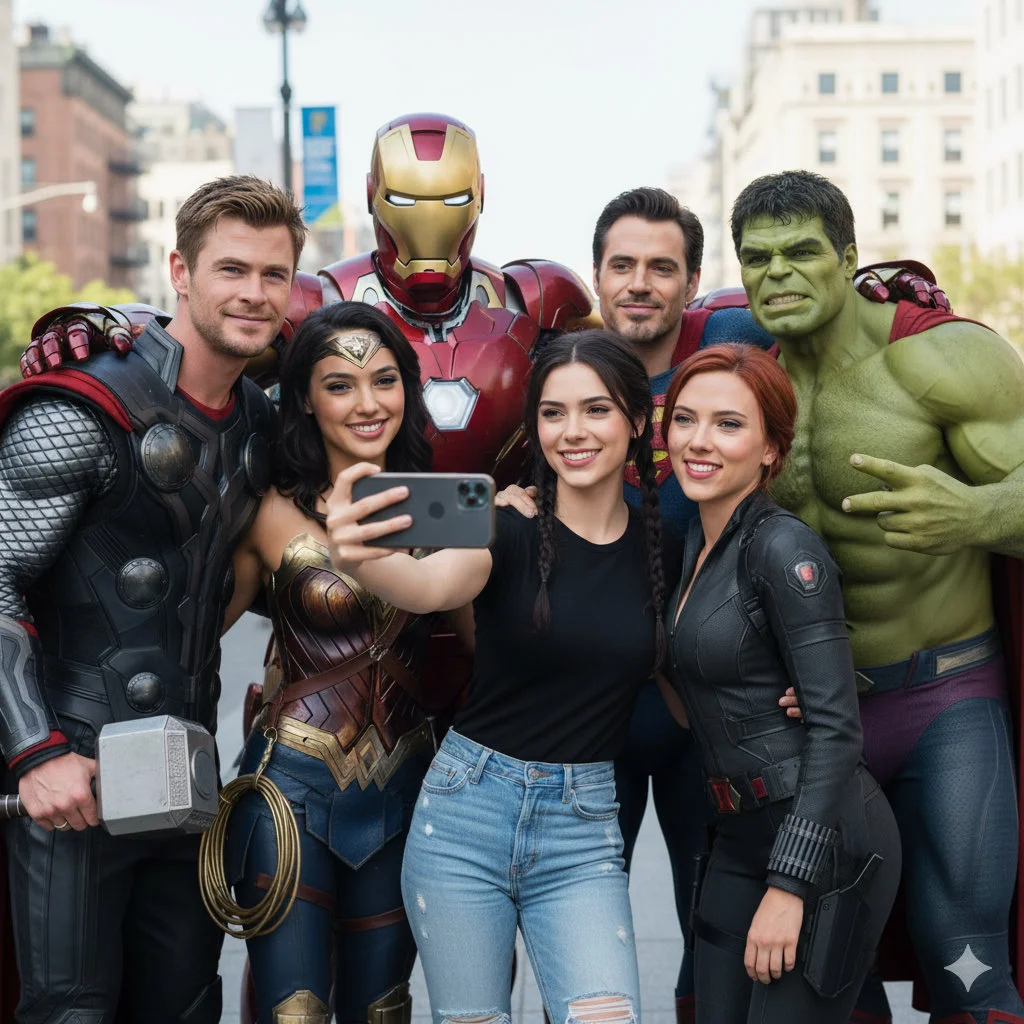
Vom Prompt zum fertigen Video: Der Kling-Workflow
Planen Sie Zeit ein, um jedes Videoergebnis zu prüfen und Ihr Briefing zu verfeinern. Die Verarbeitungszeit variiert je nach Modell, Anfrage und Serviceauslastung. Ändern Sie jeweils nur eine Richtung, damit Sie beurteilen können, welche Bearbeitung das Ergebnis verbessert.
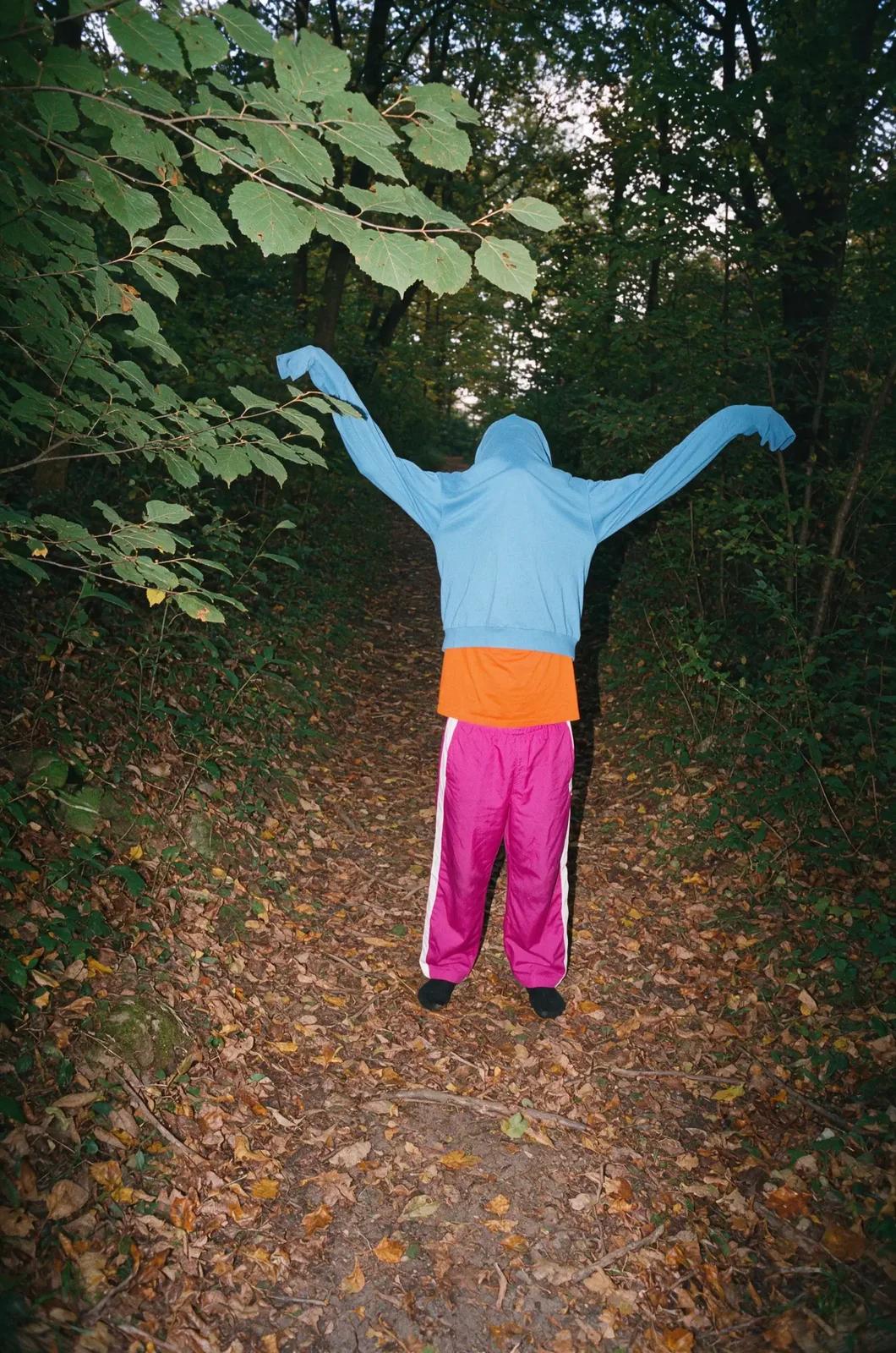
Eingabeaufforderung eingeben oder Bild hochladen
Beschreiben Sie für Ihr Kling Video-Briefing, wie sich das Motiv aus seiner Ausgangsposition bewegen soll. Wenn das ausgewählte Modell ein Bild oder einen Endframe unterstützt, nutzen Sie dies, um Komposition und Kontinuität zu erklären. Nehmen Sie nicht an, dass jeder Referenztyp akzeptiert wird.

Wähle Einstellungen und generiere
Planen Sie Zeit ein, um jedes Videoergebnis zu prüfen und Ihr Briefing zu verfeinern. Die Verarbeitungszeit variiert je nach Modell, Anfrage und Serviceauslastung. Ändern Sie jeweils nur eine Richtung, damit Sie beurteilen können, welche Bearbeitung das Ergebnis verbessert.
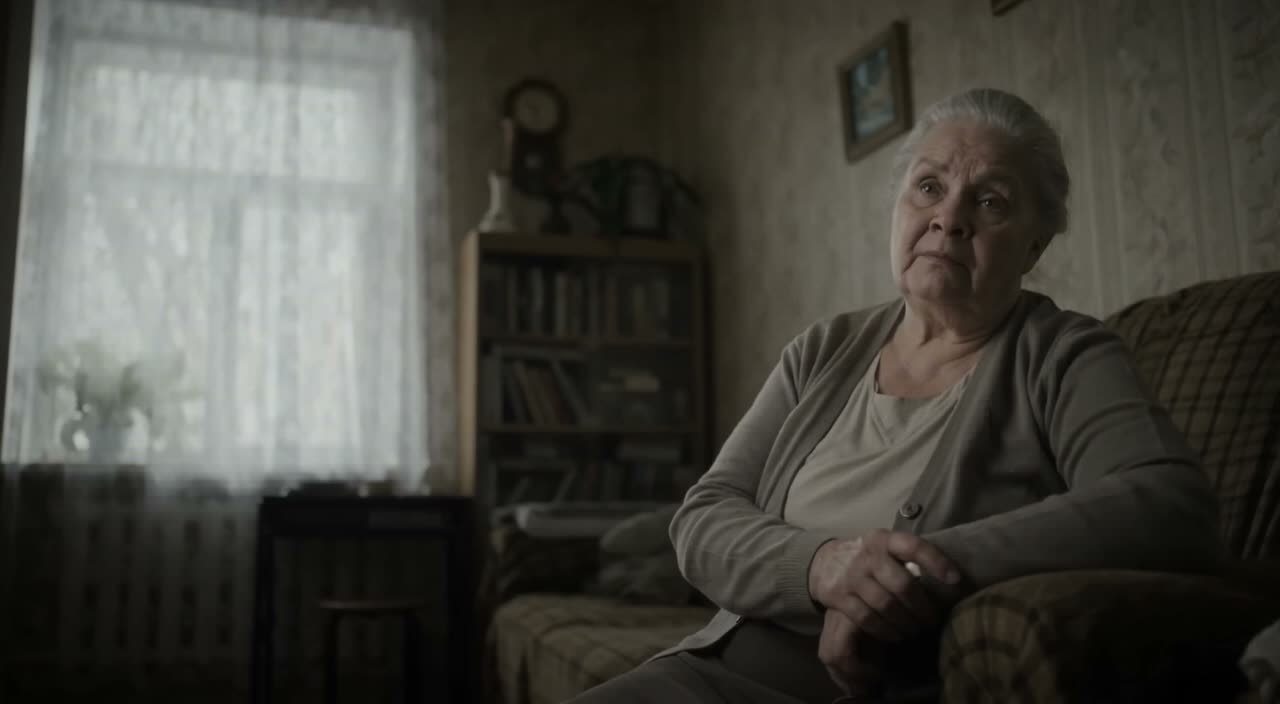
Fertige Ergebnisse prüfen und herunterladen
Wenn eine Anfrage abgeschlossen ist, prüfe das Video in deinen Assets und lade das Ergebnis herunter, das du behalten möchtest. Überprüfe die Komposition und eventuelle unbeabsichtigte Details, bevor du es mit deinem Team teilst oder veröffentlichst.
Zugehörige Video-Workflows erkunden
Erkunden Sie den Kling-Workflow und vergleichen Sie ihn mit den verwandten Videoseiten. Der Generator ist die maßgebliche Quelle für aktuellen Modellzugriff und Einstellungen. Nutzen Sie die Prompt-Bibliothek, um veröffentlichte Ergebnisse und das Modell, das sie erstellt hat, zu studieren.
Erstelle dein Kling-Video
Geben Sie für ein Kling Produktkonzept die Produktform, das Material, ein wichtiges Detail und die Umgebung an. Halten Sie Logos und Aussagen korrekt, lassen Sie Platz für Ihre eigene Typografie und prüfen Sie das Ergebnis, bevor Sie es in einer Anzeige verwenden.
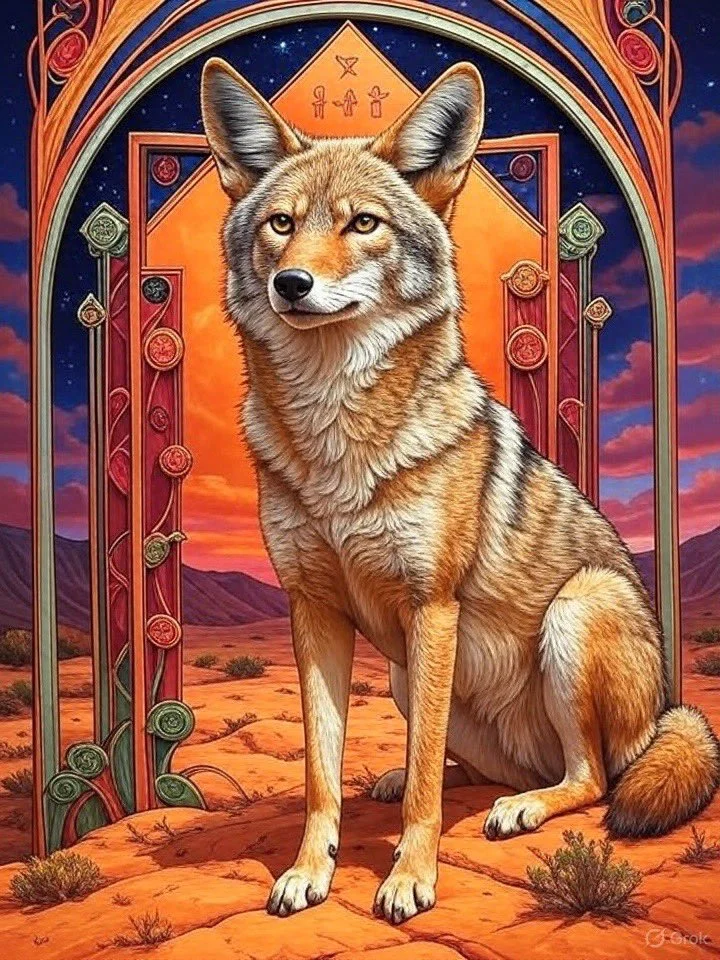
Planen Sie eine klare Aktion pro Aufnahme
Zerlegen Sie ein Kling Story-Konzept in kurze, klar beschriebene Aufnahmen. Geben Sie jeder Aufnahme eine Aktion und eine Kameraführung. Prüfen Sie die Kontinuität zwischen den Ergebnissen, bevor Sie sie zu einer Sequenz zusammenfügen.
- Geben Sie für ein Kling Produktkonzept die Produktform, das Material, ein wichtiges Detail und die Umgebung an. Halten Sie Logos und Aussagen korrekt, lassen Sie Platz für Ihre eigene Typografie und prüfen Sie das Ergebnis, bevor Sie es in einer Anzeige verwenden.
- Zerlegen Sie ein Kling Story-Konzept in kurze, klar beschriebene Aufnahmen. Geben Sie jeder Aufnahme eine Aktion und eine Kameraführung. Prüfen Sie die Kontinuität zwischen den Ergebnissen, bevor Sie sie zu einer Sequenz zusammenfügen.
- Zerlegen Sie ein Kling Story-Konzept in kurze, klar beschriebene Aufnahmen. Geben Sie jeder Aufnahme eine Aktion und eine Kameraführung. Prüfen Sie die Kontinuität zwischen den Ergebnissen, bevor Sie sie zu einer Sequenz zusammenfügen.
- Zerlegen Sie ein Kling Story-Konzept in kurze, klar beschriebene Aufnahmen. Geben Sie jeder Aufnahme eine Aktion und eine Kameraführung. Prüfen Sie die Kontinuität zwischen den Ergebnissen, bevor Sie sie zu einer Sequenz zusammenfügen.
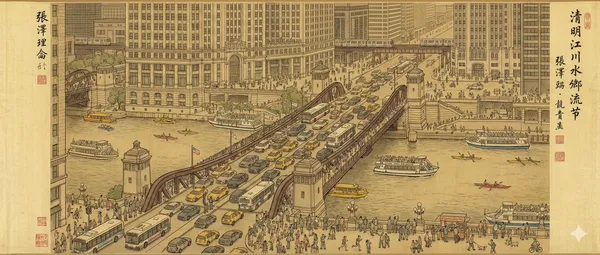
Beschreibe Sound und Visuals für dein Kling-Video
Beschreiben Sie Sprache, Umgebungsgeräusche und Musik als getrennte Anweisungen in Ihrem Kling Video-Briefing. Die Audioausgabe hängt vom ausgewählten Modell und den im Generator angezeigten Optionen ab; prüfen Sie den fertigen Clip, statt anzunehmen, dass Ton enthalten ist.
- Beschreiben Sie Sprache, Umgebungsgeräusche und Musik als getrennte Anweisungen in Ihrem Kling Video-Briefing. Die Audioausgabe hängt vom ausgewählten Modell und den im Generator angezeigten Optionen ab; prüfen Sie den fertigen Clip, statt anzunehmen, dass Ton enthalten ist.
- Beschreiben Sie Sprache, Umgebungsgeräusche und Musik als getrennte Anweisungen in Ihrem Kling Video-Briefing. Die Audioausgabe hängt vom ausgewählten Modell und den im Generator angezeigten Optionen ab; prüfen Sie den fertigen Clip, statt anzunehmen, dass Ton enthalten ist.
- Beschreiben Sie Sprache, Umgebungsgeräusche und Musik als getrennte Anweisungen in Ihrem Kling Video-Briefing. Die Audioausgabe hängt vom ausgewählten Modell und den im Generator angezeigten Optionen ab; prüfen Sie den fertigen Clip, statt anzunehmen, dass Ton enthalten ist.
- Geben Sie für ein Kling Produktkonzept die Produktform, das Material, ein wichtiges Detail und die Umgebung an. Halten Sie Logos und Aussagen korrekt, lassen Sie Platz für Ihre eigene Typografie und prüfen Sie das Ergebnis, bevor Sie es in einer Anzeige verwenden.

Erkunden Sie Ihre nächste Kling Video-Idee
Beschreiben Sie für Ihr Kling Video-Briefing, wie sich das Motiv aus seiner Ausgangsposition bewegen soll. Wenn das ausgewählte Modell ein Bild oder einen Endframe unterstützt, nutzen Sie dies, um Komposition und Kontinuität zu erklären. Nehmen Sie nicht an, dass jeder Referenztyp akzeptiert wird.
- Beschreiben Sie für Ihr Kling Video-Briefing, wie sich das Motiv aus seiner Ausgangsposition bewegen soll. Wenn das ausgewählte Modell ein Bild oder einen Endframe unterstützt, nutzen Sie dies, um Komposition und Kontinuität zu erklären. Nehmen Sie nicht an, dass jeder Referenztyp akzeptiert wird.
- Listen Sie die Details auf, die in Ihrem Kling Video-Briefing wichtig sind: Identität, Form, Farben, Kleidung und Hintergrund. Verwenden Sie unterstützte Referenzen, wo passend, und vergleichen Sie jedes Ergebnis; exakte Konsistenz ist nicht garantiert.
- Wählen Sie nur die Auflösung und das Seitenverhältnis, die für das ausgewählte Modell angezeigt werden. Prüfen Sie Bildausschnitt, feine Details und eventuellen Text im fertigen Video. Eine größere Ausgabegröße garantiert kein genaueres Ergebnis.
- Beschreibe das gewünschte Ergebnis, wähle ein verfügbares Kling-Modell und sende deine Anfrage über den Generator. Prüfe fertige Videoergebnisse in deinen Assets, verfeinere den Prompt bei Bedarf und lade die Version herunter, die zu deinem Projekt passt.
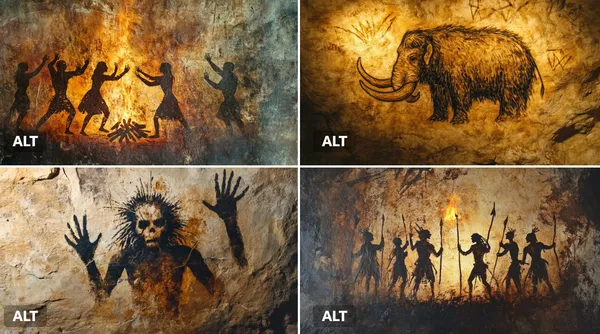
Beschreiben Sie Kamerabewegung und Timing
Geben Sie für ein Kling Produktkonzept die Produktform, das Material, ein wichtiges Detail und die Umgebung an. Halten Sie Logos und Aussagen korrekt, lassen Sie Platz für Ihre eigene Typografie und prüfen Sie das Ergebnis, bevor Sie es in einer Anzeige verwenden.
- Beschreibe das gewünschte Ergebnis, wähle ein verfügbares Kling-Modell und sende deine Anfrage über den Generator. Prüfe fertige Videoergebnisse in deinen Assets, verfeinere den Prompt bei Bedarf und lade die Version herunter, die zu deinem Projekt passt.
- Zerlegen Sie ein Kling Story-Konzept in kurze, klar beschriebene Aufnahmen. Geben Sie jeder Aufnahme eine Aktion und eine Kameraführung. Prüfen Sie die Kontinuität zwischen den Ergebnissen, bevor Sie sie zu einer Sequenz zusammenfügen.
- Geben Sie für ein Kling Produktkonzept die Produktform, das Material, ein wichtiges Detail und die Umgebung an. Halten Sie Logos und Aussagen korrekt, lassen Sie Platz für Ihre eigene Typografie und prüfen Sie das Ergebnis, bevor Sie es in einer Anzeige verwenden.
- Geben Sie für ein Kling Produktkonzept die Produktform, das Material, ein wichtiges Detail und die Umgebung an. Halten Sie Logos und Aussagen korrekt, lassen Sie Platz für Ihre eigene Typografie und prüfen Sie das Ergebnis, bevor Sie es in einer Anzeige verwenden.
Ein klareres kreatives Briefing für Kling
Planen Sie Zeit ein, um jedes Videoergebnis zu prüfen und Ihr Briefing zu verfeinern. Die Verarbeitungszeit variiert je nach Modell, Anfrage und Serviceauslastung. Ändern Sie jeweils nur eine Richtung, damit Sie beurteilen können, welche Bearbeitung das Ergebnis verbessert.
Filmisches Geschichtenerzählen
Zerlegen Sie ein Kling Story-Konzept in kurze, klar beschriebene Aufnahmen. Geben Sie jeder Aufnahme eine Aktion und eine Kameraführung. Prüfen Sie die Kontinuität zwischen den Ergebnissen, bevor Sie sie zu einer Sequenz zusammenfügen.
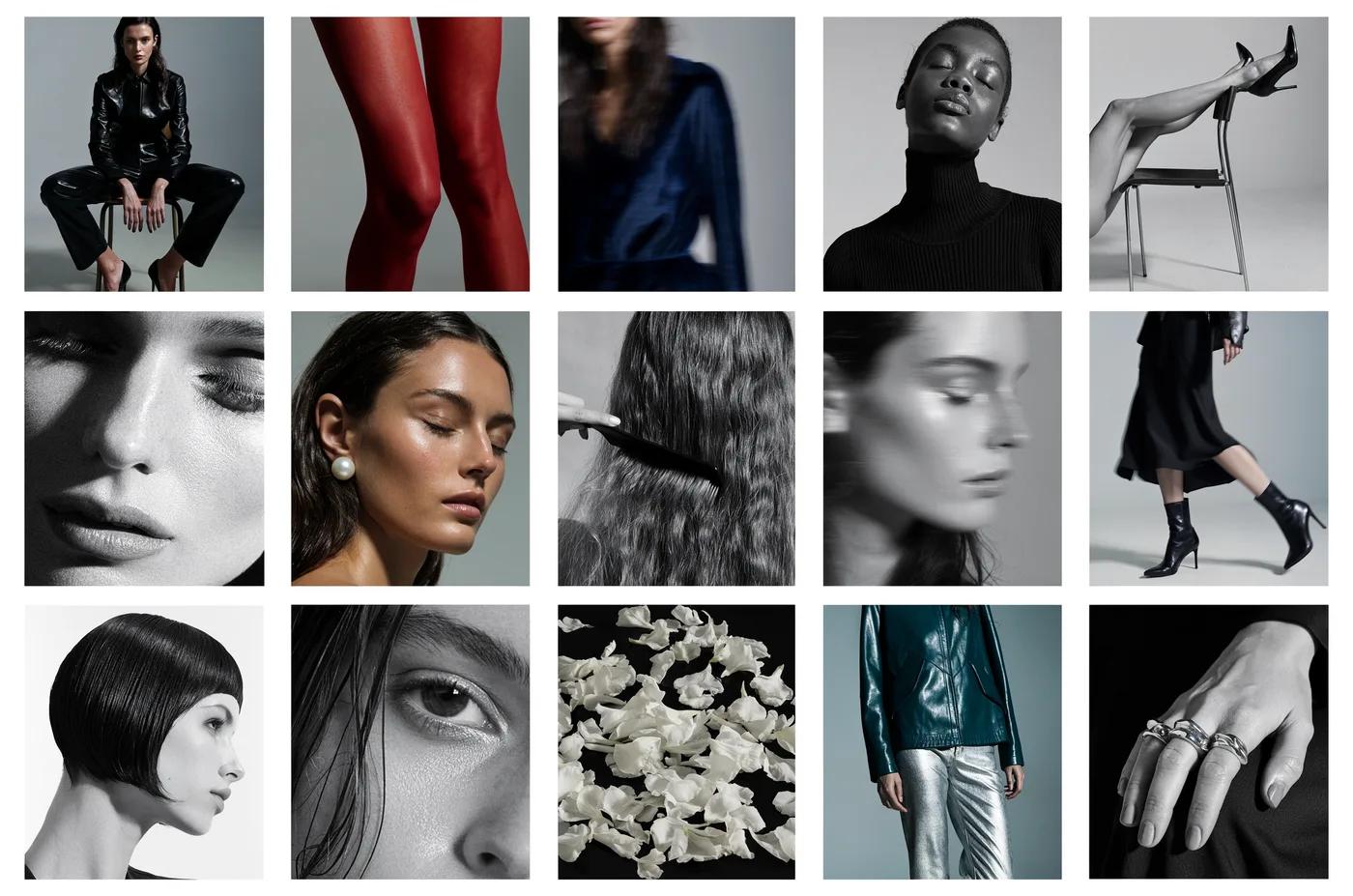
Soziale Medien und Marketing
Geben Sie für ein Kling Produktkonzept die Produktform, das Material, ein wichtiges Detail und die Umgebung an. Halten Sie Logos und Aussagen korrekt, lassen Sie Platz für Ihre eigene Typografie und prüfen Sie das Ergebnis, bevor Sie es in einer Anzeige verwenden.
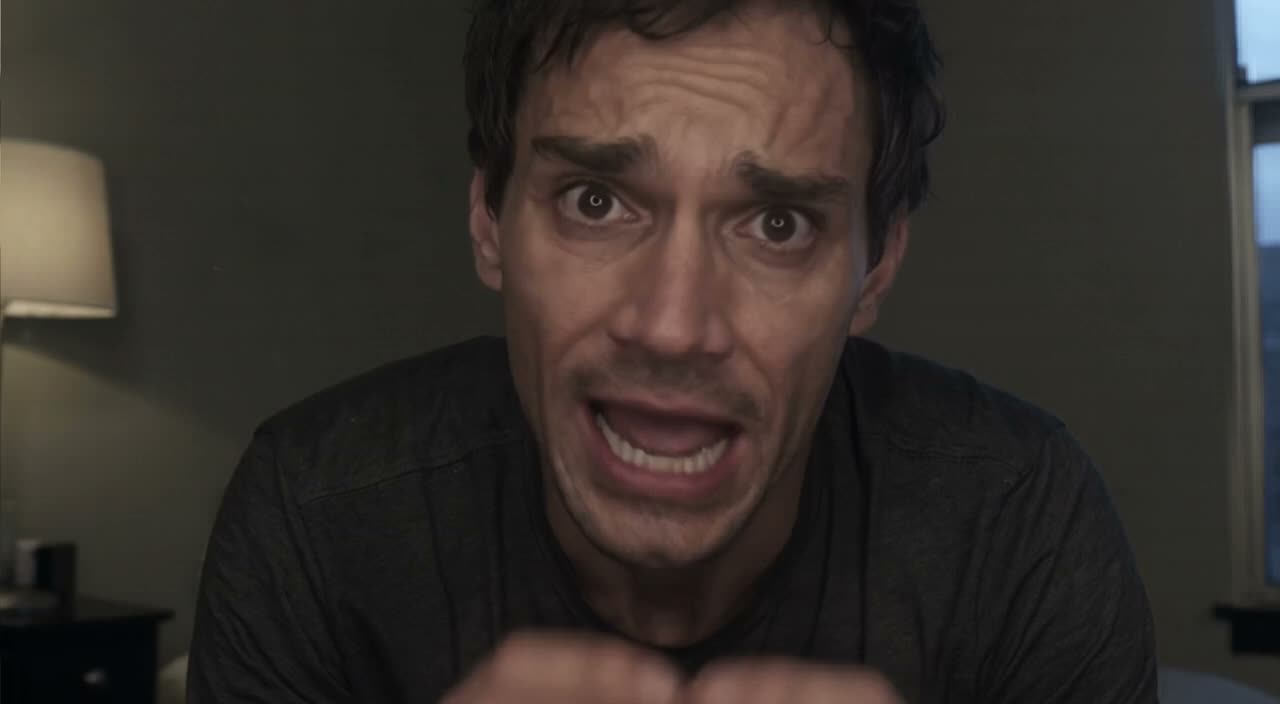
Produktvitrinen
Geben Sie für ein Kling Produktkonzept die Produktform, das Material, ein wichtiges Detail und die Umgebung an. Halten Sie Logos und Aussagen korrekt, lassen Sie Platz für Ihre eigene Typografie und prüfen Sie das Ergebnis, bevor Sie es in einer Anzeige verwenden.
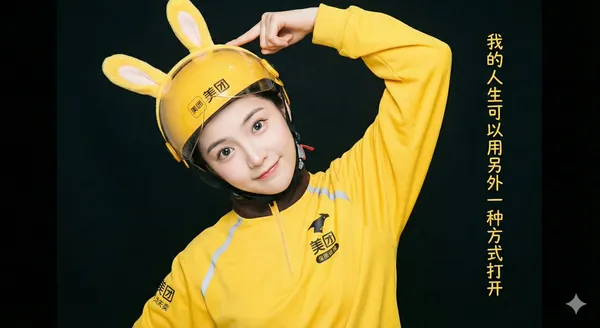
Effizienter Produktionsablauf
Geben Sie für ein Kling Produktkonzept die Produktform, das Material, ein wichtiges Detail und die Umgebung an. Halten Sie Logos und Aussagen korrekt, lassen Sie Platz für Ihre eigene Typografie und prüfen Sie das Ergebnis, bevor Sie es in einer Anzeige verwenden.
Kreative Notizen für Ihr Kling Video-Briefing
Geben Sie dem Hauptmotiv eine klare Aktion. Für ein Kling Konzept ist ein präzises Briefing leichter zu beurteilen als eine Liste konkurrierender Effekte.

Kling Video-Workflow: Fragen und Antworten
Geben Sie für ein Kling Produktkonzept die Produktform, das Material, ein wichtiges Detail und die Umgebung an. Halten Sie Logos und Aussagen korrekt, lassen Sie Platz für Ihre eigene Typografie und prüfen Sie das Ergebnis, bevor Sie es in einer Anzeige verwenden.
Heydots bringt den Kling-Video-Workflow in einen Arbeitsbereich: Schreibe deinen Prompt, wähle ein verfügbares Modell, prüfe die Credit-Kosten und generiere. Fertige Ergebnisse bleiben in deinen Assets zum Prüfen und Herunterladen. Der Generator zeigt, welche Modelle und Eingaben Anfragen akzeptieren.
Schreiben Sie Ihr Kling Video-Briefing rund um eine sichtbare Aktion. Fügen Sie die Umgebung, die Einstellungsgröße, die Kamerabewegung und die Beleuchtung hinzu. Halten Sie Dialog und Tonhinweise getrennt von den visuellen Anweisungen, damit die beabsichtigte Szene leicht zu verstehen ist.
Verwenden Sie nur die Eingabemodi und Steuerelemente, die das ausgewählte Modell anbietet. Beschreiben Sie das beabsichtigte Video klar und fügen Sie unterstützte Referenzen hinzu, wenn sie nützlich sind. Diese Seite verspricht keine separaten Motion-Brush-, Audio-Upload-, Restaurierungs- oder Bearbeitungswerkzeuge.
Beschreiben Sie für Ihr Kling Video-Briefing, wie sich das Motiv aus seiner Ausgangsposition bewegen soll. Wenn das ausgewählte Modell ein Bild oder einen Endframe unterstützt, nutzen Sie dies, um Komposition und Kontinuität zu erklären. Nehmen Sie nicht an, dass jeder Referenztyp akzeptiert wird.
Geben Sie für ein Kling Produktkonzept die Produktform, das Material, ein wichtiges Detail und die Umgebung an. Halten Sie Logos und Aussagen korrekt, lassen Sie Platz für Ihre eigene Typografie und prüfen Sie das Ergebnis, bevor Sie es in einer Anzeige verwenden.
Du kannst innerhalb von 10 Tagen nach dem Kauf eine Rückerstattung beantragen, wenn du ungenutzte Guthaben aus diesem Kauf hast und einen klaren Grund angibst, vorbehaltlich unserer Rückerstattungsrichtlinie. Wenn du berechtigt bist, kann ein ungenutzter Kauf vollständig erstattet werden; ein teilweise genutzter Kauf wird im Verhältnis zu den verbleibenden ungenutzten Guthaben erstattet. Vollständig genutzte Käufe sowie kostenlose oder Aktionsguthaben sind nicht erstattungsfähig.
Die Gültigkeit von Guthaben hängt vom Paket, Abonnement oder der Aktion ab, durch die sie ausgegeben wurden. Prüfe die Kaufbedingungen und Ablaufdaten unter Einstellungen > Guthaben. Eine Verlängerung oder ein neuer Kauf verlängert ältere Guthaben nicht. Nutze Guthaben vor ihrem angegebenen Ablaufdatum; gehe nicht davon aus, dass ungenutzte Abonnement-Guthaben unbegrenzt übertragen werden.
Credits, die für eine Aufgabe berechnet wurden, die als aufgrund eines Systemfehlers fehlgeschlagen bestätigt wurde, werden automatisch zurückerstattet. Eine Aufgabe, die noch in Bearbeitung ist, wurde noch nicht als fehlgeschlagen bestätigt. Prüfen Sie ihren Status und Ihren Guthabenverlauf, bevor Sie erneut einreichen. Wenn bei einem bestätigten Fehler weiterhin eine ungeklärte Belastung angezeigt wird, senden Sie eine E-Mail an support@heydots.app mit der Task-ID.
KI-Ergebnisse können variieren, daher wird ein abgeschlossenes Ergebnis, das von Ihren Erwartungen abweicht, nicht automatisch als technischer Fehler behandelt. Berechtigte abgeschlossene Bildaufgaben können über die Rückerstattungsoption, wo verfügbar, zur Prüfung einer Credit-Rückerstattung eingereicht werden; eine Genehmigung ist erforderlich. Bei einem Video oder einem anderen Problem wenden Sie sich mit der Task-ID und Details an support@heydots.app. Eine Credit-Rückerstattung erstattet Credits, kein Geld auf Ihre Zahlungsmethode.
Senden Sie eine E-Mail an support@heydots.app. Geben Sie bei Abrechnungsfragen Ihre Konto-E-Mail-Adresse und Bestell-ID an; bei der Generierung geben Sie die Task-ID, eine Beschreibung des Problems und relevante Screenshots an. Wenn Sie als Gast gekauft haben, bewahren Sie die ursprünglichen Browserdaten und den Zahlungsbeleg auf, damit wir den Kauf leichter finden können.
Erkunden Sie Ihre nächste Kling Video-Idee
Wählen Sie nur die Auflösung und das Seitenverhältnis, die für das ausgewählte Modell angezeigt werden. Prüfen Sie Bildausschnitt, feine Details und eventuellen Text im fertigen Video. Eine größere Ausgabegröße garantiert kein genaueres Ergebnis.
heydots.app · Aktualisiert
Änderungsverlauf anzeigen
- — Bearbeitbare Beispiel-Prompts, getrennte Entwürfe für Text- und Referenzmodi sowie eine Funktion zum Wiederherstellen des Beispiels hinzugefügt.
- — Texte und Inhalte der Seite aktualisiert.
- — Seiteninhalt veröffentlicht.