
Creative variations studio
AI Halloween Costume Portraits With Control Over Wardrobe and Scene
Create a Halloween costume portrait
History
Your questions, answered
What is AI Halloween Costume?
This page creates a still portrait of an adult in the Halloween costume you describe. Choose a witch, vampire, space explorer or an original character, then use clothing and scene details to give the image its own direction.
How do I start?
Choose Image to Image and upload one adult photo, then describe a single costume. Text to Image can begin with a fictional adult and no uploaded media. Review the settings and quote before generating the portrait.
Can I try it for free?
Check your current account credits and the selected model’s access conditions. When the available balance covers the quoted job, you can generate without buying more credits.
What do I upload?
Use a clear adult portrait with visible face and shoulders. Simple clothing and a quiet background help. Leave some room around the head for a hat, crown or collar, and keep hands away from important facial details.
How much does it cost?
Read the live credit quote for the selected model and settings before submitting your costume portrait. Preparing inputs or editing a description does not start a generation.
When is the result ready?
Follow the submitted job’s estimate and progress. The model, settings and queue affect waiting; History keeps the completed image available for review and download.
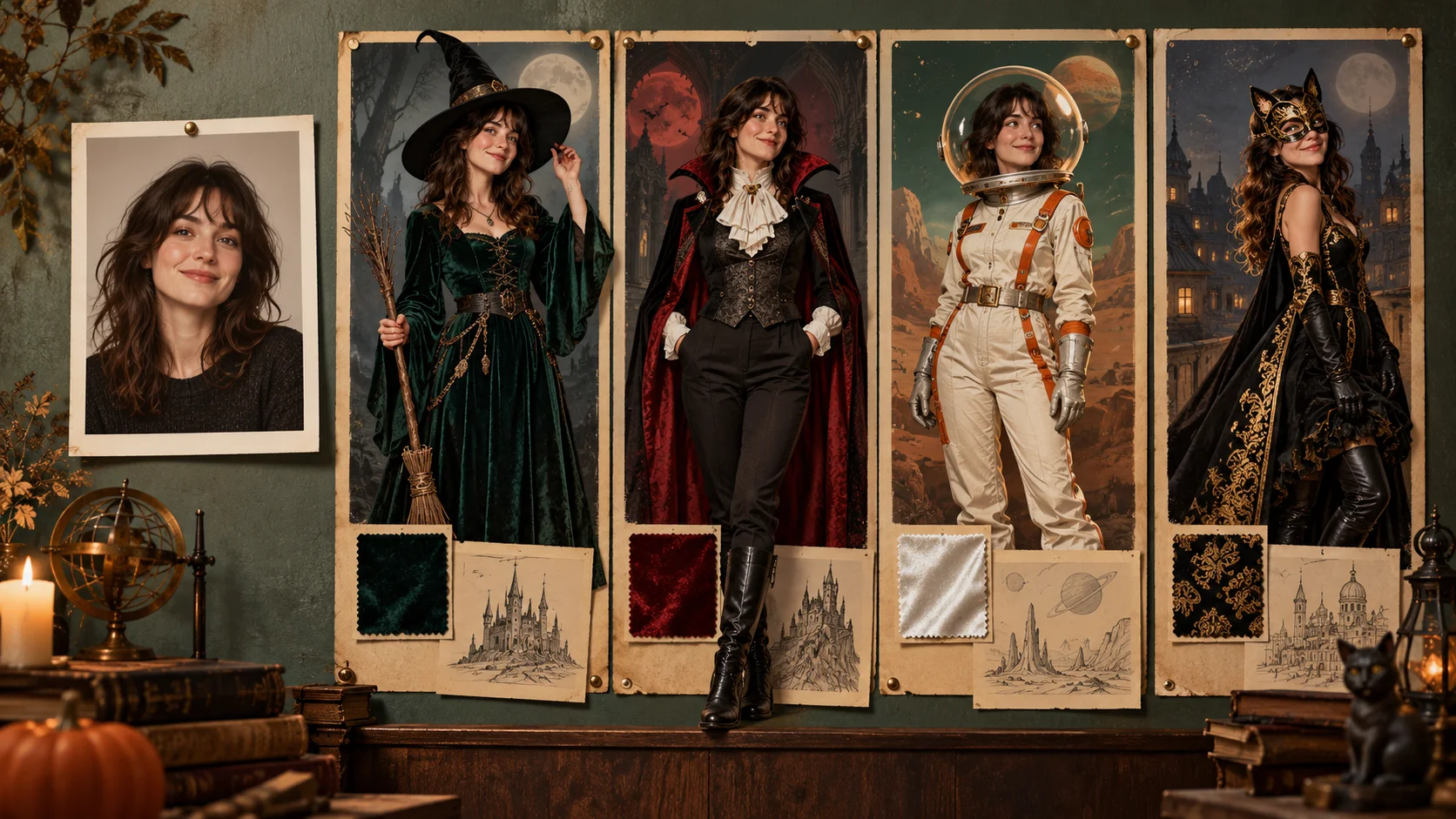
Find a costume direction through the details that make it memorable: a velvet collar, a star-covered cloak or the clean outline of a retro space suit. AI Halloween Costume on heydots.app is a still-portrait workspace. Bring one adult photo, choose a character idea and describe the outfit in plain words. Keep the face readable while you explore fabric, color and atmosphere, then choose the portrait that best expresses your Halloween mood.
Create AI Halloween CostumeHow the portrait variation process works
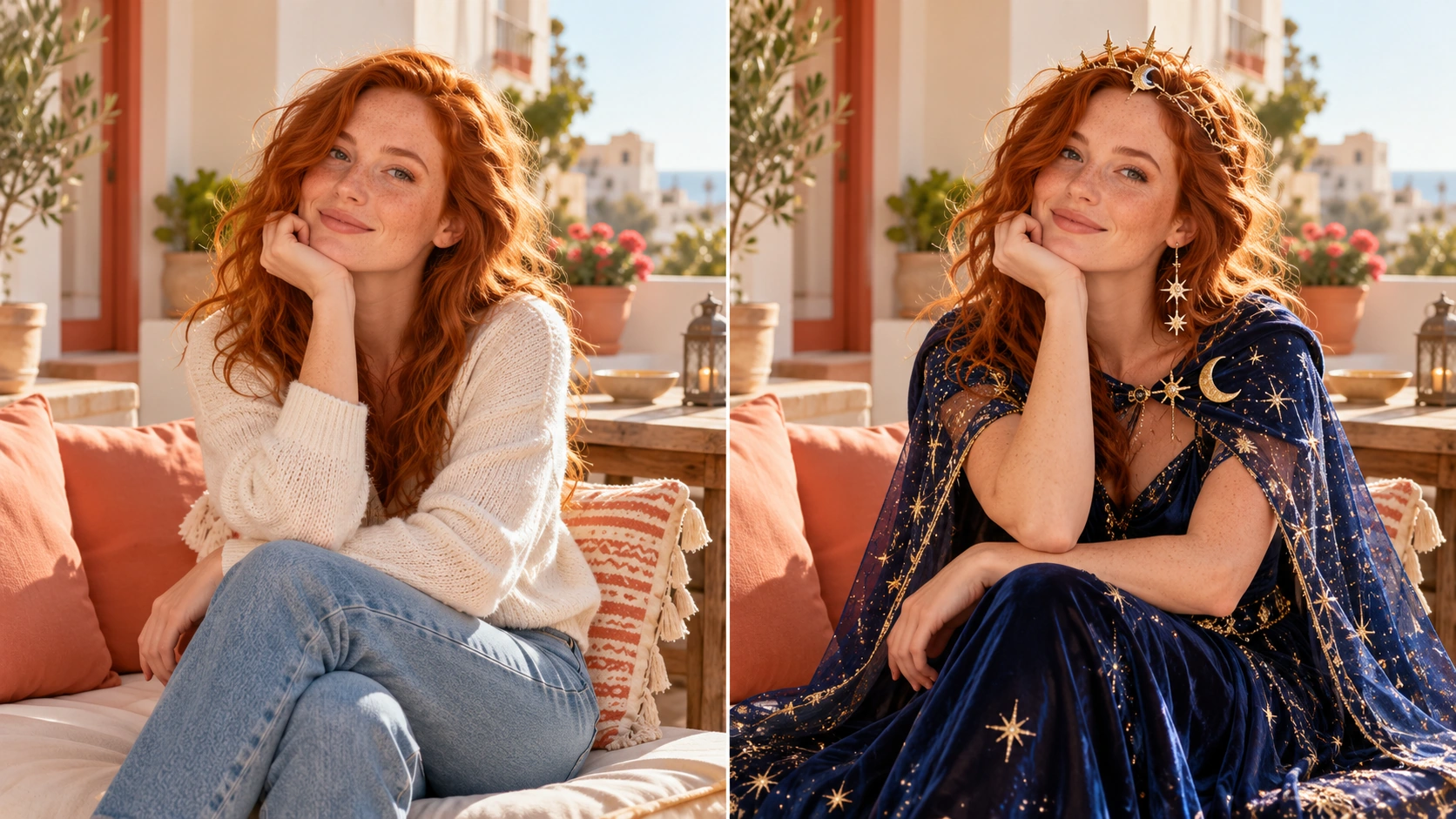
Upload a clear adult photo
Start with one well-lit adult photo, facing the camera or turning slightly. Keep the eyes, face outline and shoulders visible. Choose a simple background and avoid heavy filters. Keep the source nearby so you can compare the expression and the costume placement in the finished portrait.
Choose a costume direction
Pick a starting point such as witch, vampire, retro space explorer or an original character. Edit the prompt to name materials, garment shapes, props and scene. Use the model controls to steer rendering. Keep one reference photo and one clear wardrobe idea so the variation stays readable instead of crowded.
Check the quote and generate
The live credit quote appears before you run the job, so review the displayed amount first. Sign in to your account to submit. Generation jobs run and land in History, where you can compare versions, check how wardrobe and scene choices read, and decide what to adjust before another attempt.
What the still image can show
Wardrobe and material choices
Direct the costume through fabric words: crushed velvet, faux leather, matte satin, knitted wool, metallic foil. These describe surface and fall of cloth, which changes how a witch cloak, vampire coat or space suit reads. Materials also separate an original character from a stock look without adding new garments to the body.
Scene and lighting direction
Set the portrait in a place that supports the costume: candlelit parlour, foggy porch, retro control room, painted backdrop. Lighting words like low amber lamp, cold rim light or soft overcast change mood and edge definition. A simple scene usually keeps attention on the face and costume shape.
Editable prompt and model controls
The prompt stays editable, so you can revise color, era, pose and framing between runs. Model controls let you shift rendering character while keeping the same reference photo and costume concept. Compare a painterly pass with a photographic one, then keep the direction that suits the portrait.
Costume portrait scenarios
A velvet witch in a lamplit room
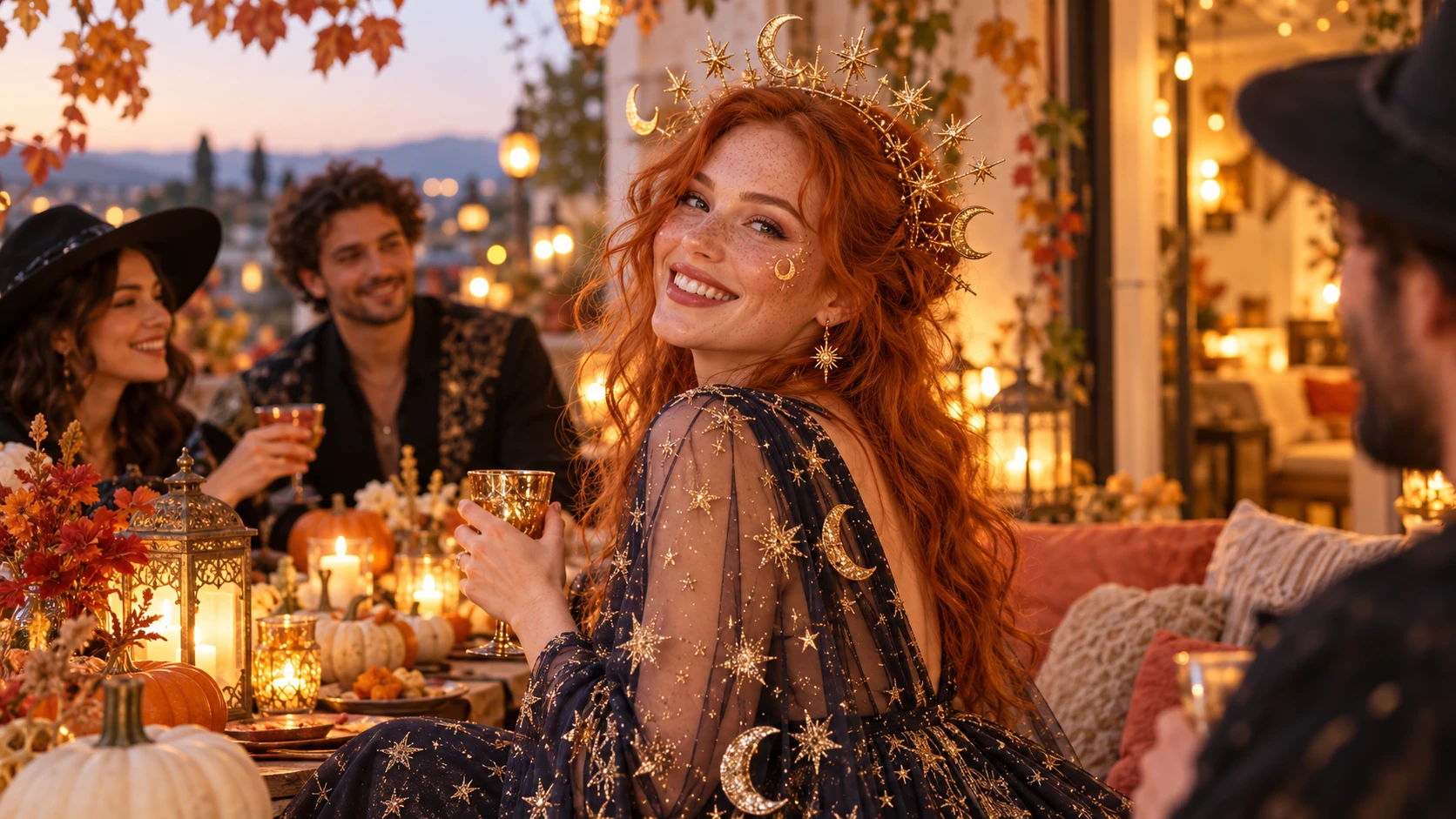
Take one seated adult photo and direct a deep green velvet cloak, silver clasp and low candlelight in a wood-panelled room. Keep the face close to the reference and let the fabric texture carry the costume.
A retro space explorer on a soundstage
Use a studio headshot as reference, then describe a padded white suit with orange piping, a clear bubble helmet and a painted star backdrop. The soundstage setting signals retro science fiction rather than a modern mission.
A vampire with a tailored silhouette
Start from a neutral portrait and specify a long charcoal coat, high collar and cool blue window light in an empty hallway. The restrained palette and clean tailoring produce a character portrait instead of a gore scene.
Preparing for a cleaner variation
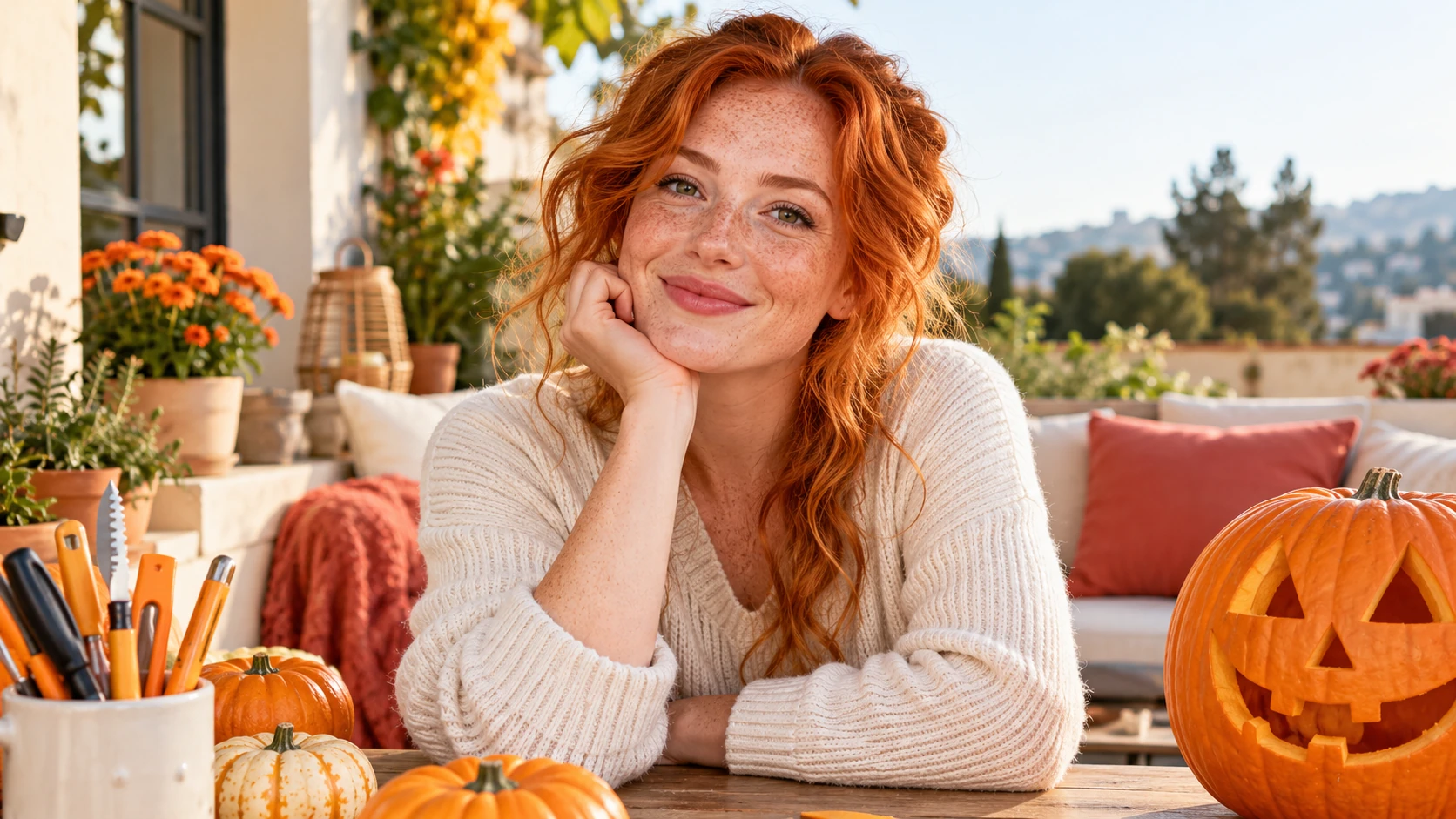
- Name one fabric and one garment per run so the costume direction stays legible.
- Describe pose and frame in plain words, such as three-quarter view or waist-up portrait.
- Check the displayed credit quote before running a job, then review every attempt in History.
Choose the detail that tells the character's story
Begin with the part of the costume the viewer should notice first. A high collar can establish a vampire direction; a broad hat and textured cloak can establish a witch; a simple helmet can suggest a retro explorer. Name that feature before adding smaller trim. Choose one main fabric and a restrained palette so the outfit reads as a coherent idea. Keep props away from the face when likeness matters. The first portrait should make the character clear without needing every possible Halloween symbol in the background.
Compare the finished image with both the source and the written outfit brief. Check the face, the neckline and the way hands meet any accessory. If the costume is attractive but too busy, remove one decorative element in the next direction. If the face is lost in shadow, keep the outfit and ask for softer light. Save the version whose main silhouette works, then use it as a reference for a party mood board or personal card. Add precise messages after choosing the portrait so the image request stays centered on the costume and the person.
AI Halloween Costume questions
What does this page create?
It creates one still Halloween costume portrait from a single adult photo. You choose a direction such as witch, vampire, retro space explorer or an original character. It does not produce a costume-transition video, and the result is an edited portrait image.
What kind of photo works best?
Use one clear, well-lit adult portrait with little motion blur. A visible hairline and plain clothing give the outfit a useful starting point. Keep the face large enough to inspect and leave space for the costume's main accessory.
How specific should the costume direction be?
Describe one costume idea with materials, colors, era and scene. Add a prop only if it helps the story. Combine the editable prompt with model controls, and change one element per run so you can see what actually shifted in the portrait.
Can I use the portrait to plan a real costume?
Use the image to explore the color, silhouette and character details you like. It is a visual portrait concept rather than a garment measurement. Assess real materials and fit separately when planning the costume you will wear.
How do credits and accounts work?
You sign in to your account to run generation jobs. A live credit quote is displayed before you generate. Review the quote, then check each finished job in History.
Create your Halloween portrait
Upload one adult photo, name the costume materials, check the credit quote and generate a still portrait.
Create AI Halloween CostumeContinue with a related creative guide
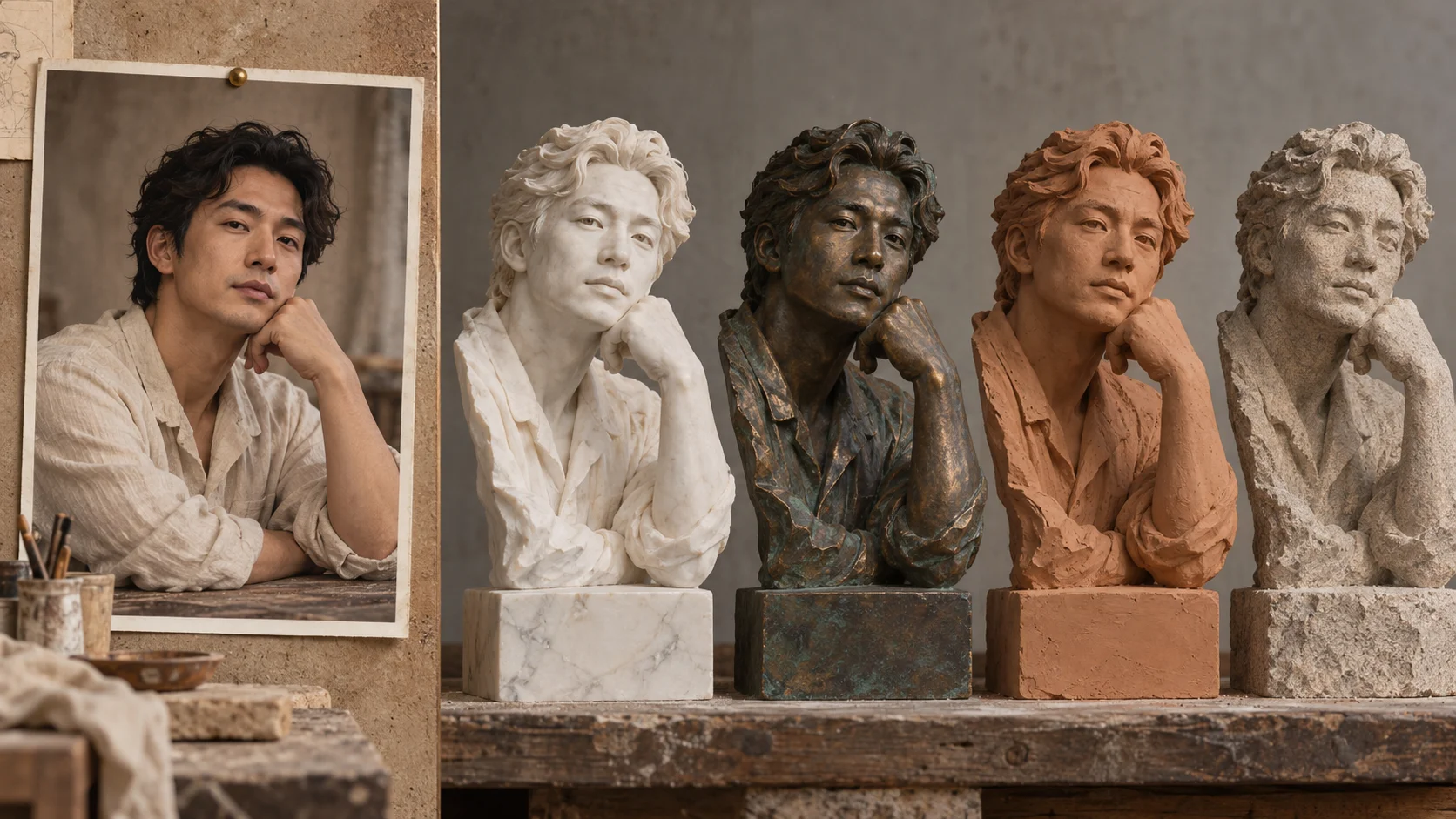
Explore a sculpted character portrait
Compare material and form after choosing a clear costume silhouette.
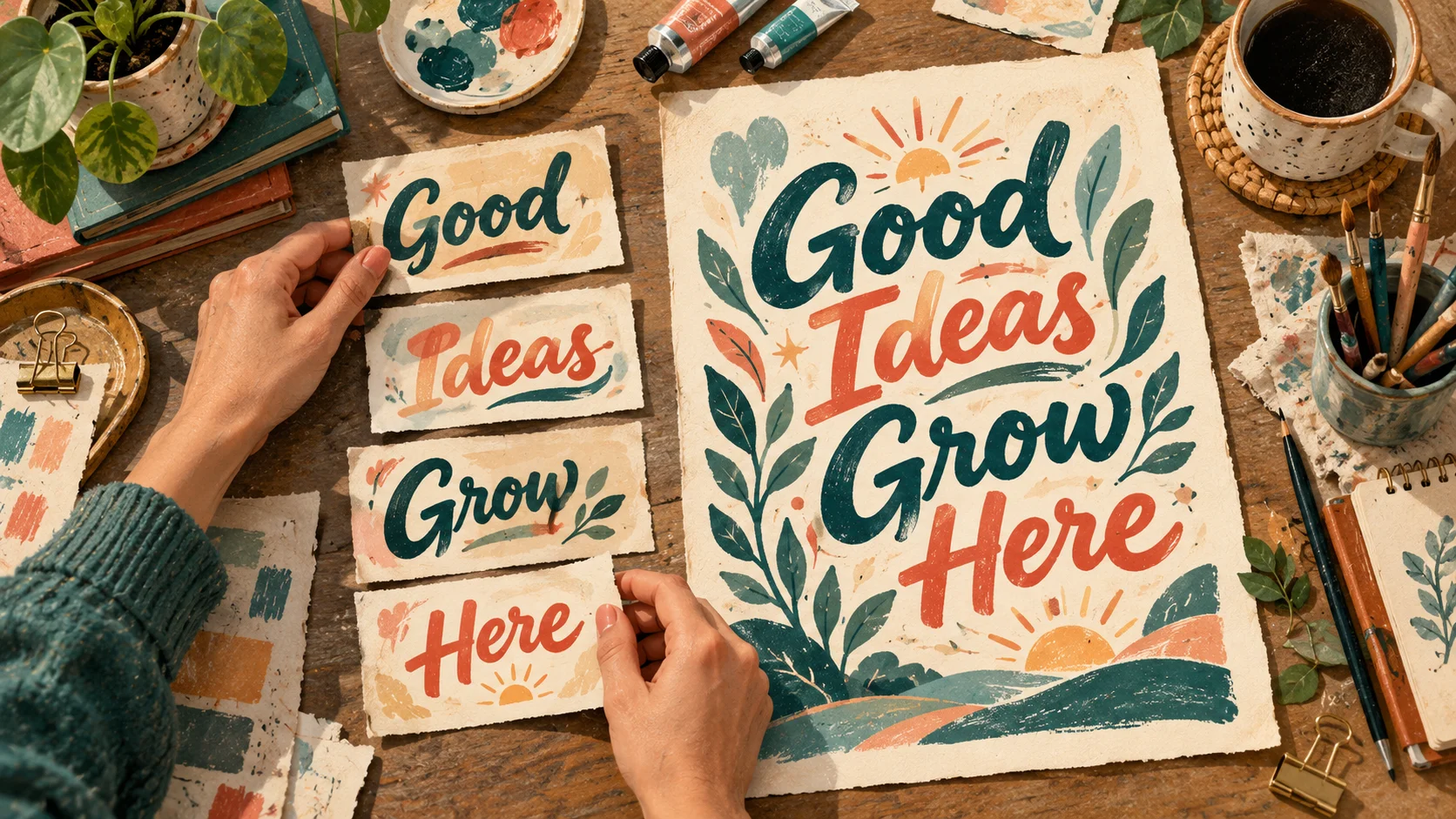
Create lettering for the invitation
Develop a short title outside the detailed costume portrait.
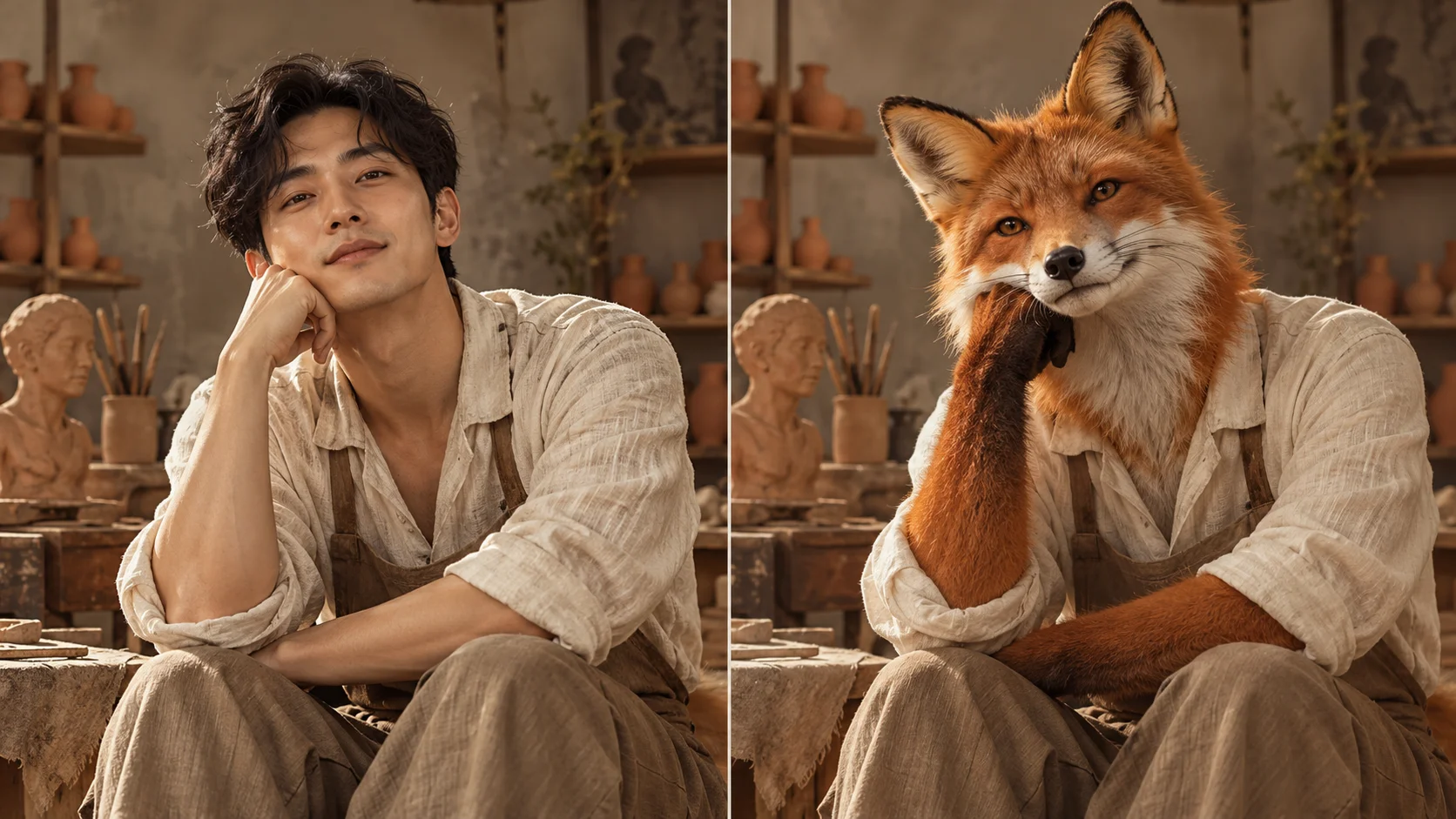
Try a different character direction
Build an animal-inspired portrait with a focused subject and setting.
heydots.app · Updated
See update history
- — Added editable example prompts and separate drafts for text and reference modes, with an action to restore the example.
- — Page content published. Updated page copy and content. Updated page images or videos. Updated page generator or navigation settings.