
Create Cinematic Video Supported Video Models
Choose a Supported Text or Image Video Model
Veo is unavailable on heydots. Use an enabled Kling or Seedance model on the AI Video page for text-to-video or image-to-video. These examples are general creative inspiration, not Veo demonstrations.
Verified prompt
Main Subject Young Chinese woman, early 20s. Natural appearance. Black wavy hair loosely tied back. Slightly damp bangs. Light grey hoodie over a faded white tank top. Blue jeans. Black canvas sneakers. Consistent identity throughout. Location Small Chinese town during a light summer rain. Simple bus shelter. Wet pavement. Trees lining the road. Utility poles. Apartment buildings in the distance. Occasional scooters. Humid atmosphere. Puddles reflecting the sky. No commercial focus. Visual Style Ultra-realistic observational footage. Feels like a friend casually recording while waiting together. High image quality. Natural color reproduction. Realistic skin detail. Authentic rain behavior. No exaggerated vintage effects. No excessive degradation. No cinematic grading. The recording should feel genuine and unnoticed. Camera Treatment Good consumer digital camera from 2008–2012. Handheld but comfortable. Mostly stable framing. Small natural corrections. Occasional focus transitions. Minor exposure adjustments. Realistic motion. Clear facial detail. No heavy shake. No obvious artificial camera effects. The camera quietly documents the moment. 00:00–00:02 Standing beneath a bus shelter while light rain falls. She extends her hand beyond the roof to feel the rain. A few drops land on her sleeve. Small smile. 00:02–00:04 Sitting on the shelter bench watching the road. Rainwater drips from the shelter roof. She quietly observes passing traffic. Natural waiting behavior. 00:04–00:06 She checks the time on an old silver flip phone. The phone catches a soft reflection from the cloudy sky. She sighs slightly and puts it away. 00:06–00:08 A bus appears far down the road. She stands up instinctively. Hopeful expression. The camera follows naturally. 00:08–00:10 The bus passes without stopping. Water sprays lightly from puddles. She watches it disappear. Then laughs quietly at her own bad luck. 00:10–00:12 Rain grows slightly heavier. She adjusts her hoodie. A few wet strands of hair stick to her cheek. She sits back down. 00:12–00:15 Looking toward the road again. She notices the camera. A sheepish smile appears. She shakes her head lightly. Then looks back at the empty road waiting for the next bus. The camera stays on the scene for a moment before ending. Audio Light rain. Water dripping from the shelter. Distant scooters. Occasional traffic. Wet footsteps. Trees moving in the wind. Subtle town ambience. No music. No narration. No sound design. Generation Goal A completely ordinary rainy afternoon that feels remembered rather than filmed. Not a camera test. Not a cinematic scene. A small moment from someone's life that happened to be captured and later rediscovered.
Main Subject Young Chinese woman, early 20s. Natural appearance. Black wavy hair loosely tied back. Slightly damp bangs. Light grey hoodie over a faded white tank top. Blue jeans. Black canvas sneakers. Consistent identity throughout. Location Small Chinese town during a light summer rain. Simple bus shelter. Wet pavement. Trees lining the road. Utility poles. Apartment buildings in the distance. Occasional scooters. Humid atmosphere. Puddles reflecting the sky. No commercial focus. Visual Style Ultra-realistic observational footage. Feels like a friend casually recording while waiting together. High image quality. Natural color reproduction. Realistic skin detail. Authentic rain behavior. No exaggerated vintage effects. No excessive degradation. No cinematic grading. The recording should feel genuine and unnoticed. Camera Treatment Good consumer digital camera from 2008–2012. Handheld but comfortable. Mostly stable framing. Small natural corrections. Occasional focus transitions. Minor exposure adjustments. Realistic motion. Clear facial detail. No heavy shake. No obvious artificial camera effects. The camera quietly documents the moment. 00:00–00:02 Standing beneath a bus shelter while light rain falls. She extends her hand beyond the roof to feel the rain. A few drops land on her sleeve. Small smile. 00:02–00:04 Sitting on the shelter bench watching the road. Rainwater drips from the shelter roof. She quietly observes passing traffic. Natural waiting behavior. 00:04–00:06 She checks the time on an old silver flip phone. The phone catches a soft reflection from the cloudy sky. She sighs slightly and puts it away. 00:06–00:08 A bus appears far down the road. She stands up instinctively. Hopeful expression. The camera follows naturally. 00:08–00:10 The bus passes without stopping. Water sprays lightly from puddles. She watches it disappear. Then laughs quietly at her own bad luck. 00:10–00:12 Rain grows slightly heavier. She adjusts her hoodie. A few wet strands of hair stick to her cheek. She sits back down. 00:12–00:15 Looking toward the road again. She notices the camera. A sheepish smile appears. She shakes her head lightly. Then looks back at the empty road waiting for the next bus. The camera stays on the scene for a moment before ending. Audio Light rain. Water dripping from the shelter. Distant scooters. Occasional traffic. Wet footsteps. Trees moving in the wind. Subtle town ambience. No music. No narration. No sound design. Generation Goal A completely ordinary rainy afternoon that feels remembered rather than filmed. Not a camera test. Not a cinematic scene. A small moment from someone's life that happened to be captured and later rediscovered.
Verified prompt
Main Subject A young Korean woman in her mid-20s with a naturally expressive face and a relaxed, approachable personality. She has medium-length dark chestnut hair loosely tied into a low ponytail with several strands escaping naturally around her cheeks and neck. Her skin has realistic texture with visible pores, faint acne scars on one cheek, tiny freckles near her nose, subtle under-eye shadows from waking up early, and naturally flushed cheeks from walking outside. She wears almost no makeup beyond light sunscreen and a touch of lip balm. Today's outfit reflects a comfortable weekend morning. She wears an oversized faded navy university sweatshirt with slightly stretched cuffs, loose beige cotton wide-leg trousers that wrinkle naturally while walking, clean white running shoes with light dirt marks around the soles, a simple silver watch on her left wrist, small silver hoop earrings, and a cream-colored canvas tote bag hanging over one shoulder. A folded reusable shopping bag peeks out from inside the tote. Throughout the entire video, maintain exactly the same facial identity, hairstyle, body proportions, clothing, accessories, and personality. Location A traditional neighborhood market in Busan on a calm Saturday morning around 9:15 AM. Unlike a tourist destination, this is a genuine local market serving nearby residents. Narrow covered walkways stretch between aging concrete buildings. Metal roofing allows thin shafts of sunlight to pass through small openings, creating moving patches of light across the floor. Fresh vegetables are neatly arranged in blue plastic crates. Handmade signs written in Korean hang above family-owned produce stalls. Buckets filled with green onions, garlic, chili peppers, mushrooms, and leafy vegetables line the aisles. Elderly vendors quietly greet familiar customers. Fresh seafood sits on crushed ice nearby, while small electric fans slowly rotate behind the counters. Plastic shopping baskets, folded cardboard boxes, old weighing scales, and stacked delivery crates contribute to the lived-in atmosphere. The concrete floor shows years of wear, with darker patches from recently mopped water and countless footsteps. The market feels warm, ordinary, and deeply authentic, with no polished displays, luxury branding, or tourist-oriented decorations. Visual Style Ultra-realistic documentary realism with an intimate slice-of-life atmosphere. Every action unfolds naturally without performance. The woman behaves exactly as someone running ordinary weekend errands would. She casually compares vegetables, smiles politely at vendors, pauses to think before choosing ingredients, and occasionally adjusts her tote bag while walking. Natural fluorescent lighting inside the market mixes with soft daylight entering from side streets, creating slightly uneven white balance typical of inexpensive early digital camcorders. Clothing wrinkles, fabric movement, facial expressions, and body language remain subtle and believable. Nothing appears staged or cinematic. Camera Style Entirely recorded using a consumer Sony Handycam MiniDV camcorder from approximately 2003–2005. The camera is operated casually by a close friend walking beside her. Handheld shake remains constant throughout. Framing frequently drifts too low or cuts off part of her head before the operator corrects it. Autofocus repeatedly shifts between foreground vegetables, hanging price signs, passing shoppers, and her face. Exposure pumps slightly whenever brighter outdoor entrances appear in the background. Zoom movements are hesitant and uneven. Slight rolling shutter distortion appears during quick pans. Soft contrast, faded colors, limited dynamic range, DV tape compression artifacts, mild chroma noise, slight sensor grain, and occasional dropped-frame judder reinforce the authentic home-video aesthetic. No stabilization. No cinematic tracking shots. No modern HDR. No color grading. Everything should feel accidentally beautiful rather than professionally filmed. 00:00–00:02 The recording begins while the camera is accidentally aimed toward rows of stacked cabbage and baskets of onions. After a brief moment, the operator quickly tilts upward, revealing the woman entering the market with her cream tote bag resting comfortably on her shoulder. She glances around with quiet curiosity before smiling to herself. Autofocus hunts between nearby vegetables and her face before finally settling. 00:02–00:04 She stops at a small vegetable stall run by an elderly woman arranging fresh spinach. She gently picks up two bundles, comparing them carefully while chatting politely in Korean. Her expressions remain relaxed and genuine. The camera slowly drifts toward neighboring stalls before awkwardly returning to her. 00:04–00:06 After choosing one bundle, she places it into her reusable shopping bag. The vendor weighs the vegetables using an older mechanical scale with a soft metallic click. She thanks the vendor with a respectful bow of her head. A passing shopper briefly blocks most of the frame, forcing autofocus to search again. 00:06–00:08 Continuing deeper into the market, she notices a stall displaying bright seasonal strawberries. She crouches naturally to inspect several baskets, lifting one slightly before smiling with quiet approval. Soft sunlight filters through gaps in the roof overhead, briefly illuminating her face while exposure adjusts slowly. 00:08–00:10 She purchases a basket of strawberries and carefully places it inside her tote bag. While organizing the groceries, one strawberry nearly rolls onto the floor. She laughs softly as she catches it just in time. The camera operator reacts a little late, missing the beginning of the moment before quickly reframing. 00:10–00:12 Walking toward the market exit, she pauses beside a small fishcake stand where steam rises gently into the cool morning air. She buys one warm fishcake on a wooden skewer. As she takes a careful bite, steam briefly fogs the lens while autofocus struggles between the rising vapor and her face. 00:12–00:15 She exits the covered market into bright morning sunlight carrying her groceries. The sudden change in lighting causes the camera to overexpose for several seconds before gradually correcting. She notices the camcorder, smiles warmly, raises the fishcake playfully toward the lens as if offering a taste, then laughs quietly before turning away. The camera follows for only a few more steps before dipping toward the pavement and cutting abruptly to black mid-motion. Audio Natural ambient sound only. Soft conversations between local shoppers. Plastic bags rustling. Rolling shopping carts. Vendors greeting customers. Mechanical weighing scale clicking. Footsteps echoing on worn concrete. Electric fans humming. Water dripping from recently washed vegetables. Distant scooter engines outside the market. Fishcake broth simmering softly. Light laughter. Canvas bags brushing against clothing. No background music. No narration. No cinematic sound design. Goal Create the feeling of discovering a forgotten family MiniDV tape from Busan in 2004, documenting nothing more than an ordinary Saturday grocery trip. The footage should feel deeply personal, imperfect, warm, and effortlessly authentic. Every interaction, camera mistake, lighting change, and environmental sound should convince the viewer they are watching a real home video rather than AI-generated footage.
Main Subject A young Korean woman in her mid-20s with a naturally expressive face and a relaxed, approachable personality. She has medium-length dark chestnut hair loosely tied into a low ponytail with several strands escaping naturally around her cheeks and neck. Her skin has realistic texture with visible pores, faint acne scars on one cheek, tiny freckles near her nose, subtle under-eye shadows from waking up early, and naturally flushed cheeks from walking outside. She wears almost no makeup beyond light sunscreen and a touch of lip balm. Today's outfit reflects a comfortable weekend morning. She wears an oversized faded navy university sweatshirt with slightly stretched cuffs, loose beige cotton wide-leg trousers that wrinkle naturally while walking, clean white running shoes with light dirt marks around the soles, a simple silver watch on her left wrist, small silver hoop earrings, and a cream-colored canvas tote bag hanging over one shoulder. A folded reusable shopping bag peeks out from inside the tote. Throughout the entire video, maintain exactly the same facial identity, hairstyle, body proportions, clothing, accessories, and personality. Location A traditional neighborhood market in Busan on a calm Saturday morning around 9:15 AM. Unlike a tourist destination, this is a genuine local market serving nearby residents. Narrow covered walkways stretch between aging concrete buildings. Metal roofing allows thin shafts of sunlight to pass through small openings, creating moving patches of light across the floor. Fresh vegetables are neatly arranged in blue plastic crates. Handmade signs written in Korean hang above family-owned produce stalls. Buckets filled with green onions, garlic, chili peppers, mushrooms, and leafy vegetables line the aisles. Elderly vendors quietly greet familiar customers. Fresh seafood sits on crushed ice nearby, while small electric fans slowly rotate behind the counters. Plastic shopping baskets, folded cardboard boxes, old weighing scales, and stacked delivery crates contribute to the lived-in atmosphere. The concrete floor shows years of wear, with darker patches from recently mopped water and countless footsteps. The market feels warm, ordinary, and deeply authentic, with no polished displays, luxury branding, or tourist-oriented decorations. Visual Style Ultra-realistic documentary realism with an intimate slice-of-life atmosphere. Every action unfolds naturally without performance. The woman behaves exactly as someone running ordinary weekend errands would. She casually compares vegetables, smiles politely at vendors, pauses to think before choosing ingredients, and occasionally adjusts her tote bag while walking. Natural fluorescent lighting inside the market mixes with soft daylight entering from side streets, creating slightly uneven white balance typical of inexpensive early digital camcorders. Clothing wrinkles, fabric movement, facial expressions, and body language remain subtle and believable. Nothing appears staged or cinematic. Camera Style Entirely recorded using a consumer Sony Handycam MiniDV camcorder from approximately 2003–2005. The camera is operated casually by a close friend walking beside her. Handheld shake remains constant throughout. Framing frequently drifts too low or cuts off part of her head before the operator corrects it. Autofocus repeatedly shifts between foreground vegetables, hanging price signs, passing shoppers, and her face. Exposure pumps slightly whenever brighter outdoor entrances appear in the background. Zoom movements are hesitant and uneven. Slight rolling shutter distortion appears during quick pans. Soft contrast, faded colors, limited dynamic range, DV tape compression artifacts, mild chroma noise, slight sensor grain, and occasional dropped-frame judder reinforce the authentic home-video aesthetic. No stabilization. No cinematic tracking shots. No modern HDR. No color grading. Everything should feel accidentally beautiful rather than professionally filmed. 00:00–00:02 The recording begins while the camera is accidentally aimed toward rows of stacked cabbage and baskets of onions. After a brief moment, the operator quickly tilts upward, revealing the woman entering the market with her cream tote bag resting comfortably on her shoulder. She glances around with quiet curiosity before smiling to herself. Autofocus hunts between nearby vegetables and her face before finally settling. 00:02–00:04 She stops at a small vegetable stall run by an elderly woman arranging fresh spinach. She gently picks up two bundles, comparing them carefully while chatting politely in Korean. Her expressions remain relaxed and genuine. The camera slowly drifts toward neighboring stalls before awkwardly returning to her. 00:04–00:06 After choosing one bundle, she places it into her reusable shopping bag. The vendor weighs the vegetables using an older mechanical scale with a soft metallic click. She thanks the vendor with a respectful bow of her head. A passing shopper briefly blocks most of the frame, forcing autofocus to search again. 00:06–00:08 Continuing deeper into the market, she notices a stall displaying bright seasonal strawberries. She crouches naturally to inspect several baskets, lifting one slightly before smiling with quiet approval. Soft sunlight filters through gaps in the roof overhead, briefly illuminating her face while exposure adjusts slowly. 00:08–00:10 She purchases a basket of strawberries and carefully places it inside her tote bag. While organizing the groceries, one strawberry nearly rolls onto the floor. She laughs softly as she catches it just in time. The camera operator reacts a little late, missing the beginning of the moment before quickly reframing. 00:10–00:12 Walking toward the market exit, she pauses beside a small fishcake stand where steam rises gently into the cool morning air. She buys one warm fishcake on a wooden skewer. As she takes a careful bite, steam briefly fogs the lens while autofocus struggles between the rising vapor and her face. 00:12–00:15 She exits the covered market into bright morning sunlight carrying her groceries. The sudden change in lighting causes the camera to overexpose for several seconds before gradually correcting. She notices the camcorder, smiles warmly, raises the fishcake playfully toward the lens as if offering a taste, then laughs quietly before turning away. The camera follows for only a few more steps before dipping toward the pavement and cutting abruptly to black mid-motion. Audio Natural ambient sound only. Soft conversations between local shoppers. Plastic bags rustling. Rolling shopping carts. Vendors greeting customers. Mechanical weighing scale clicking. Footsteps echoing on worn concrete. Electric fans humming. Water dripping from recently washed vegetables. Distant scooter engines outside the market. Fishcake broth simmering softly. Light laughter. Canvas bags brushing against clothing. No background music. No narration. No cinematic sound design. Goal Create the feeling of discovering a forgotten family MiniDV tape from Busan in 2004, documenting nothing more than an ordinary Saturday grocery trip. The footage should feel deeply personal, imperfect, warm, and effortlessly authentic. Every interaction, camera mistake, lighting change, and environmental sound should convince the viewer they are watching a real home video rather than AI-generated footage.
Verified prompt
Astronaut spins in collapsing red-lit corridor, alien lunges from shadows. Whip pan reveals creature. She sprints, camera chasing through tearing walls
Astronaut spins in collapsing red-lit corridor, alien lunges from shadows. Whip pan reveals creature. She sprints, camera chasing through tearing walls
Verified prompt
Main Subject: Young Korean woman, early 20s, natural everyday appearance, faded charcoal-grey sleeveless crop top, loose high-waisted light-wash jeans, black canvas sneakers, black cord necklace, black wavy hair in a messy side ponytail with wispy bangs. Realistic skin texture, minimal makeup, warm and approachable personality. Maintain identical identity, clothing, hairstyle, and appearance throughout. Autumn Leaves Location: Tree-lined residential lane during autumn. 00:00–00:03 She kicks through colorful fallen leaves. 00:03–00:06 Camera briefly loses focus as leaves blow across the lens. 00:06–00:09 She collects a beautiful maple leaf and smiles. 00:09–00:12 Walking beneath orange trees while sunlight flickers through branches. 00:12–00:15 She waves casually before the camcorder stops.
Main Subject: Young Korean woman, early 20s, natural everyday appearance, faded charcoal-grey sleeveless crop top, loose high-waisted light-wash jeans, black canvas sneakers, black cord necklace, black wavy hair in a messy side ponytail with wispy bangs. Realistic skin texture, minimal makeup, warm and approachable personality. Maintain identical identity, clothing, hairstyle, and appearance throughout. Autumn Leaves Location: Tree-lined residential lane during autumn. 00:00–00:03 She kicks through colorful fallen leaves. 00:03–00:06 Camera briefly loses focus as leaves blow across the lens. 00:06–00:09 She collects a beautiful maple leaf and smiles. 00:09–00:12 Walking beneath orange trees while sunlight flickers through branches. 00:12–00:15 She waves casually before the camcorder stops.
Verified prompt
Verified prompt
A bold little girl in a crimson aviator hood, brass goggles, and a satchel of clockwork tools swings into frame in the first two seconds from a dirigible mooring rope as a bronze-fanged mechanical wolf with piston legs bursts through the wall of a sky-bazaar behind her, instantly creating the hook, and the cartoon becomes a fast steampunk fairy-tale action ride through airship docks, gear markets, steam bridges, rooftop rails, and clockwork elevators where the girl fights back with gadgets, grappling lines, exploding tea tins, and spring-loaded tricks while the machine wolf crashes through copper pipes, leaps between rooftops, tears up catwalks, and keeps forcing bigger airborne stunts, all in richly detailed stylized steampunk animation with brass textures, exaggerated motion arcs, warm steam glow, and playful high-energy action, and just as she reaches grandmother's airborne cottage and uses a final wrench throw to disable the wolf its chest hatch pops open and a tiny terrified real wolf cub is found operating the machine from inside.
A bold little girl in a crimson aviator hood, brass goggles, and a satchel of clockwork tools swings into frame in the first two seconds from a dirigible mooring rope as a bronze-fanged mechanical wolf with piston legs bursts through the wall of a sky-bazaar behind her, instantly creating the hook, and the cartoon becomes a fast steampunk fairy-tale action ride through airship docks, gear markets, steam bridges, rooftop rails, and clockwork elevators where the girl fights back with gadgets, grappling lines, exploding tea tins, and spring-loaded tricks while the machine wolf crashes through copper pipes, leaps between rooftops, tears up catwalks, and keeps forcing bigger airborne stunts, all in richly detailed stylized steampunk animation with brass textures, exaggerated motion arcs, warm steam glow, and playful high-energy action, and just as she reaches grandmother's airborne cottage and uses a final wrench throw to disable the wolf its chest hatch pops open and a tiny terrified real wolf cub is found operating the machine from inside.
Verified prompt
Verified prompt
Image 1: Woman Image 2: Man CAMERA Shot in the style of a handheld DV 16mm tape camcorder. The footage is filmed entirely from Image 2's point of view, with him holding the camcorder himself. Maintain authentic handheld imperfections throughout: natural hand shake off-center framing delayed autofocus clumsy zoom-ins and zoom-outs self-camera shots where faces are sometimes partially cut off imperfect framing that occasionally loses the subject Every shot is either a selfie shot or first-person POV filmed by Image 2. The camcorder itself never appears on screen. SCENE Image 1 and Image 2 are at Gangneung Beach at night. Image 1 hugs Image 2 from the front, lifting him into her arms. The camera is filmed from Image 2's perspective while being carried. Image 1: "That confession you made earlier... was it real... or not?" "Be clear. Tell me honestly." Image 2: "Whyyy~~ Can't I joke around~~?" Still carrying Image 2 in his arms, Image 1 suddenly runs into the ocean. Image 2: "Hey! Hey!! Don't do it!!!" The camera shakes violently as they rush into the water, and the video abruptly ends. LOOK A DV 16mm tape camcorder travel footage aesthetic: soft, slightly blurry digital tape image quality subtle tape noise highlights that bloom slightly under natural light minor automatic exposure fluctuations muted, low-contrast colors realistic skin tones AUDIO Natural nighttime ocean waves. Audio recorded with an old camcorder, including noticeable tape hiss and recording noise.
Image 1: Woman Image 2: Man CAMERA Shot in the style of a handheld DV 16mm tape camcorder. The footage is filmed entirely from Image 2's point of view, with him holding the camcorder himself. Maintain authentic handheld imperfections throughout: natural hand shake off-center framing delayed autofocus clumsy zoom-ins and zoom-outs self-camera shots where faces are sometimes partially cut off imperfect framing that occasionally loses the subject Every shot is either a selfie shot or first-person POV filmed by Image 2. The camcorder itself never appears on screen. SCENE Image 1 and Image 2 are at Gangneung Beach at night. Image 1 hugs Image 2 from the front, lifting him into her arms. The camera is filmed from Image 2's perspective while being carried. Image 1: "That confession you made earlier... was it real... or not?" "Be clear. Tell me honestly." Image 2: "Whyyy~~ Can't I joke around~~?" Still carrying Image 2 in his arms, Image 1 suddenly runs into the ocean. Image 2: "Hey! Hey!! Don't do it!!!" The camera shakes violently as they rush into the water, and the video abruptly ends. LOOK A DV 16mm tape camcorder travel footage aesthetic: soft, slightly blurry digital tape image quality subtle tape noise highlights that bloom slightly under natural light minor automatic exposure fluctuations muted, low-contrast colors realistic skin tones AUDIO Natural nighttime ocean waves. Audio recorded with an old camcorder, including noticeable tape hiss and recording noise.
Verified prompt
风格:真实、高级、自然光汽车时尚短片,白天城市光线,快节奏卡点混剪 人物锁定: 始终使用参考图中的同一位棕发女性。五官、发型、肤色、年龄和身材比例全程一致,绝不换脸。 穿搭与车辆固定组合(全片不得串换): 组合A:黄色短款吊带背心+黑色白边运动短裤+白色运动鞋 ←→ 黑黄双色内饰豪华SUV 组合B:黑色一字肩修身连衣裙+金色细腰带 ←→ 酒红色皮革内饰敞篷跑车 组合C:黑色机车皮夹克+白色内搭+高腰喇叭牛仔裤 ←→ 深红色内饰轿跑 组合D:奶油白短款西装+同色A字短裙+珍珠项链 ←→ 米白色内饰轿车 组合E:雾霾蓝修身运动套装+白色棒球帽+白色斜挎小包 ←→ 冷灰浅蓝内饰运动轿跑 摄影规则: 固定副驾驶机位,斜拍驾驶位,人物位于画面中间偏右,方向盘位于右侧前景。换车后保持相近的脸部大小、坐姿、视线、安全带角度和扶方向盘位置。行驶镜头车外景物始终从右向左移动,阳光和树影在人物身上流动。 所有变装和换车均使用音乐重拍上的单帧硬切。没有魔法变装、渐变或复杂特效。 SHOT 1|上车动作匹配(0-5秒) 0-1.6秒:组合A。主角坐进SUV驾驶位,低头拉过安全带,右手拉住肩带,左手摸向腰侧卡扣,嘴里轻轻哼着歌。1.6秒在卡扣即将扣合时硬切。 1.6-3.1秒:组合B。保持相同低头角度、手部位置和安全带方向,她无缝接续上一镜的动作把安全带"咔哒"扣好,随手理了一下裙摆。3.1秒硬切。 3.1-4.0秒:组合C。她从驾驶门坐入,同时把黑色手提包干脆地甩向左侧副驾驶座。4.0秒在包甩过画面中线时硬切。 4.0-5.0秒:组合D。浅色手提包沿完全相同的轨迹继续飞向副驾驶座稳稳落下,她坐稳后右手顺势带上车门,回头朝副驾方向轻轻一笑。 SHOT 2|驾驶变装轮换(5-12.5秒) 5.0-6.4秒:硬切到车辆已在行驶。组合B,安全带已系好,右手扶方向盘,左手搭在腿上,短发被气流轻轻吹动,她跟着音乐微微点头。6.4秒硬切。 6.4-7.7秒:组合A,保持人物姿态和构图,她看向前方道路,手指在方向盘上打拍子。7.7秒硬切。 7.7-9.0秒:组合E,右手扶方向盘,左手轻轻把耳边短发别到耳后,目光扫了一眼副驾驶座。9.0秒硬切。 9.0-10.2秒:组合C,保持相同坐姿,她短暂看向镜头挑了下眉,随即转回道路。10.2秒硬切。 10.2-11.3秒:组合D,浅色手提包放在副驾驶座上,她平稳驾驶,嘴角带笑像在跟副驾聊天。11.3秒硬切。 11.3-12.5秒:组合B,她微微抬起下巴,从容驾驶,窗外光影快速掠过。 SHOT 3|快速轮换与收尾(12.5-15秒) 12.5-13.2秒:踩重拍硬切组合A,她正随节奏轻晃肩膀。 13.2-13.9秒:保持头部、肩膀和手部位置,硬切组合D。 13.9-15.0秒:最后硬切组合C。主角双手短暂握住方向盘,随后微微转脸看向镜头,露出自信、克制的表情,干净定格结束。 音效设计: 开场安全带"咔哒"声接轻快鼓点;每次硬切落在音乐重拍上,配极短的切换音效;行驶段有轻微引擎声和风声垫底;结尾重拍收束。 剪辑要求: 每次切换都必须是干净的单帧硬切。硬切前后人物的头部位置、肩膀高度、安全带斜线、视线方向和方向盘位置尽量对齐。车辆只通过座椅颜色、内饰材质和车顶结构区分,不展示车辆外观。人物每个镜头必须有具体的小动作(哼歌、打拍子、别头发、点头、微笑、挑眉),禁止任何镜头呆坐不动。 负面提示词: 换脸,长发,人物比例变化,服装融化,服装与车辆组合错乱,车辆内饰变形,渐变变装,粒子转场,闪白转场,旋转转场,机位漂移,方向盘换边,安全带方向改变,手部畸形,多余肢体,包漂浮,错误文字,字幕,水印,塑料CG质感
风格:真实、高级、自然光汽车时尚短片,白天城市光线,快节奏卡点混剪 人物锁定: 始终使用参考图中的同一位棕发女性。五官、发型、肤色、年龄和身材比例全程一致,绝不换脸。 穿搭与车辆固定组合(全片不得串换): 组合A:黄色短款吊带背心+黑色白边运动短裤+白色运动鞋 ←→ 黑黄双色内饰豪华SUV 组合B:黑色一字肩修身连衣裙+金色细腰带 ←→ 酒红色皮革内饰敞篷跑车 组合C:黑色机车皮夹克+白色内搭+高腰喇叭牛仔裤 ←→ 深红色内饰轿跑 组合D:奶油白短款西装+同色A字短裙+珍珠项链 ←→ 米白色内饰轿车 组合E:雾霾蓝修身运动套装+白色棒球帽+白色斜挎小包 ←→ 冷灰浅蓝内饰运动轿跑 摄影规则: 固定副驾驶机位,斜拍驾驶位,人物位于画面中间偏右,方向盘位于右侧前景。换车后保持相近的脸部大小、坐姿、视线、安全带角度和扶方向盘位置。行驶镜头车外景物始终从右向左移动,阳光和树影在人物身上流动。 所有变装和换车均使用音乐重拍上的单帧硬切。没有魔法变装、渐变或复杂特效。 SHOT 1|上车动作匹配(0-5秒) 0-1.6秒:组合A。主角坐进SUV驾驶位,低头拉过安全带,右手拉住肩带,左手摸向腰侧卡扣,嘴里轻轻哼着歌。1.6秒在卡扣即将扣合时硬切。 1.6-3.1秒:组合B。保持相同低头角度、手部位置和安全带方向,她无缝接续上一镜的动作把安全带"咔哒"扣好,随手理了一下裙摆。3.1秒硬切。 3.1-4.0秒:组合C。她从驾驶门坐入,同时把黑色手提包干脆地甩向左侧副驾驶座。4.0秒在包甩过画面中线时硬切。 4.0-5.0秒:组合D。浅色手提包沿完全相同的轨迹继续飞向副驾驶座稳稳落下,她坐稳后右手顺势带上车门,回头朝副驾方向轻轻一笑。 SHOT 2|驾驶变装轮换(5-12.5秒) 5.0-6.4秒:硬切到车辆已在行驶。组合B,安全带已系好,右手扶方向盘,左手搭在腿上,短发被气流轻轻吹动,她跟着音乐微微点头。6.4秒硬切。 6.4-7.7秒:组合A,保持人物姿态和构图,她看向前方道路,手指在方向盘上打拍子。7.7秒硬切。 7.7-9.0秒:组合E,右手扶方向盘,左手轻轻把耳边短发别到耳后,目光扫了一眼副驾驶座。9.0秒硬切。 9.0-10.2秒:组合C,保持相同坐姿,她短暂看向镜头挑了下眉,随即转回道路。10.2秒硬切。 10.2-11.3秒:组合D,浅色手提包放在副驾驶座上,她平稳驾驶,嘴角带笑像在跟副驾聊天。11.3秒硬切。 11.3-12.5秒:组合B,她微微抬起下巴,从容驾驶,窗外光影快速掠过。 SHOT 3|快速轮换与收尾(12.5-15秒) 12.5-13.2秒:踩重拍硬切组合A,她正随节奏轻晃肩膀。 13.2-13.9秒:保持头部、肩膀和手部位置,硬切组合D。 13.9-15.0秒:最后硬切组合C。主角双手短暂握住方向盘,随后微微转脸看向镜头,露出自信、克制的表情,干净定格结束。 音效设计: 开场安全带"咔哒"声接轻快鼓点;每次硬切落在音乐重拍上,配极短的切换音效;行驶段有轻微引擎声和风声垫底;结尾重拍收束。 剪辑要求: 每次切换都必须是干净的单帧硬切。硬切前后人物的头部位置、肩膀高度、安全带斜线、视线方向和方向盘位置尽量对齐。车辆只通过座椅颜色、内饰材质和车顶结构区分,不展示车辆外观。人物每个镜头必须有具体的小动作(哼歌、打拍子、别头发、点头、微笑、挑眉),禁止任何镜头呆坐不动。 负面提示词: 换脸,长发,人物比例变化,服装融化,服装与车辆组合错乱,车辆内饰变形,渐变变装,粒子转场,闪白转场,旋转转场,机位漂移,方向盘换边,安全带方向改变,手部畸形,多余肢体,包漂浮,错误文字,字幕,水印,塑料CG质感
Verified prompt
[CINEMATIC SETUP] Real TV Broadcast style. Shot on 35mm lenses with high-shutter speed to capture water droplets. Color grade: Natural, overcast race aesthetic matching the lighting in [ref img] . Audio: Immersive spatial sound with high-pitched engine whirring, heavy water splashing, and dramatic sports commentary muffled by engine noise. [IMAGE REFERENCES / LEGEND] [ref img] : The starting grid at Autodromo Nazionale Monza. Use this for the exact hovercraft designs, the wet track texture, and the "LIVE SPORTS" UI overlay. [TIMELINE SECOND BY SECOND] 0-3s: [Wide shot] Match [ref img] perfectly. The red lights vanish; the hovercrafts accelerate instantly with massive "rooster tail" water spray. Realistic physics as the crafts lift off the wet asphalt. 3-7s: [Aerial Drone tracking shot] High-angle view following the pack into a sharp curve. Two hovercrafts lose stability, skip across the water's surface, and land into the grass/mud runoff, creating a debris cloud. 7-11s: [Close-up tracking shot] Focus on the head of the race. A blue "TechHalla Aqua" craft attempts an aggressive overtake. Suddenly, a large crocodile lunges from the trackside water, biting into the thick rubber tire of the chasing craft. The craft jerks and spins out of control. 11-15s: [Ground-level wide shot] The hovercraft comes to a stop. The bald with beard pilot frantically climbs out of the cockpit. The crocodile crawls onto the track toward him. The shot ends with the pilot running toward the camera as the crocodile pursues.
[CINEMATIC SETUP] Real TV Broadcast style. Shot on 35mm lenses with high-shutter speed to capture water droplets. Color grade: Natural, overcast race aesthetic matching the lighting in [ref img] . Audio: Immersive spatial sound with high-pitched engine whirring, heavy water splashing, and dramatic sports commentary muffled by engine noise. [IMAGE REFERENCES / LEGEND] [ref img] : The starting grid at Autodromo Nazionale Monza. Use this for the exact hovercraft designs, the wet track texture, and the "LIVE SPORTS" UI overlay. [TIMELINE SECOND BY SECOND] 0-3s: [Wide shot] Match [ref img] perfectly. The red lights vanish; the hovercrafts accelerate instantly with massive "rooster tail" water spray. Realistic physics as the crafts lift off the wet asphalt. 3-7s: [Aerial Drone tracking shot] High-angle view following the pack into a sharp curve. Two hovercrafts lose stability, skip across the water's surface, and land into the grass/mud runoff, creating a debris cloud. 7-11s: [Close-up tracking shot] Focus on the head of the race. A blue "TechHalla Aqua" craft attempts an aggressive overtake. Suddenly, a large crocodile lunges from the trackside water, biting into the thick rubber tire of the chasing craft. The craft jerks and spins out of control. 11-15s: [Ground-level wide shot] The hovercraft comes to a stop. The bald with beard pilot frantically climbs out of the cockpit. The crocodile crawls onto the track toward him. The shot ends with the pilot running toward the camera as the crocodile pursues.
Verified prompt
A cinematic 15-second emotional short film. A luxury black Rolls-Royce slowly drives through a busy city street during golden hour. The wealthy young man notices a poor man sitting silently outside a small food stall, looking hungry and disappointed because he has no money to buy food. The rich man quietly makes a phone call from inside his car without saying a word. A few moments later, a helicopter flies overhead and showers thousands of banknotes across the street. Crowds instantly rush forward, scrambling and fighting to collect the money. The poor man also joins the crowd, gathers enough cash, happily puts it into his pocket, then buys a simple meal from the food stall. He sits down, eats with a grateful smile, and his face lights up with genuine happiness. The wealthy man watches everything quietly from inside his parked car, smiles with satisfaction after seeing the poor man's joy, then gently drives away toward his destination. Ultra-realistic, Hollywood cinematic storytelling, emotional atmosphere, natural acting, smooth camera movements, realistic crowd physics, golden-hour lighting, shallow depth of field, 4K, no dialogue, inspiring ending.
A cinematic 15-second emotional short film. A luxury black Rolls-Royce slowly drives through a busy city street during golden hour. The wealthy young man notices a poor man sitting silently outside a small food stall, looking hungry and disappointed because he has no money to buy food. The rich man quietly makes a phone call from inside his car without saying a word. A few moments later, a helicopter flies overhead and showers thousands of banknotes across the street. Crowds instantly rush forward, scrambling and fighting to collect the money. The poor man also joins the crowd, gathers enough cash, happily puts it into his pocket, then buys a simple meal from the food stall. He sits down, eats with a grateful smile, and his face lights up with genuine happiness. The wealthy man watches everything quietly from inside his parked car, smiles with satisfaction after seeing the poor man's joy, then gently drives away toward his destination. Ultra-realistic, Hollywood cinematic storytelling, emotional atmosphere, natural acting, smooth camera movements, realistic crowd physics, golden-hour lighting, shallow depth of field, 4K, no dialogue, inspiring ending.
Verified prompt
Ultra-realistic premium food commercial. Static camera. Pure black background. The tiramisu always remains centered. Macro food photography, cinematic studio lighting, shallow depth of field, physically accurate materials, realistic cream physics, premium dessert advertisement quality. Elegant minimalist motion graphics. No text, no logos, no neon, no bright HUD effects, no lens flares. 0.0–1.0s The complete tiramisu instantly explodes vertically into perfectly aligned floating layers. Chocolate decoration, cocoa powder, mascarpone cream dollops, ladyfinger biscuits and cream layers separate upward with fast, clean motion, then immediately freeze in mid-air. Small cocoa particles naturally float around the dessert. 1.0–2.0s Elegant rounded glass interface panels appear with smooth spring animation around the floating ingredients. Thin white connector lines automatically extend from every ingredient to its corresponding panel. Every panel has transparent dark glass, ultra-thin white borders, subtle shadow. No text anywhere. 2.0–5.5s Inside every panel, photorealistic miniature looping videos play simultaneously: • chocolate melting, tempering and curling; • cocoa beans turning into cocoa powder; • mascarpone cream being whipped into silky texture; • ladyfingers being baked and cooled; • espresso brewing and soaking ladyfingers. Above each video, a clean 3D icon of the corresponding ingredient is displayed. Interface animations remain extremely subtle with premium spring motion. Thin connector lines stay perfectly attached to their ingredients. Ingredients remain completely motionless in the air. 5.5–6.8s All miniature videos stop simultaneously. Interface panels smoothly shrink and fold inward. Connector lines retract elegantly until every window disappears completely. 6.8–8.2s All floating ingredients move back simultaneously and perfectly reconstruct the tiramisu layer by layer. Cream softly compresses, cocoa naturally settles, chocolate decoration locks into its original position. Dessert becomes identical to the opening frame. 8.2–10.0s A beautiful female hand enters smoothly from the right holding a premium silver dessert spoon. The spoon slowly presses into the tiramisu. The mascarpone cream visibly compresses, stretches and jiggles naturally, demonstrating extreme softness. The spoon cuts cleanly through every layer, lifting approximately half of the dessert. Cream slowly stretches before separating. Moist coffee-soaked ladyfingers, fluffy mascarpone layers and cocoa become clearly visible in cross-section. Small crumbs and cocoa particles gently fall. The lifted spoon pauses beside the dessert with the creamy bite fully visible while the remaining tiramisu retains its shape naturally. Style: luxury food commercial, ultra-realistic, cinematic macro photography, premium studio lighting, elegant infographic animation, minimalist UI, transparent dark glass panels, ultra-thin white connector lines, physically accurate food simulation, smooth spring animation, realistic cream deformation, high-end motion design, 8K, maximum realism.
Ultra-realistic premium food commercial. Static camera. Pure black background. The tiramisu always remains centered. Macro food photography, cinematic studio lighting, shallow depth of field, physically accurate materials, realistic cream physics, premium dessert advertisement quality. Elegant minimalist motion graphics. No text, no logos, no neon, no bright HUD effects, no lens flares. 0.0–1.0s The complete tiramisu instantly explodes vertically into perfectly aligned floating layers. Chocolate decoration, cocoa powder, mascarpone cream dollops, ladyfinger biscuits and cream layers separate upward with fast, clean motion, then immediately freeze in mid-air. Small cocoa particles naturally float around the dessert. 1.0–2.0s Elegant rounded glass interface panels appear with smooth spring animation around the floating ingredients. Thin white connector lines automatically extend from every ingredient to its corresponding panel. Every panel has transparent dark glass, ultra-thin white borders, subtle shadow. No text anywhere. 2.0–5.5s Inside every panel, photorealistic miniature looping videos play simultaneously: • chocolate melting, tempering and curling; • cocoa beans turning into cocoa powder; • mascarpone cream being whipped into silky texture; • ladyfingers being baked and cooled; • espresso brewing and soaking ladyfingers. Above each video, a clean 3D icon of the corresponding ingredient is displayed. Interface animations remain extremely subtle with premium spring motion. Thin connector lines stay perfectly attached to their ingredients. Ingredients remain completely motionless in the air. 5.5–6.8s All miniature videos stop simultaneously. Interface panels smoothly shrink and fold inward. Connector lines retract elegantly until every window disappears completely. 6.8–8.2s All floating ingredients move back simultaneously and perfectly reconstruct the tiramisu layer by layer. Cream softly compresses, cocoa naturally settles, chocolate decoration locks into its original position. Dessert becomes identical to the opening frame. 8.2–10.0s A beautiful female hand enters smoothly from the right holding a premium silver dessert spoon. The spoon slowly presses into the tiramisu. The mascarpone cream visibly compresses, stretches and jiggles naturally, demonstrating extreme softness. The spoon cuts cleanly through every layer, lifting approximately half of the dessert. Cream slowly stretches before separating. Moist coffee-soaked ladyfingers, fluffy mascarpone layers and cocoa become clearly visible in cross-section. Small crumbs and cocoa particles gently fall. The lifted spoon pauses beside the dessert with the creamy bite fully visible while the remaining tiramisu retains its shape naturally. Style: luxury food commercial, ultra-realistic, cinematic macro photography, premium studio lighting, elegant infographic animation, minimalist UI, transparent dark glass panels, ultra-thin white connector lines, physically accurate food simulation, smooth spring animation, realistic cream deformation, high-end motion design, 8K, maximum realism.
Explore Video Workflows
Explore available video workflows and compare it with the related video pages. The generator is the source of truth for current model access and settings. Use the prompt library to study published results and the model that created them.
Plan a Scene with Available Video Models
Choose only the resolution and aspect ratio shown for the selected model. Check framing, fine details and any text in the completed video. A larger output size does not guarantee a more accurate result.
Describe speech, ambient sound and music as separate directions in your video brief. Audio output depends on the selected model and the options shown in the generator; check the finished clip rather than assuming sound is included.
Choose available video models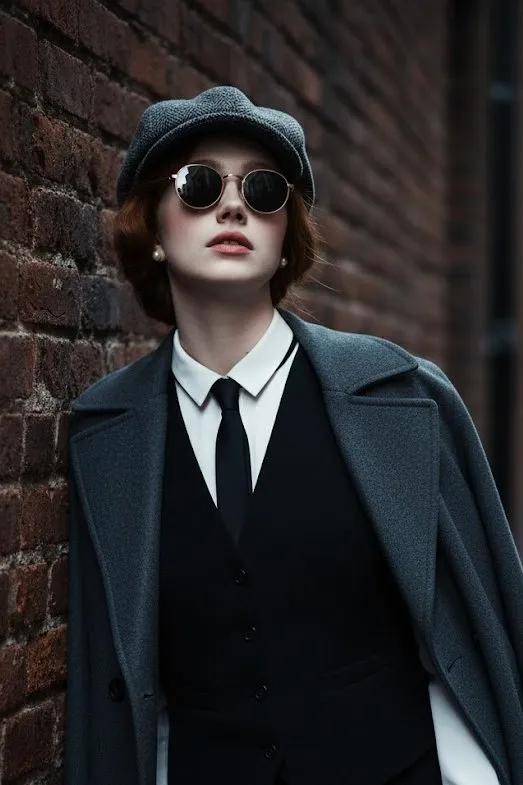
Explore Veo Video Ideas with Heydots
For your video brief, describe how the subject should move from its starting pose. If the selected model supports an image or ending frame, use it to explain composition and continuity. Do not assume every reference type is accepted.
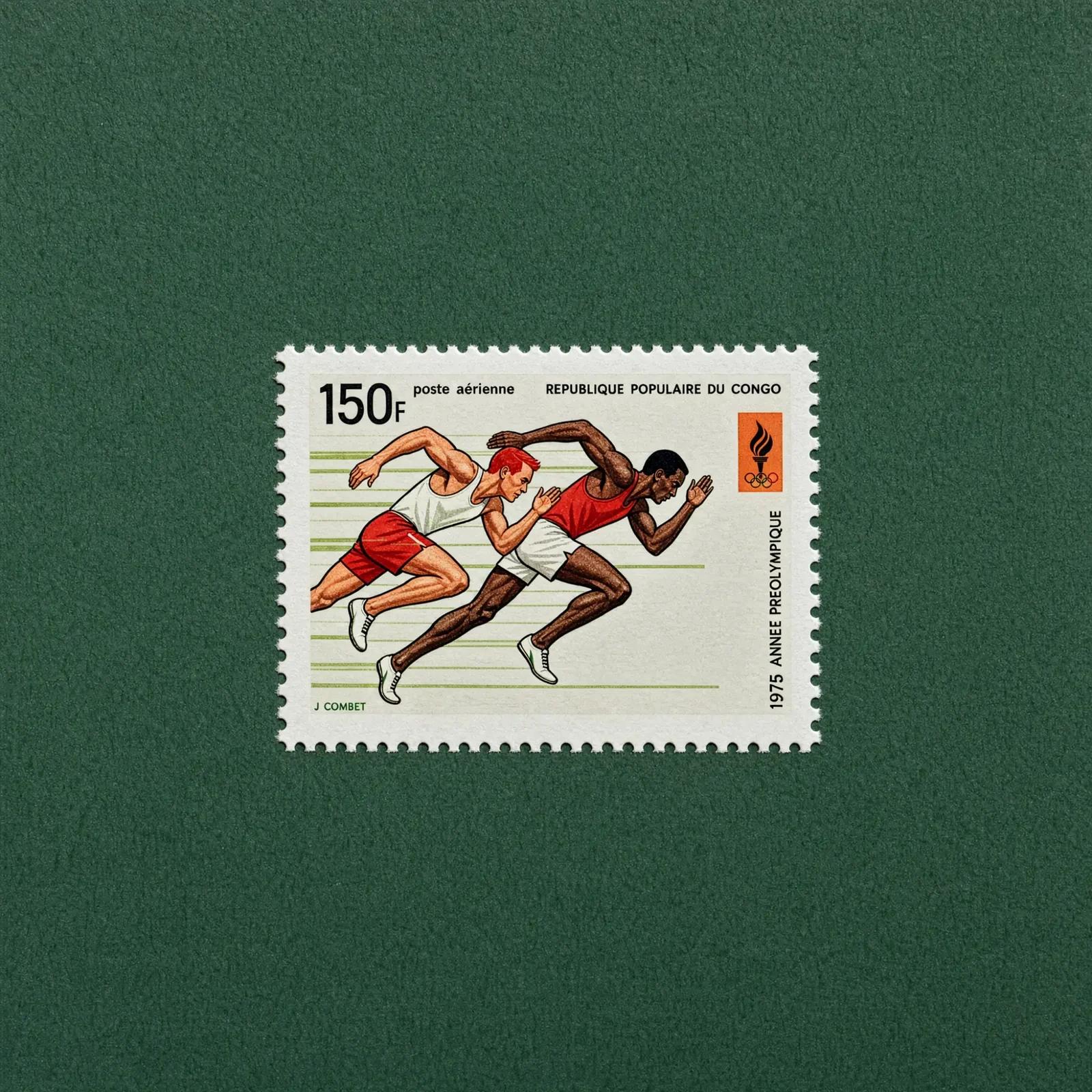
Text to Video Mode
Write your video brief around one visible action. Add the setting, shot size, camera movement and lighting. Keep dialogue and sound cues separate from the visual instructions so the intended scene is easy to understand.
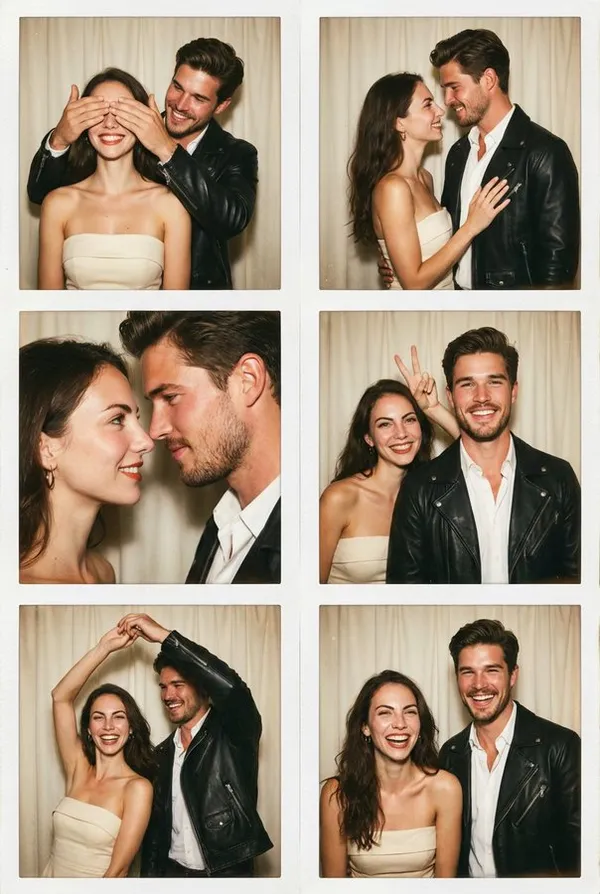
Image to Video Mode
For your video brief, describe how the subject should move from its starting pose. If the selected model supports an image or ending frame, use it to explain composition and continuity. Do not assume every reference type is accepted.
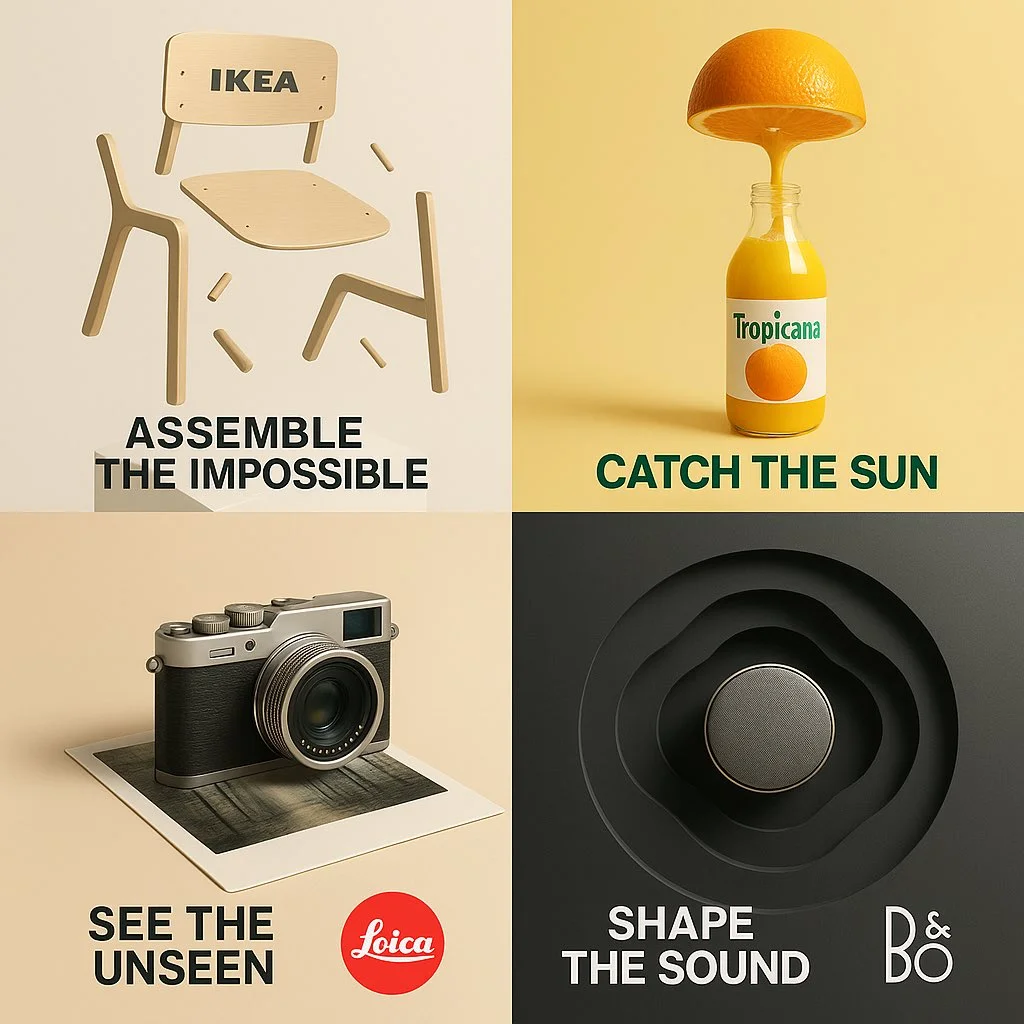
Review and Download Completed Results
When a request completes, inspect the video in your assets and download the result you want to keep. Review the composition and any unintended details before sharing it with your team or publishing it.
Explore Related Video Workflows
Explore available video workflows and compare it with the related video pages. The generator is the source of truth for current model access and settings. Use the prompt library to study published results and the model that created them.
Choose an enabled model on the AI Video page. Review its supported settings and credit quote before generating a clip from text or an image.
For a video product concept, specify the product shape, material, key detail and setting. Keep logos and claims accurate, allow room for your own typography, and review the result before using it in an advertisement.
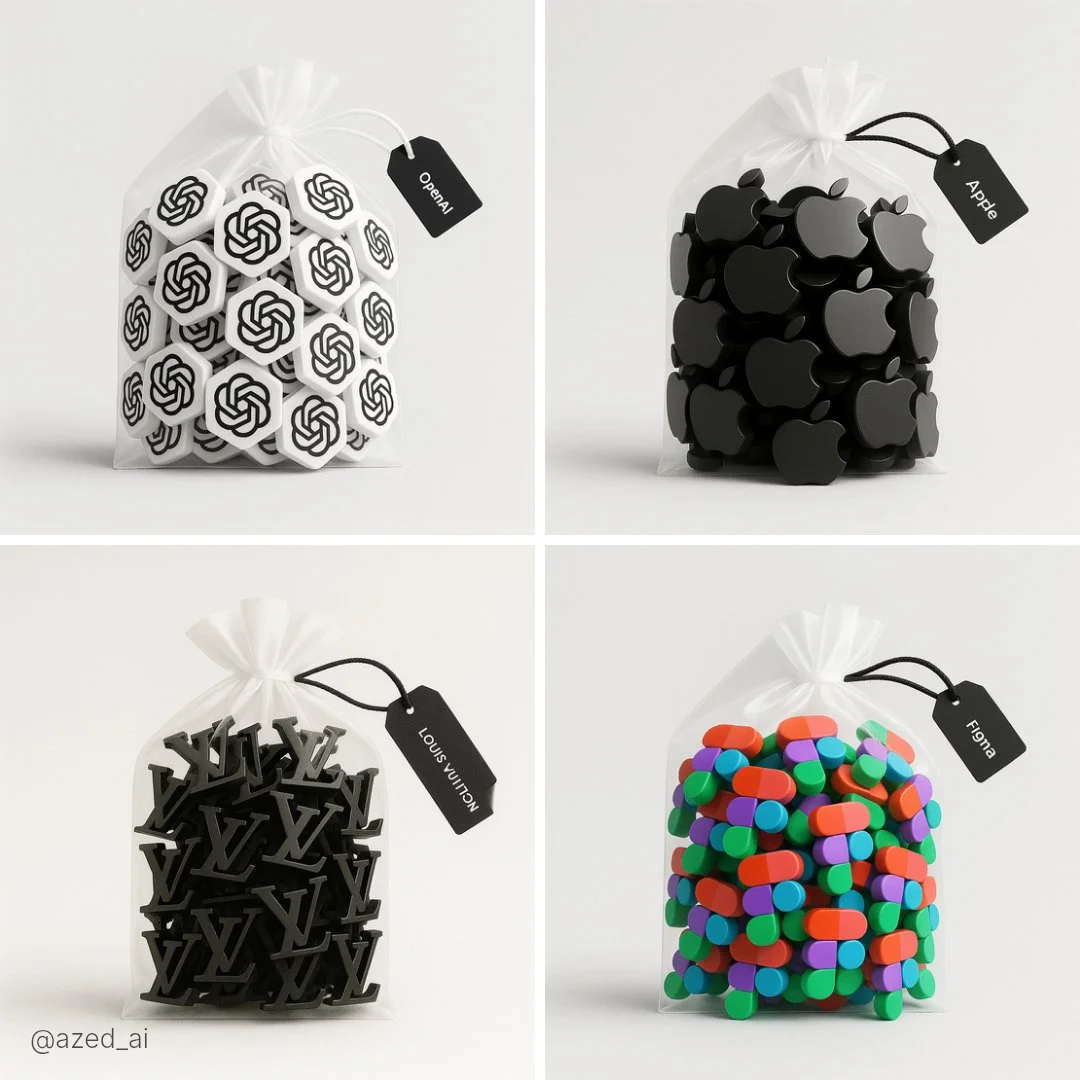
Choose a Supported Output Size
Choose only the resolution and aspect ratio shown for the selected model. Check framing, fine details and any text in the completed video. A larger output size does not guarantee a more accurate result.
Write your video brief around one visible action. Add the setting, shot size, camera movement and lighting. Keep dialogue and sound cues separate from the visual instructions so the intended scene is easy to understand.
Describe the result you need, select an available Veo model and submit your request from the generator. Review completed video results in your assets, refine the prompt when needed, and download the version that fits your project.
Describe the result you need, select an available Veo model and submit your request from the generator. Review completed video results in your assets, refine the prompt when needed, and download the version that fits your project.
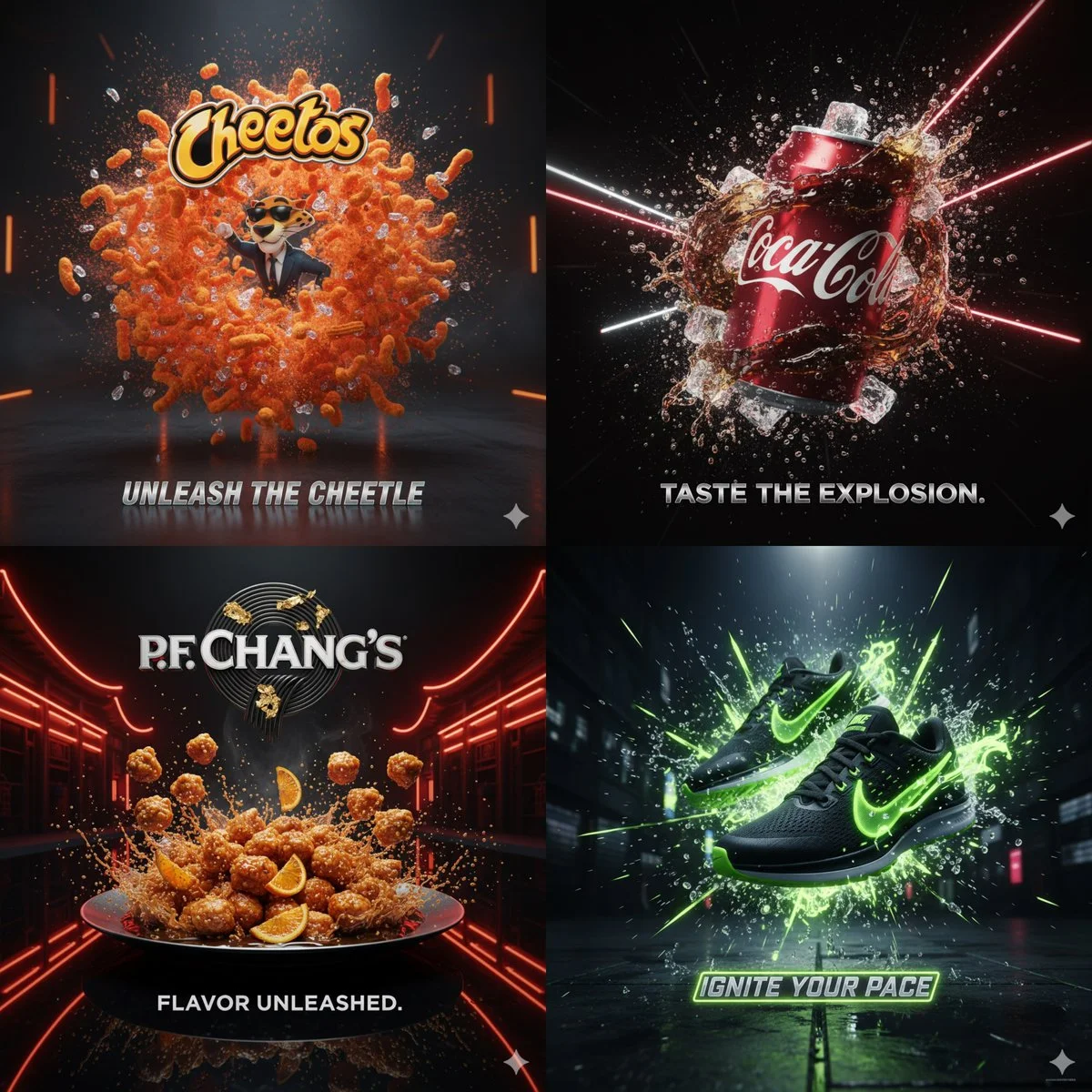
Choose an enabled model on the AI Video page. Review its supported settings and credit quote before generating a clip from text or an image.
Describe speech, ambient sound and music as separate directions in your video brief. Audio output depends on the selected model and the options shown in the generator; check the finished clip rather than assuming sound is included.
Write your video brief around one visible action. Add the setting, shot size, camera movement and lighting. Keep dialogue and sound cues separate from the visual instructions so the intended scene is easy to understand.
Describe speech, ambient sound and music as separate directions in your video brief. Audio output depends on the selected model and the options shown in the generator; check the finished clip rather than assuming sound is included.
Describe speech, ambient sound and music as separate directions in your video brief. Audio output depends on the selected model and the options shown in the generator; check the finished clip rather than assuming sound is included.
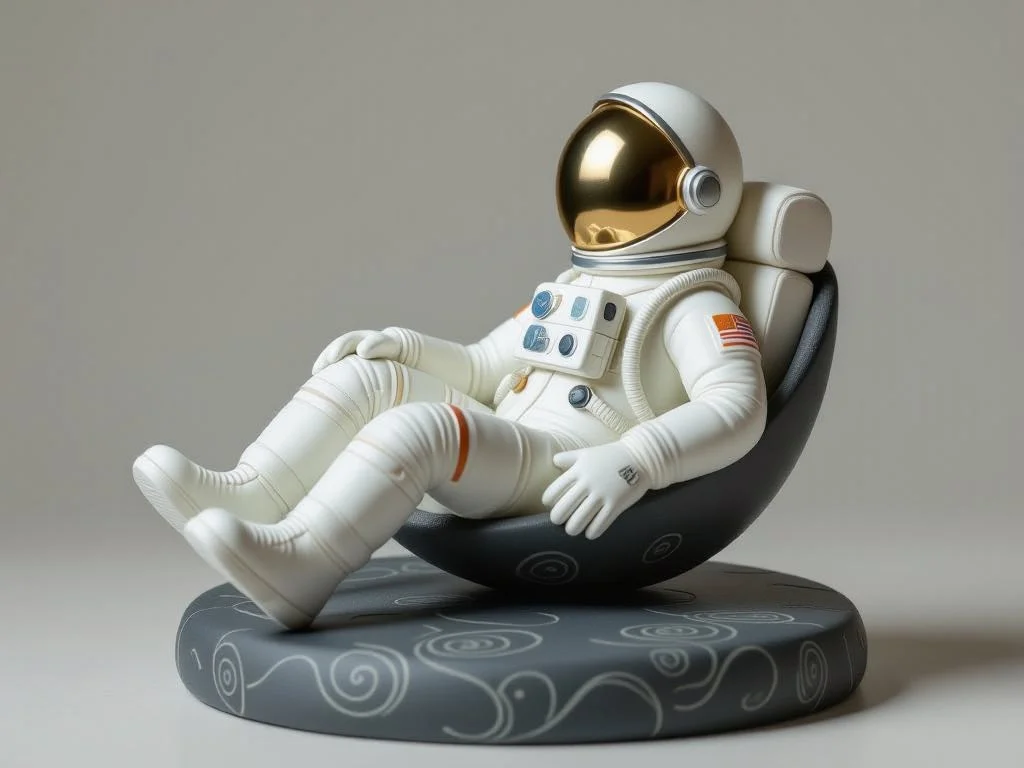
Use References to Explain the Intended Result
For your video brief, describe how the subject should move from its starting pose. If the selected model supports an image or ending frame, use it to explain composition and continuity. Do not assume every reference type is accepted.
For your video brief, describe how the subject should move from its starting pose. If the selected model supports an image or ending frame, use it to explain composition and continuity. Do not assume every reference type is accepted.
Write your video brief around one visible action. Add the setting, shot size, camera movement and lighting. Keep dialogue and sound cues separate from the visual instructions so the intended scene is easy to understand.
Describe the result you need, select an available Veo model and submit your request from the generator. Review completed video results in your assets, refine the prompt when needed, and download the version that fits your project.
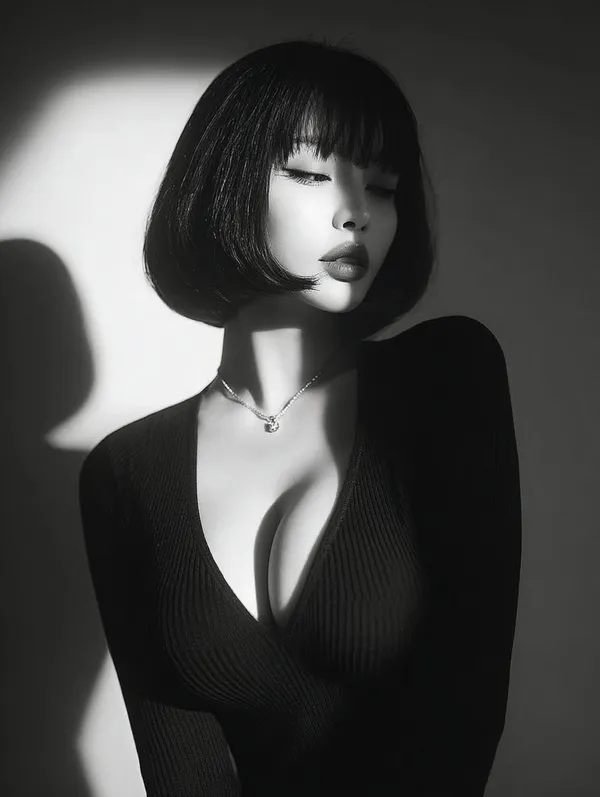
Review and Download Completed Results
Choose only the resolution and aspect ratio shown for the selected model. Check framing, fine details and any text in the completed video. A larger output size does not guarantee a more accurate result.
For a video product concept, specify the product shape, material, key detail and setting. Keep logos and claims accurate, allow room for your own typography, and review the result before using it in an advertisement.
Choose only the resolution and aspect ratio shown for the selected model. Check framing, fine details and any text in the completed video. A larger output size does not guarantee a more accurate result.
Allow time to inspect each video result and refine your brief. Processing time varies by model, request and service load. Change one direction at a time so that you can judge which edit improves the result.
A Clearer Creative Brief for Veo
For a video product concept, specify the product shape, material, key detail and setting. Keep logos and claims accurate, allow room for your own typography, and review the result before using it in an advertisement.
Plan One Clear Action per Shot
List the details that matter in your video brief: identity, shape, colors, clothing and background. Use supported references where appropriate and compare every result; exact consistency is not guaranteed.
Flexible Production Modes
For a video product concept, specify the product shape, material, key detail and setting. Keep logos and claims accurate, allow room for your own typography, and review the result before using it in an advertisement.

Write Precise Editing and Style Directions
For a video product concept, specify the product shape, material, key detail and setting. Keep logos and claims accurate, allow room for your own typography, and review the result before using it in an advertisement.
Explore Variations with a Focused Brief
Explore available video workflows and compare it with the related video pages. The generator is the source of truth for current model access and settings. Use the prompt library to study published results and the model that created them.
Choose an enabled model on the AI Video page. Review its supported settings and credit quote before generating a clip from text or an image.
Give the main subject one clear action. For a video concept, a precise brief is easier to assess than a list of competing effects.
Veo Video Workflow: Questions & Answers
For a video product concept, specify the product shape, material, key detail and setting. Keep logos and claims accurate, allow room for your own typography, and review the result before using it in an advertisement.
Heydots brings the video workflow into one workspace: write your prompt, choose an available model, review the credit cost and generate. Completed results stay in your assets for review and download. The generator shows which models and inputs accept requests.
Write your video brief around one visible action. Add the setting, shot size, camera movement and lighting. Keep dialogue and sound cues separate from the visual instructions so the intended scene is easy to understand.
Describe the result you need, select an available Veo model and submit your request from the generator. Review completed video results in your assets, refine the prompt when needed, and download the version that fits your project.
Choose only the resolution and aspect ratio shown for the selected model. Check framing, fine details and any text in the completed video. A larger output size does not guarantee a more accurate result.
Describe speech, ambient sound and music as separate directions in your video brief. Audio output depends on the selected model and the options shown in the generator; check the finished clip rather than assuming sound is included.
List the details that matter in your video brief: identity, shape, colors, clothing and background. Use supported references where appropriate and compare every result; exact consistency is not guaranteed.
You can request a refund within 10 days of purchase if you have unused credits from that purchase and provide a clear reason, subject to our Refund Policy. If eligible, an unused purchase can be fully refunded; a partly used purchase is refunded in proportion to its remaining unused credits. Fully used purchases and free or promotional credits are not refundable.
Credit validity depends on the pack, subscription or promotion that issued them. Review the purchase terms and expiration dates in Settings > Credits. A renewal or new purchase does not extend older credits. Use credits before their stated expiration; do not assume unused subscription credits roll over indefinitely.
Credits charged for a task that is confirmed as failed due to a system error are returned automatically. A task that is still processing has not yet been confirmed as failed. Check its status and your credit history before submitting again. If a confirmed failure still shows an unresolved charge, email support@heydots.app with the task ID.
AI results can vary, so a completed result that differs from your expectations is not automatically treated as a technical failure. Eligible completed image tasks can be submitted for credit refund review using the refund option where available; approval is required. For a video or another issue, contact support@heydots.app with the task ID and details. A credit refund returns credits, not money to your payment method.
Email support@heydots.app. For billing, include your account email and order ID; for generation, include the task ID, issue description and relevant screenshots. If you purchased as a guest, keep the original browser data and payment receipt so we can help locate the purchase.
Explore Your Next Veo Video Idea
Choose only the resolution and aspect ratio shown for the selected model. Check framing, fine details and any text in the completed video. A larger output size does not guarantee a more accurate result.
heydots.app · Updated
See update history
- — Added editable example prompts and separate drafts for text and reference modes, with an action to restore the example.
- — Updated page copy and content.
- — Page content published.