
A playful blocky avatar
Image to Minecraft Skin
Create Minecraft Skin
History
Turn a mascot, pet, or portrait into a cheerful blocky character idea. Pick two or three signature colors and keep the whole figure visible. Upload a portrait, mascot or character reference. The generator creates a blocky character concept image; inspect the full-body silhouette and clothing colors after generation.
Create Minecraft SkinHow to use Image to Minecraft Skin
Plan the image for mascot concepts, profile images, and character cards. Start with a suitable reference and use the live generator above.
1. Choose one character
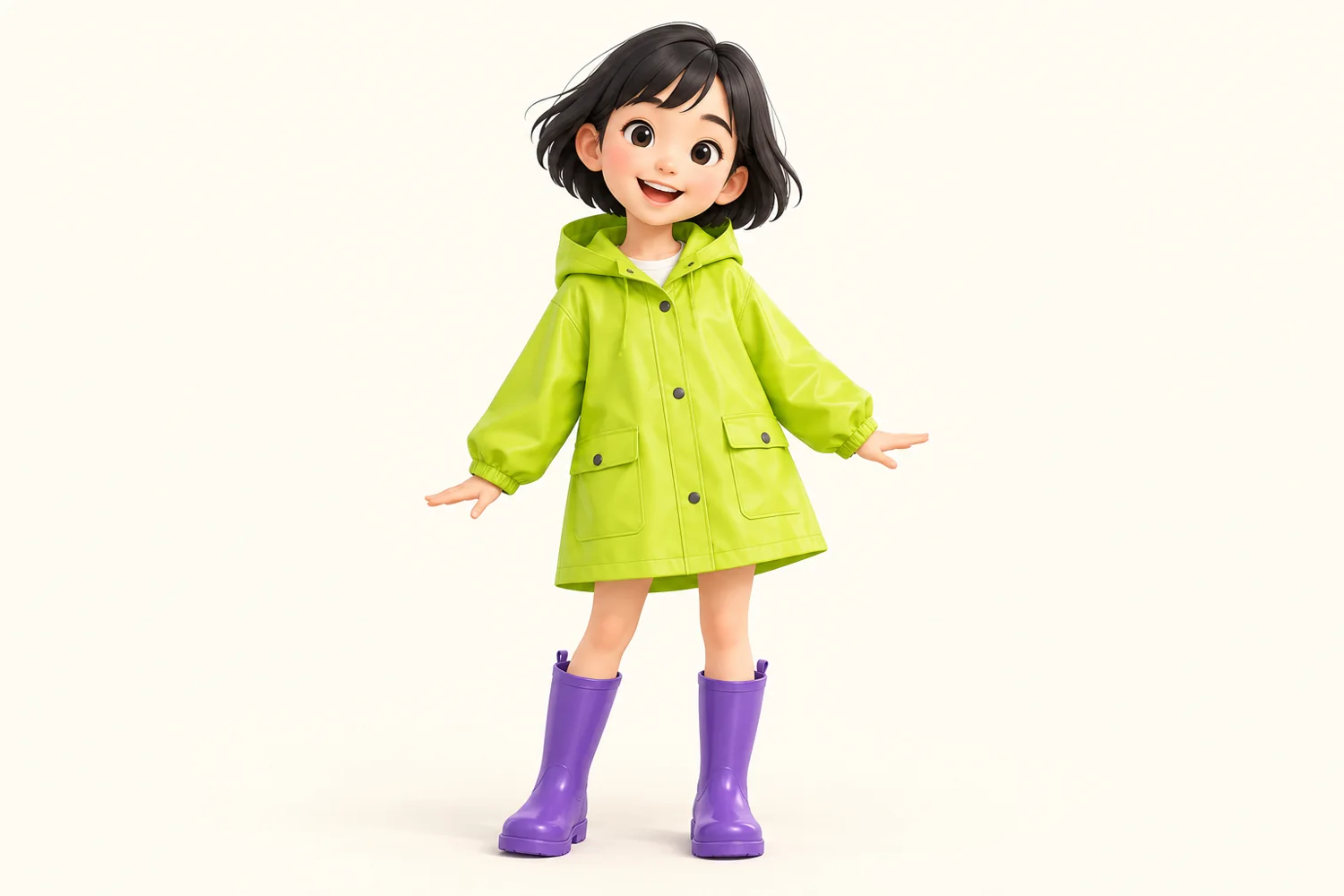
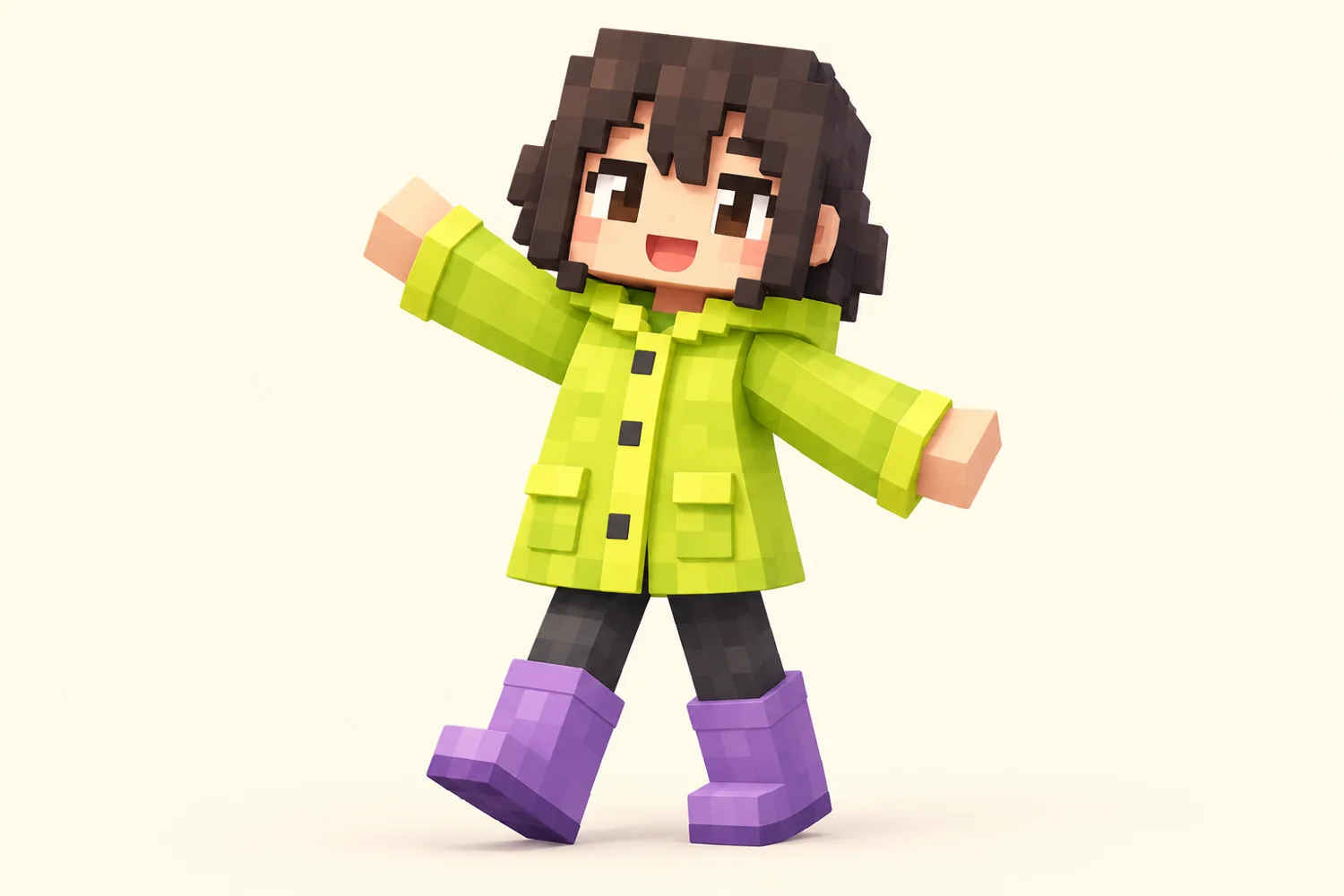
For a playful avatar, start with one person or mascot against a calm background. Pick the lime raincoat or purple boots as the details to carry through.
2. Set the character direction
Request a complete front-facing figure and enough blank space around the head and feet. This helps keep the small mascot silhouette intact.
3. Review the concept image
Compare the raincoat, boots and facial cues at avatar size. Save the result as a character concept image; this page does not produce an importable skin texture.
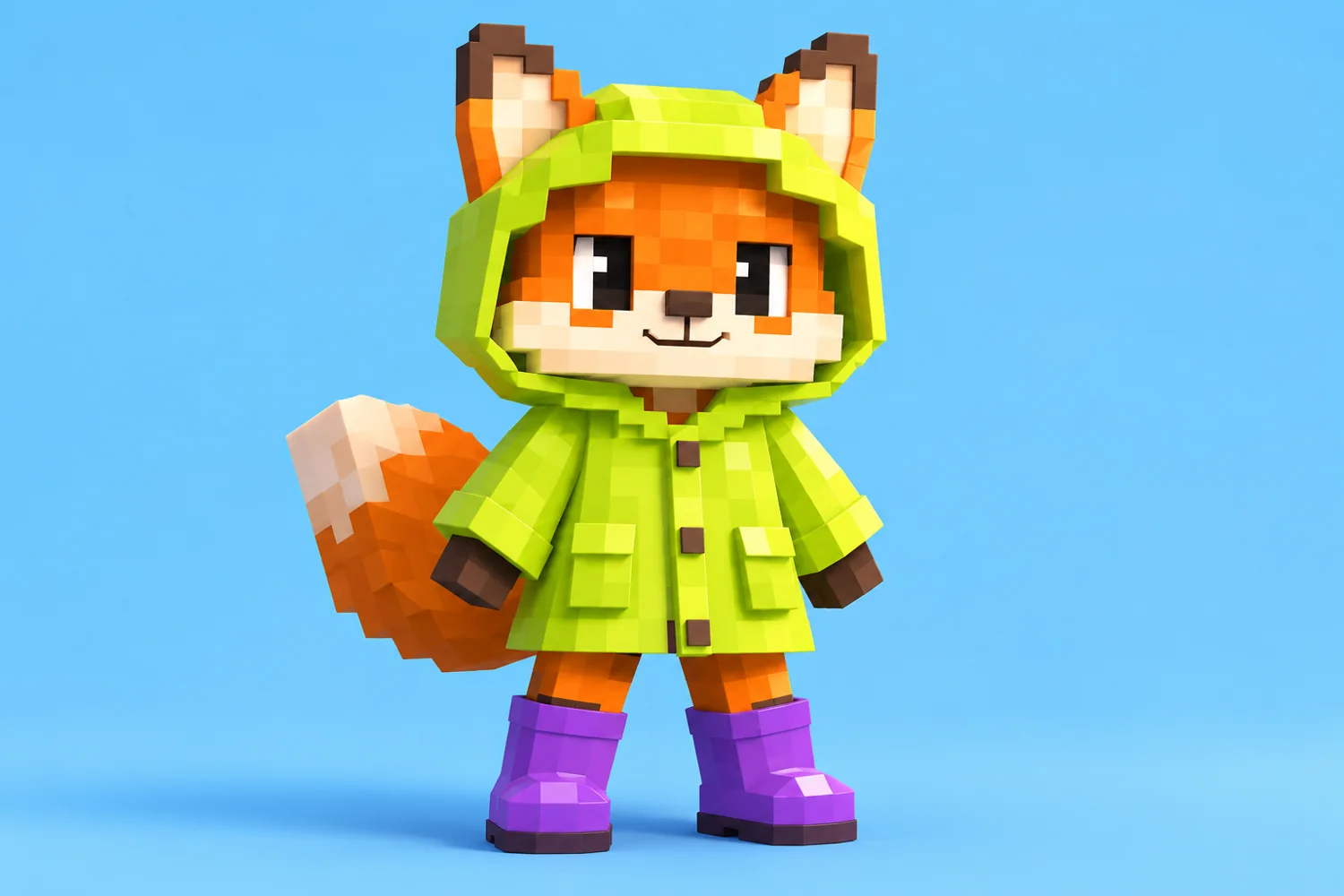
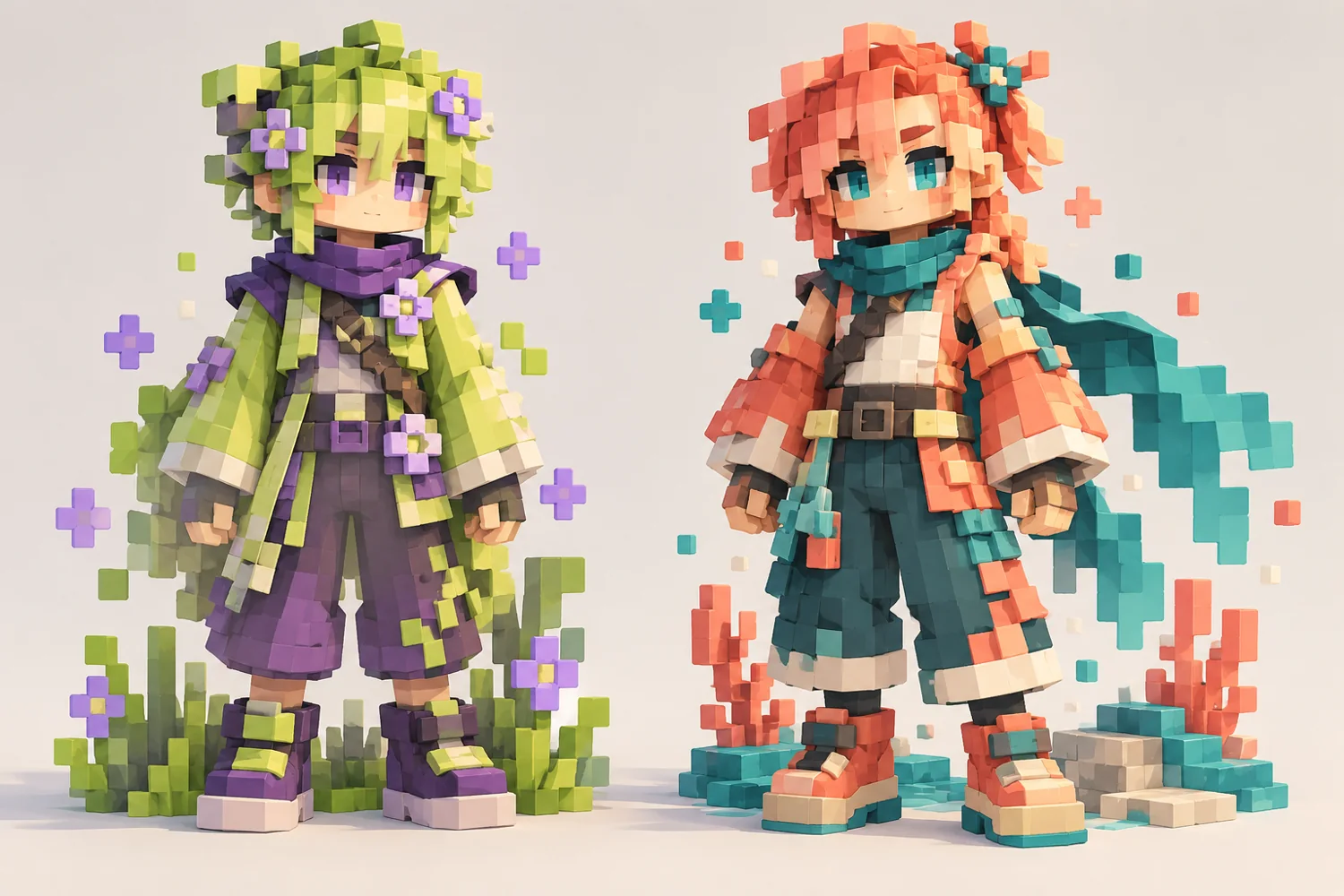
Blocky mascot, Fox mascot variation and Palette studies
Ideas for heydots.app
A playful blocky avatar This workflow suits mascot concepts, profile images, and character cards. Keep the main subject visible and use one image direction per generation.
Image to Minecraft Skin FAQ
Does this export a Minecraft skin file?
Heydots creates a blocky character concept picture. Download it as an image for a mood board or avatar study; there is no game-ready skin export.
What reference works best?
A single visible mascot works well. Describe the two brightest outfit colors so they are not lost when the figure becomes blocky.
Where can I make a matching scene?
After choosing your character, visit Minecraft Pixel Art here to create a lavender treehouse or garden backdrop for the same story.
Related image tools
Continue with another image direction on this site.
Create a Minecraft Pixel Art scene
heydots.app · Updated
See update history
- — Added an image generator, visual examples and guidance for this creative task. Added editable example prompts and separate drafts for text and reference modes, with an action to restore the example.