
Create and Edit Images with Nano Banana 2
Explain Your Subject, Changes and References
List the details that matter in your Nano Banana 2 image brief: identity, shape, colors, clothing and background. Use supported references where appropriate and compare every result; exact consistency is not guaranteed.
Verified prompt
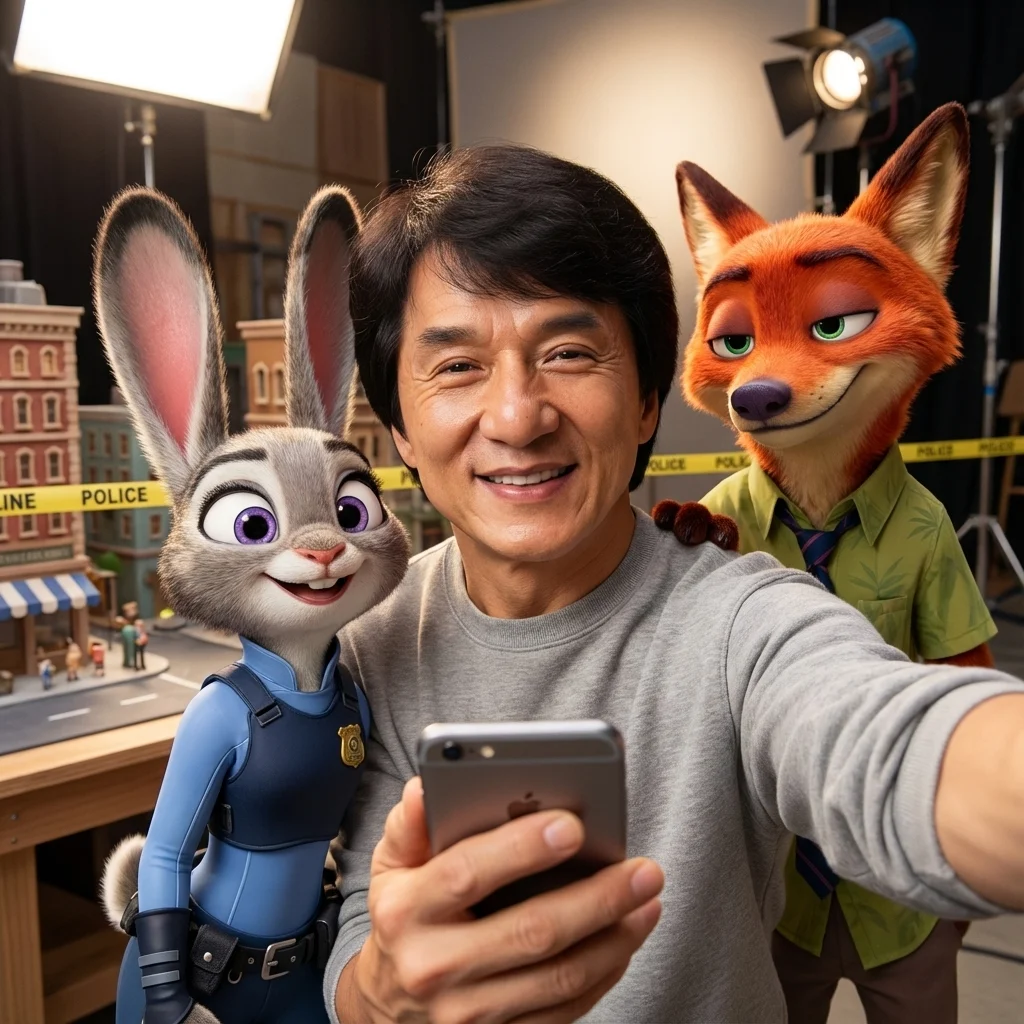
ie with [Judy Hopps] and [Nick Wilde] on the Zootopia set. Keep the characters 100% consistent with the reference images: facial features, bone structure, skin tone, expression, pose, and appearance must match exactly. 1:1 aspect ratio, 4K detail.
ie with [Judy Hopps] and [Nick Wilde] on the Zootopia set. Keep the characters 100% consistent with the reference images: facial features, bone structure, skin tone, expression, pose, and appearance must match exactly. 1:1 aspect ratio, 4K detail.
Verified prompt
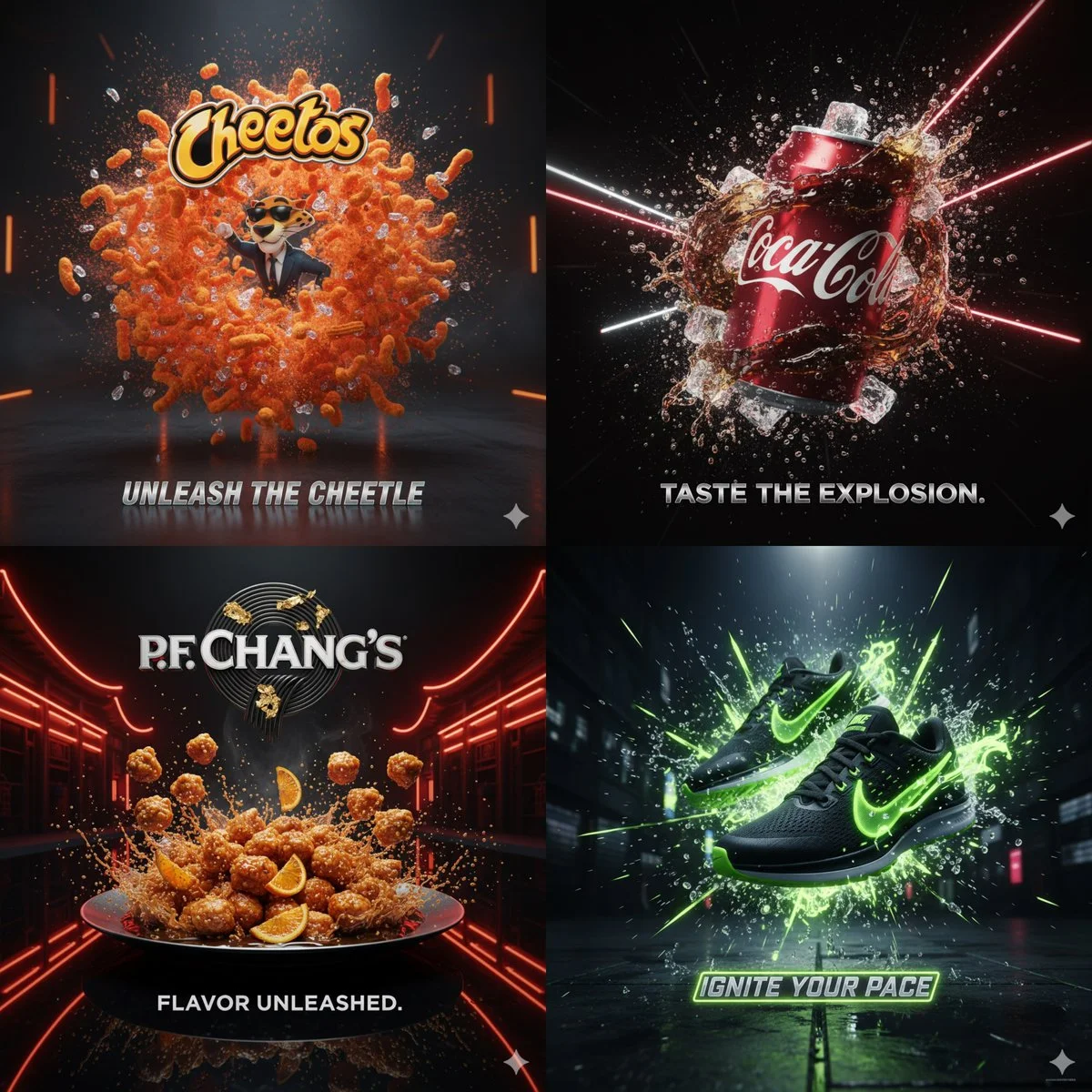
Cinematic 3D action-packed advertisement of [PRODUCT], captured in a dramatic mid-motion scene that embodies its core energy. Use bold studio lighting with intense highlights and deep shadows, dynamic particles, and slow-motion effects to amplify impact. The environment should feel surreal yet hyperrealistic, designed to reflect the product’s personality (crunchy, energetic, fast, luxurious, refreshing, etc.). Integrate the brand logo crafted from product elements if possible, and place a sleek creative slogan beneath it that matches the mood. Composition in 1:1 aspect ratio, hyper-detailed, sharp, bold, and designed to go viral.
Cinematic 3D action-packed advertisement of [PRODUCT], captured in a dramatic mid-motion scene that embodies its core energy. Use bold studio lighting with intense highlights and deep shadows, dynamic particles, and slow-motion effects to amplify impact. The environment should feel surreal yet hyperrealistic, designed to reflect the product’s personality (crunchy, energetic, fast, luxurious, refreshing, etc.). Integrate the brand logo crafted from product elements if possible, and place a sleek creative slogan beneath it that matches the mood. Composition in 1:1 aspect ratio, hyper-detailed, sharp, bold, and designed to go viral.
Verified prompt
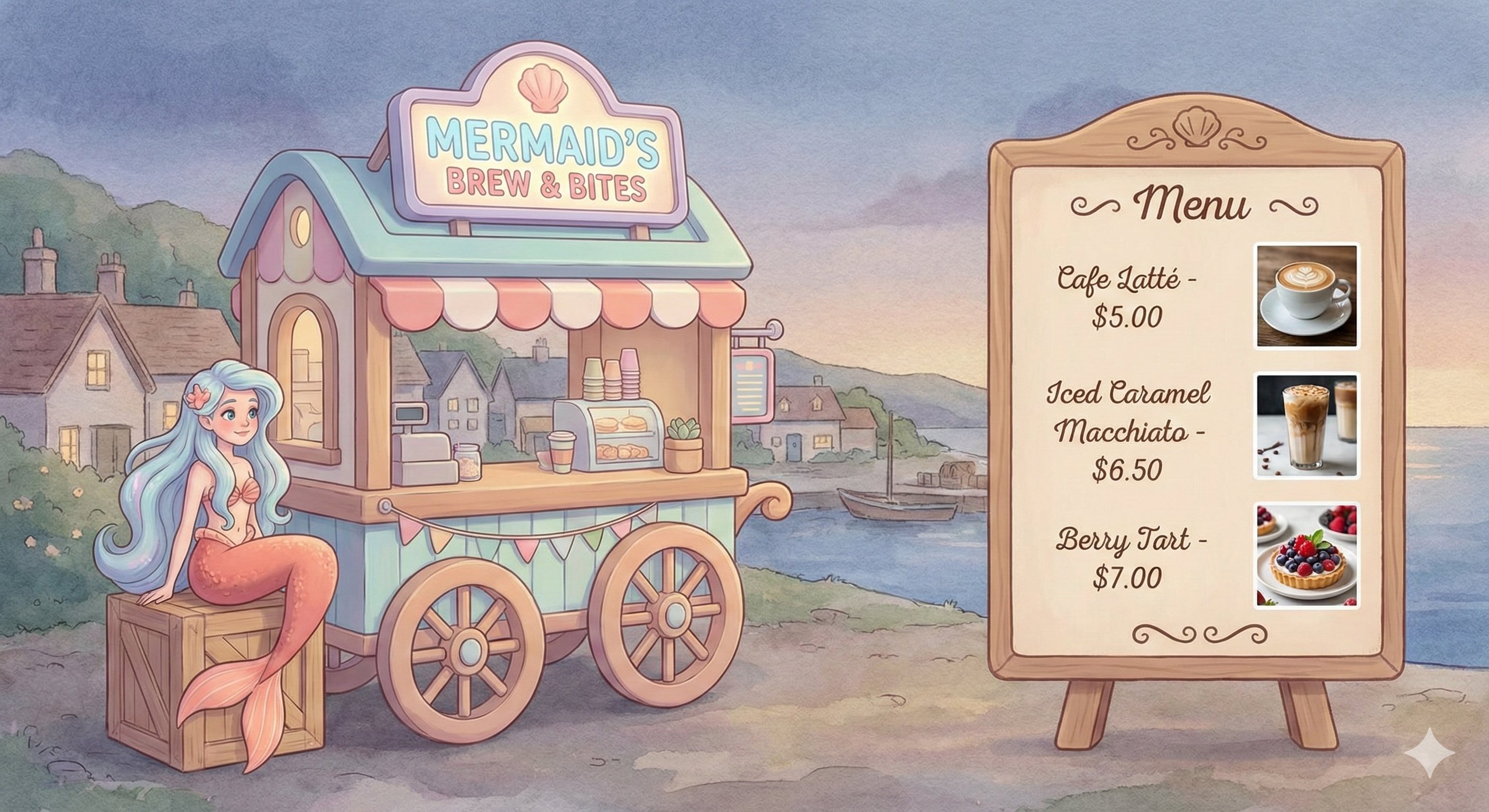
Banana Pro Prompt from @KanaWorks_AI 🧜♀️✨ A dreamy mermaid café with 3D-cartoon vibes—sip coffee, enjoy sweets, and relax in fantasy! --- Prompt --- The illustration features a delicate, soothing, and highly detailed art style rendered in high resolution. On the left side, there's a café wagon modeled in a playful 3D cartoon style typical of video games, charmingly designed and vividly colored. The focal character is a whimsical mermaid, adding a dreamy, magical atmosphere to the scene. On the right quarter of the image, neatly arranged menu items showcase realistic photographs of two enticing coffees and one delightful dessert, complete with clearly displayed pricing. The overall composition balances artistic elegance with practical design, evoking a warm, relaxing, and inviting feeling. --- Prompt --- 🧜♀️✨ A dreamy 3D mermaid-themed coffee hut, with fragrant coffee and comforting desserts, offering you a fairy-tale-like cozy time! ☕️🍰 The overall image adopts a delicate, soft, and soothing style, presented in high resolution. The main subject on the left is a cartoon-style coffee wagon created using 3D modeling typical of video games. The wagon is exquisitely and adorably designed, with the protagonist being a dreamy mermaid, lively in appearance and featuring bright, warm colors, creating a fairy-tale-like romantic atmosphere. In the right quarter of the image, the shop's signature menu is presented with refined typography and layout, including realistic photographs and price descriptions of two enticing coffee drinks and one exquisite dessert. The overall layout combines artistic sensibility with practicality, offering a warm, leisurely, and heart-soothing visual experience.
Banana Pro Prompt from @KanaWorks_AI 🧜♀️✨ A dreamy mermaid café with 3D-cartoon vibes—sip coffee, enjoy sweets, and relax in fantasy! --- Prompt --- The illustration features a delicate, soothing, and highly detailed art style rendered in high resolution. On the left side, there's a café wagon modeled in a playful 3D cartoon style typical of video games, charmingly designed and vividly colored. The focal character is a whimsical mermaid, adding a dreamy, magical atmosphere to the scene. On the right quarter of the image, neatly arranged menu items showcase realistic photographs of two enticing coffees and one delightful dessert, complete with clearly displayed pricing. The overall composition balances artistic elegance with practical design, evoking a warm, relaxing, and inviting feeling. --- Prompt --- 🧜♀️✨ A dreamy 3D mermaid-themed coffee hut, with fragrant coffee and comforting desserts, offering you a fairy-tale-like cozy time! ☕️🍰 The overall image adopts a delicate, soft, and soothing style, presented in high resolution. The main subject on the left is a cartoon-style coffee wagon created using 3D modeling typical of video games. The wagon is exquisitely and adorably designed, with the protagonist being a dreamy mermaid, lively in appearance and featuring bright, warm colors, creating a fairy-tale-like romantic atmosphere. In the right quarter of the image, the shop's signature menu is presented with refined typography and layout, including realistic photographs and price descriptions of two enticing coffee drinks and one exquisite dessert. The overall layout combines artistic sensibility with practicality, offering a warm, leisurely, and heart-soothing visual experience.
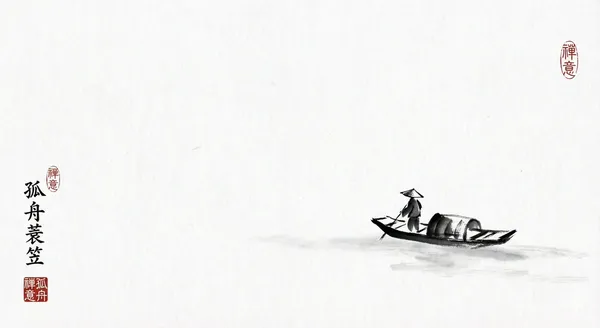
Verified prompt
k and white ink wash painting style, with blank space for artistic conception, an old man in a straw raincoat on a solitary boat, minimalist lines, rice paper texture, accented with a red seal, evoking a sense of Eastern philosophy.
k and white ink wash painting style, with blank space for artistic conception, an old man in a straw raincoat on a solitary boat, minimalist lines, rice paper texture, accented with a red seal, evoking a sense of Eastern philosophy.
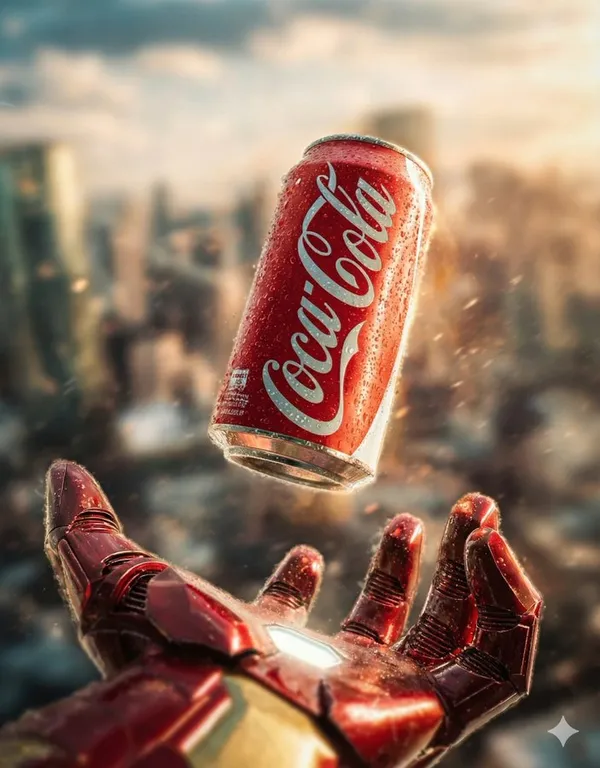
Verified prompt
{ "concept_id": "iron_man_coke", "visual_breakdown": { "focus_object": "Coca-Cola Can", "character_element": "Iron Man's Gauntlet", "environment": "Blurred City Skyline" }, "artistic_direction": { "lighting": "Cinematic/Metallic", "mood": "technological" }, "generation_command": { "aspect_ratio": "7:9", "concise_prompt": "Iron Man's gauntlet hovering below a floating Coca-Cola can, cinematic city background, dramatic movie poster lighting. --ar 7:9" } }, { "concept_id": "hulk_pepsi", "visual_breakdown": { "focus_object": "Crushed Pepsi Can", "character_element": "Hulk's Giant Hand", "environment": "Smoky City Ruins" }, "artistic_direction": { "lighting": "Explosive/High Contrast", "mood": "destructive" }, "generation_command": { "aspect_ratio": "7:9", "concise_prompt": "Hulk's giant hand hovering over a crushed Pepsi can embedded in pavement, smoky ruins, explosive action movie style. --ar 7:9" } }, { "concept_id": "thor_sprite", "visual_breakdown": { "focus_object": "Sprite Bottle", "character_element": "Thor's Glowing Hand", "environment": "Storm/Lightning" }, "artistic_direction": { "lighting": "Electric/Blue-Toned", "mood": "mythological" }, "generation_command": { "aspect_ratio": "7:9", "concise_prompt": "Thor's glowing hand holding a floating Sprite bottle amidst crackling lightning and rain, Mjolnir in background, epic poster style. --ar 7:9" } }, { "concept_id": "dr_strange_fanta", "visual_breakdown": { "focus_object": "Fanta Bottle", "character_element": "Doctor Strange's Hand", "environment": "Golden Magic Portal" }, "artistic_direction": { "lighting": "Magical/Golden Bokeh", "mood": "mystical" }, "generation_command": { "aspect_ratio": "7:9", "concise_prompt": "Doctor Strange casting a spell under a spinning Fanta bottle inside a golden magic portal, mystical Sanctum background, cinematic lighting. --ar 7:9" } } ]
{ "concept_id": "iron_man_coke", "visual_breakdown": { "focus_object": "Coca-Cola Can", "character_element": "Iron Man's Gauntlet", "environment": "Blurred City Skyline" }, "artistic_direction": { "lighting": "Cinematic/Metallic", "mood": "technological" }, "generation_command": { "aspect_ratio": "7:9", "concise_prompt": "Iron Man's gauntlet hovering below a floating Coca-Cola can, cinematic city background, dramatic movie poster lighting. --ar 7:9" } }, { "concept_id": "hulk_pepsi", "visual_breakdown": { "focus_object": "Crushed Pepsi Can", "character_element": "Hulk's Giant Hand", "environment": "Smoky City Ruins" }, "artistic_direction": { "lighting": "Explosive/High Contrast", "mood": "destructive" }, "generation_command": { "aspect_ratio": "7:9", "concise_prompt": "Hulk's giant hand hovering over a crushed Pepsi can embedded in pavement, smoky ruins, explosive action movie style. --ar 7:9" } }, { "concept_id": "thor_sprite", "visual_breakdown": { "focus_object": "Sprite Bottle", "character_element": "Thor's Glowing Hand", "environment": "Storm/Lightning" }, "artistic_direction": { "lighting": "Electric/Blue-Toned", "mood": "mythological" }, "generation_command": { "aspect_ratio": "7:9", "concise_prompt": "Thor's glowing hand holding a floating Sprite bottle amidst crackling lightning and rain, Mjolnir in background, epic poster style. --ar 7:9" } }, { "concept_id": "dr_strange_fanta", "visual_breakdown": { "focus_object": "Fanta Bottle", "character_element": "Doctor Strange's Hand", "environment": "Golden Magic Portal" }, "artistic_direction": { "lighting": "Magical/Golden Bokeh", "mood": "mystical" }, "generation_command": { "aspect_ratio": "7:9", "concise_prompt": "Doctor Strange casting a spell under a spinning Fanta bottle inside a golden magic portal, mystical Sanctum background, cinematic lighting. --ar 7:9" } } ]
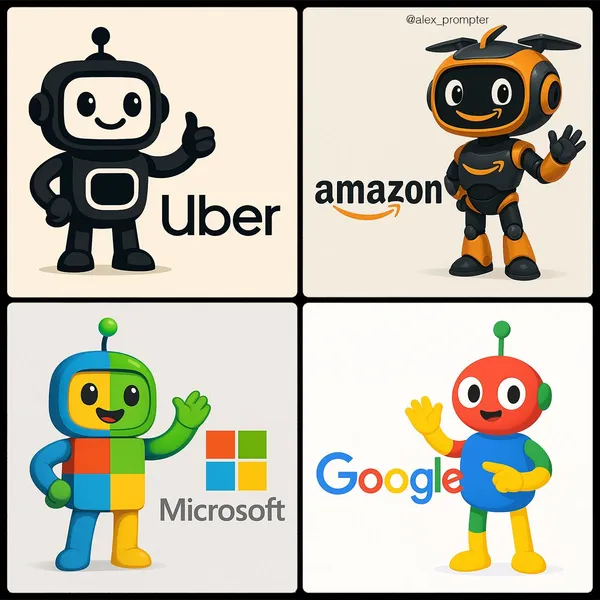
Verified prompt
te a mascot for [BRAND NAME] logo following the JSON aesthetic below: { "style": "brand-inspired creative mascot generation", "subject_handling": { "adapt_to_uploaded_image": true, "preserve_uploaded_logo_shape_and_text": true, "extract_dominant_brand_colors": true, "analyze_logo_style_for_mood": true, "use_uploaded_image_as_primary_reference": true }, "mascot_generation": { "character_type": "open — could be an animal, humanoid, object, robot, fantasy creature, or abstract form", "design_strategy": "generate a mascot concept that visually complements the uploaded brand based on extracted brand colors, mood, and style", "style_alignment": "mascot should feel like part of the brand family — matching tone (playful, elegant, techy, minimal, etc.)", "color_usage": "use brand colors as dominant tones in mascot’s body, clothing, skin, or materials", "personality_embedding": "include expressive traits aligned with brand tone (e.g. curious, bold, serene, confident)" }, "composition": { "include_uploaded_logo_in_final_image": true, "arrangement": "mascot and logo presented together in a clear and balanced composition", "environment": "minimal scene or brand-aligned abstract background — not too busy", "interaction": "mascot may pose near, hold, or gesture to logo — but must not obscure or alter it" }, "lighting": { "type": "neutral or soft directional lighting depending on brand tone", "shadow_behavior": "soft contact shadows to ground elements" }, "camera": { "view_angle": "centered frontal or three-quarter depending on layout", "focus": "both mascot and logo in clear focus" }, "post_processing": { "enhance_color harmony between mascot and logo": true, "disable_style_overrides or artistic distortion": true }, "image_constraints": { "transparent_background": false, "aspect_ratio": [INSERT ASPECT RATIO], "include_text_if_present_in_logo": true, "preserve_uploaded_logo_geometry": true, "prevent_logo_modification": true }, "notes": "Use the uploaded logo or product image as the central brand reference. Automatically generate a unique mascot that feels like an original creation belonging to the brand — inspired by extracted colors, shapes, and mood. The mascot must not copy other mascots or use predefined templates. The final image should creatively showcase both the logo and its new mascot side-by-side, visually unified but distinct." }
te a mascot for [BRAND NAME] logo following the JSON aesthetic below: { "style": "brand-inspired creative mascot generation", "subject_handling": { "adapt_to_uploaded_image": true, "preserve_uploaded_logo_shape_and_text": true, "extract_dominant_brand_colors": true, "analyze_logo_style_for_mood": true, "use_uploaded_image_as_primary_reference": true }, "mascot_generation": { "character_type": "open — could be an animal, humanoid, object, robot, fantasy creature, or abstract form", "design_strategy": "generate a mascot concept that visually complements the uploaded brand based on extracted brand colors, mood, and style", "style_alignment": "mascot should feel like part of the brand family — matching tone (playful, elegant, techy, minimal, etc.)", "color_usage": "use brand colors as dominant tones in mascot’s body, clothing, skin, or materials", "personality_embedding": "include expressive traits aligned with brand tone (e.g. curious, bold, serene, confident)" }, "composition": { "include_uploaded_logo_in_final_image": true, "arrangement": "mascot and logo presented together in a clear and balanced composition", "environment": "minimal scene or brand-aligned abstract background — not too busy", "interaction": "mascot may pose near, hold, or gesture to logo — but must not obscure or alter it" }, "lighting": { "type": "neutral or soft directional lighting depending on brand tone", "shadow_behavior": "soft contact shadows to ground elements" }, "camera": { "view_angle": "centered frontal or three-quarter depending on layout", "focus": "both mascot and logo in clear focus" }, "post_processing": { "enhance_color harmony between mascot and logo": true, "disable_style_overrides or artistic distortion": true }, "image_constraints": { "transparent_background": false, "aspect_ratio": [INSERT ASPECT RATIO], "include_text_if_present_in_logo": true, "preserve_uploaded_logo_geometry": true, "prevent_logo_modification": true }, "notes": "Use the uploaded logo or product image as the central brand reference. Automatically generate a unique mascot that feels like an original creation belonging to the brand — inspired by extracted colors, shapes, and mood. The mascot must not copy other mascots or use predefined templates. The final image should creatively showcase both the logo and its new mascot side-by-side, visually unified but distinct." }
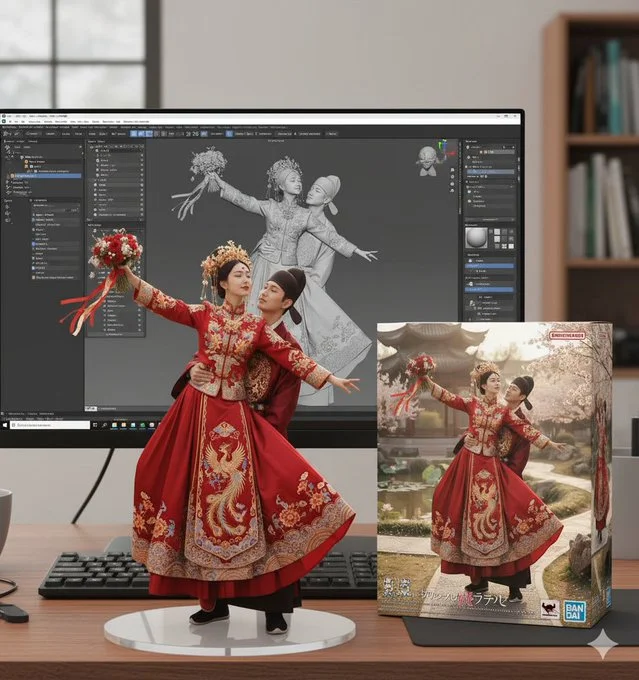
Verified prompt
create a 1/7 scale commercialized figure of thecharacter in the image, in a realistic styie and environment. Place the figure on a computer desk, using a circular transparent acrylic base without any text. On the computer screen, display the ZBrush modeling process of the figure. Next to the computer screen, place a BANDAl-style toy packaging box printedwith the original artwork.
create a 1/7 scale commercialized figure of thecharacter in the image, in a realistic styie and environment. Place the figure on a computer desk, using a circular transparent acrylic base without any text. On the computer screen, display the ZBrush modeling process of the figure. Next to the computer screen, place a BANDAl-style toy packaging box printedwith the original artwork.
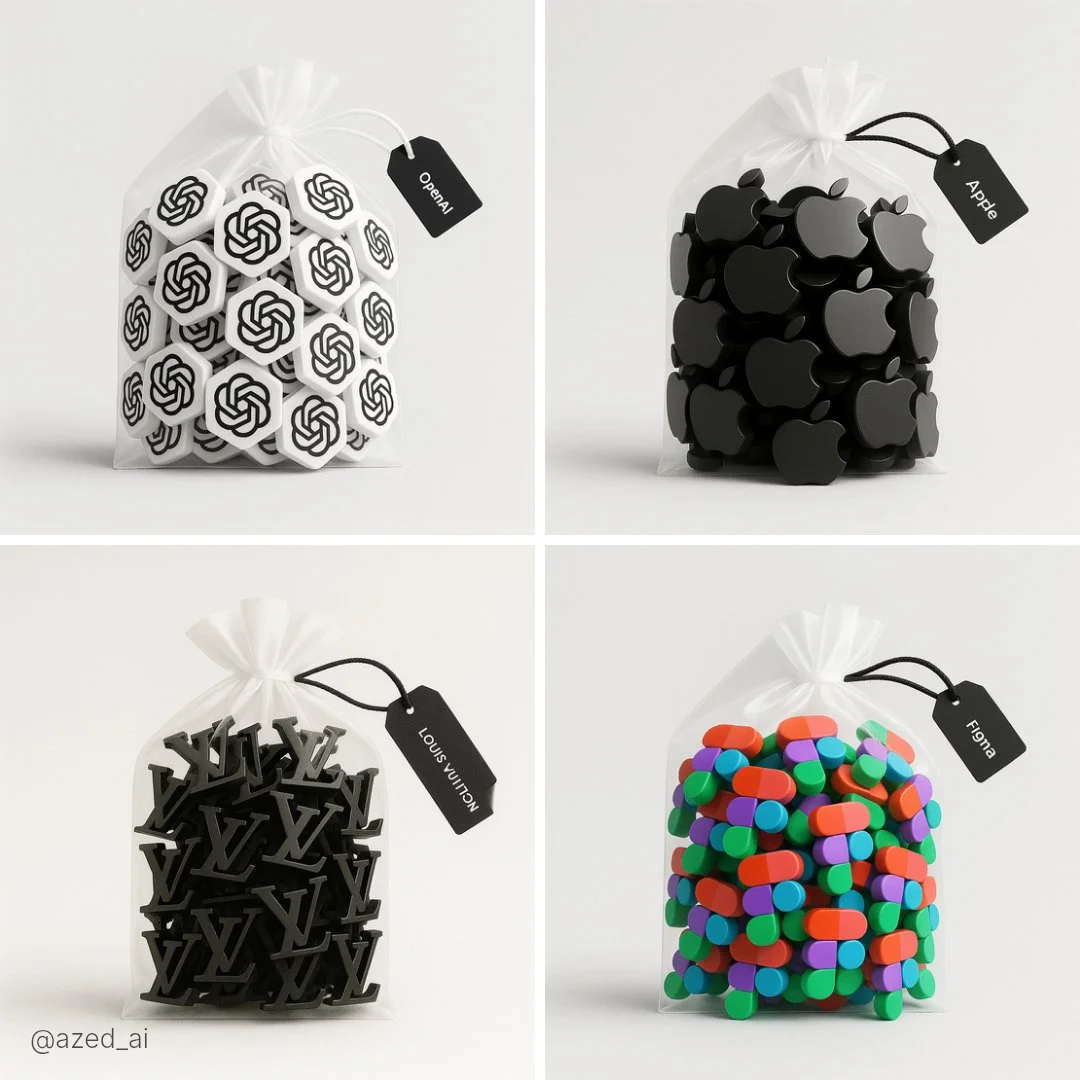
Verified prompt
A high-resolution photograph of a clear plastic drawstring bag placed on a light gray background. Inside the bag are multiple tiny 3D [subject] figures arranged neatly. The bag is tied with a soft white ribbon and has a black label tag that reads ‘[LABEL TEXT]’. Soft lighting and clean shadows emphasize the realistic textures and details
A high-resolution photograph of a clear plastic drawstring bag placed on a light gray background. Inside the bag are multiple tiny 3D [subject] figures arranged neatly. The bag is tied with a soft white ribbon and has a black label tag that reads ‘[LABEL TEXT]’. Soft lighting and clean shadows emphasize the realistic textures and details
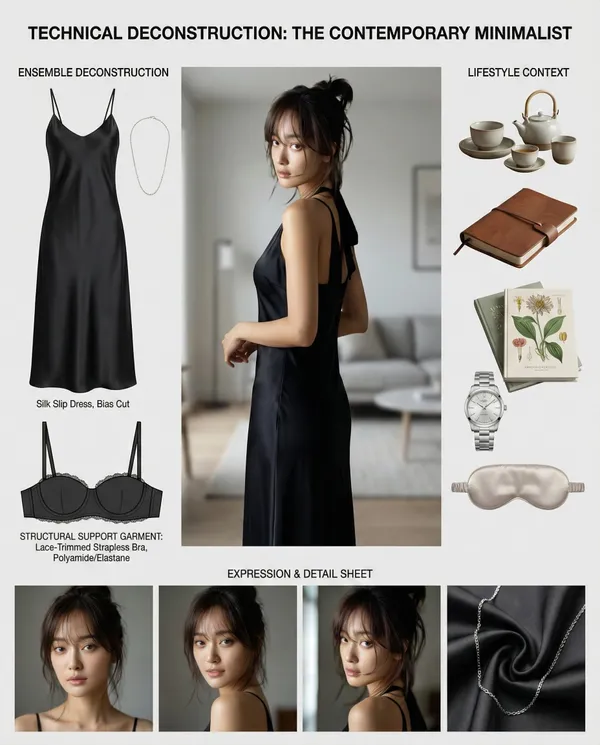
Verified prompt
sk: Create a comprehensive "Wardrobe Deconstruction and Style Profile" collage based on an uploaded image.** **Objective:** Act as a professional fashion archivist and technical designer. Given an uploaded image of a person, generate a visually compelling, high-resolution "Style Profile" collage that meticulously deconstructs their entire ensemble, from the outermost layer to the foundational structure. The final output must be a single, cohesive, photorealistic image. **Core Elements:** 1. **Central Subject Image:** * Place the subject from the uploaded image in a full-body pose as the central focus. * Maintain the subject's likeness (face, hair, clothing) while enhancing the image to a professional, high-fashion photographic standard. 2. **Complete Ensemble Deconstruction (Photorealistic Product Shots):** * Generate a visual breakdown of the subject's attire, presenting each item as a separate, high-quality product photograph. This breakdown must include: * **Outer and Mid-Layers:** All visible garments and accessories. * **Foundational Elements:** A technical illustration of the essential structural garments that provide shape and support to the silhouette (e.g., a bra, slip, or specific underlayer). These elements must be rendered as **objective, flat-lay design schematics** with a focus on material and construction, not on the human form. * Include detailed close-ups of key materials (e.g., fabric weave, leather texture, metal finish) to emphasize quality and design. 3. **Lifestyle & Contextual Items:** * Based on the subject's style, infer and generate a collection of 4-6 photorealistic items that suggest their likely environment, interests, or daily routine. 4. **Expression & Detail Sheet:** * Generate a series of 3-4 close-up portraits showing a range of natural, context-appropriate expressions. **Aesthetic and Layout Guidelines:** * **Overall Style:** Strictly **Hyper-realistic, photographic style**. Absolutely no illustration, anime, or hand-drawn elements. * **Layout:** Arrange all elements in a **clean, balanced, and modular collage** on a neutral background (white or light gray). The layout must be visually logical and professional, resembling a high-end fashion technical document. * **Annotations:** Use a clean, minimalist font for all text. * **Title:** Generate a professional, gender-neutral title (e.g., "Technical Deconstruction: The Urban Minimalist"). * **Labels:** Add brief, descriptive labels for all deconstructed items, including the "Foundational Elements," using technical terms (e.g., "Structural Support Garment," "Base Layer"). **Crucial Instruction:** The rendering of all "Foundational Elements" must be purely technical and objective, presented as a **design schematic or flat-lay product shot** to emphasize construction and material, completely detached from the central subject's body.
sk: Create a comprehensive "Wardrobe Deconstruction and Style Profile" collage based on an uploaded image.** **Objective:** Act as a professional fashion archivist and technical designer. Given an uploaded image of a person, generate a visually compelling, high-resolution "Style Profile" collage that meticulously deconstructs their entire ensemble, from the outermost layer to the foundational structure. The final output must be a single, cohesive, photorealistic image. **Core Elements:** 1. **Central Subject Image:** * Place the subject from the uploaded image in a full-body pose as the central focus. * Maintain the subject's likeness (face, hair, clothing) while enhancing the image to a professional, high-fashion photographic standard. 2. **Complete Ensemble Deconstruction (Photorealistic Product Shots):** * Generate a visual breakdown of the subject's attire, presenting each item as a separate, high-quality product photograph. This breakdown must include: * **Outer and Mid-Layers:** All visible garments and accessories. * **Foundational Elements:** A technical illustration of the essential structural garments that provide shape and support to the silhouette (e.g., a bra, slip, or specific underlayer). These elements must be rendered as **objective, flat-lay design schematics** with a focus on material and construction, not on the human form. * Include detailed close-ups of key materials (e.g., fabric weave, leather texture, metal finish) to emphasize quality and design. 3. **Lifestyle & Contextual Items:** * Based on the subject's style, infer and generate a collection of 4-6 photorealistic items that suggest their likely environment, interests, or daily routine. 4. **Expression & Detail Sheet:** * Generate a series of 3-4 close-up portraits showing a range of natural, context-appropriate expressions. **Aesthetic and Layout Guidelines:** * **Overall Style:** Strictly **Hyper-realistic, photographic style**. Absolutely no illustration, anime, or hand-drawn elements. * **Layout:** Arrange all elements in a **clean, balanced, and modular collage** on a neutral background (white or light gray). The layout must be visually logical and professional, resembling a high-end fashion technical document. * **Annotations:** Use a clean, minimalist font for all text. * **Title:** Generate a professional, gender-neutral title (e.g., "Technical Deconstruction: The Urban Minimalist"). * **Labels:** Add brief, descriptive labels for all deconstructed items, including the "Foundational Elements," using technical terms (e.g., "Structural Support Garment," "Base Layer"). **Crucial Instruction:** The rendering of all "Foundational Elements" must be purely technical and objective, presented as a **design schematic or flat-lay product shot** to emphasize construction and material, completely detached from the central subject's body.
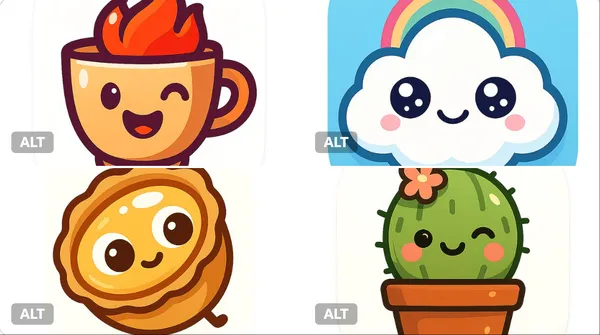
Verified prompt
ayful and modern app icon design of a cute coffee cup character with a winking eye and smiling mouth, red-orange flame-like hair on top, minimal flat vector style, glossy highlights, soft shadows, centered composition, high contrast, vibrant colors, rounded corners, on a transparent background, icon-friendly, no text, no details outside the frame, size is 1024x1024.
ayful and modern app icon design of a cute coffee cup character with a winking eye and smiling mouth, red-orange flame-like hair on top, minimal flat vector style, glossy highlights, soft shadows, centered composition, high contrast, vibrant colors, rounded corners, on a transparent background, icon-friendly, no text, no details outside the frame, size is 1024x1024.
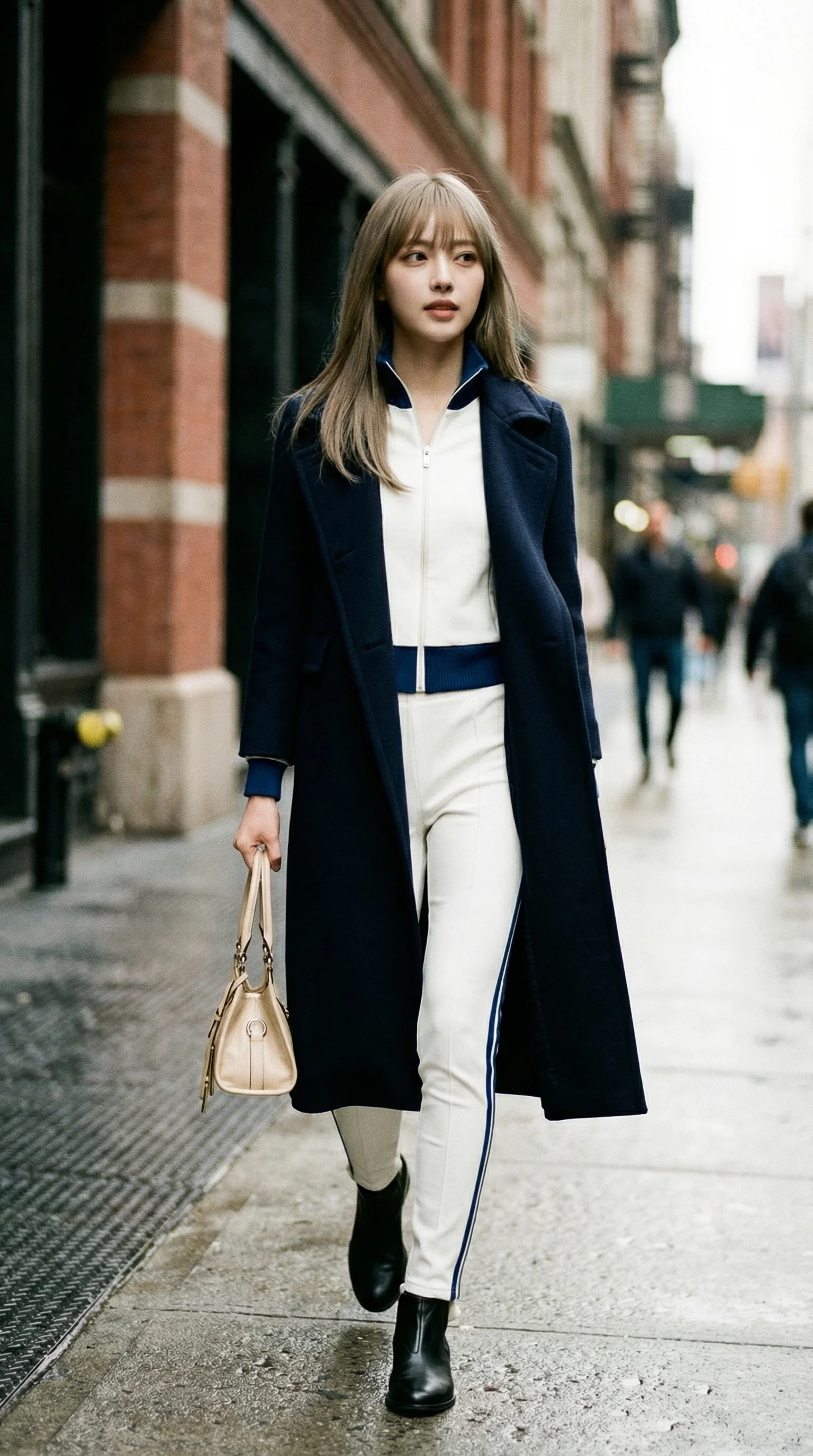
Verified prompt
body, full color ultra-realistic fashion editorial image. Cinematic street-style photography with a strong vintage analog film aesthetic. Medium-format / twin-lens reflex camera look, distinctive film lens character, pronounced depth separation with soft, creamy background blur, smooth falloff from focus to out-of-focus areas, foreground and subject sharply resolved while the background dissolves naturally. Rich tonal depth, lowered micro-contrast, organic film grain, slightly muted highlights, gentle halation around bright areas, soft highlight bloom typical of classic medium-format film lenses, subtle color shift and analog imperfections. Professional editorial lighting blended with ambient city light. Urban street environment remains readable but softly abstracted by shallow depth of field, background details intentionally defocused for visual hierarchy. Candid yet cinematic street fashion mood — captured as if spontaneously during a walk, relaxed, unforced, editorial rather than posed. Ultra-detailed textures, realistic skin tones, high-end fashion magazine quality. MODEL (USE UPLOADED IMAGE): Use the uploaded model photo as the primary reference. OUTFIT (USE UPLOADED CLOTHING IMAGE): Use the uploaded clothing reference image. Preserve the exact outfit, color, fabric texture, tailoring, and silhouette. Do not redesign or reinterpret the outfit. POSE & GAZE: random pose and gaze
body, full color ultra-realistic fashion editorial image. Cinematic street-style photography with a strong vintage analog film aesthetic. Medium-format / twin-lens reflex camera look, distinctive film lens character, pronounced depth separation with soft, creamy background blur, smooth falloff from focus to out-of-focus areas, foreground and subject sharply resolved while the background dissolves naturally. Rich tonal depth, lowered micro-contrast, organic film grain, slightly muted highlights, gentle halation around bright areas, soft highlight bloom typical of classic medium-format film lenses, subtle color shift and analog imperfections. Professional editorial lighting blended with ambient city light. Urban street environment remains readable but softly abstracted by shallow depth of field, background details intentionally defocused for visual hierarchy. Candid yet cinematic street fashion mood — captured as if spontaneously during a walk, relaxed, unforced, editorial rather than posed. Ultra-detailed textures, realistic skin tones, high-end fashion magazine quality. MODEL (USE UPLOADED IMAGE): Use the uploaded model photo as the primary reference. OUTFIT (USE UPLOADED CLOTHING IMAGE): Use the uploaded clothing reference image. Preserve the exact outfit, color, fabric texture, tailoring, and silhouette. Do not redesign or reinterpret the outfit. POSE & GAZE: random pose and gaze
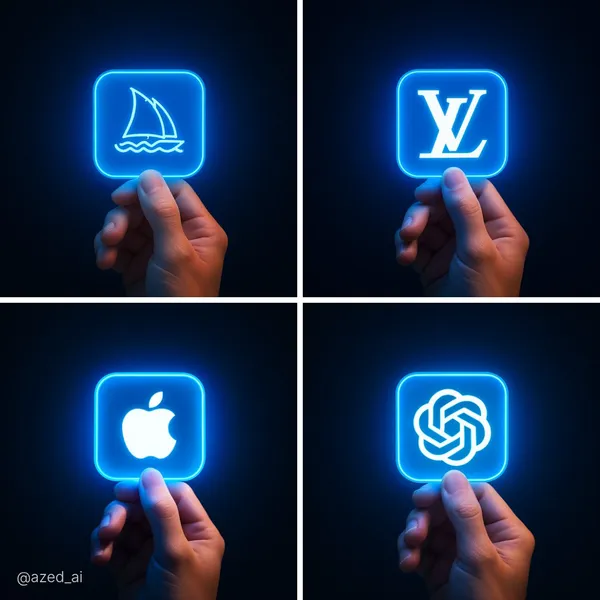
Verified prompt
ose-up digital photo of a human hand gently holding a glowing neon blue square icon featuring the [LOGO NAME] logo, set against a smooth dark gradient background. The blue light from the icon softly illuminates the fingers, casting a futuristic glow. The background is minimal and blurred, emphasizing the icon and the hand. High detail, cinematic lighting, modern tech aesthetic.
ose-up digital photo of a human hand gently holding a glowing neon blue square icon featuring the [LOGO NAME] logo, set against a smooth dark gradient background. The blue light from the icon softly illuminates the fingers, casting a futuristic glow. The background is minimal and blurred, emphasizing the icon and the hand. High detail, cinematic lighting, modern tech aesthetic.
Explore Image Workflows
Explore the Nano Banana 2 workflow and compare it with the related image pages. The generator is the source of truth for current model access and settings. Use the prompt library to study published results and the model that created them.
Nano Banana 2: Create and Edit with Natural Language
Describe the result you need, select an available Nano Banana 2 model and submit your request from the generator. Review completed image results in your assets, refine the prompt when needed, and download the version that fits your project.
Choose only the resolution and aspect ratio shown for the selected model. Check framing, fine details and any text in the completed image. A larger output size does not guarantee a more accurate result.
Explore Nano Banana 2
From Prompt to Finished Image: The Nano Banana 2 Workflow
Allow time to inspect each image result and refine your brief. Processing time varies by model, request and service load. Change one direction at a time so that you can judge which edit improves the result.
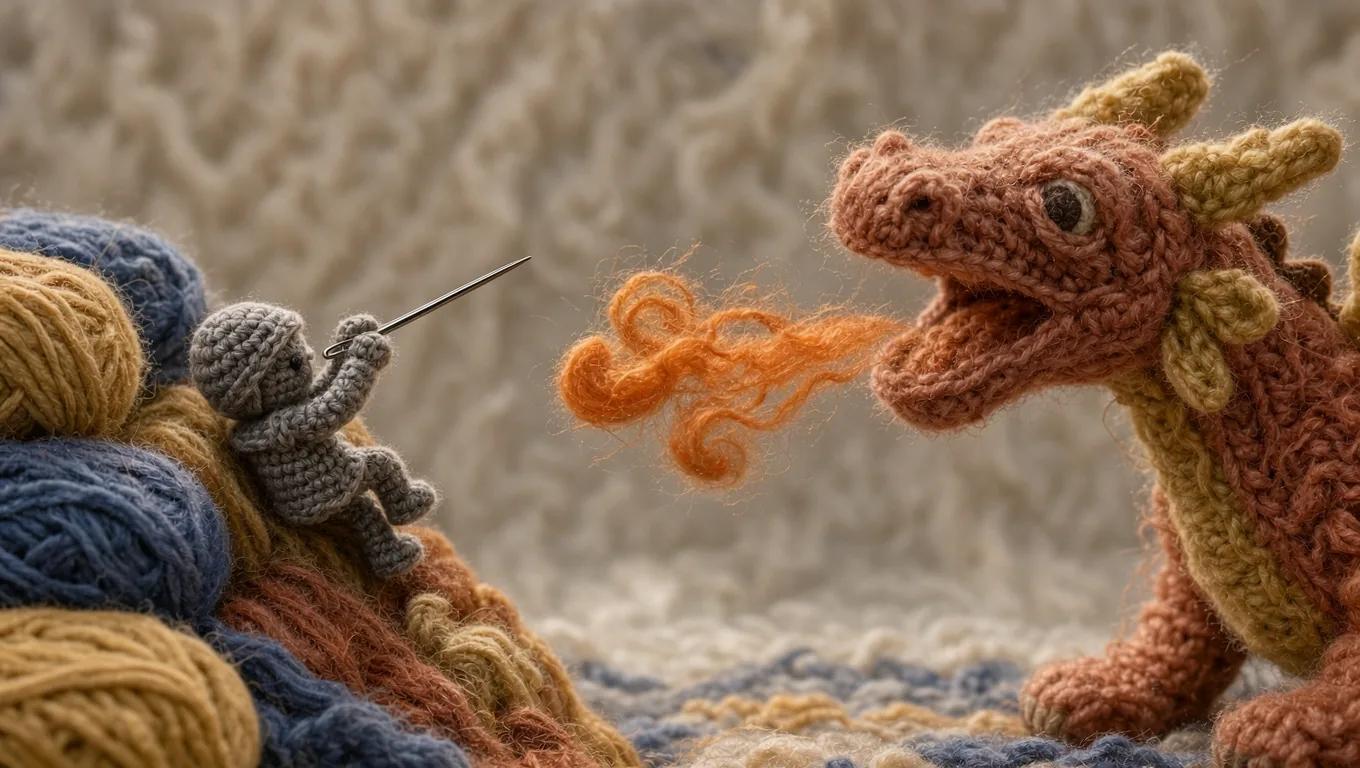
Enter prompt or upload image
Start your Nano Banana 2 image brief with a source image you have permission to use. Name the area to change and the colors, proportions or objects to preserve. Reference count and editing support depend on the selected model.
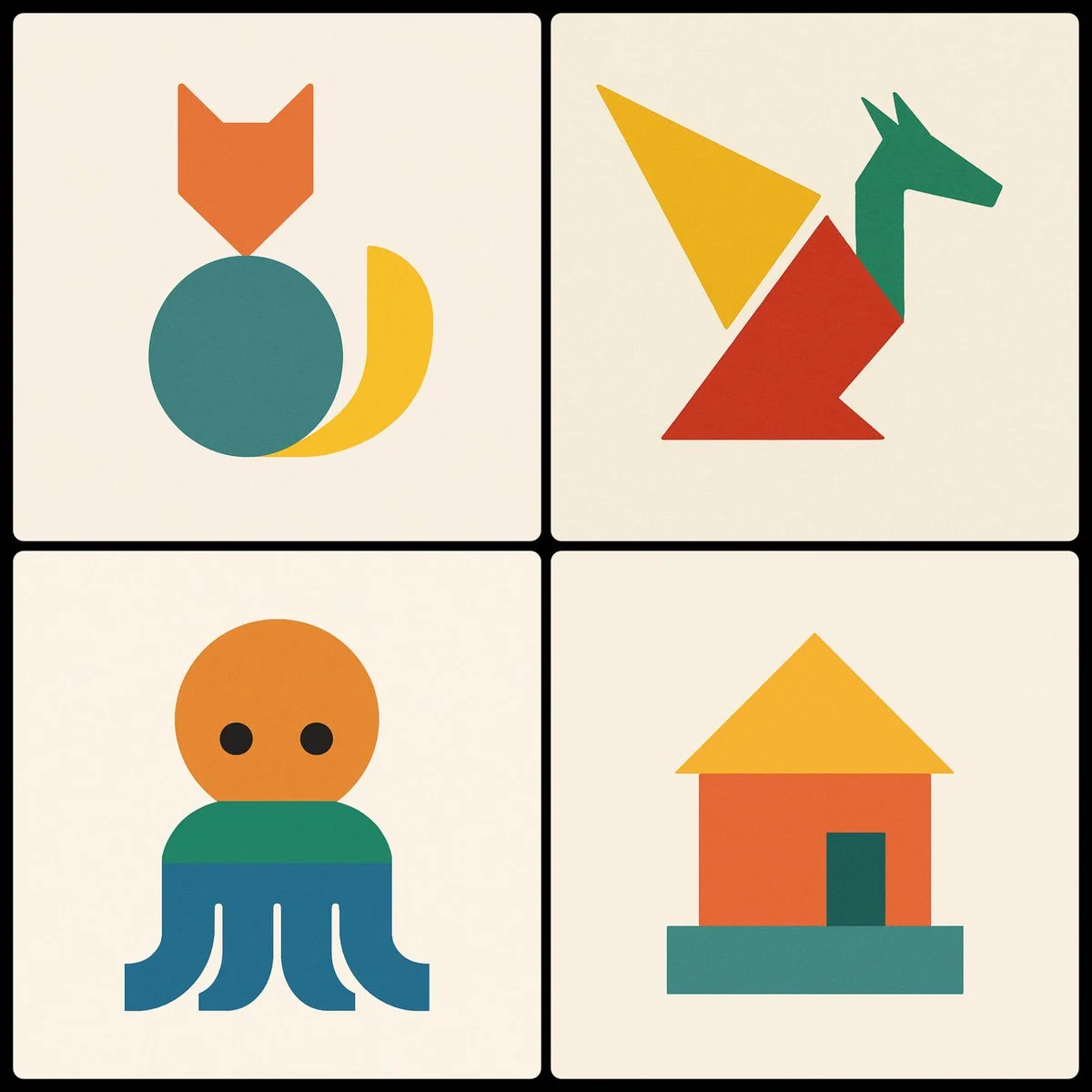
Choose Settings and Generate
Allow time to inspect each image result and refine your brief. Processing time varies by model, request and service load. Change one direction at a time so that you can judge which edit improves the result.
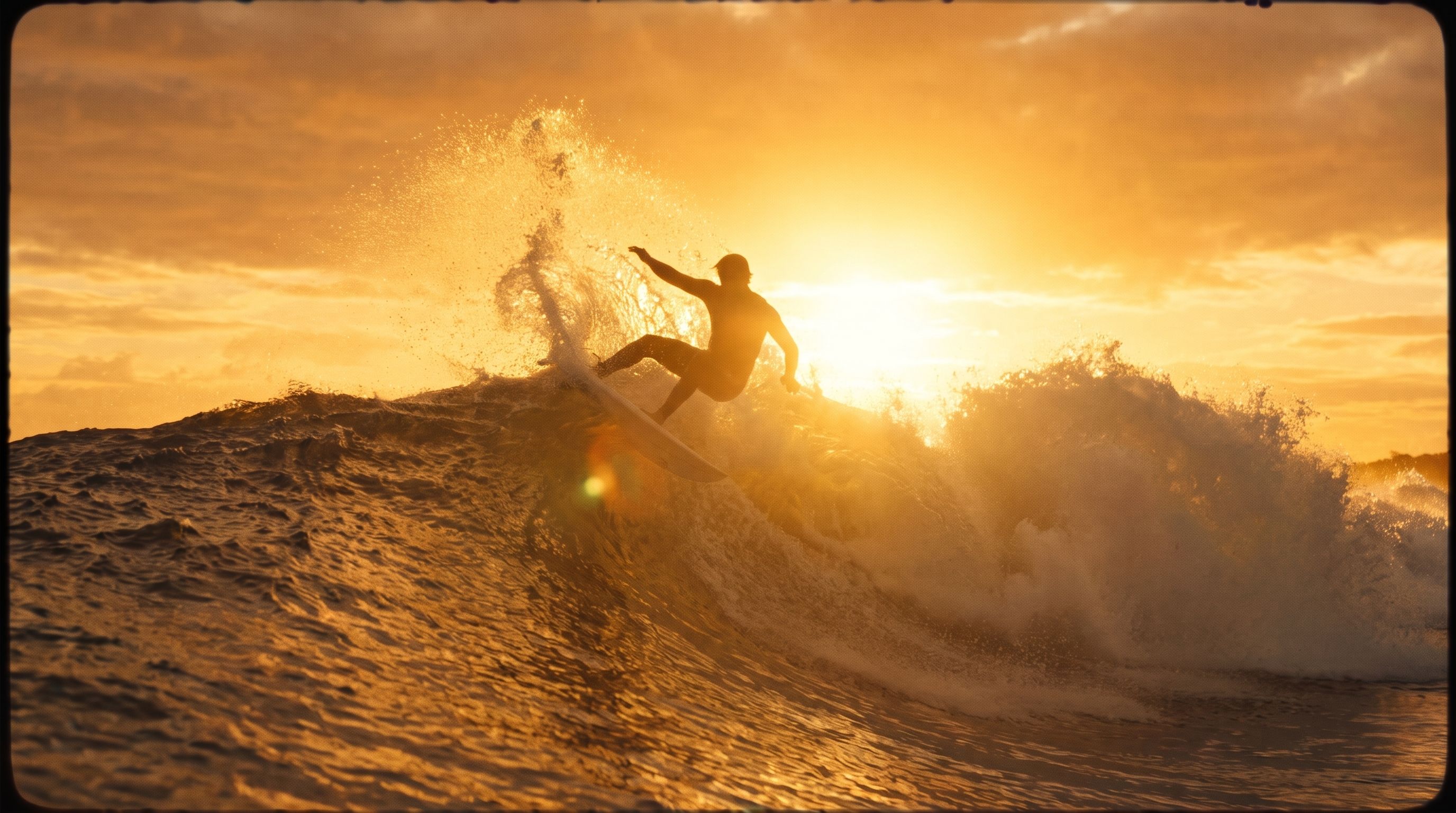
Review and Download Completed Results
When a request completes, inspect the image in your assets and download the result you want to keep. Review the composition and any unintended details before sharing it with your team or publishing it.
Create Your Nano Banana 2 Image
For a Nano Banana 2 product concept, specify the product shape, material, key detail and setting. Keep logos and claims accurate, allow room for your own typography, and review the result before using it in an advertisement.
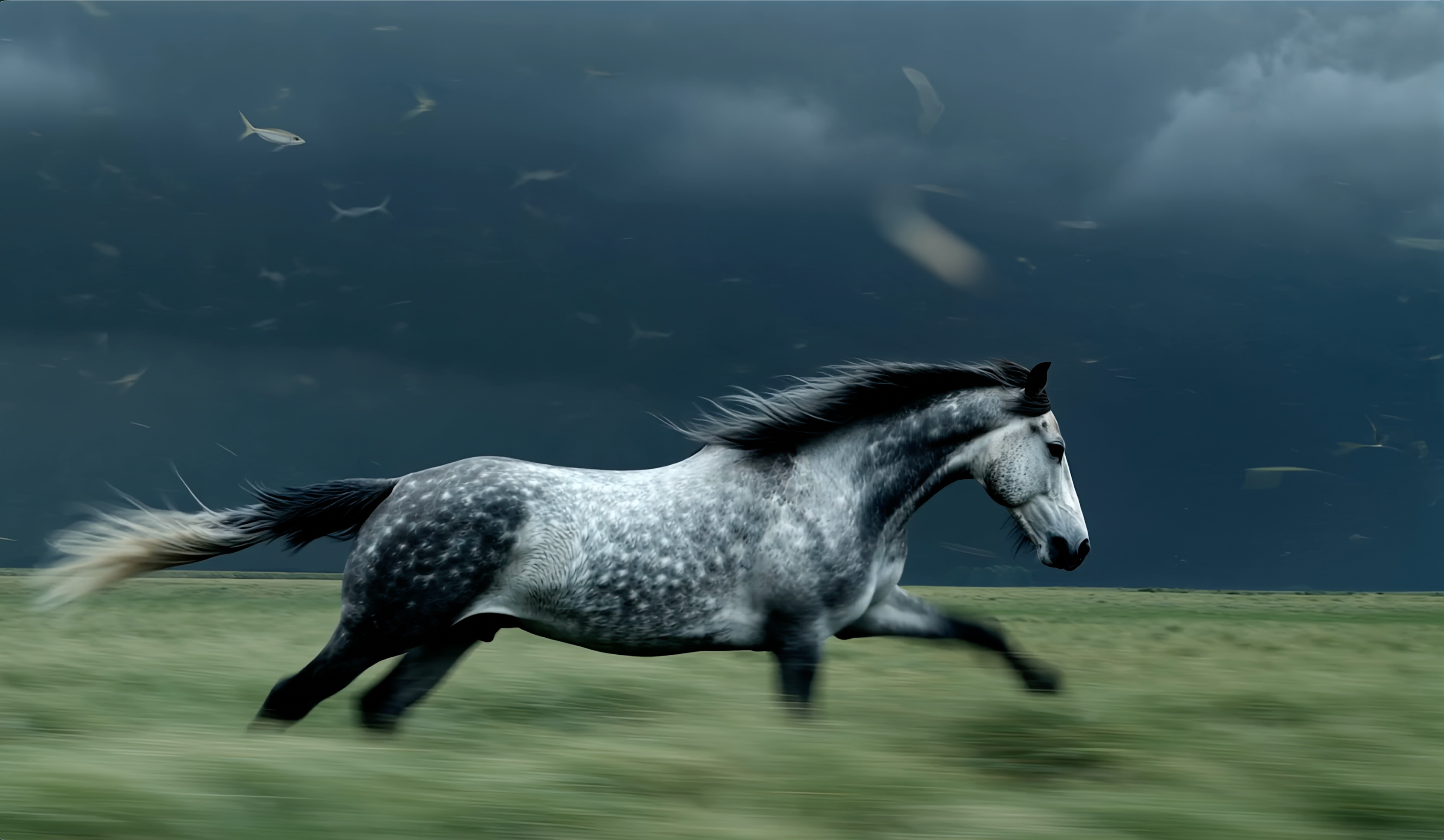
Explain Your Subject, Changes and References
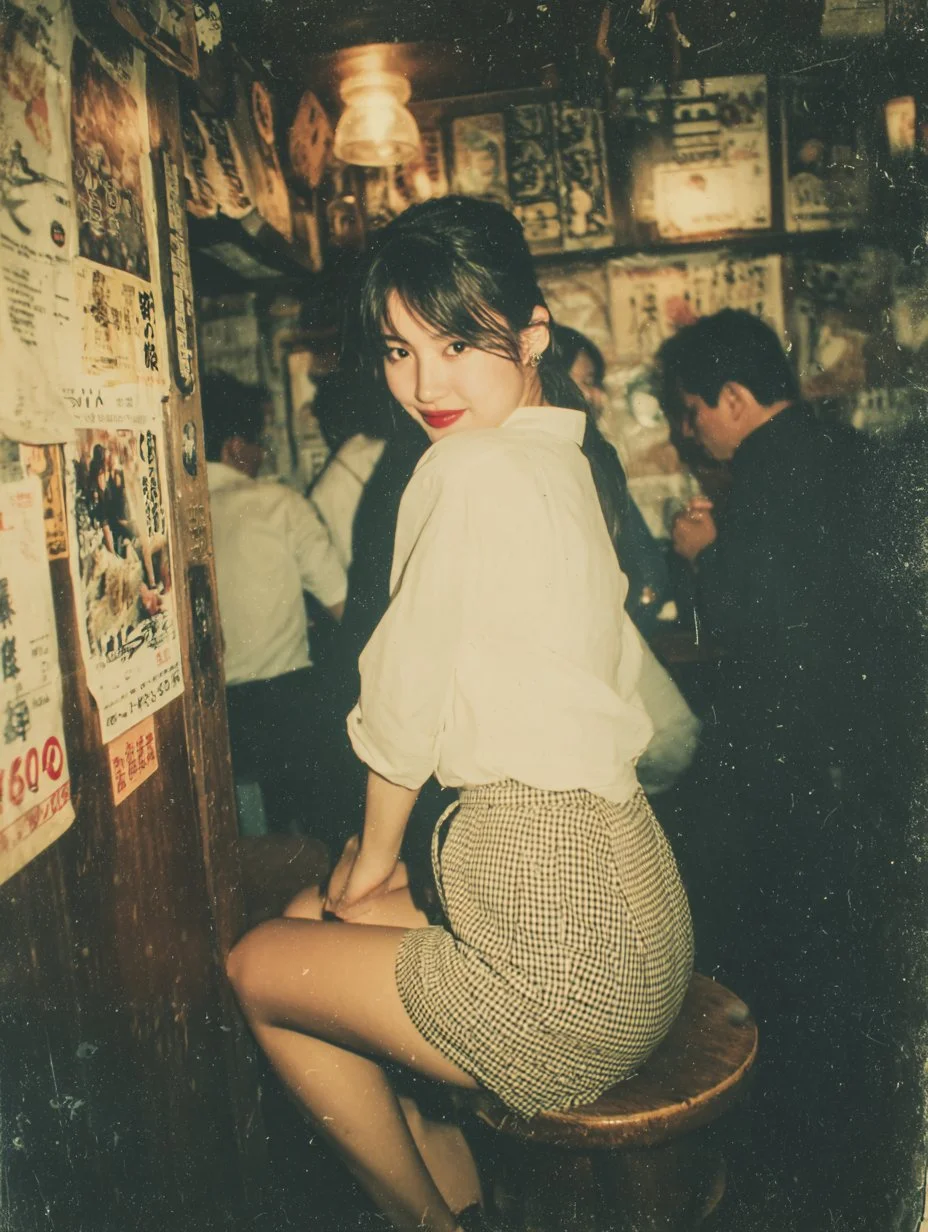
Start your Nano Banana 2 image brief with a source image you have permission to use. Name the area to change and the colors, proportions or objects to preserve. Reference count and editing support depend on the selected model.
Describe the Changes and Details to Preserve
Write your Nano Banana 2 image brief around a subject, composition, lighting and intended style. Add a material or texture when it matters. For edits, state one precise change and explain which parts of the source should remain intact.
Check Details Across Every Result
Allow time to inspect each image result and refine your brief. Processing time varies by model, request and service load. Change one direction at a time so that you can judge which edit improves the result.
Explain Your Subject, Changes and References
List the details that matter in your Nano Banana 2 image brief: identity, shape, colors, clothing and background. Use supported references where appropriate and compare every result; exact consistency is not guaranteed.
A Clearer Creative Brief for Nano Banana 2
Allow time to inspect each image result and refine your brief. Processing time varies by model, request and service load. Change one direction at a time so that you can judge which edit improves the result.
Explain Your Subject, Changes and References
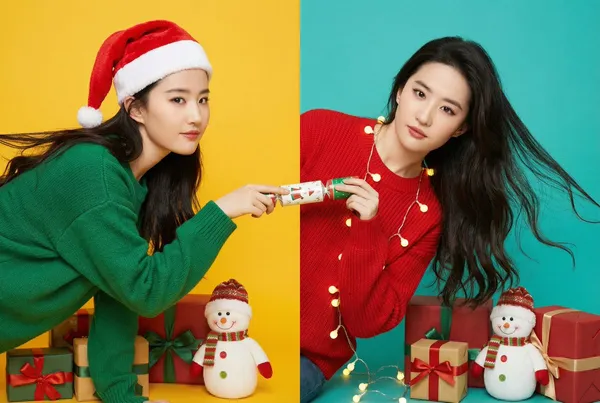
Allow time to inspect each image result and refine your brief. Processing time varies by model, request and service load. Change one direction at a time so that you can judge which edit improves the result.
Social Media & Advertising
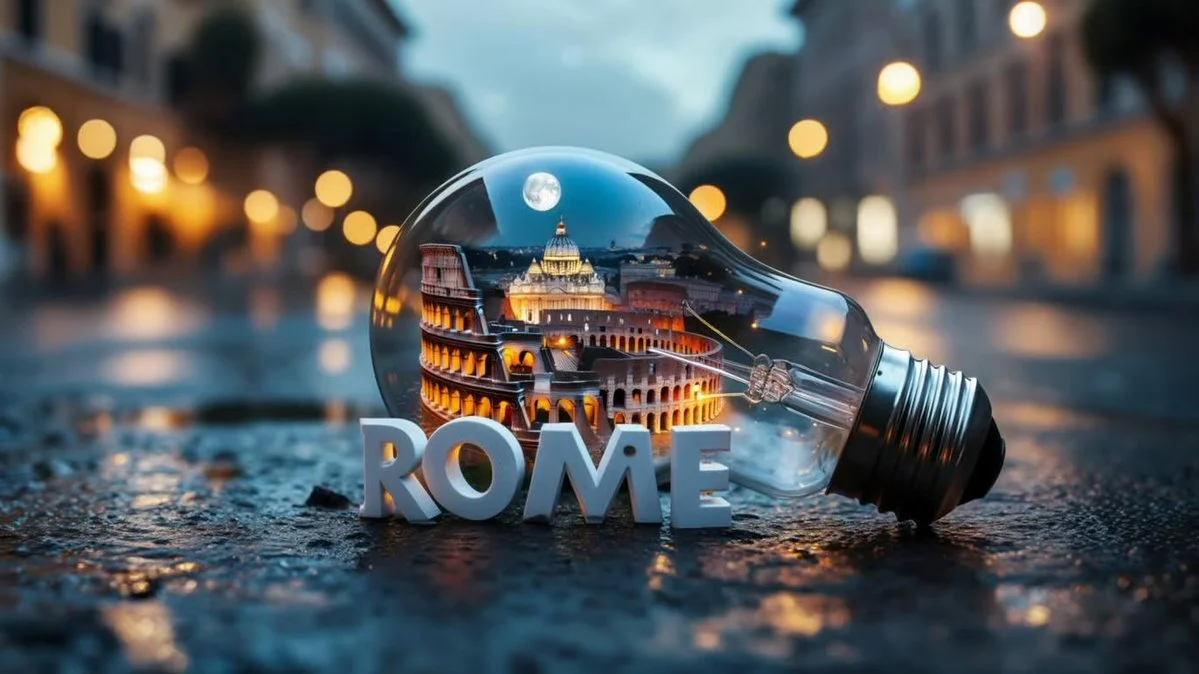
For a Nano Banana 2 product concept, specify the product shape, material, key detail and setting. Keep logos and claims accurate, allow room for your own typography, and review the result before using it in an advertisement.
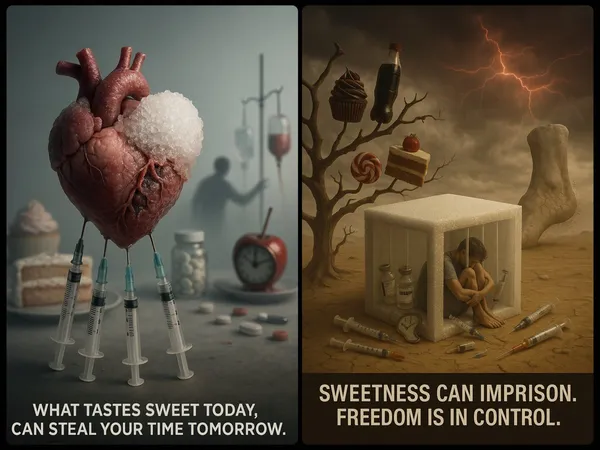
Check Details Across Every Result
List the details that matter in your Nano Banana 2 image brief: identity, shape, colors, clothing and background. Use supported references where appropriate and compare every result; exact consistency is not guaranteed.
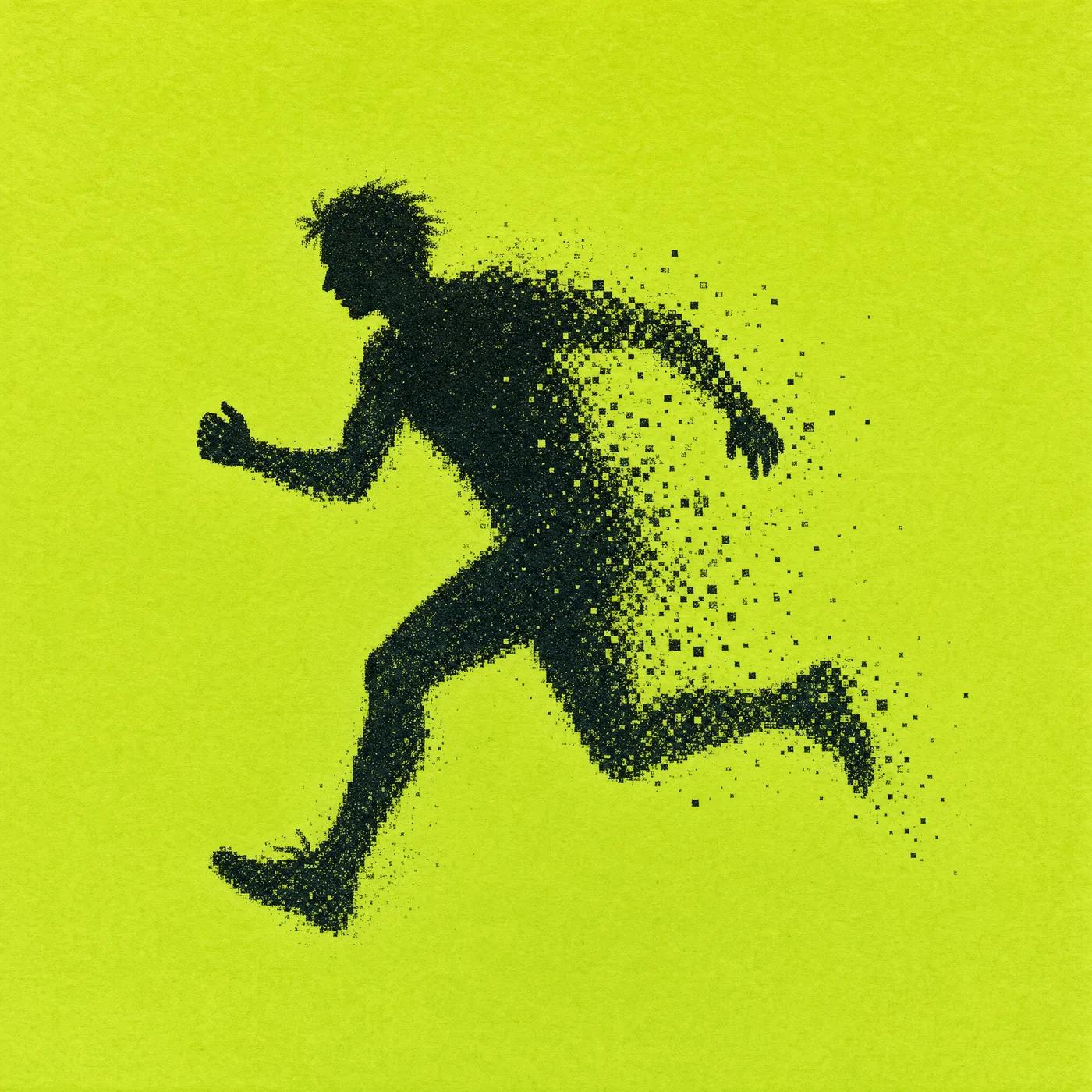
Efficient Production Workflow
For a Nano Banana 2 product concept, specify the product shape, material, key detail and setting. Keep logos and claims accurate, allow room for your own typography, and review the result before using it in an advertisement.
Creative Notes for Your Nano Banana 2 Image Brief
Give the main subject one clear action. For a Nano Banana 2 concept, a precise brief is easier to assess than a list of competing effects.
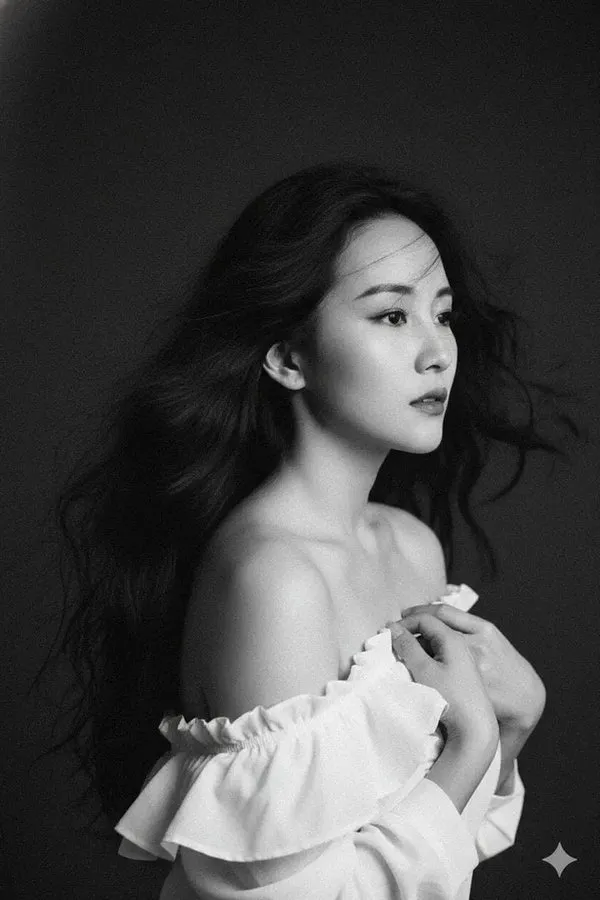
Nano Banana 2 Image Workflow: Questions & Answers
For a Nano Banana 2 product concept, specify the product shape, material, key detail and setting. Keep logos and claims accurate, allow room for your own typography, and review the result before using it in an advertisement.
Heydots brings the Nano Banana 2 image workflow into one workspace: write your prompt, choose an available model, review the credit cost and generate. Completed results stay in your assets for review and download. The generator shows which models and inputs accept requests.
Write your Nano Banana 2 image brief around a subject, composition, lighting and intended style. Add a material or texture when it matters. For edits, state one precise change and explain which parts of the source should remain intact.
Start your Nano Banana 2 image brief with a source image you have permission to use. Name the area to change and the colors, proportions or objects to preserve. Reference count and editing support depend on the selected model.
Describe the result you need, select an available Nano Banana 2 model and submit your request from the generator. Review completed image results in your assets, refine the prompt when needed, and download the version that fits your project.
Use only the input modes and controls offered by the selected model. Describe the intended image clearly and add supported references when useful. This page does not promise separate motion-brush, audio-upload, restoration or editing tools.
List the details that matter in your Nano Banana 2 image brief: identity, shape, colors, clothing and background. Use supported references where appropriate and compare every result; exact consistency is not guaranteed.
For a Nano Banana 2 product concept, specify the product shape, material, key detail and setting. Keep logos and claims accurate, allow room for your own typography, and review the result before using it in an advertisement.
Choose only the resolution and aspect ratio shown for the selected model. Check framing, fine details and any text in the completed image. A larger output size does not guarantee a more accurate result.
You can request a refund within 10 days of purchase if you have unused credits from that purchase and provide a clear reason, subject to our Refund Policy. If eligible, an unused purchase can be fully refunded; a partly used purchase is refunded in proportion to its remaining unused credits. Fully used purchases and free or promotional credits are not refundable.
Credit validity depends on the pack, subscription or promotion that issued them. Review the purchase terms and expiration dates in Settings > Credits. A renewal or new purchase does not extend older credits. Use credits before their stated expiration; do not assume unused subscription credits roll over indefinitely.
Credits charged for a task that is confirmed as failed due to a system error are returned automatically. A task that is still processing has not yet been confirmed as failed. Check its status and your credit history before submitting again. If a confirmed failure still shows an unresolved charge, email support@heydots.app with the task ID.
AI results can vary, so a completed result that differs from your expectations is not automatically treated as a technical failure. Eligible completed image tasks can be submitted for credit refund review using the refund option where available; approval is required. For a video or another issue, contact support@heydots.app with the task ID and details. A credit refund returns credits, not money to your payment method.
Email support@heydots.app. For billing, include your account email and order ID; for generation, include the task ID, issue description and relevant screenshots. If you purchased as a guest, keep the original browser data and payment receipt so we can help locate the purchase.
Explore Your Next Nano Banana 2 Image Idea
Choose only the resolution and aspect ratio shown for the selected model. Check framing, fine details and any text in the completed image. A larger output size does not guarantee a more accurate result.
heydots.app · Updated
See update history
- — Added editable example prompts and separate drafts for text and reference modes, with an action to restore the example.
- — Updated page copy and content.
- — Page content published.