
A playful pixel world
Minecraft Pixel Art
Create Minecraft Pixel Art
History
Make a bright Minecraft-inspired pixel scene with one clear subject. Try a small creature, a little house, or a landscape with simple light and shadow. Upload a scene, building, object or character reference. Describe the focal point and palette, then generate a blocky pixel-art image for a visual project.
Create Minecraft Pixel ArtHow to use Minecraft Pixel Art
Plan the image for social cards, small posters, and character backdrops. Start with a suitable reference and use the live generator above.
1. Select a clear reference
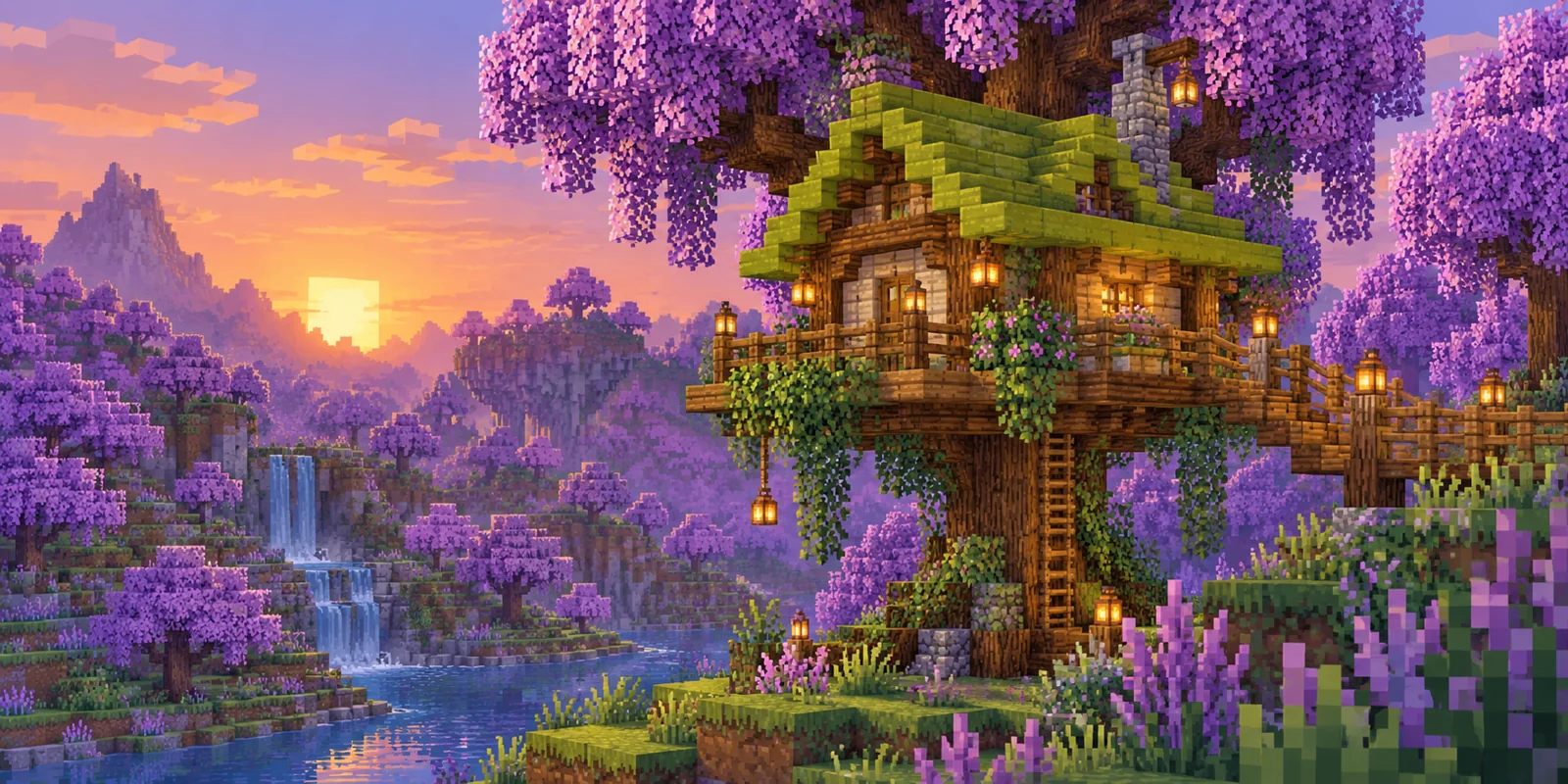
Try a treehouse, flower garden or small fox as one clear subject. Avoid crowding the reference with many competing details.
2. Simplify the composition
Ask for a pastel palette and large blocks of color, then add a path or window that leads the eye toward the main subject.
3. Check the output
Shrink the result to story-card size. If the fox or house gets lost, enlarge it in the prompt and simplify the surrounding flowers.
Flower garden, Seaside cottage and Fox forest
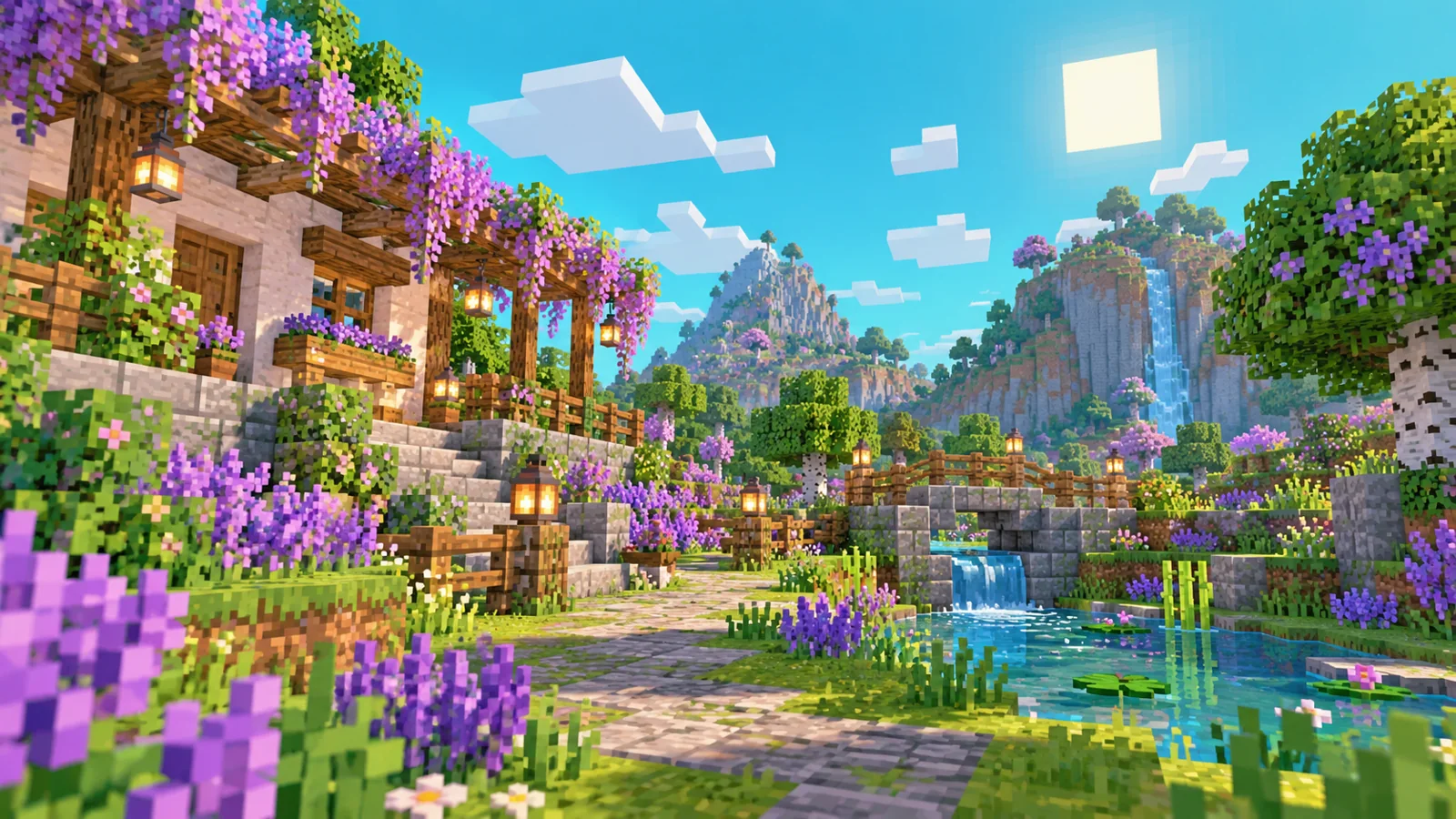
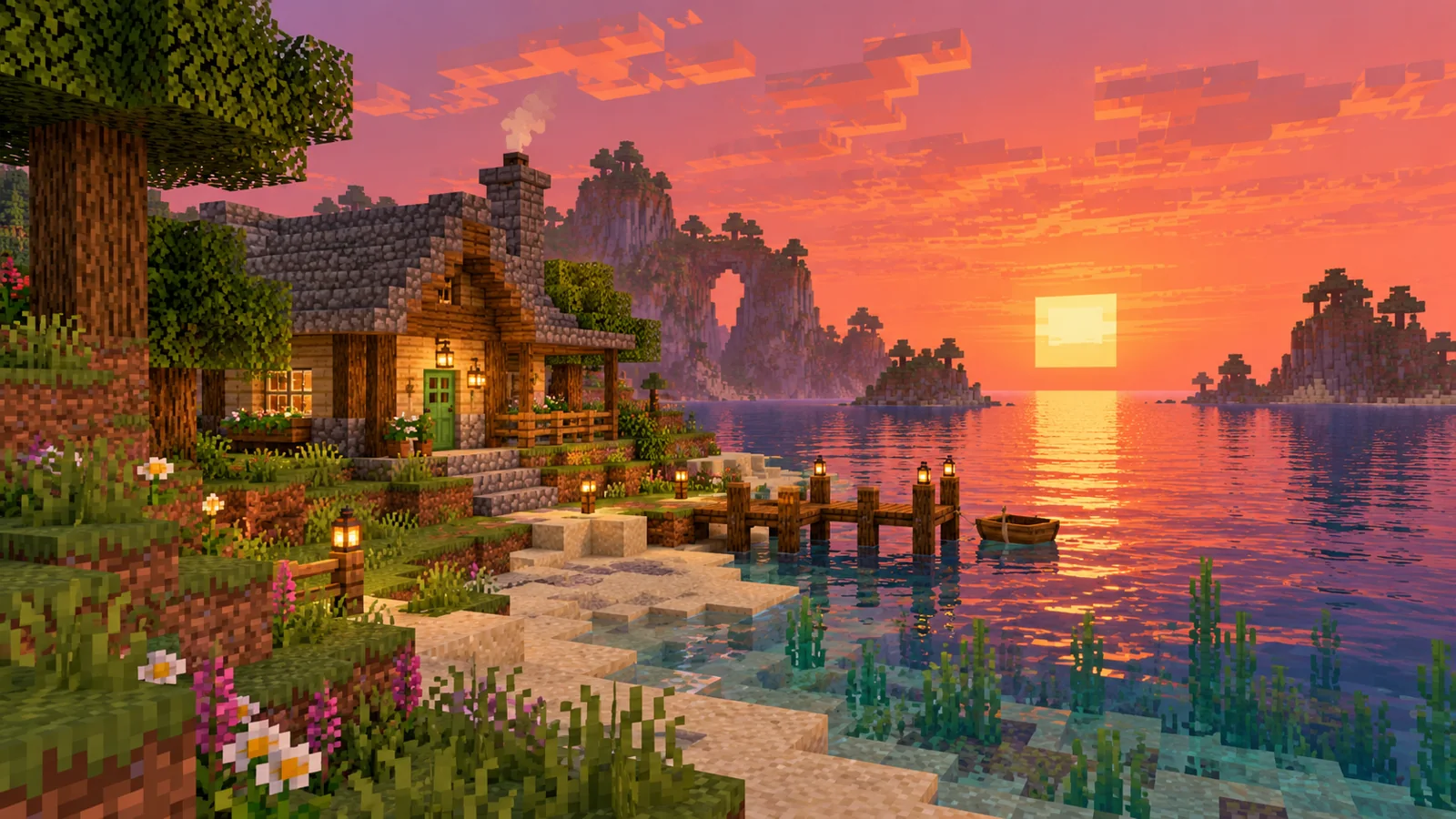
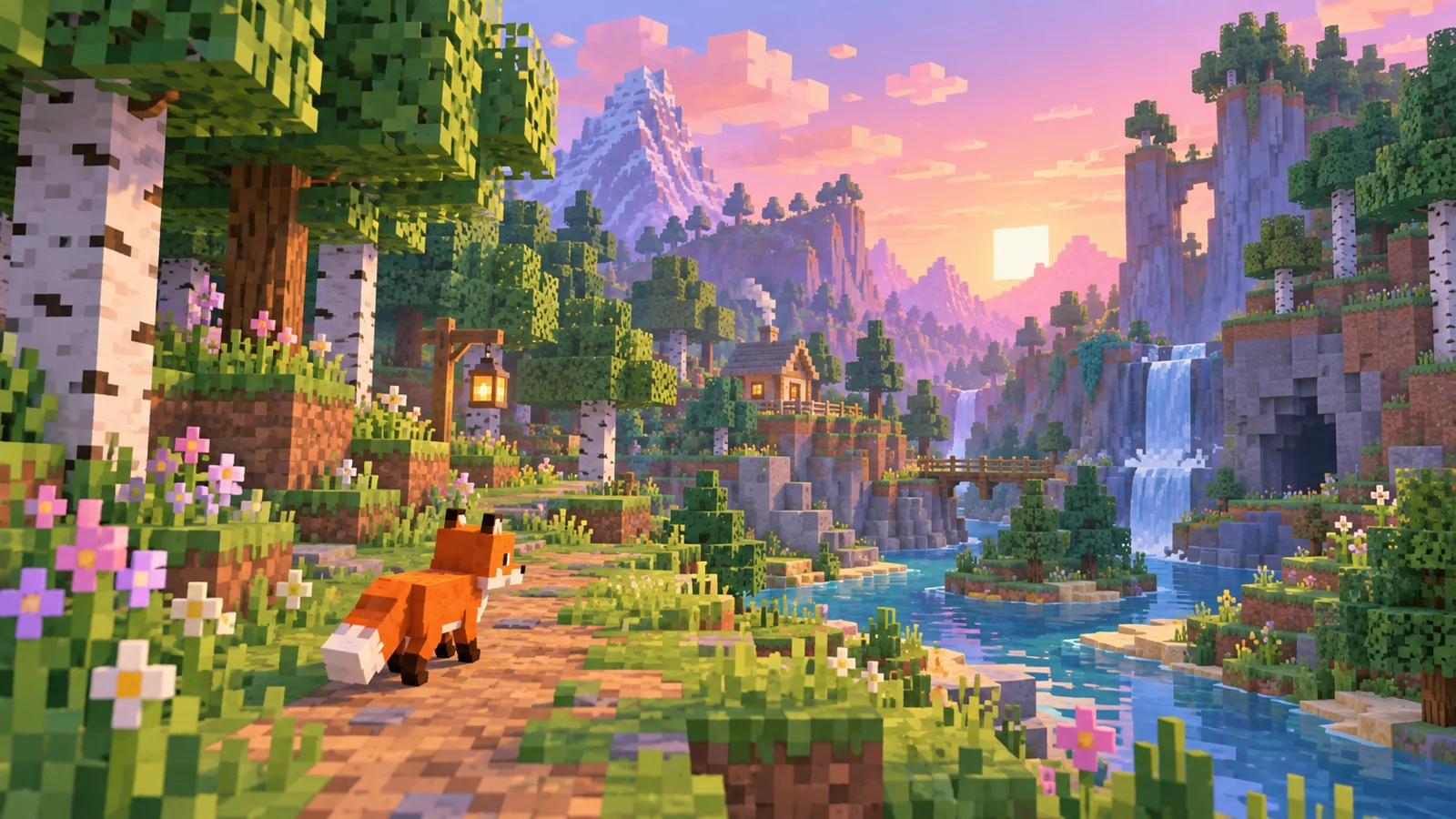
Ideas for heydots.app
A playful pixel world This workflow suits social cards, small posters, and character backdrops. Keep the main subject visible and use one image direction per generation.
Minecraft Pixel Art FAQ
Can I start with my own image?
Upload a garden, mascot or little building as your starting point. Explain which shape should remain the focus of the pixel version.
Is the result a game world or build schematic?
This page returns a still artwork file for posts or mood boards. It does not create a playable map or a block-by-block building plan.
Can I create a character for the scene?
Open Image to Minecraft Skin here to design a matching raincoat mascot for the treehouse or garden scene.
Related image tools
Continue with another image direction on this site.
Create an Image to Minecraft Skin character
heydots.app · Updated
See update history
- — Added an image generator, visual examples and guidance for this creative task. Added editable example prompts and separate drafts for text and reference modes, with an action to restore the example.