
Verified prompt
Verified prompt
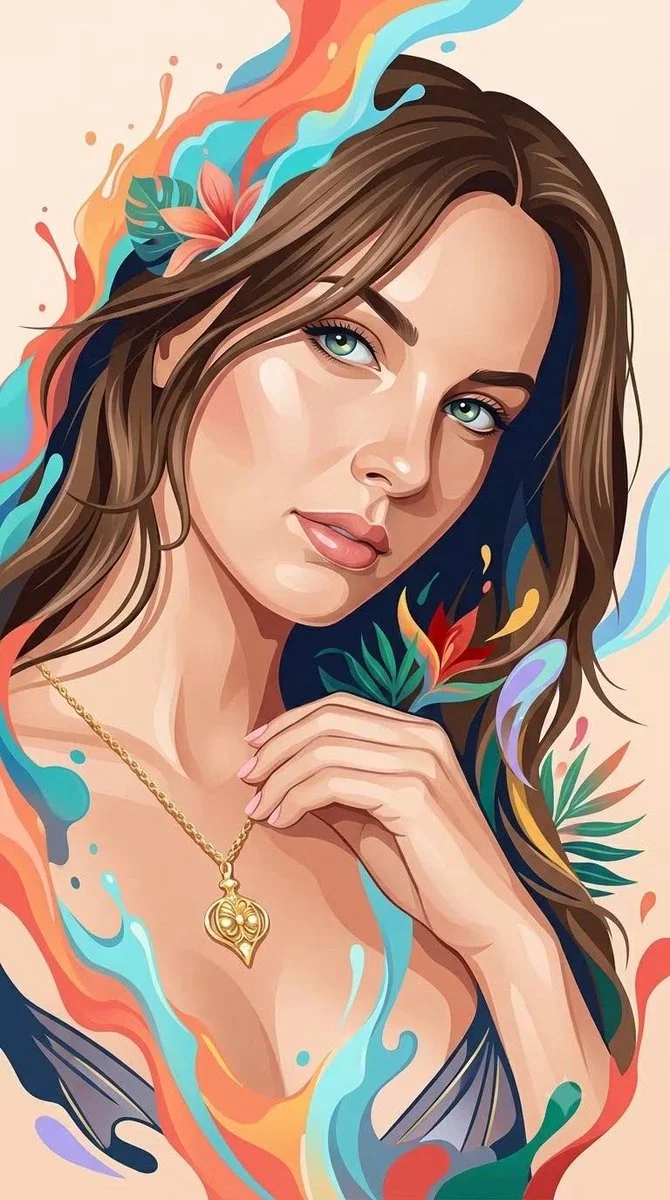
Using an uploaded portrait as the subject reference, create a vertical 9:16 image. Blend a recognizable human portrait with elegant vector simplification and softly dimensional fantasy illustration. Use clear graphic facial planes, gently modeled highlights and flowing layered hair. Surround the figure with a few organic paint ribbons, leaves and petals that emerge naturally around the shoulders. Combine coral, cream and warm orange with turquoise, emerald and navy accents. Keep the background uncluttered and preserve the subject's natural proportions. Balance crisp silhouettes with selective glossy depth so the final image feels playful, refined and visually coherent.
Using an uploaded portrait as the subject reference, create a vertical 9:16 image. Blend a recognizable human portrait with elegant vector simplification and softly dimensional fantasy illustration. Use clear graphic facial planes, gently modeled highlights and flowing layered hair. Surround the figure with a few organic paint ribbons, leaves and petals that emerge naturally around the shoulders. Combine coral, cream and warm orange with turquoise, emerald and navy accents. Keep the background uncluttered and preserve the subject's natural proportions. Balance crisp silhouettes with selective glossy depth so the final image feels playful, refined and visually coherent.
Verified prompt
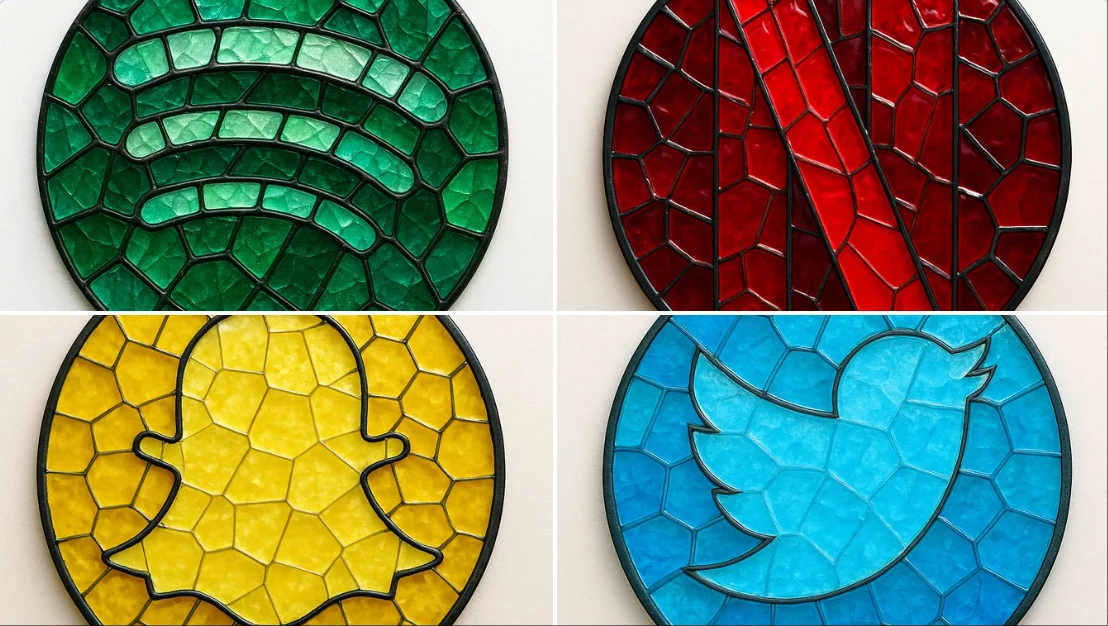
create image: { "style": "mosaic stained glass emblem", "object": "brand logo", "brand": { "name": "Spotify", "logo_shape": "circular", "icon_style": "three curved bars", "color_palette": { "primary": "#1DB954", "secondary": "#1ED760", "glass_variants": ["#147A3E", "#0F5C30", "#26C178"] } }, "material": { "type": "colored glass", "effect": "semi-transparent with light reflections", "outline": { "color": "#111111", "width": "medium", "style": "lead-line traditional mosaic" } }, "composition": { "layout": "logo composed of tessellated glass pieces", "geometry": "irregular but fitted glass shapes", "contrast": "dark outlines define shape clearly" }, "lighting": { "type": "diffused natural light", "highlight": "glass texture and color depth emphasized" }, "background": { "type": "flat surface", "color": "#F4F4F4" }, "camera": { "angle": "top-down", "focus": "centered on entire logo" }, "render": { "quality": "high", "shadows": "soft", "reflections": "minimal" } }
create image: { "style": "mosaic stained glass emblem", "object": "brand logo", "brand": { "name": "Spotify", "logo_shape": "circular", "icon_style": "three curved bars", "color_palette": { "primary": "#1DB954", "secondary": "#1ED760", "glass_variants": ["#147A3E", "#0F5C30", "#26C178"] } }, "material": { "type": "colored glass", "effect": "semi-transparent with light reflections", "outline": { "color": "#111111", "width": "medium", "style": "lead-line traditional mosaic" } }, "composition": { "layout": "logo composed of tessellated glass pieces", "geometry": "irregular but fitted glass shapes", "contrast": "dark outlines define shape clearly" }, "lighting": { "type": "diffused natural light", "highlight": "glass texture and color depth emphasized" }, "background": { "type": "flat surface", "color": "#F4F4F4" }, "camera": { "angle": "top-down", "focus": "centered on entire logo" }, "render": { "quality": "high", "shadows": "soft", "reflections": "minimal" } }
Verified prompt
Create a South Park style paper-cut cartoon character with short blond hair and a white shirt beside a vineyard. Use flat colors, round expressive eyes and a clear silhouette.
Create a South Park style paper-cut cartoon character with short blond hair and a white shirt beside a vineyard. Use flat colors, round expressive eyes and a clear silhouette.
Verified prompt
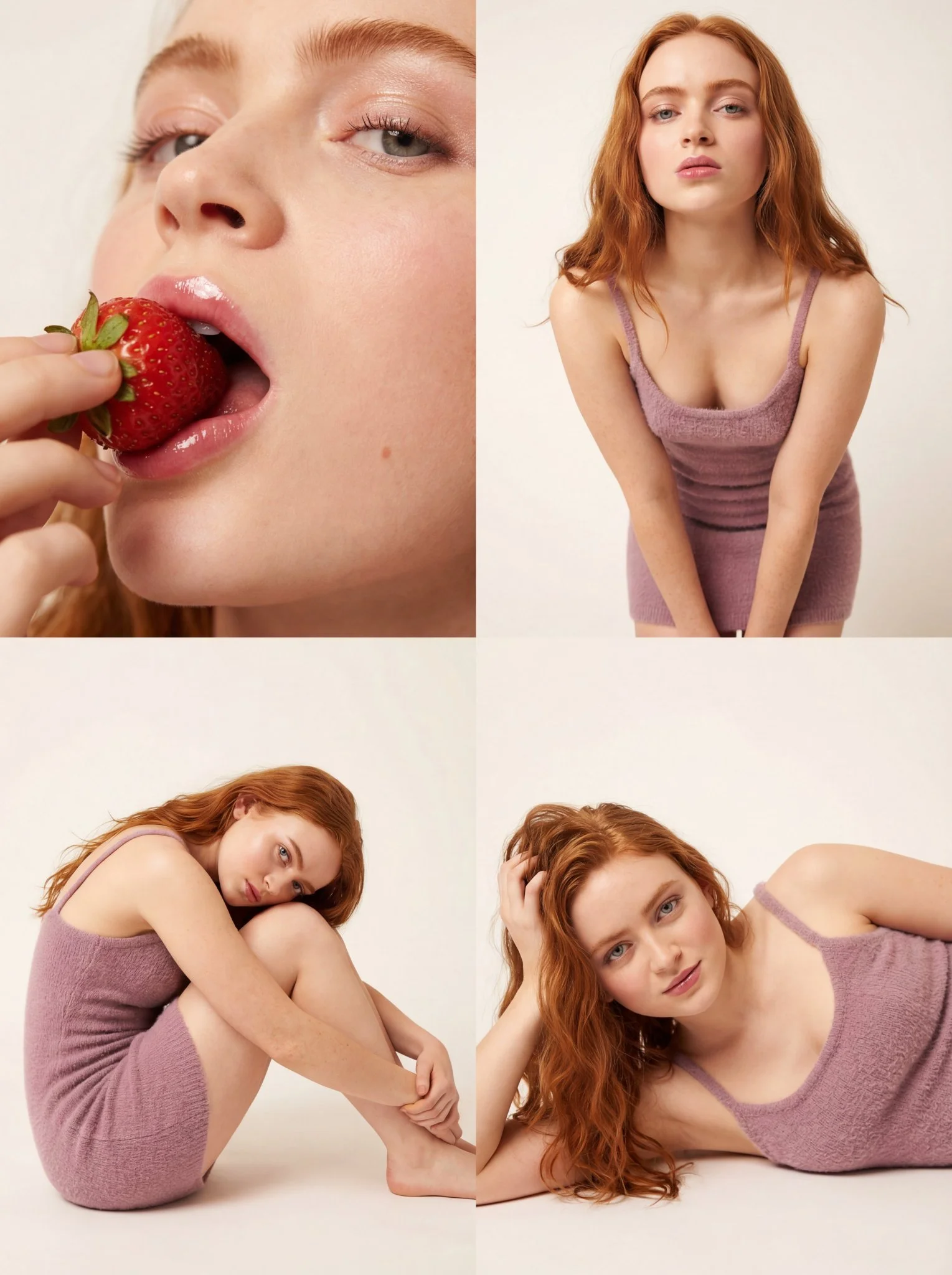
Verified prompt
Ultra-photorealistic 8k texture quality with ray-traced studio lighting. Long loosely wavy voluminous hair with natural individual strands. Hyper-realistic porous skin with dewy glass-skin effect, heavy blush on cheeks, high-gloss plump natural pink lips, clean defined lashes. Mini dress bodycon/tight fit in soft textured knit/boucle fabric, soft mauve or neutral taupe color with spaghetti straps. Seamless paper soft off-white/beige studio background. Large diffuse softbox front-left key light with reflector fill right. 4-panel collage: Top-Left extreme close-up eating strawberry with moisture on surface and gloss reflection on lips; Top-Right medium shot thigh-up leaning forward with direct gaze; Bottom-Left full body seated side profile knees to chest; Bottom-Right close-up candid relaxed expression. 1:1 aspect ratio.
Ultra-photorealistic 8k texture quality with ray-traced studio lighting. Long loosely wavy voluminous hair with natural individual strands. Hyper-realistic porous skin with dewy glass-skin effect, heavy blush on cheeks, high-gloss plump natural pink lips, clean defined lashes. Mini dress bodycon/tight fit in soft textured knit/boucle fabric, soft mauve or neutral taupe color with spaghetti straps. Seamless paper soft off-white/beige studio background. Large diffuse softbox front-left key light with reflector fill right. 4-panel collage: Top-Left extreme close-up eating strawberry with moisture on surface and gloss reflection on lips; Top-Right medium shot thigh-up leaning forward with direct gaze; Bottom-Left full body seated side profile knees to chest; Bottom-Right close-up candid relaxed expression. 1:1 aspect ratio.
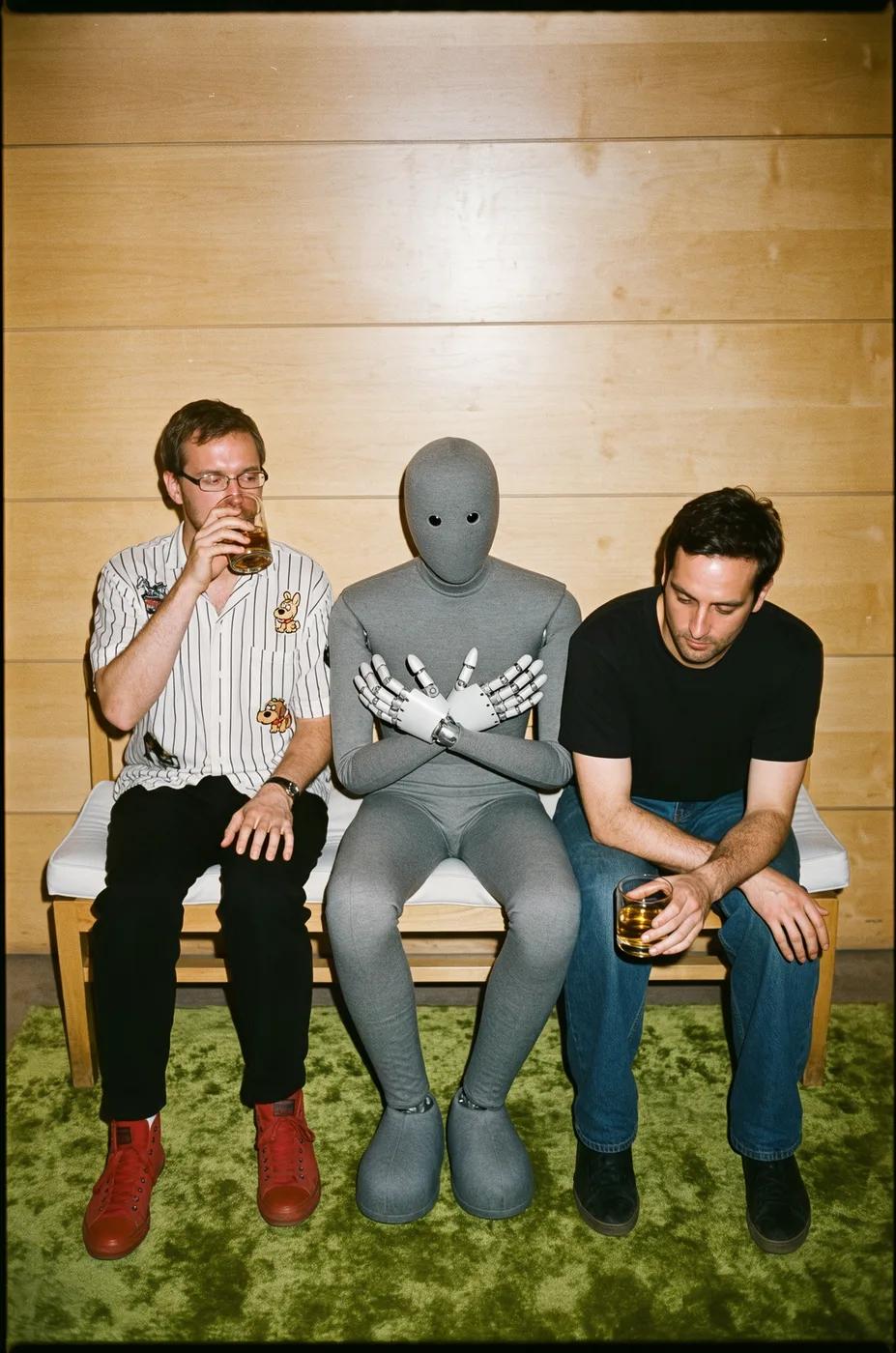
Verified prompt
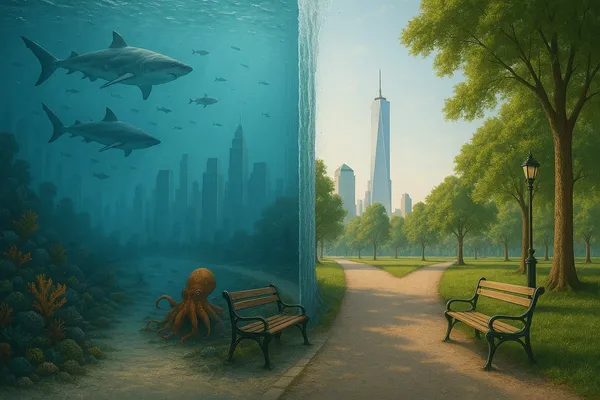
Verified prompt
te a surreal split-scene where the left half is an underwater version of a [SCENE], filled with marine life (fish, sharks, octopus, coral, bubbles), and the right half is the regular dry version of the same [SCENE] continuing naturally. Separate the two halves with a vertical wall of water held by a magical force, as if the ocean is cut in half. The scene should align across both sides, maintaining realism while showcasing the impossible scenario. Emphasize lighting and reflection differences between water and air environments.
te a surreal split-scene where the left half is an underwater version of a [SCENE], filled with marine life (fish, sharks, octopus, coral, bubbles), and the right half is the regular dry version of the same [SCENE] continuing naturally. Separate the two halves with a vertical wall of water held by a magical force, as if the ocean is cut in half. The scene should align across both sides, maintaining realism while showcasing the impossible scenario. Emphasize lighting and reflection differences between water and air environments.
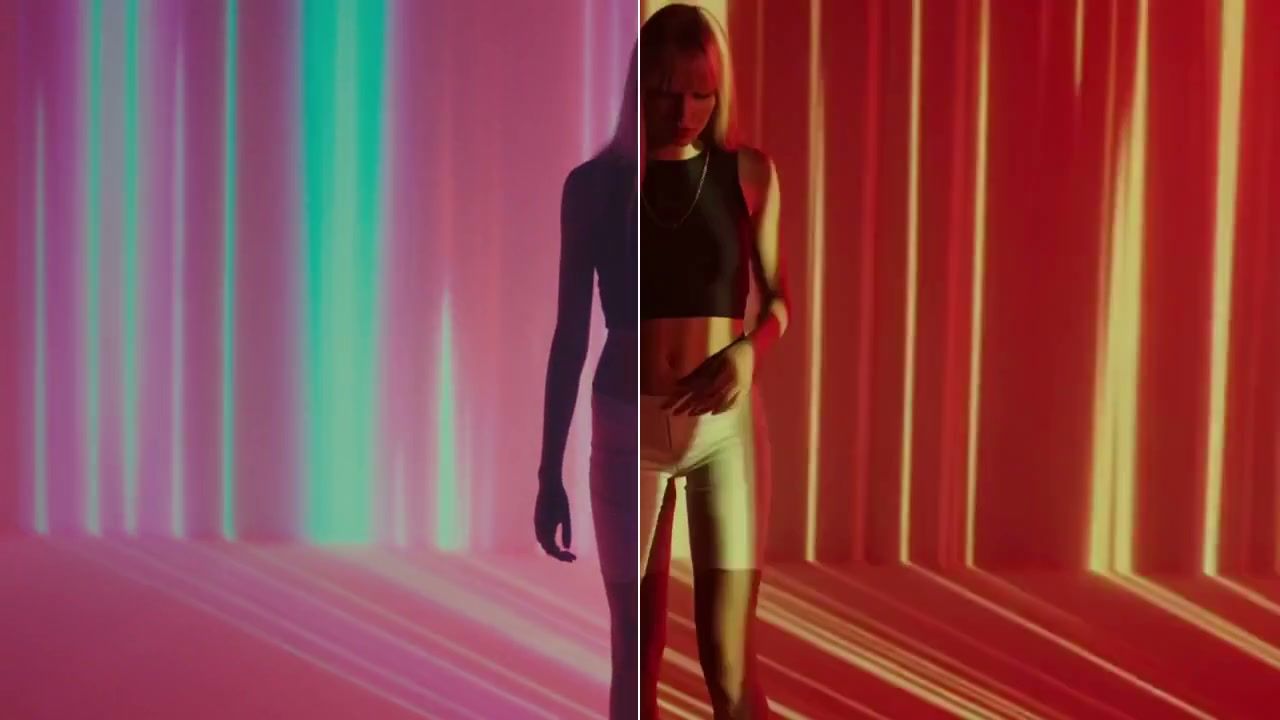
Verified prompt
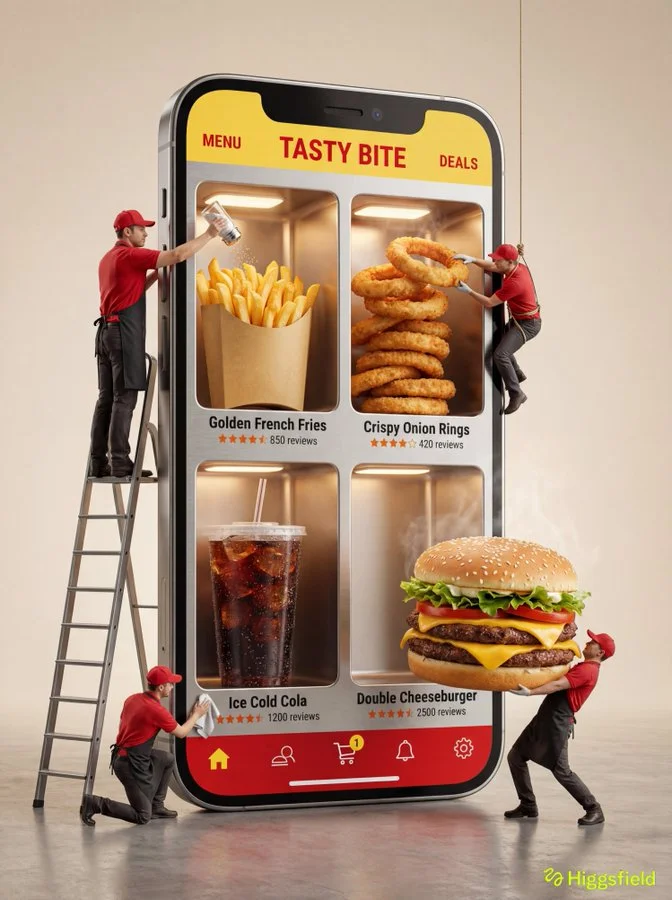
Verified prompt
A hyper-realistic 3D commercial photograph of a giant smartphone standing vertically on a studio floor. The phone is viewed from a slight 3/4 perspective angle. The screen acts as a physical display cabinet with four deep, recessed alcoves arranged in a 2x2 grid. Products are tangible, volumetric 3D objects sitting inside these slots. UI uses themed aesthetic with SORT (left), FILTER (right), BRAND NAME (center). Four miniature photorealistic workers dressed in uniforms interacting with products: Worker 1 on ladder adjusting top-left product, Worker 2 hanging by rope cleaning top-right product, Worker 3 kneeling as supervisor with clipboard, Worker 4 lifting heavy fallen product on floor. Clean grey studio background. High-contrast realistic lighting with 8k resolution, Octane render style.
A hyper-realistic 3D commercial photograph of a giant smartphone standing vertically on a studio floor. The phone is viewed from a slight 3/4 perspective angle. The screen acts as a physical display cabinet with four deep, recessed alcoves arranged in a 2x2 grid. Products are tangible, volumetric 3D objects sitting inside these slots. UI uses themed aesthetic with SORT (left), FILTER (right), BRAND NAME (center). Four miniature photorealistic workers dressed in uniforms interacting with products: Worker 1 on ladder adjusting top-left product, Worker 2 hanging by rope cleaning top-right product, Worker 3 kneeling as supervisor with clipboard, Worker 4 lifting heavy fallen product on floor. Clean grey studio background. High-contrast realistic lighting with 8k resolution, Octane render style.
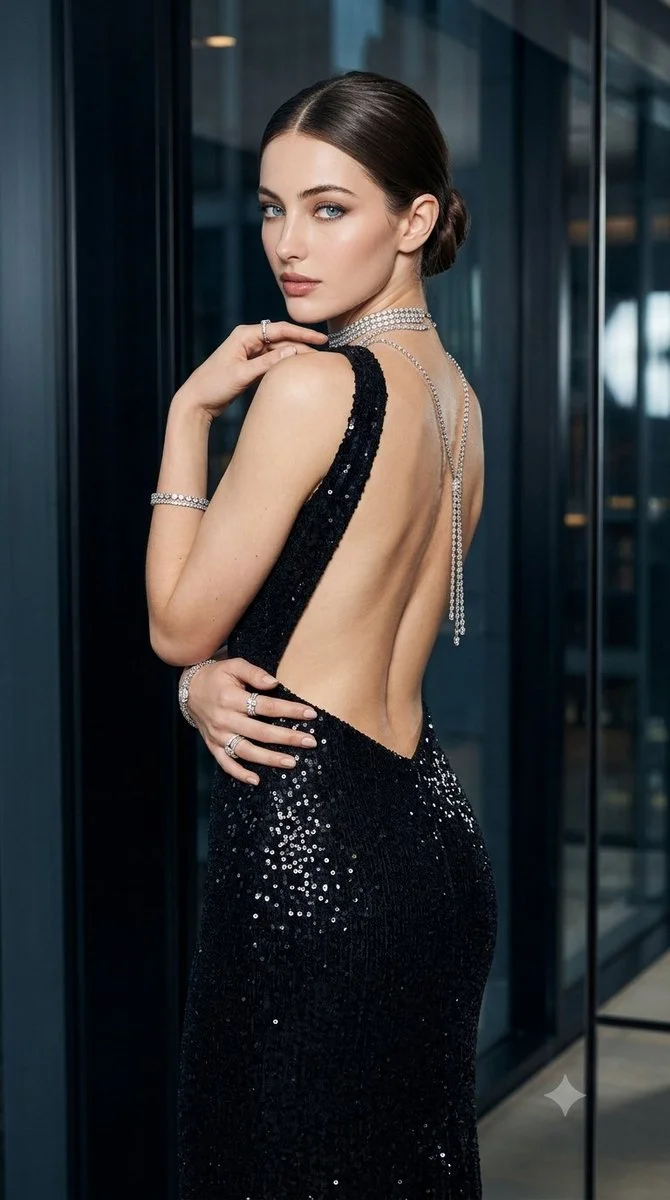
Verified prompt
Create a vertical 9:16 fashion editorial featuring an adult woman in a long black sequined evening gown with an open back. Place her in an elegant modern interior with dark reflective wall panels. Turn her body partly away from the camera and let her glance back naturally over one shoulder, with one hand resting gently near the opposite shoulder. Style her hair in a neat low bun and add subtle earrings and bracelets. Use controlled, soft directional light to reveal the sequins without harsh glare. Keep the pose poised, the silhouette clean and the overall photograph realistic.
Create a vertical 9:16 fashion editorial featuring an adult woman in a long black sequined evening gown with an open back. Place her in an elegant modern interior with dark reflective wall panels. Turn her body partly away from the camera and let her glance back naturally over one shoulder, with one hand resting gently near the opposite shoulder. Style her hair in a neat low bun and add subtle earrings and bracelets. Use controlled, soft directional light to reveal the sequins without harsh glare. Keep the pose poised, the silhouette clean and the overall photograph realistic.
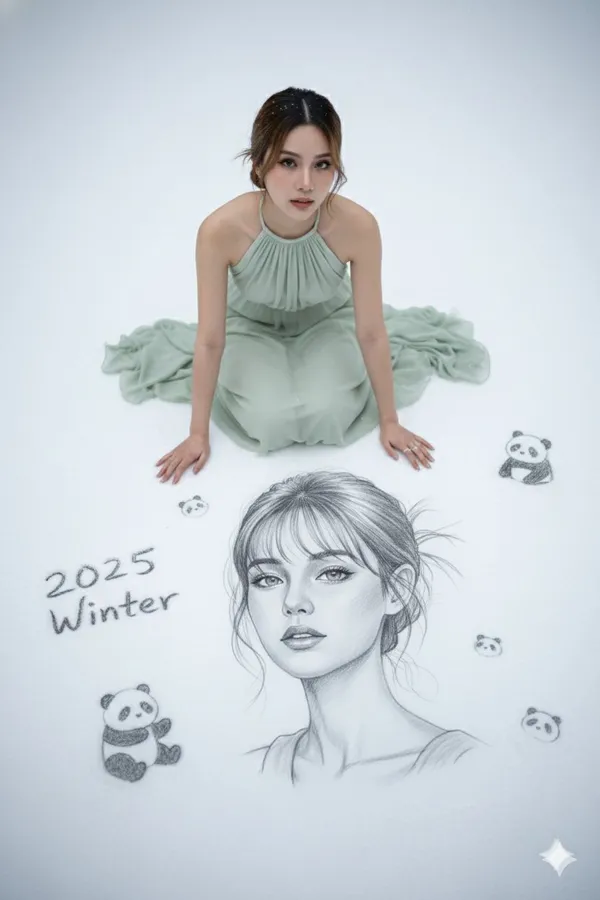
Verified prompt
"scene": { "setting": "winter", "environment": { "ground": "pure white snow", "lighting": "natural winter daylight, soft and diffused, gentle shadows, no harsh highlights", "mood": "quiet, peaceful, poetic, dreamy, nostalgic, gentle winter serenity", "color_palette": ["white", "soft gray", "muted green"] } }, "subject": { "type": "young woman", "appearance": { "face": "same as reference photo", "skin": "fair, smooth", "body": "slender", "pose": "kneeling on snow, viewed from slightly top-down back angle, facing forward, both hands gently on snow in front", "hair": "low neat bun with a few loose strands naturally framing the neck", "outfit": { "dress_type": "halter-neck", "color": "light sage-green", "material": "sheer, soft, flowing, slightly translucent", "style": "delicately draping, upper back exposed, conveying elegance, softness, vulnerability" } } }, "art_elements": { "snow_sketch": { "portrait": { "subject": "woman", "face": "same as reference photo", "style": "pencil-style, graphite, fine linework, soft shading, realistic proportions, gentle contrast, traditional graphite drawing", "features": { "eyes": "large, expressive", "nose": "slender", "lips": "delicate", "hair": "loosely tied with subtle flyaway strands" }, "placement": "directly carved into snow in front of kneeling woman" }, "text": { "content": "2025 Winter", "style": "handwritten, pencil or charcoal, blending naturally with snow", "placement": "left of the portrait" }, "additional_elements": { "pandas": { "style": "graphite sketch, minimal, playful", "placement": "scattered around, evenly spaced, subtle whimsical touch" } } } }, "photography_style": { "type": "cinematic fine art photography", "details": { "perspective": "slightly top-down back angle (overhead rear perspective)", "depth_of_field": "shallow", "texture": "crisp snow, high detail fabric, skin, pencil lines", "composition": "balanced, clean background" } }, "format": { "aspect_ratio": "9:16", "realism": "ultra-realistic" } }
"scene": { "setting": "winter", "environment": { "ground": "pure white snow", "lighting": "natural winter daylight, soft and diffused, gentle shadows, no harsh highlights", "mood": "quiet, peaceful, poetic, dreamy, nostalgic, gentle winter serenity", "color_palette": ["white", "soft gray", "muted green"] } }, "subject": { "type": "young woman", "appearance": { "face": "same as reference photo", "skin": "fair, smooth", "body": "slender", "pose": "kneeling on snow, viewed from slightly top-down back angle, facing forward, both hands gently on snow in front", "hair": "low neat bun with a few loose strands naturally framing the neck", "outfit": { "dress_type": "halter-neck", "color": "light sage-green", "material": "sheer, soft, flowing, slightly translucent", "style": "delicately draping, upper back exposed, conveying elegance, softness, vulnerability" } } }, "art_elements": { "snow_sketch": { "portrait": { "subject": "woman", "face": "same as reference photo", "style": "pencil-style, graphite, fine linework, soft shading, realistic proportions, gentle contrast, traditional graphite drawing", "features": { "eyes": "large, expressive", "nose": "slender", "lips": "delicate", "hair": "loosely tied with subtle flyaway strands" }, "placement": "directly carved into snow in front of kneeling woman" }, "text": { "content": "2025 Winter", "style": "handwritten, pencil or charcoal, blending naturally with snow", "placement": "left of the portrait" }, "additional_elements": { "pandas": { "style": "graphite sketch, minimal, playful", "placement": "scattered around, evenly spaced, subtle whimsical touch" } } } }, "photography_style": { "type": "cinematic fine art photography", "details": { "perspective": "slightly top-down back angle (overhead rear perspective)", "depth_of_field": "shallow", "texture": "crisp snow, high detail fabric, skin, pencil lines", "composition": "balanced, clean background" } }, "format": { "aspect_ratio": "9:16", "realism": "ultra-realistic" } }
Explore Image Workflows
Explore the Grok Imagine workflow and compare it with the related image pages. The generator is the source of truth for current model access and settings. Use the prompt library to study published results and the model that created them.
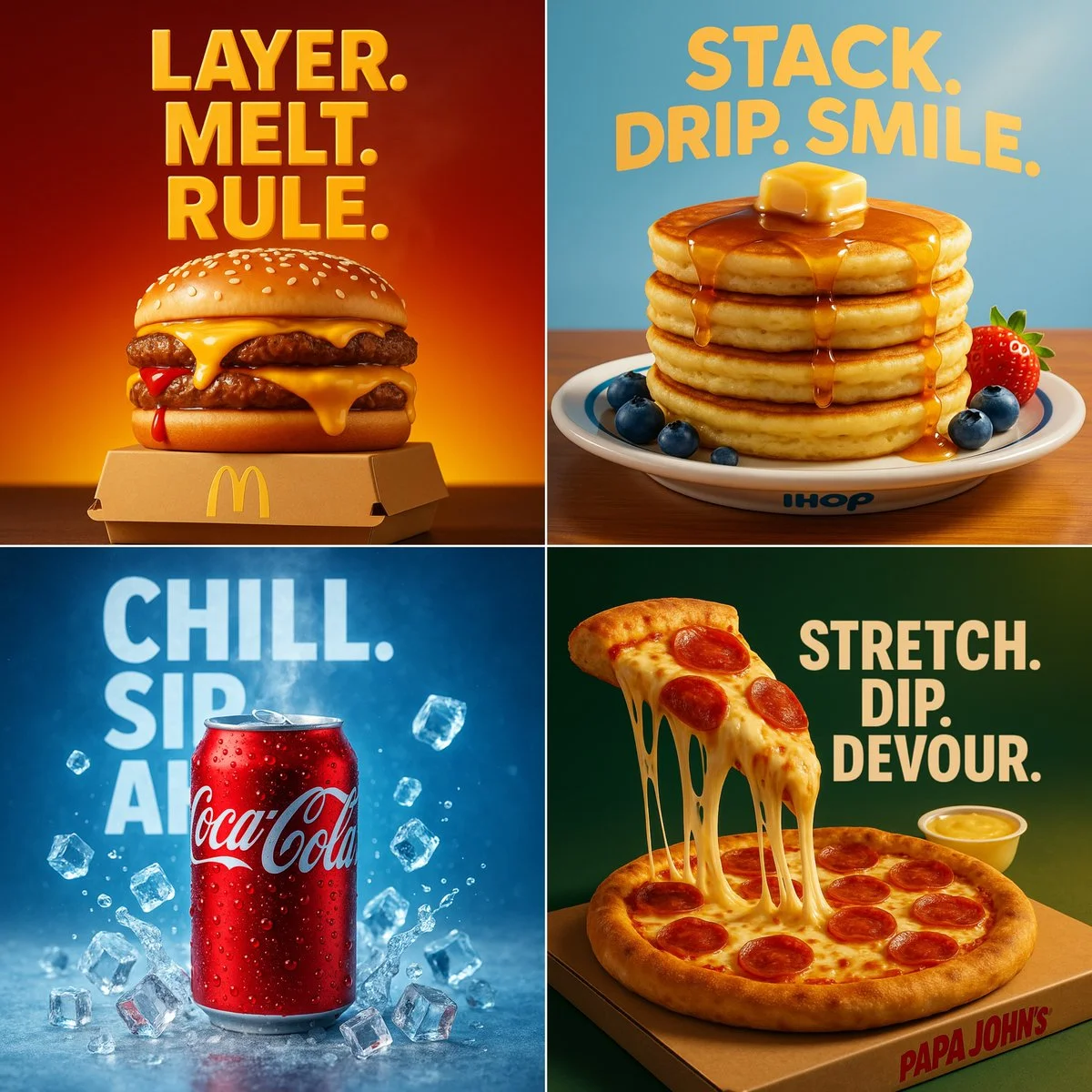
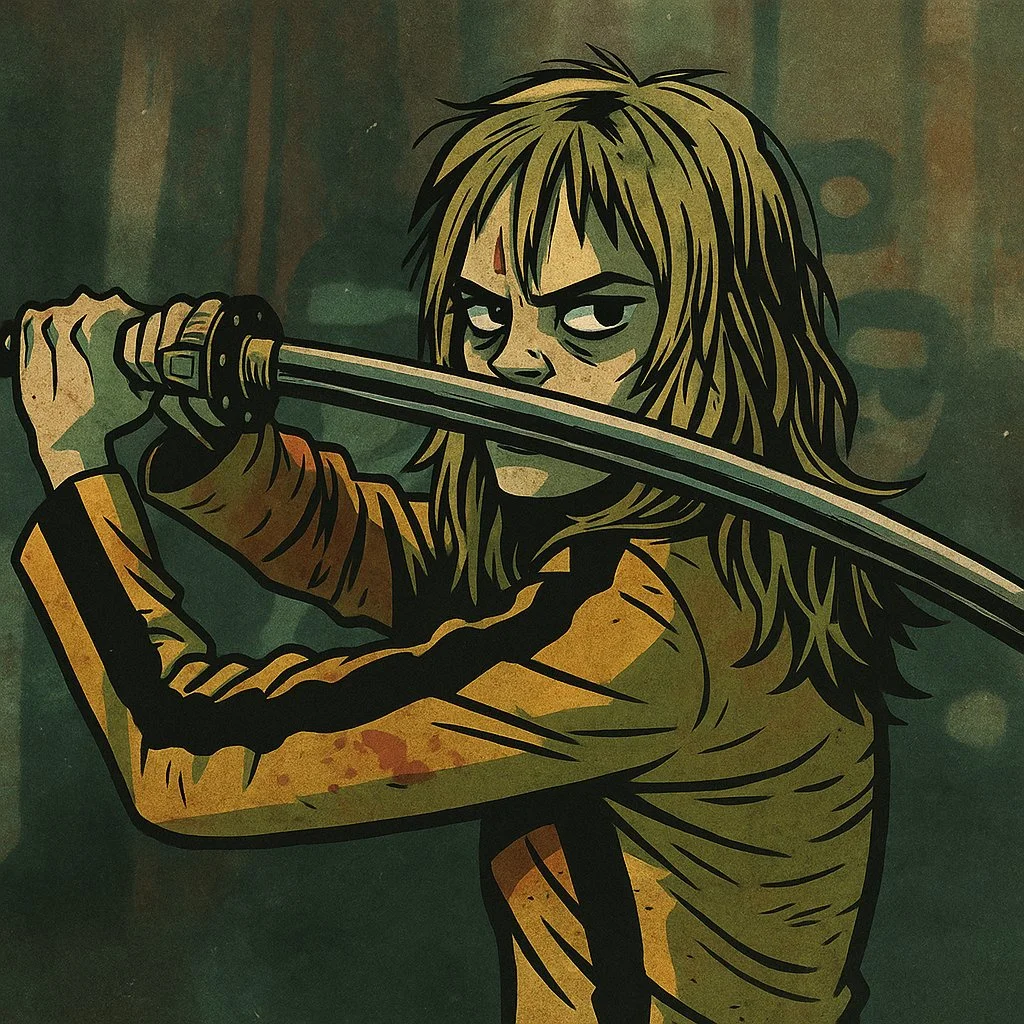
Create Images from Your Ideas
Write your Grok Imagine image brief around a subject, composition, lighting and intended style. Add a material or texture when it matters. For edits, state one precise change and explain which parts of the source should remain intact.
Write your Grok Imagine image brief around a subject, composition, lighting and intended style. Add a material or texture when it matters. For edits, state one precise change and explain which parts of the source should remain intact.
Explore Grok ImagineCreate Your Grok Imagine Image
Choose only the resolution and aspect ratio shown for the selected model. Check framing, fine details and any text in the completed image. A larger output size does not guarantee a more accurate result.
Advanced AI Image Generation & Customization
Choose only the resolution and aspect ratio shown for the selected model. Check framing, fine details and any text in the completed image. A larger output size does not guarantee a more accurate result.
Write Precise Editing and Style Directions
Choose only the resolution and aspect ratio shown for the selected model. Check framing, fine details and any text in the completed image. A larger output size does not guarantee a more accurate result.
Describe the Changes and Details to Preserve
Explore the Grok Imagine workflow and compare it with the related image pages. The generator is the source of truth for current model access and settings. Use the prompt library to study published results and the model that created them.
Describe the Changes and Details to Preserve
Choose only the resolution and aspect ratio shown for the selected model. Check framing, fine details and any text in the completed image. A larger output size does not guarantee a more accurate result.
Review Usage Terms Before Sharing
Check the applicable model and platform terms before using a result commercially. You are responsible for the rights to uploaded images, identifiable people, logos and any other source material in your Grok Imagine image brief.
Keep Your Workflow Simple
Describe the result you need, select an available Grok Imagine model and submit your request from the generator. Review completed image results in your assets, refine the prompt when needed, and download the version that fits your project.
A Clearer Creative Brief for Grok Imagine
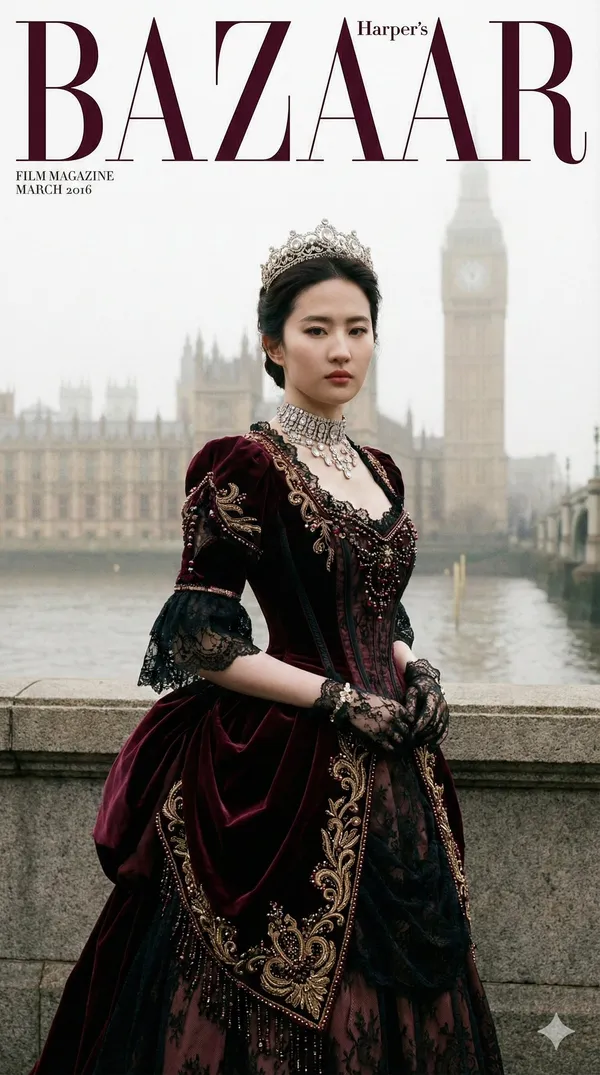
Diverse Styles & Effects for Every Vision
Describe the result you need, select an available Grok Imagine model and submit your request from the generator. Review completed image results in your assets, refine the prompt when needed, and download the version that fits your project.
Write your Grok Imagine image brief around a subject, composition, lighting and intended style. Add a material or texture when it matters. For edits, state one precise change and explain which parts of the source should remain intact.
Versatile Grok Imagine AI Image Generator for Every Creator's Vision
Start your Grok Imagine image brief with a source image you have permission to use. Name the area to change and the colors, proportions or objects to preserve. Reference count and editing support depend on the selected model.
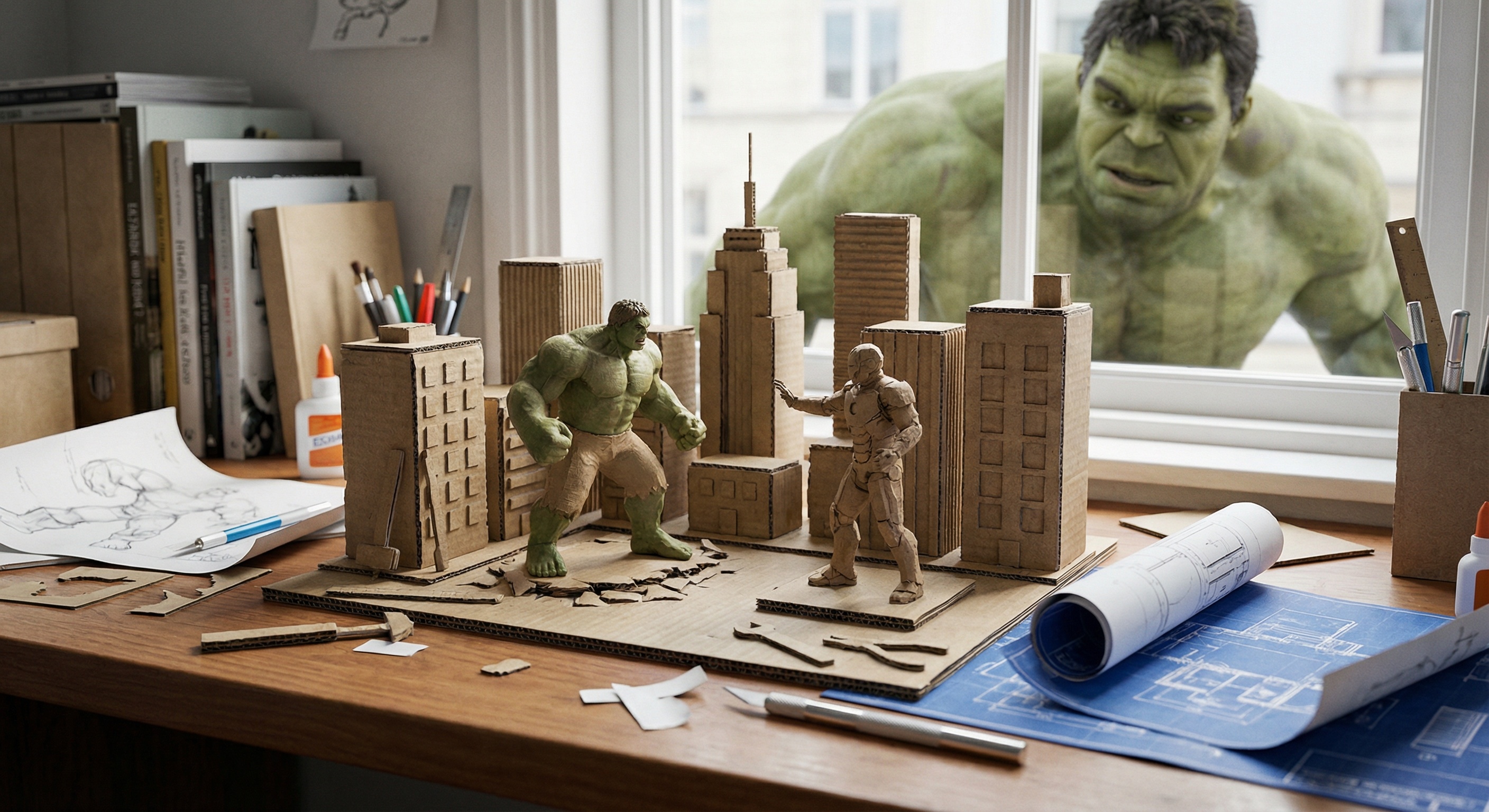
For Architects and Designers
Write your Grok Imagine image brief around a subject, composition, lighting and intended style. Add a material or texture when it matters. For edits, state one precise change and explain which parts of the source should remain intact.
For E-Commerce Professionals
List the details that matter in your Grok Imagine image brief: identity, shape, colors, clothing and background. Use supported references where appropriate and compare every result; exact consistency is not guaranteed.
For Content Publishers
Choose only the resolution and aspect ratio shown for the selected model. Check framing, fine details and any text in the completed image. A larger output size does not guarantee a more accurate result.
For Event Planners
Write your Grok Imagine image brief around a subject, composition, lighting and intended style. Add a material or texture when it matters. For edits, state one precise change and explain which parts of the source should remain intact.
From Prompt to Finished Image: The Grok Imagine Workflow
Add Your Input
Start your Grok Imagine image brief with a source image you have permission to use. Name the area to change and the colors, proportions or objects to preserve. Reference count and editing support depend on the selected model.
Customize Your Options
The generator shows current model availability. When a model accepts requests, choose its supported settings and review the required credits before submitting. Review your selection and credit balance before generating.
Generate and Refine
Write your Grok Imagine image brief around a subject, composition, lighting and intended style. Add a material or texture when it matters. For edits, state one precise change and explain which parts of the source should remain intact.
Review and Download Completed Results
Start your Grok Imagine image brief with a source image you have permission to use. Name the area to change and the colors, proportions or objects to preserve. Reference count and editing support depend on the selected model.
Grok Imagine Image Ideas for Your Projects
Choose only the resolution and aspect ratio shown for the selected model. Check framing, fine details and any text in the completed image. A larger output size does not guarantee a more accurate result.
Digital Art & Illustration
Choose only the resolution and aspect ratio shown for the selected model. Check framing, fine details and any text in the completed image. A larger output size does not guarantee a more accurate result.
Marketing & E-Commerce Visuals
For a Grok Imagine product concept, specify the product shape, material, key detail and setting. Keep logos and claims accurate, allow room for your own typography, and review the result before using it in an advertisement.
Educational Content & Presentations
Use a Grok Imagine visual concept to support one teaching or presentation point. Check facts and labels yourself, and add final captions in your editing workflow rather than relying on generated text.
Game Development
List the details that matter in your Grok Imagine image brief: identity, shape, colors, clothing and background. Use supported references where appropriate and compare every result; exact consistency is not guaranteed.
Creative Notes for Your Grok Imagine Image Brief
Give the main subject one clear action. For a Grok Imagine concept, a precise brief is easier to assess than a list of competing effects.
Grok Imagine Image Workflow: Questions & Answers
Heydots brings the Grok Imagine image workflow into one workspace: write your prompt, choose an available model, review the credit cost and generate. Completed results stay in your assets for review and download. The generator shows which models and inputs accept requests.
Write your Grok Imagine image brief around a subject, composition, lighting and intended style. Add a material or texture when it matters. For edits, state one precise change and explain which parts of the source should remain intact.
Use only the input modes and controls offered by the selected model. Describe the intended image clearly and add supported references when useful. This page does not promise separate motion-brush, audio-upload, restoration or editing tools.
Check the applicable model and platform terms before using a result commercially. You are responsible for the rights to uploaded images, identifiable people, logos and any other source material in your Grok Imagine image brief.
The generator shows current model availability. When a model accepts requests, choose its supported settings and review the required credits before submitting. Review your selection and credit balance before generating.
Describe the result you need, select an available Grok Imagine model and submit your request from the generator. Review completed image results in your assets, refine the prompt when needed, and download the version that fits your project.
You can request a refund within 10 days of purchase if you have unused credits from that purchase and provide a clear reason, subject to our Refund Policy. If eligible, an unused purchase can be fully refunded; a partly used purchase is refunded in proportion to its remaining unused credits. Fully used purchases and free or promotional credits are not refundable.
Credit validity depends on the pack, subscription or promotion that issued them. Review the purchase terms and expiration dates in Settings > Credits. A renewal or new purchase does not extend older credits. Use credits before their stated expiration; do not assume unused subscription credits roll over indefinitely.
Credits charged for a task that is confirmed as failed due to a system error are returned automatically. A task that is still processing has not yet been confirmed as failed. Check its status and your credit history before submitting again. If a confirmed failure still shows an unresolved charge, email support@heydots.app with the task ID.
AI results can vary, so a completed result that differs from your expectations is not automatically treated as a technical failure. Eligible completed image tasks can be submitted for credit refund review using the refund option where available; approval is required. For a video or another issue, contact support@heydots.app with the task ID and details. A credit refund returns credits, not money to your payment method.
Email support@heydots.app. For billing, include your account email and order ID; for generation, include the task ID, issue description and relevant screenshots. If you purchased as a guest, keep the original browser data and payment receipt so we can help locate the purchase.
Explore Your Next Grok Imagine Image Idea
Explore the Grok Imagine workflow and compare it with the related image pages. The generator is the source of truth for current model access and settings. Use the prompt library to study published results and the model that created them.
heydots.app · Updated
See update history
- — Added editable example prompts and separate drafts for text and reference modes, with an action to restore the example.
- — Updated page copy and content.
- — Page content published.